Education
Mojang/Microsoft Studios
PC
Windows 10 version 16299.0 or higher
English (United States)
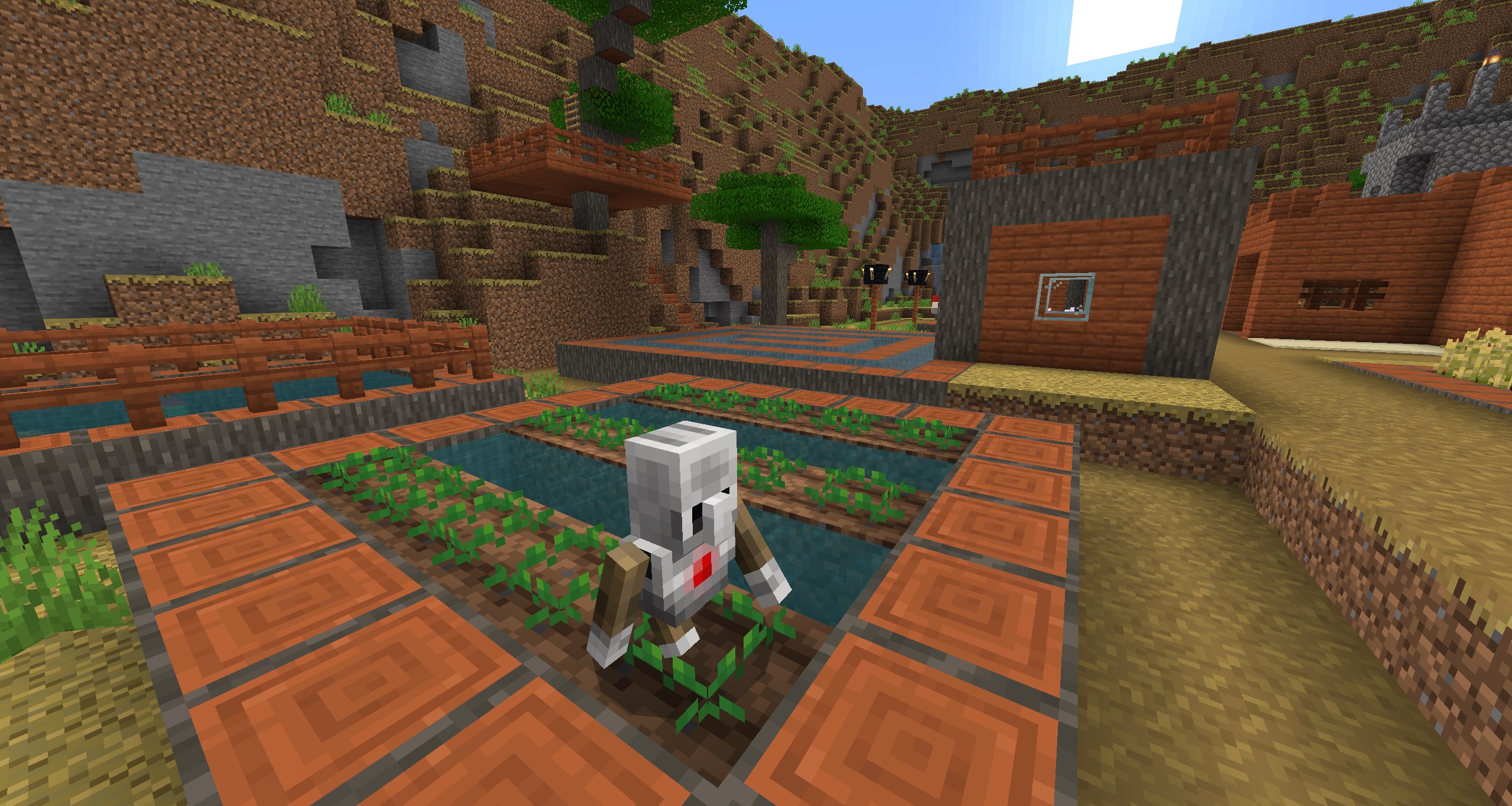
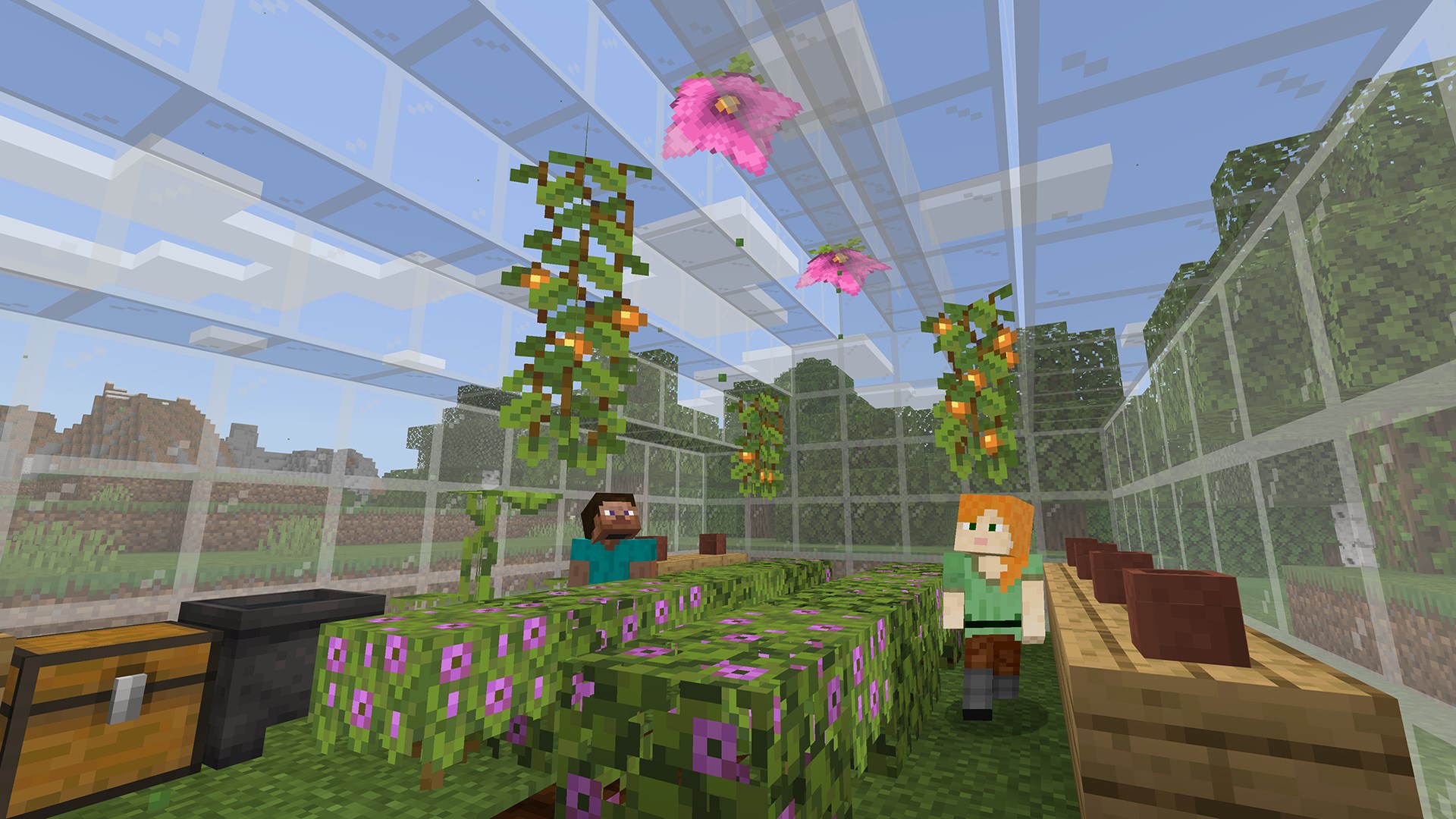
Minecraft Education Preview for Windows is an immersive digital learning platform designed to foster creativity, collaboration, and critical thinking through the versatile universe of Minecraft. It offers educators and students a powerful environment to explore educational content in an engaging way, making lessons come alive beyond traditional classrooms.
Developed by Mojang Studios in cooperation with Microsoft Studios, this preview version aims to provide early access to upcoming features, allowing users to experience and give feedback on innovative tools designed specifically for education. The main highlights include:
This application is aimed at students from elementary to high school, as well as educators seeking innovative ways to incorporate technology into their teaching strategies.
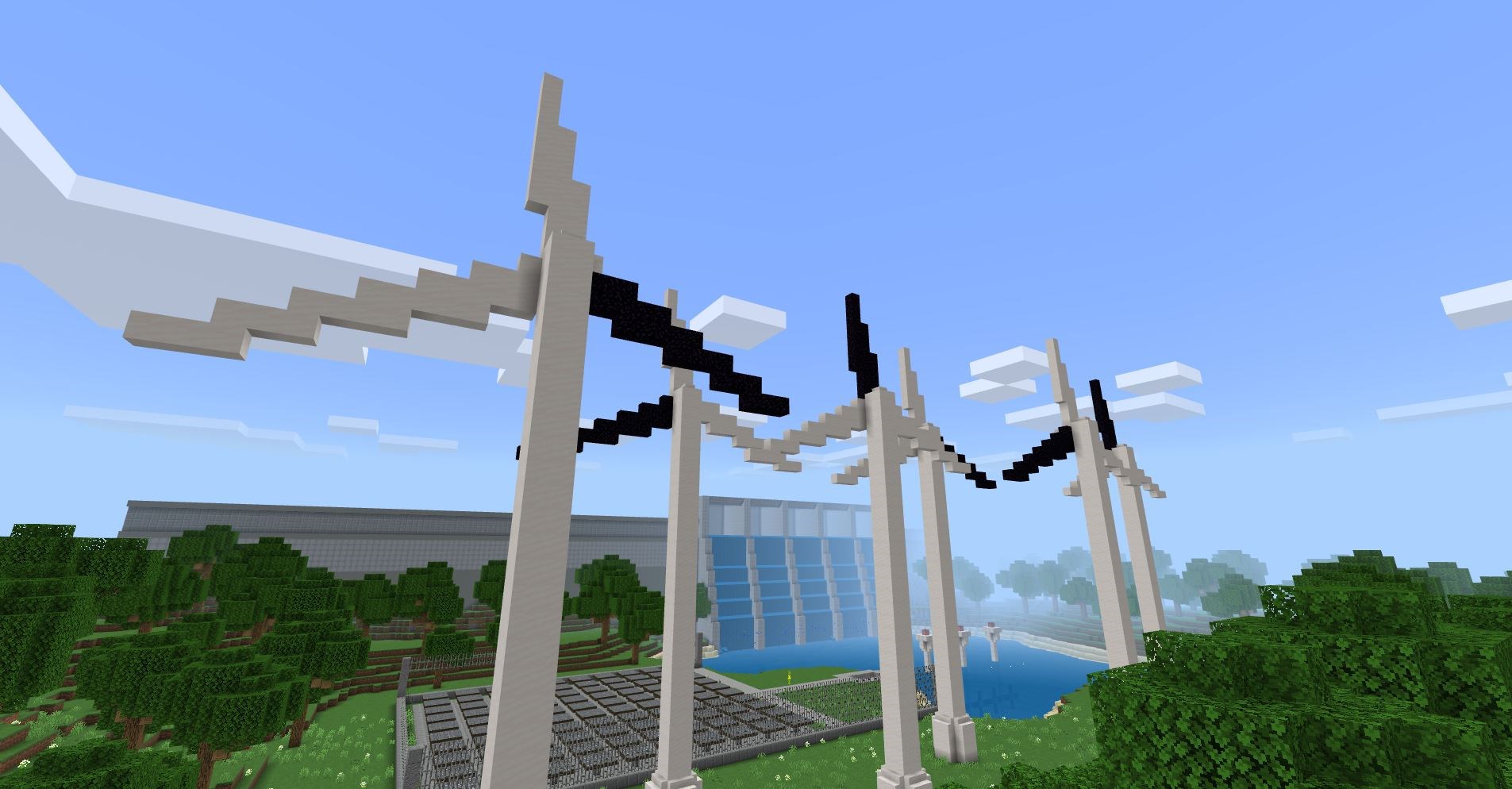
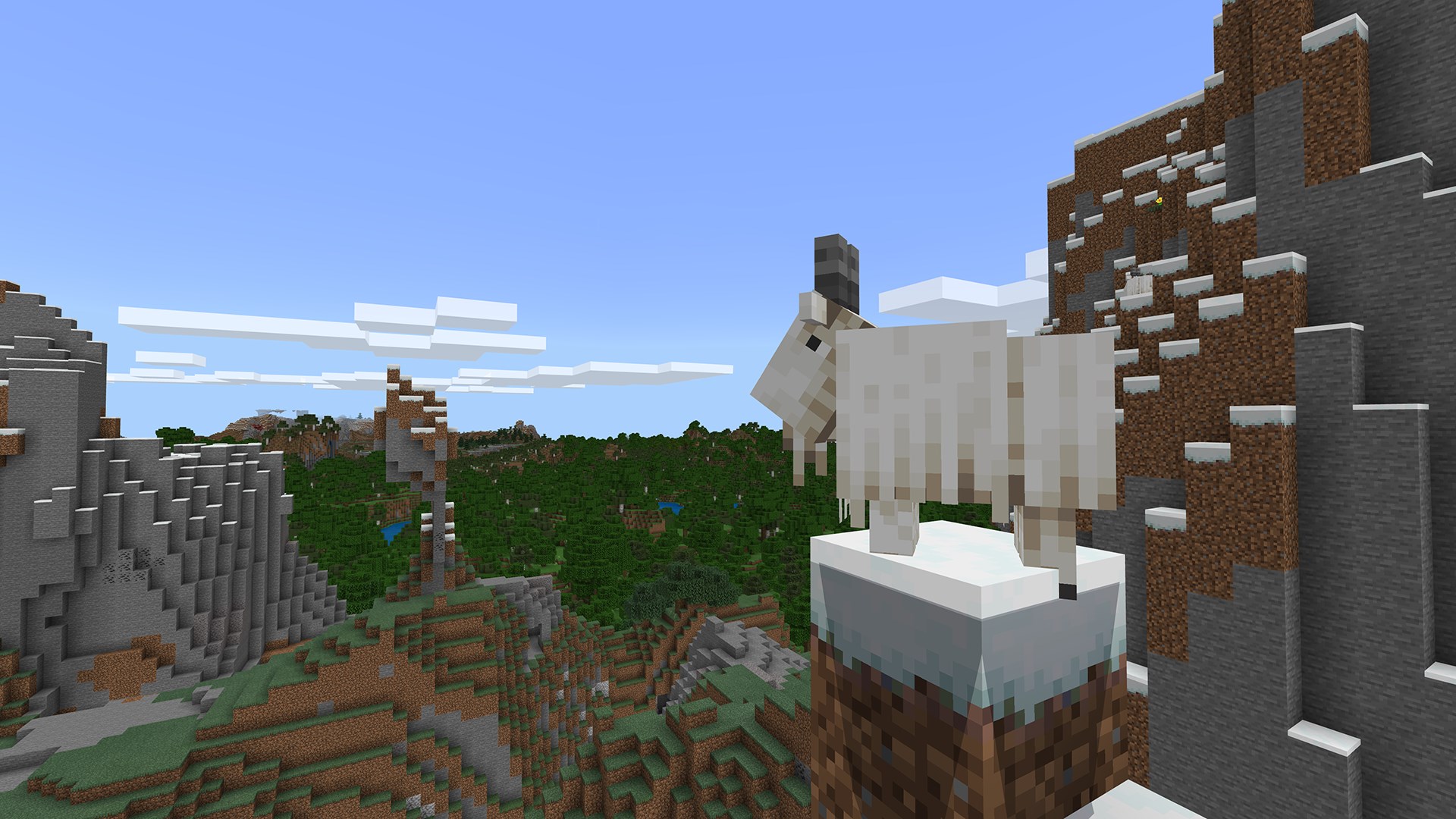
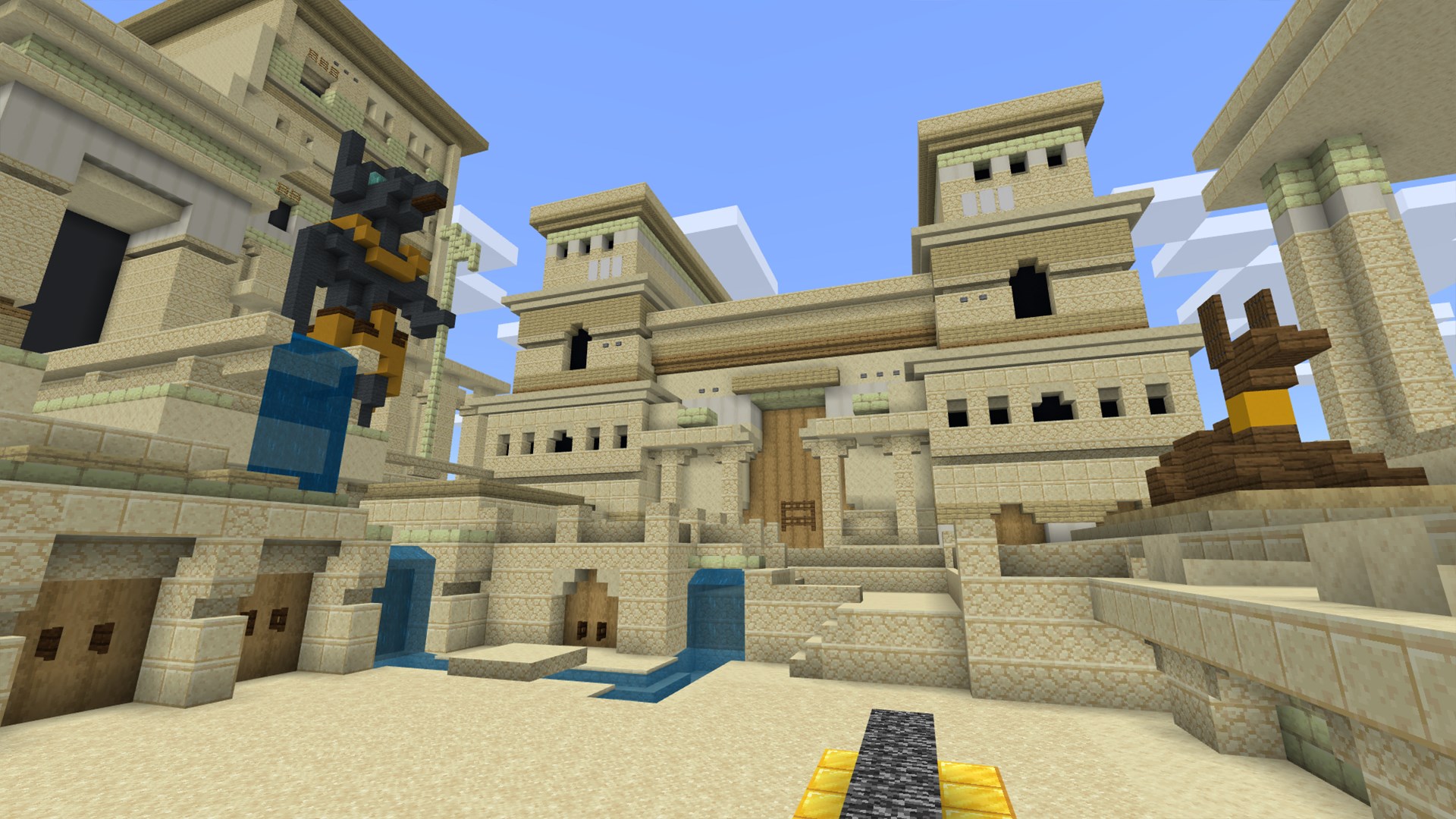
Imagine stepping into a pixelated universe where science experiments, history reenactments, or math puzzles unfold as giant adventures—Minecraft Education Preview transforms learning into an interactive journey rather than a passive activity. This preview invites educators and students to experiment, create, and learn within a familiar yet revolutionary environment, akin to opening a digital magic box filled with endless possibilities.
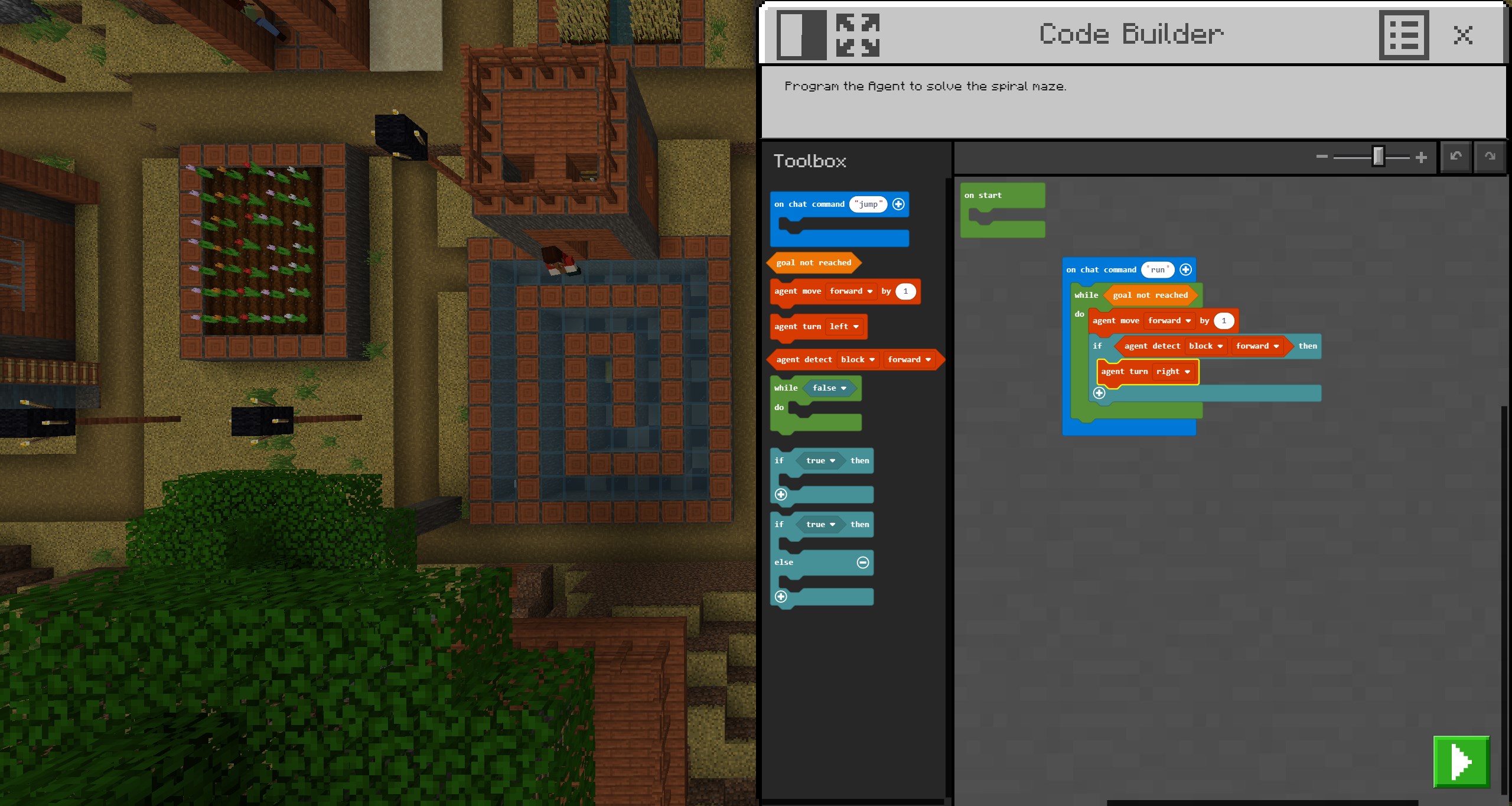
This feature allows teachers to design lessons that go beyond rote memorization. For instance, a history teacher might embed a scavenger hunt through recreated ancient civilizations, while a science instructor can include virtual experiments within the game world. The integration of assessments helps in tracking progress seamlessly, making the experience both educational and enjoyable.
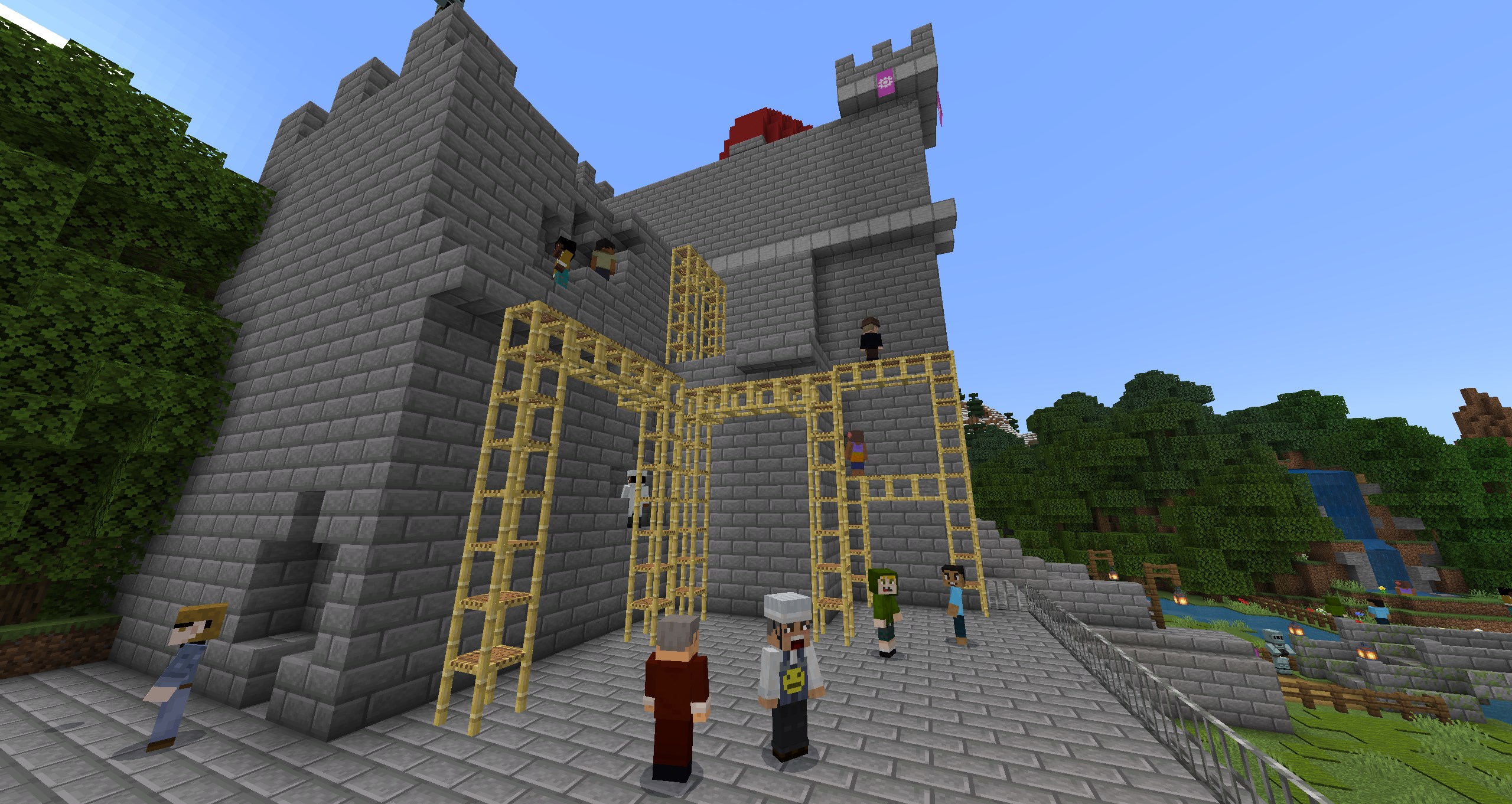
Once inside, students can work together in shared worlds, building projects or solving puzzles collectively. The collaboration tools are designed to foster teamwork, communication, and problem-solving skills, mirroring real-world scenarios. Think of it as a virtual workshop where ideas merge, and innovations take shape—making asynchronous or synchronous group work more engaging than ever.
What makes this platform stand out from other educational apps is its commitment to content accuracy and authority, supported by verified resources that ensure learners are engaging with trustworthy information. Moreover, its ability to customize learning paths means educators can adapt content to match students' individual needs—whether they are visual learners, those requiring more challenge, or students needing additional support. This personalized approach ensures that each learner's journey is both relevant and effective.
Overall, Minecraft Education Preview for Windows presents a well-rounded, thoughtfully designed learning environment that blends gaming and education seamlessly. It's particularly suitable for classrooms seeking innovative, tech-driven approaches to teaching, or educators wishing to leverage the familiar Minecraft landscape for serious learning.
For best results, I recommend new users start with familiarizing themselves with the interface through simple exercises before diving into complex lesson creation. Teachers should explore the collaboration features early on to design group activities that energize students' enthusiasm. Since this is a preview version, providing feedback to developers can help refine features further—so active participation benefits everyone.
In conclusion, if you're looking for a digital tool that transforms traditional lessons into interactive adventures, Minecraft Education Preview is certainly worth exploring. Its strength lies in combining content authority with personalized learning, making education engaging without compromising on quality.
Intuitive interface for educators and students
Rich educational content and lesson plans
Seamless integration with Minecraft Bedrock Edition
Collaborative multiplayer mode
Regular updates with new features
Occasional lag during multiplayer sessions
Limited customization options for lesson layouts
Some features require Microsoft 365 subscription
Resource-heavy on lower-end devices
Limited offline functionality

for Windows
 4.8
4.8

for Windows
4.7

for Windows
4.7

for Windows
4.6

for Windows
4.6

for Windows
4.6

for Windows
4.5

for Windows
4.5

for Windows
4.4

for Windows
4.4

for Windows
4.4

for Windows
4.4

for Windows
5

for Windows
5

for Windows
5

for Windows
5

for Windows
5

for Windows
5

for Windows
5

for Windows
5

for Windows
5

for Windows
5