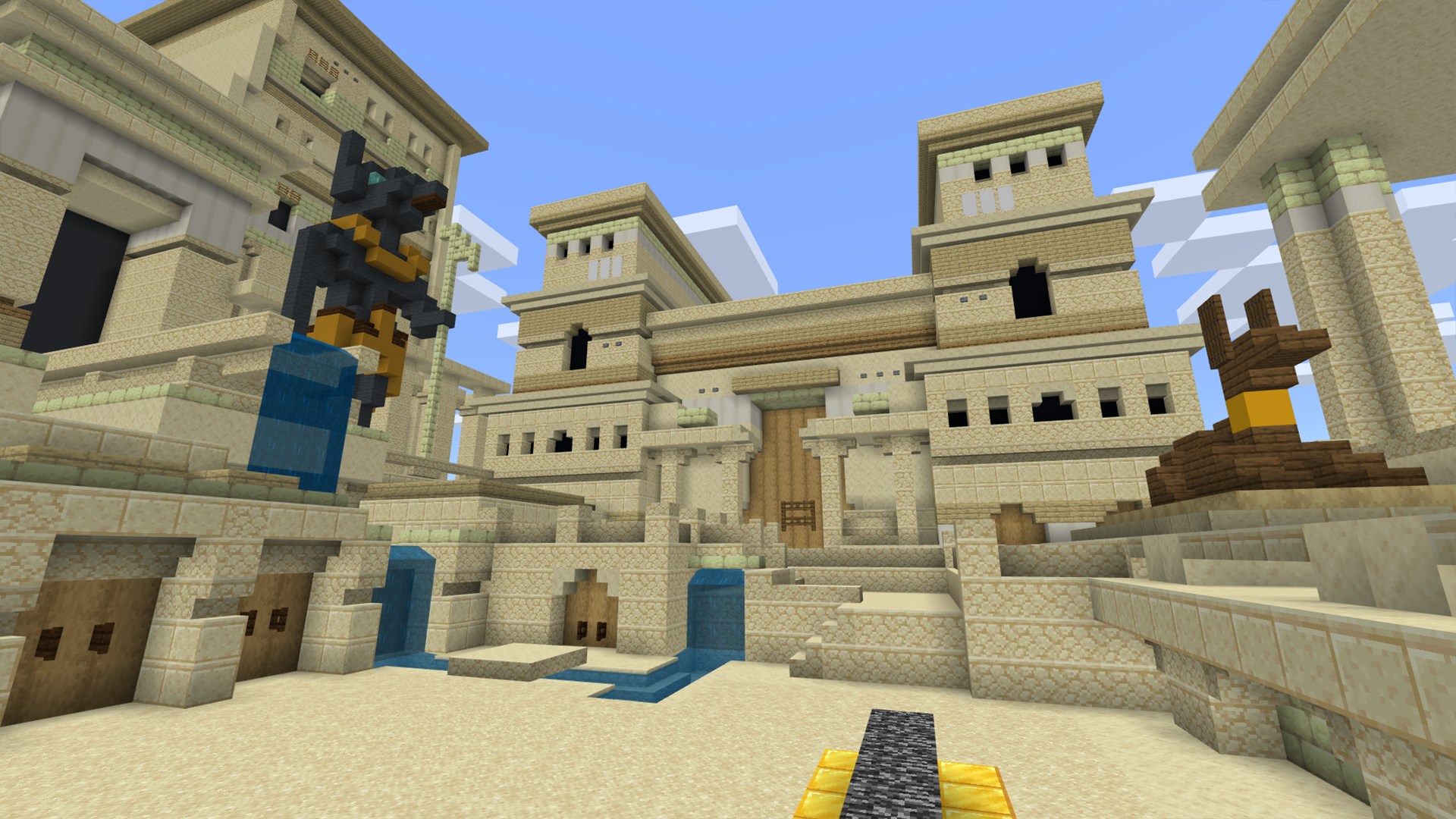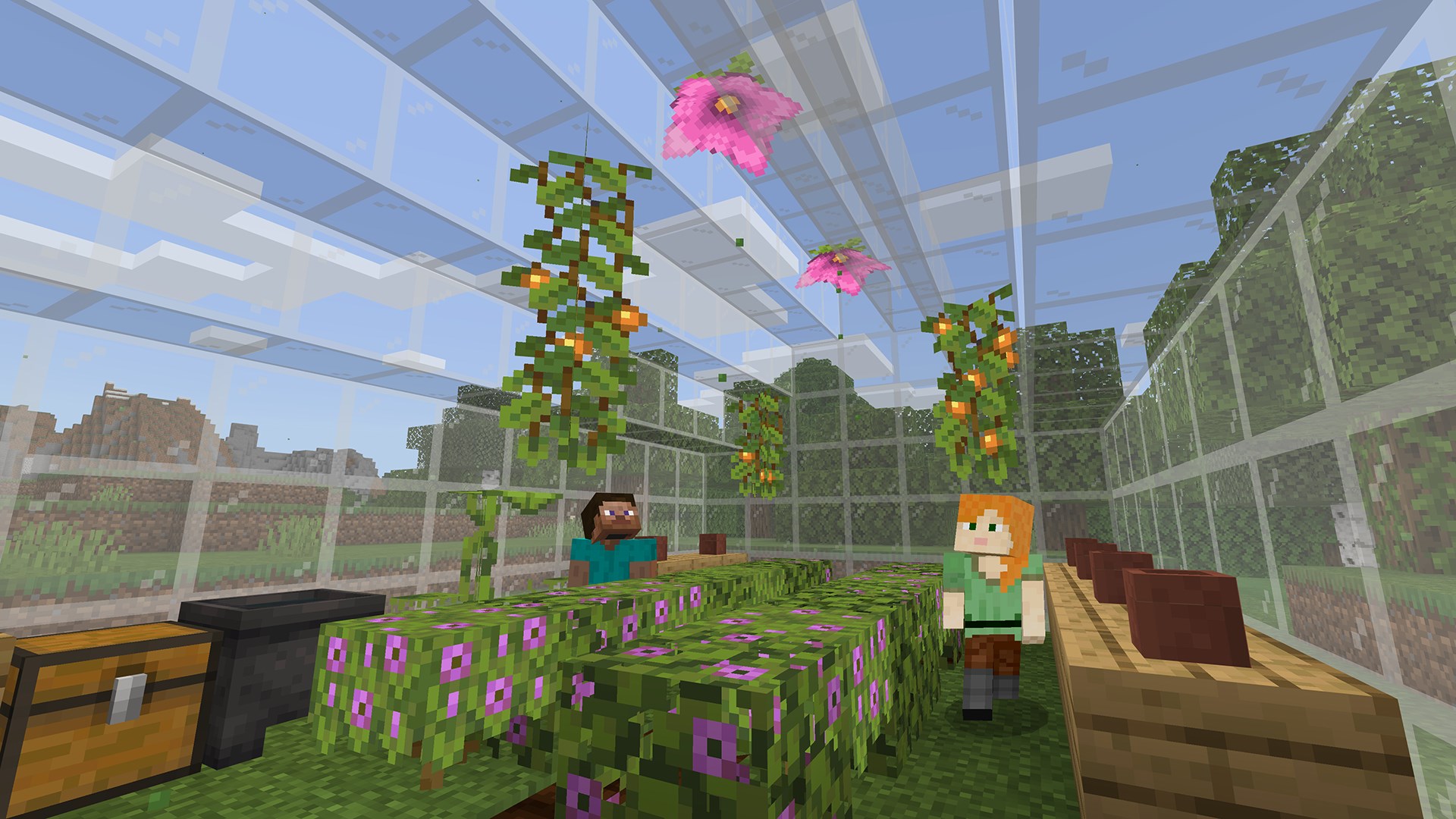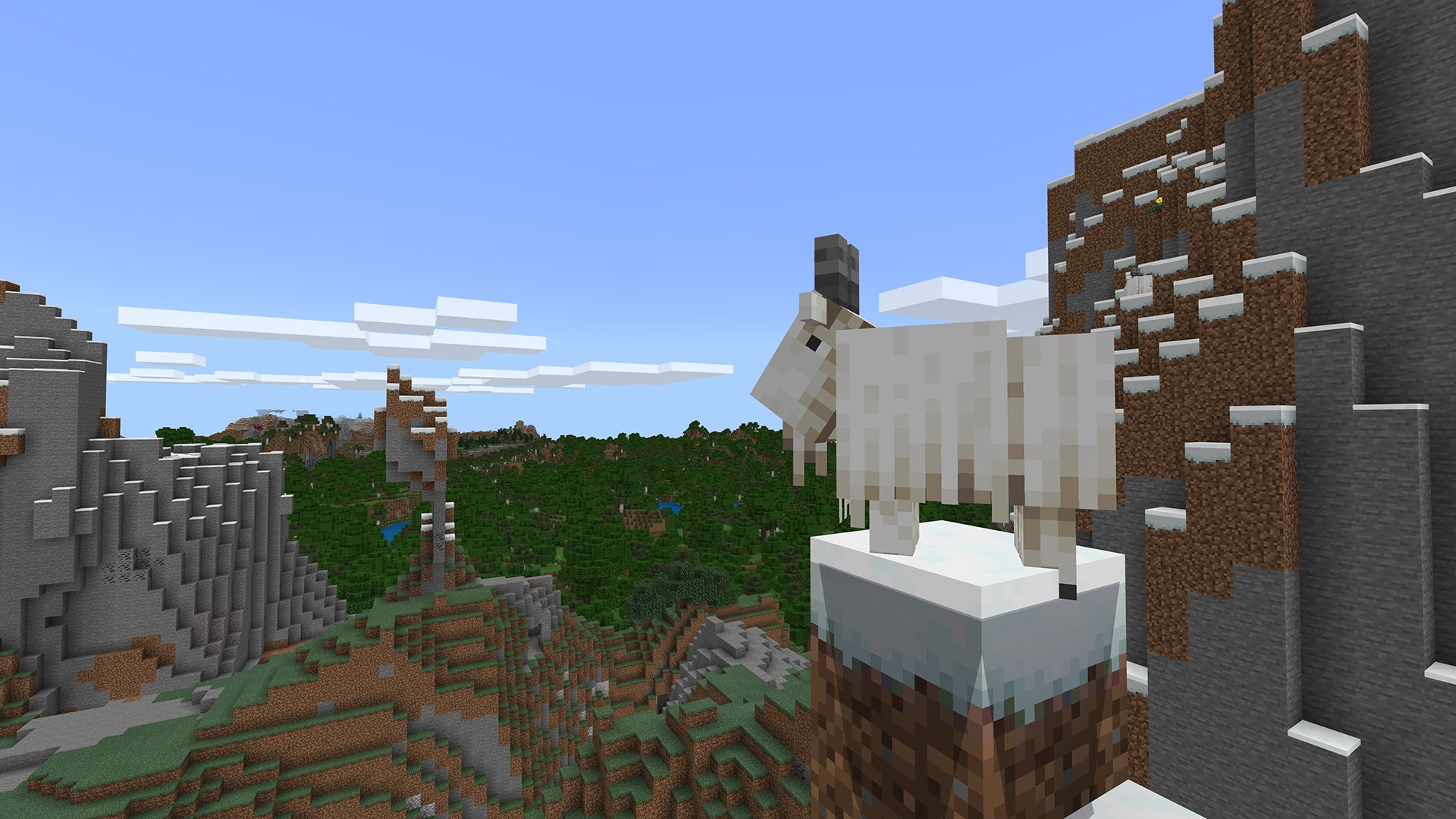
Education
Mojang/Microsoft Studios
PC
Windows 10 version 16299.0 or higher
Integrated Keyboard
Integrated Mouse
English (United States)
Imagine stepping into a vibrant digital sandbox where learning feels as immersive and engaging as playing your favorite game—Minecraft Education for Windows brings this vision to life, transforming classrooms into dynamic worlds of discovery and innovation. Developed by Mojang/Microsoft Studios, this tailored version of Minecraft harnesses the game's creative potential to foster interactive education across diverse subjects.
Crafted by the collaborative effort of Mojang and Microsoft Studios, Minecraft Education for Windows benefits from the extensive expertise of industry pioneers committed to redefining digital learning. This partnership ensures the application is both robust and aligned with educational standards, bringing the familiar blocky universe into classroom settings with precision and purpose.
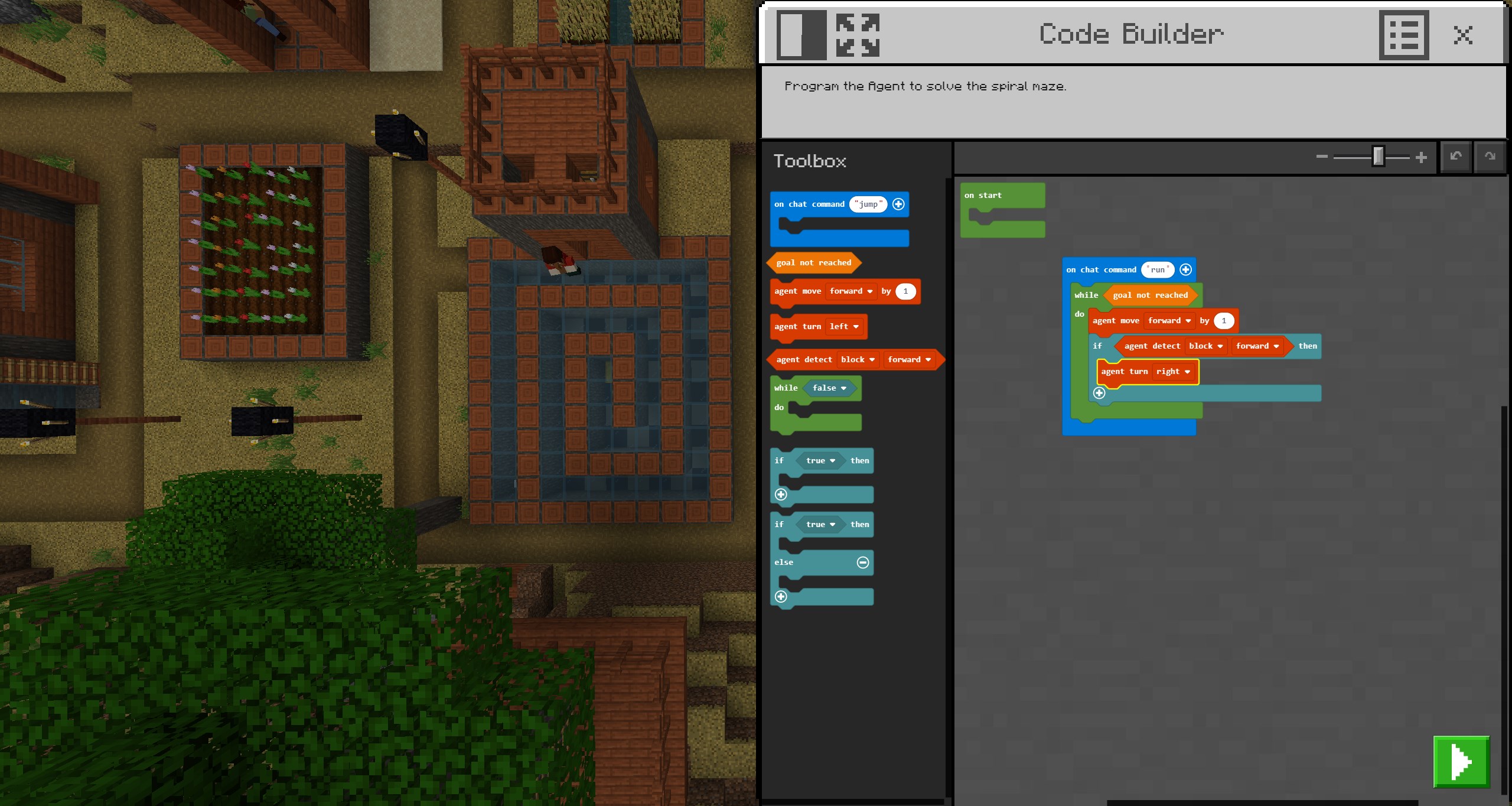
Stepping into Minecraft Education feels like walking into a vibrant universe where the boundaries of traditional learning are expanded. The user interface strikes a balance between simplicity and depth; intuitive menus and familiar controls make navigation feel effortless even for newcomers. The graphics, though playful and blocky, are designed to enhance focus on creativity and problem-solving, not visual clutter. The application runs smoothly across a wide range of hardware configurations, ensuring that even less powerful devices can support a seamless educational adventure.
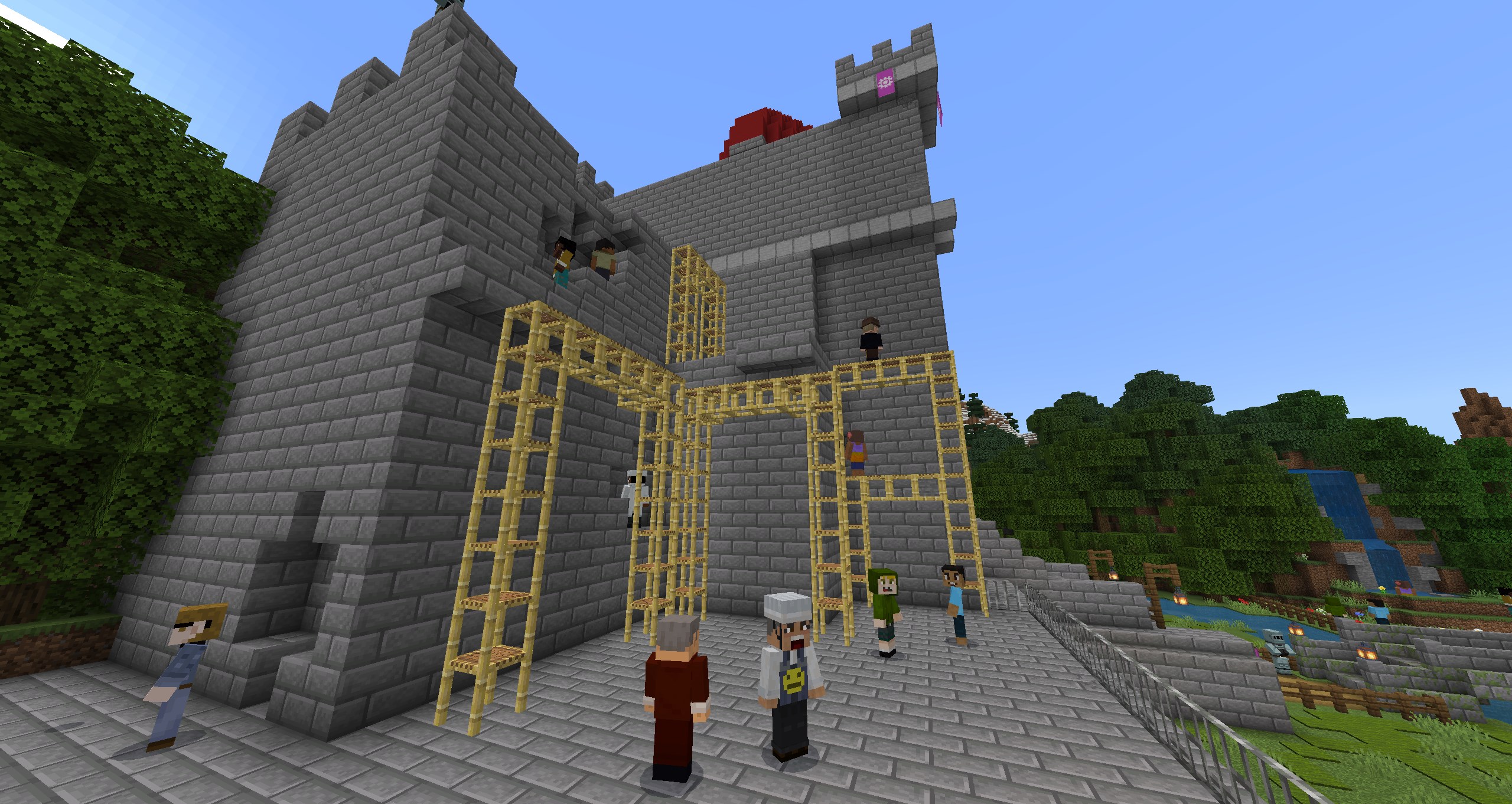
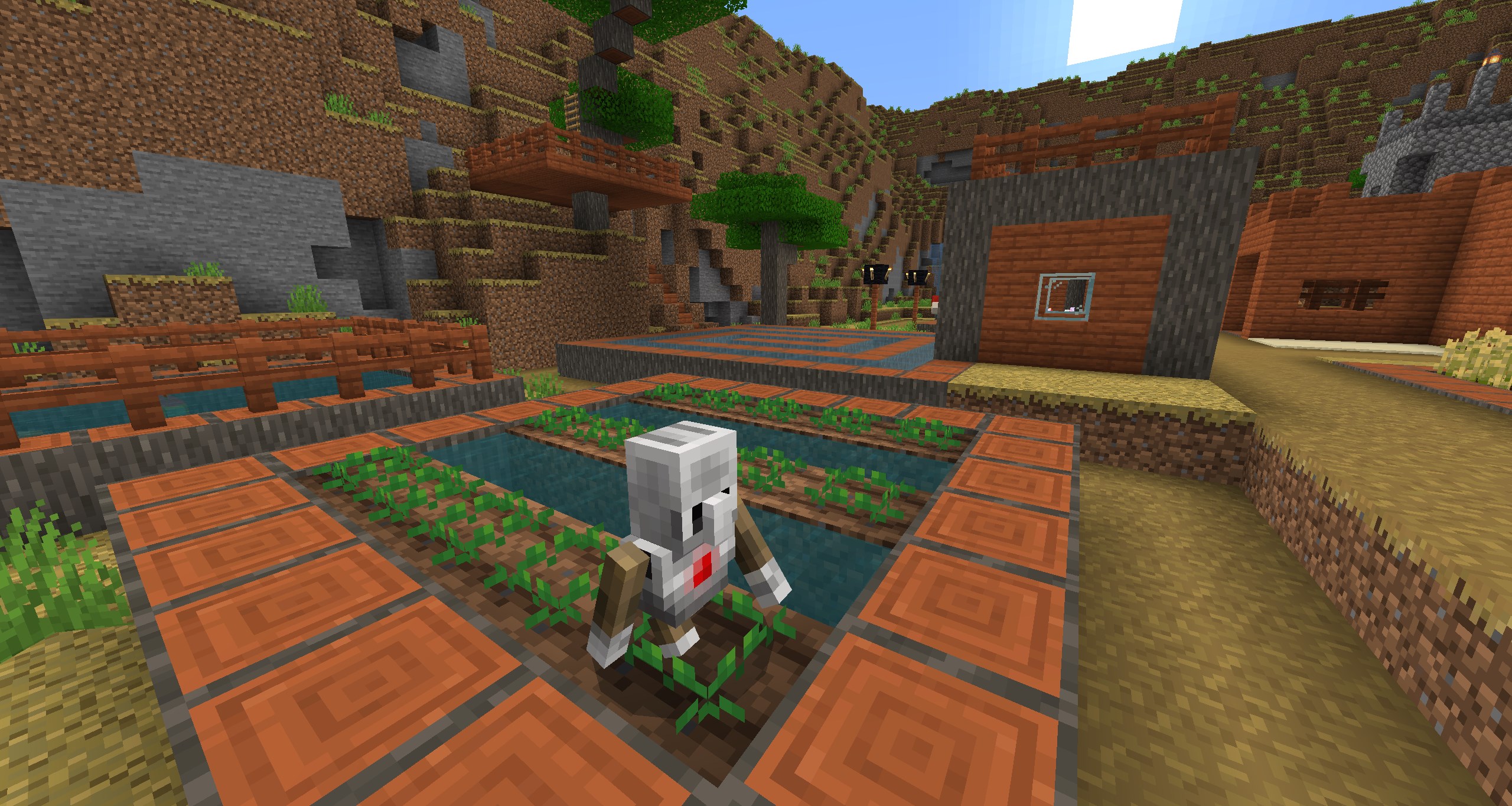
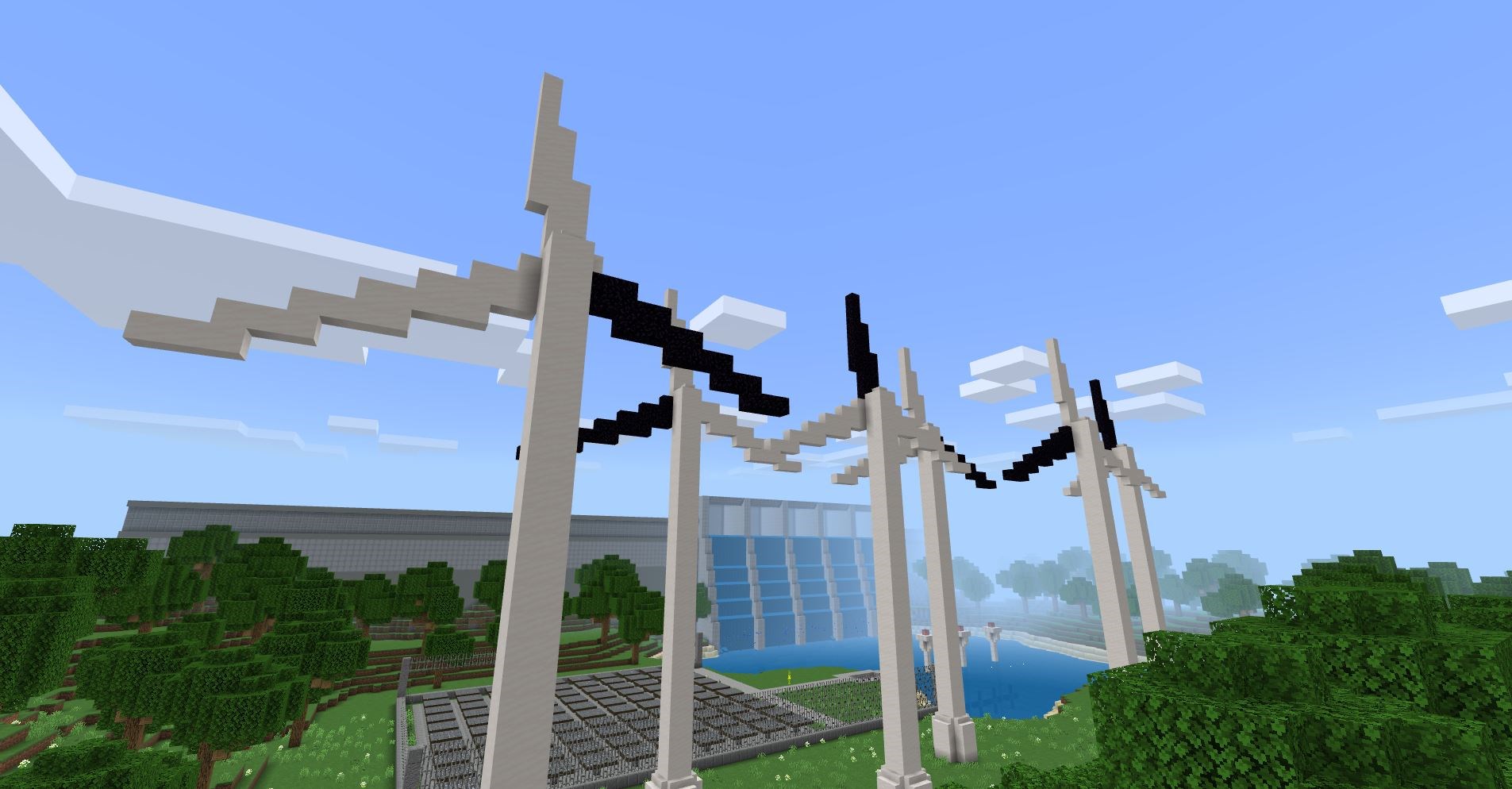
The standout feature of Minecraft Education lies in its rich repository of curriculum-aligned content. Teachers can access pre-designed lesson worlds or craft their own, blending subject matter with experiential learning. For example, an ecology class can explore virtual forests, conducting experiments and observing ecological interactions firsthand. This integration turns passive learning into active exploration, making concepts stick better than traditional rote memorization.
The platform promotes teamwork through multiplayer worlds moderated by educators. Students collaborate on building projects, solve puzzles, or conduct experiments collectively, all within a secure setting that allows teachers to monitor progress and provide immediate feedback. The ability to customize worlds fosters ownership and personal engagement, transforming the classroom into a lively workshop of ideas.
Perhaps the most compelling feature is its support for personalized learning paths. The game adapts to individual skill levels and interests, allowing learners to progress at their own pace. Teachers can assign specific challenges or open-ended tasks, offering differentiated instruction that meets everyone's needs. This tailored approach ensures no student is left behind or overwhelmed, cultivating confidence and intrinsic motivation.
Overall, Minecraft Education for Windows presents a compelling blend of play and pedagogy. Its user-friendly interface, rich educational resources, and emphasis on creativity and collaboration make it stand out among other educational apps. The platform's ability to deliver personalized learning experiences—almost like a digital craftsman tailoring its bricks to fit each student's unique shape—is its most pronounced advantage. While it requires initial familiarization, the intuitive design ensures a gentle learning curve for both educators and students.
For teachers seeking an innovative way to energize their lessons or for students eager to explore, build, and learn—this tool is definitely worth considering. Whether as a supplement to traditional instruction or a centerpiece of interactive lessons, Minecraft Education offers a versatile and engaging platform that encourages learners to think critically and work creatively in a safe, virtual environment.
Intuitive Classroom Integration
Engaging Educational Content
User-Friendly Interface
Cross-Platform Accessibility
Enhanced Collaboration Features
Limited Offline Functionality
Steep Learning Curve for New Users
Device Compatibility Issues
Inadequate Content Filtering Options
Occasional Lag During Multiplayer Sessions

for Windows
 4.8
4.8
for Windows
4.7

for Windows
4.7

for Windows
4.6

for Windows
4.6

for Windows
4.6

for Windows
4.5

for Windows
4.5

for Windows
4.4

for Windows
4.4

for Windows
4.4

for Windows
4.4

for Windows
5

for Windows
5

for Windows
5

for Windows
5

for Windows
5

for Windows
5

for Windows
5

for Windows
5

for Windows
5

for Windows
5