Card & board
PC
Windows 10 version 19041.0 or higher
Chinese (Simplified), Chinese (Traditional), Czech, Danish, Dutch, English (United Kingdom), English (United States), Finnish, French, German, Greek, Hungarian, Indonesian, Italian, Japanese, Korean , Norwegian (Bokmål), Polish , Portuguese (Brazil), Portuguese (Portugal), Russian, Spanish (Spain), Swedish
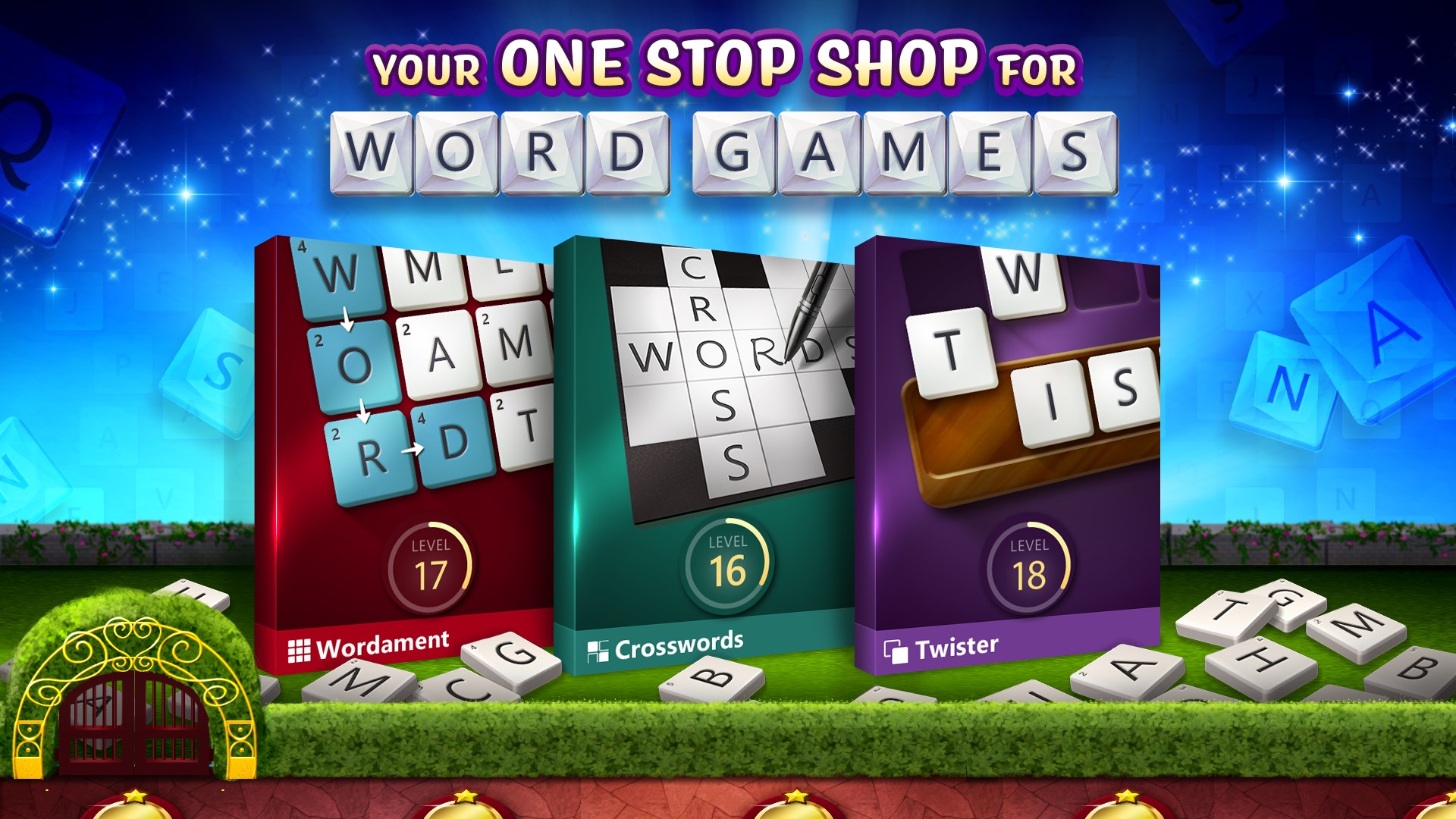
If you're a word puzzle enthusiast seeking a fresh, engaging way to challenge your vocabulary and strategic thinking, Microsoft Ultimate Word Games offers a compelling digital playground. Developed by Xbox Game Studios, this game brings together a versatile collection of word-based puzzles designed to sharpen your mind while providing endless entertainment. Whether you're a casual player or a devoted puzzle solver, this app aims to deliver hours of stimulating gameplay right on your Windows device.
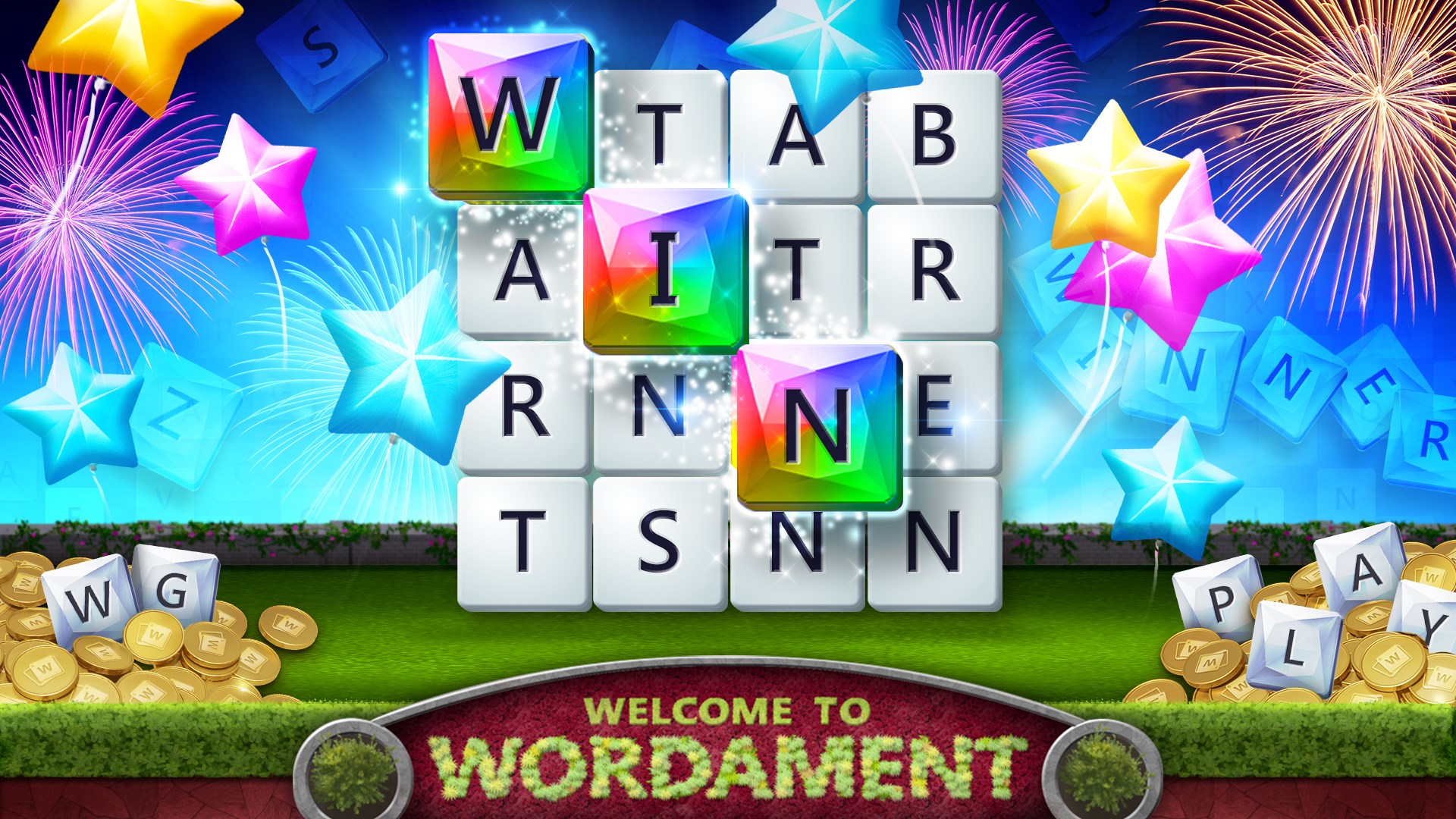
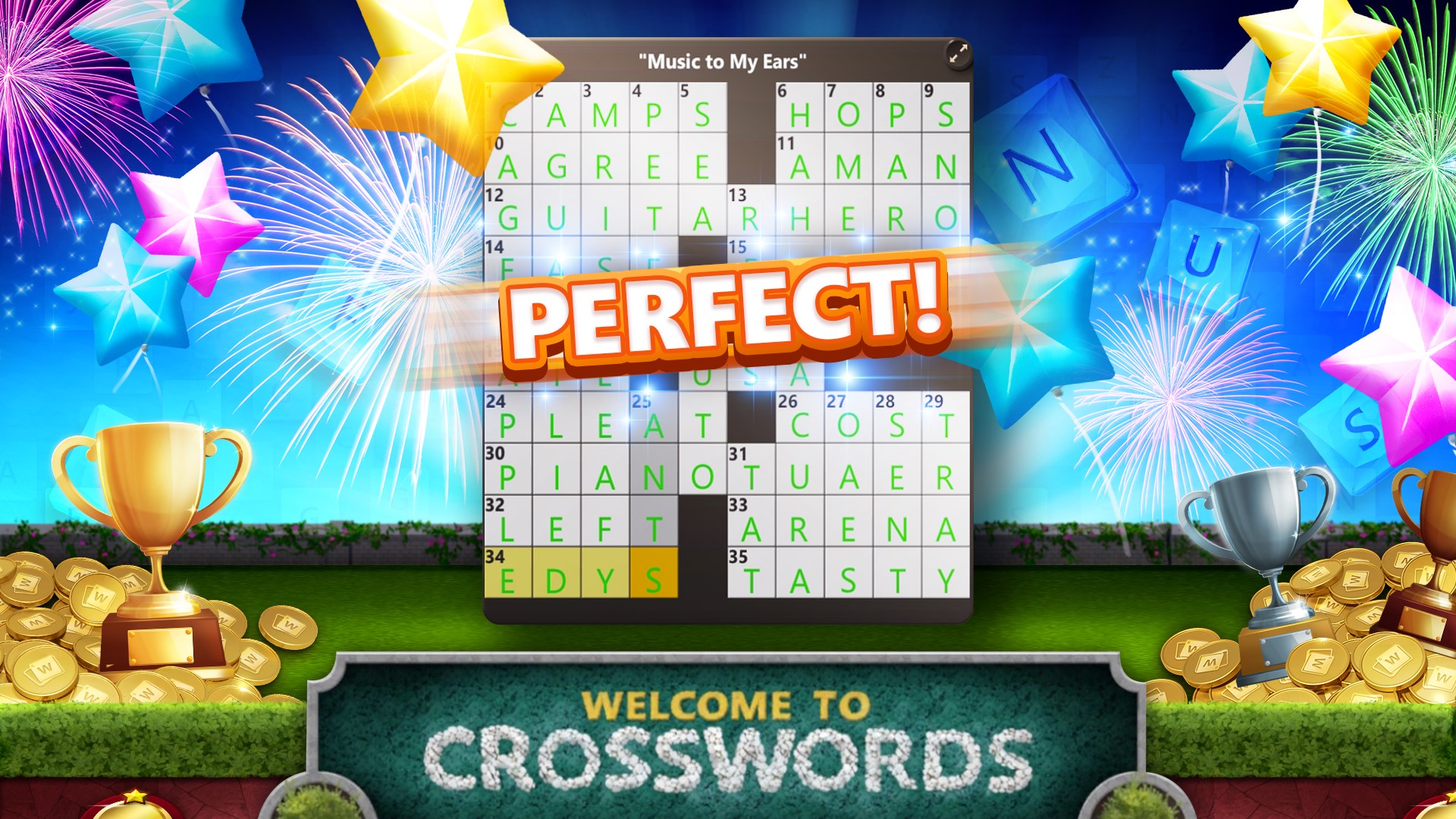
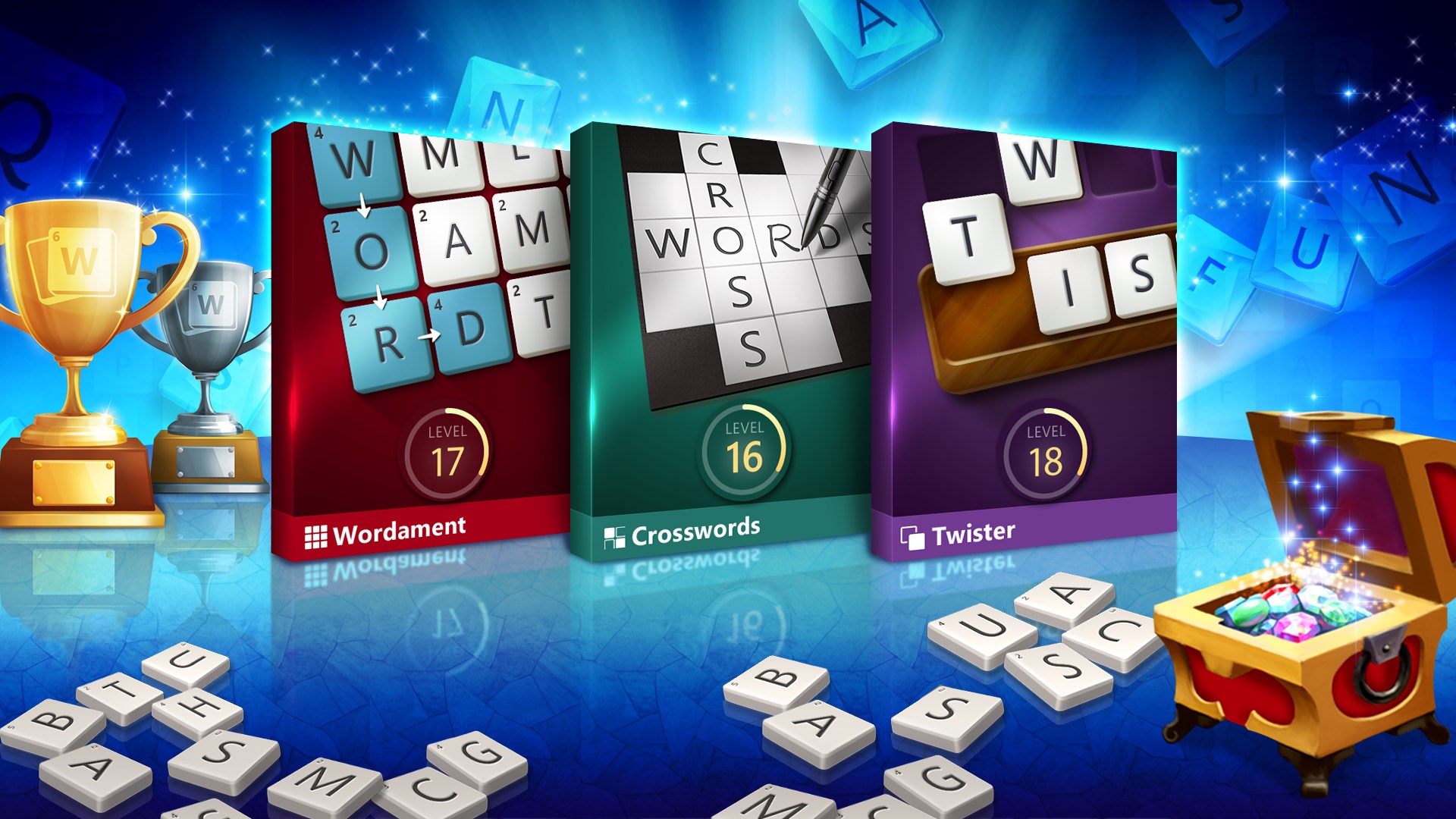
The app combines a variety of popular word games such as crosswords, anagrams, and word searches, allowing players to switch seamlessly from one challenge to another. This variety keeps the experience fresh and prevents monotony, catering to different moods and skill levels. Each game mode is well-designed, with levels that gradually increase in difficulty, providing a rewarding sense of progression.
One of the app's highlights is its smart hint system, which offers subtle nudges without spoiling the fun. Additionally, the shuffle feature helps players reorganize letter arrangements on the fly, aiding their search for the perfect word. Unlike many traditional word games that lack such nuanced assistance, Microsoft Ultimate Word Games integrates these tools smoothly into gameplay, making it accessible for newcomers yet still challenging for veterans.
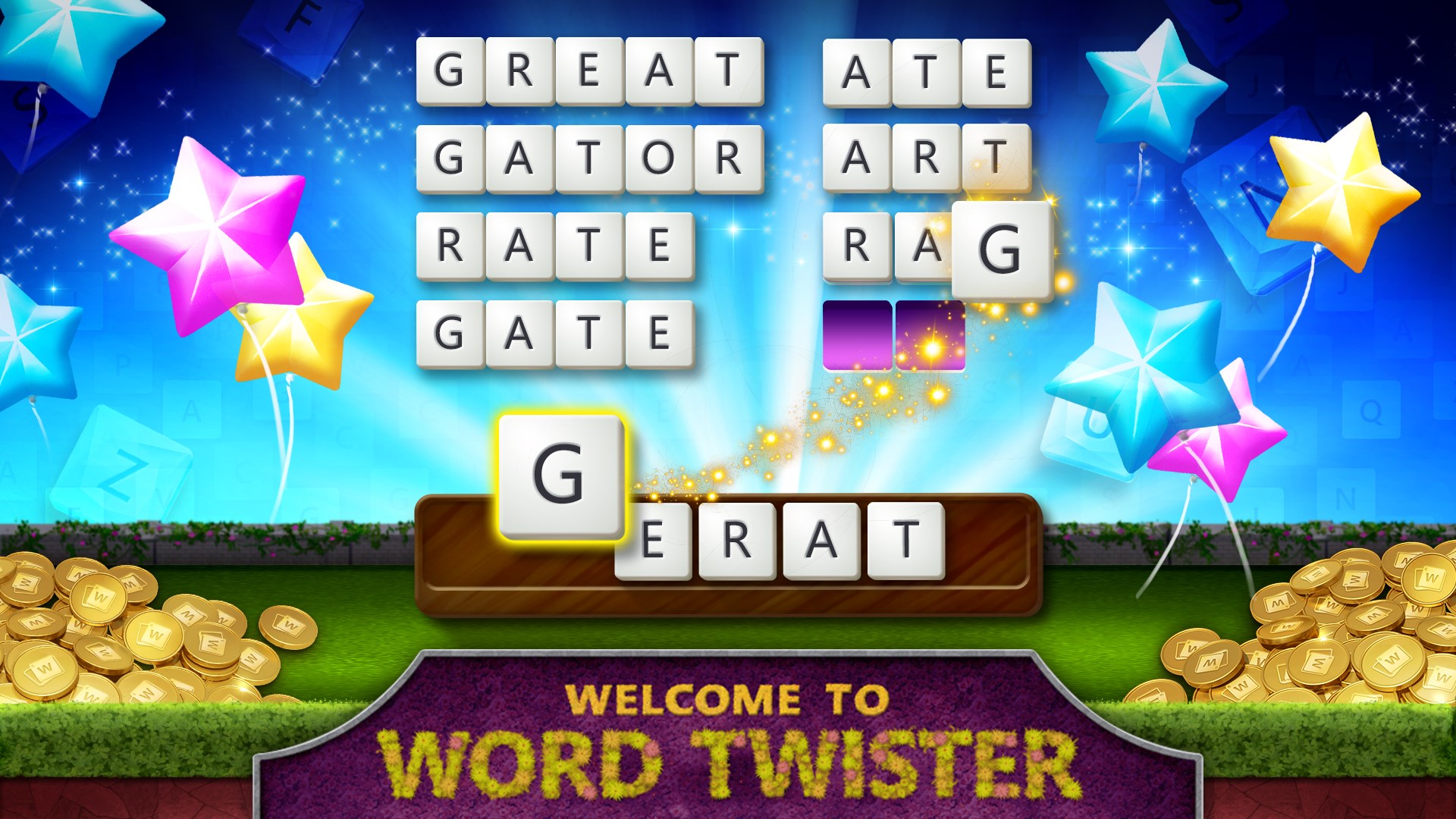
The design of the application showcases a clean, colorful interface that invites players to jump right in. The layout is intuitive, with large, easy-to-read buttons and clear navigation paths, ensuring a smooth onboarding process. The game fluidly adapts to different screen sizes, and the responsiveness of controls minimizes frustration—players can concentrate on solving puzzles instead of wrestling with the interface.
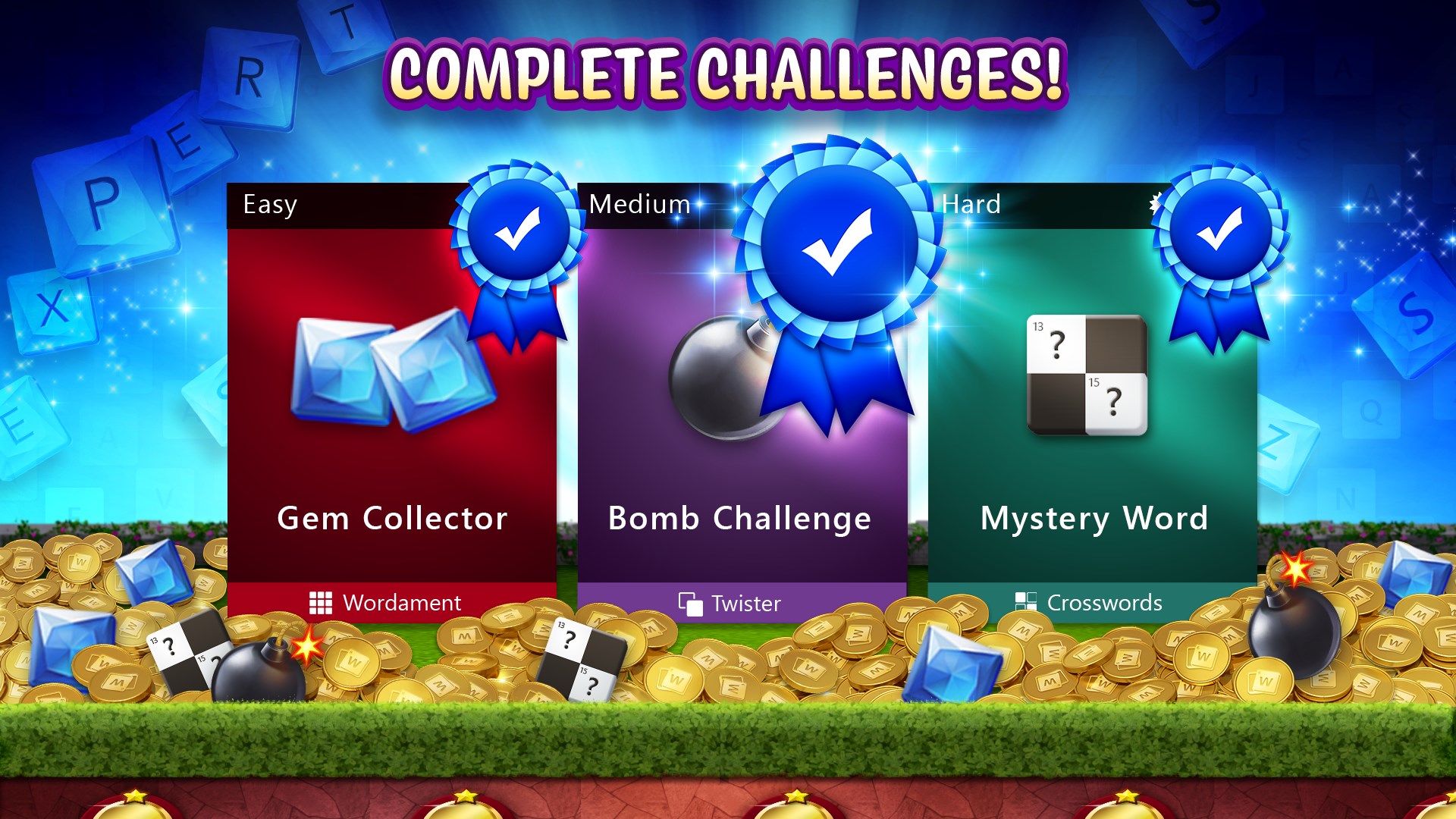
Starting the game feels like stepping into a cozy puzzle café; the initial levels serve as a gentle introduction, offering helpful tips and highlighting game mechanics. As you progress, challenges escalate, yet the interface and guidance tools support players at all skill levels. The game strikes a fine balance—neither too easy nor overly difficult—making it suitable for quick breaks or long, dedicated sessions. The inclusion of daily challenges and achievements also encourages consistent play, adding a layer of motivation.
The app boasts a sleek visual design—bright, colorful tiles and crisp text create an inviting digital environment reminiscent of a well-organized puzzle board. Performance-wise, it runs smoothly on Windows 10 and 11, with rapid response times and no noticeable input lag. The minimalistic yet vibrant aesthetic reduces cognitive overload, letting users focus entirely on word discovery. Additionally, the game's layout is accessible, with adjustable settings for different user preferences, enhancing overall usability.
What sets Microsoft Ultimate Word Games apart is its unification of multiple beloved puzzle types into a single, cohesive app, making it a versatile companion for any word puzzle lover. Its intelligent hint system and shuffle mechanics demonstrate an understanding of player needs—offering aid without diminishing the challenge. Compared to other word game apps that specialize in a single format, this app's breadth of options and user-friendly design make it a standout choice.
If you enjoy daily mental exercises or are looking for a multi-faceted word puzzle app to keep your vocabulary sharp, Microsoft Ultimate Word Games is a highly recommended option. Its balanced difficulty curve, beautiful interface, and variety of puzzle types cater to a broad audience—from casual gamers to dedicated word nerds. For best experience, try to incorporate the game into your daily routine—whether during a coffee break or commuting—so you can enjoy the numerous challenges and celebrate your progress over time. Keep in mind that while the app is free to download, it may contain optional in-app purchases; however, these are not necessary to enjoy the core experience.
Engaging and diverse game modes
User-friendly interface
Regular updates with new content
Offline play capability
Integrated hints and tutorials
Occasional app crashes during gameplay
Limited free daily hints
Loading times can be slow on older devices
Difficulty navigating some menu options
In-app advertisements can interrupt gameplay

for Windows
 4.9
4.9
for Windows
4.8

for Windows
4.8

for Windows
4.8

for Windows
4.8

for Windows
4.8

for Windows
4.8

for Windows
4.7

for Windows
4.7

for Windows
4.7

for Windows
4.7

for Windows
4.7

for Windows
5

for Windows
5

for Windows
5

for Windows
5

for Windows
5

for Windows
5

for Windows
5

for Windows
5

for Windows
5

for Windows
5