Productivity
PC, Mobile, Surface Hub
Windows 10 version 17763.0 or higher
Afrikaans, Albanian, Amharic, Arabic, Bangla (Bangladesh), Bangla (India), Basque, Belarusian, Bosnian (Latin), Bulgarian, Catalan, Chinese (Simplified), Chinese (Traditional Chinese), Chinese (Traditional), Croatian, Czech, Danish, Dutch, English, English (United Kingdom), Estonian, Filipino, Finnish, French, French (Canada), Galician, German, Greek, Hausa (Latin), Hebrew, Hindi, Hungarian, Icelandic, Indonesian, Italian, Japanese, Kannada, Kazakh, Khmer, Kiswahili, Korean, Korean , Latvian, Lithuanian, lo, Macedonian, Malay, Malayalam, Norwegian (Bokmål), Persian/Farsi, Polish, Portuguese (Brazil), Portuguese (Portugal), Romanian, Russian, Serbian, Serbian (Cyrillic, Bosnia and Herzegovina), Serbian (Latin, Serbia), Slovak, Slovenian, Spanish, Spanish (Mexico), Spanish (Spain), Swedish, Tamil, Telugu, Thai, Turkish, Ukrainian, Uzbek, Valencian, Vietnamese
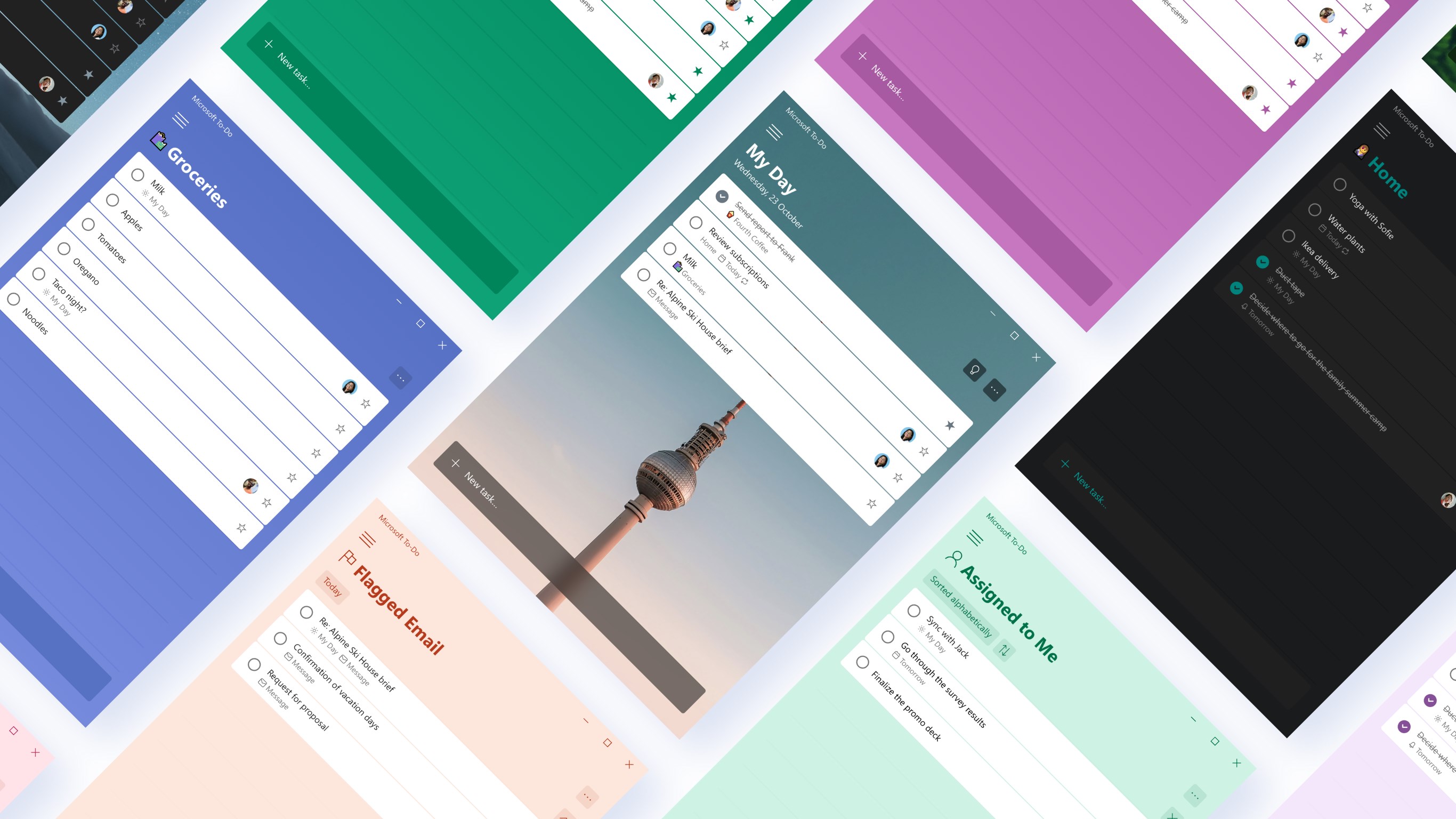
Microsoft To Do offers a clean, intuitive platform for organizing your daily tasks, ensuring you stay productive without feeling overwhelmed by complex features. Its focus on seamless integration and user-centric design makes it a compelling choice for both casual planners and busy professionals alike.
Imagine a digital planner that feels like your favorite pen and paper combined with the power of modern technology. That's Microsoft To Do in essence—a straightforward yet potent app that transforms chaotic daily thoughts into organized, actionable tasks. Whether you're juggling work projects, personal goals, or daily errands, this app aims to simplify your mental load. As a professional tech reviewer, I appreciate its unobtrusive design and focus on enhancing workflow efficiency, making it a tool worth considering in today's crowded productivity app landscape.
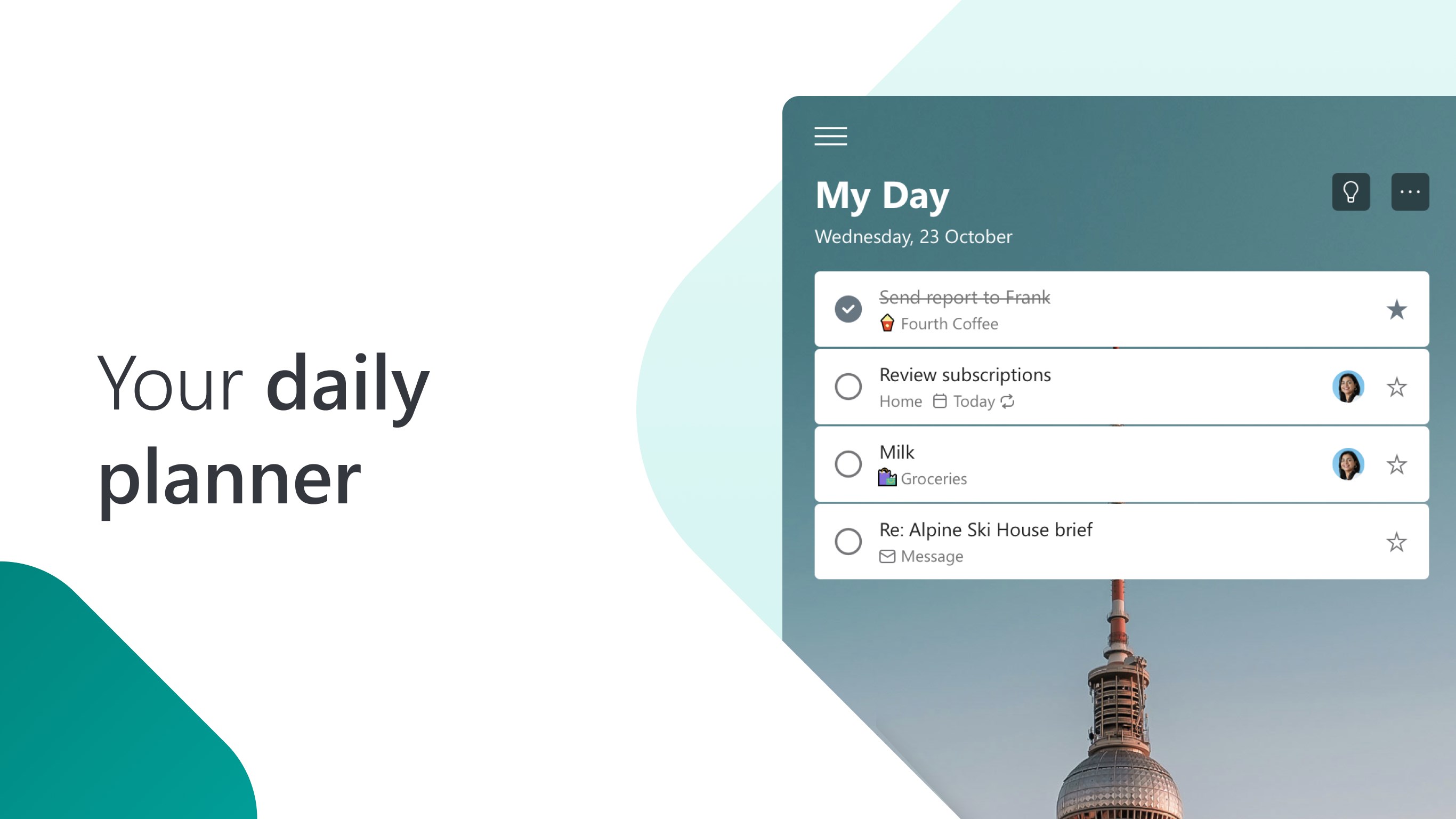
One of the app's standout features is the “My Day” plan—think of it as your daily cockpit. Each morning, the app prompts you to choose tasks for the day, reducing cognitive load by focusing your attention on just what matters now. This habit-forming feature creates a dynamic work buffer that evolves as your priorities shift. Additionally, the ability to categorize tasks into custom lists helps keep your broader projects orderly, whether it's shopping, work, or personal development. The smart suggestions and due date reminders make sure you never miss a beat, effectively reducing mental clutter and increasing task focus.
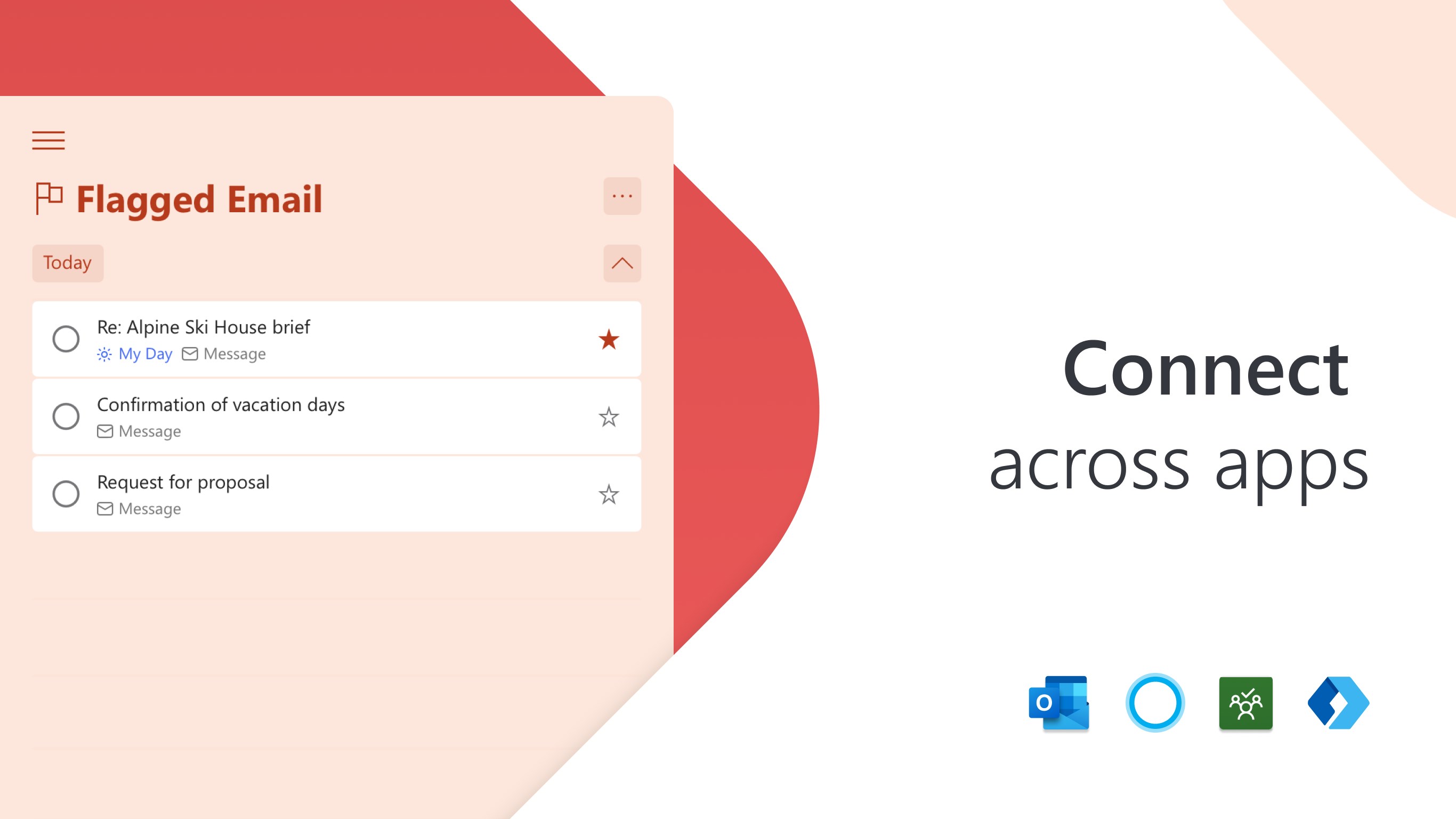
Microsoft To Do's deep integration with Outlook Tasks and Microsoft 365 ecosystem is like having a reliable assistant sync with your calendar, emails, and files in real-time. For instance, flagged emails in Outlook automatically appear as tasks here, streamlining your workflow without switching apps. The app's compatibility extends beyond Microsoft, supporting integrations like Slack and other third-party apps, which helps bridge different parts of your digital life. This interconnectedness doesn't just bring convenience; it significantly cuts down the effort on task-switching, translating into real productivity gains.
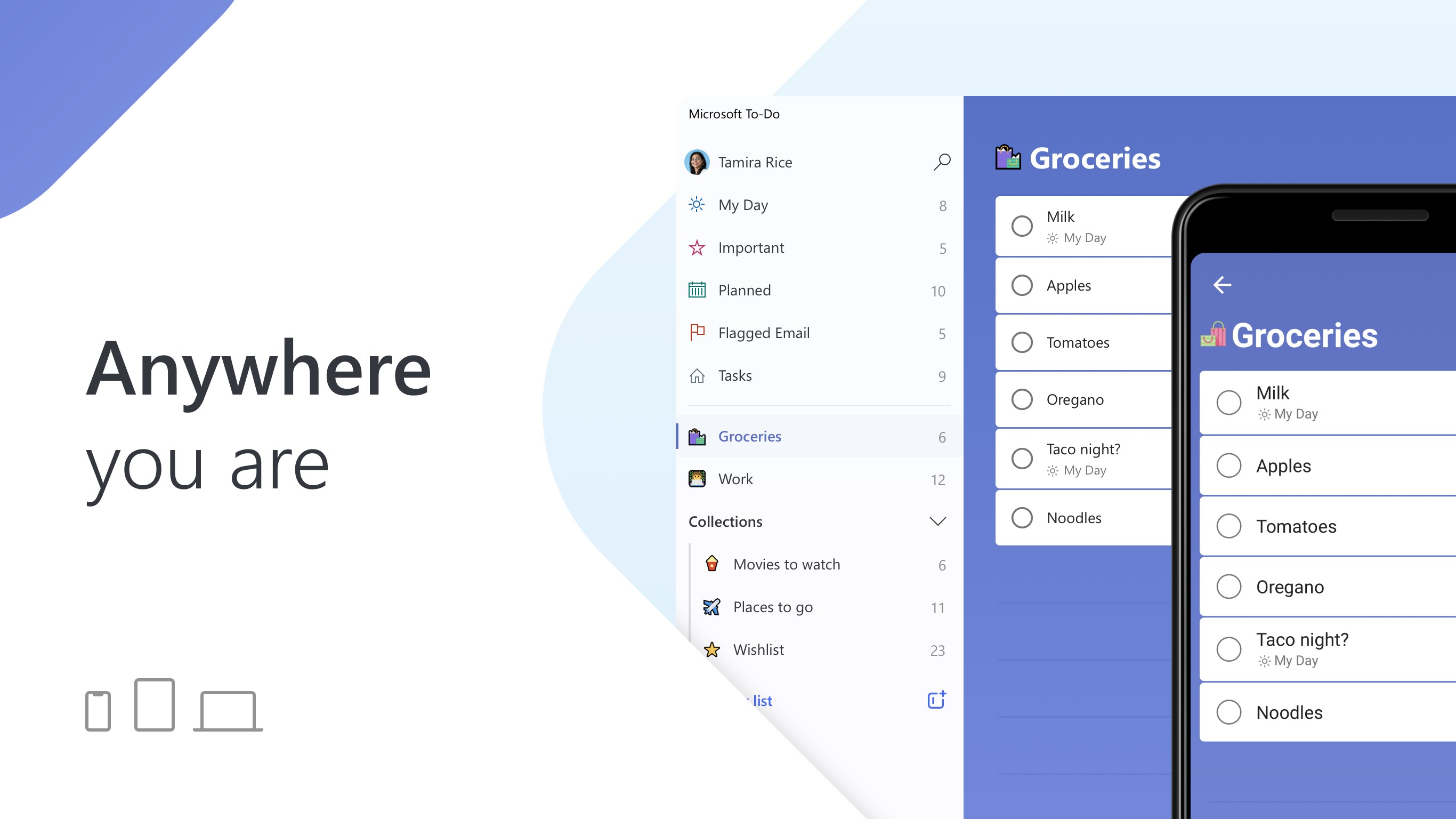
The interface is intuitively designed—a calm, clutter-free space akin to a tidy desk. Navigating between lists and tasks feels silky smooth, powered by a responsive and snappy app experience on Windows. New users will find the learning curve gentle; it's as easy as adding notes to a paper planner but with digital bells and whistles. The layout emphasizes clarity, with a focus on your core tasks rather than overwhelming options, which helps reduce cognitive load. The app's fluidity and minimalism make you feel in control, not lost in a sea of features.
Compared to more feature-heavy apps like Todoist or Asana, Microsoft To Do champions workflow integration efficiency. Its tight synchronization with Microsoft services translates to a less cluttered mental environment—less cognitive effort spent figuring out where your info lives, and more focus on completing tasks. Its emphasis on reducing mental overload—by presenting only what's relevant today—sets it apart from apps that bombard users with endless features and customization options. This balance of simplicity and smart integration makes it especially appealing for users who prefer a minimalist approach while still leveraging the broader Microsoft ecosystem to keep tasks connected across platforms.
I'd recommend Microsoft To Do for those seeking a straightforward yet powerful task management tool that prioritizes workflow efficiency and minimizes mental clutter. It's ideal for users embedded within the Microsoft environment or anyone who values a simple interface that gets out of their way. While it may lack some advanced project management features found in more complex apps, its focus on daily task prioritization and ecosystem integration makes it a worthy addition to your digital toolkit. Use it if you want an app that's more about flowing through your day with clarity than juggling endless options—streamlined, smart, and reliably integrated.
Intuitive task organization
Seamless integration with Microsoft ecosystem
Robust reminder and due date features
Cross-platform availability
Free with comprehensive features
Limited advanced task features
Basic collaboration features
Customization options are somewhat limited
Offline capabilities can be sporadic
Notification management can be improved

for Windows
 5
5

for Windows
5

for Windows
4.9

for Windows
4.9

for Windows
4.9

for Windows
4.8

for Windows
4.8

for Windows
4.8

for Windows
4.8

for Windows
4.8

for Windows
4.8

for Windows
4.8

for Windows
5
for Windows
5

for Windows
5

for Windows
5

for Windows
5

for Windows
5

for Windows
5

for Windows
5

for Windows
5
for Windows
5