Puzzle & trivia
PC
Windows 10 version 19041.0 or higher
Version 10
English (United States)
Microsoft Sudoku for Windows is a thoughtfully crafted digital rendition of the beloved number puzzle, blending traditional gameplay with modern interface design to offer an engaging cognitive challenge for users of all ages.
As part of Microsoft's extensive gaming and productivity ecosystem, this app benefits from the robust development expertise of Xbox Game Studios, ensuring quality and seamless integration within the Windows environment.
The target audience primarily includes casual puzzle lovers, students eager to train their brain, and anyone interested in a relaxing yet stimulating activity on their Windows PC.
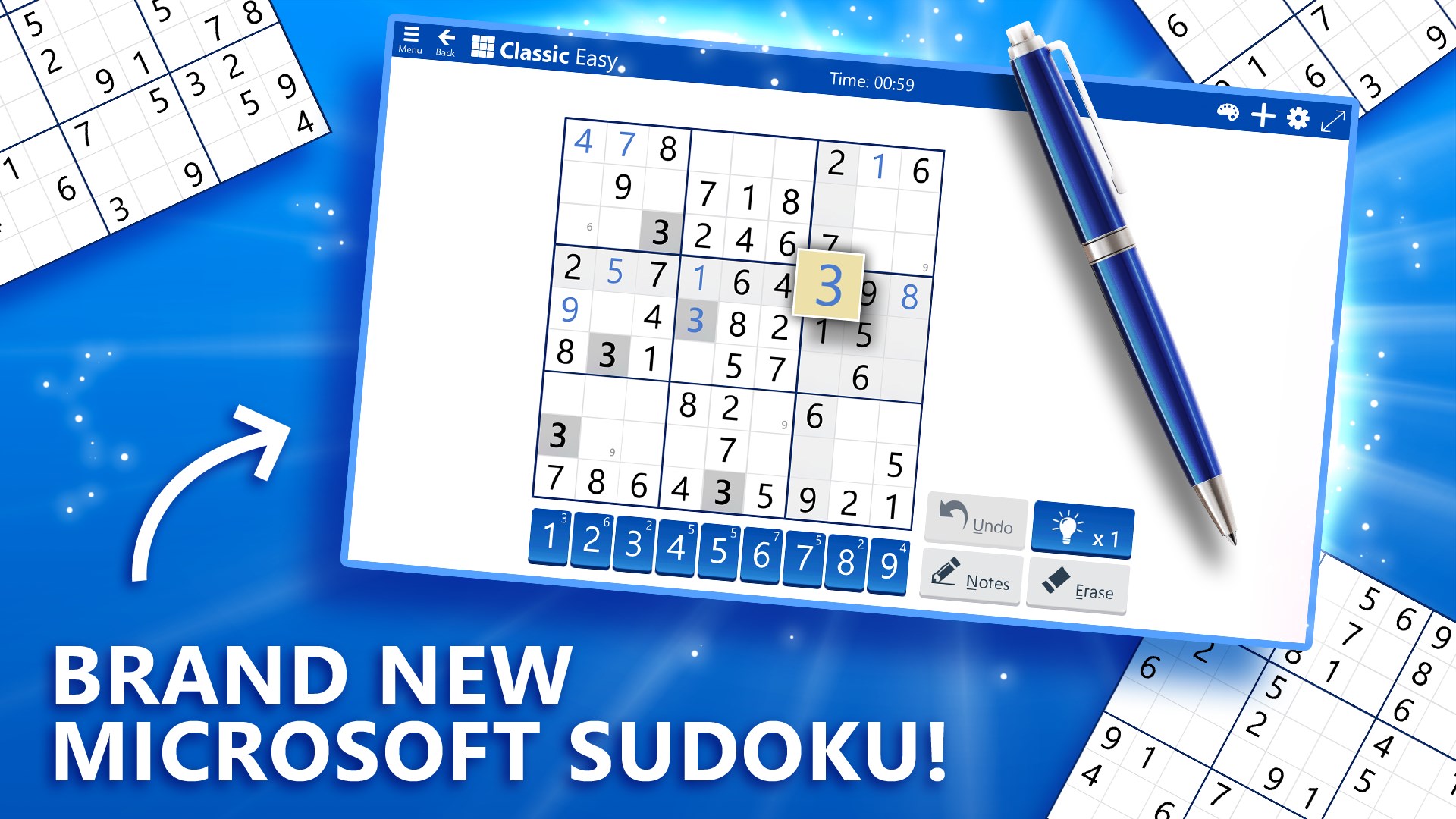
From the moment you launch Microsoft Sudoku, you're greeted with a clean, modern layout that resembles a well-organized desk—imagine a tidy workspace inviting you to get lost in numbers. The interface employs subtle color schemes and clear icons, making navigation feel effortless. Whether you're playing in light or dark mode, the design adapts smoothly, reducing eye strain during extended sessions.
Interactivity is snappy and responsive, with tap and drag gestures translating seamlessly into input. The touch or mouse controls feel natural, almost like fiddling with a physical Sudoku grid on a crisp paper. This intuitive design lowers the barrier for newcomers while satisfying seasoned players who appreciate quick, fluid gameplay.
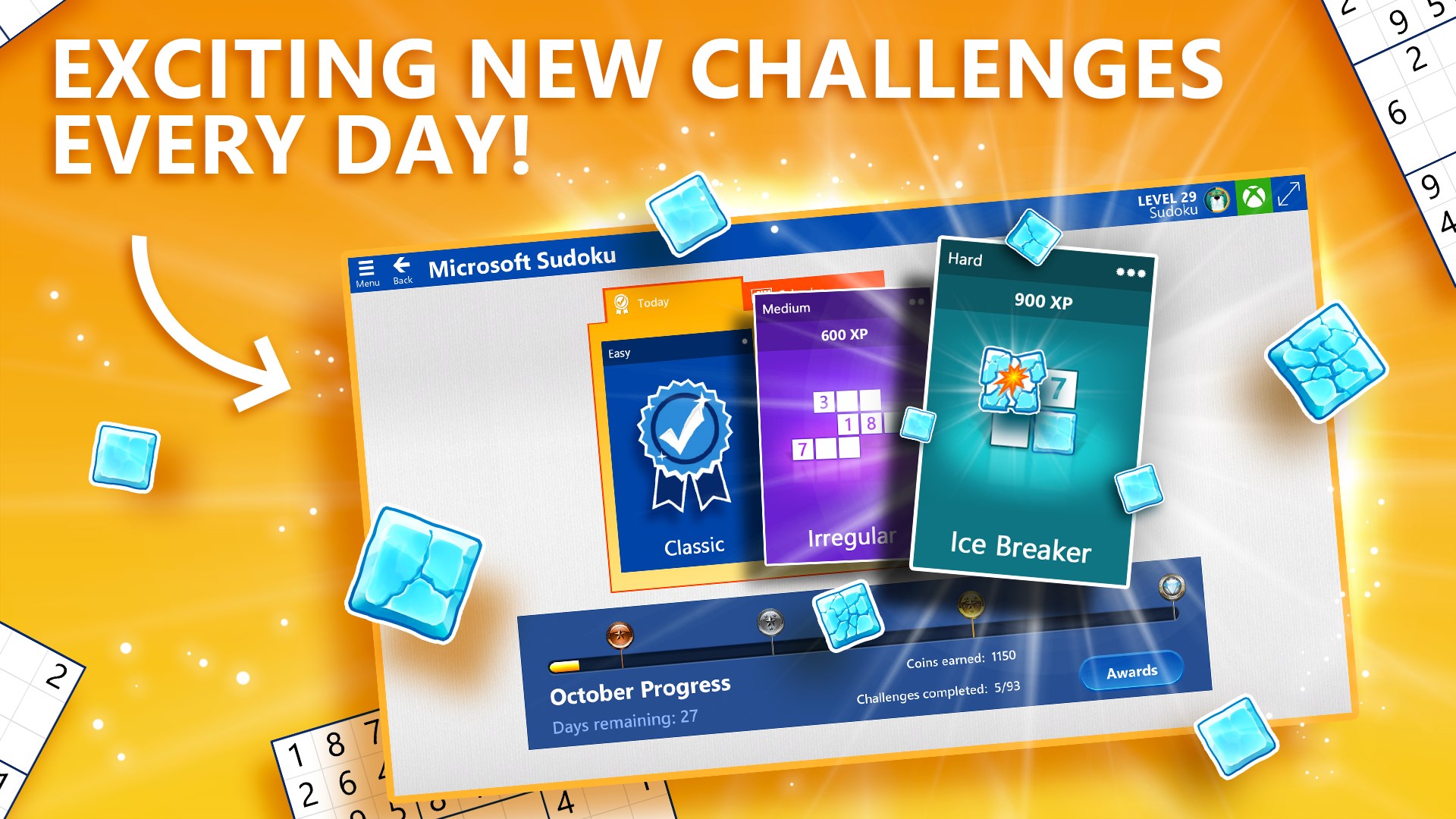
The app's core appeal lies in its well-categorized difficulty levels. Beginning with straightforward puzzles for those new to Sudoku, moving to expert levels for veterans craving a formidable challenge. This hierarchy encourages gradual skill development, akin to climbing a numerical mountain, with clear indicators of progress. The daily challenge feature adds an element of routine, transforming Sudoku from a mere pastime into a dependable mental workout.
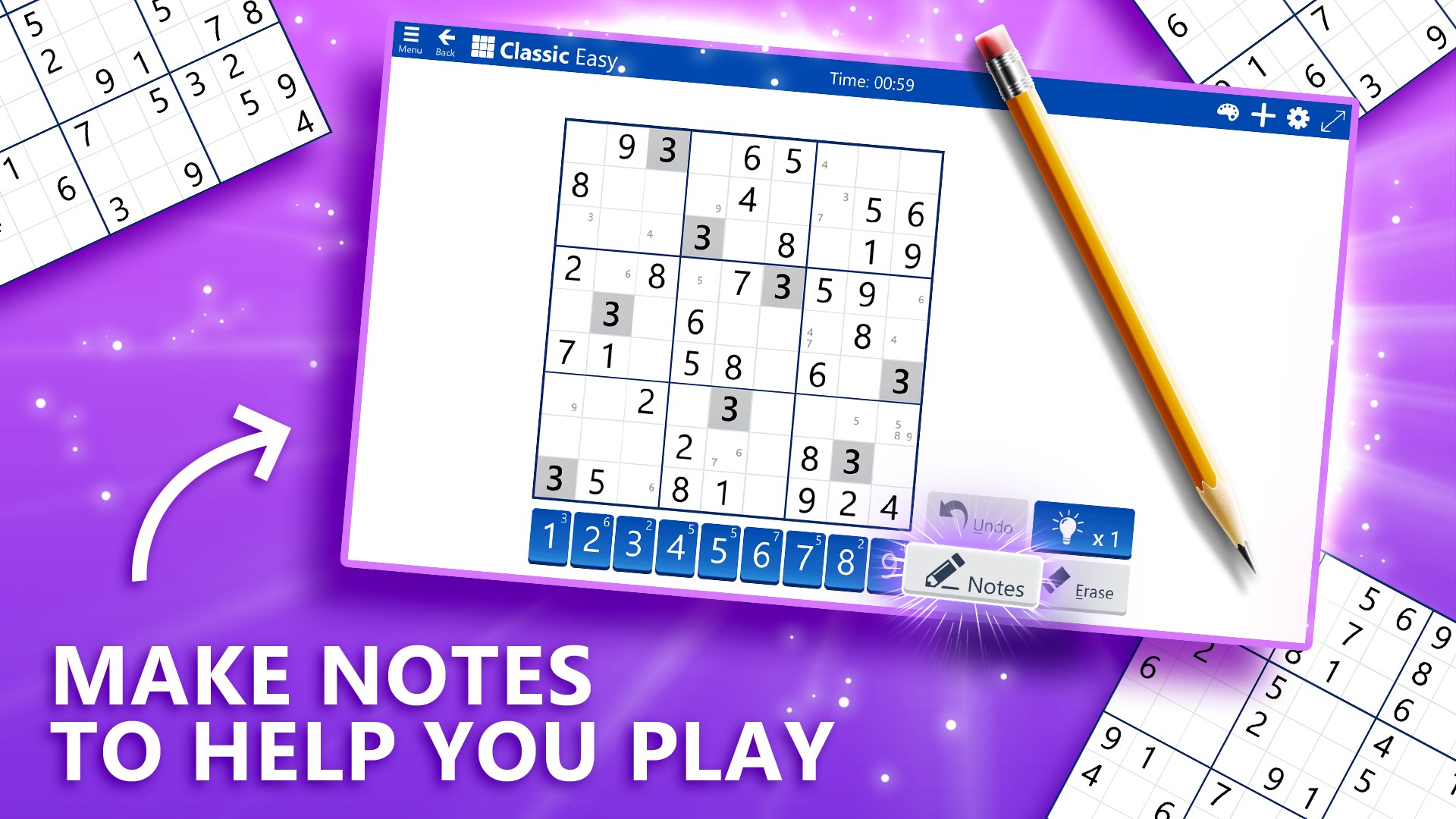
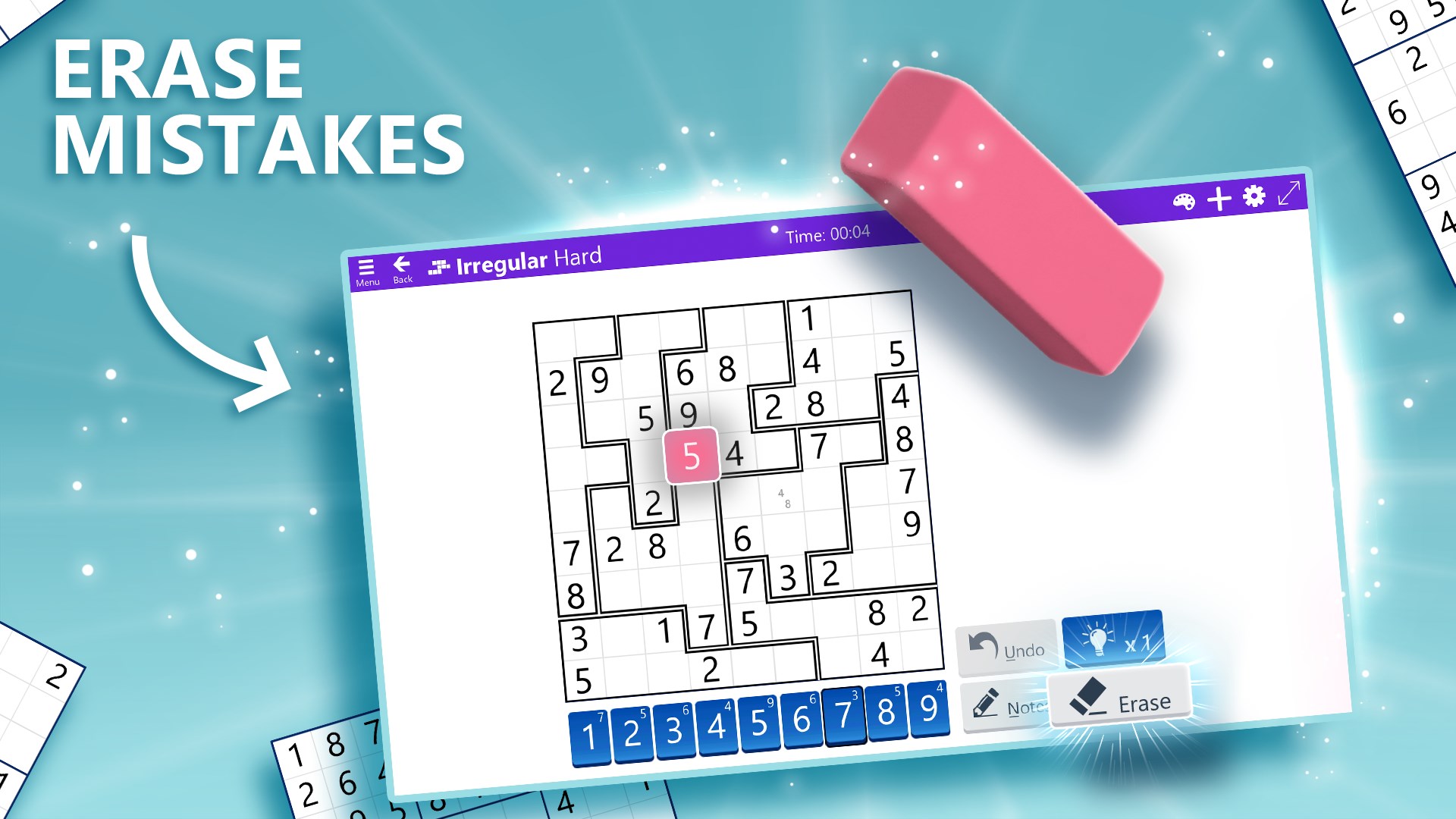
Unique to Microsoft Sudoku is its balanced approach to assistance. Players can tap a hint button to reveal logical clues rather than outright answers, encouraging critical thinking. Error detection immediately highlights conflicts, preventing frustration during gameplay. For learners, step-by-step instructions and highlight modes demystify complex puzzles, fostering an educational aspect that elevates it beyond a simple game. This thoughtful inclusion makes the app appealing not just as entertainment but as a cognitive training tool.
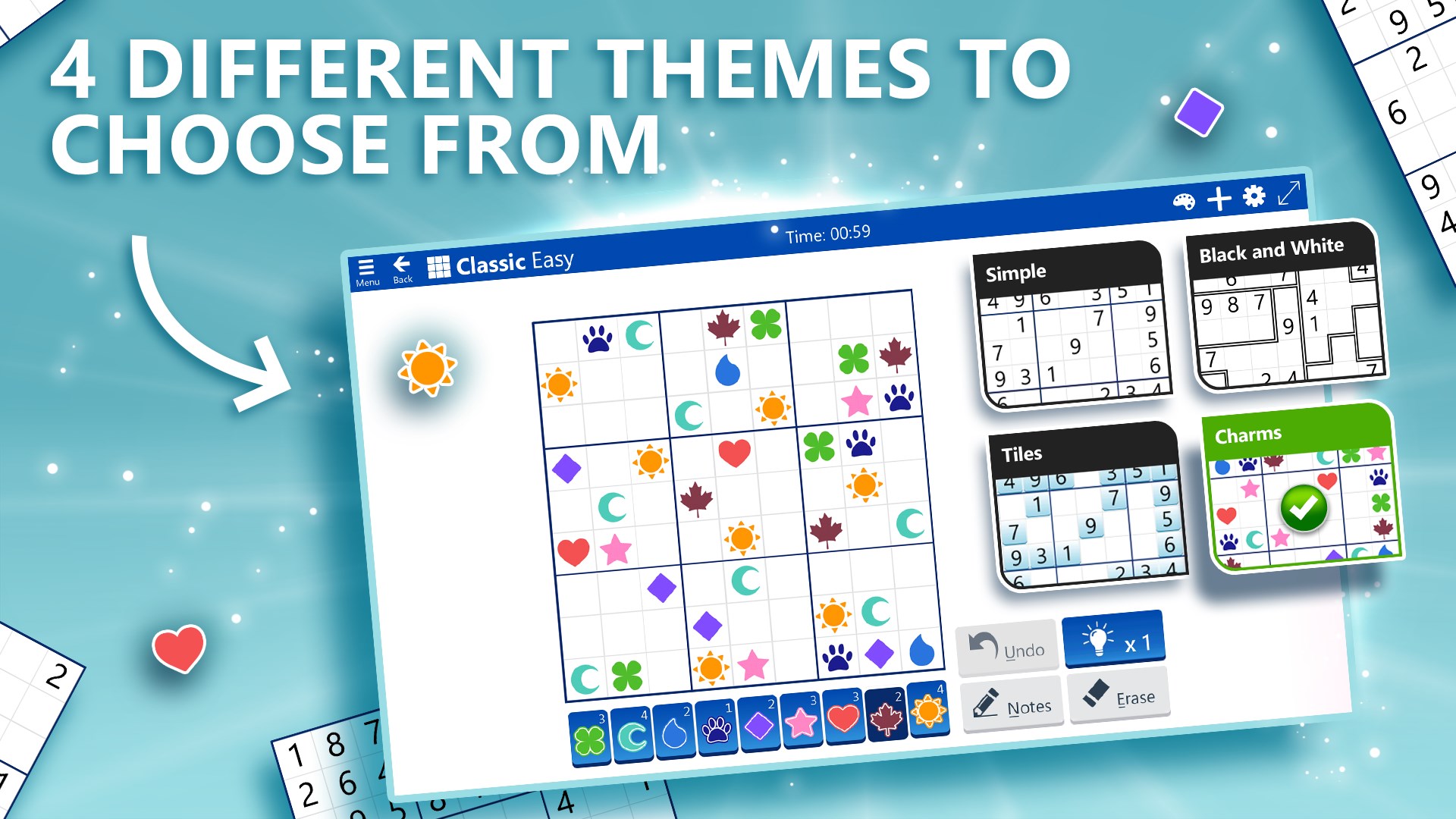
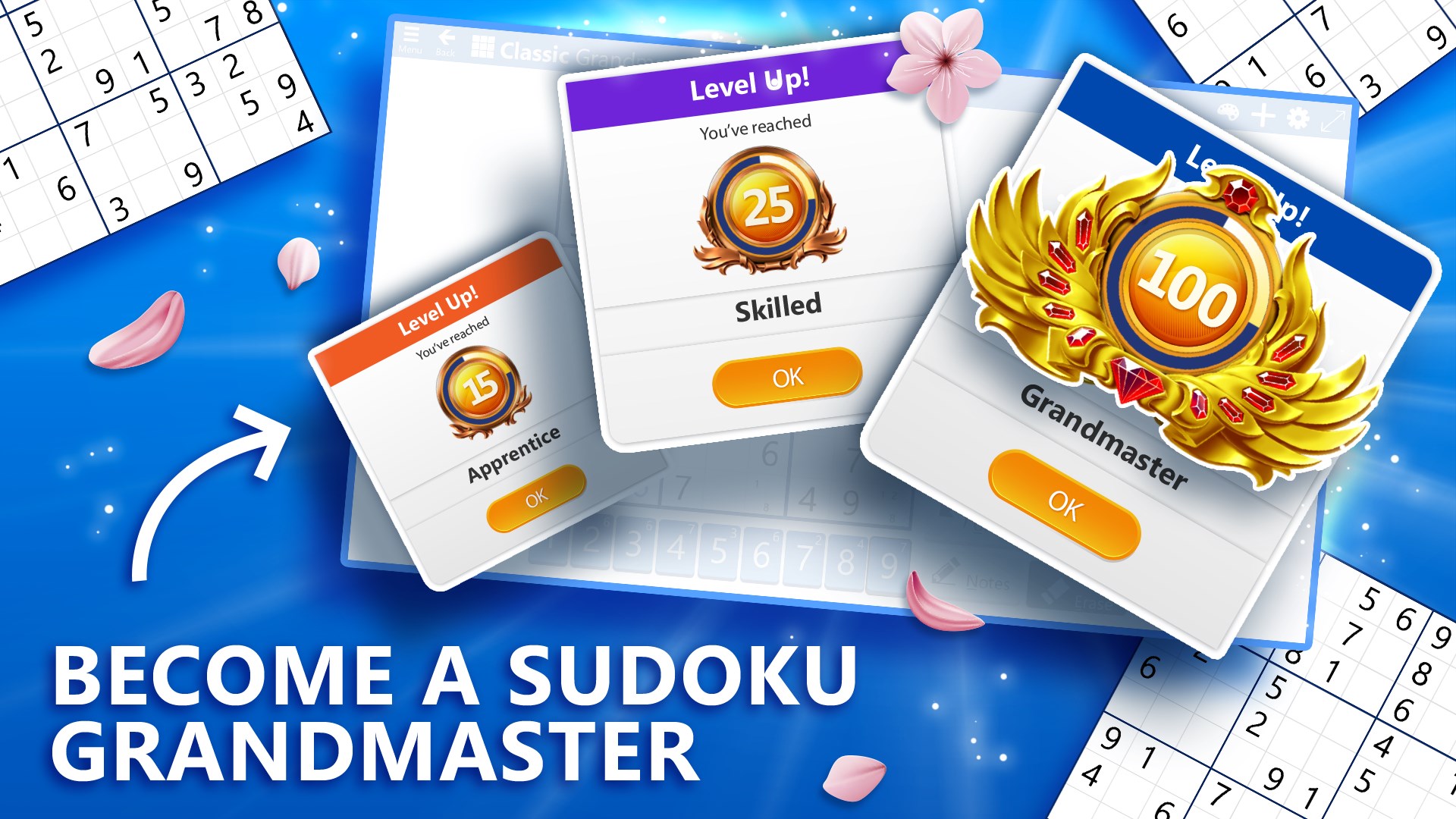
Personal touches enhance user experience. Players can switch themes to match their mood—think of switching from a sunny daytime puzzle to a cozy, moonlit version. The app also allows grid style adjustments, making gameplay visually comfortable. Trophies and progress tracking serve as gentle motivation, like a personal coach cheering you on after each completed level. Such features add depth and replayability, distinguishing it from more generic Sudoku apps.
Microsoft Sudoku stands out primarily due to its harmonious blend of simplicity and intelligent support. Unlike cluttered puzzle suites or overly complicated interfaces, it offers a distraction-free environment that emphasizes clarity and user guidance. The integration of learning-oriented features—such as hints, error checking, and guidance—makes it accessible for beginners, yet holds enough challenge to satisfy veterans.
Moreover, its seamless Windows integration allows for effortless syncing across devices, whether on a desktop or a tablet—think of it as your dedicated Sudoku companion traveling with you in the cloud. This cross-platform accessibility, combined with a streamlined design, creates a balanced experience that is both relaxing and intellectually stimulating, setting it apart from many puzzle apps that often sacrifice user-friendliness for complexity.
For anyone seeking a polished, approachable, and thoughtfully designed Sudoku experience on Windows, Microsoft Sudoku is a commendable choice. It strikes a great balance between challenge and support, making it suitable for casual players and puzzle enthusiasts alike. The customizable interface, coupled with features aimed at fostering learning and continuous engagement, helps it stand out in the crowded puzzle app landscape.
While it might lack some of the competitive or advanced features found in professional puzzle platforms, its focus on user-friendliness and versatility makes it an excellent daily brain trainer. I recommend it to beginners looking to dip their toes into Sudoku and to intermediate players who wish to hone their skills in a supportive environment. Overall, Microsoft Sudoku offers a satisfying blend of tradition and innovation—worth trying for a refreshing mental escape.
Intuitive interface with user-friendly design
Extensive puzzle difficulty levels from easy to expert
Daily challenge feature to keep players engaged
Helpful hint system and error checking tools
Offline mode allows playing without internet connection
Limited customization options for themes and interface
Some puzzles may feel repetitive after extended use
Advertisement placement can be intrusive at times
Hints and solutions are sometimes not obvious enough
The app lacks a multiplayer or social feature for sharing progress
for Windows
 4.8
4.8

for Windows
4.8

for Windows
4.8

for Windows
4.8

for Windows
4.8

for Windows
4.8

for Windows
4.8

for Windows
4.8

for Windows
4.7

for Windows
4.7

for Windows
4.7

for Windows
4.7

for Windows
5

for Windows
5

for Windows
5

for Windows
5

for Windows
5

for Windows
5

for Windows
5

for Windows
5

for Windows
5

for Windows
5