Card & board
PC
Windows 10 version 19041.0 or higher
Not specified
Not specified
Afrikaans, Albanian, Amharic, Arabic, Azerbaijani, Basque, Bulgarian, Catalan, Chinese (Simplified), Chinese (Traditional), Chinese (Traditional, Hong Kong SAR), Croatian, Czech, Danish, Dutch, English (United Kingdom), English (United States), Estonian, Filipino, Finnish, French, French (Canada), Galician , German, Greek, Hebrew, Hindi, Hungarian, Icelandic, Indonesian, Italian, Japanese, Kannada, Kazakh, Khmer, Korean , Latvian, Lithuanian, Macedonian, Malay, Malayalam, Norwegian (Bokmål), Persian, Polish , Portuguese (Brazil), Portuguese (Portugal), Romanian, Russian, Serbian (Latin, Serbia), Slovak, Slovenian (Slovenia), Spanish (Mexico), Spanish (Spain), Swedish, Tamil, Telugu, Thai, Turkish, Ukrainian, Vietnamese
If you're looking for a classic, polished, and versatile solitaire experience right on your Windows PC, Microsoft Solitaire Collection offers just that—bringing timeless card games into the modern age with seamless accessibility and a clean interface. Developed by Xbox Game Studios, this app transforms the traditional solitaire pastime into an engaging digital journey suitable for all ages and skill levels.
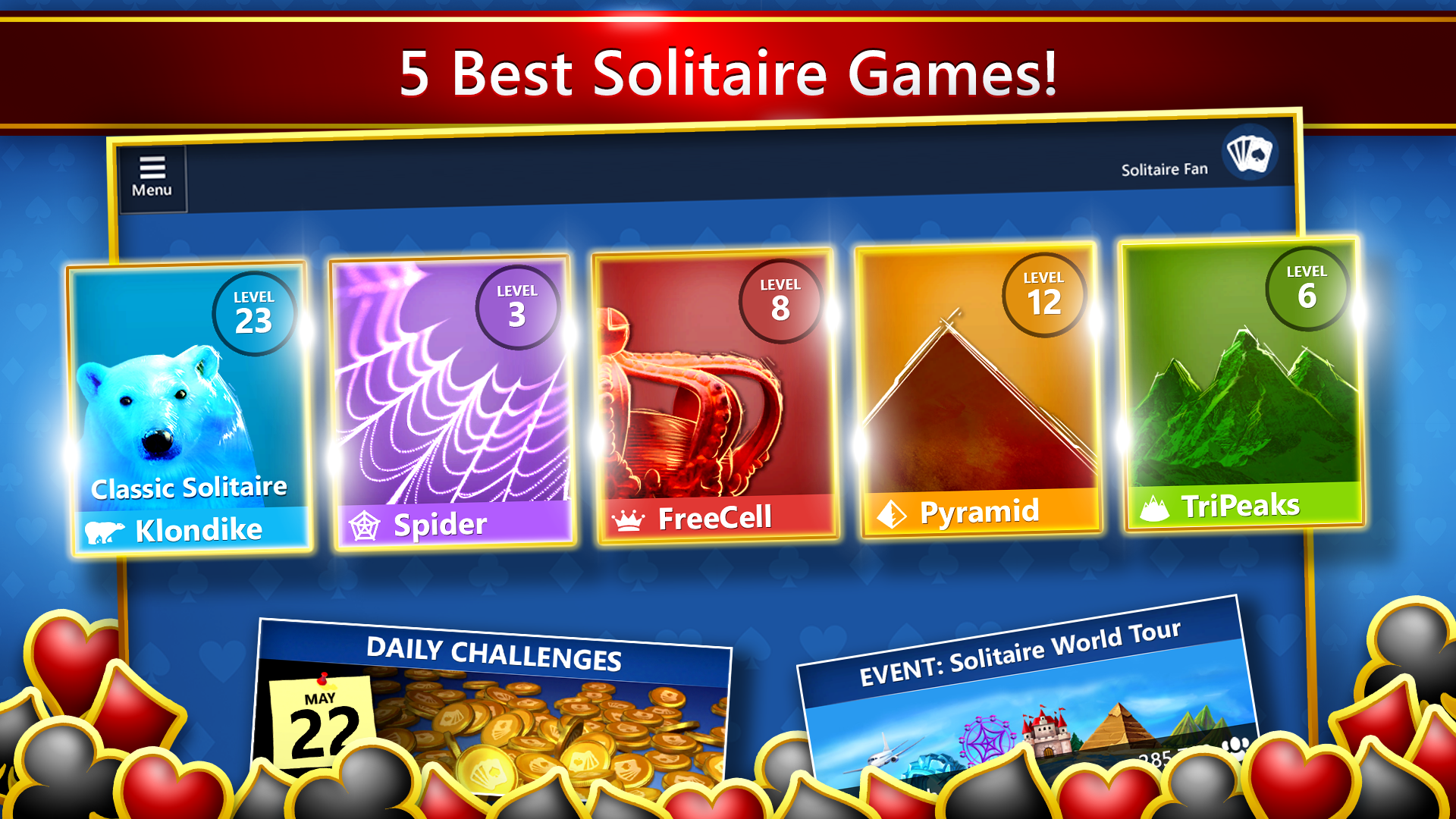
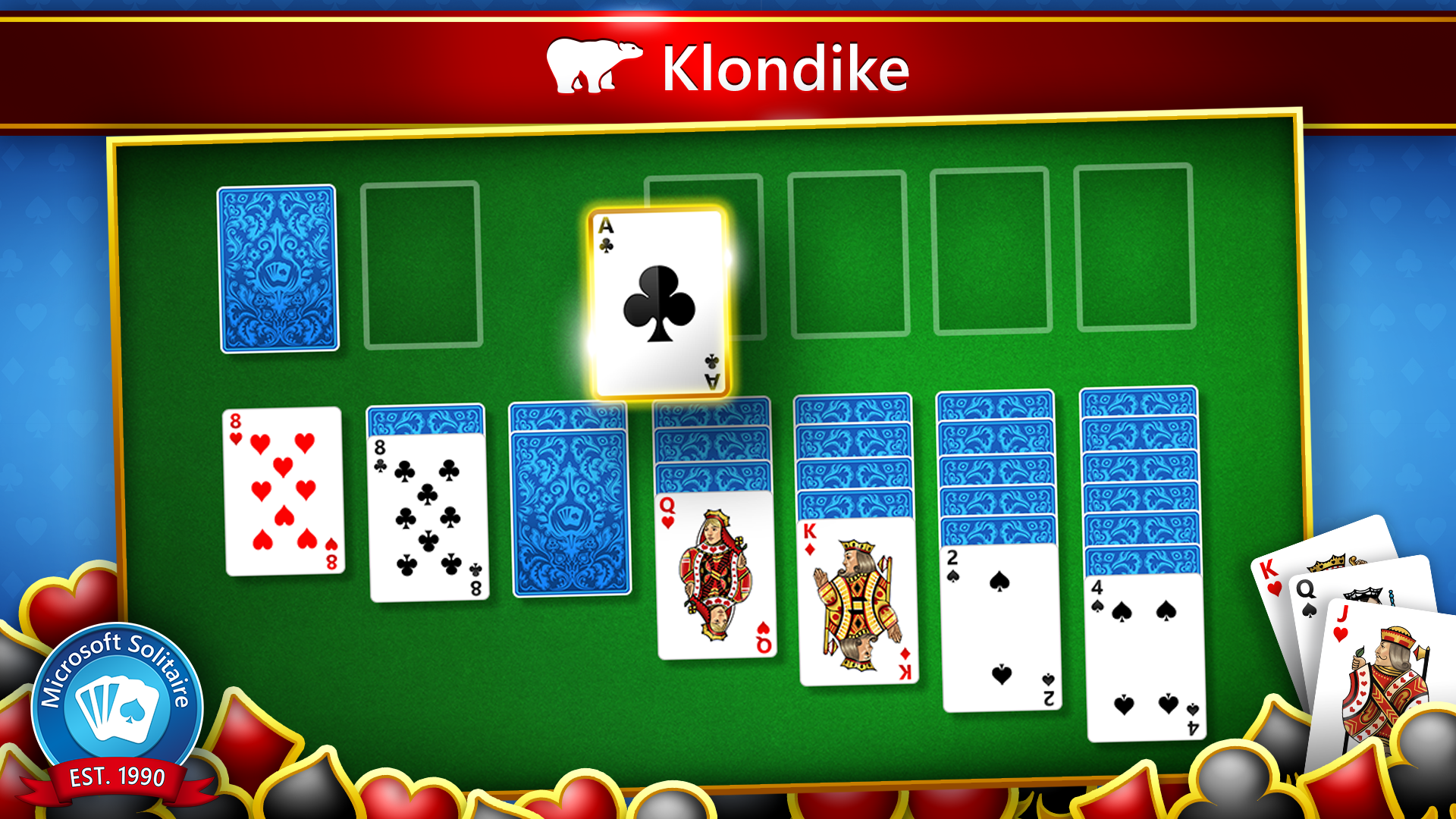
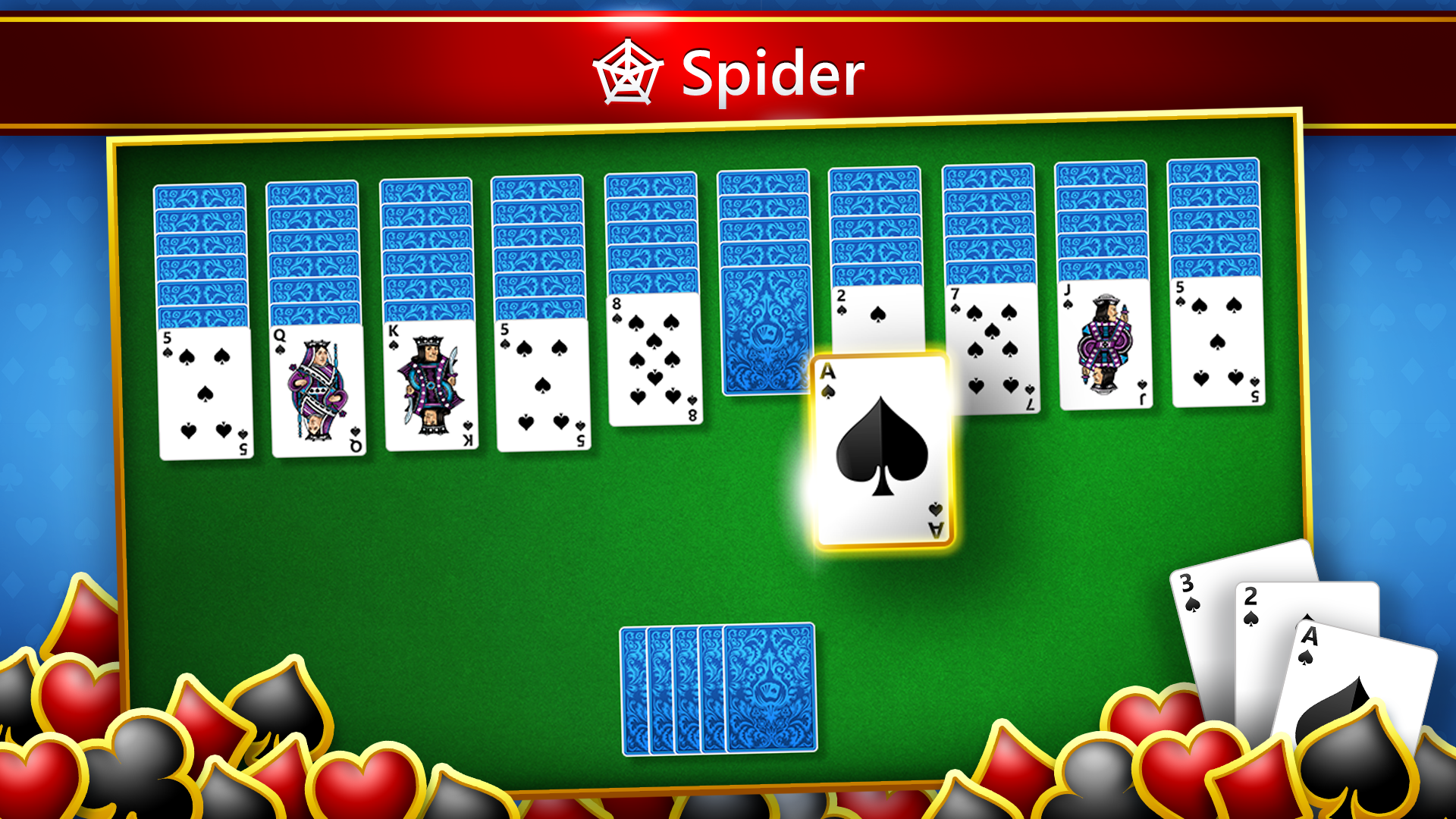
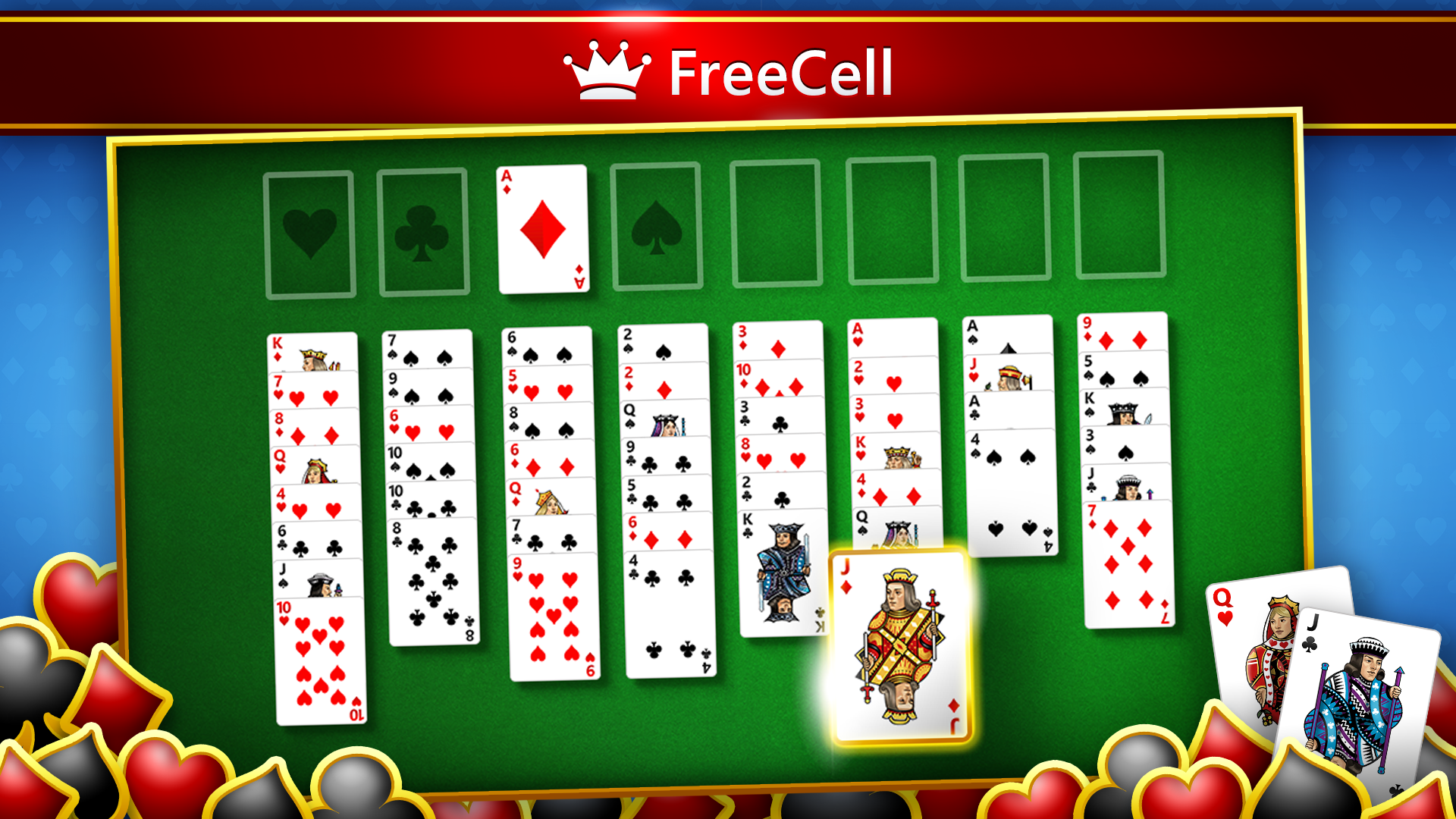
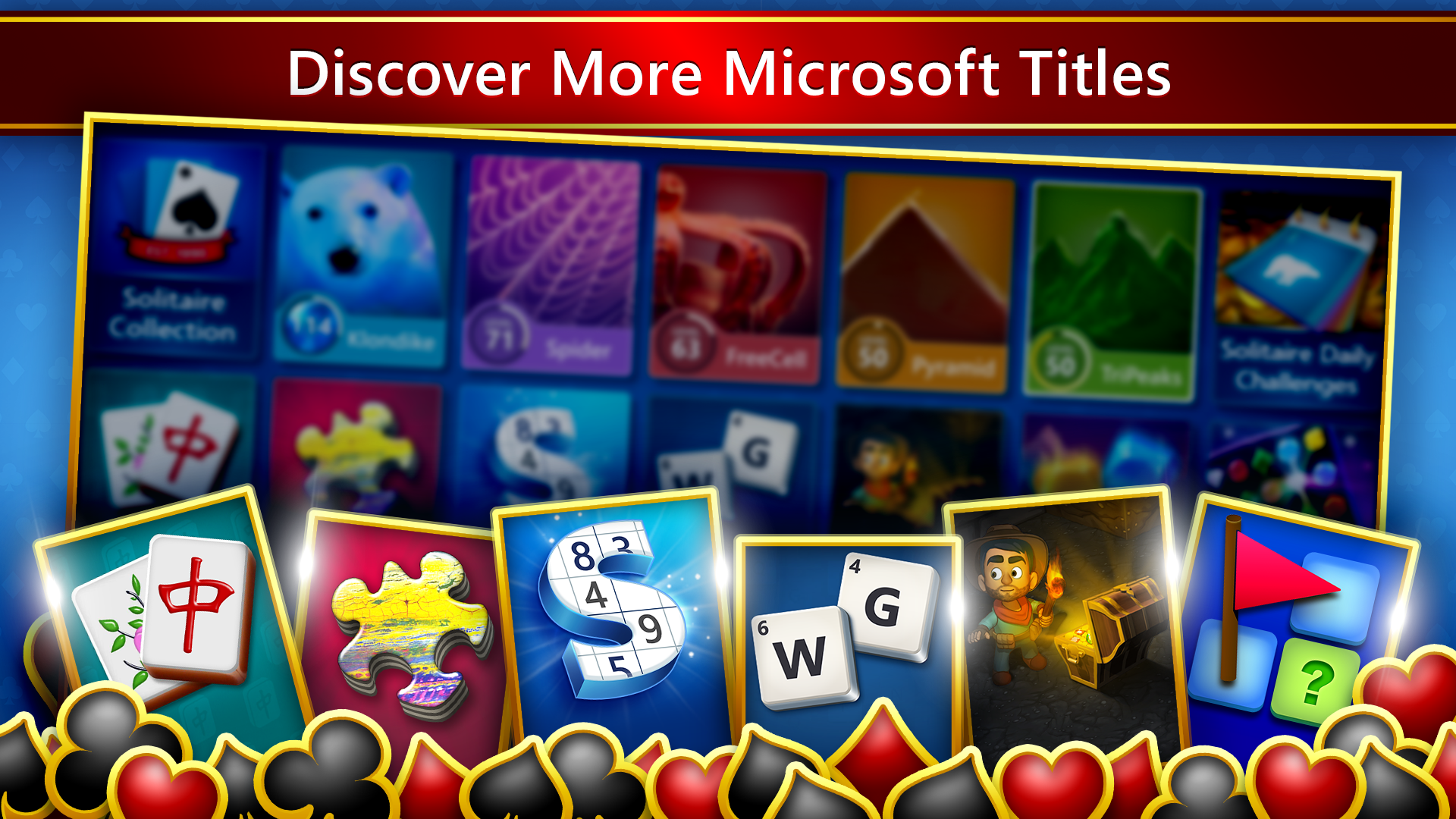
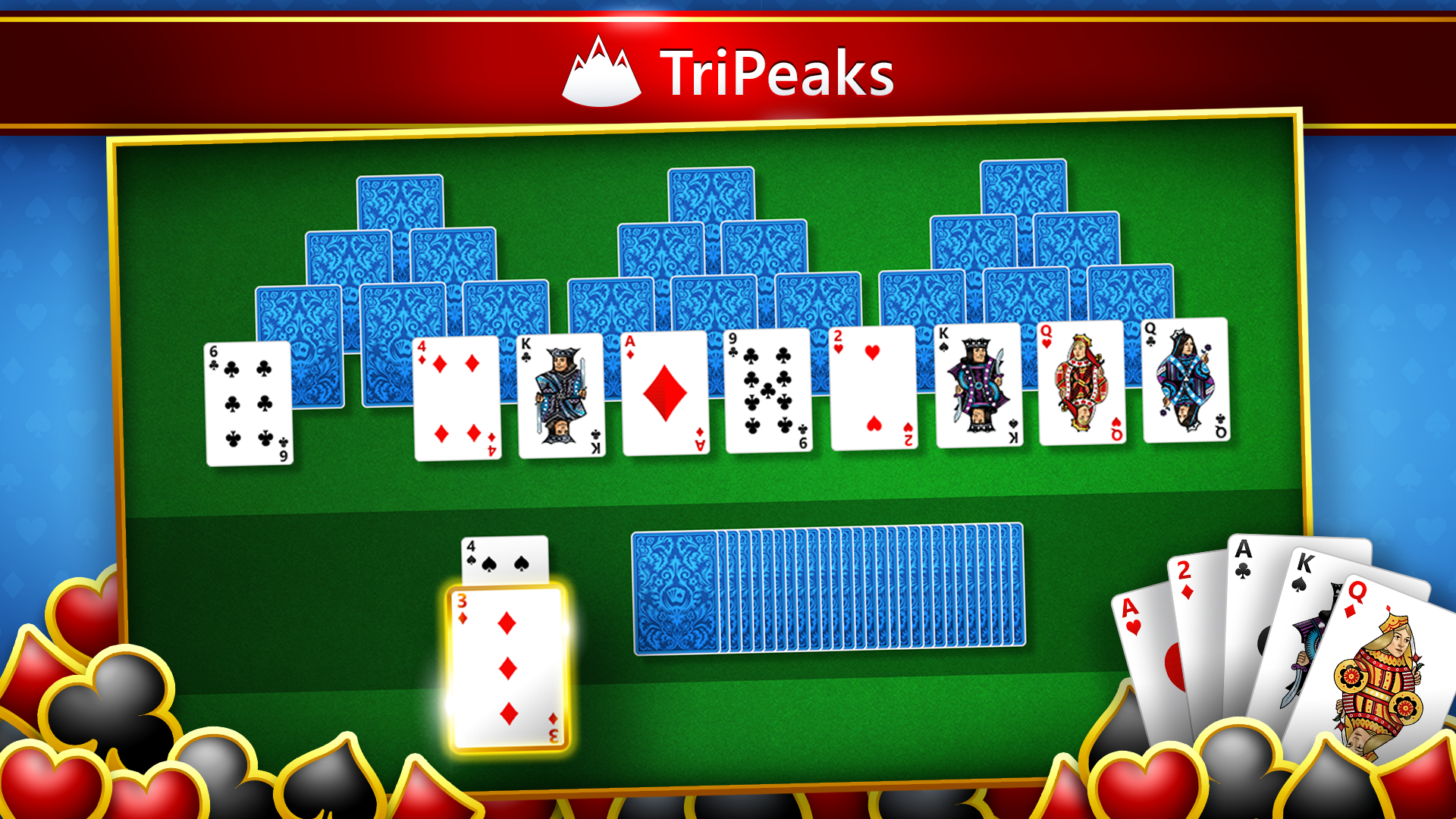
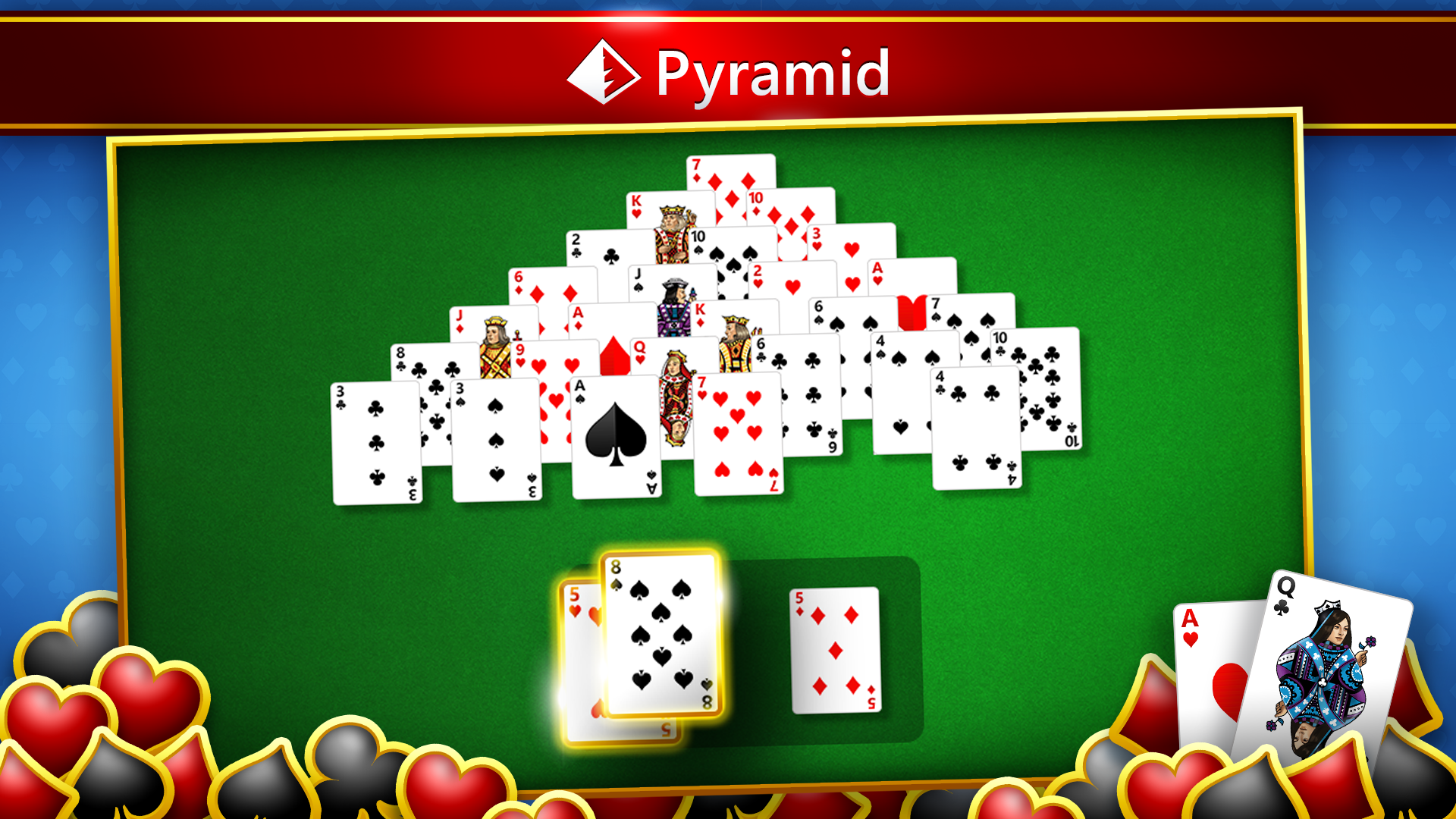
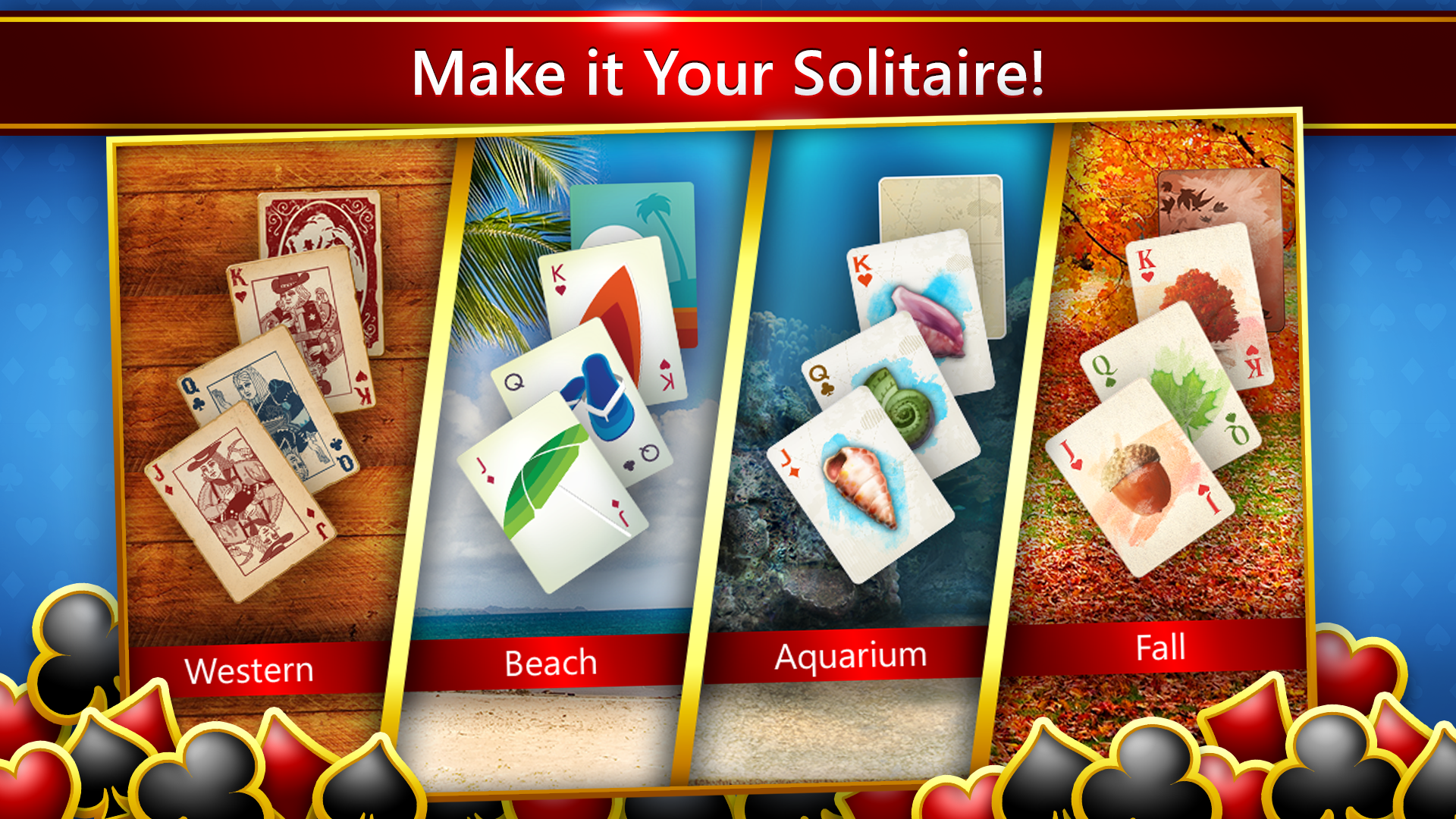
Created by the renowned Xbox Game Studios, Microsoft Solitaire Collection consolidates a suite of popular card games into one unified platform. Its key features include multiple game modes such as Klondike, Spider, FreeCell, Pyramid, and TriPeaks, each providing unique challenges to keep players entertained. The app also offers daily challenges and achievements that help gamers stay motivated and engaged, along with customizable themes and backgrounds to personalize your gaming environment.
The interface of Microsoft Solitaire Collection shines with its clean, straightforward design—think of it as the neatly organized desk where your favorite solitaire deck resides. The graphics are crisp, and the layout is intuitive, making navigation effortless whether you're a seasoned solitaire veteran or a newcomer. Operations flow smoothly, with responsive touch controls and keyboard shortcuts that facilitate fast gameplay. Learning curves are gentle; most players can jump right in without feeling overwhelmed, thanks to helpful tooltips and easily accessible rules for each game mode.
While many card apps populate the app stores, Microsoft Solitaire Collection distinguishes itself through its comprehensive offering and refined polish. Its biggest highlight is the variety of game modes available within a single app, mimicking a well-stocked card table with different games suited for different moods or skills. Additionally, the daily challenges and achievement system create a sense of ongoing progression, much like a rewarding puzzle or a good book you keep returning to. The app's seamless integration with Windows allows for features like synchronized progress across devices and optional notifications—making it feel less like a game and more like a personal card library.
Overall, Microsoft Solitaire Collection merits a solid recommendation for anyone seeking a reliable, visually pleasing solitaire experience. Its user-friendly design and diverse game selection make it suitable for casual players and enthusiastic card game fans alike. Whether you want a quick game during coffee breaks or a longer session to unwind, this app adapts to your pace. I suggest trying it out if you enjoy classic card games with a modern touch—especially considering it's free and ad-supported, balanced with optional premium features. For those who value a well-crafted card collection that combines nostalgia with clarity, Microsoft Solitaire Collection stands out as a top contender in its category.
User-friendly interface
Wide variety of solitaire games
Syncs across devices
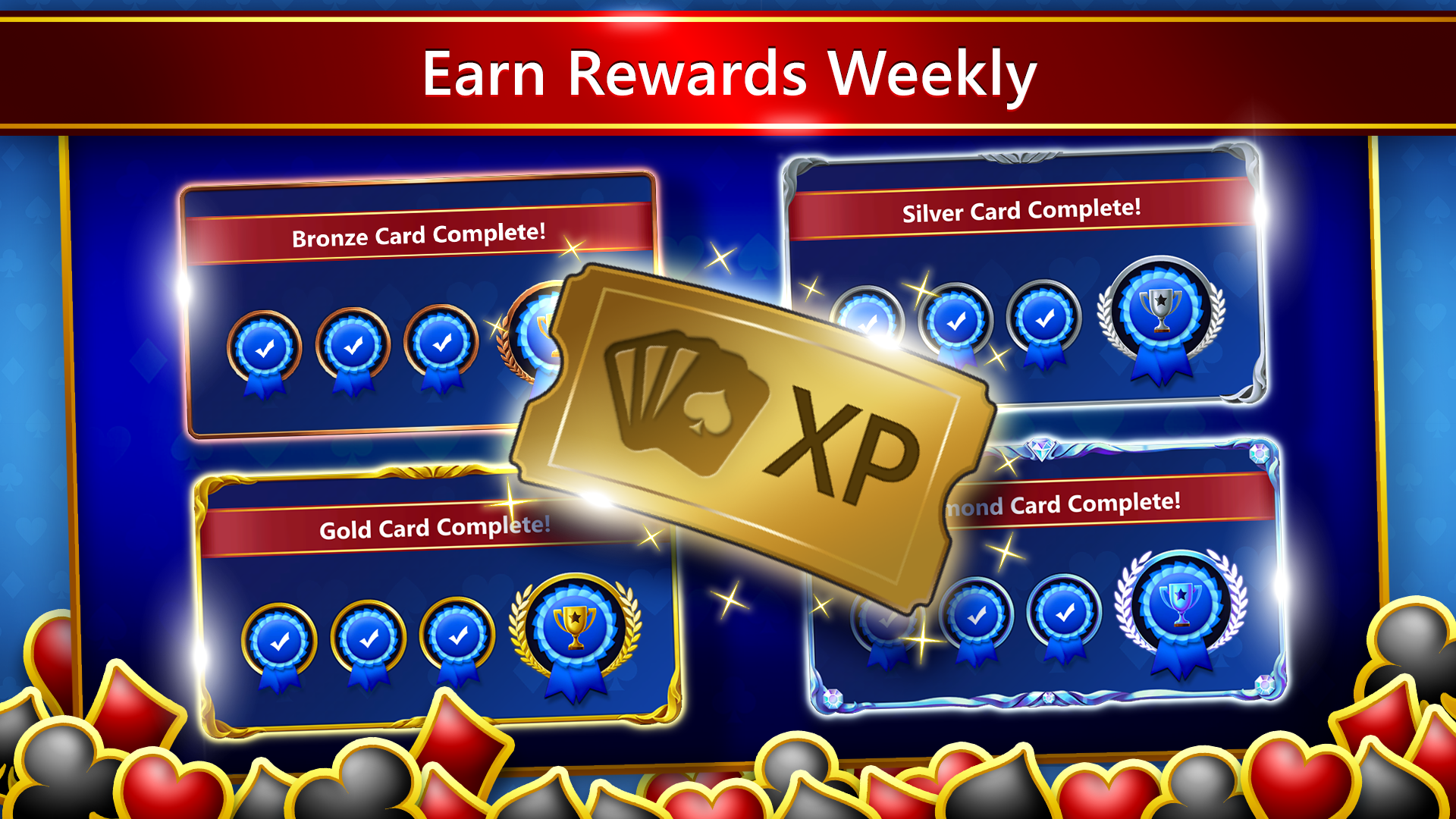
Daily challenges and rewards
Customizable themes and backgrounds
Limited offline functionality
Ads appearing during gameplay
Occasional lag or loading delays
Limited customization options for animations
Achievements and leaderboards might feel repetitive
for Windows
 4.9
4.9

for Windows
4.8

for Windows
4.8

for Windows
4.8

for Windows
4.8

for Windows
4.8

for Windows
4.8

for Windows
4.7

for Windows
4.7

for Windows
4.7

for Windows
4.7

for Windows
4.7

for Windows
5

for Windows
5

for Windows
5

for Windows
5

for Windows
5

for Windows
5

for Windows
5

for Windows
5

for Windows
5

for Windows
5