Security
PC
Windows 10 version 19042.0 or higher
Chinese (Simplified), Chinese (Traditional), English (United States), Hindi, Japanese, Korean
Microsoft PC Manager is an all-in-one utility designed to keep your Windows PC running smoothly by offering cleaning, security, and system optimization functionalities bundled into a friendly interface.
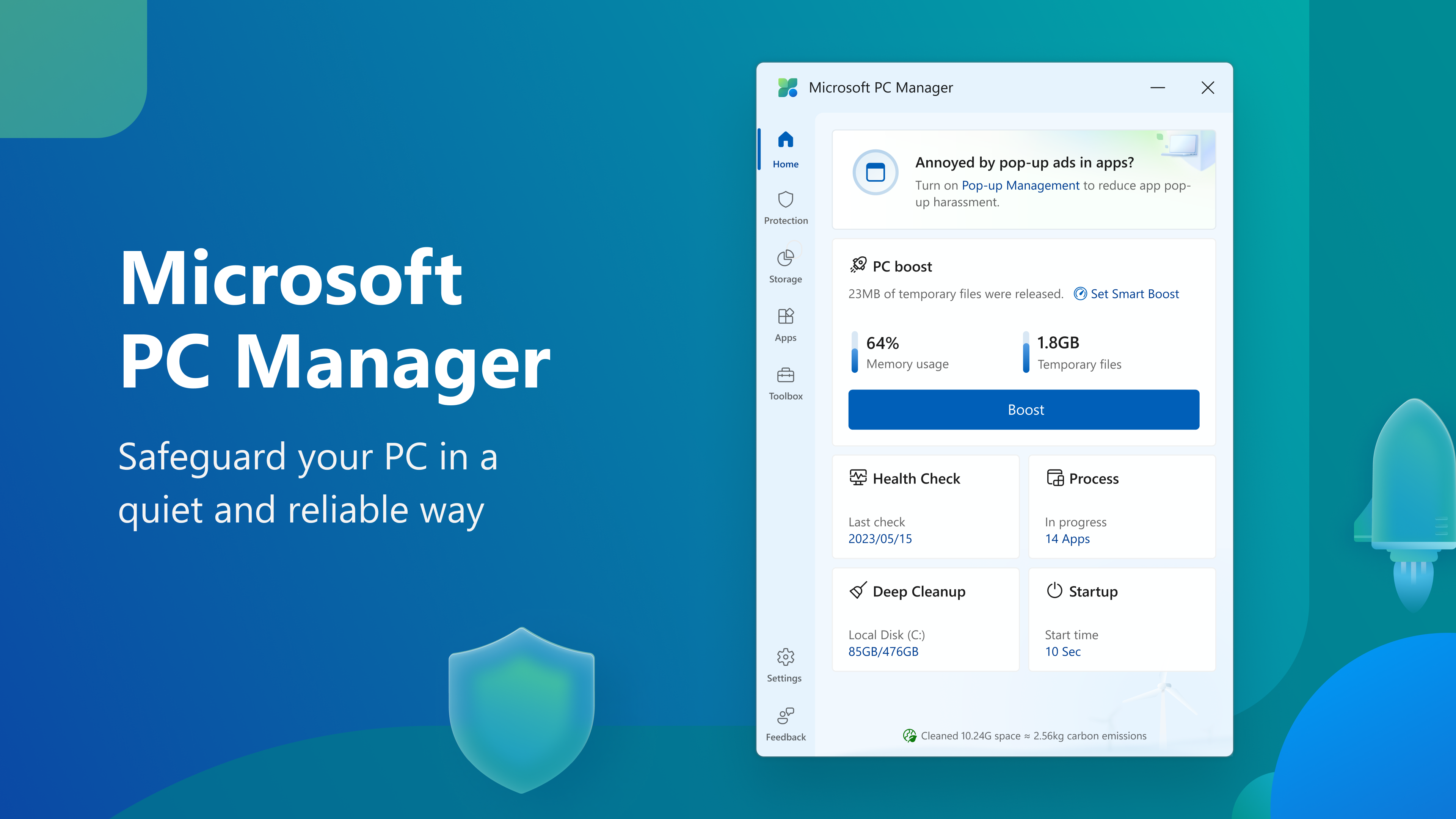
Developed by Microsoft Corporation, PC Manager aims to assist everyday users in maintaining their computer health effortlessly. Its key features include quick system scans for junk files, enhanced security protections, and performance tuning tools. The application is tailored primarily for casual users, small business owners, and anyone seeking a straightforward way to keep their Windows devices optimized without diving into complex settings.
Imagine your Windows PC as a busy city street—over time, traffic congestion, trash piling up, and security threats can slow everything down. Microsoft PC Manager steps in like a diligent city inspector, helping clear the clutter, fortify security, and streamline operations. It's designed to make PC maintenance feel less like a chore and more like a friendly upgrade to your digital environment. Whether you're binge-watching your favorite series or working on an important project, this app promises to keep your device running as smoothly as a well-oiled machine.
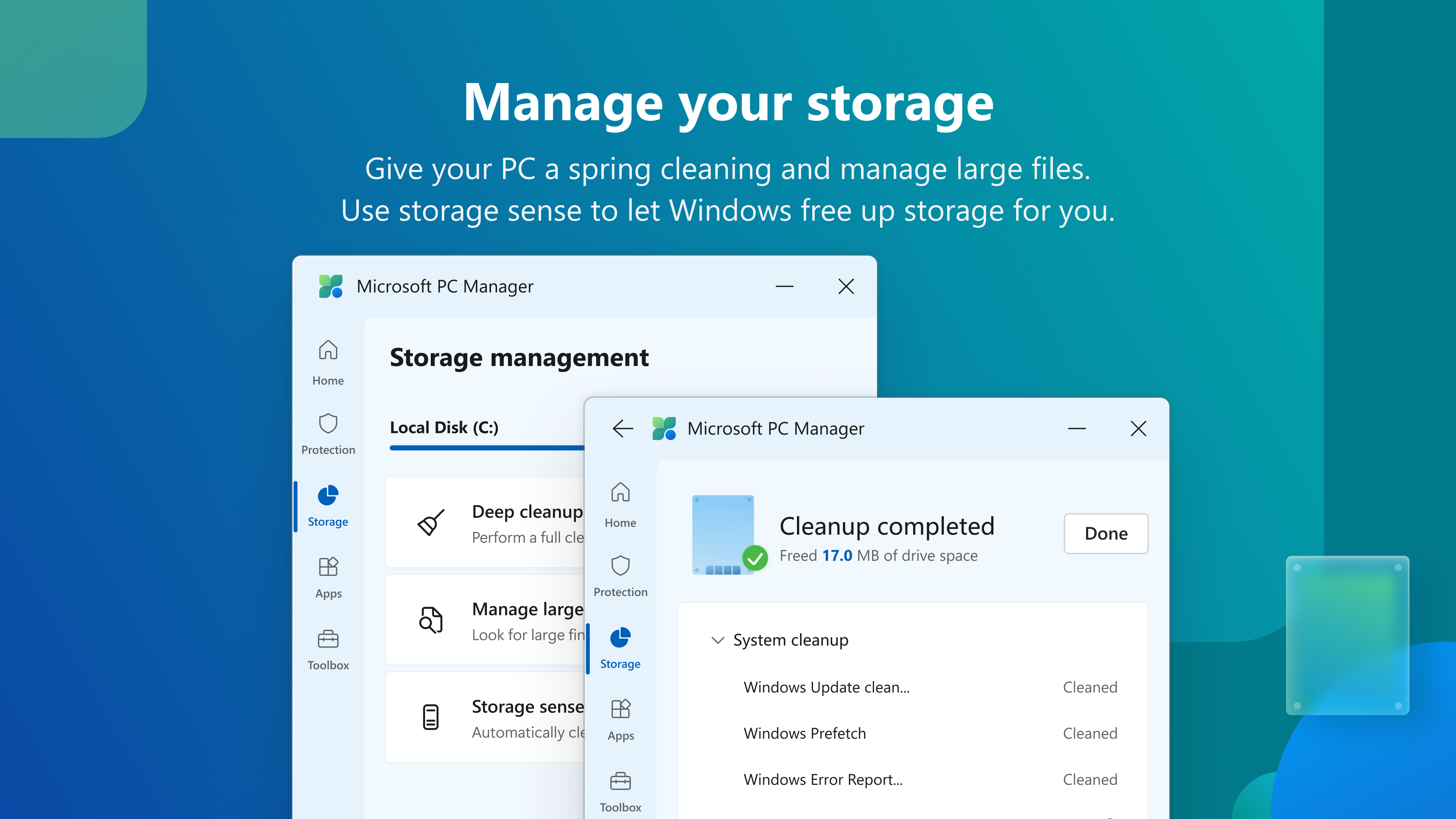
The first stop on this maintenance journey is the system cleanup feature. With just a few clicks, PC Manager scans for unnecessary files, cache data, and redundant system logs that silently accumulate over time. The cleaning process is straightforward, akin to clearing out a cluttered garage to find your essentials easily again. Users will appreciate that the app intelligently identifies benign files for removal while safeguarding important data. This helps free up disk space, reduce system lag, and improve overall responsiveness. The interface presents the findings clearly, allowing users to review before executing the cleanup, fostering transparency and control.
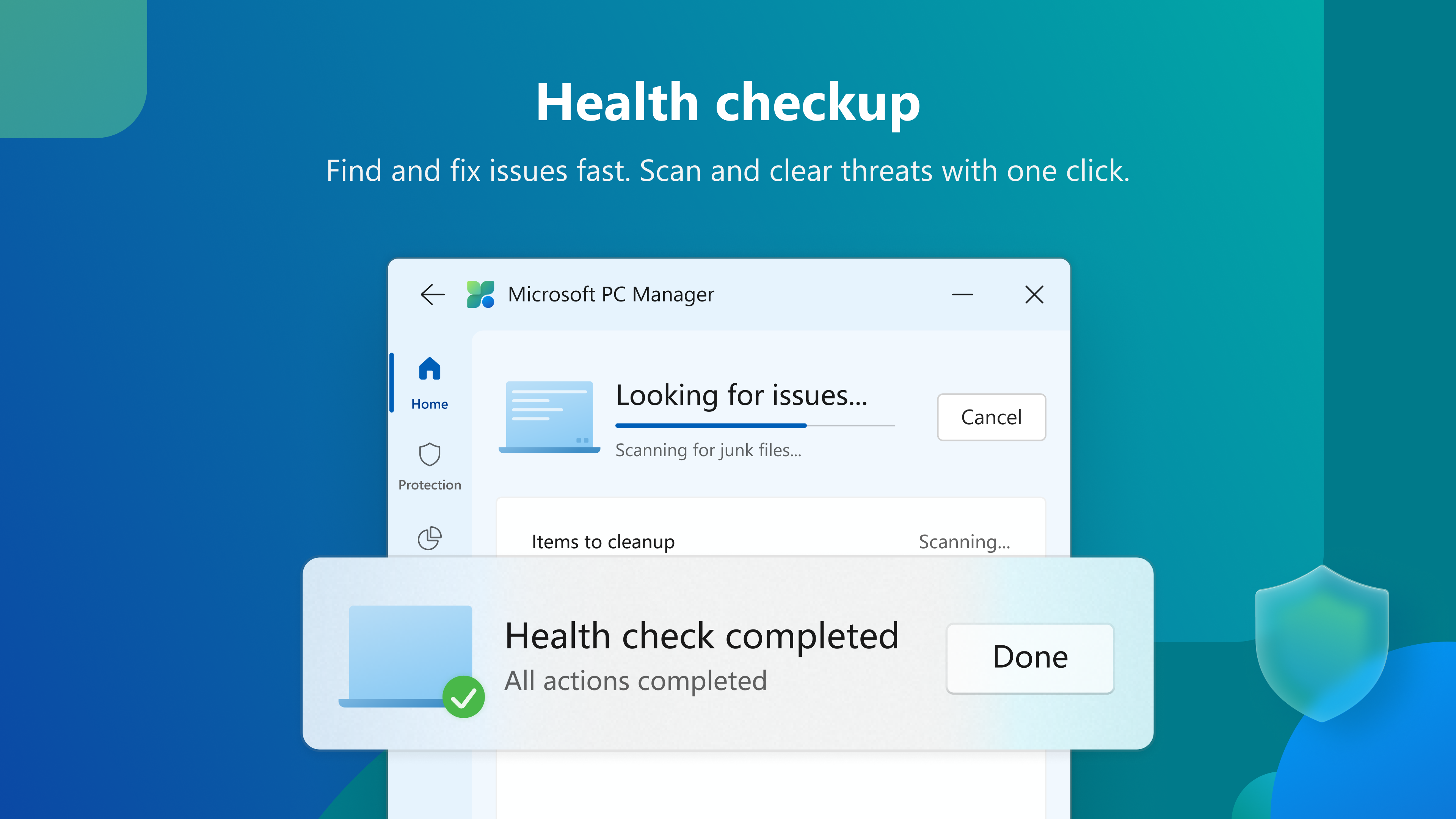
Security is at the heart of PC Manager's functionality. It provides real-time threat detection, malware scans, and vulnerabilities assessment. Think of it as having a vigilant security guard walking your digital perimeter—constantly on the lookout for malware, phishing attempts, or suspicious activities. The app's security module is user-friendly, providing clear insights and simple options to quarantine or delete threats. While it is not a replacement for dedicated antivirus solutions, its integrated protections serve as a valuable first line of defense, especially for casual users who prefer a multi-functional app all in one place.
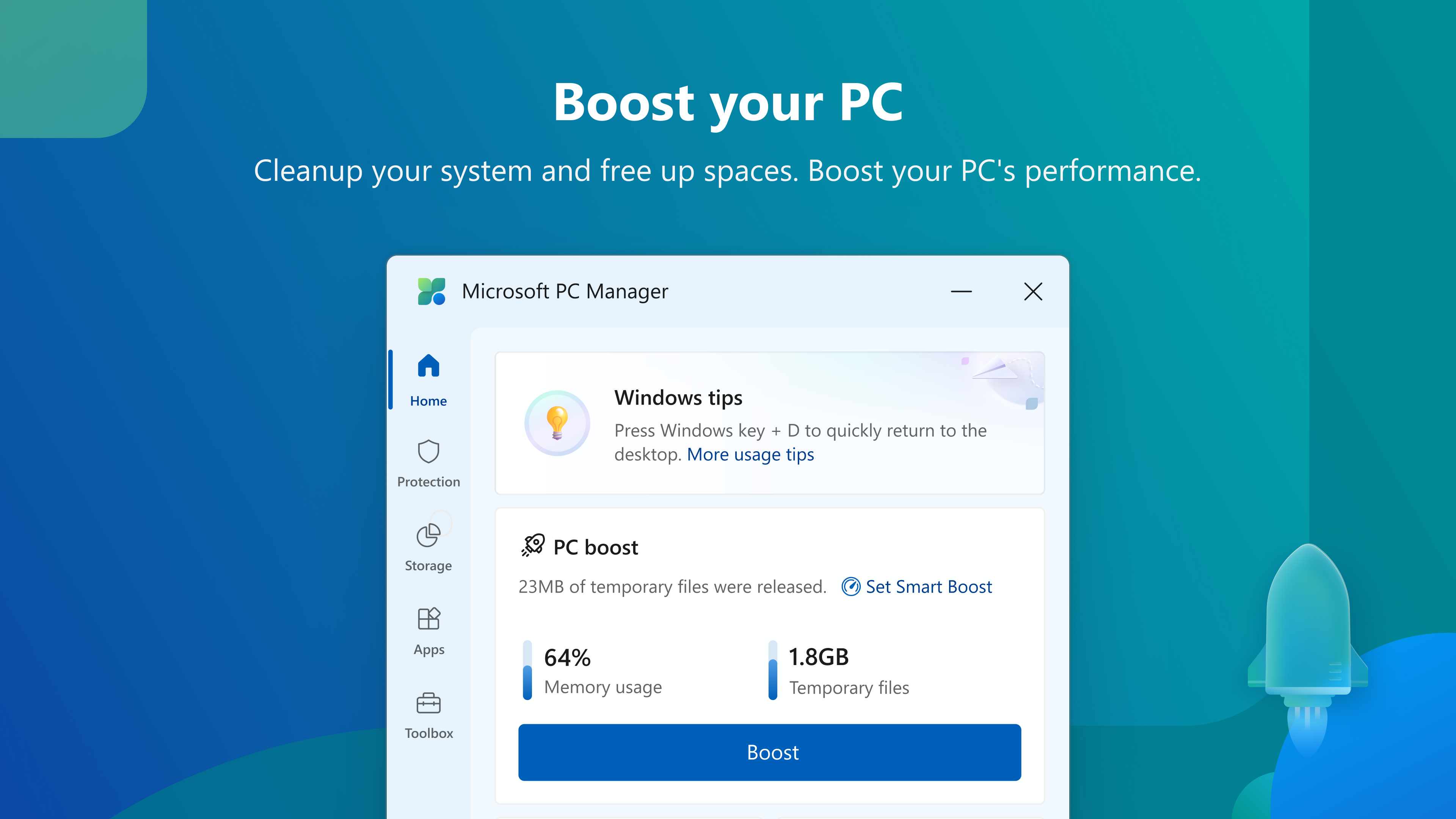
This section offers tools to optimize startup items, close unnecessary background processes, and manage system resources more effectively. Think of it as tuning a high-performance car—adjusting the engine to run smoother and faster. The interface allows users to identify which startup programs are hampering boot times and make informed decisions about disabling or delaying them. The app's automated solutions also help maintain consistent performance over time, reducing the need for constant manual adjustments. The overall experience is intuitive, with minimal learning curve, making it accessible even for novice users seeking quick fixes.
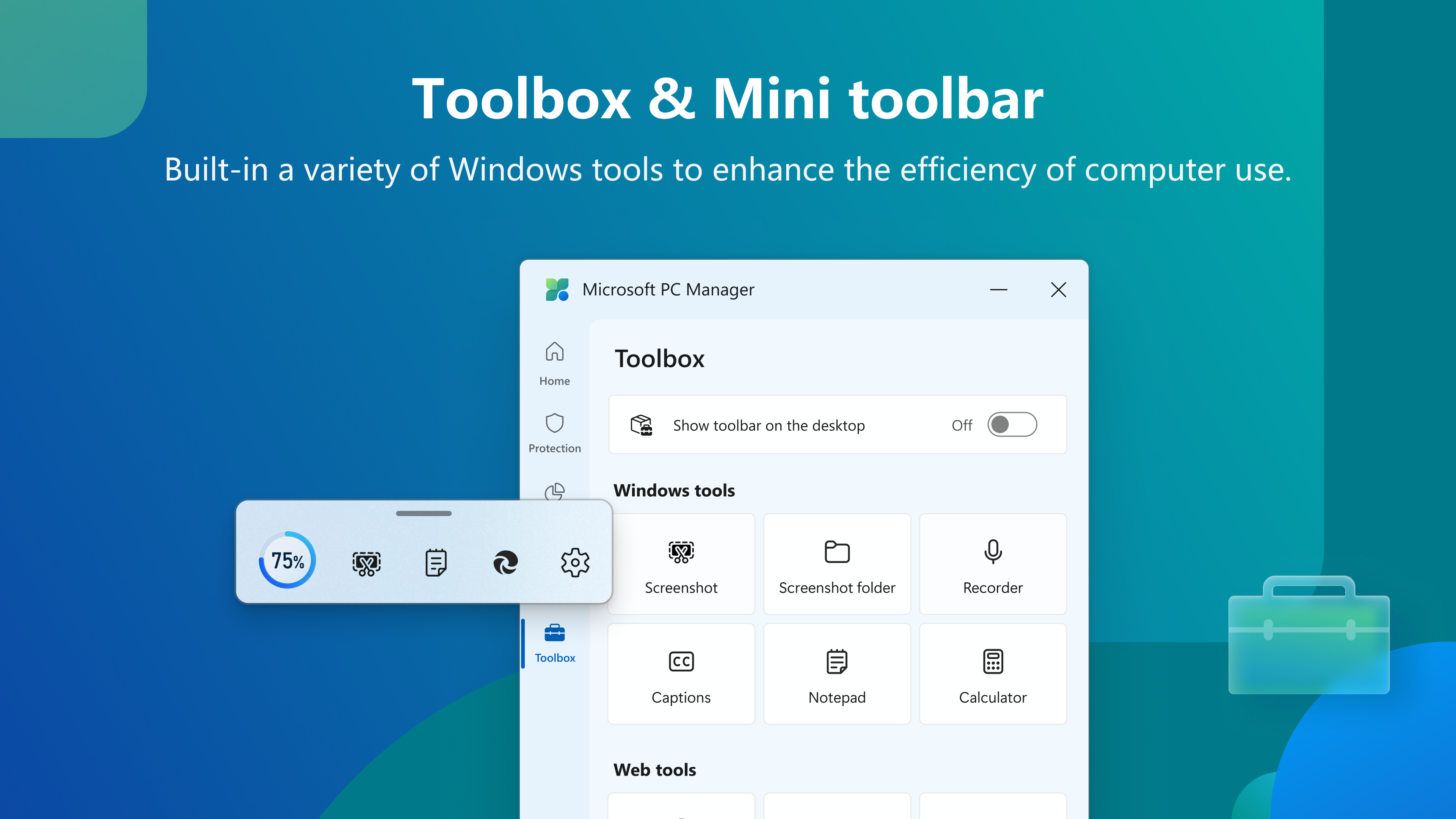
Microsoft PC Manager's interface is clean and modern, reflecting the familiar aesthetic of Windows. It adopts a simple, dashboard-style layout, guiding users effortlessly through various functions. The responsive design ensures operations happen smoothly without lag, providing immediate feedback as actions are taken. For new users, the workflows are straightforward, with clear prompts and minimal complexity, making system maintenance less of a daunting task.
What sets PC Manager apart from other security and system tools is its integrated approach—combining cleaning, security, and optimization within a single app that reliably ties into Windows' ecosystem. Its proactive notifications for system health and the ability to perform routine cleaning schedules—without needing third-party tools—are particularly noteworthy. While many apps focus solely on security or cleanup, PC Manager's dual-focus on total maintenance streamlines the user experience, especially appealing to those who prefer an all-in-one solution.
Microsoft PC Manager is a thoughtfully designed utility that offers a balanced mix of basic system cleaning, security features, and performance optimization. It functions well within its intended scope, providing a user-friendly interface and reliable core functionalities that make regular PC maintenance accessible to non-technical users. Its unique selling points—especially its seamless integration with Windows and the combination of cleaning and security—make it a compelling choice for casual users seeking convenience without sacrificing effectiveness.
While it may not replace dedicated security or professional optimization tools for power users, for everyday use, Microsoft PC Manager serves as a helpful digital housekeeper. I recommend giving it a try if you're looking for a straightforward, reliable, and lightweight solution to keep your Windows device in top shape. For optimal results, consider using it regularly alongside existing security practices to maintain a healthy and speedy PC environment.
Comprehensive System Optimization
User-Friendly Interface
Deep Cleaning Capabilities
Real-Time Monitoring
Regular Updates and Support
Limited Customization Options
Occasional False Positives
Slow Scan Speed on Older Devices
Limited Privacy Controls
Requires Internet Connection for Full Functionality

for Windows
 4.8
4.8

for Windows
4.7

for Windows
4.7
for Windows
4.7

for Windows
4.6

for Windows
4.6

for Windows
4.5

for Windows
4.4

for Windows
4.4

for Windows
4.3

for Windows
4.3

for Windows
4.3

for Windows
5

for Windows
5

for Windows
5

for Windows
5

for Windows
5

for Windows
5

for Windows
5

for Windows
5

for Windows
5

for Windows
5