Classics
PC
Windows 10 version 19041.0 or higher
Chinese (Simplified), Chinese (Traditional Chinese), Danish, Dutch, English, English (United Kingdom), Finnish, French, French (Canada), German, Italian, Japanese, Korean, Norwegian (Bokmål), Polish, Portuguese, Portuguese (Brazil), Russian, Spanish, Spanish (Mexico), Swedish, Turkish
Microsoft Mahjong for Windows is a sleek and thoughtfully designed digital rendition of the classic tile-matching game, crafted to provide a relaxing yet engaging experience for players of all ages.
Created and maintained by the renowned Xbox Game Studios, this application benefits from the company's extensive experience in delivering high-quality gaming and entertainment experiences on Windows platforms.
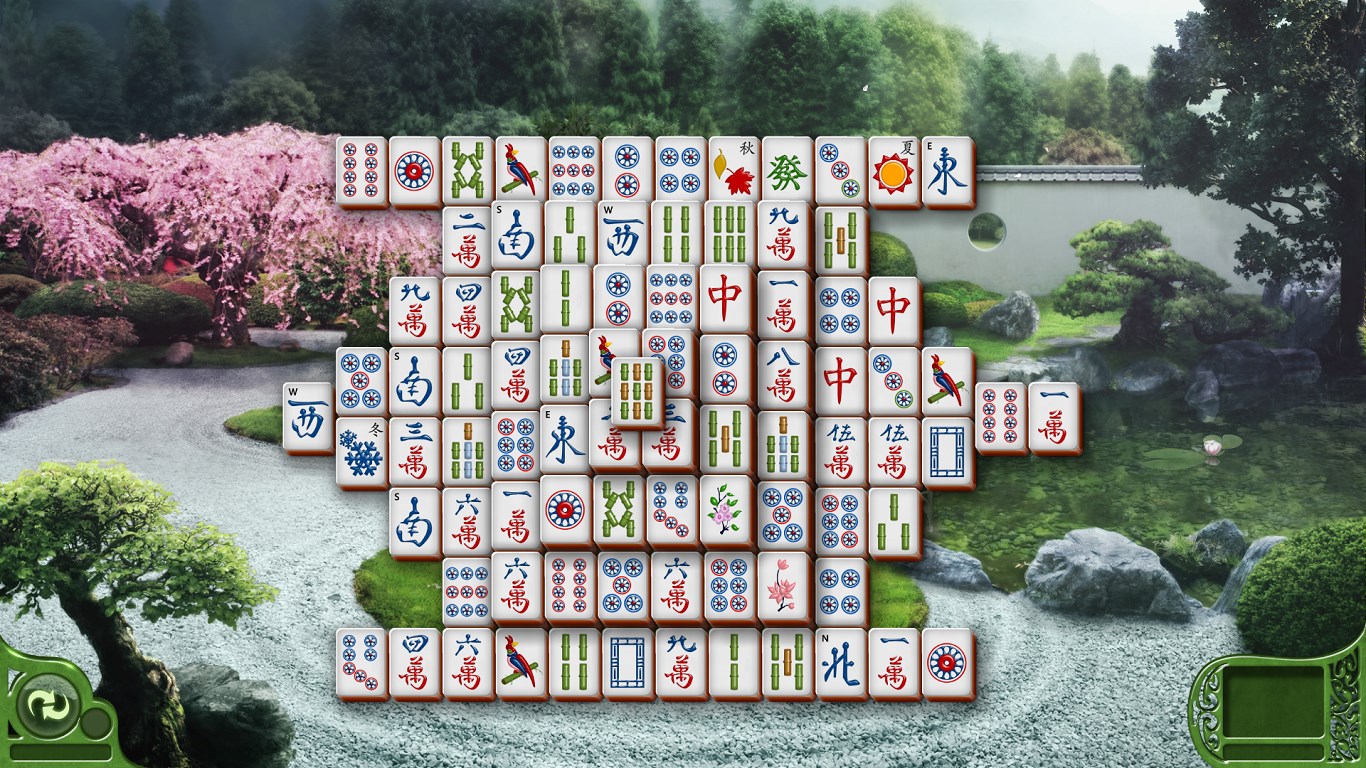
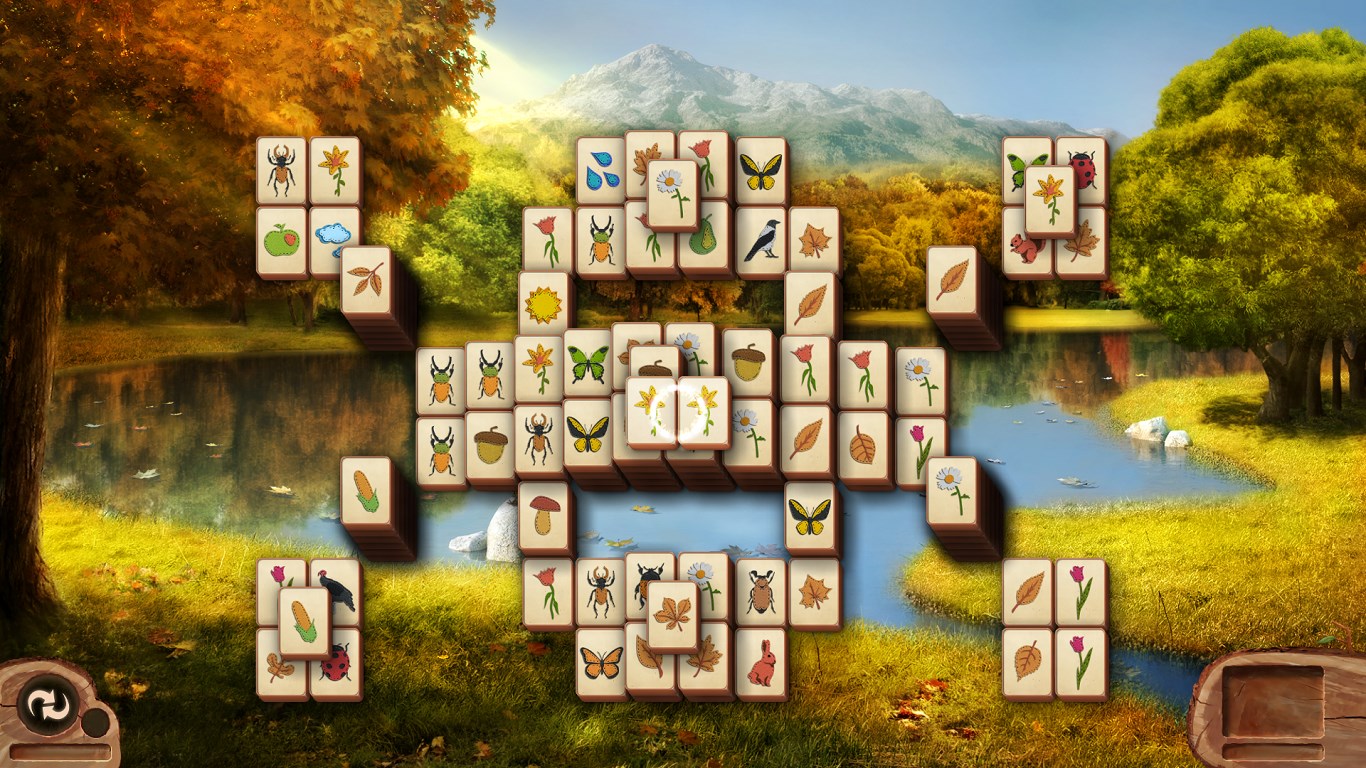
Upon launching Microsoft Mahjong, you're greeted with a polished interface reminiscent of a cozy game room—calm colors, delicate tile designs, and intuitive menus invite you to settle in for a relaxing session. The game flows smoothly, thanks to optimized performance that ensures seamless tile matching and minimal lag, even during intense timed challenges. Navigation feels instinctive; clicking, dragging, and zooming are responsive, making the learning curve gentle while still offering depth for seasoned players. Whether you're a casual player seeking zen or a veteran sharpening your skills, the interface accommodates your pace.
The variety in gameplay modes truly distinguishes Microsoft Mahjong. The Classic mode is perfect for those who appreciate the traditional experience, with tiles laid out in intricate patterns reminiscent of actual Mahjong sets. The Timed mode injects a bit of adrenaline, testing your quick-thinking skills under the clock—think of it as a friendly race against time while you declutter your mind. The Daily Challenges serve as a perfect daily ritual, offering fresh puzzles to uncover each day, which helps retain the game's novelty over time. The inclusion of these modes ensures that players are constantly presented with new ways to enjoy the game, whether for leisure or a quick mental workout.
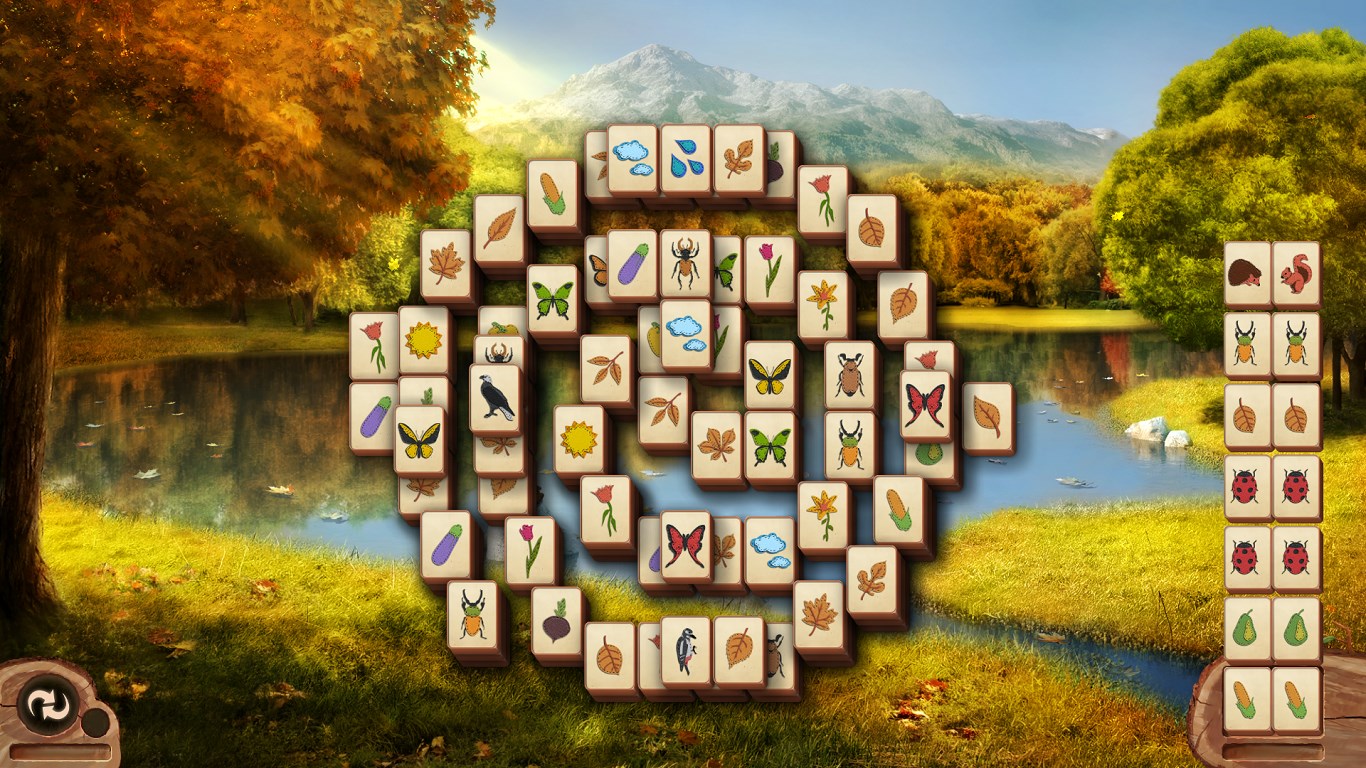
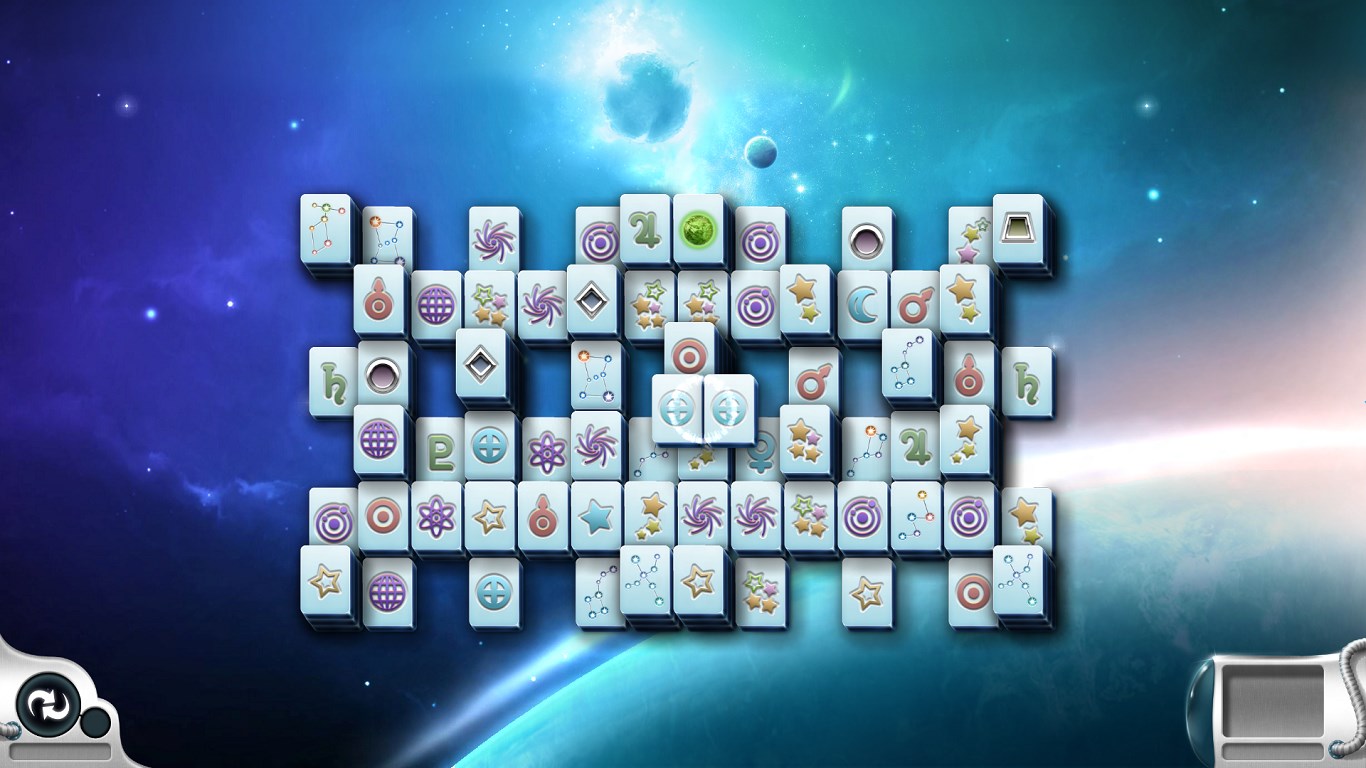
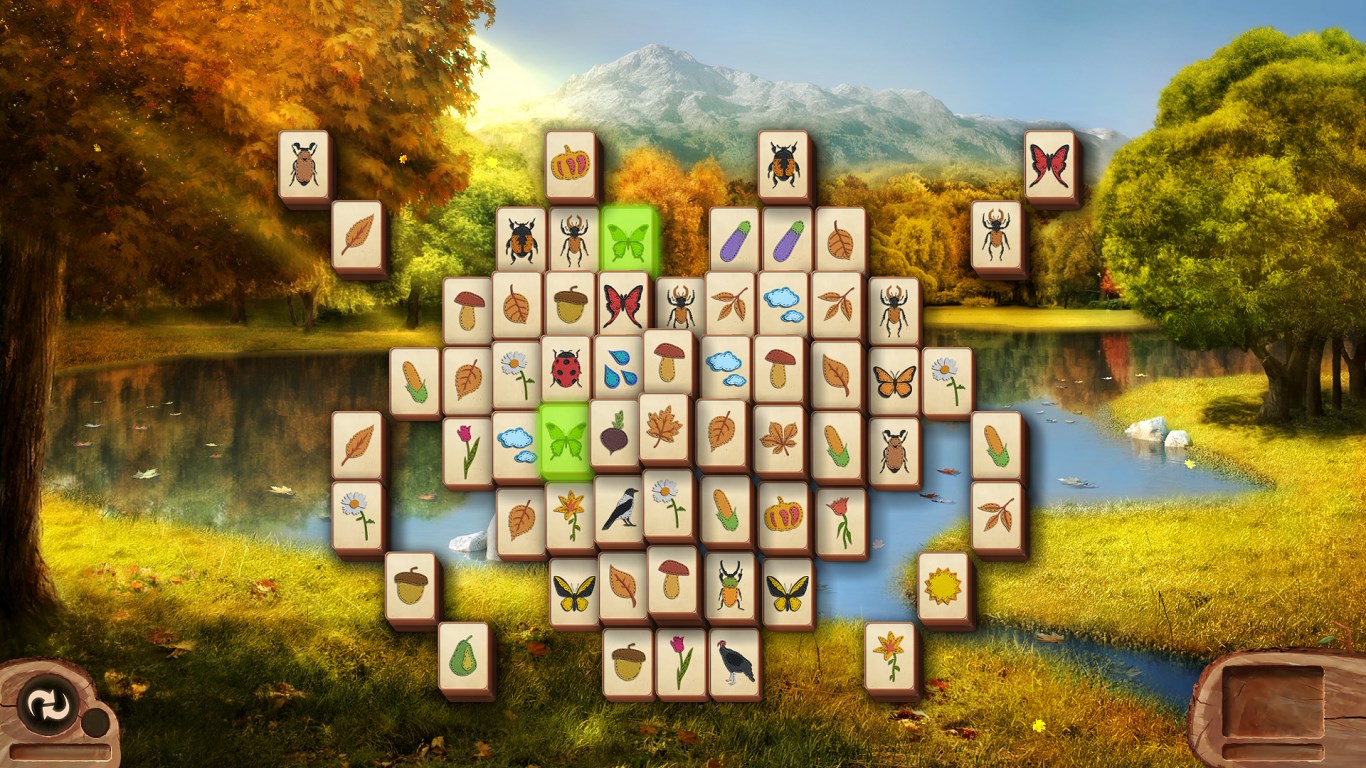
What sets Microsoft Mahjong apart from other classic tile-matching apps is its emphasis on customization and daily engagement. The ability to personalize themes and tiles transforms the game from a mere pastime into a personalized retreat. Additionally, the daily challenge system acts like a friendly curator of fresh puzzles, encouraging users to revisit regularly. Unlike some competitors that stick rigidly to a single mode, this app provides a holistic experience, blending traditional charm with modern touches. Its polished visuals, smooth gameplay, and variety of modes make it an inviting choice for both casual players and mahjong enthusiasts seeking a reliable digital companion.
Overall, Microsoft Mahjong for Windows is a commendable digital adaptation of a timeless game—a perfect blend of user-friendly design and engaging features. Its standout customization options and daily challenges make it especially appealing for those who want a personalized mahjong experience that evolves over time. The app's smooth performance and straightforward interface ensure that players of any skill level can jump right in without frustration. I would recommend it to anyone looking for a relaxing yet stimulating puzzle game, whether you're new to mahjong or a seasoned veteran. For those seeking a dependable, aesthetically pleasing, and feature-rich mahjong app, Microsoft Mahjong is definitely worth exploring.
Intuitive and visually appealing interface
Wide variety of Mahjong tile sets and layouts
Offline mode available
Daily challenges and rewards
Regular updates and new content
Limited customization options for game themes
In-app purchases may be required to unlock premium themes
Leaderboard and social features are somewhat basic
Occasional ads appear during gameplay
Tutorials can be brief for beginners

for Windows
 4.9
4.9

for Windows
4.9

for Windows
4.9

for Windows
4.8

for Windows
4.8

for Windows
4.8

for Windows
4.8
for Windows
4.7

for Windows
4.7

for Windows
4.7

for Windows
4.7

for Windows
4.7

for Windows
5

for Windows
5

for Windows
5

for Windows
5

for Windows
5

for Windows
5

for Windows
5

for Windows
5

for Windows
5

for Windows
5