Business
PC
Windows 10 version 19041.0 or higher
English (United States)
Microsoft Forms for Windows is a streamlined tool designed to simplify survey creation, data collection, and collaborative analysis—making it an essential companion for teams aiming to gather insights effortlessly and efficiently.
Microsoft Forms for Windows serves as a user-friendly platform for creating custom surveys, quizzes, and polls directly from your Windows device.
Developed and published by Microsoft Corporation, it benefits from the company's robust cloud infrastructure and consistent design language.
Ideal for educators, business professionals, researchers, and team leaders who need to gather, analyze, and act on data collaboratively within Microsoft's ecosystem.
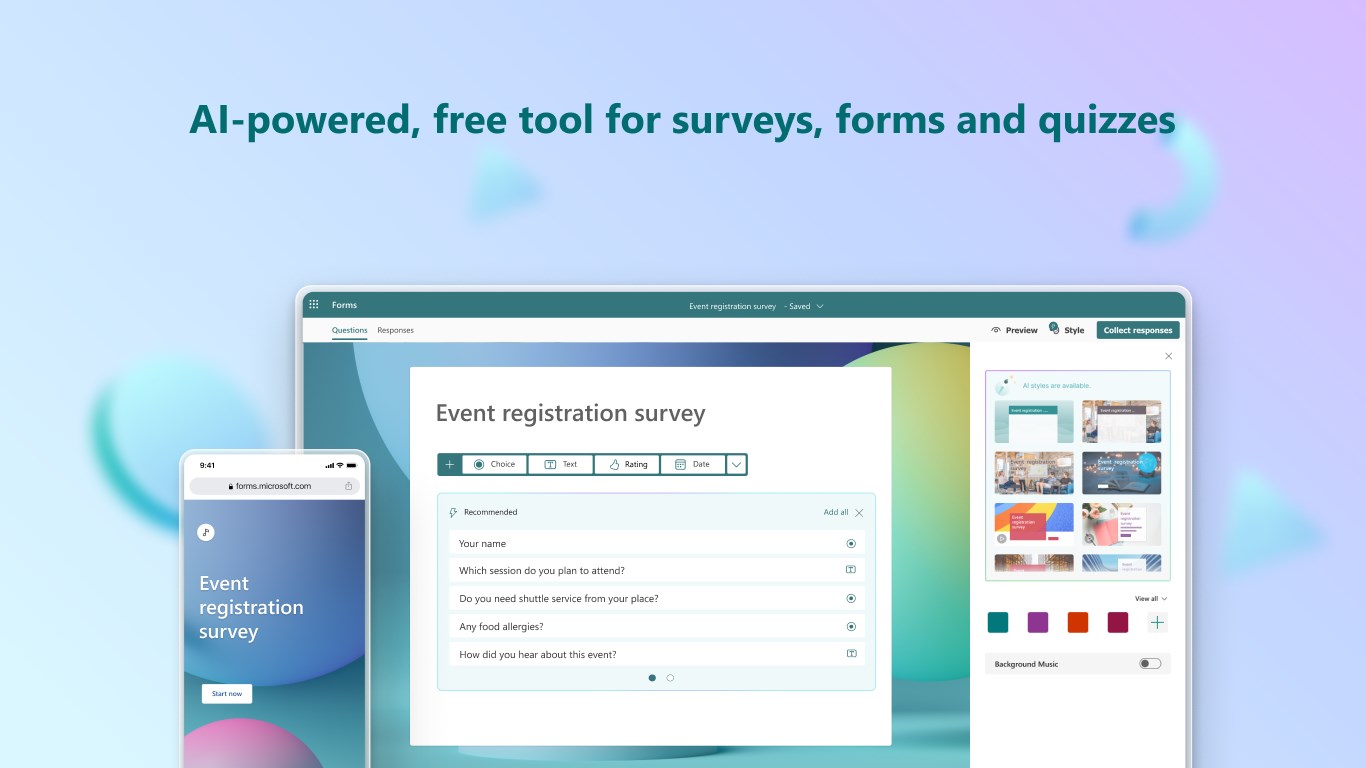
If you've ever felt overwhelmed by clunky survey tools, Microsoft Forms for Windows is like the friendly neighborhood craftsperson—making survey creation feel less like a chore and more like assembling a well-organized kit. The app's clean, modern interface ensures you spend less time fumbling through menus and more time focusing on what questions to ask, whether it's multiple-choice, text, ratings, or dates. The drag-and-drop functionality simplifies question ordering and customization, giving you a playground of options without the frustration.
One standout feature is its support for live collaboration—think of it as a shared whiteboard where everyone's ideas appear instantly. Whether your team is spread across offices or halfway around the world, multiple users can develop, edit, and review forms simultaneously. This dynamic interaction reduces tedious back-and-forth emails and keeps your project moving forward seamlessly.
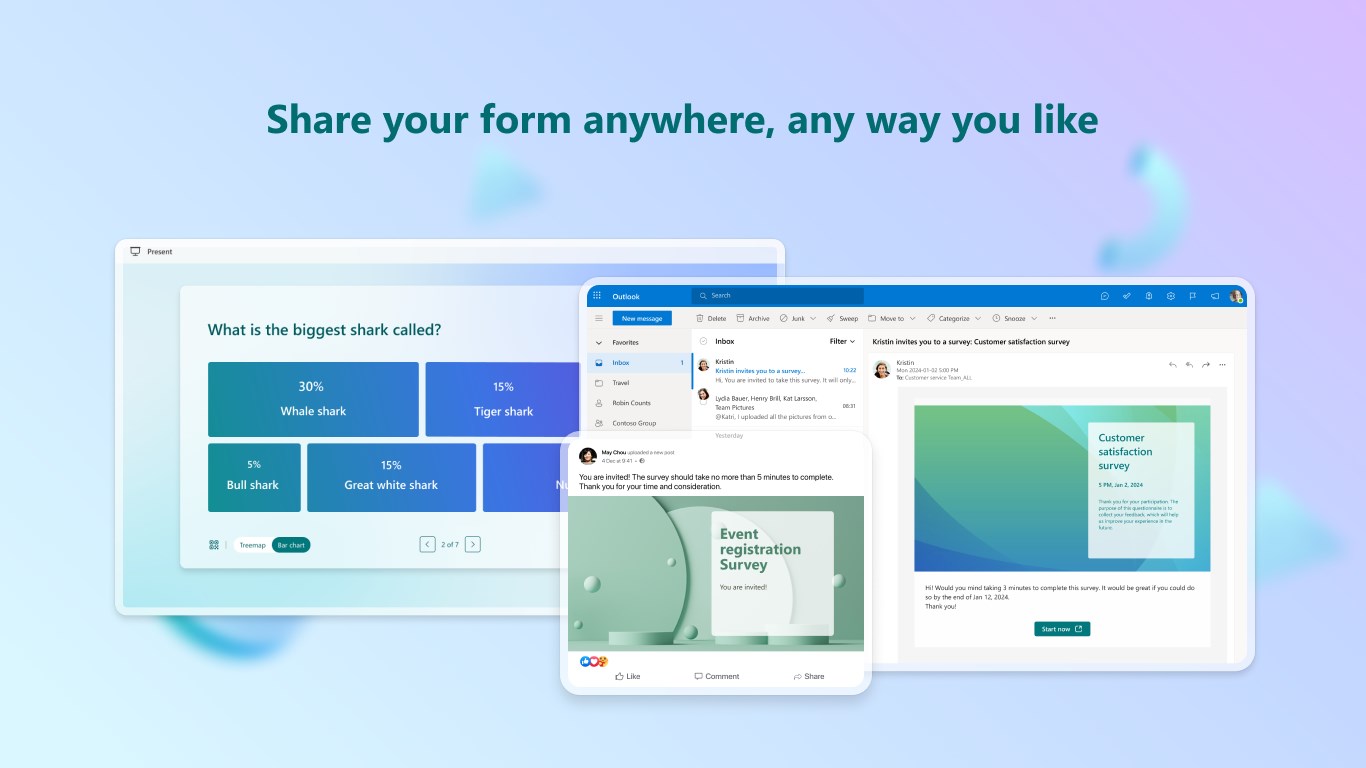
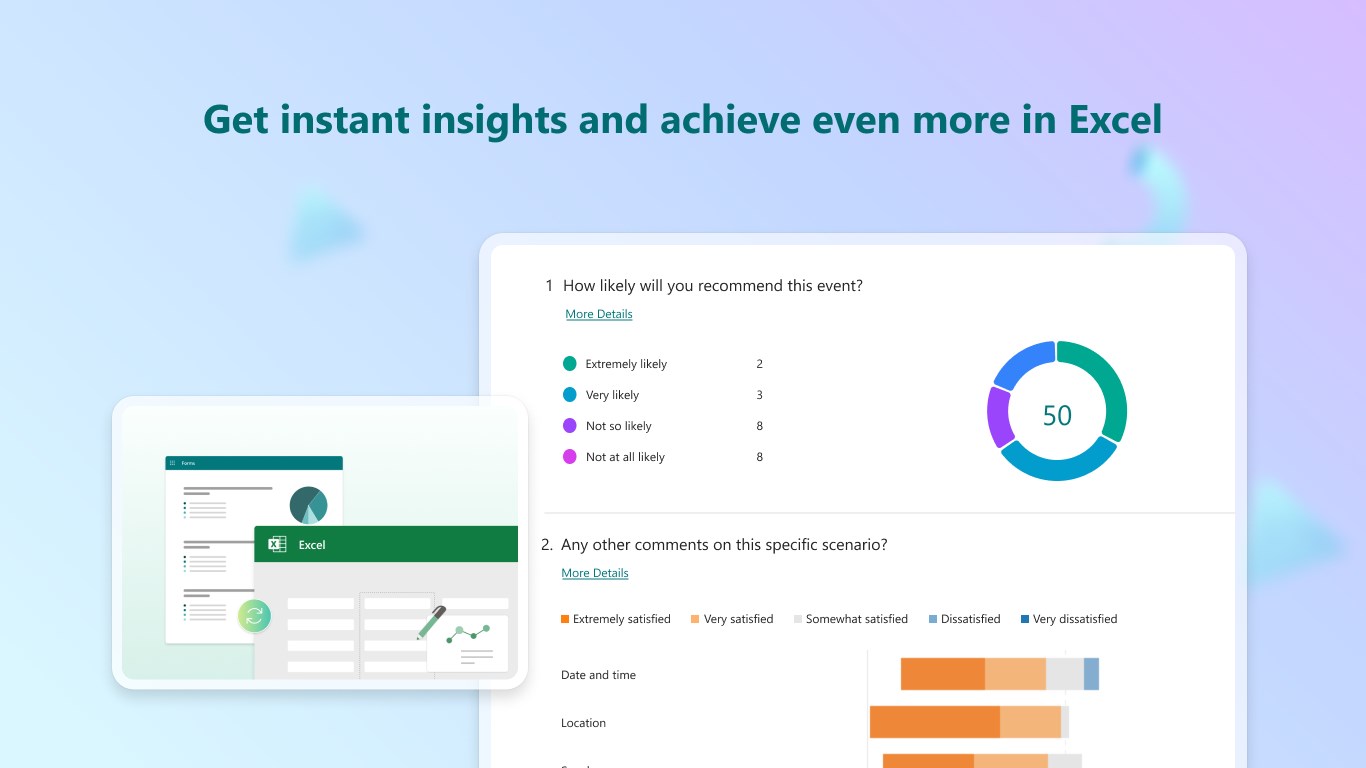
Another highlight is how effortlessly Forms connects with the broader Microsoft 365 ecosystem. Responses automatically sync with Excel, allowing for sophisticated data analysis with familiar tools. Plus, integration with Teams and Outlook means you can distribute surveys directly through communication channels or schedule them as meetings or reminders, turning data gathering into a natural extension of your daily workflow.
The app scores high on usability—its interface resembles a sleek dashboard, where design and function harmonize. Navigation is intuitive; even first-time users can quickly grasp how to build complex surveys. Responsiveness and load times are smooth, contributing to an overall pleasant experience. The learning curve is gentle, making it accessible to users of varying technical skill levels.
Compared to other business survey tools like Google Forms or SurveyMonkey, Microsoft Forms' biggest edge lies in its collaborative synergy and tight integration with productivity tools. While competitors may offer similar survey features, Forms' ability to facilitate real-time co-creation and instantly leverage existing data within Microsoft 365 is truly a game changer. Its unique focus on teamwork and task automation distinguishes it from traditional standalone survey applications.
I'd recommend Microsoft Forms for Windows to teams and individuals already embedded within the Microsoft ecosystem who value simplicity coupled with powerful collaboration. It's ideal for quick deployment of questionnaires, school quizzes, or internal feedback forms, especially when multiple contributors are involved. While it might lack some of the advanced branching or customization found in specialized survey platforms, its seamless integration and collaborative features make it a reliable choice for everyday data collection tasks.
In essence, Microsoft Forms for Windows isn't just a survey tool—it's a digital meeting room where ideas, opinions, and data come together efficiently. If your work involves frequent surveys and teamwork, this app deserves a spot on your Windows device as a trusty, collaborative assistant.
User-friendly interface
Seamless integration with Microsoft 365
Real-time response tracking
Customizable question types
Automated data collection and export
Limited advanced question logic
Lack of extensive customization options
Offline data collection is not supported
Limited response analysis tools within the app
Responses are anonymized unless explicitly configured

for Windows
 5
5

for Windows
5

for Windows
4.9

for Windows
4.9

for Windows
4.9

for Windows
4.9

for Windows
4.8

for Windows
4.8

for Windows
4.8

for Windows
4.8

for Windows
4.7

for Windows
4.7

for Windows
5

for Windows
5

for Windows
5

for Windows
5

for Windows
5

for Windows
5
for Windows
5

for Windows
5

for Windows
5

for Windows
5