Security
PC
Windows 11 version 22000.0 or higher
Not specified
Not specified
Afrikaans, Albanian, Amharic, Arabic, Armenian, Assamese, Azerbaijani, Bangla (India), Basque, Bosnian (Latin, Bosnia and Herzegovina), Bulgarian, Catalan, Chinese (Simplified), Chinese (Traditional), Croatian, Czech, Danish, Dutch, English (United Kingdom), English (United States), Estonian, Filipino, Finnish, French, French (Canada), Galician , Georgian, German, Greek, Gujarati, Hebrew, Hindi, Hungarian, Icelandic, Indonesian, Irish, Italian, Japanese, Kannada, Kazakh, Khmer, Konkani, Korean , Lao, Latvian, Lithuanian, Luxembourgish, Macedonian, Malay, Malayalam, Maltese, Maori, Marathi, Nepali, Norwegian (Bokmål), Odia, Persian, Polish , Portuguese (Brazil), Portuguese (Portugal), Punjabi (India), Quechua, Romanian, Russian, Scottish Gaelic, Serbian, Serbian (Cyrillic, Bosnia and Herzegovina), Serbian (Latin, Serbia), Slovak, Slovenian (Slovenia), Spanish (Mexico), Spanish (Spain), Swedish, Tamil, Tatar, Telugu, Thai, Turkish, Ukrainian, Urdu, Uyghur, Uzbek, Valencian, Vietnamese, Welsh
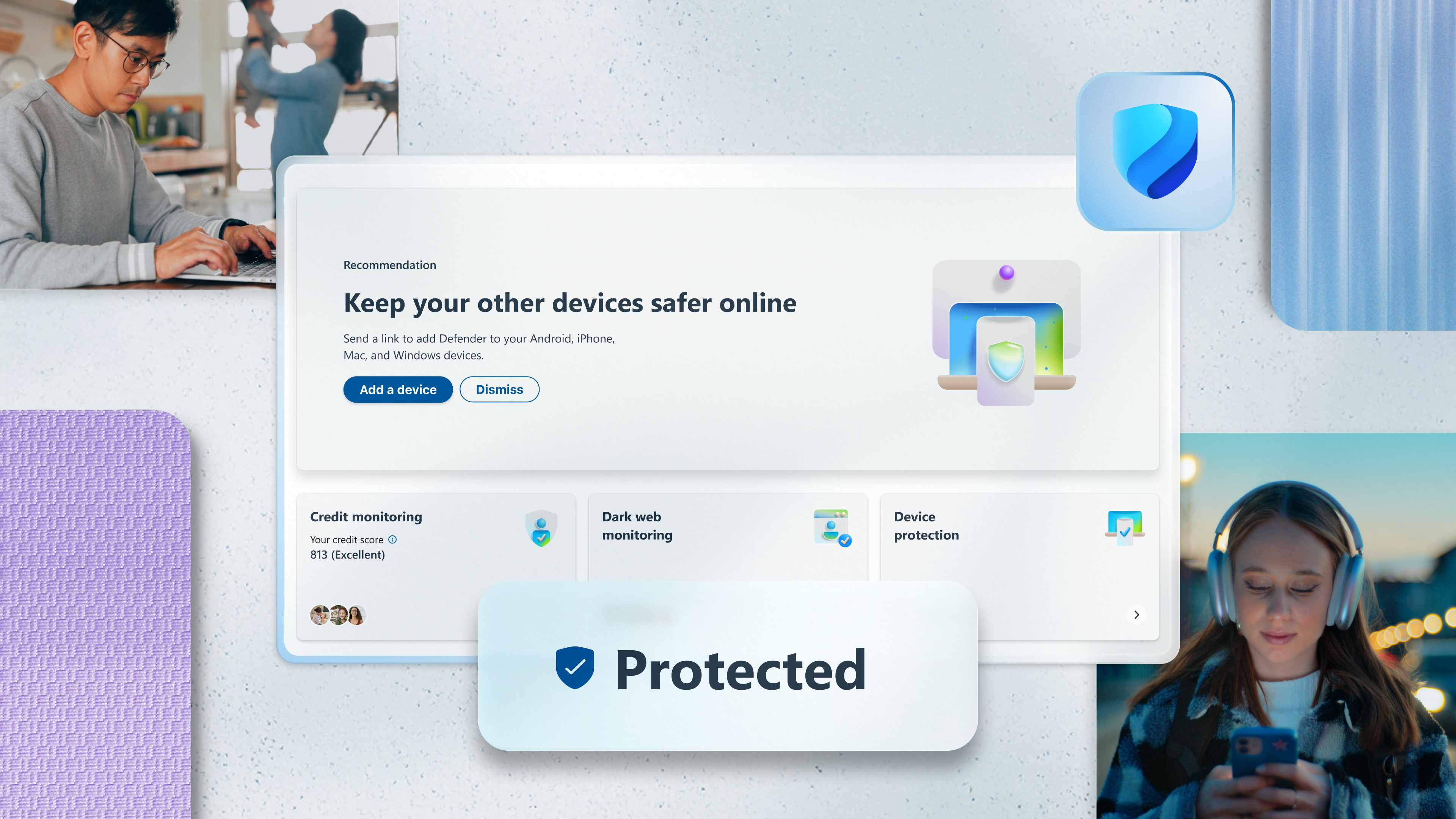
If you're looking for a reliable guardian for your Windows device without the hassle of third-party bloatware, Microsoft Defender stands out as a built-in, seamless solution. As part of the Windows ecosystem, it promises integrated, real-time protection with minimal user fuss. Today, we'll explore its key features, user experience, and what sets it apart from other security tools, helping you decide if it deserves to be your digital watchdog.
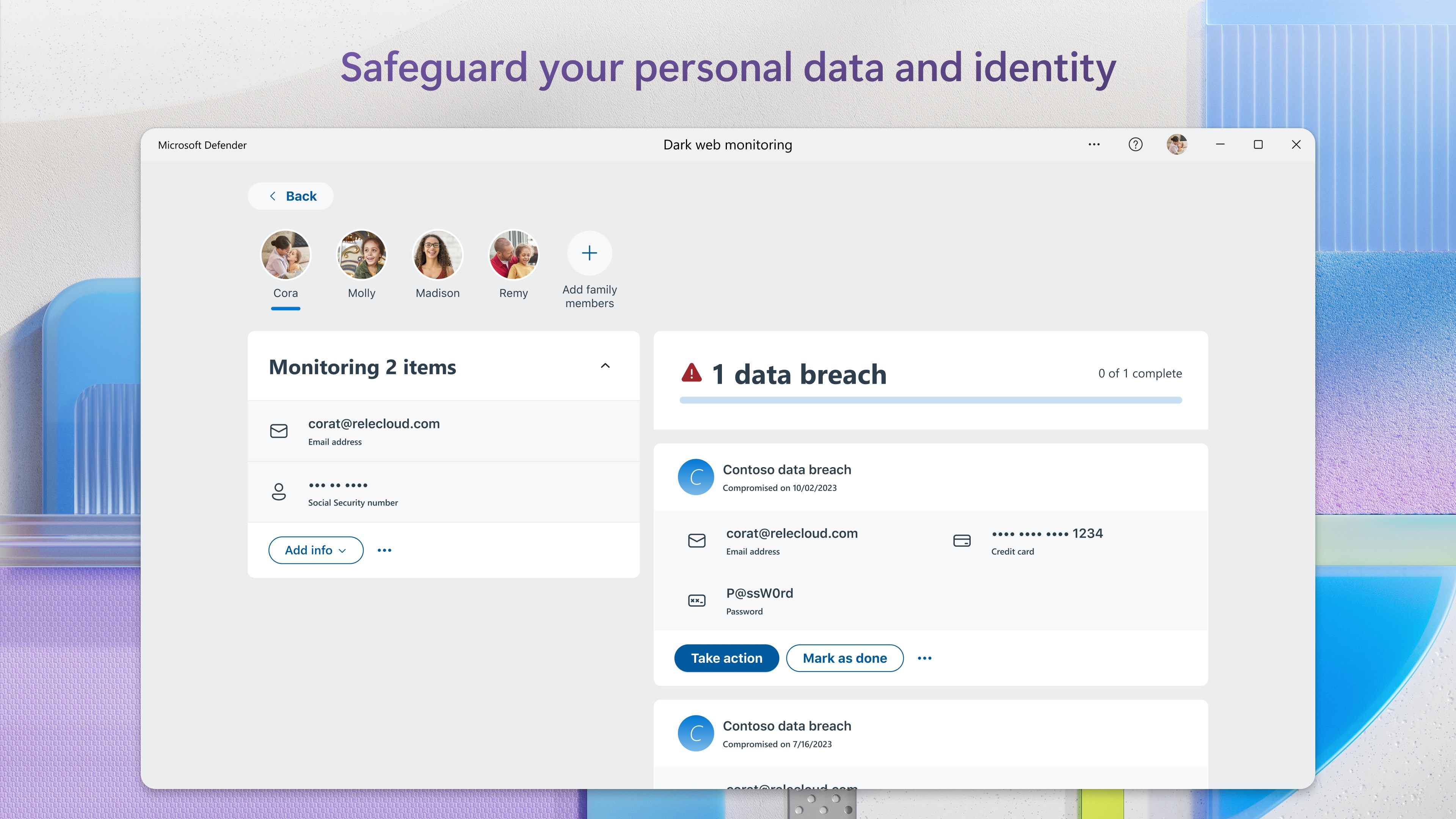
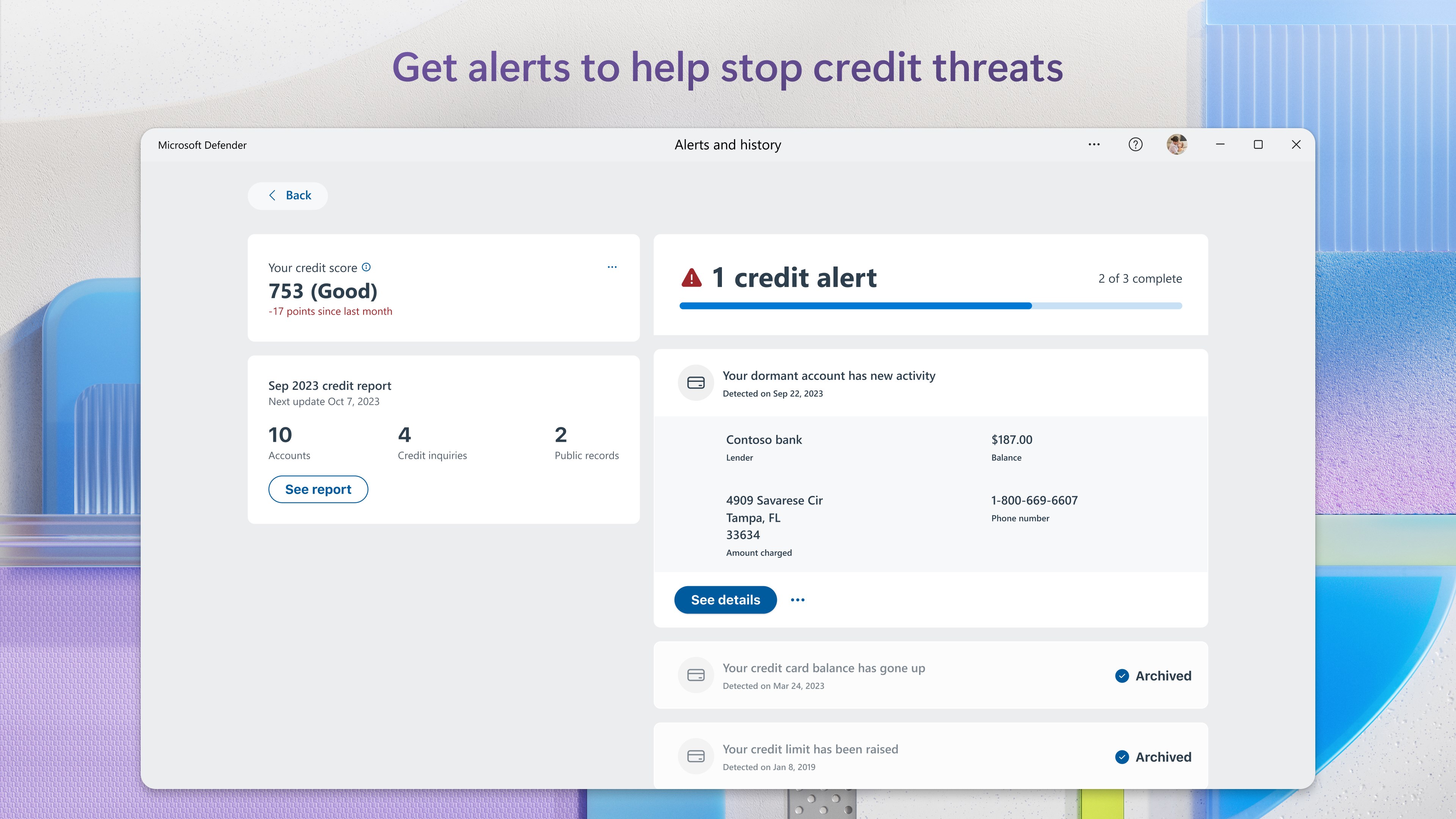
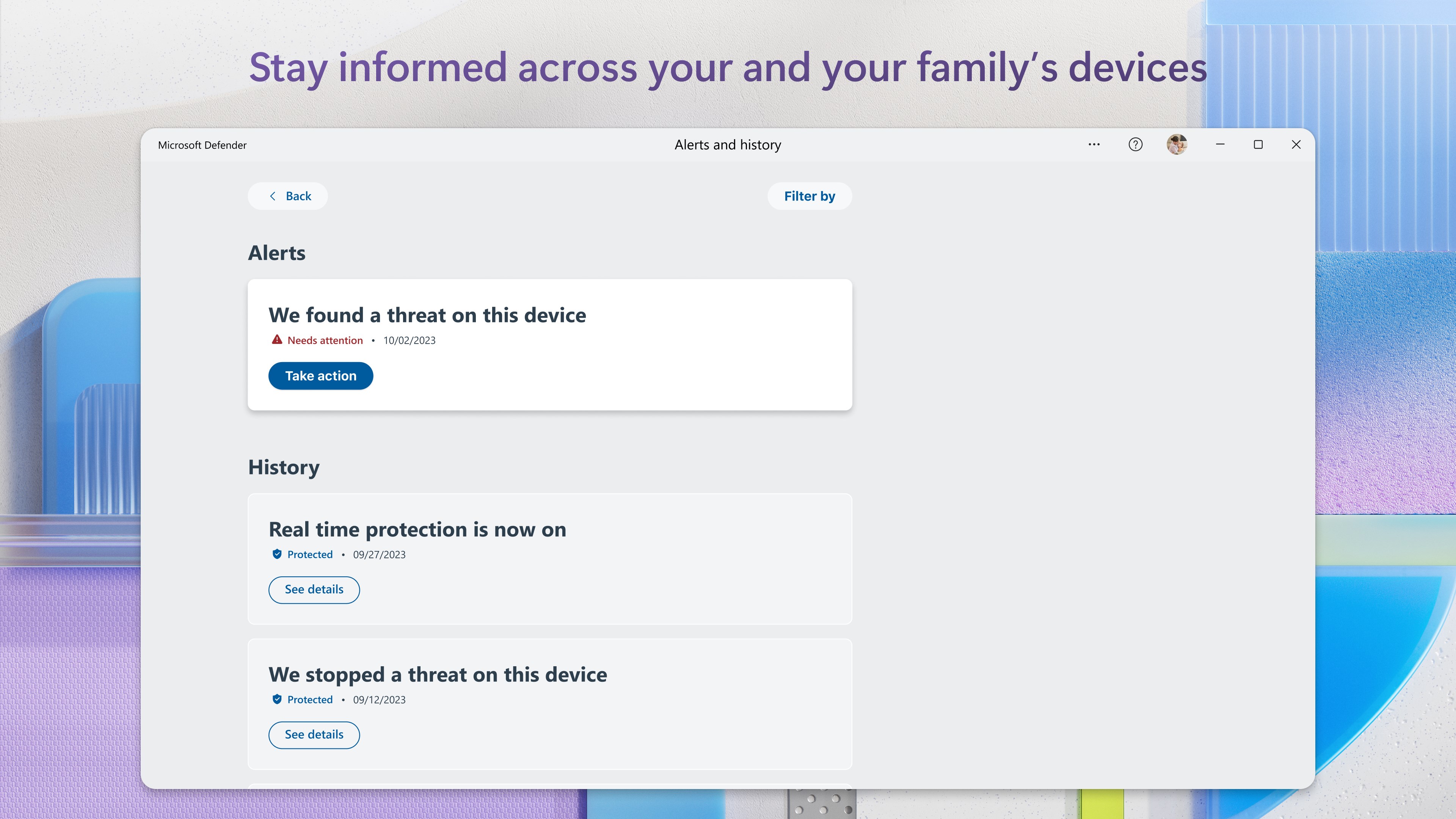
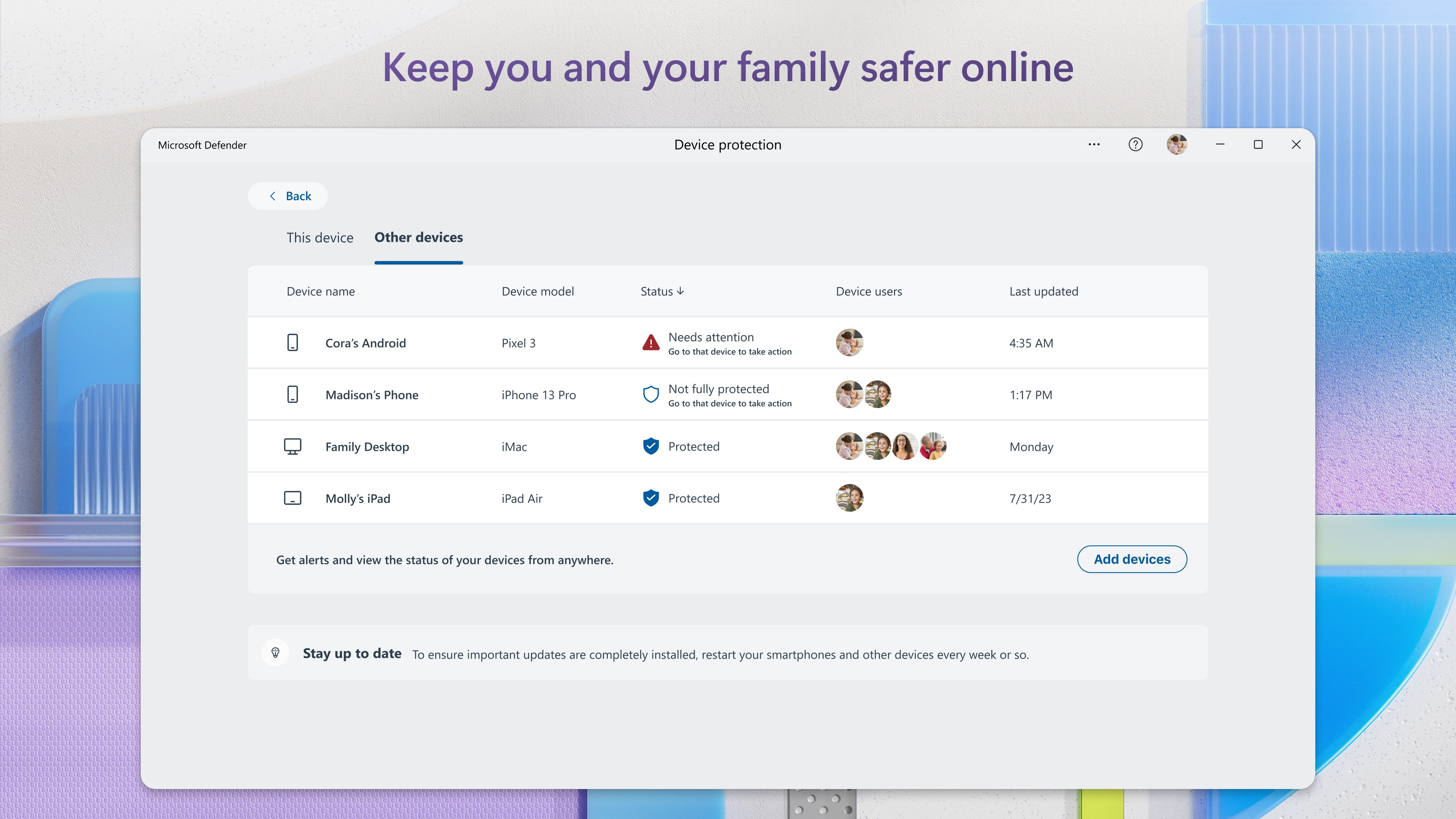
Microsoft Defender for Windows is an integrated, real-time security application designed to protect your PC from viruses, malware, and other cybersecurity threats with a native solution from Microsoft itself. Developed by Microsoft Corporation, this app leverages the company's extensive expertise in operating system and security environments.
Microsoft Defender's interface is like a well-organized control room—simple, intuitive, and non-intimidating, even for those who might be less tech-savvy. Navigating through its dashboard feels like flipping through a familiar console, with everything at your fingertips. Its minimalistic design combined with straightforward menus ensures minimal learning curve, enabling users to set and forget.
Imagine your PC as a fortress; Defender acts as the vigilant gatekeeper, constantly scanning for intruders. Its malware detection is robust, employing real-time scanning that runs quietly in the background, alerting you only when necessary. Whether you're downloading files, opening emails, or browsing online, it's akin to having a cyber security guard watching over your shoulder. The quick scan feature allows rapid checks when you suspect something's off, while the full scan digs deep into the system to root out hidden threats.
Online safety is critical, and Defender's browsing protection adds an extra layer of security by warning or blocking malicious websites and downloads. Think of it as having a cyber-traffic cop ensuring the digital roads you travel stay safe. Exploit mitigation further shields vulnerable applications from being exploited by cybercriminals, which is a feature that differentiates Defender from some third-party options that might require additional configuration.
Beyond just threats, Defender keeps an eye on your device's health, providing insights into issues like storage capacity, driver updates, and overall system performance. It's like having a health app for your PC, alerting you to potential problems before they escalate. This integrated health check promotes a smooth user experience, reducing downtime and optimizing performance effortlessly.
What truly makes Microsoft Defender stand out among security applications is its seamless integration with Windows, akin to a security system embedded directly within your home's foundation. Unlike third-party solutions that often run as separate, resource-hungry software, Defender benefits from Microsoft's deep OS integration, ensuring minimal impact on system resources while maintaining high detection rates.
Particularly, its threat intelligence powered by Microsoft's cloud infrastructure means updates and threat signatures are delivered swiftly, often faster than third-party tools. Another notable feature is its automatic operation—once set up, it requires very little user intervention, functioning as a silent protector, which is perfect for users desiring straightforward security tailored into their daily workflow.
In summary, Microsoft Defender offers a balanced blend of effectiveness, ease of use, and seamless integration, making it a solid choice for most Windows users. Its standout features—especially the real-time protection coupled with proactive browsing safeguards—make it comparable to premium third-party solutions without the added cost or complexity.
While it might not allay the needs of high-security environments or specialized threat detection, for everyday users seeking dependable, lightweight defense, Defender is a commendable partner. I recommend giving it a try, particularly if you prefer a hassle-free, built-in solution that just works—protecting your digital life without turning into a resource hog or an online nuisance.
Strong malware detection capabilities
Deep integration with Windows OS
Free and included with Windows
Regular automatic updates
User-friendly interface
Occasional false positives
Limited advanced configuration options
Performance impact on older hardware
Occasional delays in threat detection
Limited phishing protection features

for Windows
 4.8
4.8

for Windows
4.7

for Windows
4.7

for Windows
4.7

for Windows
4.6

for Windows
4.6

for Windows
4.5

for Windows
4.4

for Windows
4.4

for Windows
4.3

for Windows
4.3

for Windows
4.3

for Windows
5

for Windows
5

for Windows
5

for Windows
5

for Windows
5

for Windows
5

for Windows
5

for Windows
5

for Windows
5

for Windows
5