Productivity
PC, Mobile, Surface Hub, HoloLens
Windows 10 version 18362.0 or higher
Afrikaans, Albanian, Amharic, Arabic, Armenian, Assamese, Azerbaijani (Latin), Bangla (India), Basque, Belarusian, Bosnian (Latin), Bulgarian, Catalan, Chinese (Simplified), Chinese (Traditional Chinese), Croatian, Czech, Danish, Dari, Dutch, English (Canada), English (United Kingdom), English (United States), Estonian, Filipino, Finnish, French, French (Canada), Galician, Georgian, German, Greek, Gujarati, Hausa (Latin), Hebrew, Hindi, Hungarian, Icelandic, Igbo, Indonesian, Irish, Italian, Japanese, Kannada, Kazakh, Khmer, Kiswahili, Konkani, Korean, Kyrgyz, Latvian, Lithuanian, lo, Luxembourgish, Macedonian, Malay, Malayalam, Maltese, Maori, Marathi, Mongolian (Mongolia), Nepali, Norwegian (Bokmål), Odia, Persian/Farsi, Polish, Portuguese (Brazil), Portuguese (Portugal), Punjabi, Quechua, Romanian, Russian, Scottish Gaelic, Serbian, Serbian (Cyrillic, Bosnia and Herzegovina), Serbian (Latin, Serbia), Sindhi, Sinhala, Slovak, Slovenian, Spanish, Spanish (Mexico), Swedish, Tamil, Tatar, Telugu, Thai, Turkish, Turkmen, Ukrainian, Urdu, Uyghur, Uzbek, Valencian, Vietnamese, Welsh
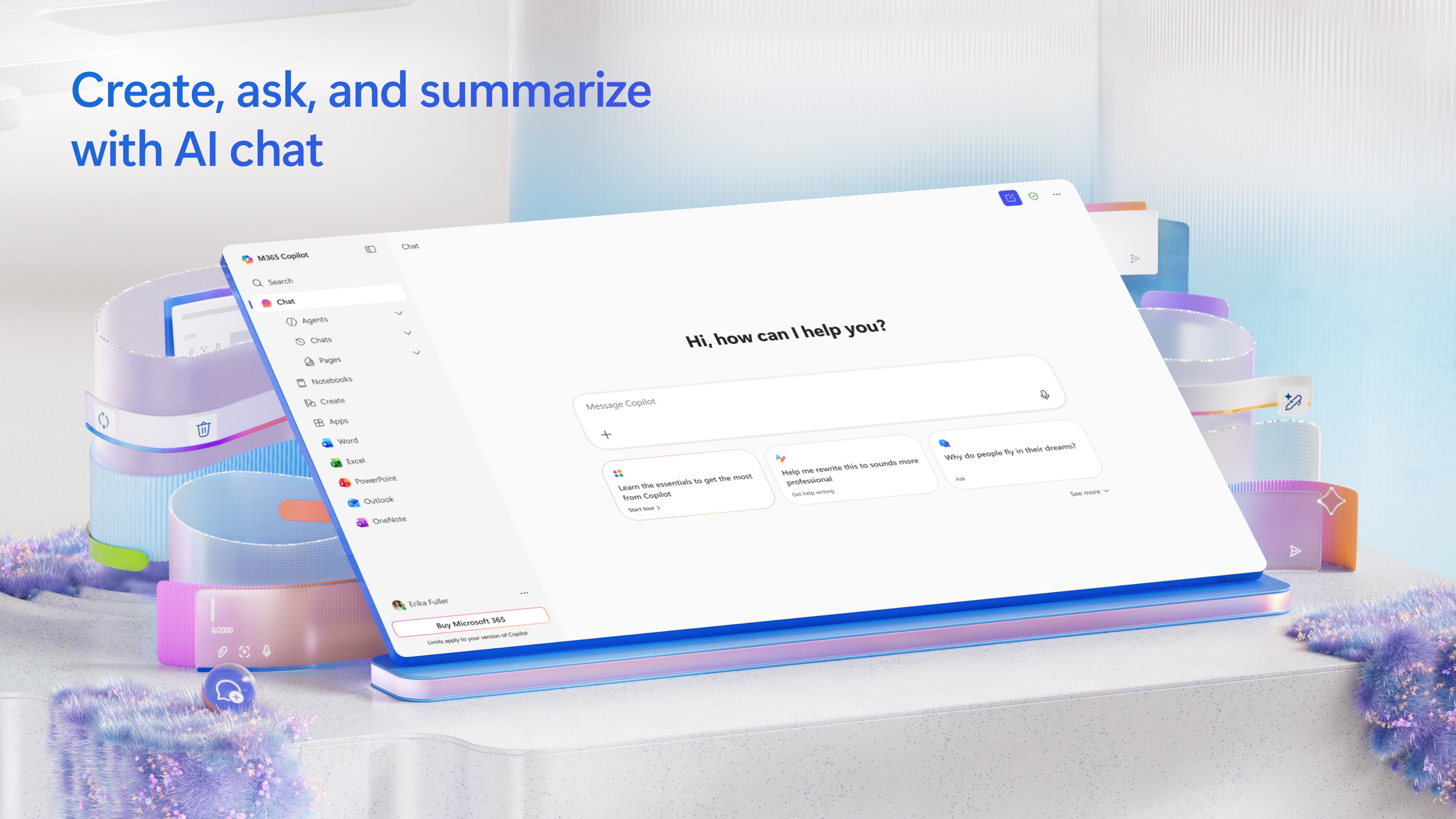
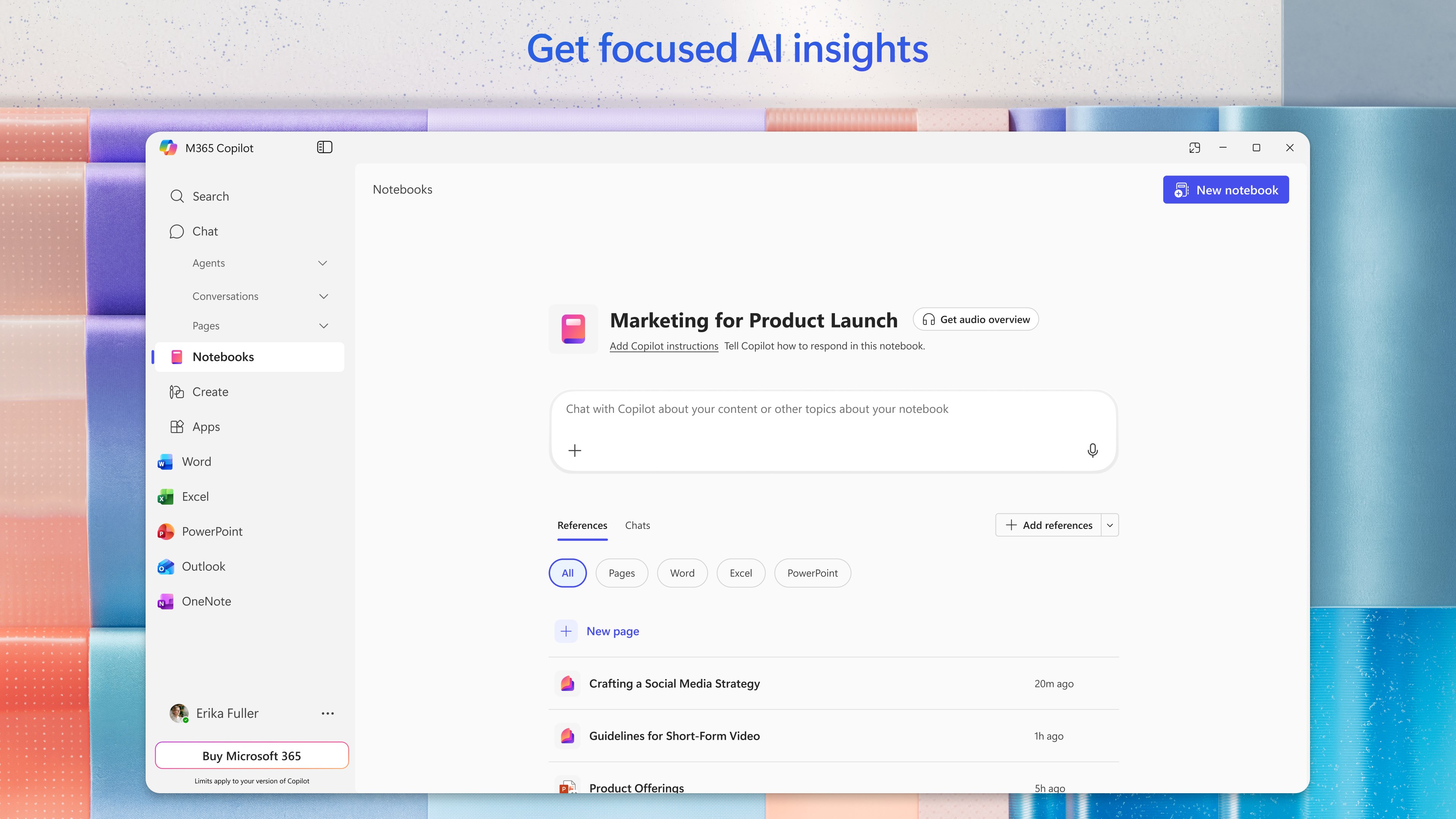
Microsoft 365 Copilot for Windows positions itself as an AI-powered digital assistant designed to seamlessly integrate into your workflow, making everyday productivity smoother and smarter. Developed by Microsoft Corporation, this application aims to elevate the way users interact with their documents, emails, and meetings by leveraging cutting-edge AI capabilities.
Imagine having a diligent assistant sitting right beside your digital workspace—ready to lend a hand, sparing you from mundane drudgery and freeing your mind for creative thinking. Microsoft 365 Copilot for Windows transforms this vision into reality, embedding an intuitive AI assistant into your Windows environment. Whether you're managing emails, creating presentations, or analyzing data, Copilot acts as your no-nonsense collaborator, helping you navigate the complex maze of modern work with ease and confidence.
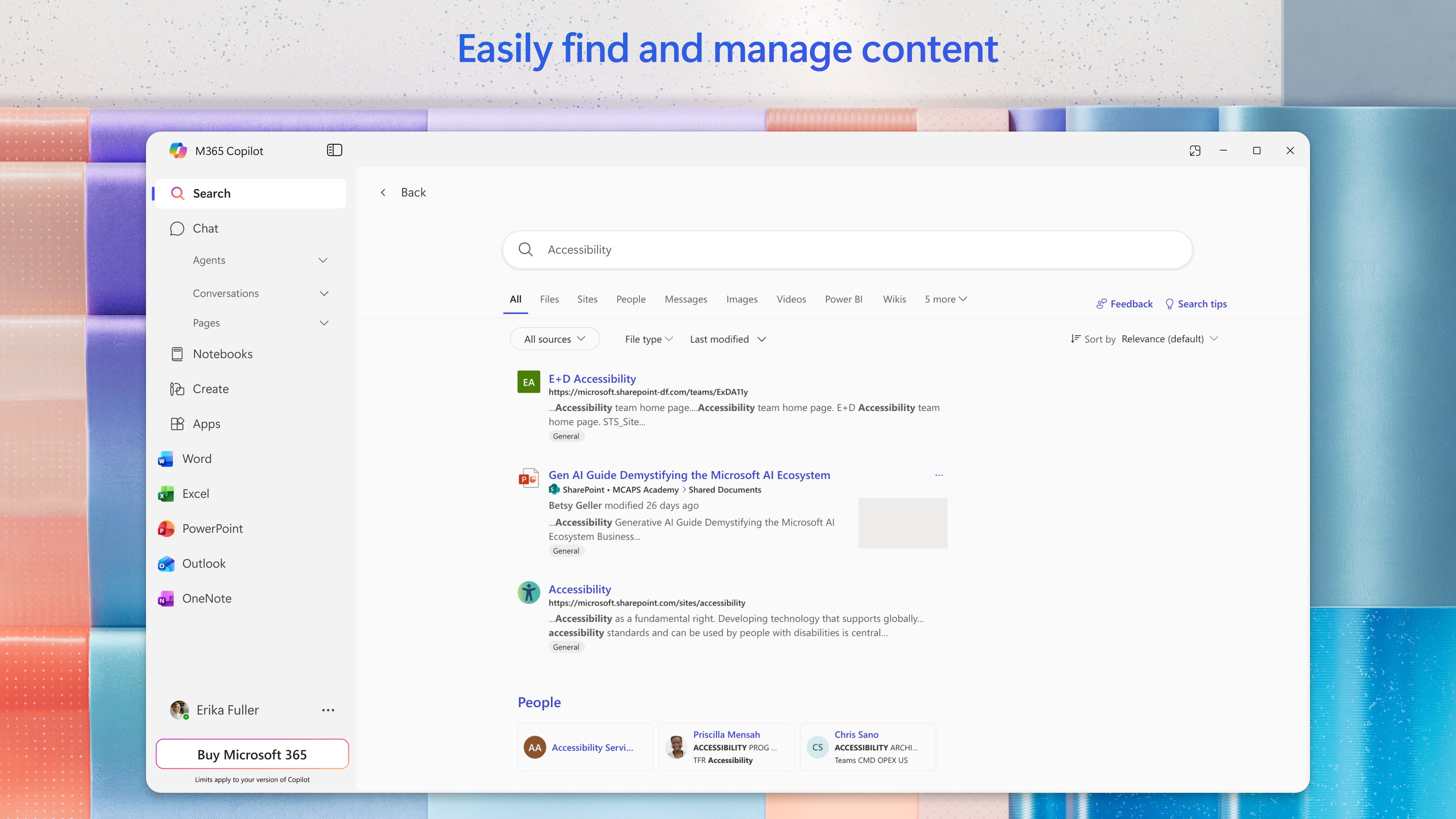
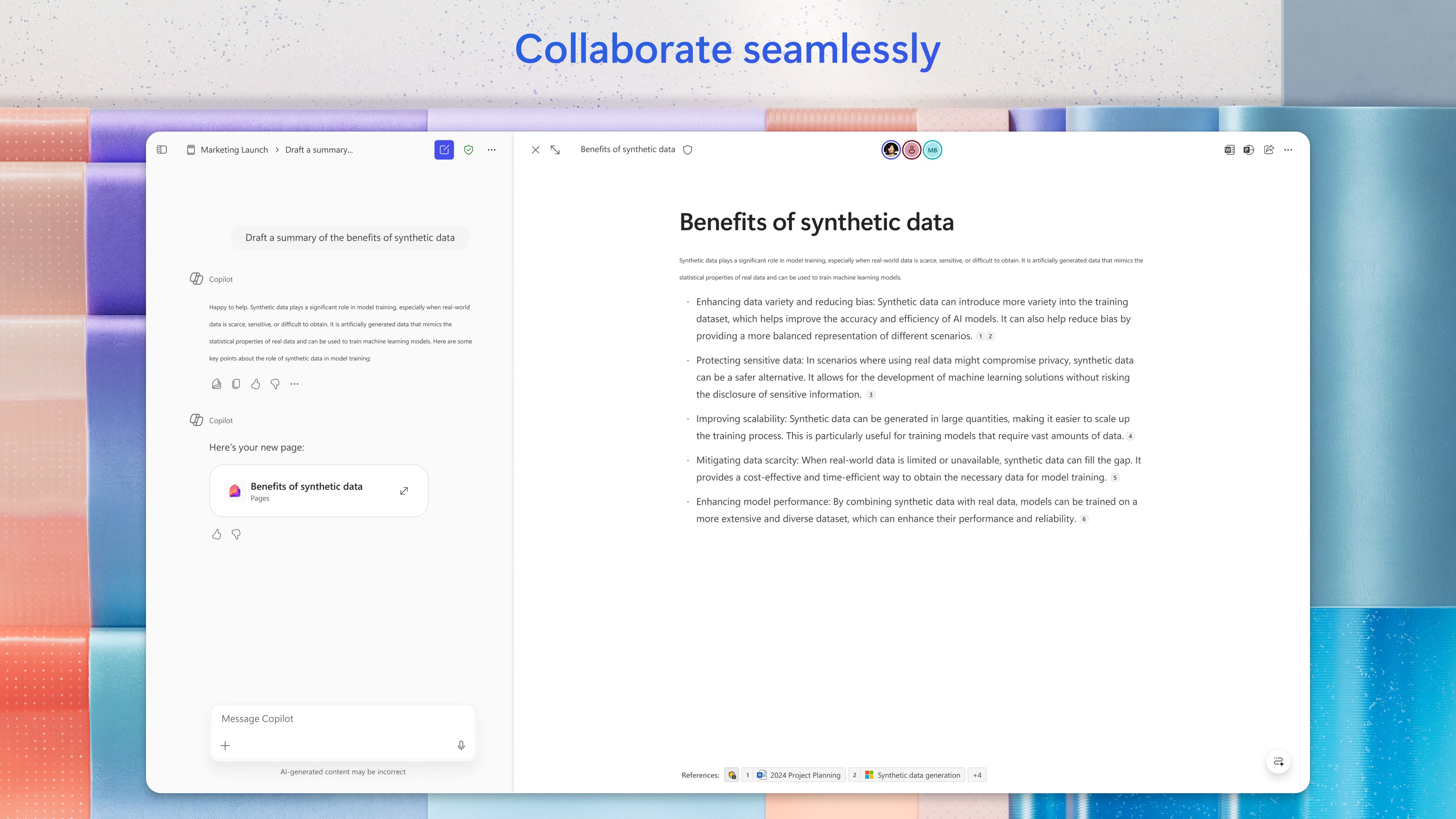
One of the standout features of Copilot is its ability to provide contextual assistance across multiple Microsoft 365 applications. For instance, imagine receiving a prompt from your email client about an upcoming meeting. With a simple command, Copilot can generate a meeting agenda based on related documents, summarize previous email threads, or even draft responses. This AI-driven integration saves you precious time and cognitive load, allowing you to focus on strategic thinking rather than repetitive tasks.
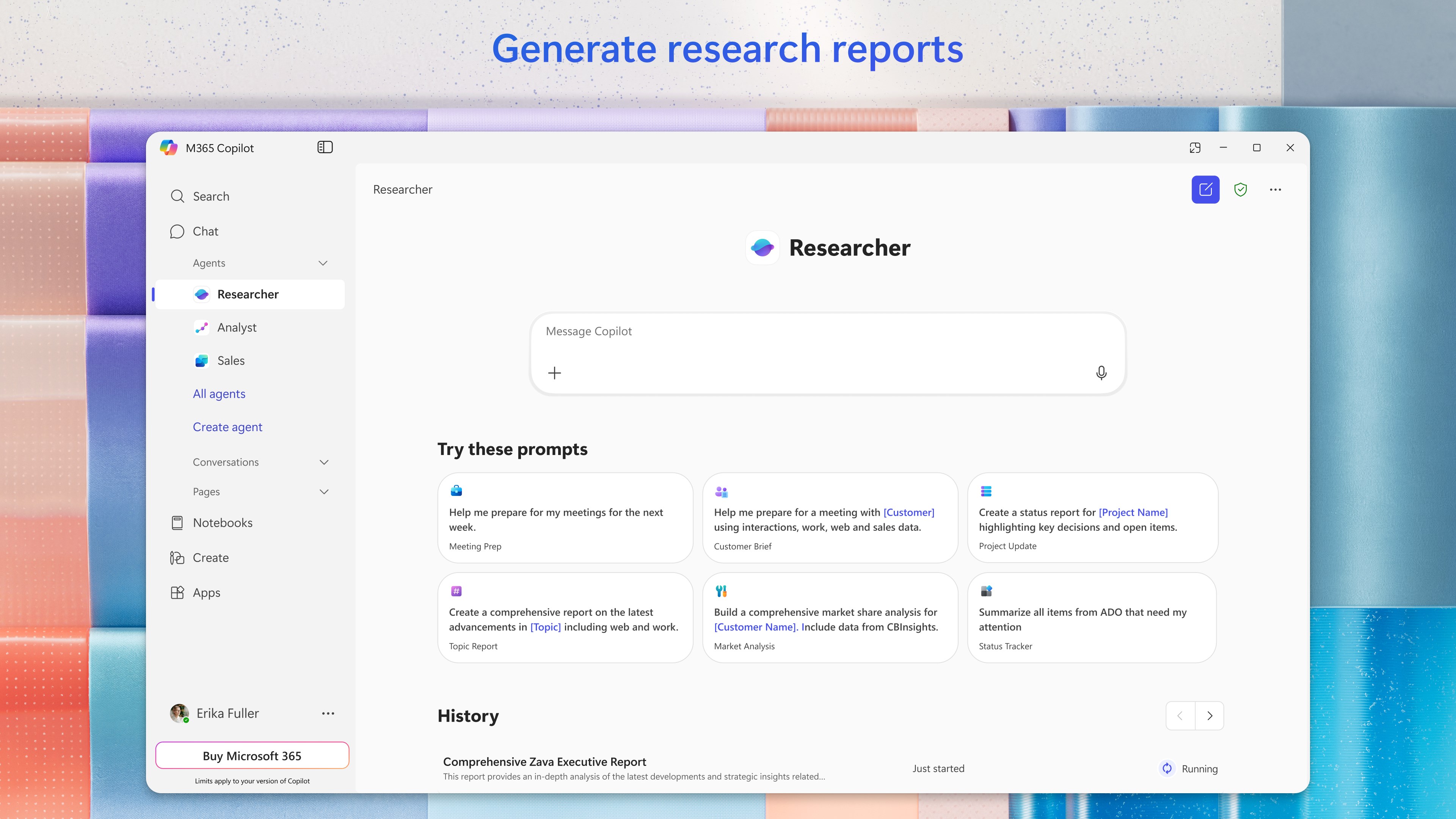
Another key strength lies in its natural language interaction. Instead of navigating complicated menus, users can simply type or speak commands like “Create a summary of this report” or “Draft an email reply,” and Copilot responds with precision. This conversational approach reduces the learning curve and allows users to leverage AI assistance without needing technical expertise, making it accessible for all skill levels.
Furthermore, the personalized insights feature adapts to your work habits, offering suggestions that improve efficiency—like highlighting high-priority emails or recommending document templates based on your current project. This layer of intelligence turn your everyday workflow into a more streamlined, less stressful experience.
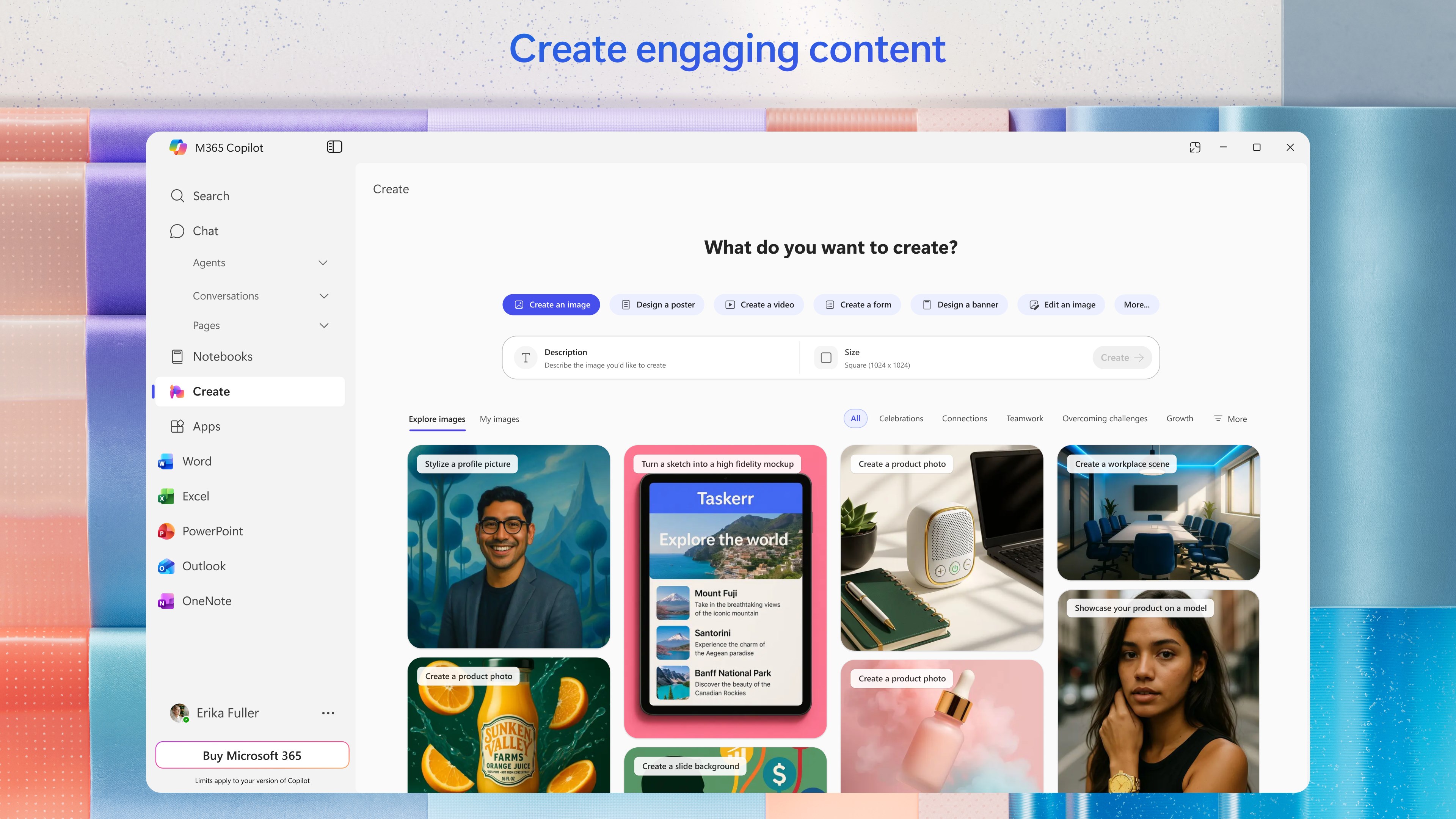
The interface design of Microsoft 365 Copilot for Windows strikes a balance between simplicity and functionality. Its clean, minimalistic layout ensures that the AI features are accessible but don't clutter your workspace. Operation feels remarkably fluid; commands are processed swiftly, with minimal lag, giving the impression of a smooth, well-oiled machine working behind the scenes.
For newcomers, the learning curve is gentle—guided prompts and straightforward interaction modalities make onboarding almost effortless. Power users will appreciate the depth of integration and automation capabilities, which can be customized to fit complex workflows without overwhelming the user.
In terms of user experience, Copilot excels at reducing mental effort. Its contextual understanding means users don't need to micromanage every step; instead, they can rely on the AI to fill in gaps or suggest next actions, much like a trusted colleague who anticipates your needs.
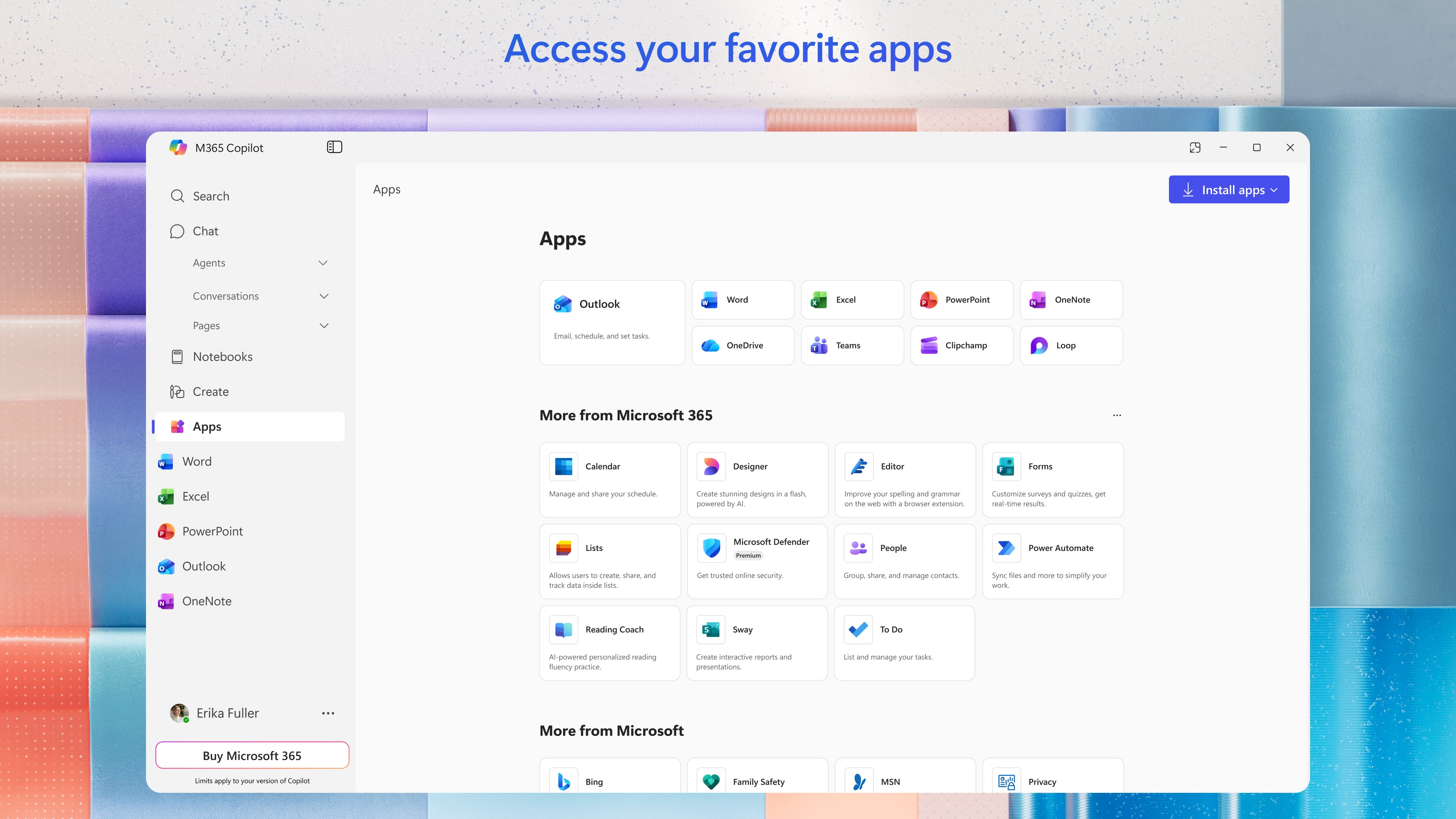
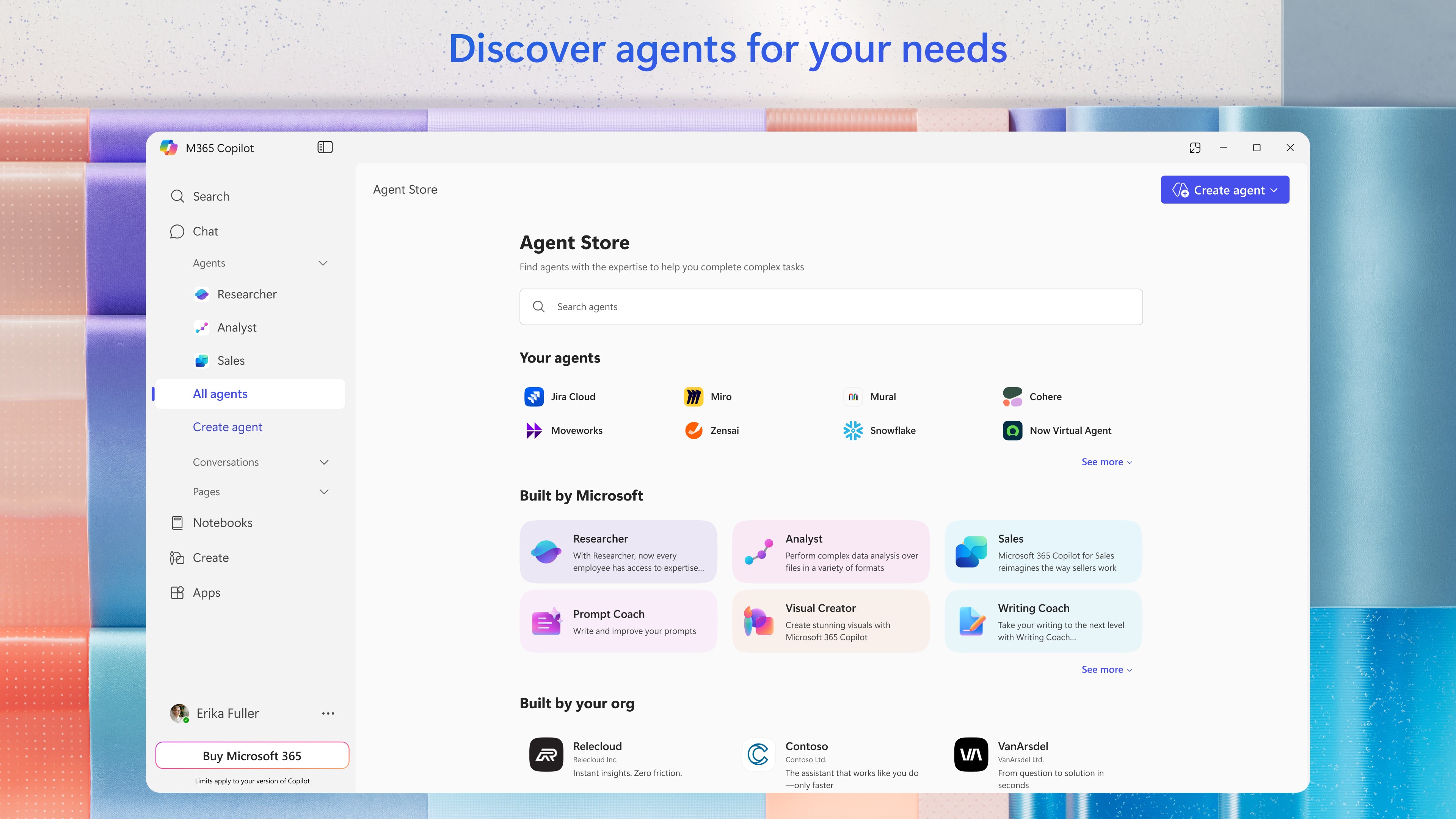
Compared to traditional productivity tools, Microsoft 365 Copilot differentiates itself through its robust workflow integration, acting as a bridge that connects various Office applications seamlessly. Unlike apps that focus on single functions—like note-taking or scheduling—Copilot emphasizes cross-application synergy, which significantly cuts down on switching costs and cognitive load.
Its ability to understand natural language commands and contextually adapt responses allows it to reduce feature complexity, effectively lowering the barrier for users new to AI-assisted productivity. Rather than inundating users with features to learn, it intelligently filters and provides relevant assistance, aligning with the concept of reducing cognitive burden rather than adding to it.
This focus on cognitive load reduction, combined with workflow efficiency, makes Copilot not just another productivity app, but an intelligent partner capable of transforming how work gets done in a Microsoft-centric environment.
Microsoft 365 Copilot for Windows is a compelling addition for professionals who want to make their daily tasks smarter and less taxing. Its most remarkable features—context-aware assistance and natural language interaction—stand out as game-changers that simplify complex workflows. While it may require some initial adaptation, the intuitive design and thoughtful integration make it accessible for most users.
Strongly recommended for corporate users, knowledge workers, and anyone already invested in the Microsoft ecosystem, this app promises a future where AI acts as a true collaborative partner rather than just a tool. For those seeking to enhance productivity without the headache of managing complex features or adding unnecessary complexity, Copilot offers a promising and pragmatic solution.
Enhanced productivity with AI-powered suggestions
Seamless integration with Microsoft Office apps
Natural language processing enables intuitive interactions
Automates repetitive tasks effectively
Supports collaborative workflows
Learning curve for new users
Occasional inaccuracies in suggestions
Limited offline functionality
Subscription cost may be prohibitive for some users
Privacy concerns with sensitive data

for Windows
 5
5

for Windows
5

for Windows
4.9

for Windows
4.9

for Windows
4.9

for Windows
4.8

for Windows
4.8

for Windows
4.8

for Windows
4.8

for Windows
4.8

for Windows
4.8

for Windows
4.8

for Windows
5
for Windows
5

for Windows
5

for Windows
5

for Windows
5

for Windows
5

for Windows
5

for Windows
5

for Windows
5
for Windows
5