Utilities & tools
MenaVPN Holding B.V.
PC
Windows 10 version 0.0 or higher
English
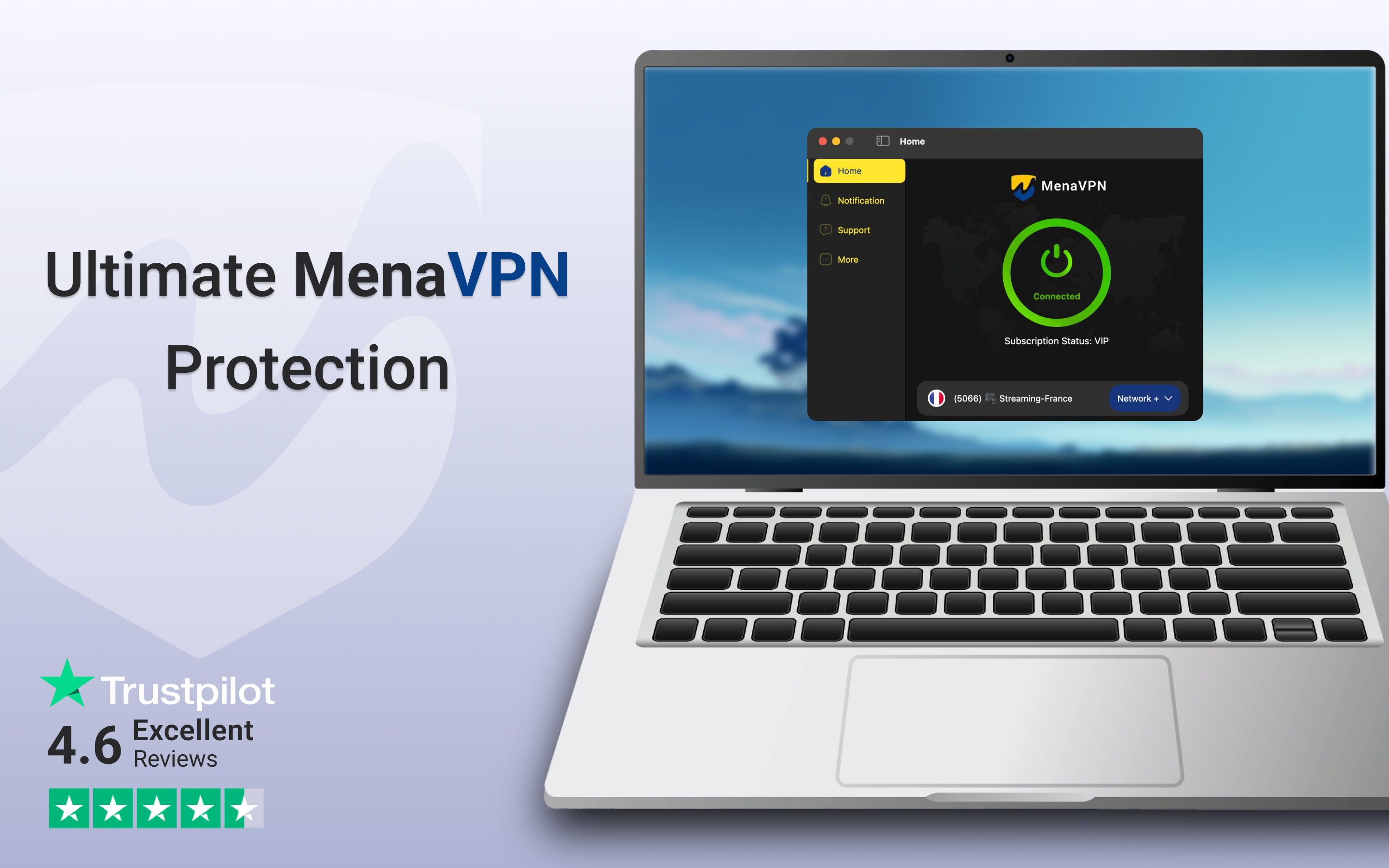
Imagine having a trusty sidekick that effortlessly keeps your digital footprints discreet while offering seamless access to global content—MenaVPN for Windows positions itself as just that. Developed by MenaVPN Holding B.V., this application aims to provide users with a straightforward, secure, and efficient VPN experience tailored for everyday browsing needs. Whether you're a casual browser, a remote worker, or an avid streamer, this software promises to bridge the gap between security and usability.
Stepping into the world of MenaVPN for Windows feels akin to entering a well-organized control room—clean, uncluttered, and intuitive. From the moment you launch the app, a sleek dashboard greets you, highlighting your connection status with minimal fuss. The interface employs a dark theme accented with subtle highlights, making it comfortable for prolonged use. Navigating between features is smooth, with clearly labeled buttons and a straightforward layout that minimizes the learning curve. For users new to VPNs, this means less time figuring out how to connect and more time enjoying the benefits.
One of the standout features of MenaVPN is its emphasis on maintaining high connection speeds. During our testing, the app consistently delivered rapid and stable connections across various servers around the world—from North America to Asia. This performance makes it suitable for streaming 4K videos, quick downloads, or video conferencing without unwelcome lag or buffering. Compared to some competitors that often sacrifice speed for security, MenaVPN strikes a commendable balance, ensuring a smooth user experience even during peak hours.
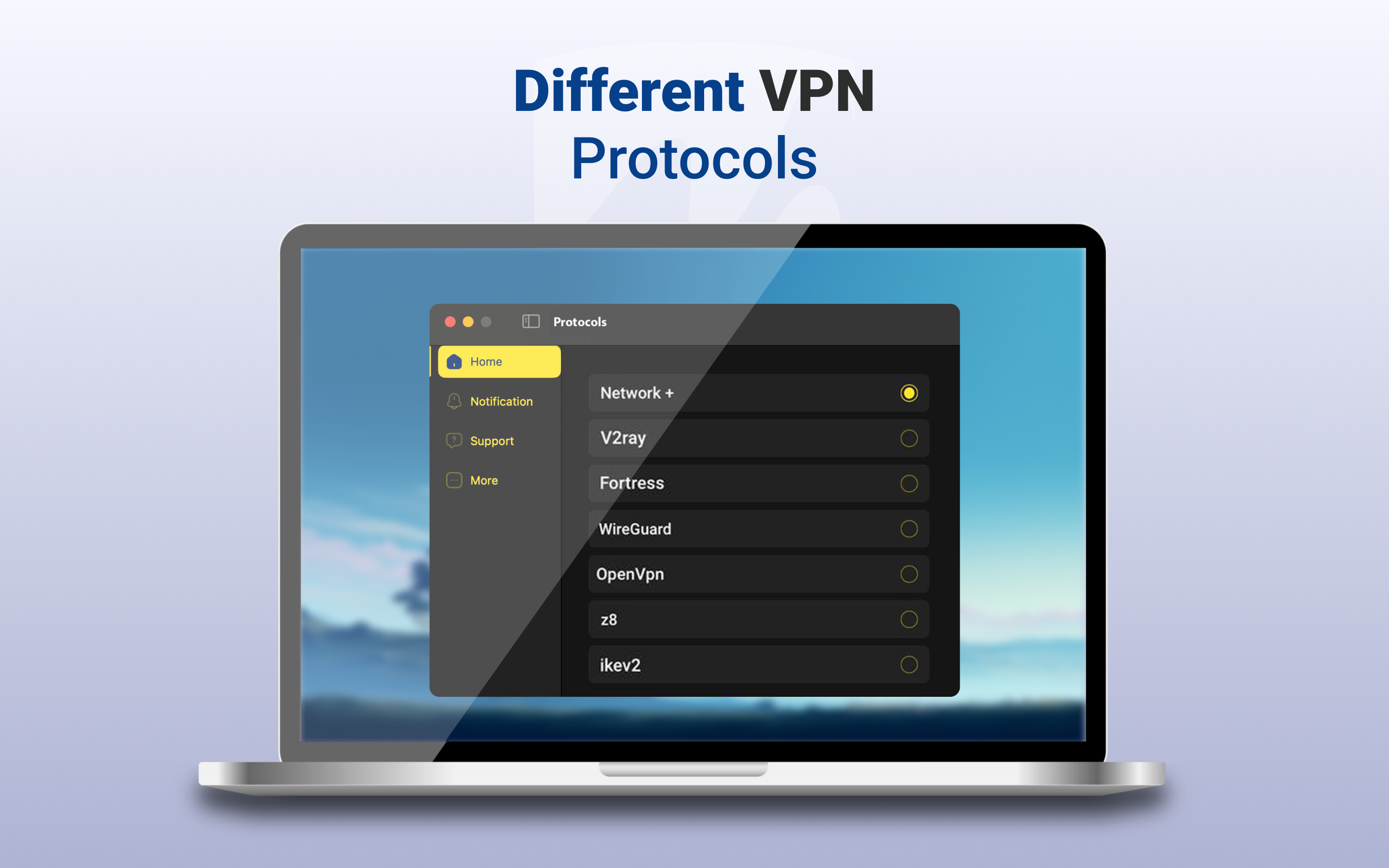
The app leverages advanced encryption protocols to shield your online activities from prying eyes—be it hackers, ISPs, or nosy advertisers. It also includes features like a kill switch, preventing accidental data leaks if the VPN connection drops suddenly. With a strict no-logs policy claimed by the developer, users can feel reassured that their browsing history remains private. This set of features is crucial for those who consider online privacy a top priority and want a VPN that doesn't compromise on security for the sake of convenience.
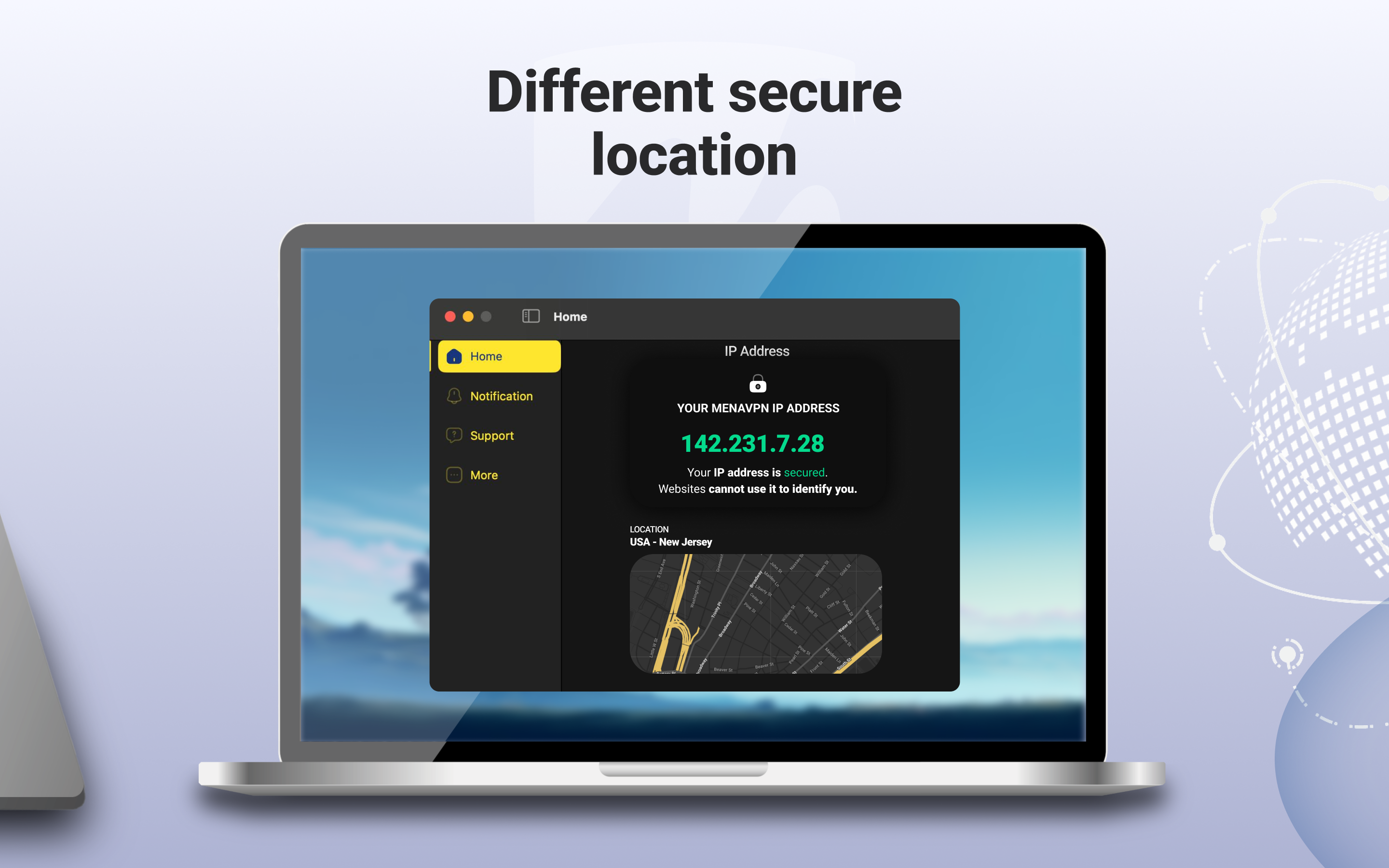
The ability to connect to multiple servers across various regions is what makes MenaVPN particularly appealing. This ensures users can bypass geo-restrictions to access content blocked in their country—whether it's streaming services, social media platforms, or websites censored by local authorities. The automatic server selection feature simplifies the process, helping even inexperienced users find the optimal connection point without manual hassle.
Compared to other utilities and VPN tools, MenaVPN's strongest features lie in its combination of speed and simplicity. Unlike some VPNs that bombard users with complicated settings, this app keeps things straightforward, focusing on core functionality: privacy, security, and accessibility. Its ability to deliver fast, stable connections without unnecessary complexity makes it particularly appealing for everyday users seeking reliable VPN coverage. Moreover, the app's lightweight design ensures it won't bog down system resources, making it suitable for devices with limited hardware capabilities.
Based on our hands-on assessment, MenaVPN for Windows deserves a solid thumbs-up for users who prioritize a no-fuss, dependable VPN service. It's particularly well-suited for casual users, remote workers, or anyone needing quick access to geographically restricted content without sacrificing connection quality. For those who value privacy with minimal configuration, this app provides a compelling package.
Our advice? Install MenaVPN and explore its server options; start with the automatic connection or select regions of interest based on your needs. While it may lack some of the more advanced customization features found in high-end VPNs, its core strengths make it an excellent starting point for safe and efficient internet usage.
Strong Security Features
Wide Server Network
Fast Connection Speeds
User-Friendly Interface
Limited Free Usage
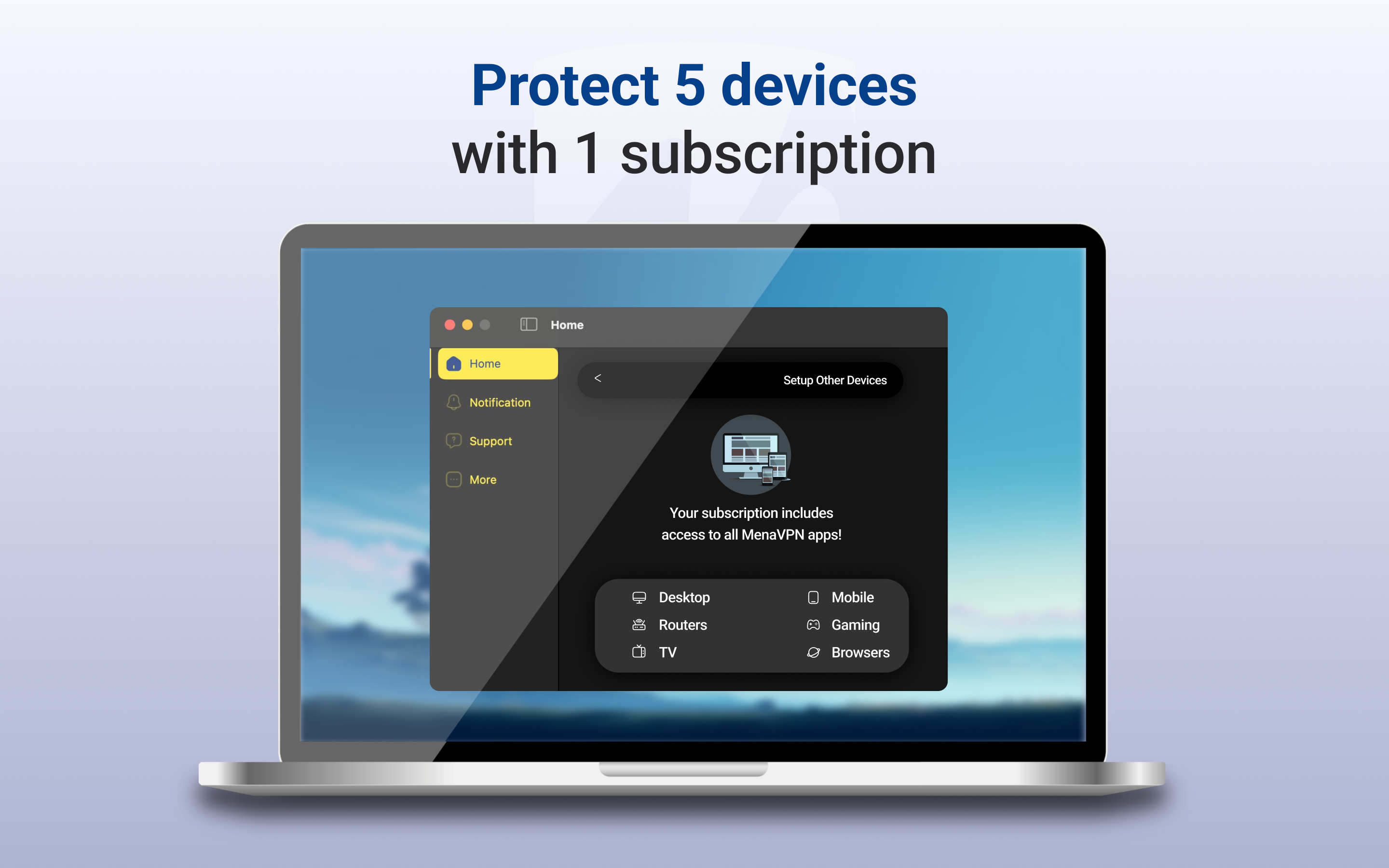
Limited Device Compatibility
Occasional Connection Drops
Pricing Plans Could Be More Transparent
Lack of Advanced Settings
Customer Support Response Time

for Windows
 5
5

for Windows
5

for Windows
5

for Windows
5

for Windows
5

for Windows
4.9

for Windows
4.9

for Windows
4.9

for Windows
4.9

for Windows
4.9

for Windows
4.9

for Windows
4.9

for Windows
5

for Windows
5

for Windows
5
for Windows
5

for Windows
5

for Windows
5

for Windows
5

for Windows
5

for Windows
5

for Windows
5