Multimedia design
MediBang Inc.
PC
Windows 10 version 17763.0 or higher
Integrated Keyboard
Integrated Mouse
8 GB
Chinese (Simplified), Chinese (Traditional Chinese), English (United States), French, German, Indonesian, Italian, Japanese, Korean , Malay, Polish , Portuguese (Portugal), Russian, Spanish (Spain), Thai, Turkish, Vietnamese
MediBang Paint for Desktop on Windows stands out as a versatile and beginner-friendly digital painting software, designed to cater to both hobbyists and aspiring professionals. Its comprehensive features combined with a user-centric interface make it an appealing choice for creatives seeking a powerful yet accessible tool.
Developed and published by MediBang Inc., this application aims to provide a free, cloud-connected illustration environment that's easy to navigate. Its primary highlights include a rich collection of brushes, cloud storage capabilities, and seamless integration with manga and comic creation tools. The target audience ranges from casual doodlers and comic enthusiasts to budding manga artists and animators looking for an intuitive platform without a steep learning curve.
Embarking on a journey into MediBang Paint feels like stepping into a lively, well-organized art studio—bright, inviting, and bursting with potential. Whether you're sketching out your next masterpiece or laying down detailed inking work, this app offers a friendly canvas that balances power and simplicity.
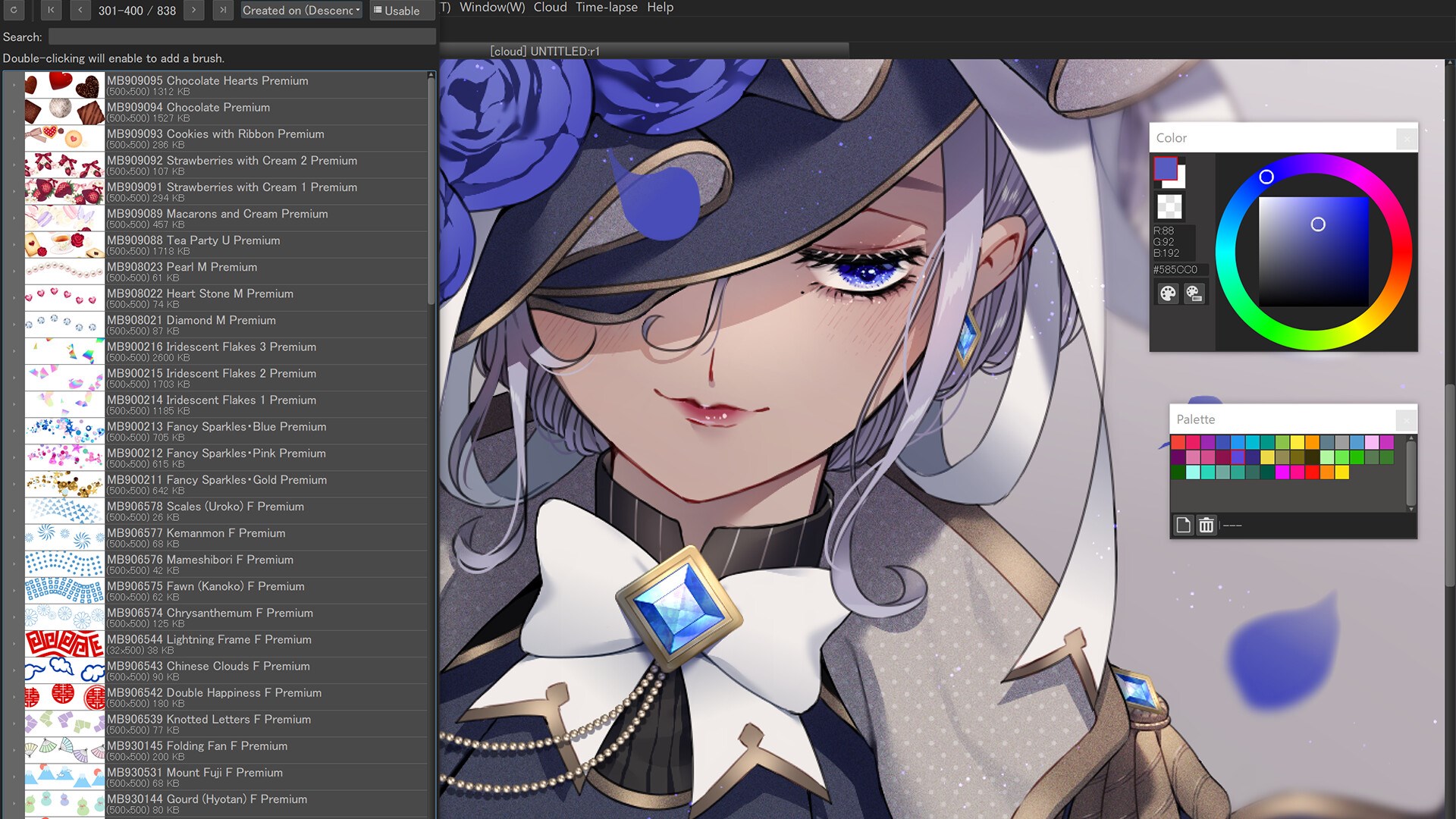
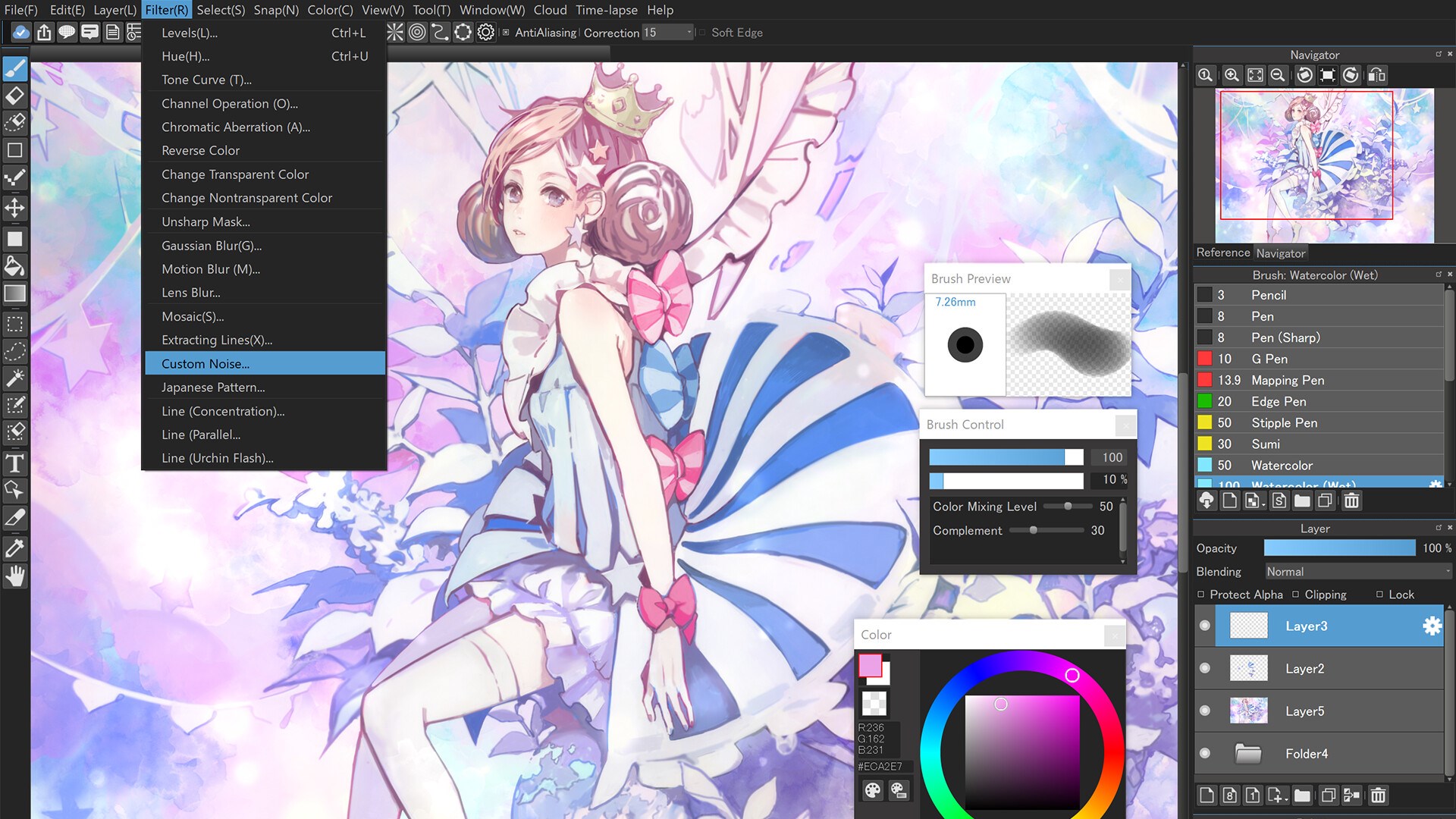
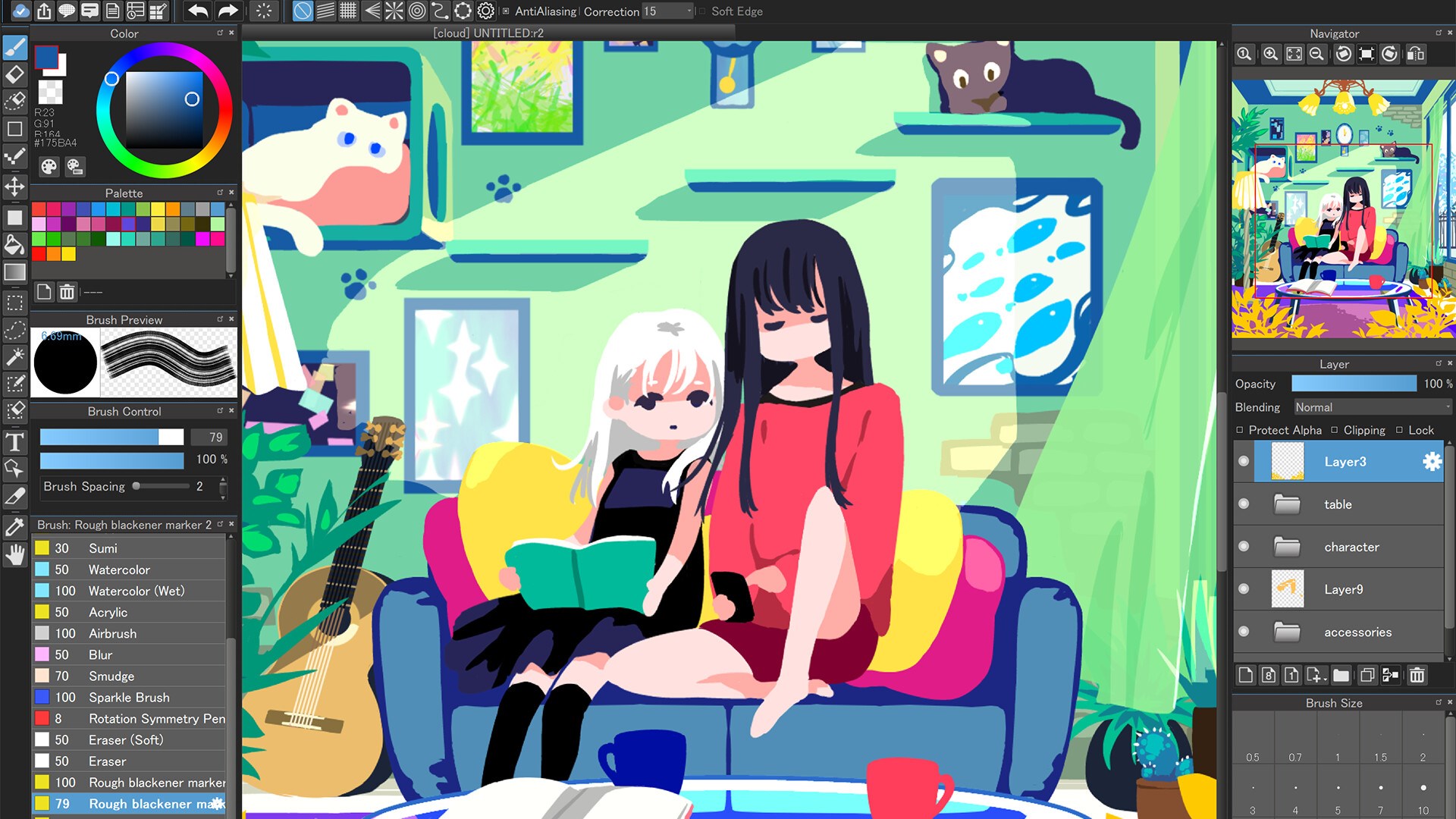
One of MediBang's standout features is its extensive selection of brushes that mimic real-world textures—from watercolor washes to traditional pencil strokes. The brush customization options allow artists to tweak every detail, fostering an environment where creativity can run wild. Layer management is equally commendable; with the intuitive layer panel, users can easily organize complex compositions, apply blending modes, and utilize masks—akin to having a multi-layered workspace right at your fingertips. This combination makes intricate illustrations more manageable and encourages experimentation without fear of messing things up.
Perhaps the most compelling aspect of MediBang Paint is its seamless cloud integration. The application not only lets you save projects directly to the cloud but also empowers you to access and share resources—such as brushes, screentones, and backgrounds—across devices or with a community. For collaborative projects, this means multiple artists can contribute, edit, and refine a piece in real-time, much like a modern digital art studio with shared tables. This feature is particularly valuable for amateur and professional groups aiming to streamline their workflow and foster collective creativity.
The interface of MediBang Paint is like a well-organized artist's desk—clean, customizable, and non-intimidating. The layout strikes a balance between accessibility and depth; tools are logically grouped, and the workspace can be tailored to fit individual workflows. Operation is smooth—dragging, zooming, and brush strokes respond promptly, making the digital experience feel almost tactile, reminiscent of traditional media. For newcomers, the learning curve is gentle, with plenty of tutorials and community resources to facilitate rapid onboarding.
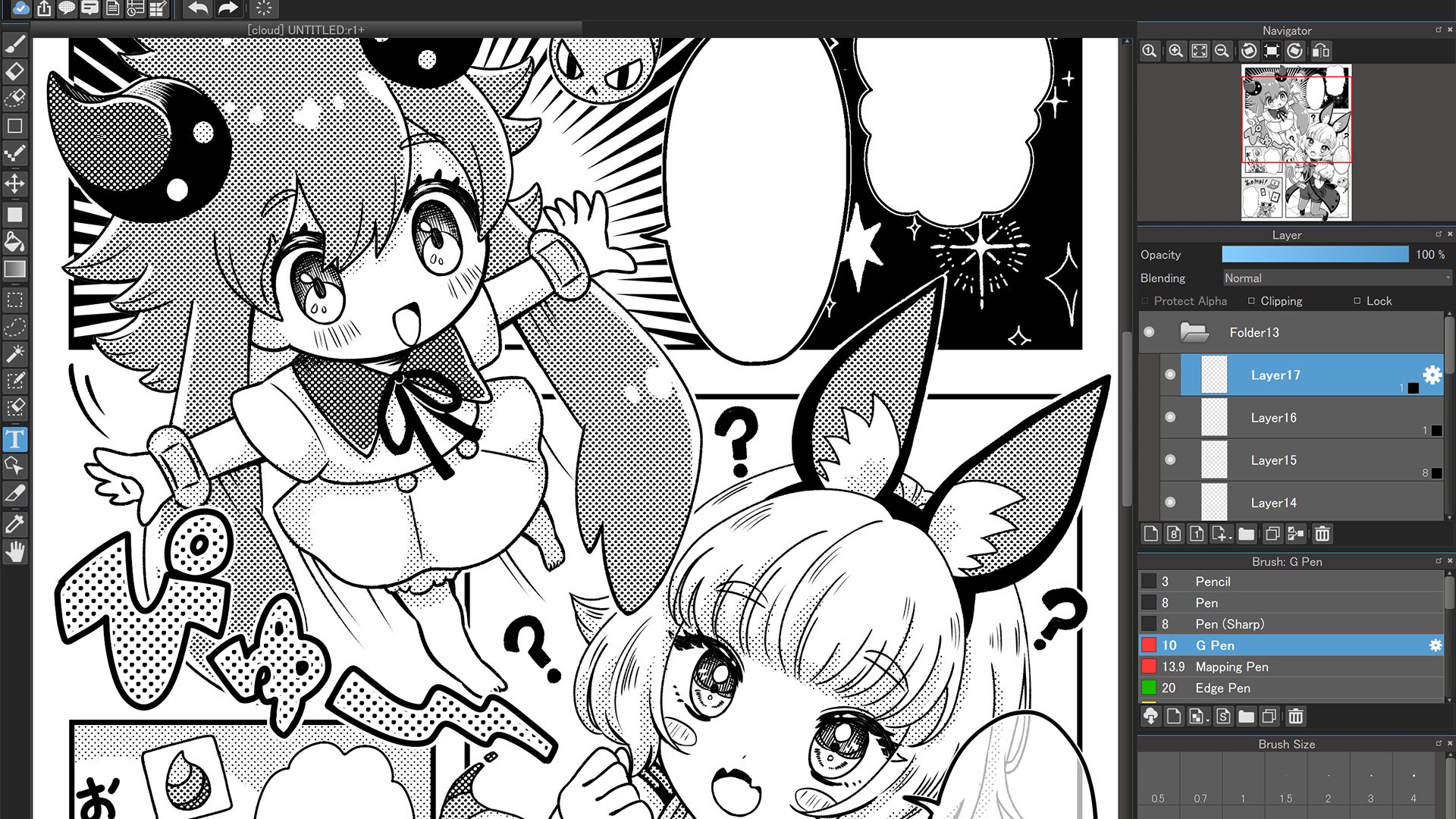
Compared to other multimedia creation tools like Krita or Adobe Photoshop, MediBang's ease of access and cloud features set it apart. The app's integration with cloud resources allows artists to work across devices seamlessly, fostering a portable and uninterrupted creative process. Additionally, its dedicated manga and comic templates provide specialized tools—such as screentones and paneling—that cater specifically to comic creators, making it a niche yet vital resource for manga artists.
Overall, MediBang Paint for Desktop earns a solid recommendation. Its user-friendly interface coupled with powerful features makes it ideal for those stepping into digital art or working on collaborative projects. While perhaps not as deep or customizable as some professional-grade software, its accessibility and cloud integration give it a unique edge. If you're looking for a free, intuitive, and community-oriented drawing tool that can handle everything from sketch to finished comic, MediBang Paint is definitely worth a try. Think of it as your friendly, organized art studio—ready to help ideas flourish with minimal fuss.
User-Friendly Interface
Rich Brush Library
Layer Management
Free to Use
Cross-Platform Compatibility
Performance Issues with Large Files
Limited Advanced Features
Occasional Stability Bugs
Limited Export Formats
Learning Curve for Advanced Tools

for Windows
 4.8
4.8

for Windows
4.8

for Windows
4.7

for Windows
4.7

for Windows
4.6

for Windows
4.6

for Windows
4.6

for Windows
4.6

for Windows
4.5

for Windows
4.5

for Windows
4.5

for Windows
4.5

for Windows
5

for Windows
5

for Windows
5

for Windows
5

for Windows
5

for Windows
5

for Windows
5

for Windows
5

for Windows
5

for Windows
5