Entertainment
RoxyApps
PC, Mobile, Surface Hub, HoloLens
Windows 10 version 18362.0 or higher
Arabic (Egypt), Chinese (Simplified), Chinese (Traditional, Hong Kong SAR), Czech, Dutch, English (United States), French, German, Hebrew, Hindi, Indonesian, Italian, Japanese, Korean , Persian, Polish , Portuguese (Portugal), Spanish (Spain), Thai, Turkish, Ukrainian
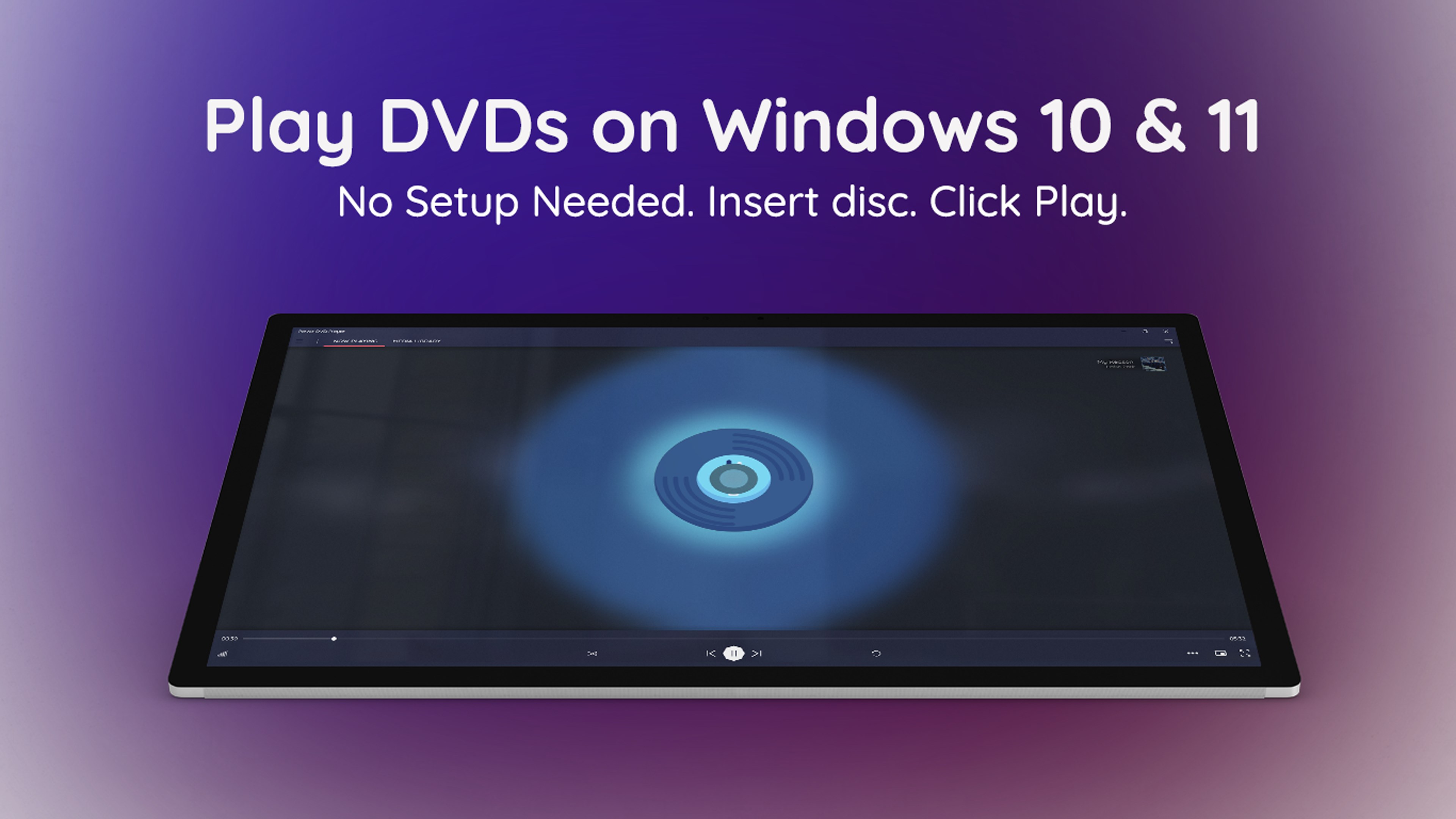
MediaPlay DVD Player by RoxyApps promises to be your reliable companion for playing DVDs and exploring multimedia content seamlessly on Windows. With an intuitive interface and a suite of core features, it aims to elevate your media experience without the clutter or complexity often associated with playback software.
Positioned as a versatile DVD and media player, MediaPlay aims to cater to casual movie watchers, students, and multimedia enthusiasts alike. Developed and published by RoxyApps, a team committed to creating user-friendly entertainment tools, the app's main appeal lies in its straightforward approach to media playback.
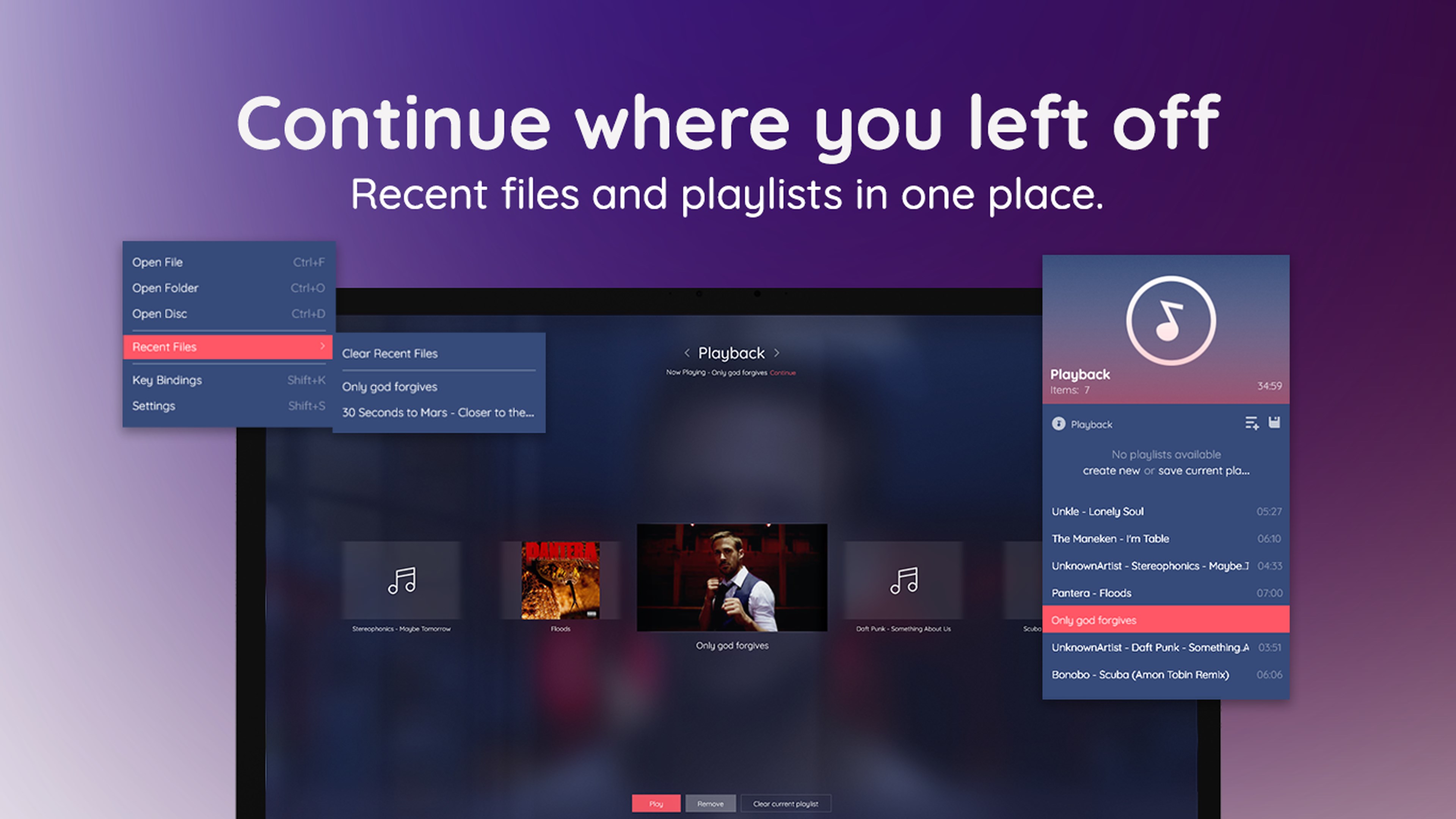
Imagine sitting down after a long day, popcorn in hand, ready to enjoy your favorite film. MediaPlay aims to make this simple pleasure more accessible visually and functionally. Its clean, intuitive UI resembles a familiar media control deck—no steep learning curve, just straightforward playback right at your fingertips.
At the heart of MediaPlay lies its robust DVD support. Whether you're reliving nostalgia from old classics or watching new releases, the software handles DVD menus, chapters, and region settings with ease. Plus, it smoothly transitions between chapters, ensuring your viewing experience remains uninterrupted. The playback controls are responsive, akin to pressing the play button on your trusted hi-fi system—it just works reliably.
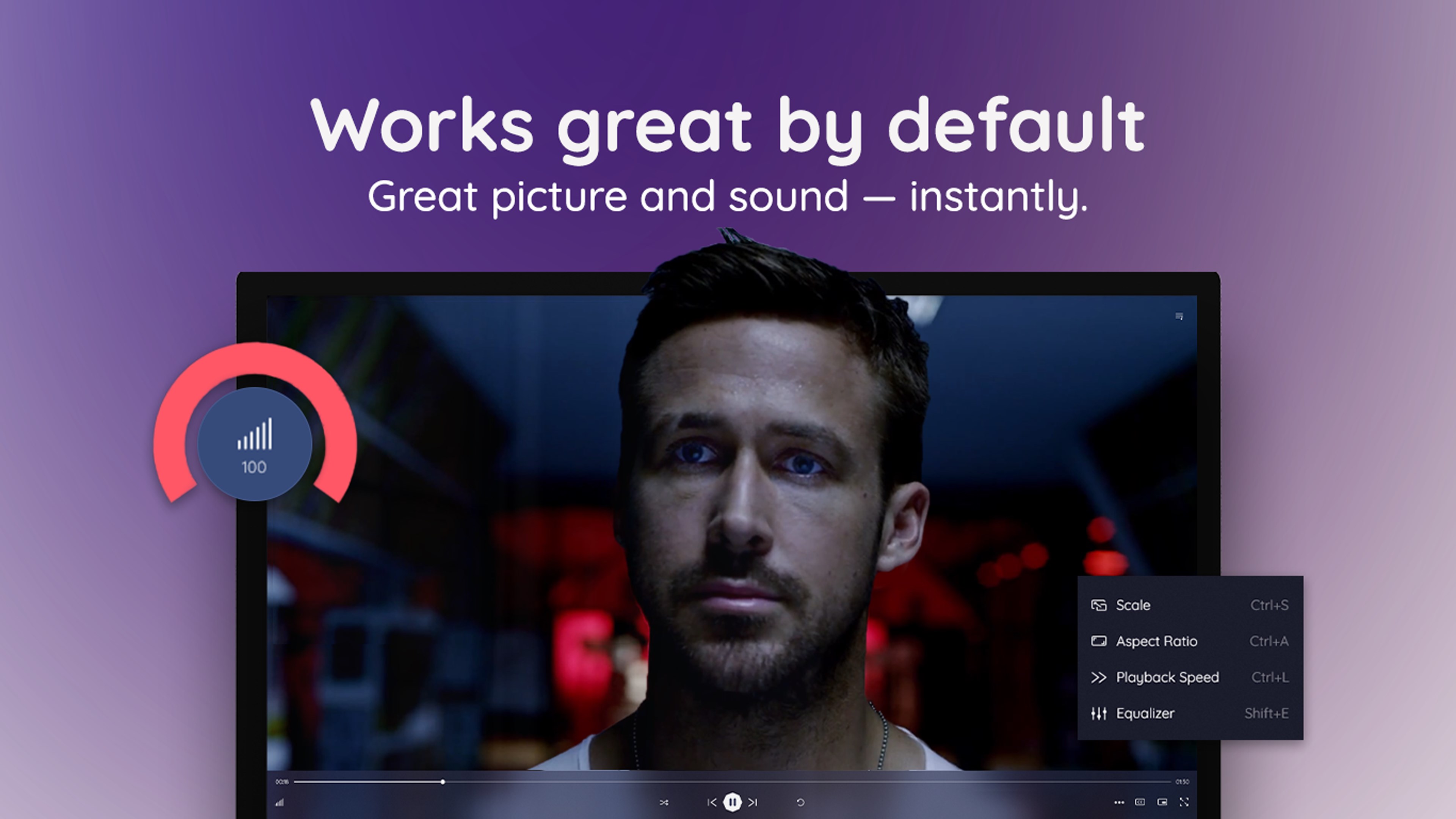
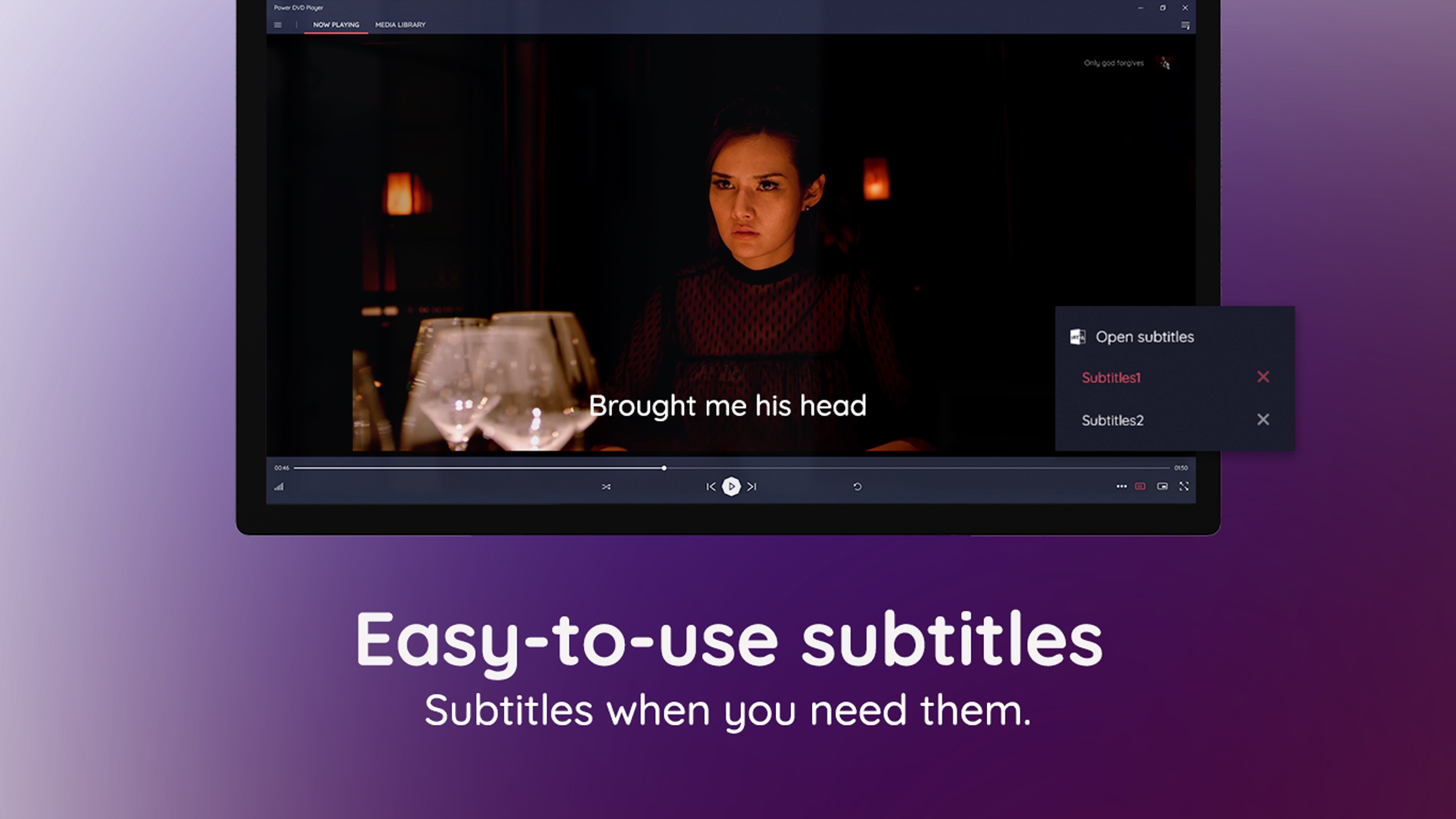
Beyond DVDs, the app effectively plays various video formats like MP4, AVI, MKV, and more, acting as a Swiss Army knife for media files stored locally. A notable feature is its subtitle customization, allowing users to tweak font size, color, and positioning—imagine tailoring the subtitles like customizing a theater experience to your taste. Audio track selection is similarly flexible, providing a personalized viewing environment.
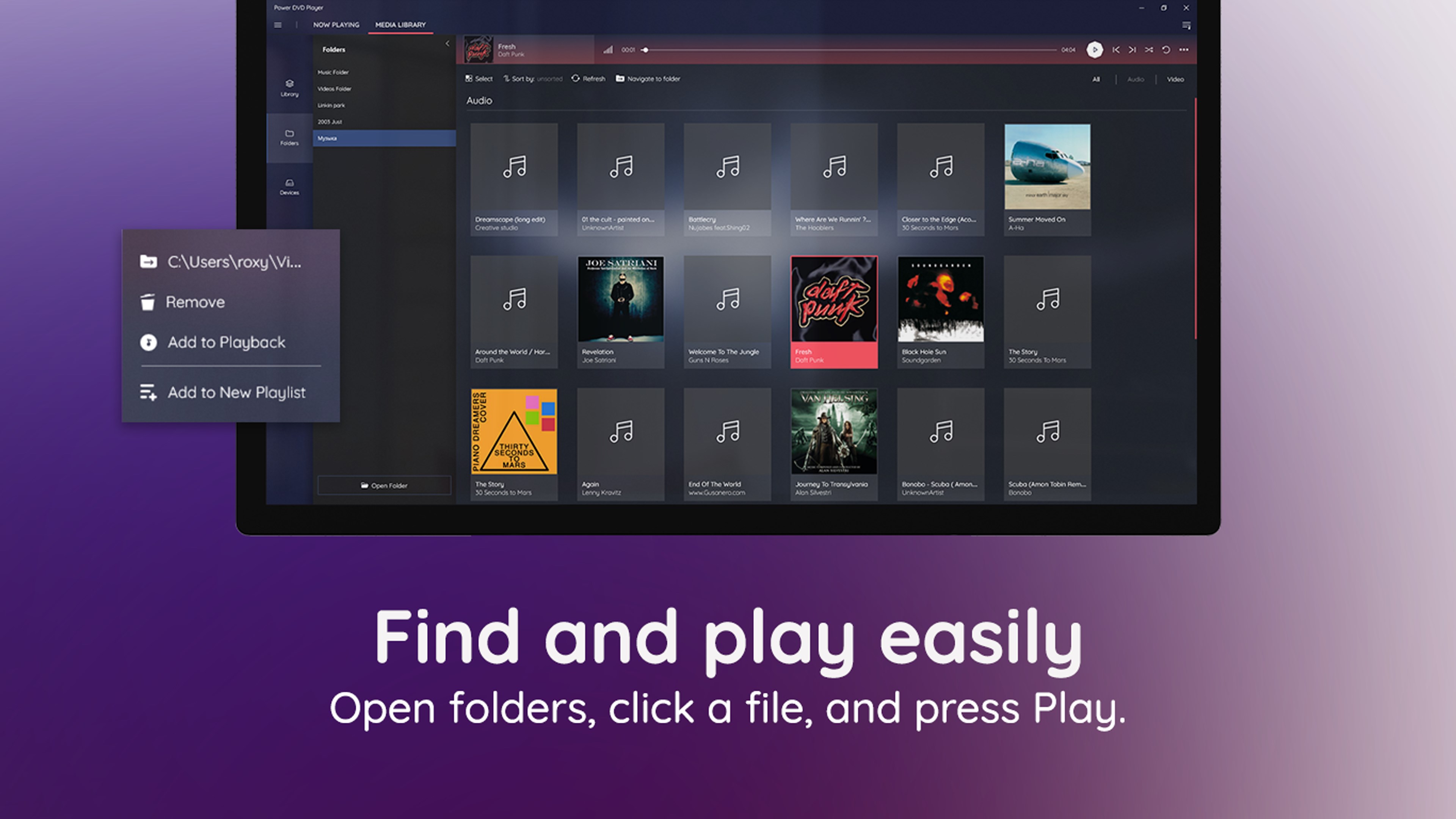
One standout aspect of MediaPlay is its smooth, clutter-free interface, which minimizes the typical learning curve seen in more complex media players. The design feels like an organized bookshelf—each function easily accessible without having to dig through menus. Regarding content discovery and recommendations, while MediaPlay doesn't feature advanced AI-driven content algorithms like some streaming giants, it distinguishes itself through its reliability and tailored media support. Its focus on local media management and playback accuracy ensures that what you want to watch is just a click away, making it superior for local media enthusiasts.
All in all, MediaPlay DVD Player is a straightforward, dedicated media tool that prioritizes ease of use and stability over flashy features. It's perfect for those who value a dedicated playback solution that simply works—no fuss, no confusion. If your primary need is a reliable DVD player with enhanced customization options, this application deserves a serious look. I'd recommend giving it a try, especially if you're tired of overly complicated media software cluttering your desktop. For users who want an uncomplicated, dependable media experience on Windows, MediaPlay stands out as a well-crafted choice.
User-friendly interface
Wide format support
Built-in playback controls
Reliable performance
Additional features
Limited media compatibility
Basic interface lacking advanced features
Occasional playback issues on older systems
No built-in internet streaming support
Limited language options

for Windows
 5
5

for Windows
4.8

for Windows
4.8

for Windows
4.8

for Windows
4.7

for Windows
4.6

for Windows
4.6

for Windows
4.6

for Windows
4.6

for Windows
4.6

for Windows
4.6

for Windows
4.6

for Windows
5

for Windows
5

for Windows
5

for Windows
5
for Windows
5

for Windows
5

for Windows
5

for Windows
5

for Windows
5

for Windows
5