Utilities & tools
Natchland
PC
Windows 10 version 17763.0 or higher
Integrated Keyboard
Integrated Mouse
Not specified
English (United States)
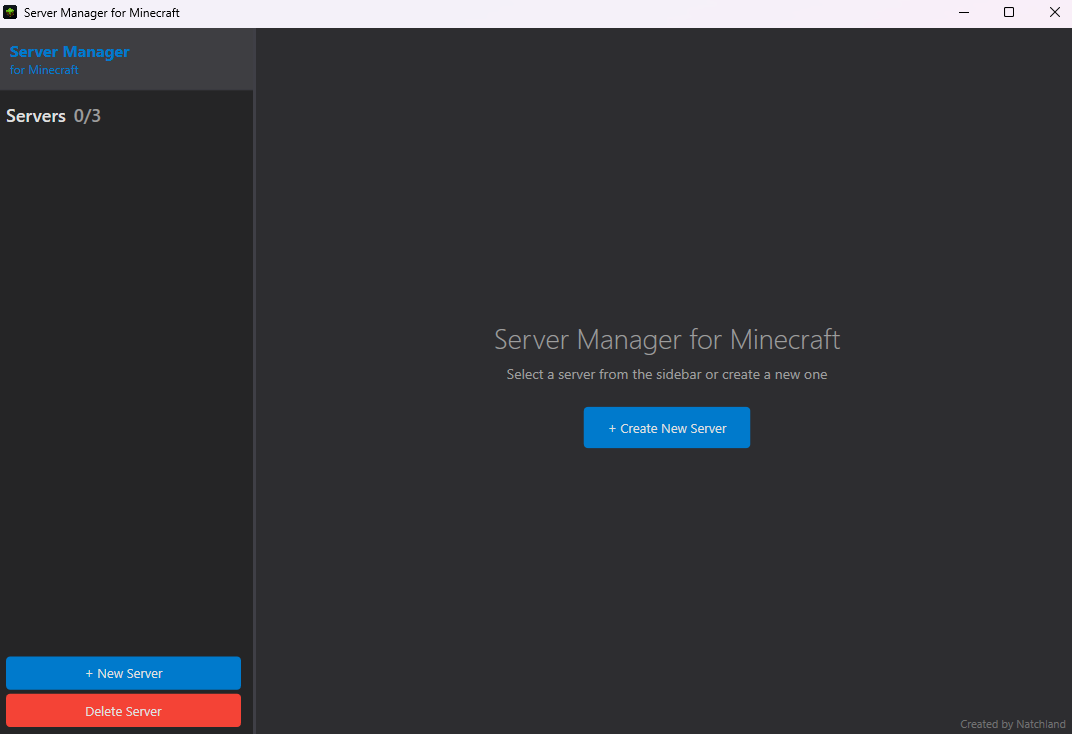
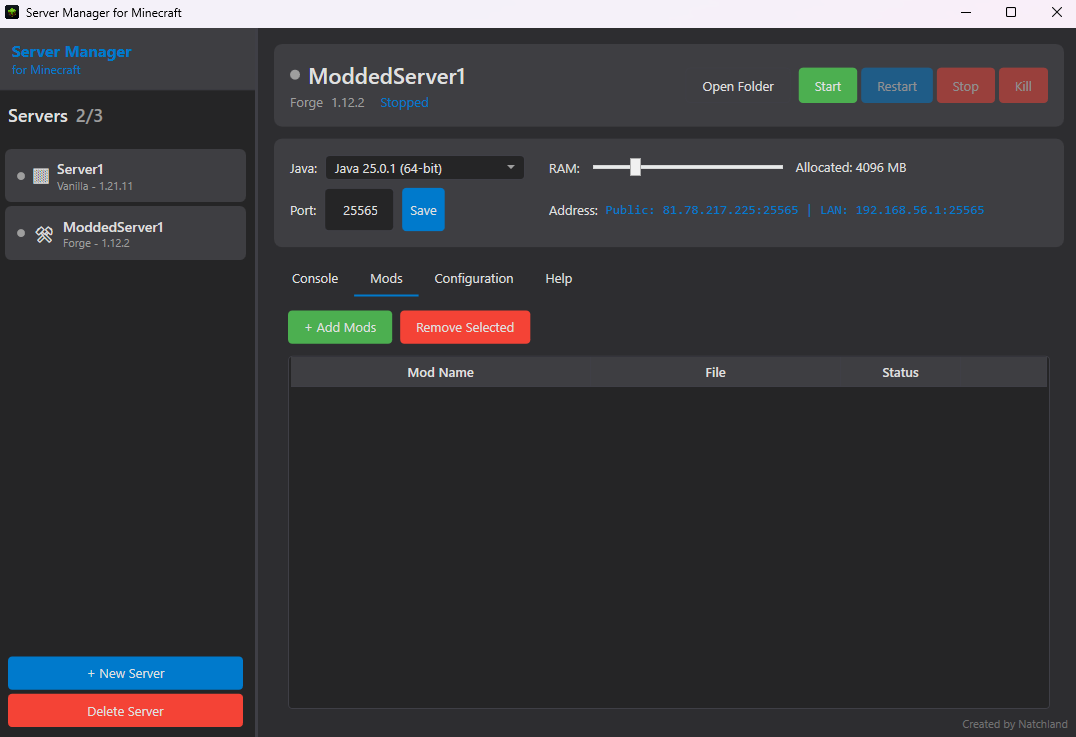
If you've ever dabbled in hosting your own Minecraft server, you know how intricate managing multiple servers can be — akin to juggling fiery torches while riding a unicycle. Thankfully, MC Server Manager for Windows offers a streamlined pathway to keep your Minecraft universe thriving without the usual headaches. Designed by Natchland, this application aims to empower server administrators of all skill levels to control, monitor, and maintain their Minecraft servers with ease—akin to having a friendly tech-savvy assistant right at your fingertips.
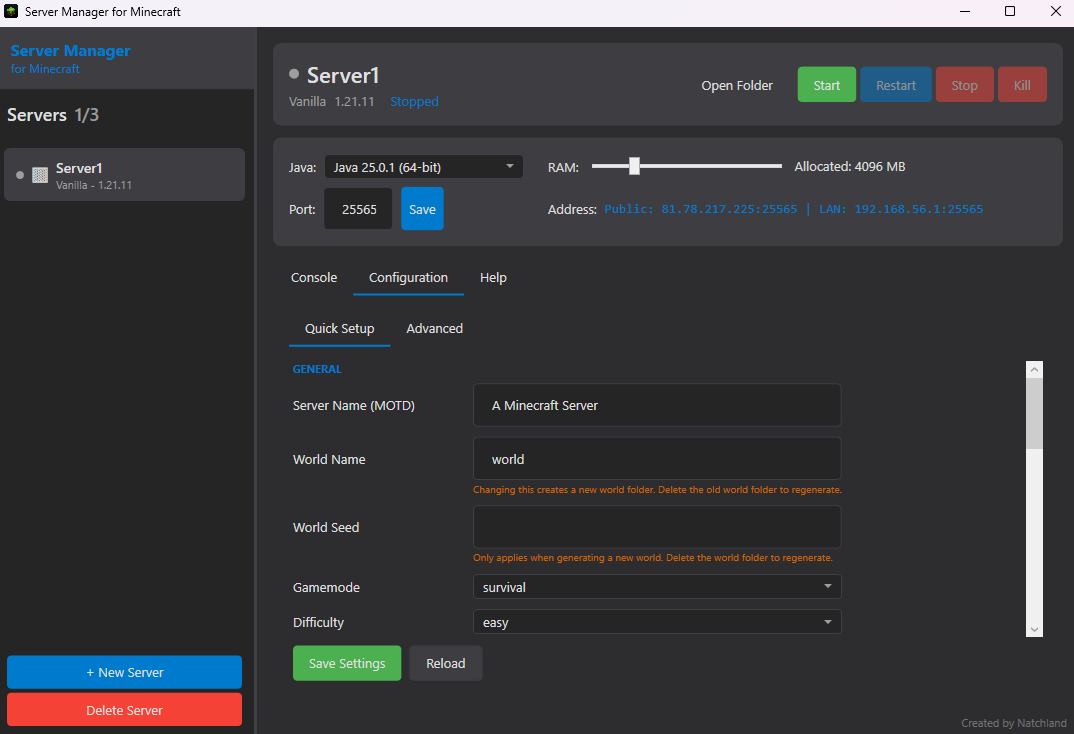
The standout feature of MC Server Manager is its straightforward one-click controls for starting, stopping, and restarting your servers. Imagine being able to flick a switch and see your Minecraft world come alive or go to sleep—no more fumbling through complex command lines or console logs. This simplicity is ideal for newcomers and seasoned admins alike, offering quick access to essential functions without wading through labyrinthine menus. The visual cues and instant feedback elevate the user experience, making server control as effortless as turning on a lamp.
The app excels in providing real-time monitoring of your servers, including CPU load, RAM usage, and player counts. Think of it as having a dashboard in your car that keeps you informed whether you're cruising smoothly or approaching a red flag. This feature helps you preemptively address issues or optimize resources for smooth gameplay, ensuring your server runs at peak performance. The clarity and accessibility of these metrics make it easy to identify bottlenecks or underused resources, a vital aspect for maintaining a stable gaming environment.
Data safety is paramount when managing game worlds, and MC Server Manager stands out with its automated backup feature. It allows scheduled backups of your server configurations and world files, acting like a safety net that catches mistakes or unexpected crashes. Restoring your server to a previous state is just a few clicks away, giving peace of mind to administrators worried about data corruption or accidental deletions. This automated approach minimizes downtime and keeps the gaming experience seamless.
Intuitive Server Management Interface
Real-Time Monitoring and Alerts
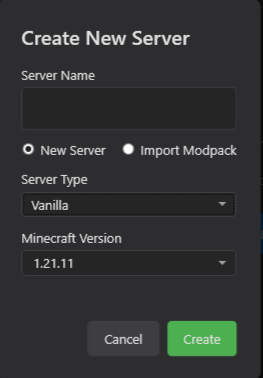
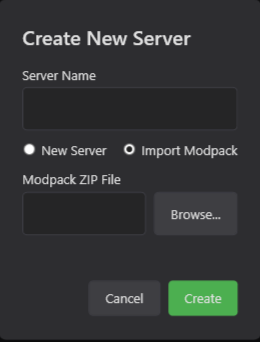
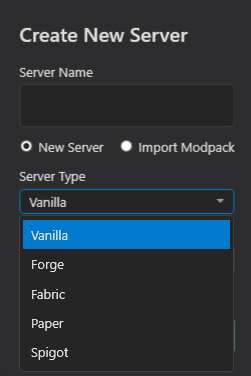
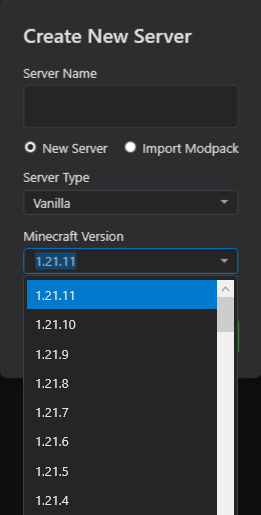
Easy Server Setup and Configuration
Automated Backups and Restores
Cross-Platform Compatibility
Limited Customization Options
Occasional Connectivity Delays
Basic Analytics Features
Limited Free Support Resources
Resource Intensive for Large Servers

for Windows
 5
5

for Windows
5

for Windows
5

for Windows
5

for Windows
5

for Windows
4.9

for Windows
4.9

for Windows
4.9

for Windows
4.9

for Windows
4.9

for Windows
4.9

for Windows
4.9

for Windows
5

for Windows
5

for Windows
5
for Windows
5

for Windows
5

for Windows
5

for Windows
5

for Windows
5

for Windows
5

for Windows
5