Educational
RV AppStudios LLC
PC, Mobile, Surface Hub, HoloLens
Windows 10 version 10240.0 or higher
Version 10
Afrikaans, Arabic, Bangla, Bulgarian, Catalan, Chinese (Simplified), Chinese (Traditional Chinese), Croatian, Czech, Danish, Dutch, English (United States), Filipino, Finnish, French, German, Greek, Gujarati, Hindi, Hungarian, Italian, Japanese, Kannada, Kiswahili, Korean, Lithuanian, Malay, Malayalam, Marathi, Nepali, Norwegian, Persian/Farsi, Polish, Portuguese, Punjabi, Romanian, Russian, Serbian (Cyrillic), Slovak, Spanish, Swedish, Tamil, Telugu, Thai, Turkish, Ukrainian, Vietnamese
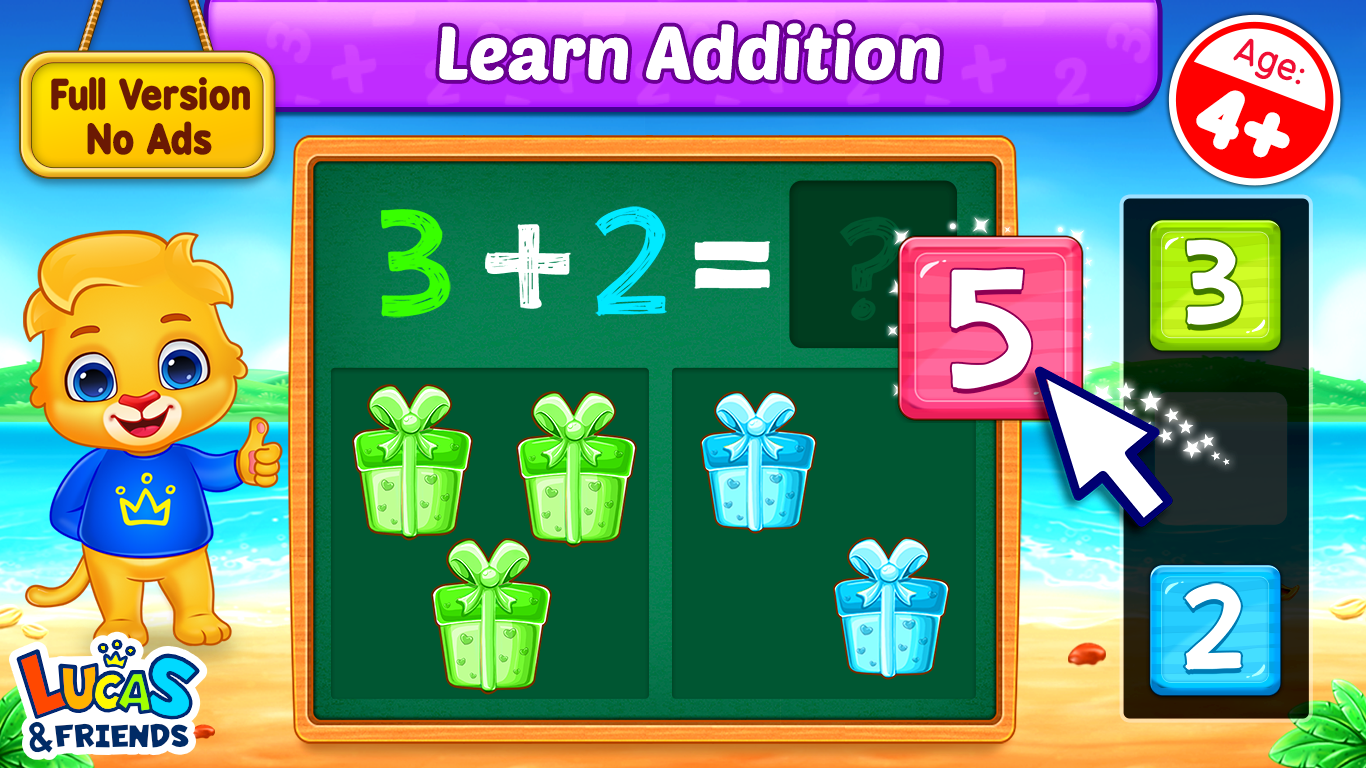
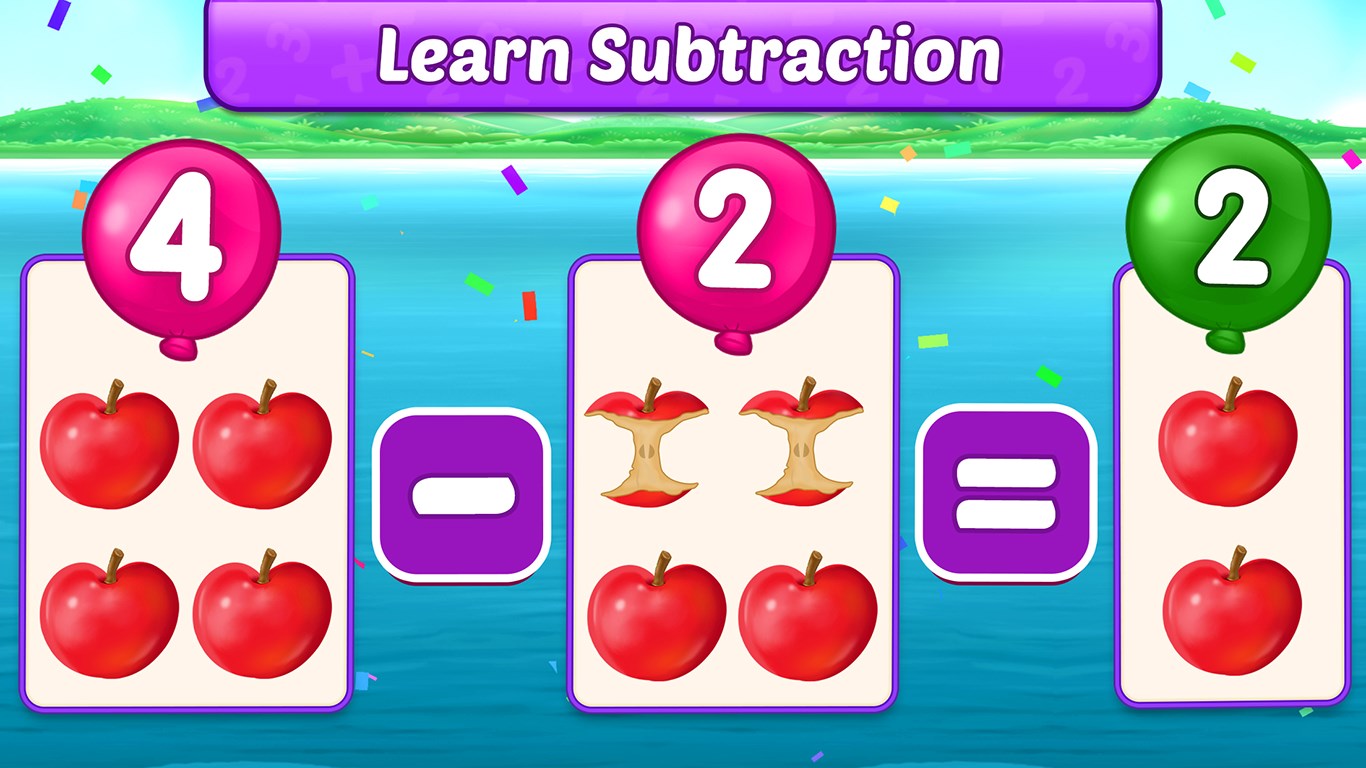
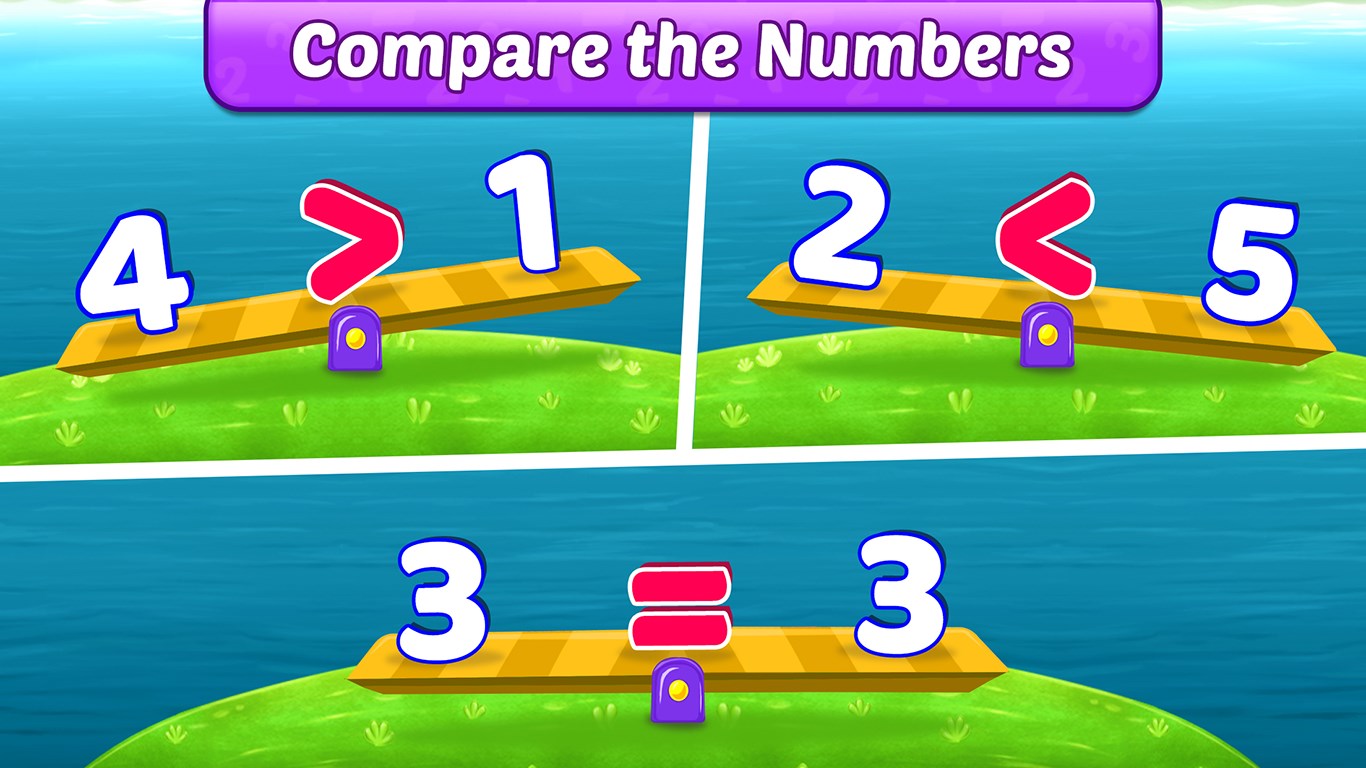
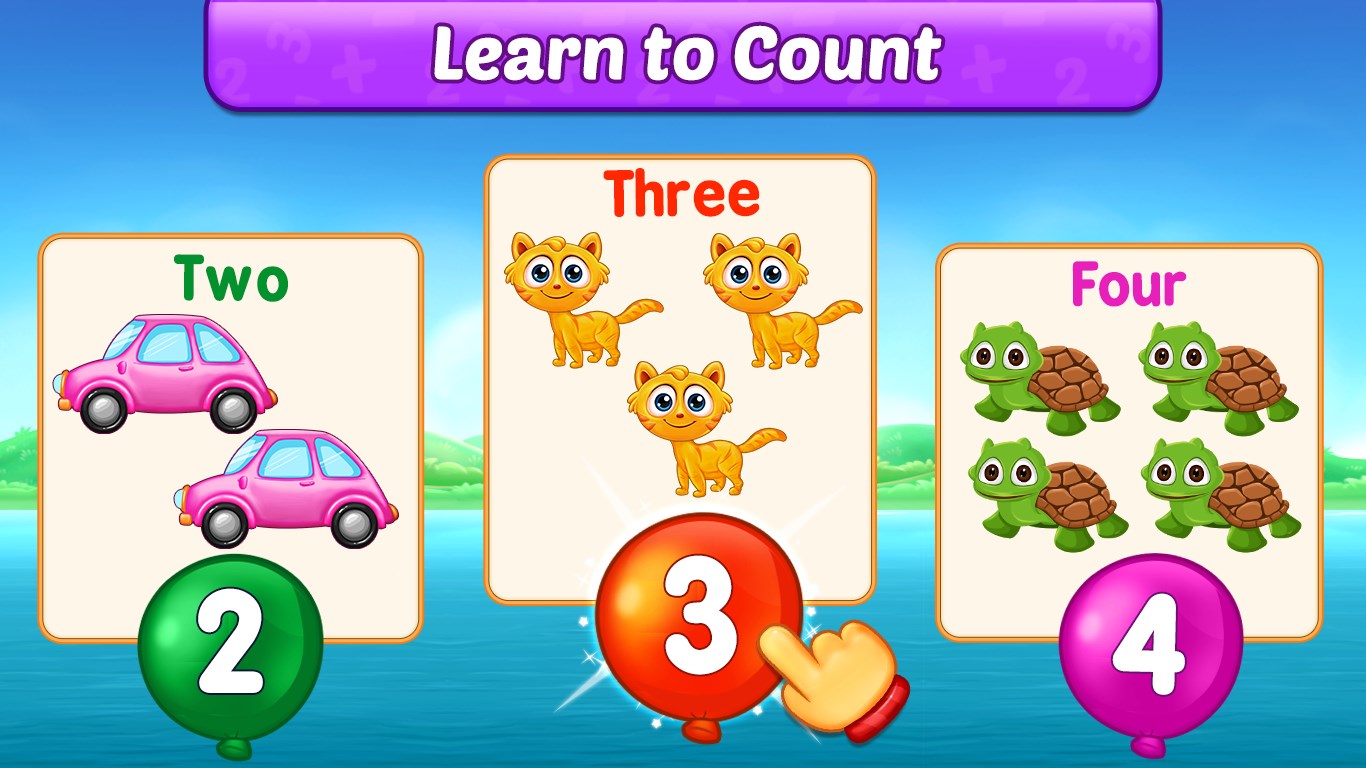
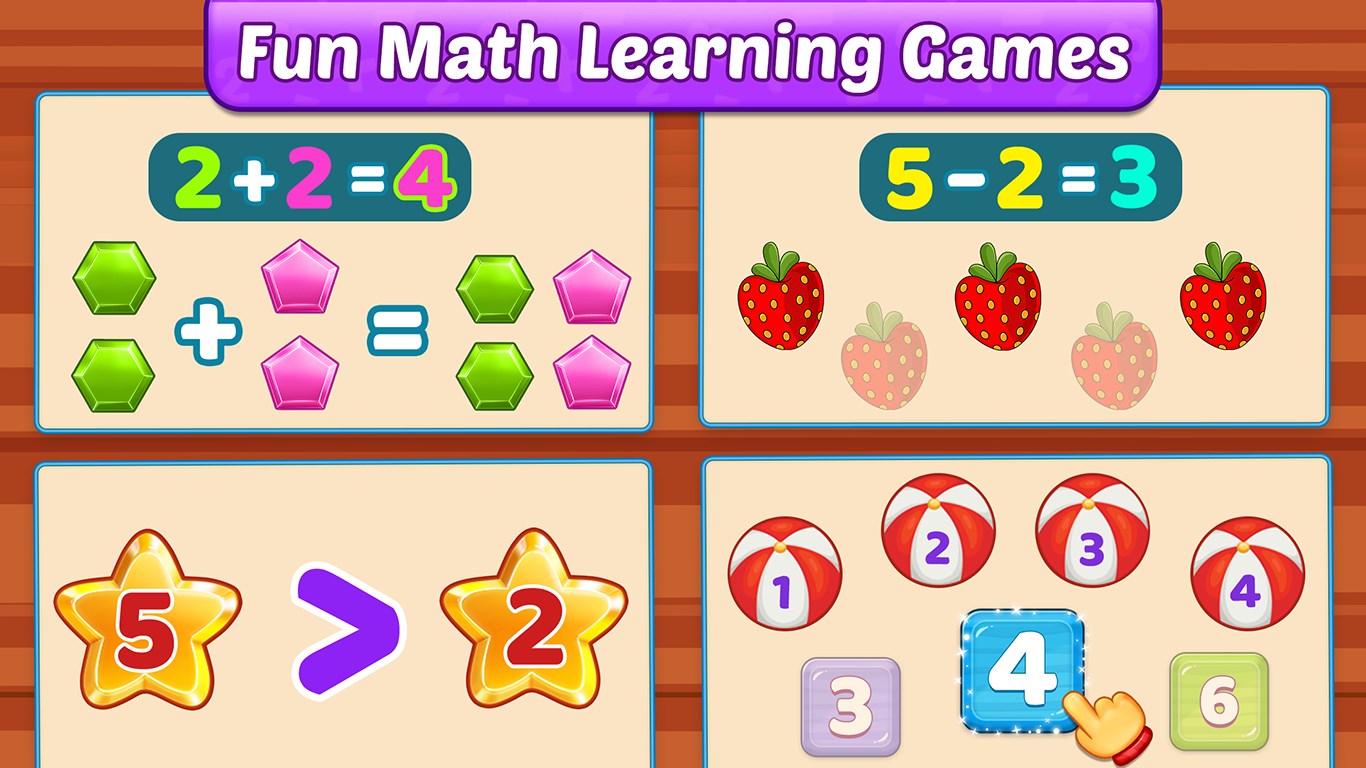
Math Kids: Math Games For Kids is an engaging educational app designed to make learning fundamental math skills an enjoyable adventure for children. It combines interactive gameplay with educational content, aiming to foster a love for numbers and problem-solving from a young age.
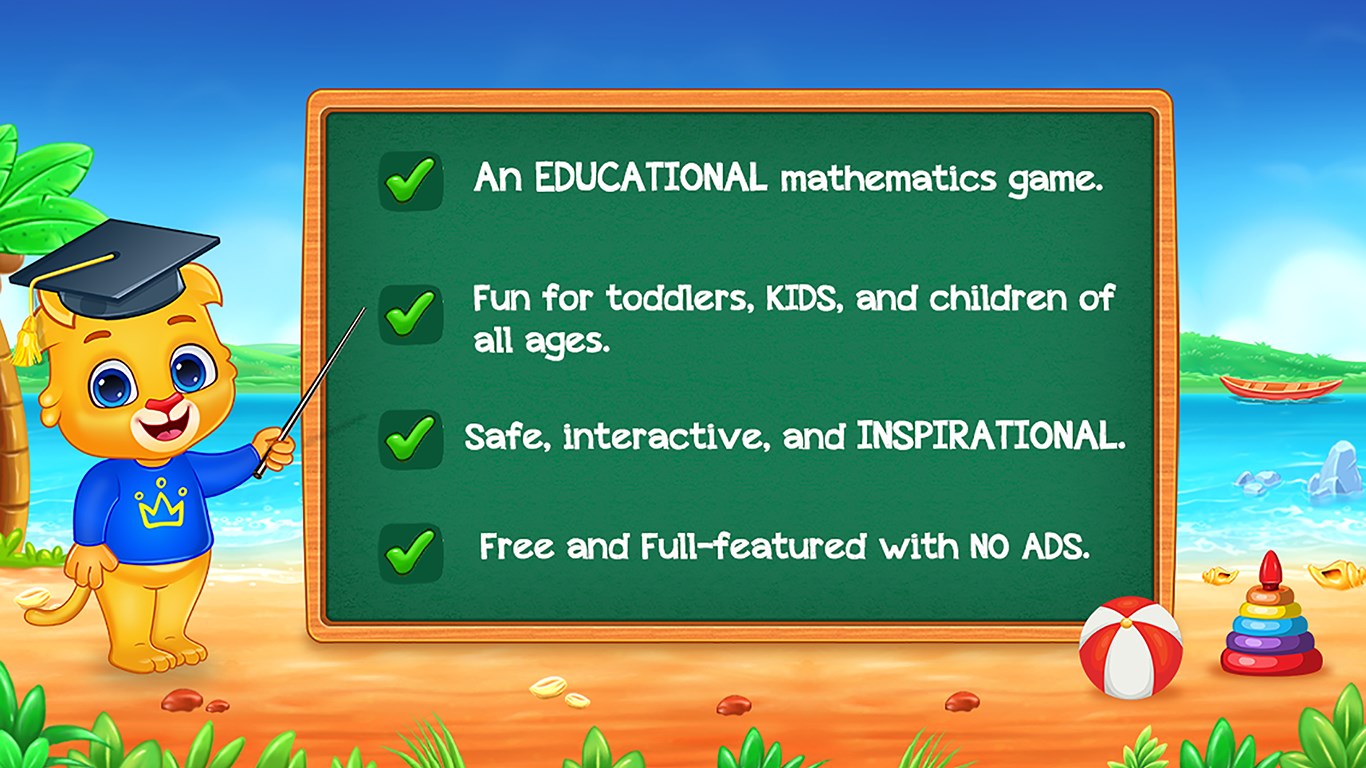
The app comes from RV AppStudios LLC, a developer known for creating child-friendly educational content that balances learning objectives with engaging experiences. They focus on delivering high-quality, safe, and fun applications for young learners.
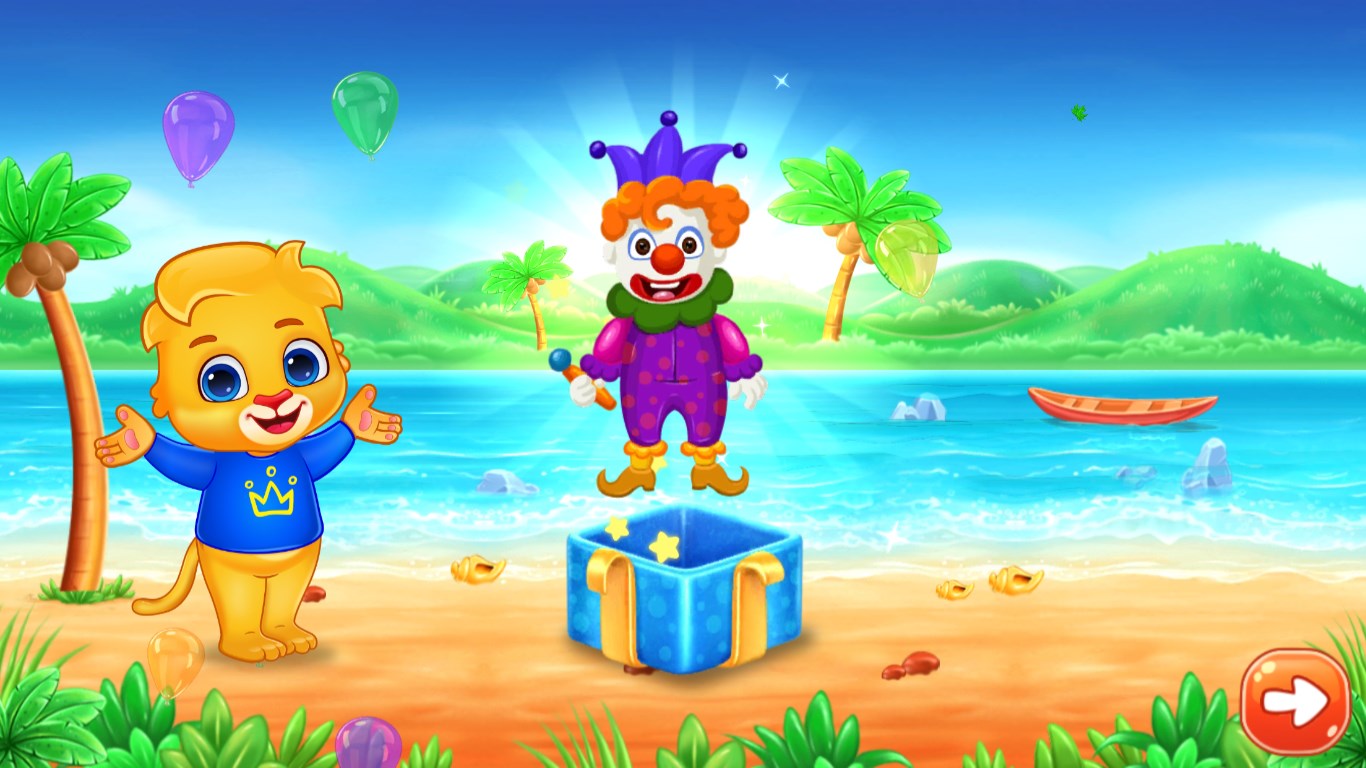
From the moment you launch Math Kids, you're greeted with a lively, colorful universe where numbers dance and puzzles beckon like treasure chests waiting to be unlocked. Imagine your child stepping into a magical classroom, where each game is a doorway to new math adventures. The app's vibrant visuals and cheerful sound effects immediately engage young minds, transforming what could be tedious drills into captivating quests. It's like turning homework into a game—less a chore, more a delight.
The first highlight is the **Gamified Learning Paths**. Instead of static problems, children progress through themed levels such as “Number Pirates” or “Math Monsters,” where solving puzzles unlocks stories and characters. This immersive approach keeps kids eager to learn more, fostering a natural curiosity for math. The second feature is **Progress Tracking & Rewards**, which acts as a gentle coach, offering visual progress bars, badges, and fun surprises. These features serve as internal motivators, encouraging kids to master concepts at their own pace while parents and educators can observe growth through detailed metrics.
The interface of Math Kids is designed with young learners in mind: large buttons, simple navigation, and eye-catching colors create an inviting environment. Interaction is smooth—drag-and-drop puzzles, simple taps, and straightforward menus make gameplay fluid without frustrating delays. The learning curve is gentle; children can easily pick up the app's mechanics within minutes, allowing for independent exploration or guided play with minimal guidance. This seamless experience turns children into confident explorers, subtly reinforcing their skills through engaging repetition.
Compared to many educational apps, Math Kids excels in merging the goals of effective learning and engaging gameplay. Unlike apps that focus solely on rote memorization or superficial activities, this app emphasizes measuring knowledge retention through integrated metrics, helping educators and parents understand what children truly grasp. Its gamified design ensures sustained engagement without sacrificing educational value—think of it as a well-balanced diet where fun and nutrition go hand in hand. Its core distinction lies in creating a vibrant ecosystem where children learn naturally while feeling like they're on a delightful adventure, not just completing chores.
I would recommend Math Kids: Math Games For Kids to parents and educators looking for a safe, engaging, and educational app for children learning basic math skills. Its thoughtful design, combined with playful interfaces and insightful progress metrics, makes it a helpful tool for reinforcing foundational concepts. For children who thrive on interaction and visual stimulation, this app offers an intuitive and rewarding experience. Regular use can foster a positive attitude toward math, laying a strong groundwork for future learning. Just keep an eye on usage time—like any good game, balance is key—but overall, it's a bright spark in the landscape of kids' educational apps.
Engaging and colorful interface
Interactive gameplay enhances learning
Progress tracking for parents
Wide range of math topics
User-friendly for children
Limited difficulty levels
Lack of personalized feedback
Advertising interruptions in free version
Limited language options
No offline mode

for Windows
 4.8
4.8

for Windows
4.7

for Windows
4.6

for Windows
4.5

for Windows
4.4

for Windows
4.4

for Windows
4.4

for Windows
4.4
for Windows
4.3
for Windows
4.2
for Windows
4.2
for Windows
1.5

for Windows
5

for Windows
5

for Windows
5

for Windows
5

for Windows
5

for Windows
5

for Windows
5

for Windows
5

for Windows
5

for Windows
5