Educational
RV AppStudios LLC
PC
Windows 10 version 10240.0 or higher
Version 10
Afrikaans, Albanian, Arabic, Bangla, Basque, Bulgarian, Catalan, Chinese (Simplified), Chinese (Traditional Chinese), Croatian, Czech, Danish, Dutch, English (United States), Estonian, Filipino, Finnish, French, German, Greek, Gujarati, Hindi, Hungarian, Indonesian, Italian, Japanese, Kannada, Kazakh, Kiswahili, Korean, Latvian, Lithuanian, Malay, Malayalam, Marathi, Nepali, Norwegian, Persian/Farsi, Polish, Portuguese, Punjabi, Romanian, Russian, Serbian (Cyrillic), Sinhala, Slovak, Slovenian, Spanish, Swedish, Telugu, Thai, Turkish, Ukrainian, Vietnamese
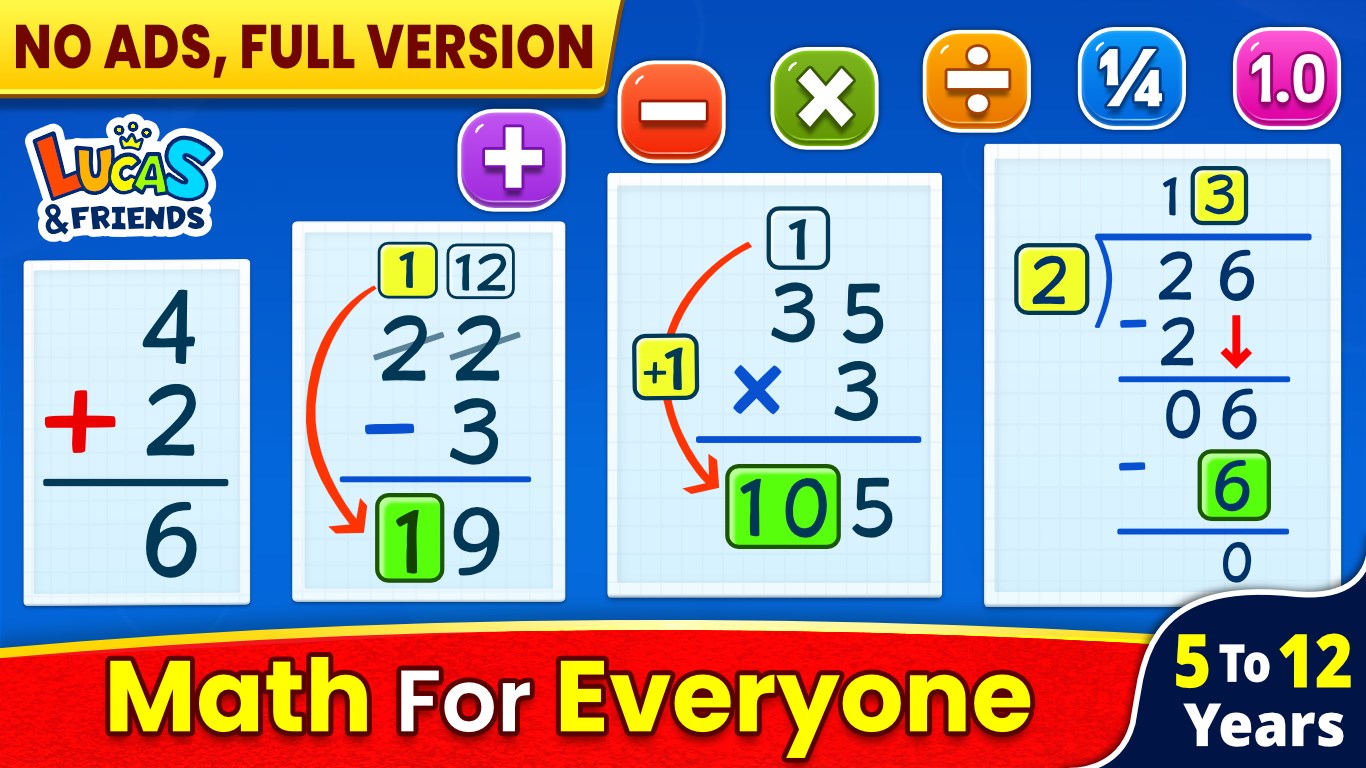
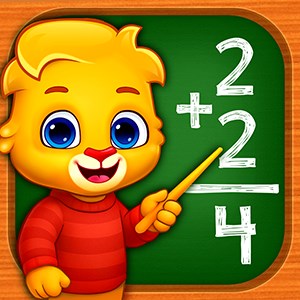
If you're scouting for an engaging way to make math both fun and educational for your child, Math Games: Math for Kids for Windows might just be the treasure chest you've been searching for. Designed to turn the sometimes intimidating world of numbers into an inviting playground, this app offers a colorful, interactive experience that appeals to curious young minds eager to conquer math challenges with a smile.
Developed by RV AppStudios LLC, a team with a knack for creating educational and entertaining apps, Math Games for Kids stands out as a product rooted in thoughtful design and user engagement. With a focus on helping children learn fundamental math concepts while having fun, RV AppStudios combines pedagogical principles with vibrant visuals and intuitive interfaces to produce an app that's accessible and rewarding for young learners.
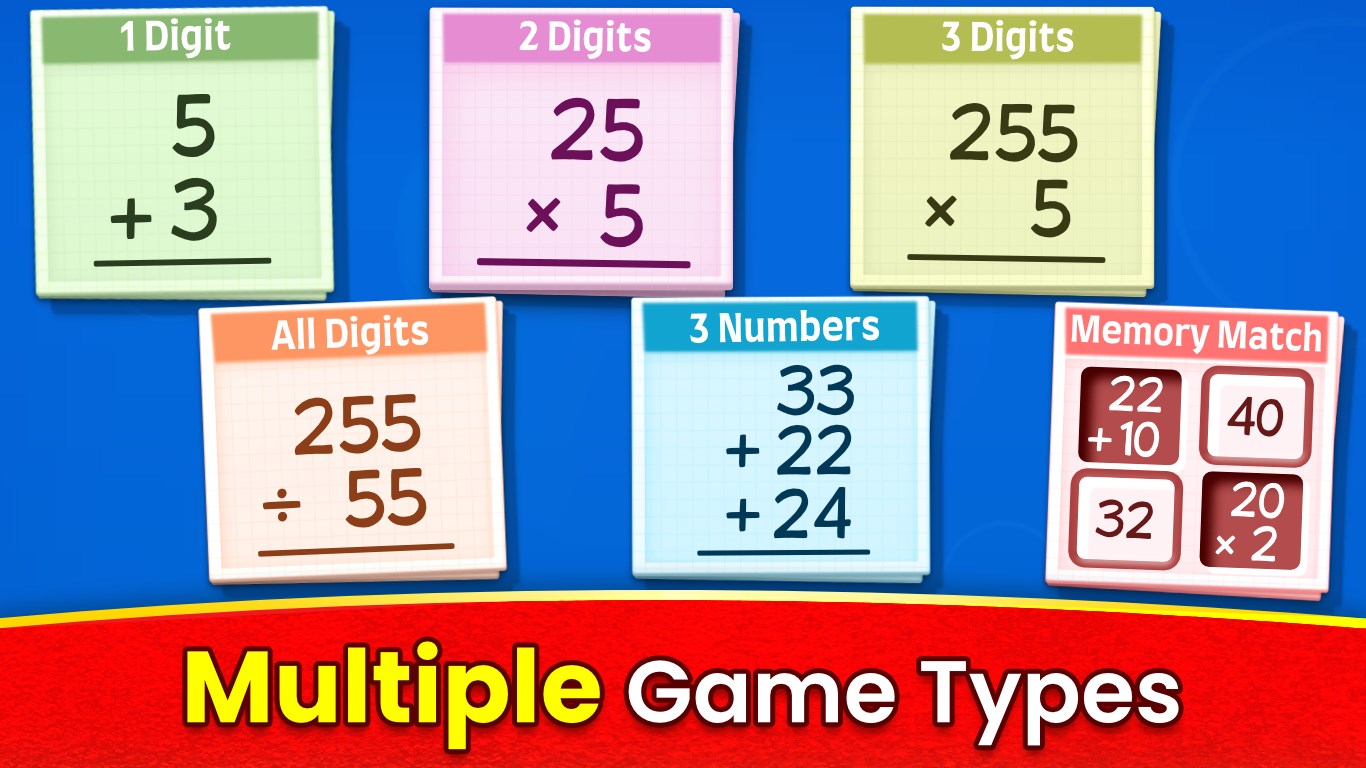
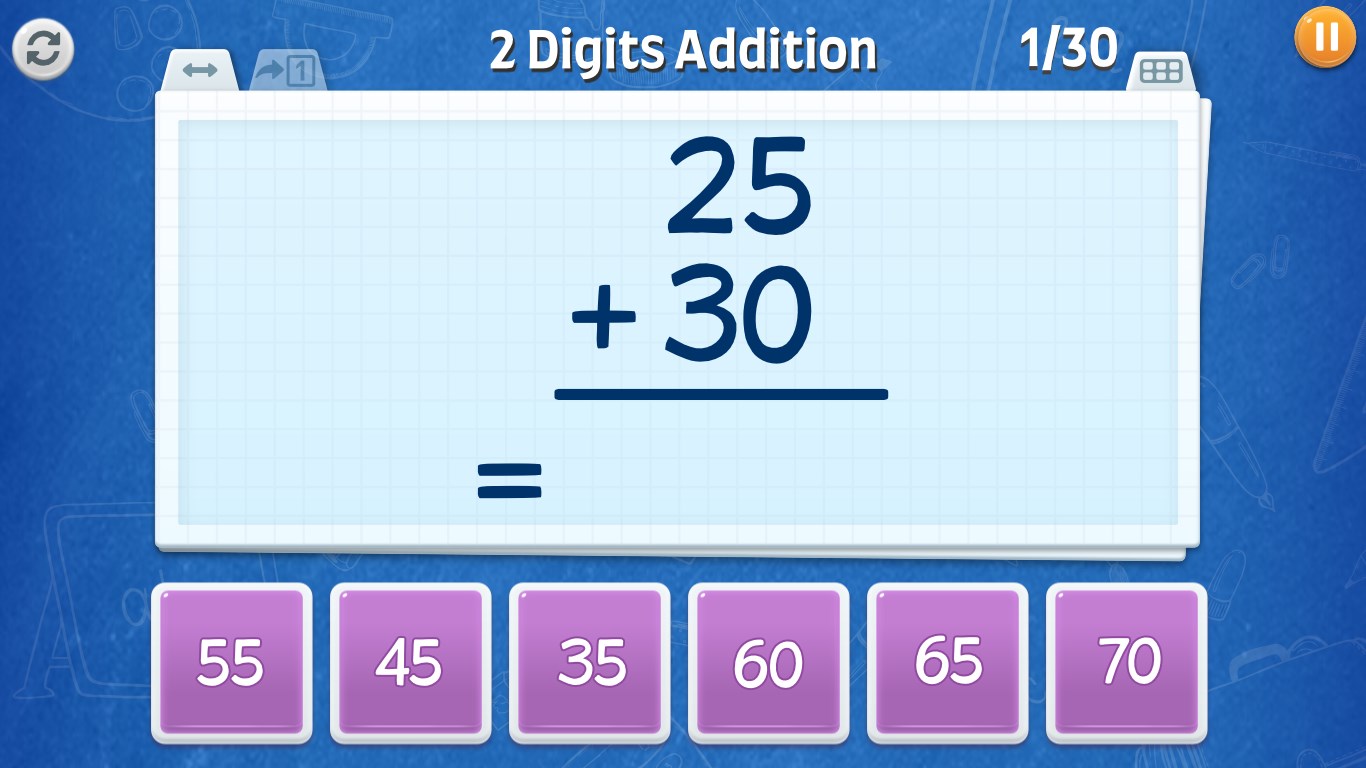
One of the app's highlights is its interactive gameplay that balances learning objectives with engaging activities, ensuring children remain motivated. The app offers multiple mini-games such as number puzzles, addition and subtraction challenges, and pattern recognition exercises, each crafted to reinforce core skills without becoming monotonous. Additionally, progress tracking and achievement badges motivate children to keep improving, while adaptive difficulty levels cater to different age groups and skill levels.
The interface is like a vibrant, inviting playground—bright colors, playful icons, and clear instructions make navigation feel effortless, even for very young users. The design is clean yet engaging, avoiding clutter while providing intuitive pathways to various games. Operation feels seamless, with quick load times and responsive touch controls that make gameplay feel natural and fluid. For parents, the straightforward menu allows easy setup and progress monitoring, adding to the overall user-friendly experience.
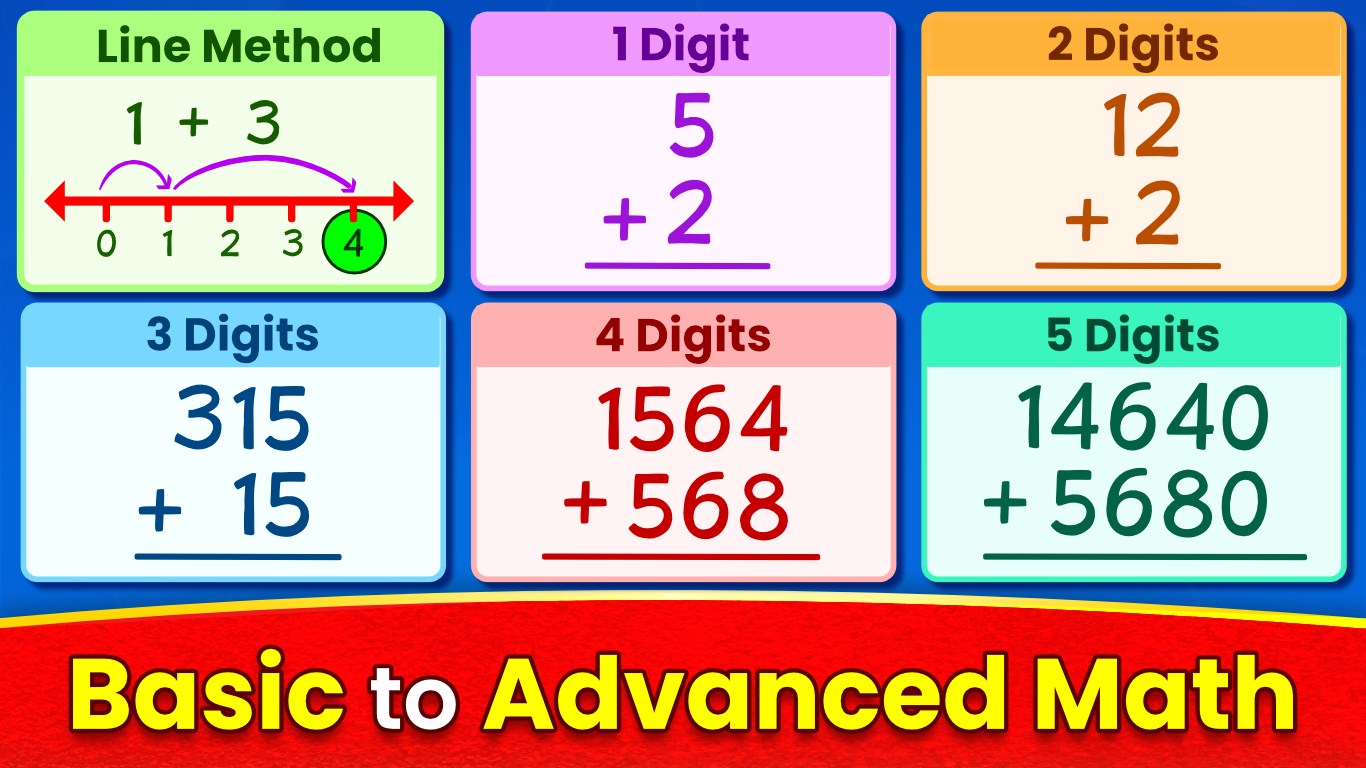
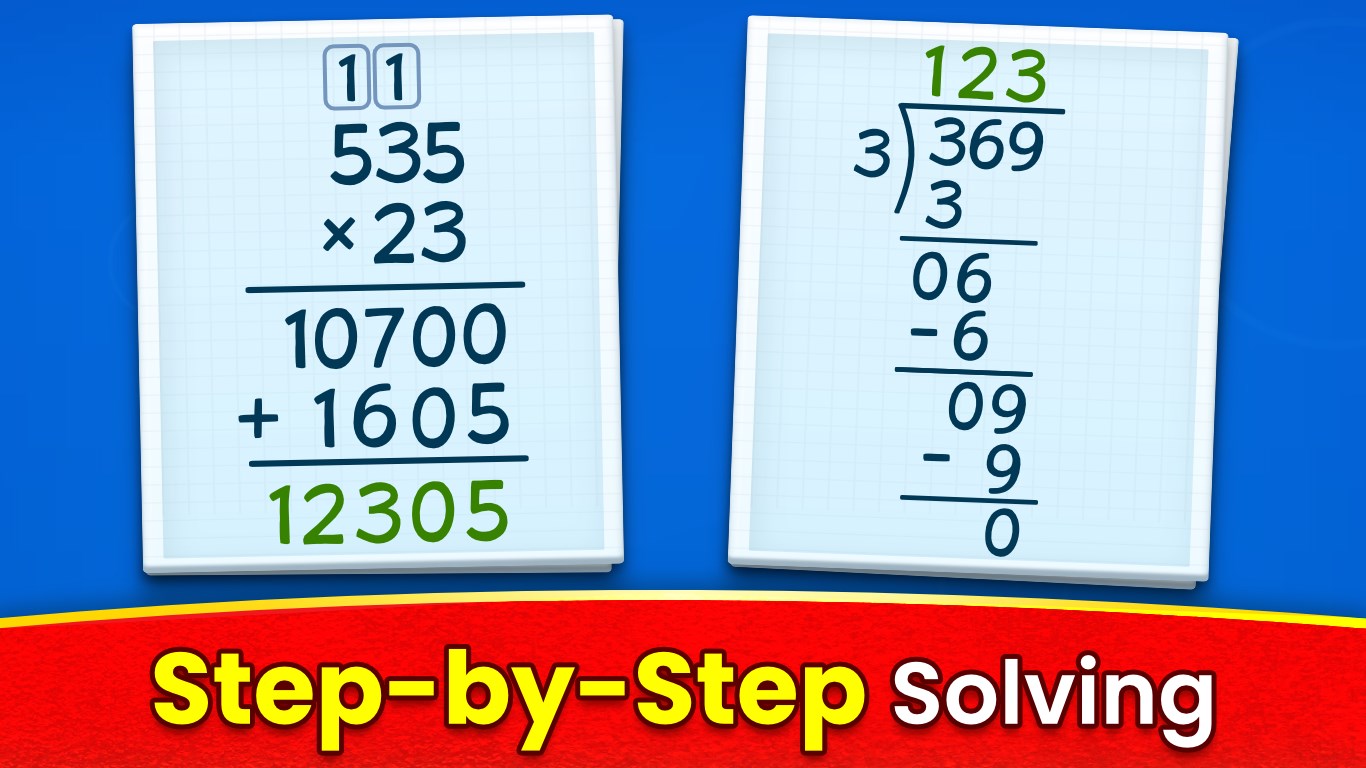
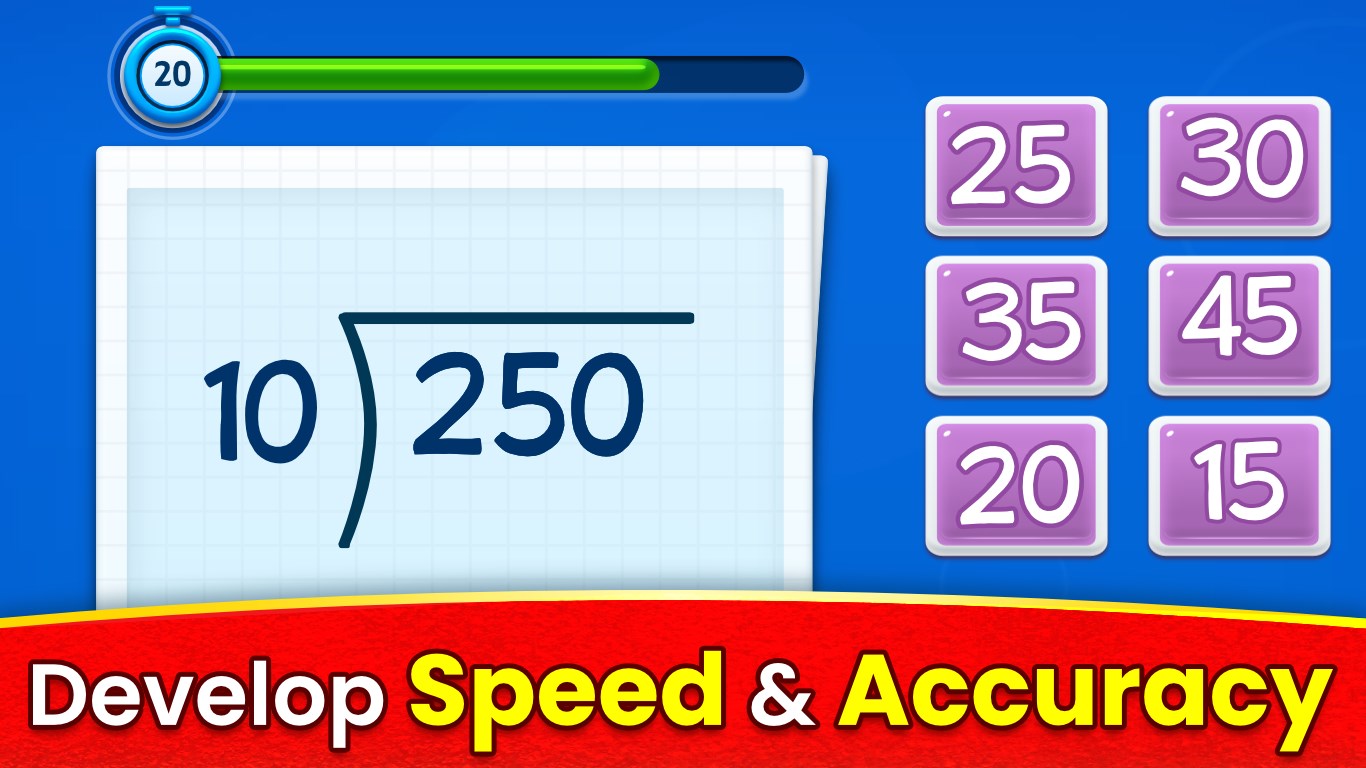
The core of Math Games lies in its clever mini-games that skillfully reinforce mathematical concepts. For example, children might drag and drop numbers to solve puzzles, or race against time to complete addition challenges. These modules transform abstract concepts into tangible, fun activities that captivate attention and promote mastery through practice. The game design emphasizes incremental learning, gradually increasing difficulty to match children's growing skills.
Motivation is crucial in early education, and this app understands that well. It features a badge system and progress tracker that visually reward children's achievements, akin to collecting shiny trophies after conquering each age-appropriate challenge. This gamified approach encourages continued engagement and helps parents and teachers monitor progress, making learning goals more tangible and rewarding.
Unlike many traditional math apps that sometimes focus heavily on repetitive drills, Math Games for Kids cleverly intertwines learning with play, striking a delightful balance. Its adaptive difficulty ensures that kids aren't bored or overwhelmed, constantly providing them with just the right challenge to promote retained knowledge—think of it as a personal coach adjusting to a child's pace. Moreover, the app uniquely measures knowledge retention through built-in achievement levels and progress metrics, enabling educators and parents to identify areas needing reinforcement.
Based on its thoughtful design, engaging content, and the way it seamlessly blends education with entertainment, I confidently recommend Math Games: Math for Kids for parents seeking a trustworthy tool to supplement their children's math learning at home or in the classroom. It's especially suitable for children aged 4 to 10, or those just beginning their math adventures. For maximum benefit, I suggest pairing this app with regular, playful conversations about math concepts to reinforce offline learning.
In conclusion, Math Games: Math for Kids is like having a friendly math coach in your digital device—encouraging, fun, and educational—making it a worthwhile addition to any young learner's digital toolkit.
Engaging and colorful interface
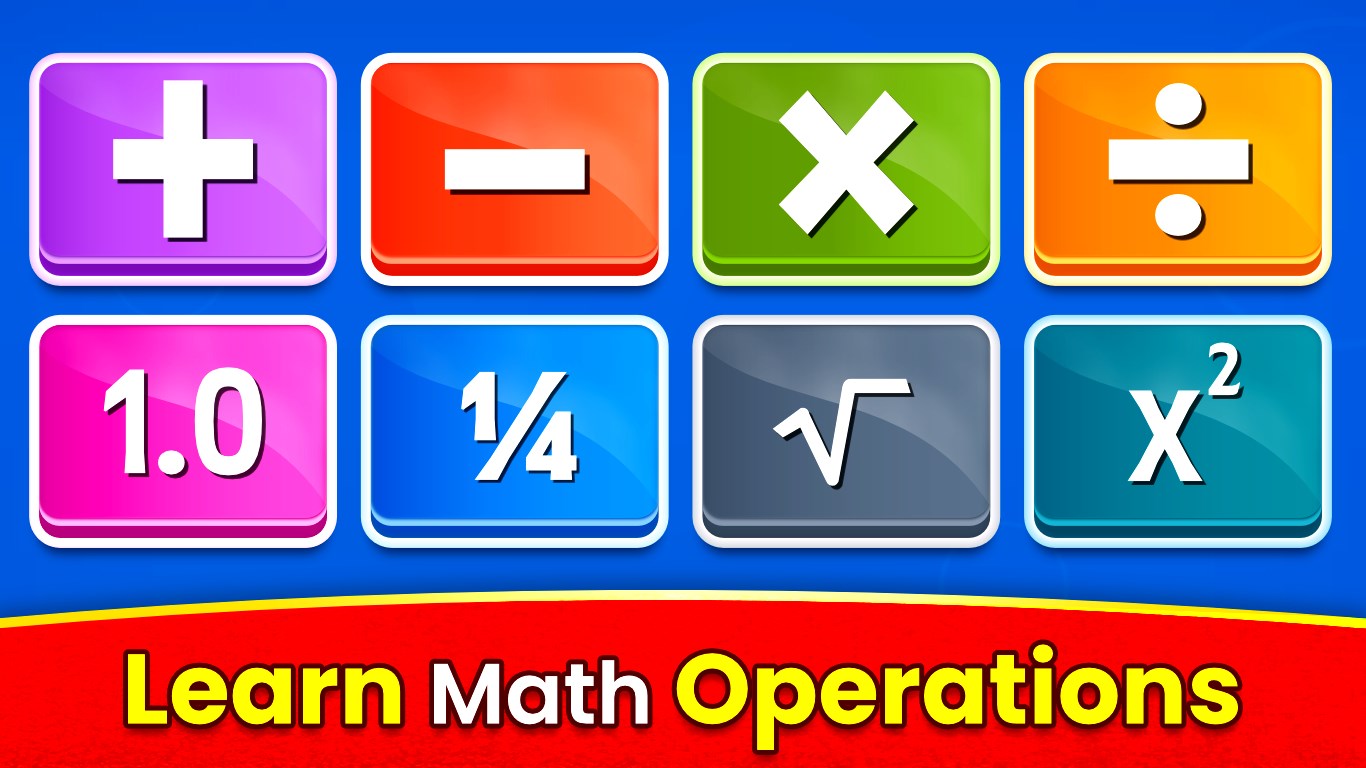
Variety of math games
Adaptive difficulty levels
Progress tracking feature
Suitable for multiple age groups
Limited speech guidance
Occasional bugs in score recording
Lack of offline mode
Limited customization options
Some ads appear between games

for Windows
 4.8
4.8

for Windows
4.7

for Windows
4.6

for Windows
4.5
for Windows
4.4

for Windows
4.4

for Windows
4.4

for Windows
4.4
for Windows
4.3

for Windows
4.2
for Windows
4.2
for Windows
1.5

for Windows
5

for Windows
5

for Windows
5

for Windows
5

for Windows
5

for Windows
5

for Windows
5

for Windows
5

for Windows
5

for Windows
5