Navigation & maps
PC
Windows 8.1 or higher
Chinese (Simplified), Chinese (Traditional Chinese), Danish, Dutch, English (United States), Finnish, French, German, Hindi, Italian, Polish , Portuguese, Russian, Serbian (Cyrillic), Serbian (Latin), Spanish, Swedish
Maps Pro for Windows is a versatile mapping application designed to enhance your navigation experience with detailed maps, offline capabilities, and user-friendly features. Perfect for travelers, commuters, or anyone exploring new places, this app aims to be your reliable guide in the digital age.
Developed by Nicollet Fabien, a developer team dedicated to creating practical and efficient mapping solutions, Maps Pro for Windows reflects their commitment to delivering precise navigation tools tailored for desktop users.
Imagine stepping into a familiar city, but instead of fumbling with paper maps or clunky GPS systems, you're greeted by a sleek, intelligent guide sitting comfortably on your desktop. Maps Pro for Windows transforms your everyday navigation from a stressful chore into a seamless adventure. Whether you're planning an intricate route or exploring uncharted terrains, this app aims to be your trusty companion, making the journey as enjoyable as the destination.
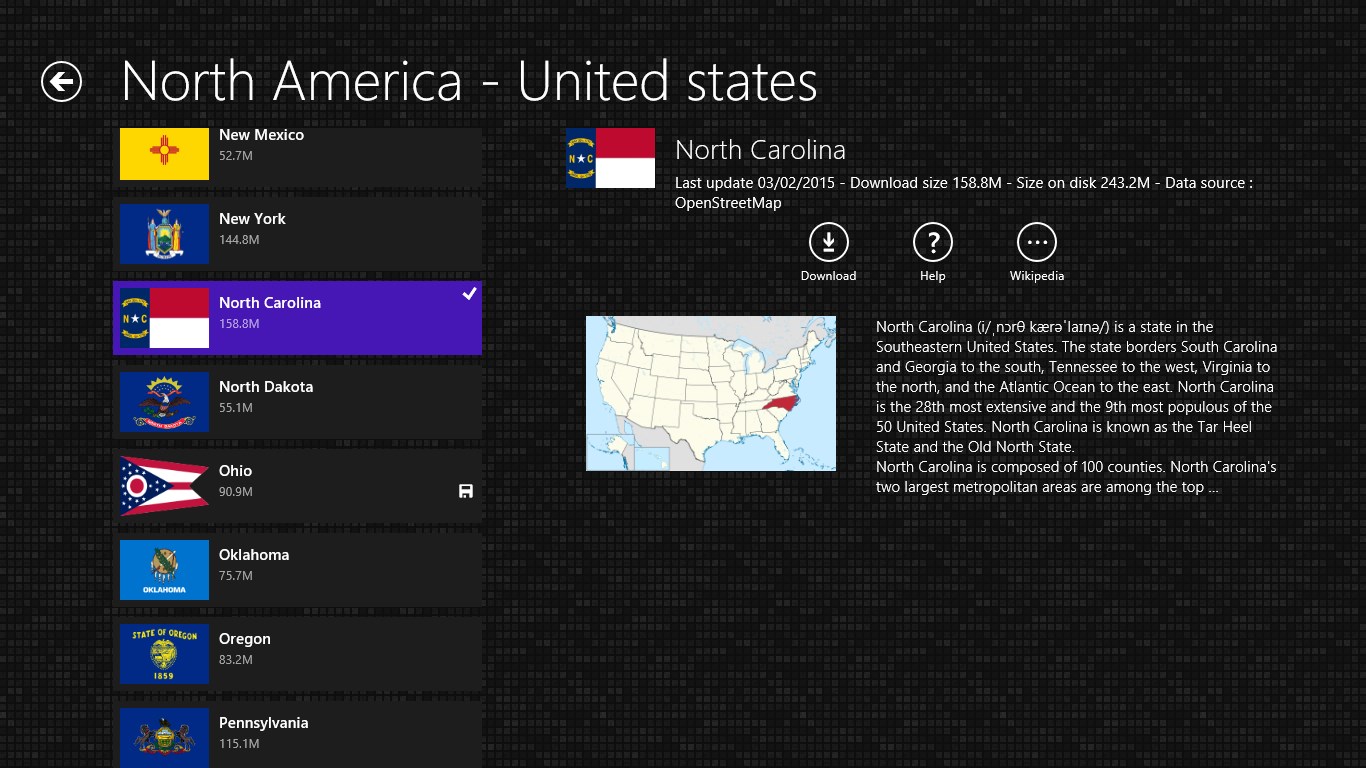
One of the standout features of Maps Pro is its ability to download detailed maps for offline use. This is akin to having a paper map but with the agility and updates of a digital tool. Users can select regions or entire countries, ensuring that even in areas with weak or no internet connectivity, navigation remains intact. This feature is especially valuable for international travelers or those venturing into remote locations where connectivity isn't guaranteed.
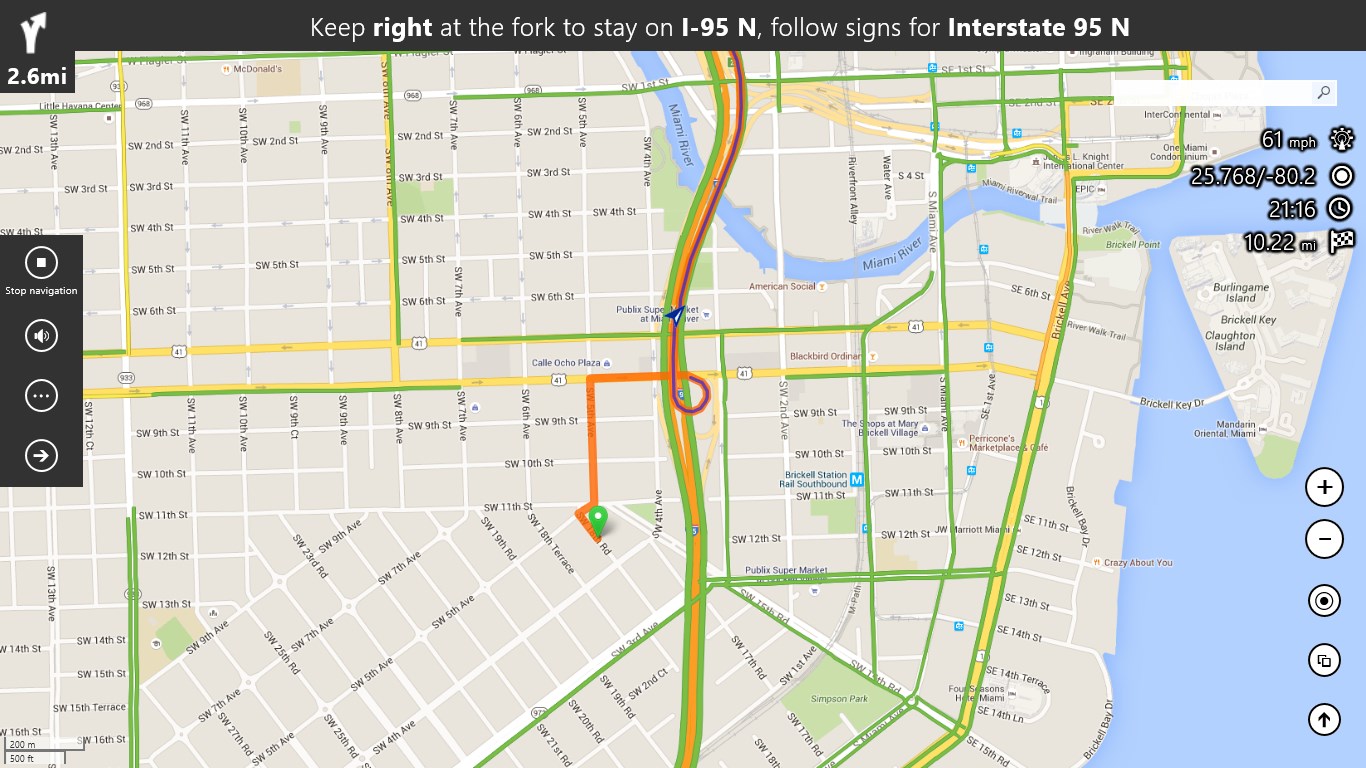
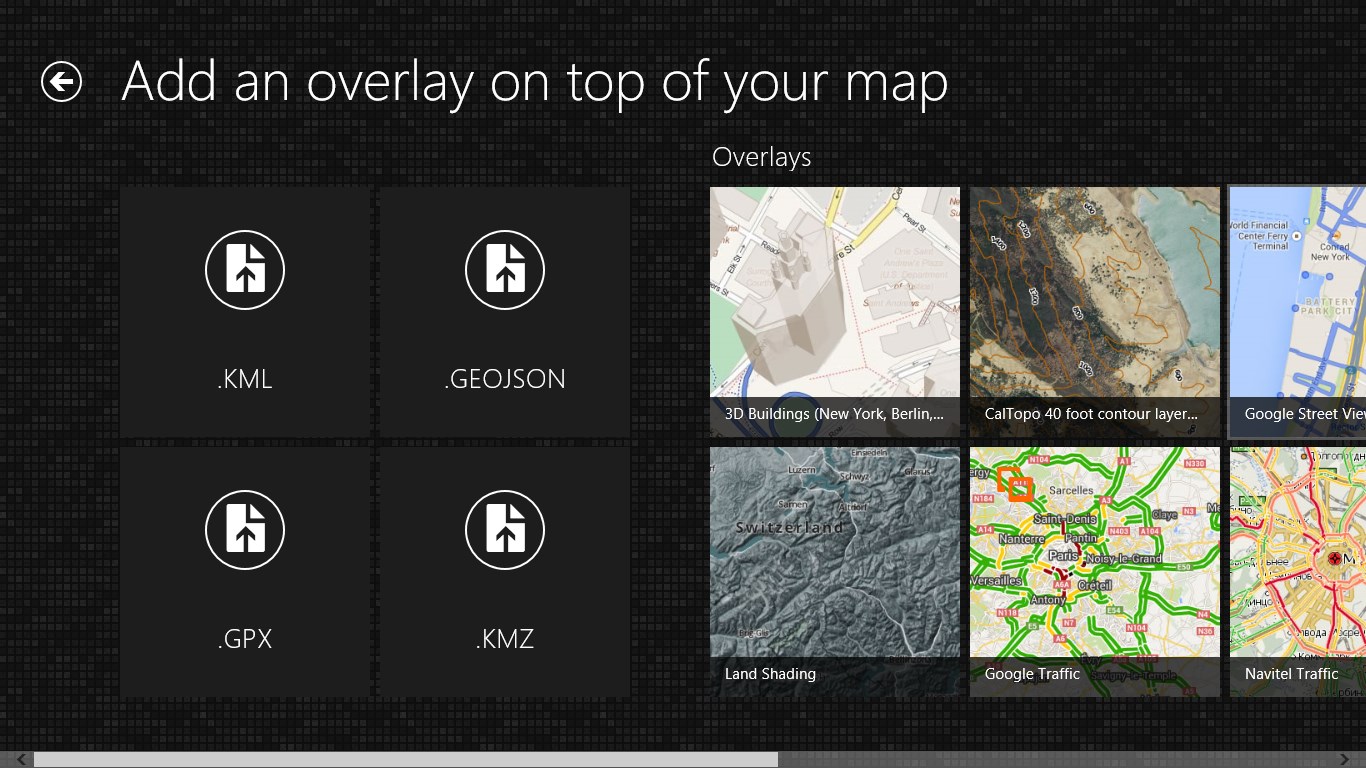
Another compelling aspect is the app's integration of real-time traffic data. This allows users to see live congestion levels, accidents, or road closures directly on the map—think of it as having a digital traffic cop guiding your way. The app suggests alternative routes automatically, helping you steer clear of gridlocks and reach your destination faster. It's like having a savvy local guide who's always in the know about the best way forward.
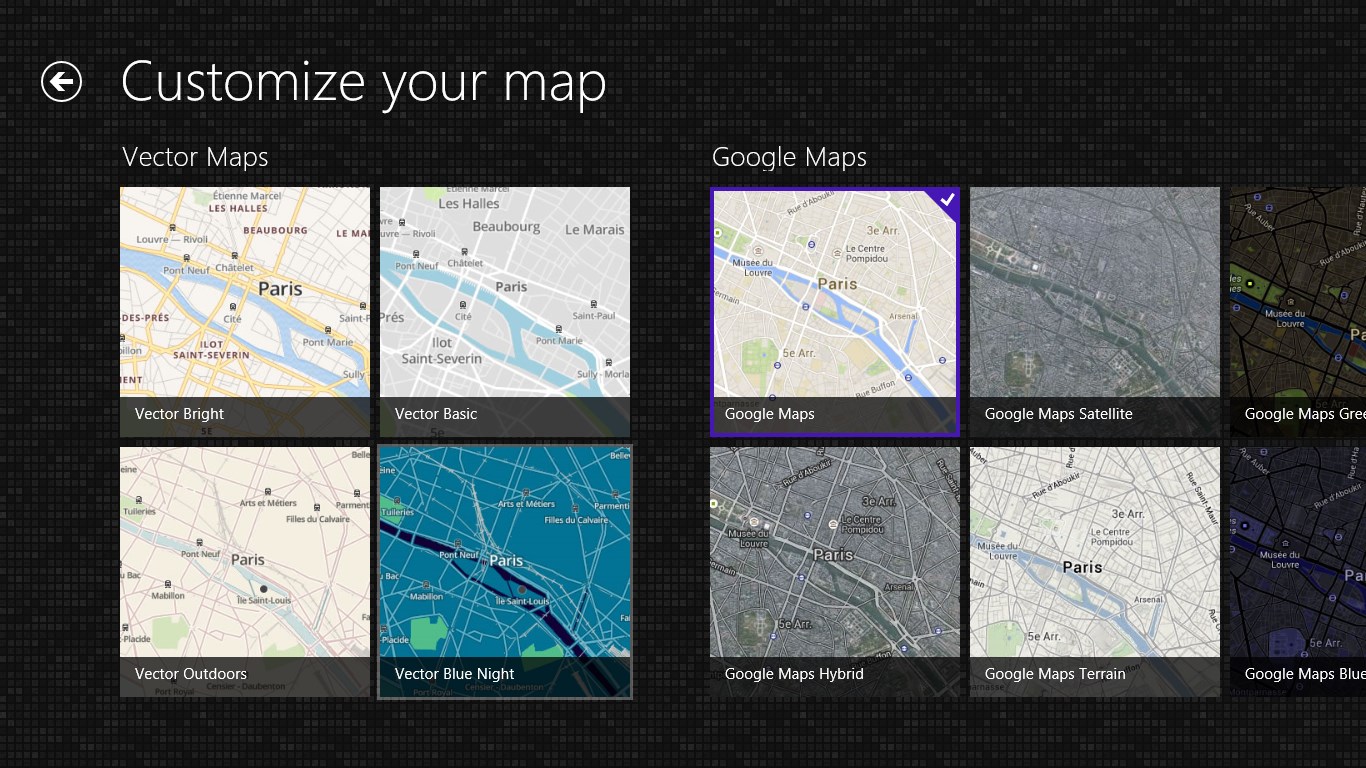
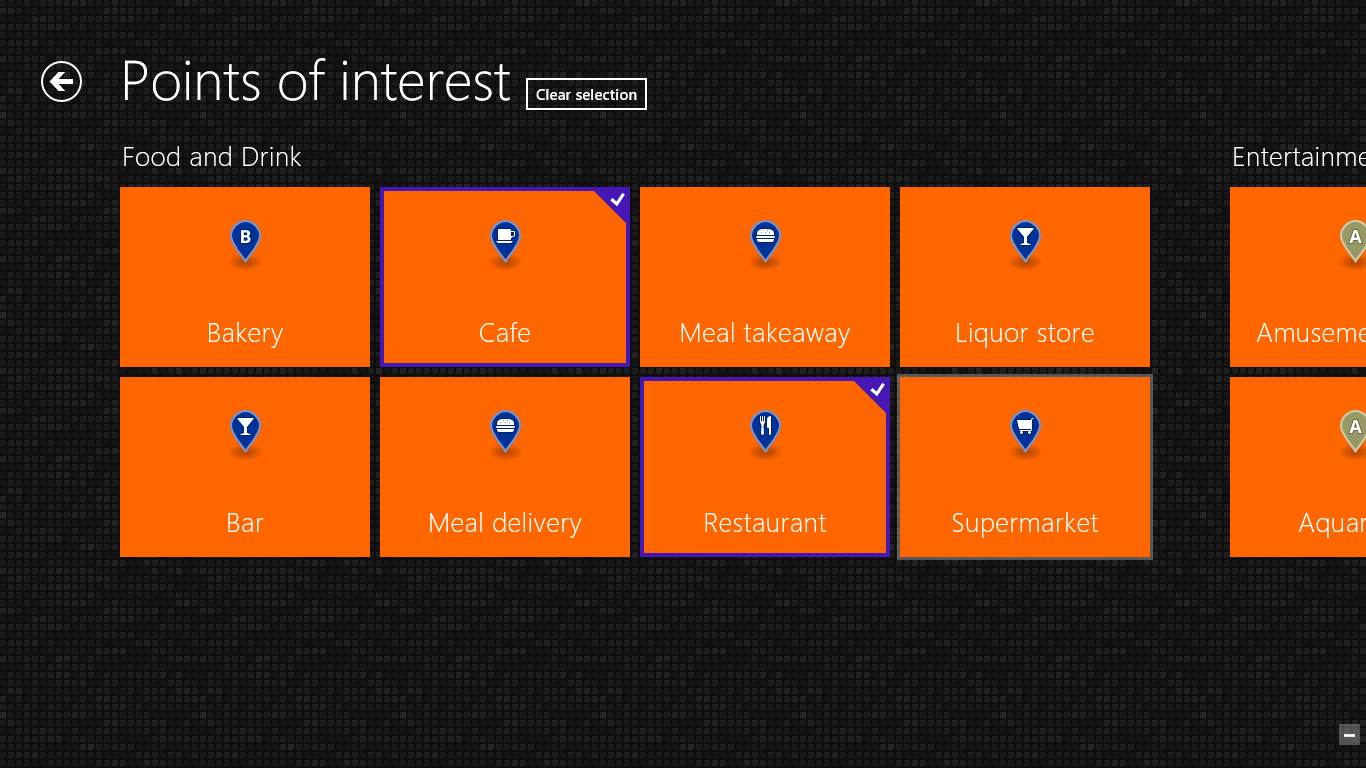
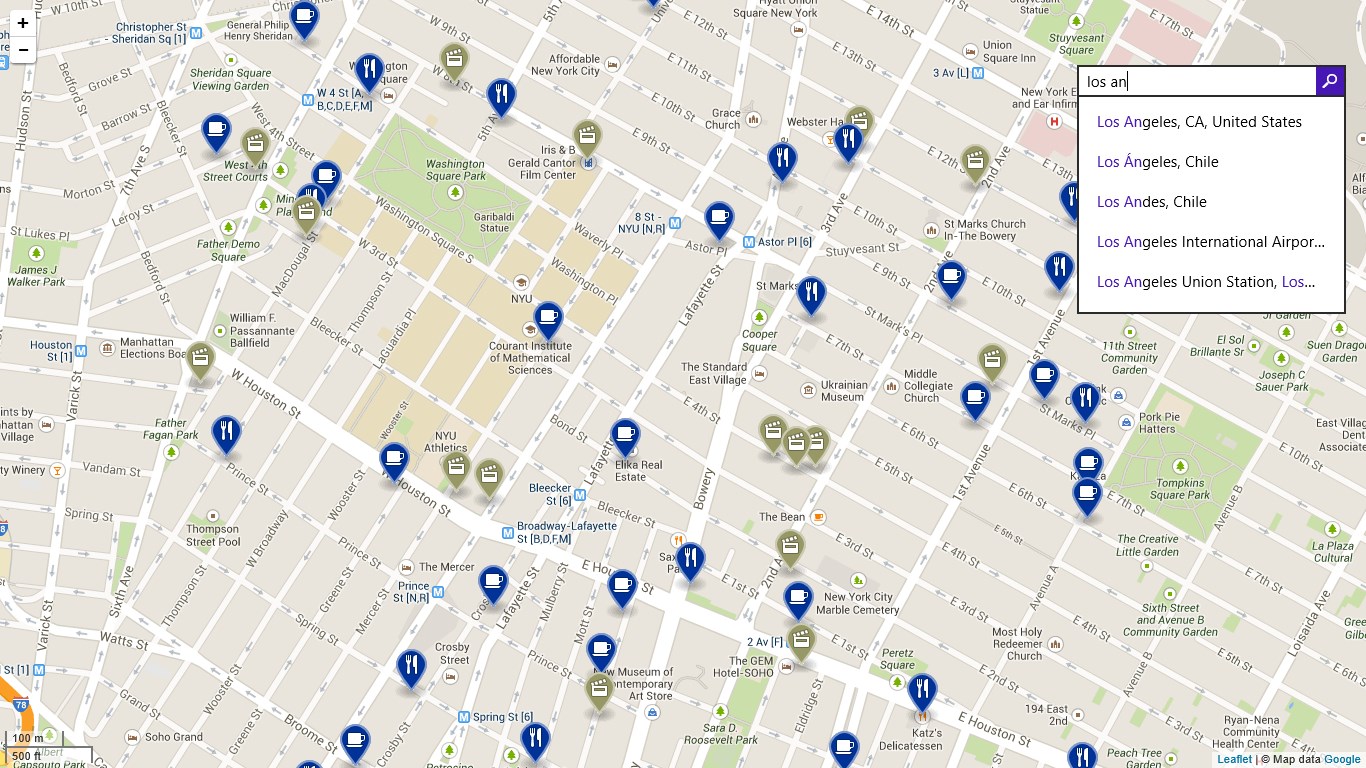
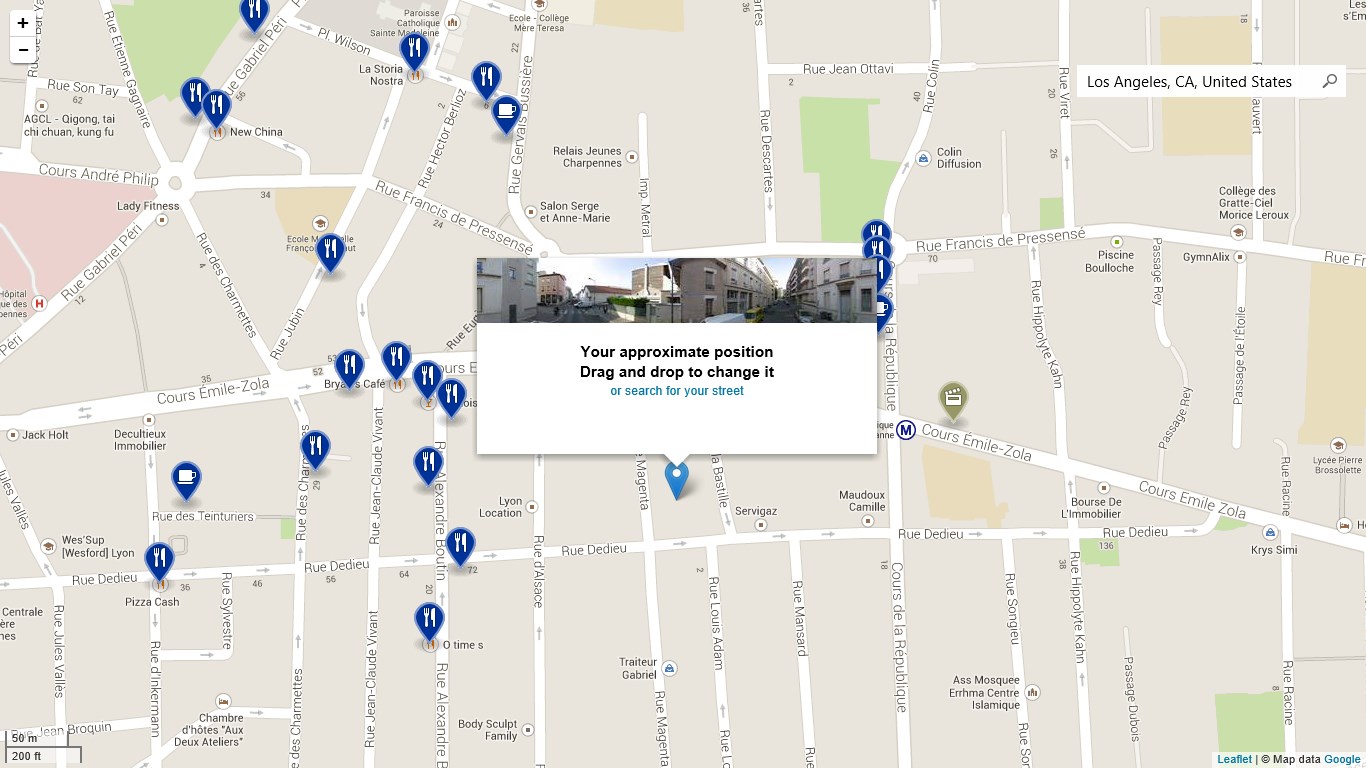
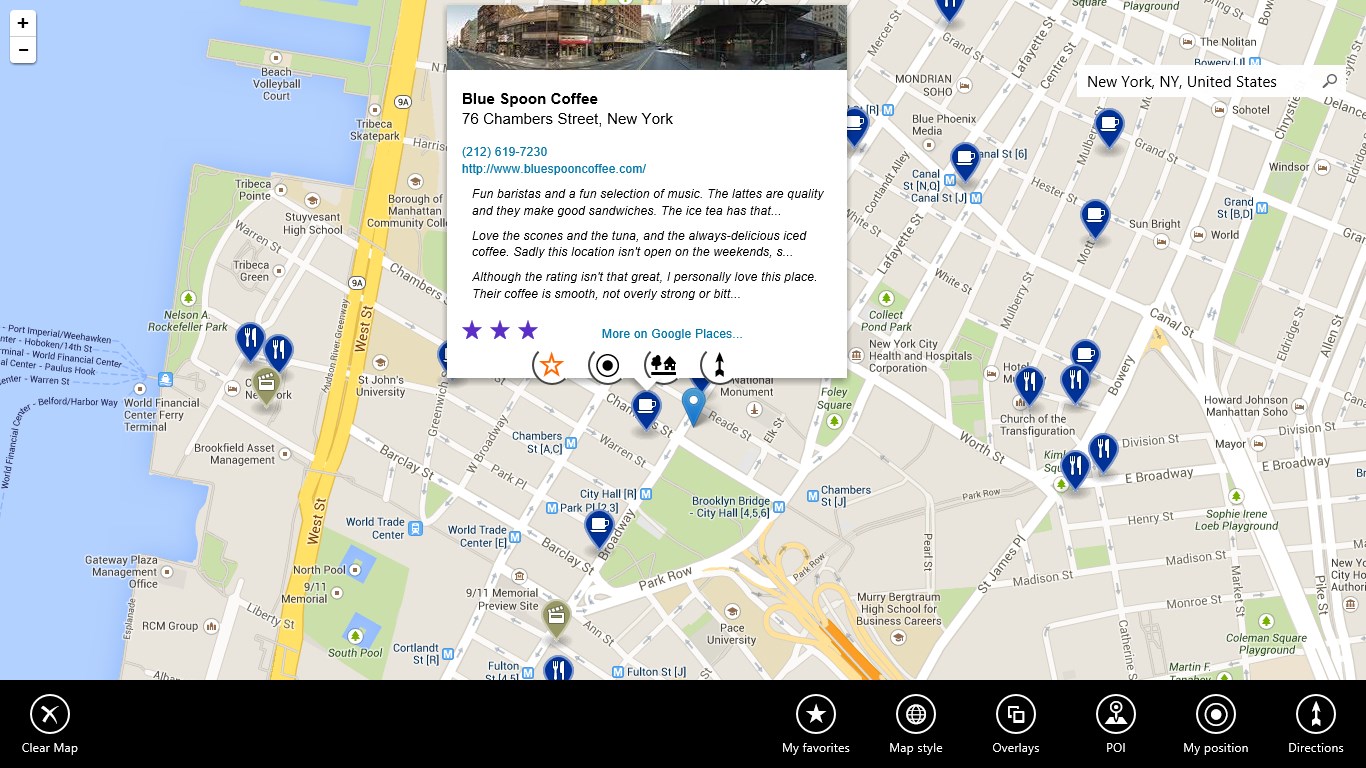
Personalization is what sets Maps Pro apart. Users can add custom points of interest—whether it's the favorite coffee shop, a scenic lookout, or a friend's house—and annotate them with notes or images. Imagine planning a road trip and marking out must-see spots or parking locations; this turns navigation into a tailored experience that adapts to your needs. Such features make it more than just a map—it becomes a personal travel diary on your screen.
From the get-go, Maps Pro sports a clean, intuitive interface that rivals seasoned explorers' favorite paper maps in clarity. The smooth scrolling, quick responsiveness, and straightforward menu layout ensure that both tech novices and seasoned travelers can master it within minutes—think of it as having a seasoned guide at your fingertips. The learning curve is gentle, with clear icons and guided prompts that invite exploration rather than confusion.
Compared to other navigation apps, Maps Pro's emphasis on offline capabilities combined with detailed customization options provides a significant edge. While many apps rely solely on internet connectivity and generic routing, this app empowers users with control over their map data and personal points of interest. It's akin to replacing a GPS rental with your own trusted navigator, always ready to adapt to your travel style.
Maps Pro for Windows is a practical choice for users seeking reliable, detailed mapping solutions, especially those who often find themselves without stable internet connections. Its offline map capabilities and route customization make it particularly appealing to travelers and outdoor enthusiasts. For daily commuters, real-time traffic features can still provide significant convenience.
While the app offers a robust set of features, new users might need a few moments to familiarize themselves with the interface. Overall, I recommend it as a dependable, feature-rich navigation tool—especially if offline access and personalized mapping are priorities for you. Just remember, as with all navigation apps, it's best used as an aid rather than your sole orientation guide—always stay aware of your surroundings.
Accurate and detailed maps
Intuitive user interface
Offline map capability
Real-time traffic updates
Additional features like poi search and route planning
Limited customization options
Occasional outdated map data
Battery consumption may be high during extended use
Missing some international language support
Limited offline functionalities in some regions

for Windows
 5
5

for Windows
5

for Windows
5

for Windows
5

for Windows
5

for Windows
5

for Windows
5

for Windows
5

for Windows
5

for Windows
5