Platformer
Rafael VF
PC
Windows 10 version 18362.0 or higher
Integrated Keyboard
Version 9
2 GB
Not specified
English (United States)
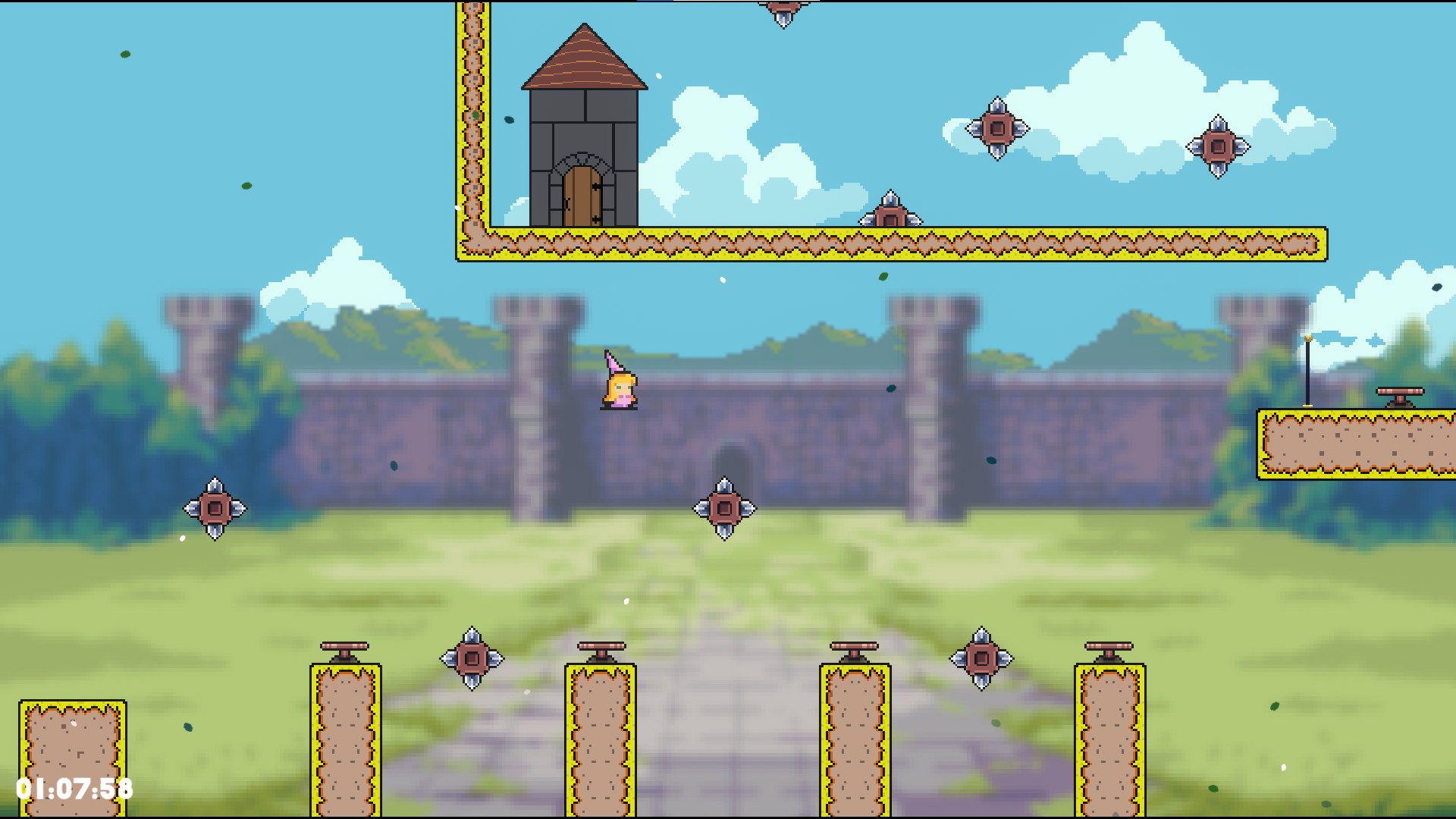
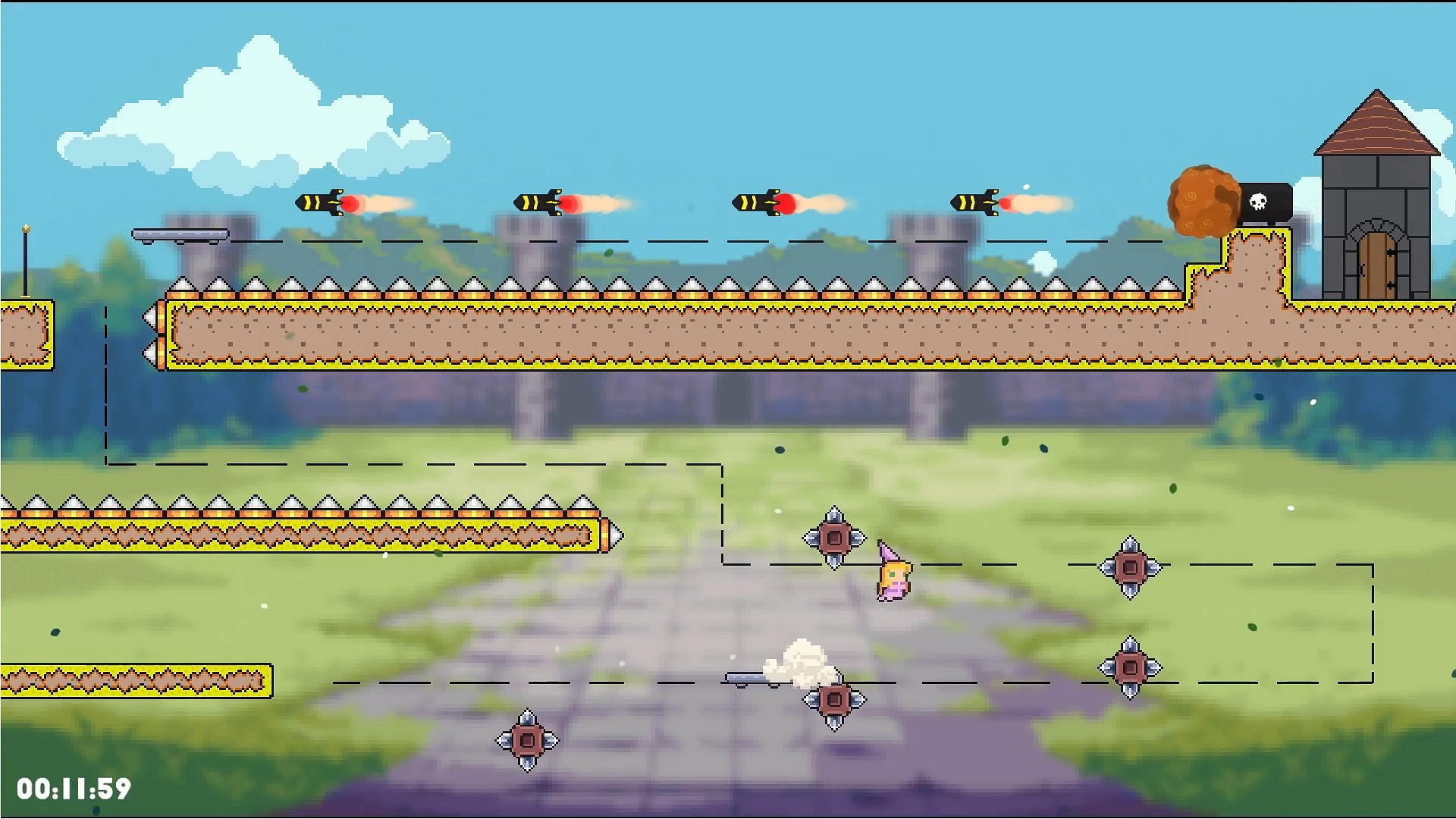
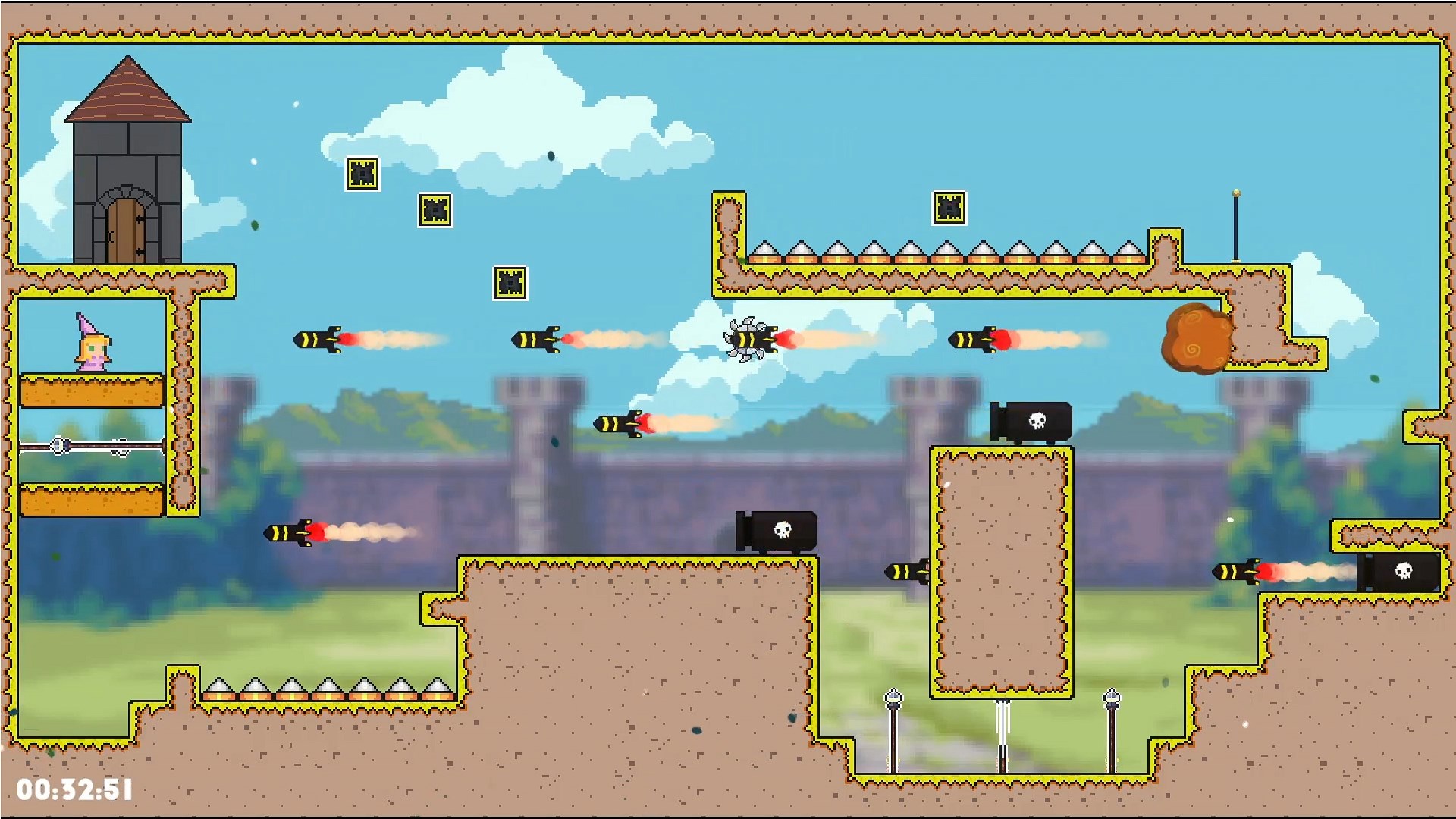
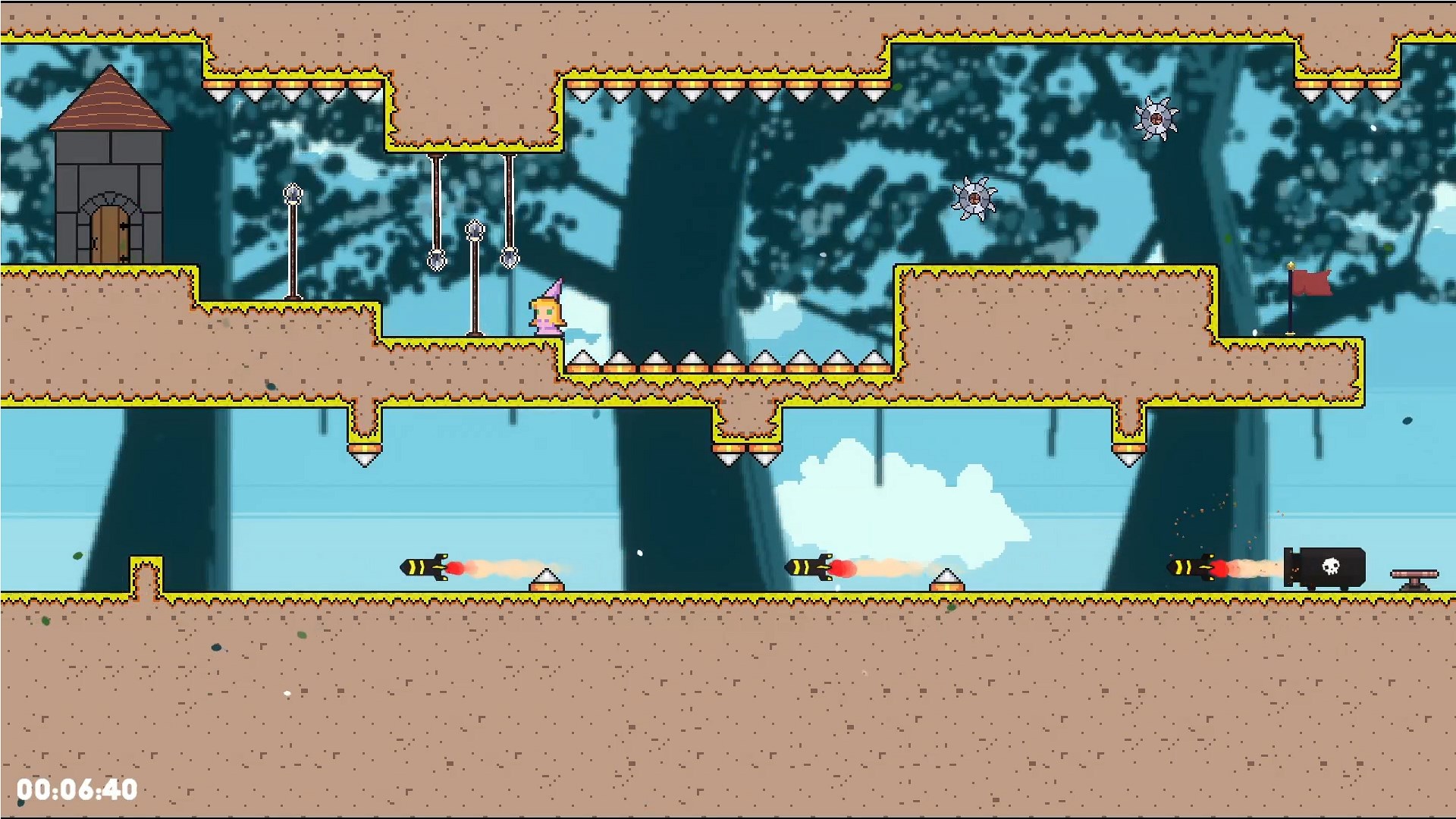
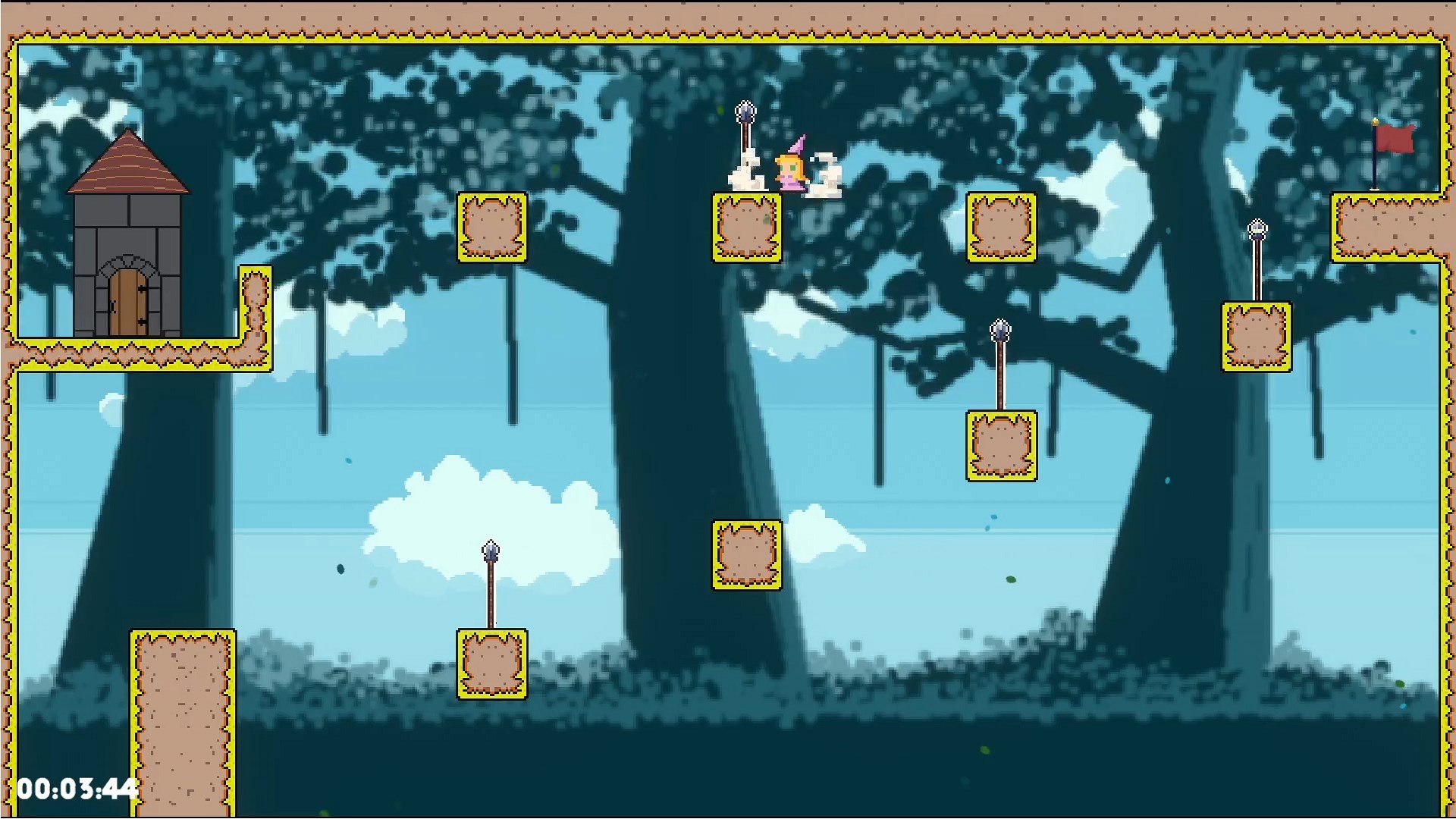
Malu the Princess is an endearing 2D side-scrolling platformer designed to charm players with its whimsical art style and engaging gameplay. Crafted by Rafael VF and published by Afil Games, this title aims to transport players into a fairy-tale world filled with adventure, puzzles, and delightful characters.
Developed by Rafael VF, Malu the Princess offers a compact yet richly crafted experience for fans of classic platformers. The game's main features include vibrant hand-drawn visuals that evoke a storybook feel, intuitive controls perfect for casual gamers, and varied levels that integrate puzzle-solving with exploration. Targeted at players of all ages who appreciate lighthearted adventure, it's especially suitable for those new to platformers or looking for a charming engaging experience.
Stepping into Malu's world feels like opening a beautifully illustrated storybook. The game starts off inviting players with a gentle narrative about a curious princess seeking her lost treasure. The opening cinematic, combined with bright, colorful visuals, immediately immerses you into a fantasy land where every leaf, cloud, and castle is lovingly crafted. This engaging introduction makes it clear that the game's charm is more than skin-deep—it's a heartfelt adventure wrapped in delightful aesthetics.
The user interface is straightforward, with minimal clutter—just perfect for focusing on gameplay. The menus are easy to navigate, and in-game prompts gently guide players through new mechanics without overwhelming. The game runs smoothly on Windows machines, whether high-end or modest, with quick load times and consistent performance. Learning curve-wise, Malu the Princess starts gently, with tutorial levels that gradually introduce new elements, making it suitable for players of varying ages and skill levels.
Among similar platformers, Malu the Princess distinguishes itself through its handcrafted visual style and harmonious blend of exploration and puzzle-solving. Its artistic choices evoke a storybook charm that sets it apart from more generic or pixel-art-heavy counterparts. Additionally, the game's focus on immersing players in a whimsical narrative rather than just jump-and-run mechanics offers a unique, story-driven feel that appeals to those seeking more than just quick reflex challenges.
For those seeking a delightful, approachable platformer with a captivating artistic style and inventive puzzles, Malu the Princess is a noteworthy choice. Its uncomplicated controls and charming world make it ideal for casual gaming or as a family-friendly adventure. While it may not offer the relentless difficulty of hardcore platformers, its strength lies in providing a warm, immersive experience that can be appreciated by all ages.
It comes highly recommended for players who love exploring beautifully crafted worlds and enjoy a gentle challenge that encourages curiosity and discovery. Whether you're a fan of storybook aesthetics or simply looking for a relaxing yet engaging game, Malu the Princess offers a heartfelt journey worth embarking on.
Engaging storytelling with charming animations
User-friendly interface suitable for young players
Educational content promotes creative thinking
Smooth performance on most Windows devices
Additional customization options available for characters
Limited content variety in the current version
Occasional minor glitches during animation transitions
In-app purchases are somewhat intrusive for free users
Limited language options currently available
Some graphics and controls could be more optimized for touchscreen devices

for Windows
 4.7
4.7

for Windows
4.7
for Windows
4.6
for Windows
4.4

for Windows
4

for Windows
3.8
for Windows
3
for Windows
2.6

for Windows
0

for Windows
0
for Windows
0

for Windows
0

for Windows
5

for Windows
5

for Windows
5

for Windows
5

for Windows
5

for Windows
5

for Windows
5

for Windows
5

for Windows
5

for Windows
5