Puzzle & trivia
PC, Mobile, Surface Hub
Windows 10 version 10240.0 or higher
English (United States), French, German, Italian, Japanese, Korean , Norwegian (Nynorsk), Polish , Portuguese (Brazil), Russian, Spanish (Spain), Turkish
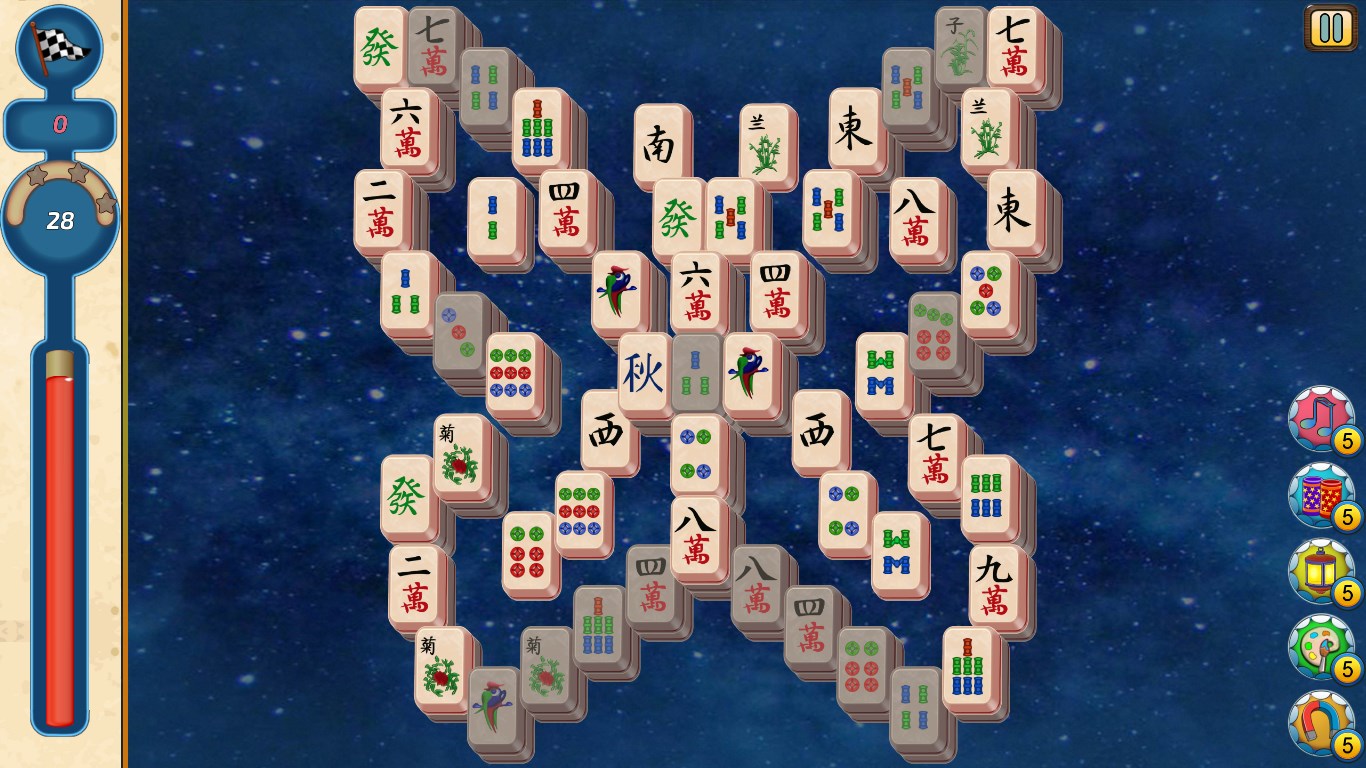
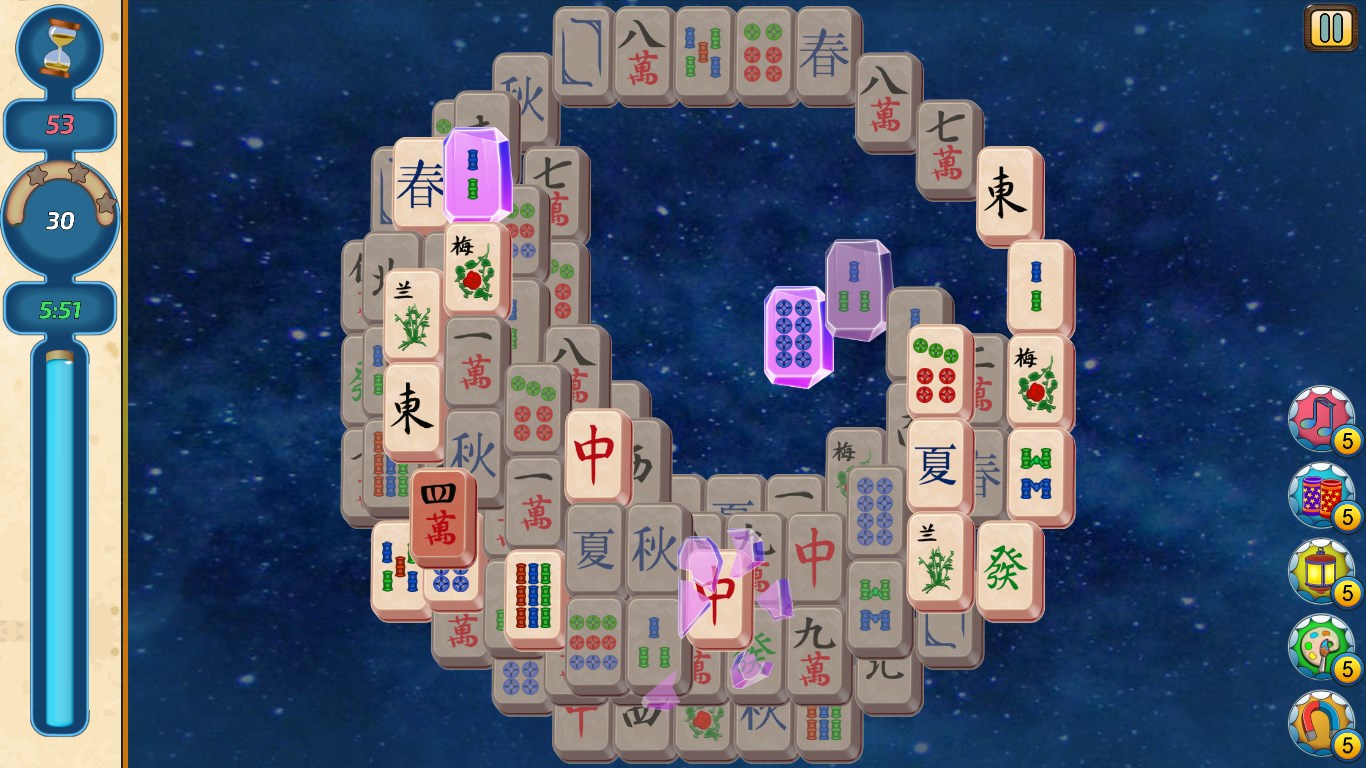
Mahjong Village for Windows is an engaging tile-matching puzzle game that transports players into a vibrant world filled with intricate Mahjong layouts and charming visuals. Perfect for puzzle enthusiasts seeking a relaxing yet stimulating challenge, this app offers a fresh take on traditional Mahjong gameplay, making it a noteworthy choice among digital puzzle solutions.
Developed by Gamos Mobile Limited, a company known for crafting user-friendly mobile and desktop games with a focus on classical puzzle genres, Mahjong Village for Windows aims to blend traditional Mahjong elements with modern design sensibilities. The app's standout features include beautifully designed layouts that adapt to players' skill levels, interactive weekly events that keep gameplay fresh, and a user interface that balances simplicity with visual elegance.
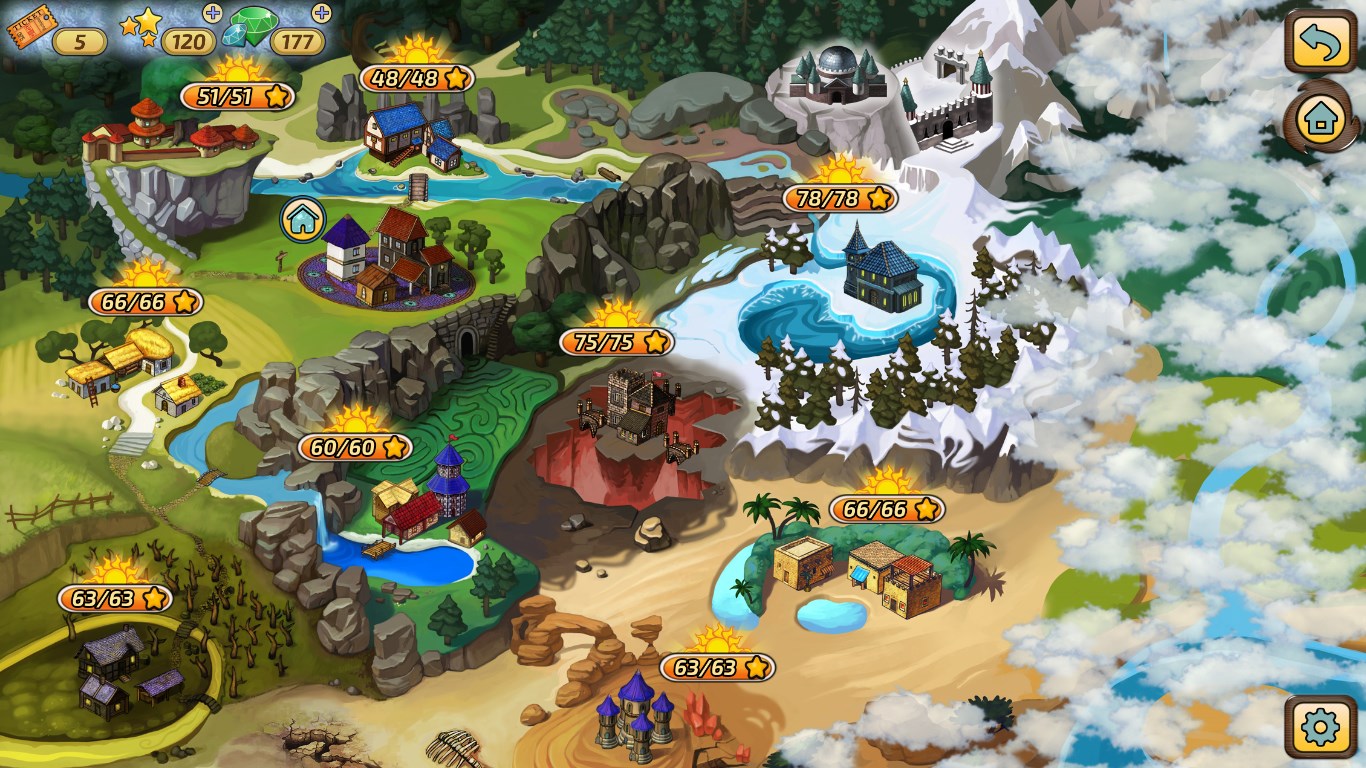
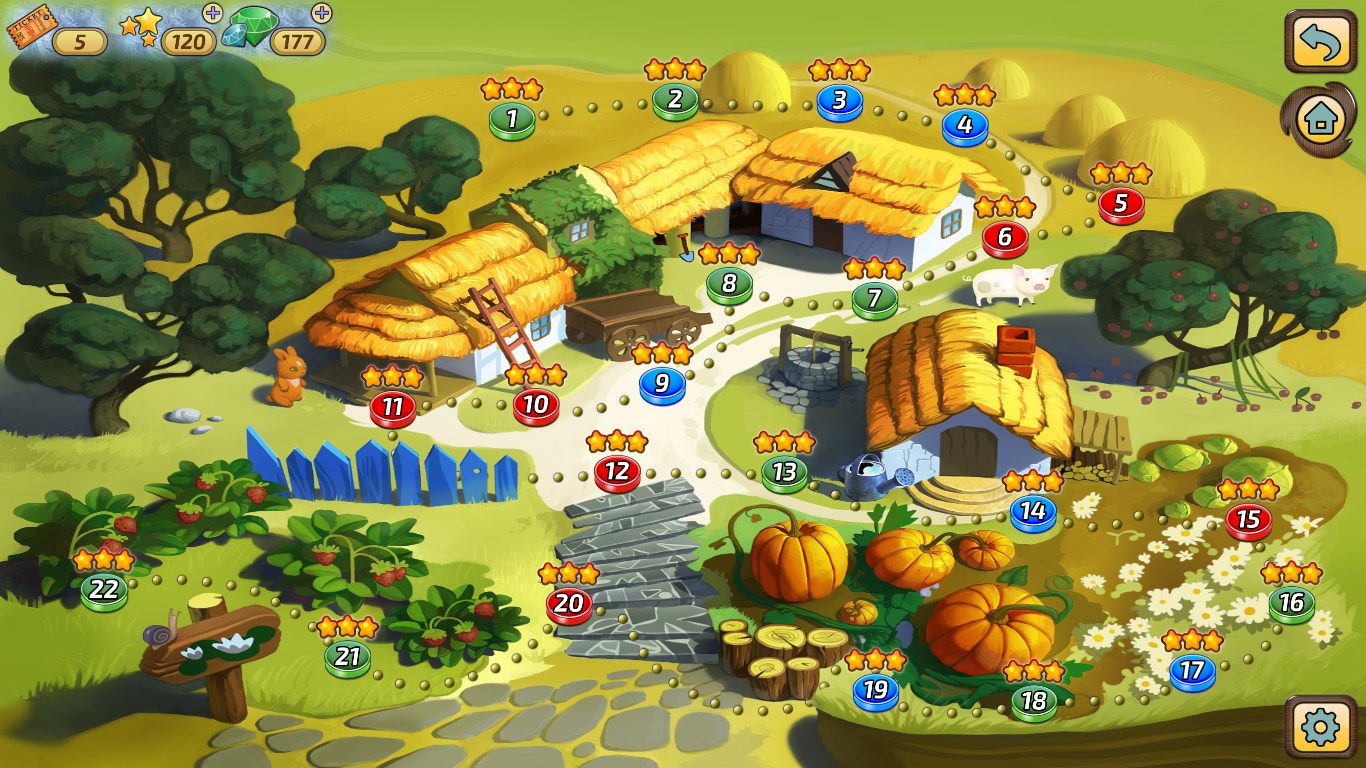
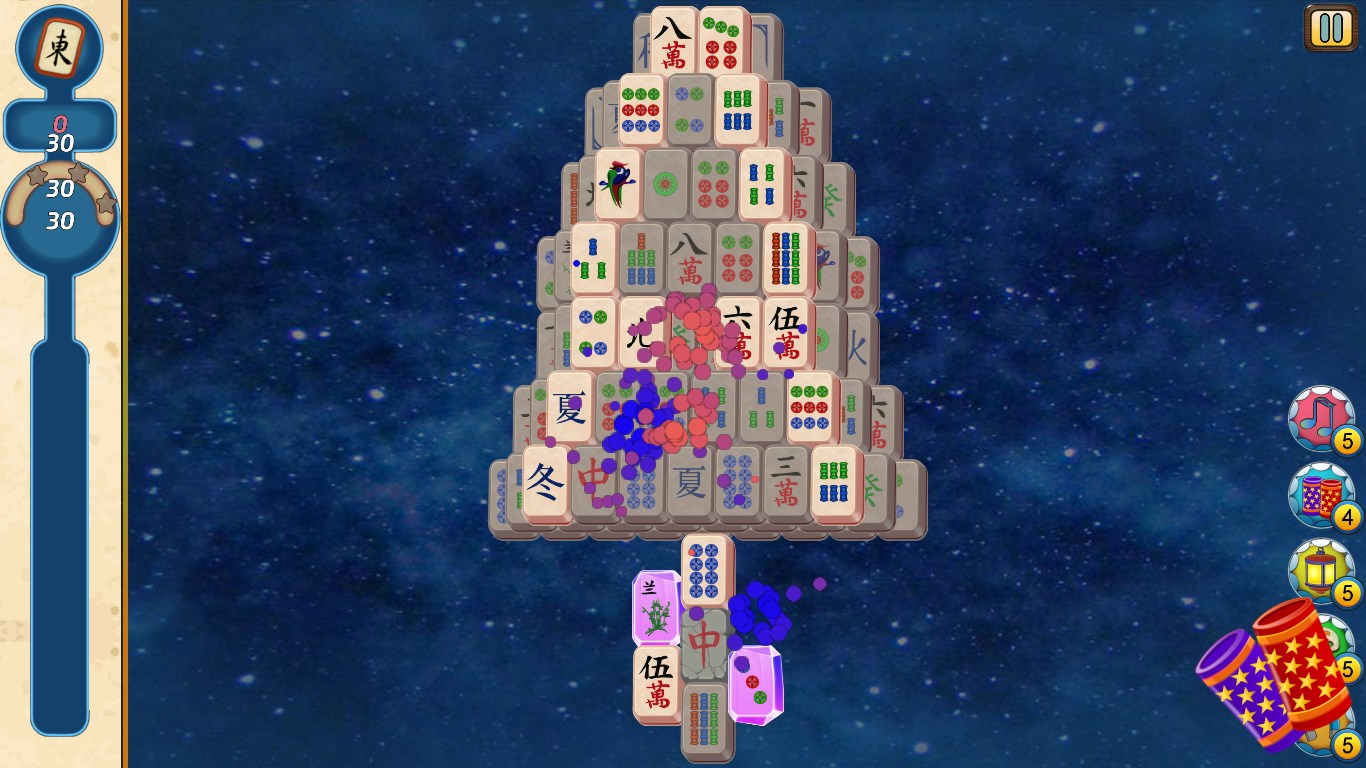
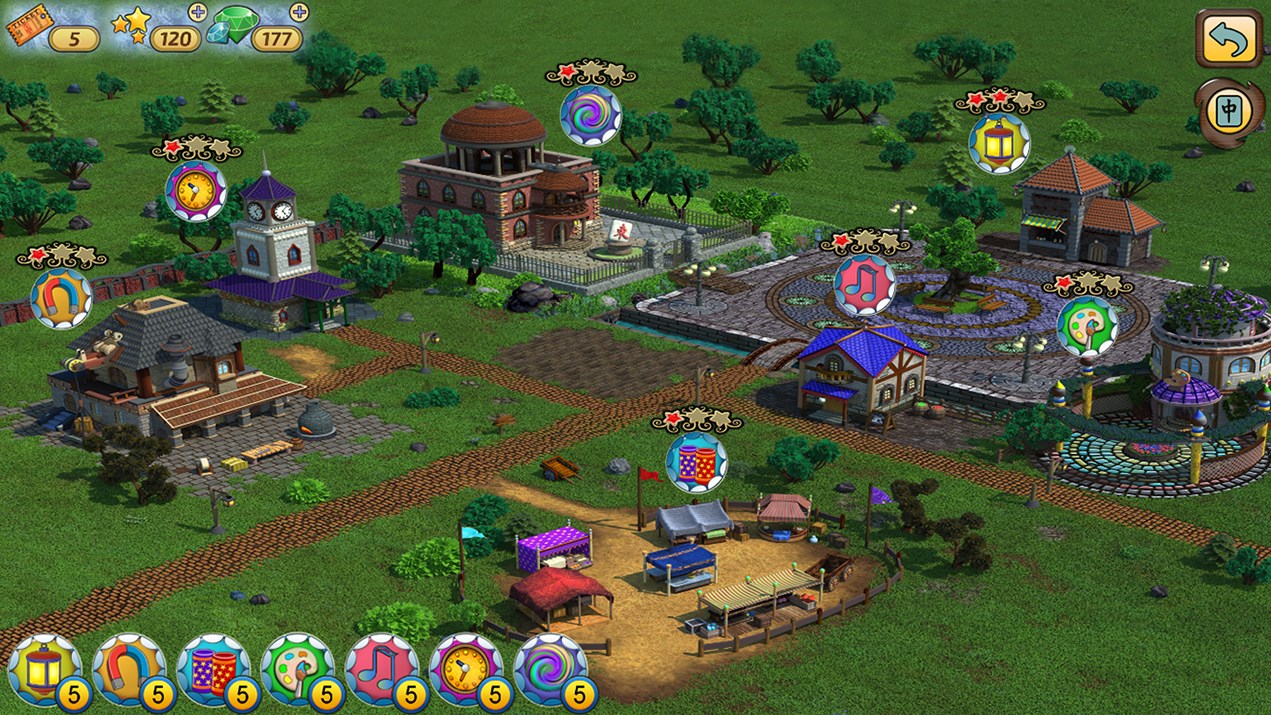
Jumping into Mahjong Village is like opening the door to a charming, bustling village full of life and color. The interface is thoughtfully designed; the visuals are crisp, with vibrant tiles contrasted against soothing backgrounds that evoke a sense of tranquility. Navigating through menus is intuitive—think of it as wandering through a well-marked village square, with landmarks guiding your way seamlessly.
The gameplay flows smoothly, thanks to responsive touch controls and optimized performance on Windows, ensuring no lags disrupt your puzzle-solving. The learning curve is gentle—a novice can pick it up within minutes, thanks to clear tutorials and a simple rule set. Meanwhile, seasoned Mahjong players will appreciate the increasing difficulty levels and complex tile arrangements that challenge their skills.
Compared to other Puzzle & Trivia apps, Mahjong Village's main differentiator is its harmonious blend of traditional Mahjong with a cozy village theme, creating an immersive environment that feels more like exploring a miniature world than just playing a puzzle. The game offers a variety of themed tile layouts and seasonal events—imagine solving puzzles in a Christmas village or a springtime garden—adding a layer of freshness that keeps players coming back. Furthermore, its focus on aesthetic appeal and gentle difficulty progression makes it accessible to players of all ages, from casual gamers to dedicated puzzle aficionados.
Overall, Mahjong Village for Windows is a thoughtfully crafted puzzle game that successfully elevates the classic Mahjong experience with appealing visuals and user-friendly mechanics. I would recommend it to anyone looking for a relaxing yet engaging puzzle game that can be enjoyed during short breaks or leisurely afternoons. Its casual difficulty and charming presentation make it an excellent choice for newcomers and seasoned players alike.
If you appreciate games that combine traditional gameplay with a warm, inviting atmosphere, Mahjong Village is a delightful addition to your puzzle game collection. For best results, try it with a cozy cup of tea during your quiet moments, allowing yourself to unwind while unveiling the hidden beauty in each tile match.
Intuitive gameplay with appealing graphics
Wide variety of Mahjong tile sets and backgrounds
Daily rewards and achievements motivate regular play
Smooth performance with minimal lag on most devices
Offline mode allows gameplay without internet connection
Limited multiplayer functionalities
Occasional ads interrupt gameplay
Some tile sets and backgrounds are locked behind in-app purchases
Tutorial for beginners could be more comprehensive
Minor bugs reported in score tallying during certain levels
for Windows
 4.8
4.8

for Windows
4.8

for Windows
4.8

for Windows
4.8

for Windows
4.8

for Windows
4.8

for Windows
4.8

for Windows
4.8

for Windows
4.7

for Windows
4.7

for Windows
4.7
for Windows
4.7

for Windows
5

for Windows
5

for Windows
5

for Windows
5

for Windows
5

for Windows
5

for Windows
5

for Windows
5

for Windows
5

for Windows
5