Puzzle & trivia
BvG
PC, Surface Hub, HoloLens
Windows 10 version 17763.0 or higher
English (United States), German
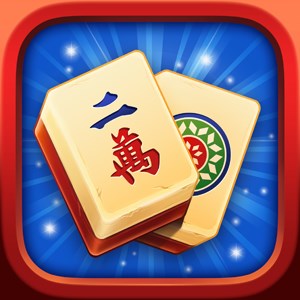
Mahjong Solitaire for Windows, developed and published by BvG, offers a modern twist on the beloved traditional tile-matching game, blending nostalgia with contemporary design to captivate puzzle enthusiasts of all levels.
BvG, a dedicated game development studio, brings years of experience in crafting engaging puzzle experiences, ensuring that Mahjong Solitaire for Windows maintains a refined balance between challenge and accessibility.
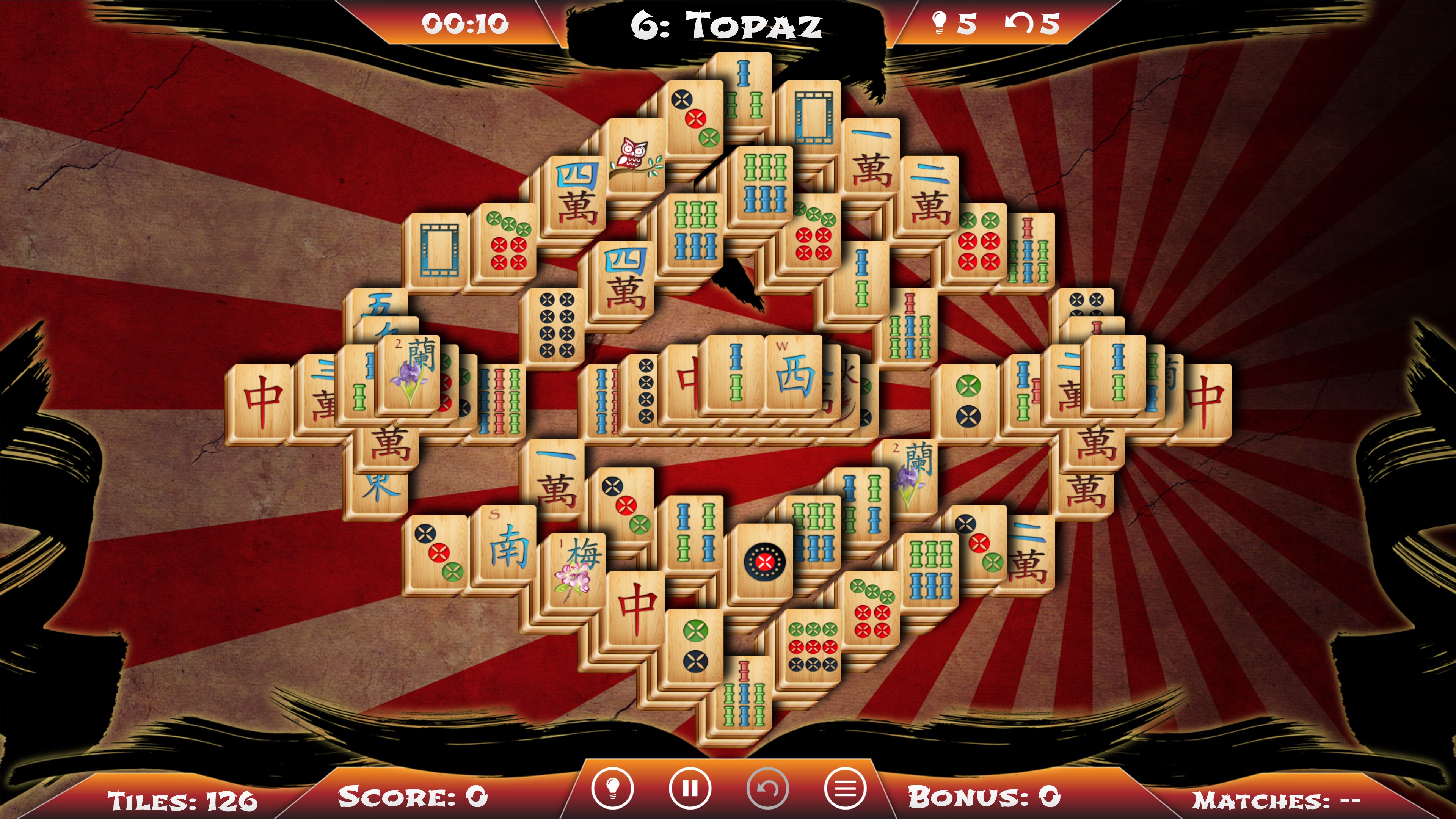
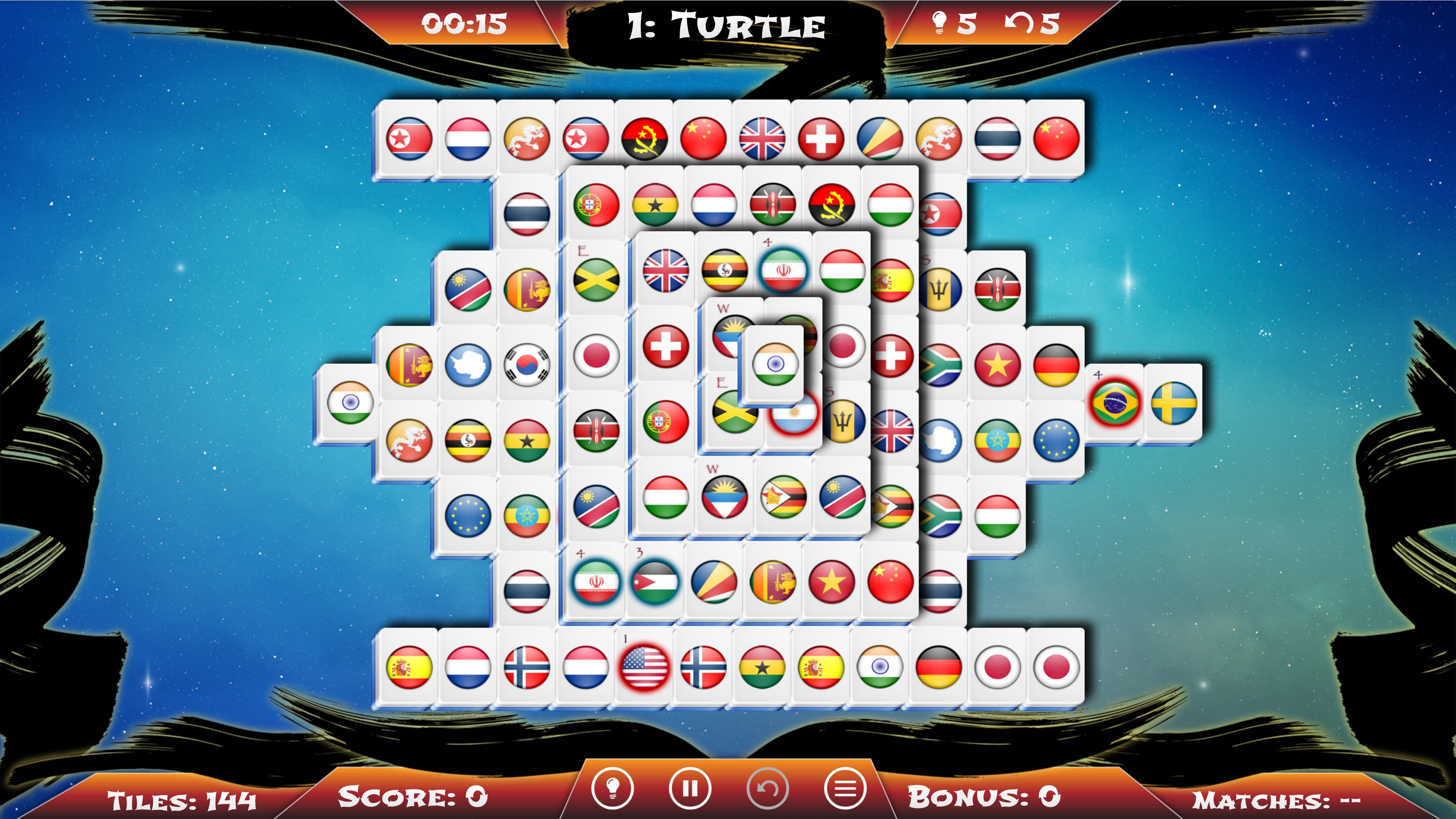
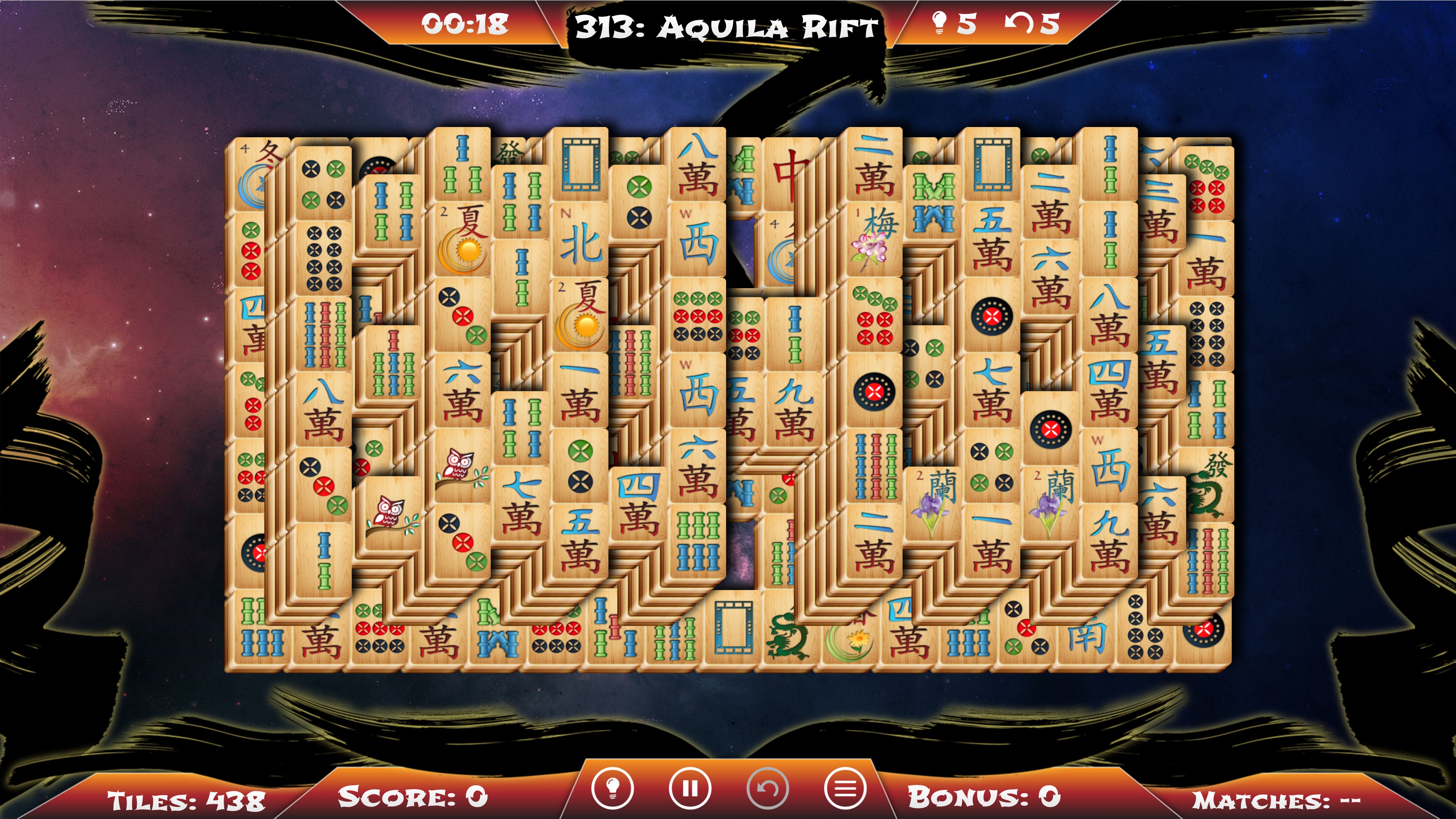
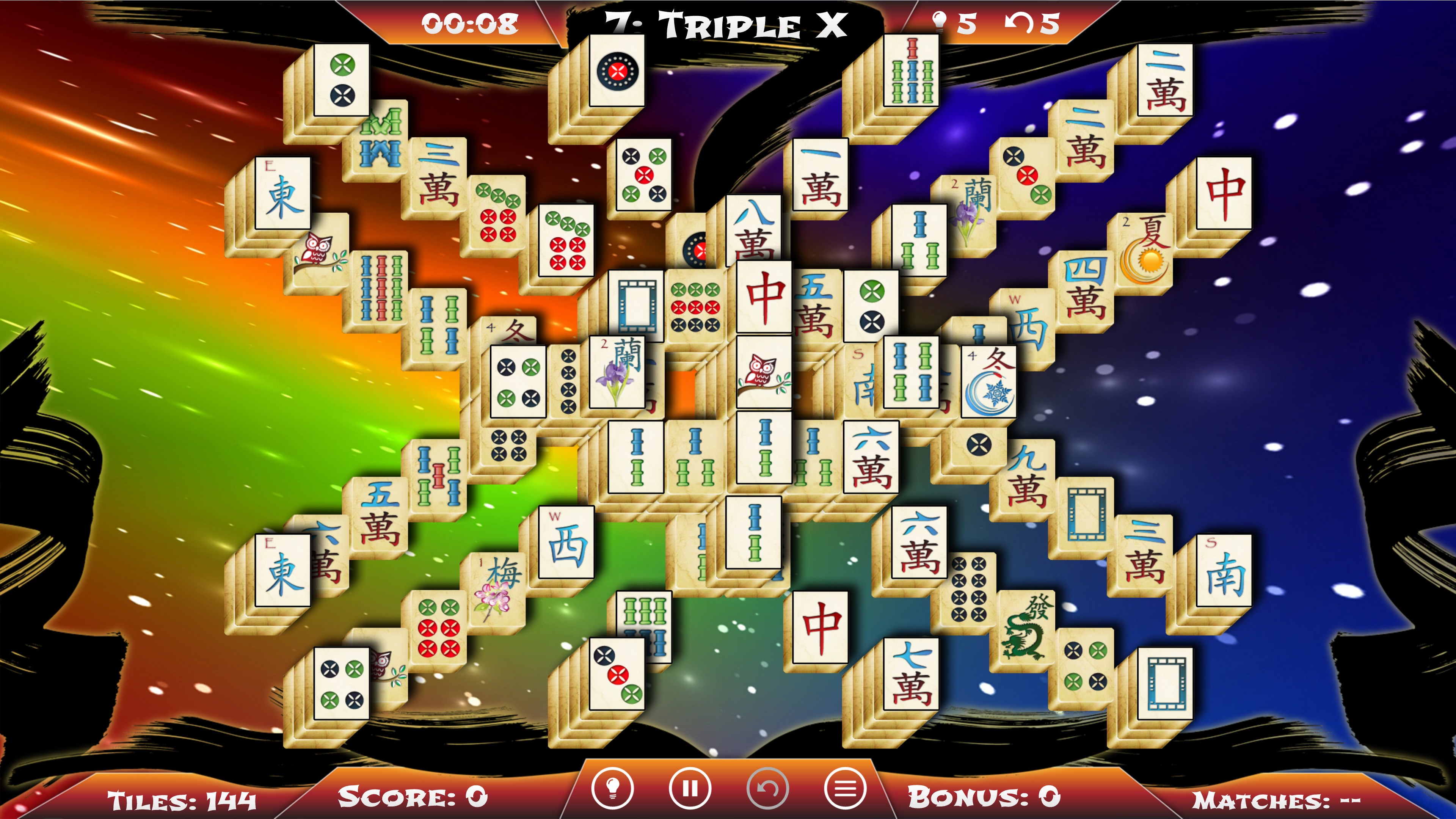
From the moment you launch Mahjong Solitaire for Windows, you're greeted with a sleek interface that resembles a polished, well-organized Mahjong table. The game manages to evoke a sense of calm and focus, almost like sitting in your favorite café with a cozy cup of tea, ready to unwind with a classic puzzle. Its design is thoughtfully crafted—nothing overly cluttered, but with enough visual flair to keep the experience lively.
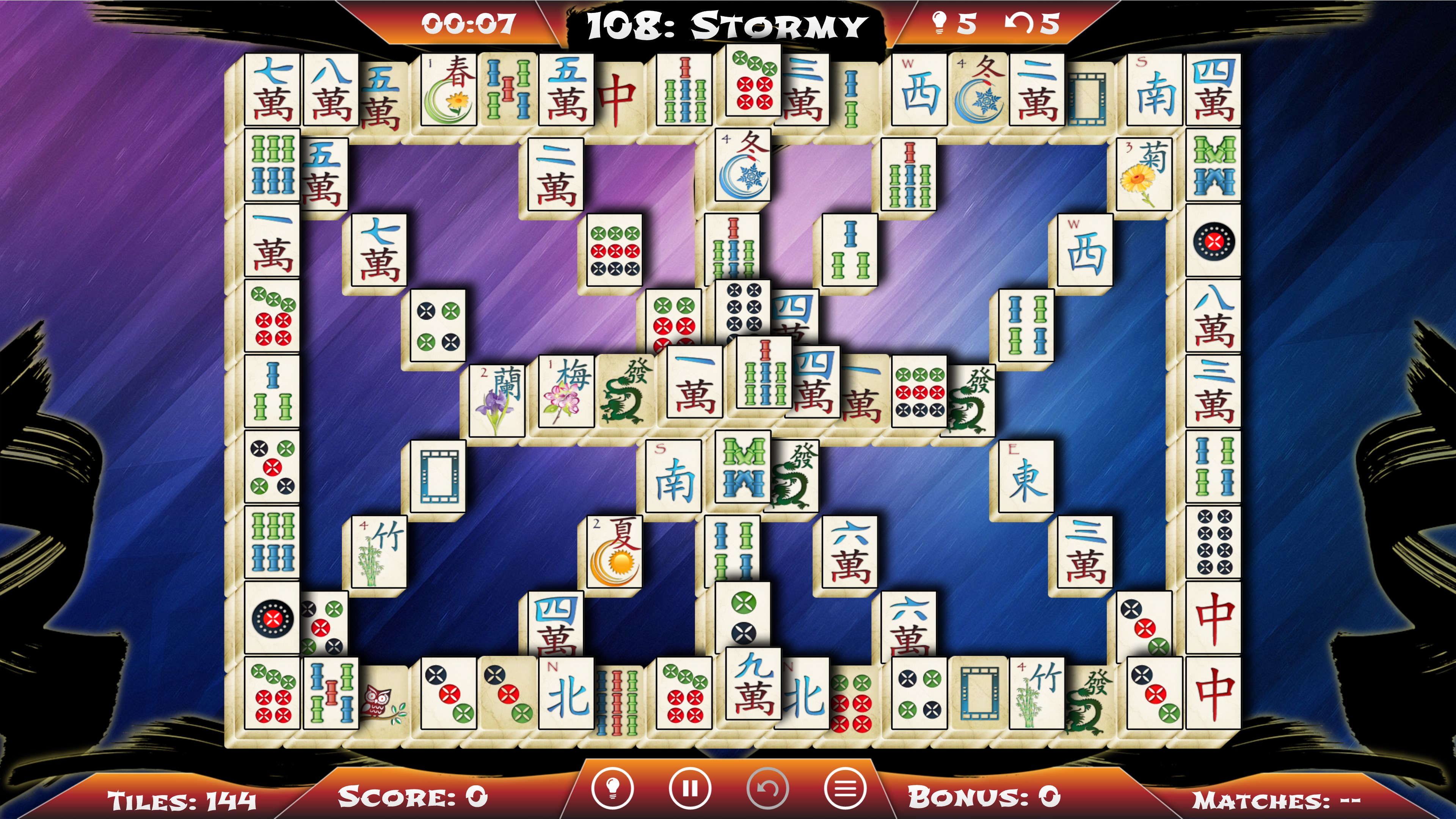
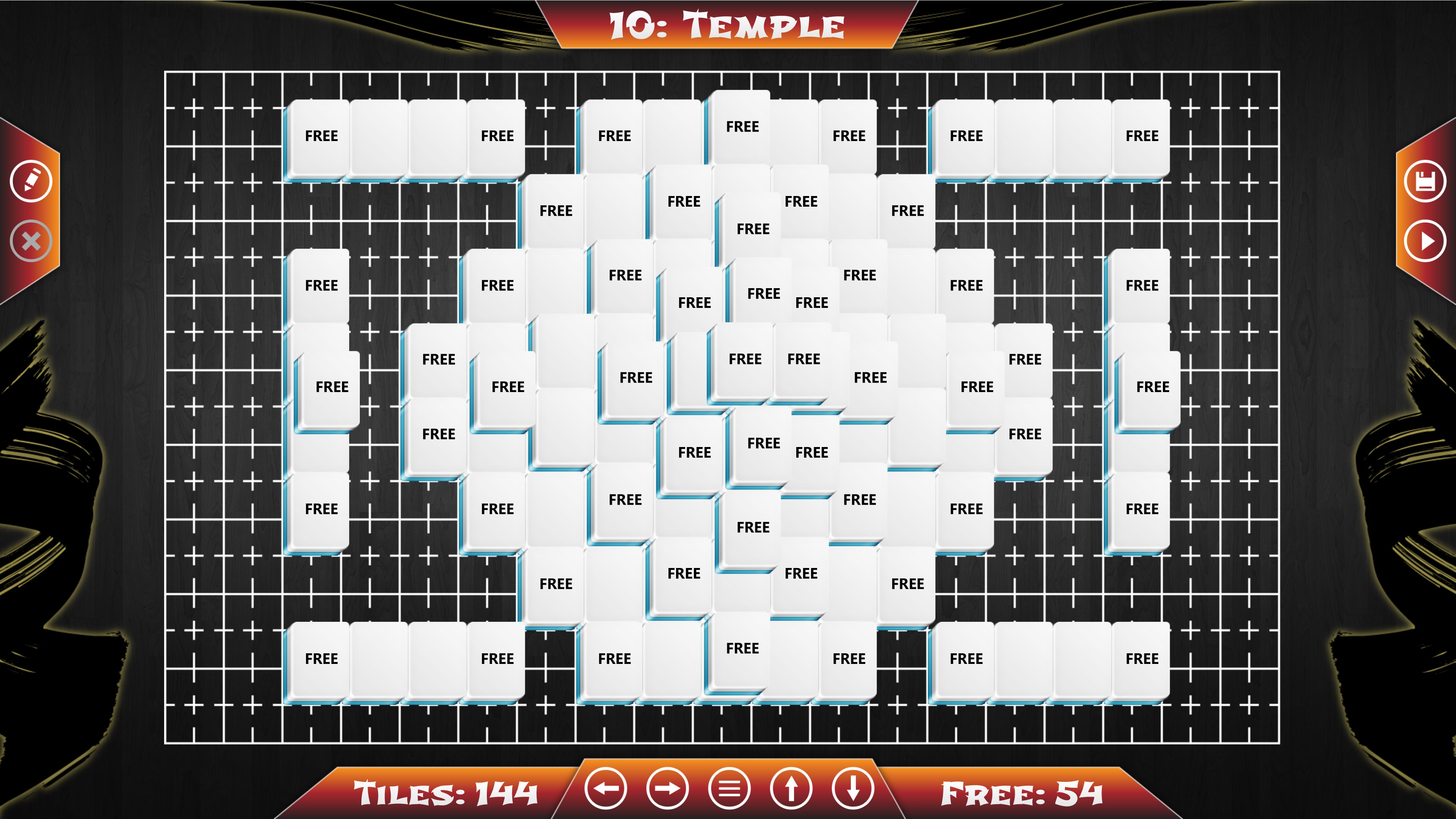
What truly sets Mahjong Solitaire for Windows apart is its emphasis on personalization. The game offers a variety of tile sets—from traditional Chinese motifs to playful modern patterns—and matching backgrounds. This flexibility allows players to craft an environment that fits their mood, making each session feel tailored and fresh. It's akin to decorating your own puzzle room, which keeps the experience from feeling stale over time.
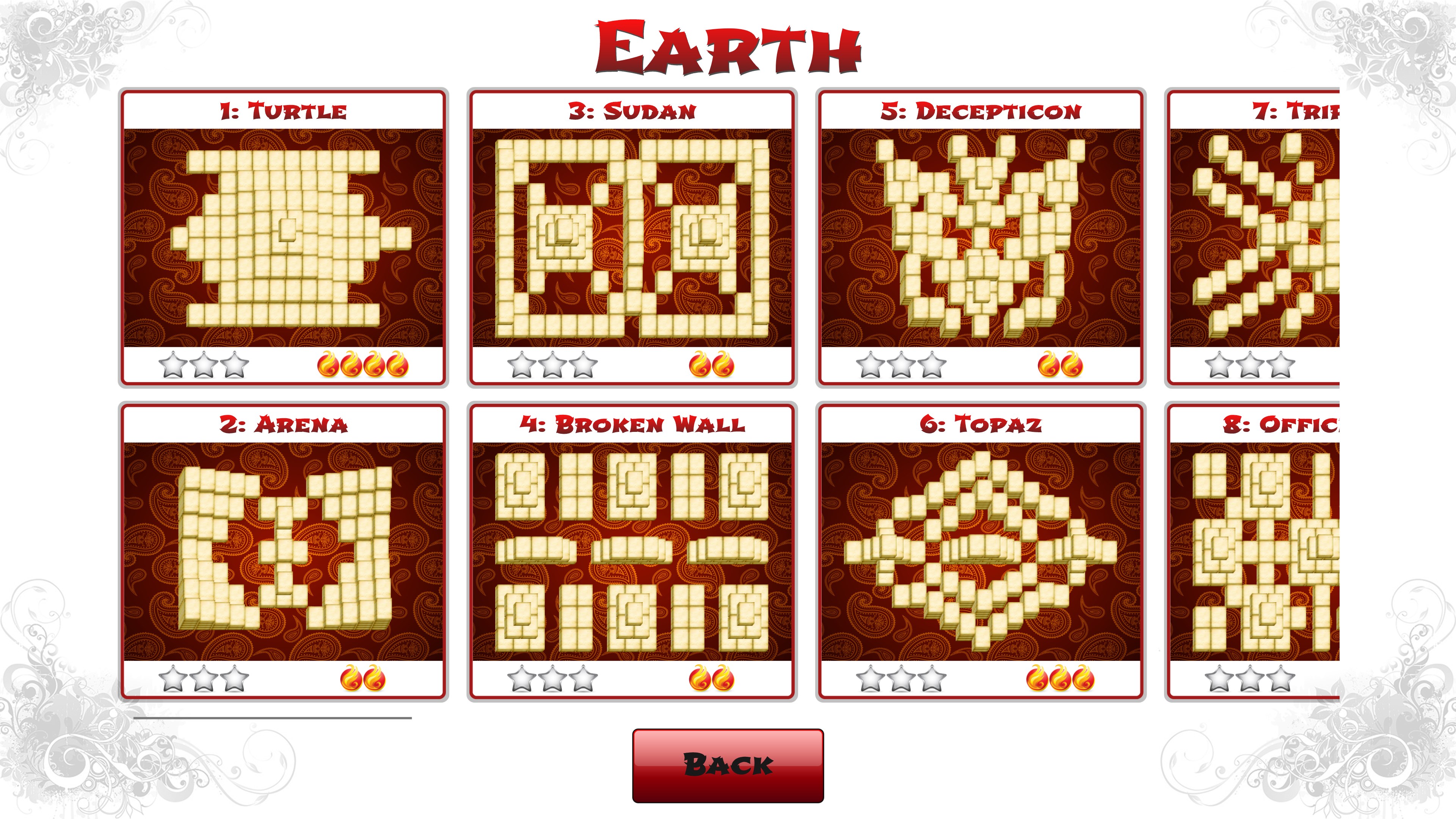
Another highlight lies in how the app caters to players of differing skill levels. Whether you're a beginner eager to conquer easier layouts or a veteran aiming for challenging configurations, Mahjong Solitaire adjusts accordingly. The progress tracker helps players see their achievements and encourages continual improvement, transforming puzzle-solving from mere pastime to a personal challenge—think of it as having a personal coach guiding your lively game journey.
Interaction within the game feels seamless—clicking, matching, and removing tiles are all fluid motions, thanks to optimized responsiveness for Windows. For those needing a helping hand, hints are just a tap away, yet they don't spoil the fun; rather, they serve as gentle nudges, akin to a friendly whisper guiding you through a tricky corner of the puzzle.
The interface's minimalistic style emphasizes clarity and ease of use. Navigating menus is intuitive, and new players can pick up the mechanics swiftly—it's much like learning a familiar dance; the steps are straightforward but elegant. The game's visual themes and adjustable complexity make it stand out from other puzzle apps that often stick to one static style. Its emphasis on customization and user-centric design is where it truly differentiates itself, ensuring that each session can be uniquely personalized without any steep learning curve or cumbersome controls.
If you're seeking a relaxing yet engaging tile-matching game with room for personalization and ease of play, Mahjong Solitaire for Windows is highly recommended. It's well-suited for casual afternoons, quick mental breaks, or even dedicated puzzle marathons. Its greatest strengths—the extensive customization options and smooth, user-friendly interface—offer an experience that feels both classic and fresh. Whether you're a seasoned Mahjong player or a curious newcomer, this app provides a balanced, thoughtfully designed environment to enjoy hours of satisfying gameplay.
User-friendly interface
Smooth and responsive gameplay
Multiple difficulty levels
Beautiful themed backgrounds and tiles
Daily challenges and rewards
Limited game modes
In-app advertisements
No offline mode
Limited customization options
Difficulty levels could be more diverse
for Windows
 4.8
4.8

for Windows
4.8

for Windows
4.8

for Windows
4.8

for Windows
4.8

for Windows
4.8
for Windows
4.8

for Windows
4.8

for Windows
4.7

for Windows
4.7

for Windows
4.7
for Windows
4.7

for Windows
5

for Windows
5

for Windows
5

for Windows
5

for Windows
5

for Windows
5

for Windows
5

for Windows
5

for Windows
5

for Windows
5