Card & board
PC, Mobile, Surface Hub
Windows 10 version 19041.0 or higher
English (United States)
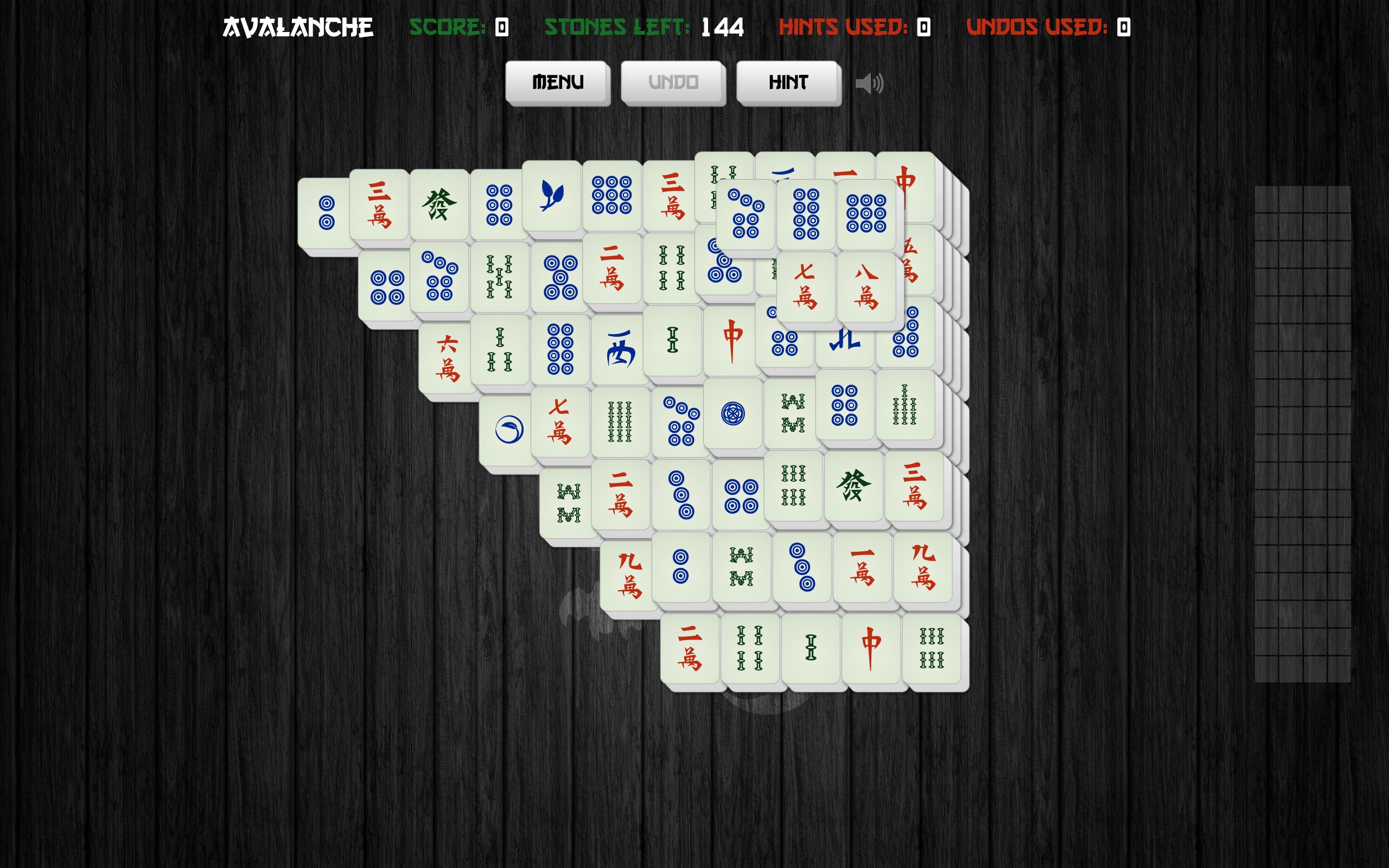
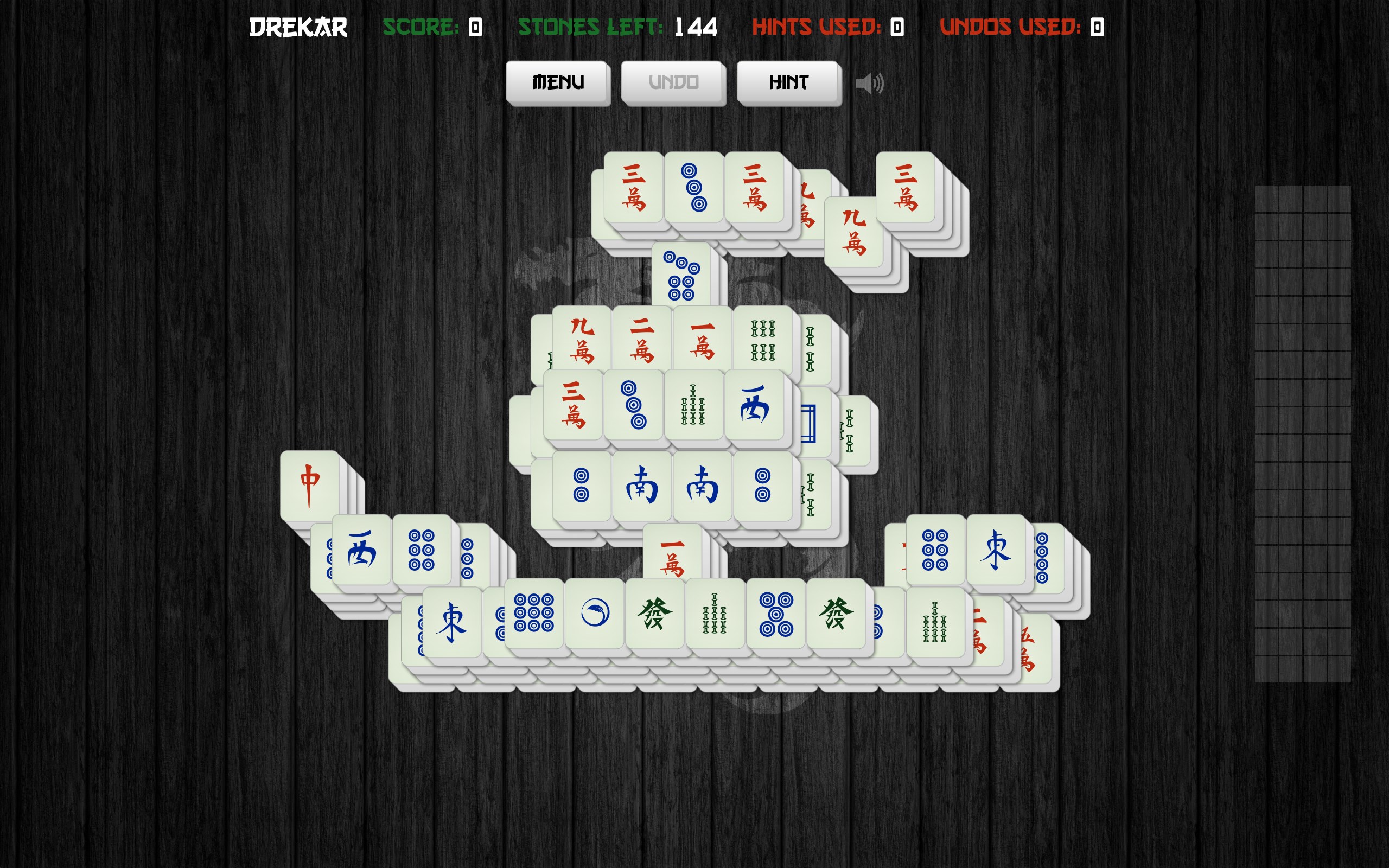
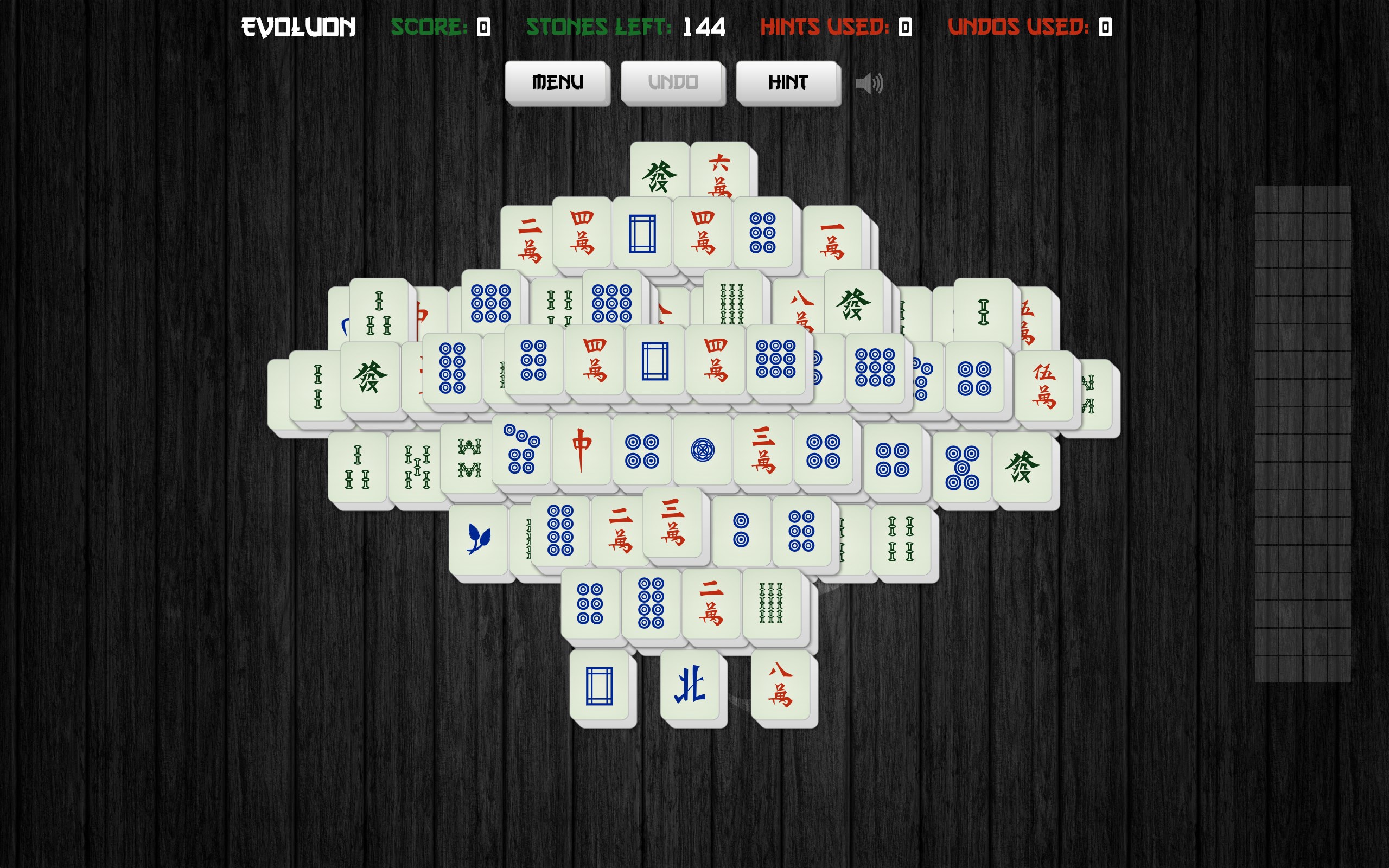
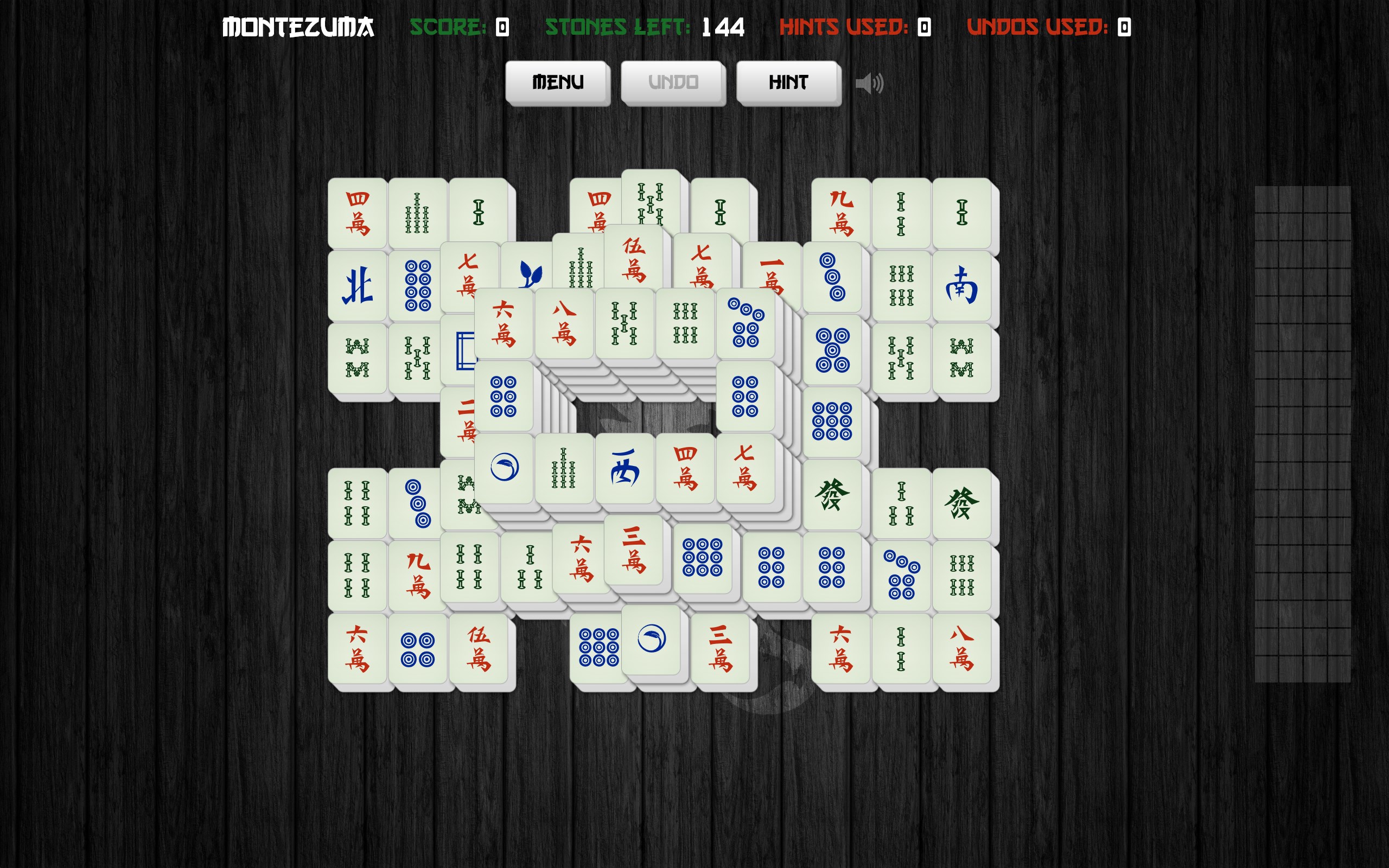
Imagine spending lazy Sunday afternoons immersed in the timeless ambiance of Mahjong, but with a digital twist that keeps you hooked without the clutter of physical tiles. Mahjong Solitair for Windows, developed by Aliens Bring Change, offers a sleek and engaging digital rendition of the classic tile-matching game. Whether you're a seasoned Mahjong veteran or just seeking a relaxing challenge, this app aims to deliver a delightful experience right on your desktop.
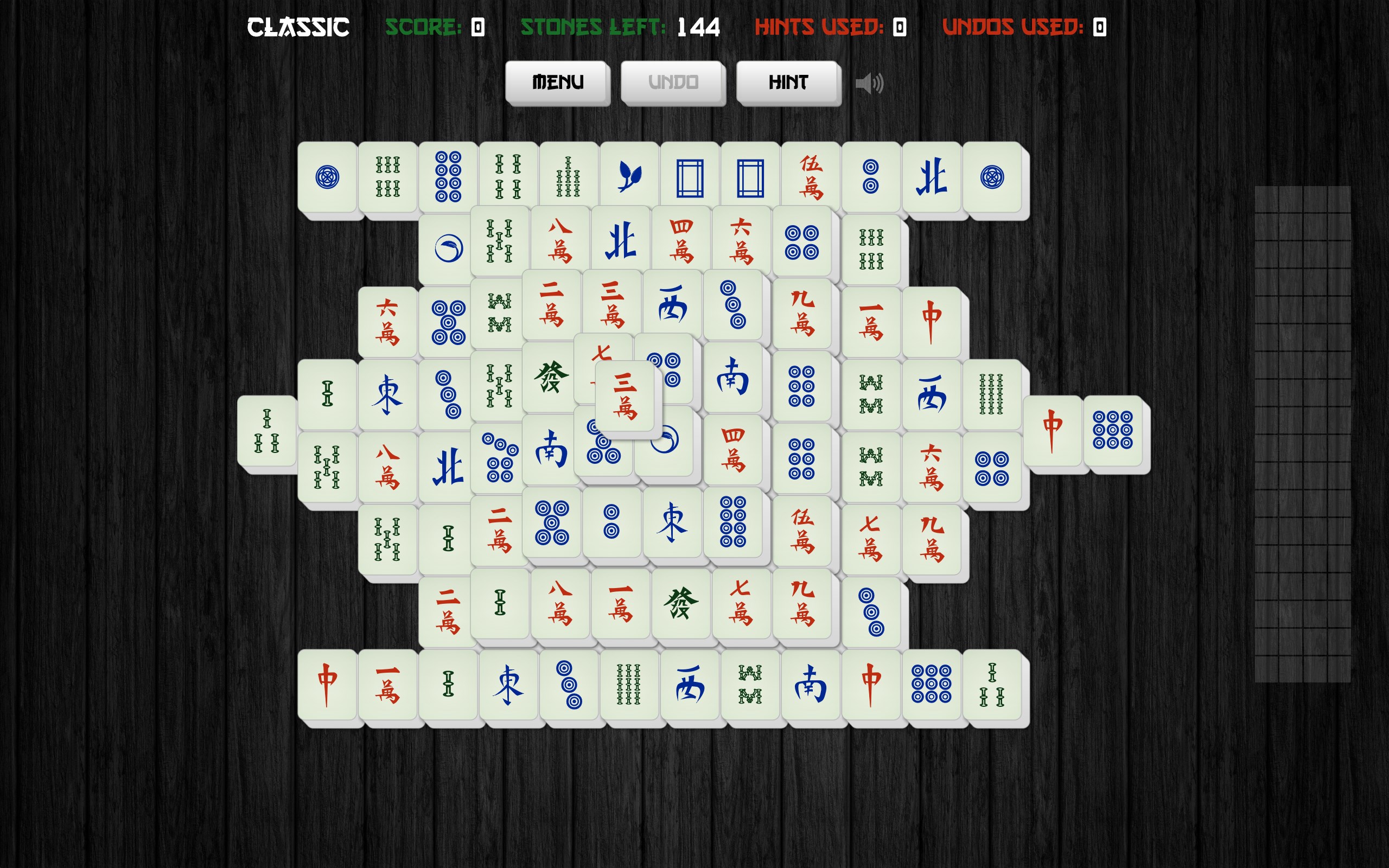
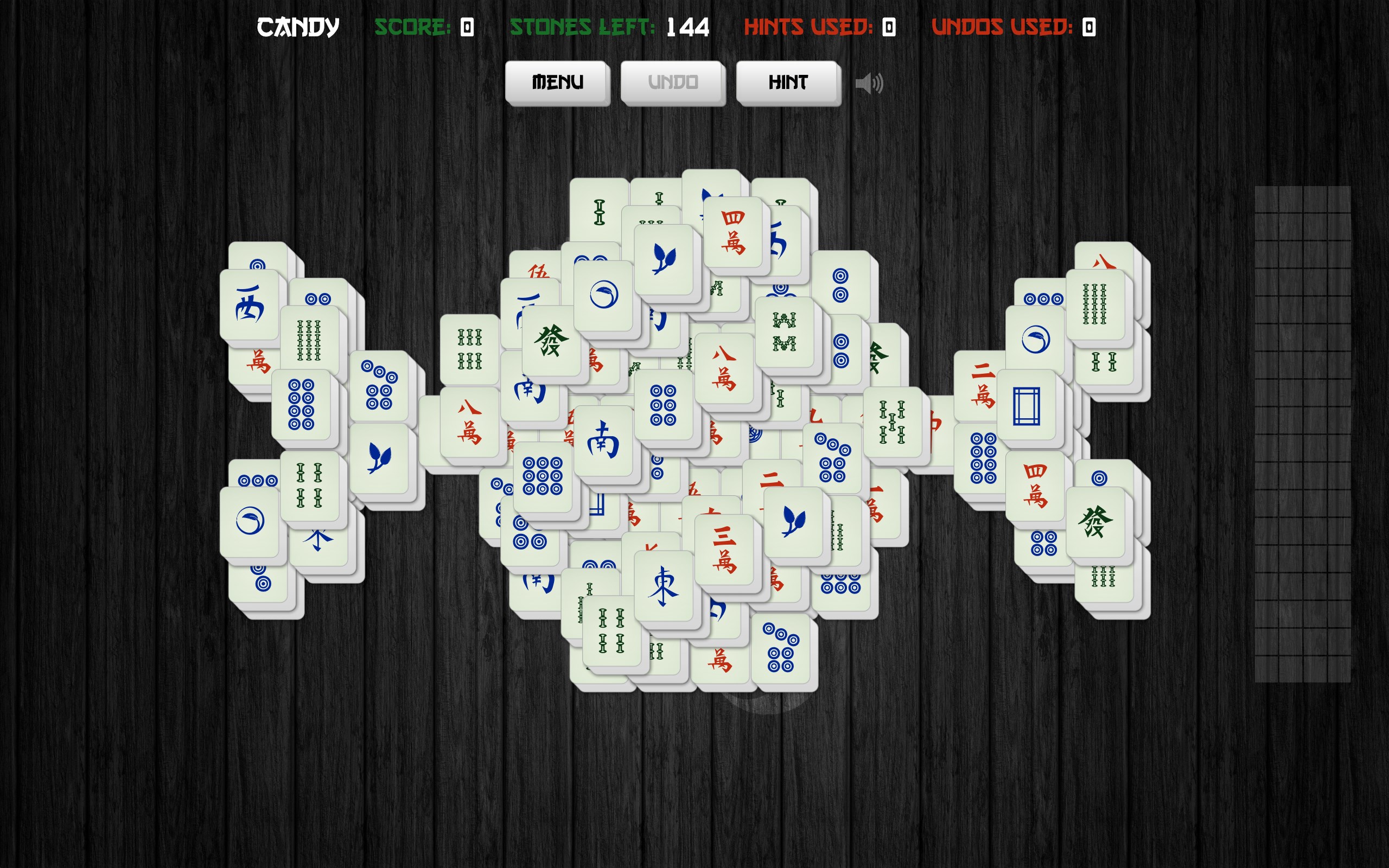
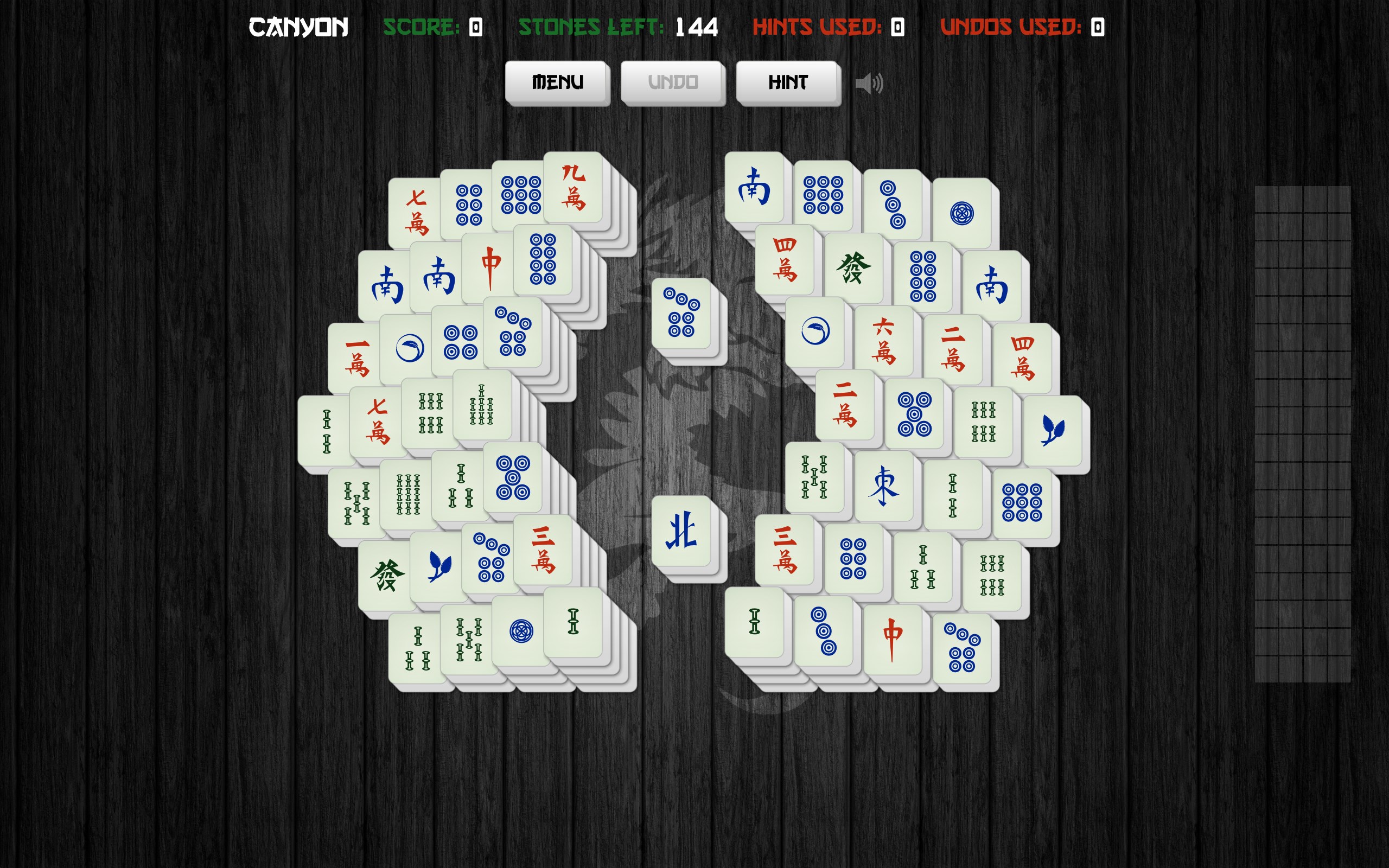
From the moment you launch Mahjong Solitair, you're greeted with a clean, modern interface that balances simplicity with aesthetic appeal. The tiles are vividly colorful, reminiscent of traditional Mahjong sets, but with a digital clarity that makes gameplay effortless on high-resolution screens. Navigating through menus is smooth, with intuitive controls that minimize the learning curve. Even newcomers can quickly understand how to select and match tiles, thanks to guided hints and responsive drag-and-drop mechanics.
One of this app's standout attributes is its thoughtfully designed gameplay modes. The standard single-player mode captures the essence of classic Mahjong puzzles, challenging players to clear tiles within limited moves or time constraints. More intriguingly, the app offers a "Relax Mode," where players can enjoy endless tiles without pressure, making it perfect for unwinding after a hectic day.
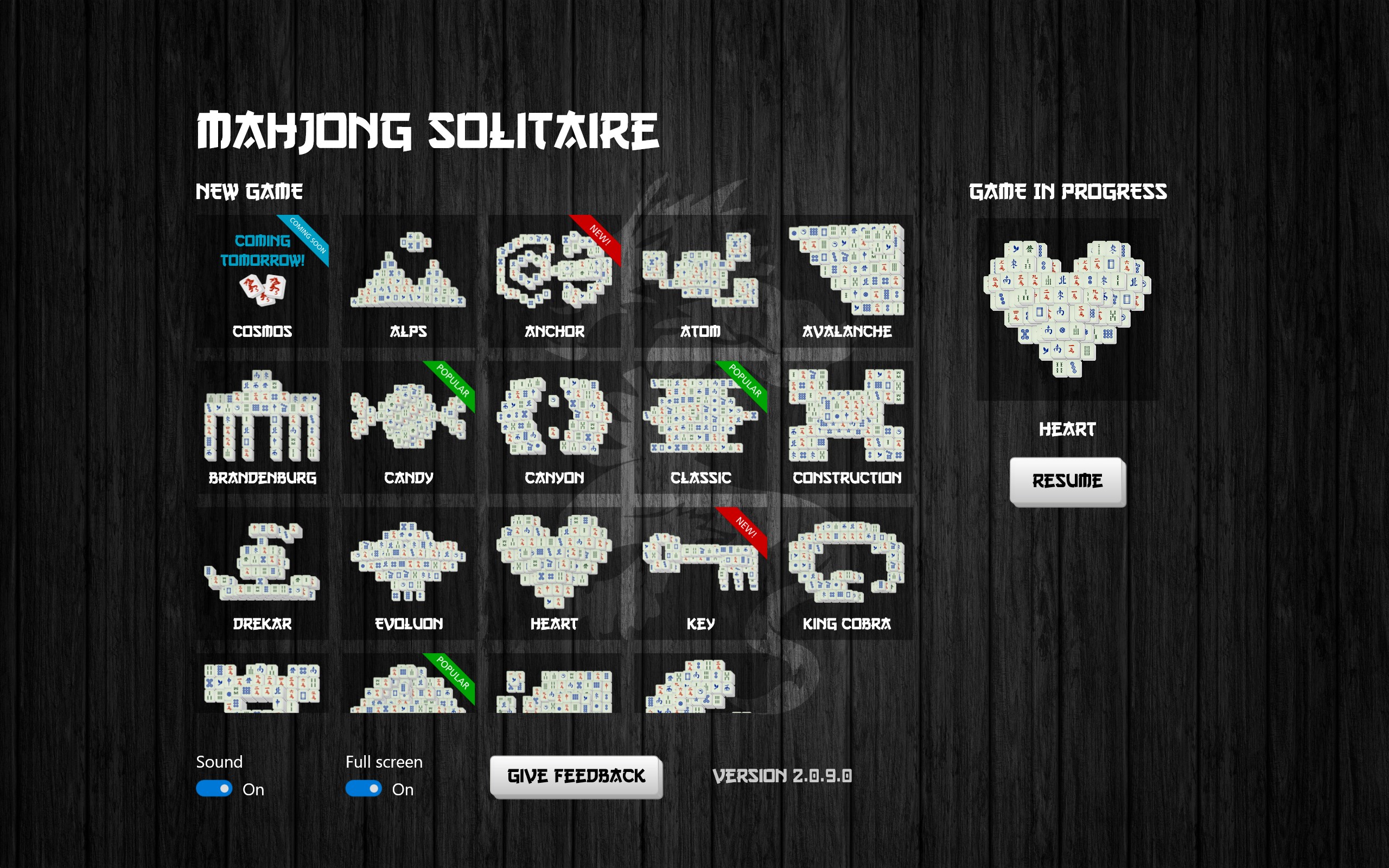
Another highlight is the variety of tile sets and backgrounds available. Unlike many standard solitaire apps, Mahjong Solitair allows users to customize their visual experience, from traditional Chinese motifs to modern art styles. This level of personalization not only elevates aesthetic appeal but also helps players find a style that resonates with their mood or decor.
Perhaps the most unique feature is the "Hint & Undo" system, which provides subtle suggestions when you're stuck and the ability to undo moves seamlessly. This fosters learning and improves strategic thinking, especially for new players, without feeling intrusive or patronizing, thus offering a balanced challenge for all skill levels.
The app delivers a remarkably fluid playing experience, thanks to optimized performance that runs smoothly on most Windows systems. The graphics are crisp, and the touch or mouse controls respond promptly, making tile matching a satisfying tactile sensation—akin to sliding smooth stones across a polished surface. Additionally, the app's learning curve is gentle; players can immediately jump into gameplay while gradually discovering advanced strategies through optional tutorials. Such accessibility makes Mahjong Solitair suitable for casual players and Mahjong enthusiasts alike.
While many card and board apps focus on variety or competitive features, Mahjong Solitair's greatest strength lies in its clear emphasis on a classic puzzle experience enriched with customization and thoughtful assistance tools. The inclusion of diverse tile sets and backgrounds allows users to create a personalized ambiance—imagine shifting from a calming Zen garden backdrop to an elegant Chinese scroll, transforming the mood of your game with a simple click. The integrated hint and undo features are also designed to promote learning and confidence, making it accessible for beginners yet engaging for experts seeking a relaxing mental workout.
Compared to other Mahjong apps that may emphasize multiplayer modes or competitive scoring, this app stays true to the solitary, meditative nature of traditional Mahjong, offering a peaceful yet stimulating environment to test one's puzzle-solving skills without distractions. Essentially, it bridges the gap between nostalgic comfort and modern customization, standing out as a well-crafted digital homage to a timeless game.
All in all, Mahjong Solitair for Windows is a well-rounded, thoughtfully designed app that captures the core essence of Mahjong while offering enough modern features to keep it fresh. Its user-friendly interface, customizable visual elements, and intelligent assistance tools make it particularly appealing for both casual players and dedicated puzzle enthusiasts. I recommend giving it a try if you enjoy relaxing, strategic gameplay and want a stylish, unobtrusive digital version of this classic game. Whether you're looking to unwind, challenge your mind, or customize your gaming environment, Mahjong Solitair presents itself as a worthy companion for your Windows desktop.
Intuitive User Interface
Variety of Mahjong Styles
Offline Play Capability
Regular Updates and Events
Support for Multiple Devices
Limited Customization Options
In-App Purchases May Interrupt Gameplay
Occasional Ads Disrupt Play
Limited Multiplayer Features
Performance Slightly Lags on Older Devices

for Windows
 4.9
4.9

for Windows
4.8

for Windows
4.8
for Windows
4.8

for Windows
4.8

for Windows
4.8

for Windows
4.8

for Windows
4.7

for Windows
4.7

for Windows
4.7

for Windows
4.7

for Windows
4.7

for Windows
5

for Windows
5

for Windows
5

for Windows
5

for Windows
5

for Windows
5

for Windows
5

for Windows
5

for Windows
5

for Windows
5