Puzzle & trivia
TreeCardGames
PC
Windows 10 version 17763.0 or higher
Chinese (Simplified), Danish, Dutch, English, French, German, Hindi, Italian, Japanese, Polish, Portuguese, Spanish, Swedish
Imagine stepping into a cozy game room where every tile you flip uncovers a new moment of relaxation and mental challenge. Mahjong Free! for Windows by TreeCardGames offers just that—a digital haven for mahjong enthusiasts and casual players alike seeking an engaging, yet straightforward puzzle experience. With its classic charm and modern polish, this app aims to bring the timeless tradition of Mahjong right to your desktop, perfect for a quick mental break or a prolonged gameplay session.
Developed and published by TreeCardGames, Mahjong Free! is designed with simplicity and accessibility in mind. The game features a clean, minimalistic interface that lets players dive straight into the gameplay without unnecessary clutter. Its key highlights include:
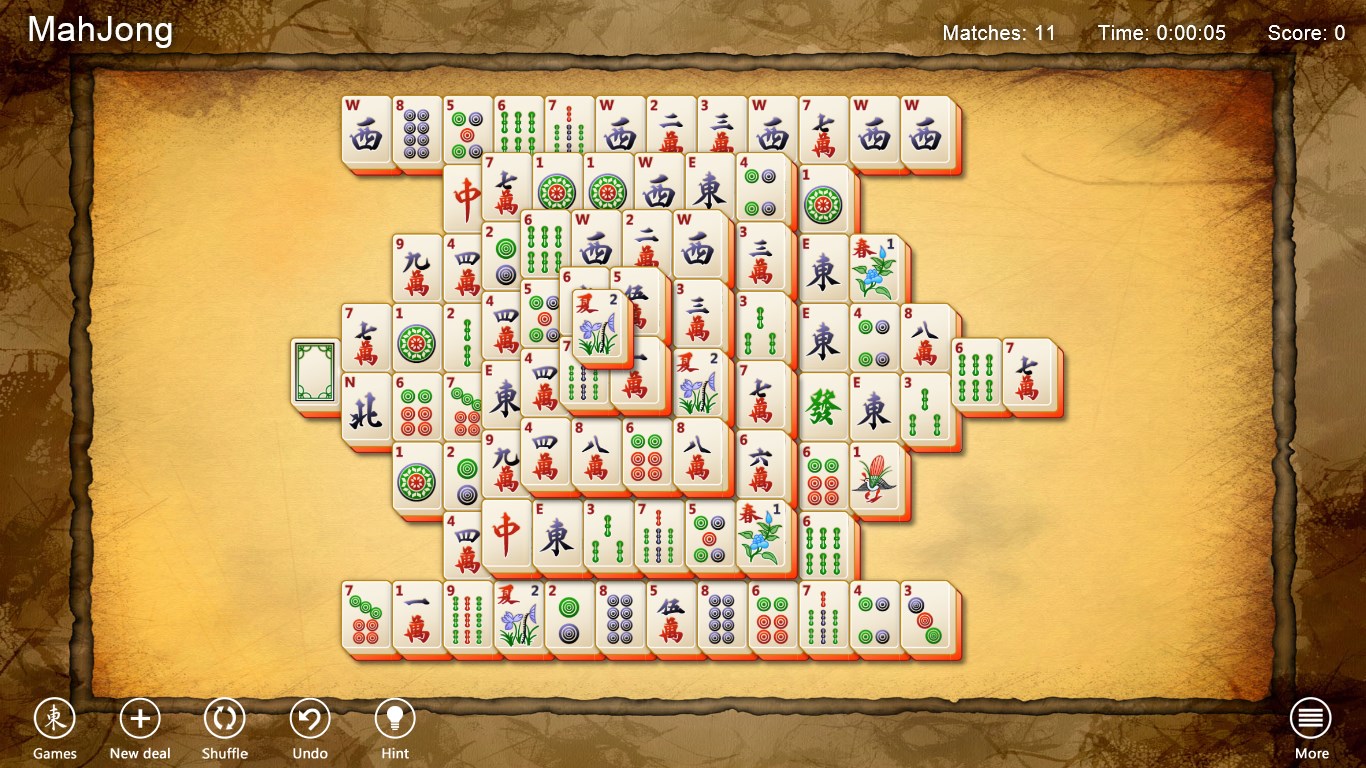
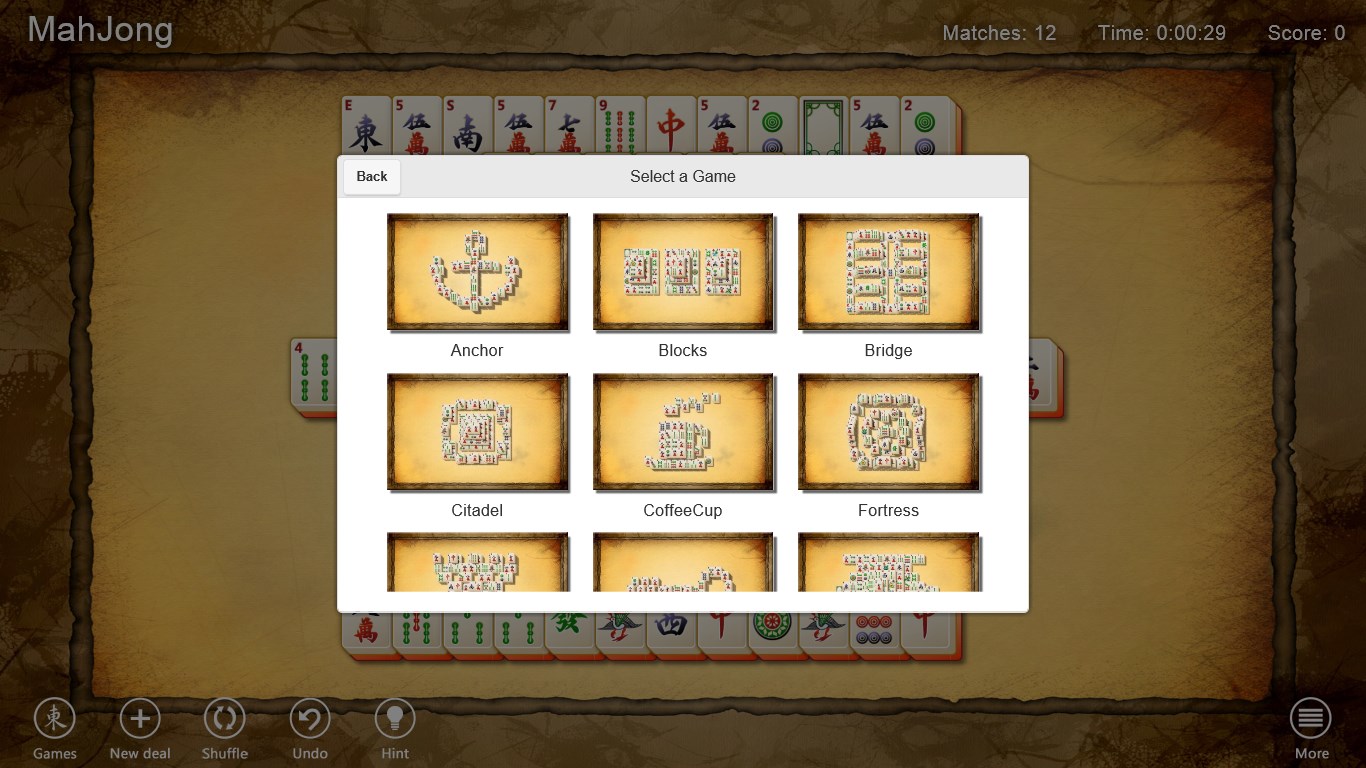
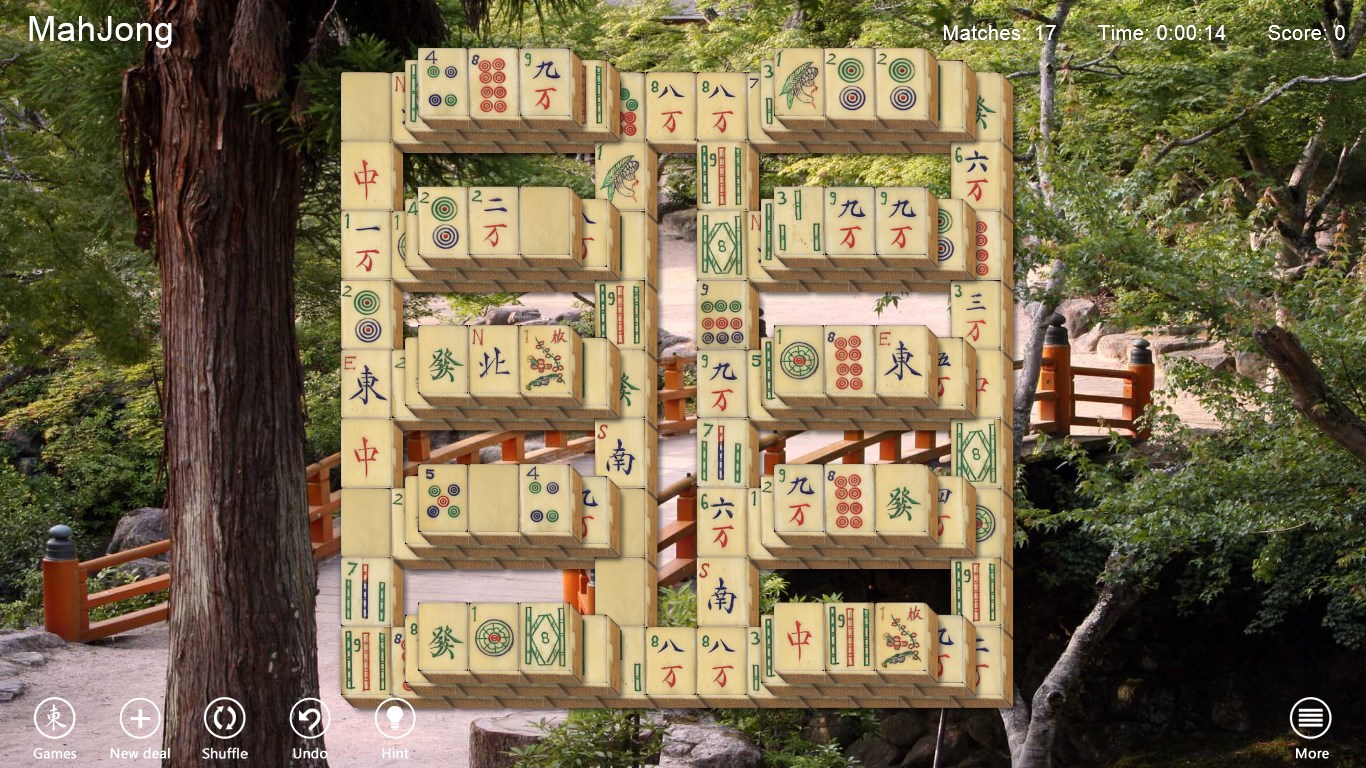
From the moment you launch Mahjong Free!, you're greeted with a sleek, vibrant interface reminiscent of a traditional Mahjong parlor—warm tones and classic tile designs invite you to relax and indulge your puzzle-solving instincts. The menus are straightforward, with intuitive icons that make navigation feel like flipping through a well-loved book.
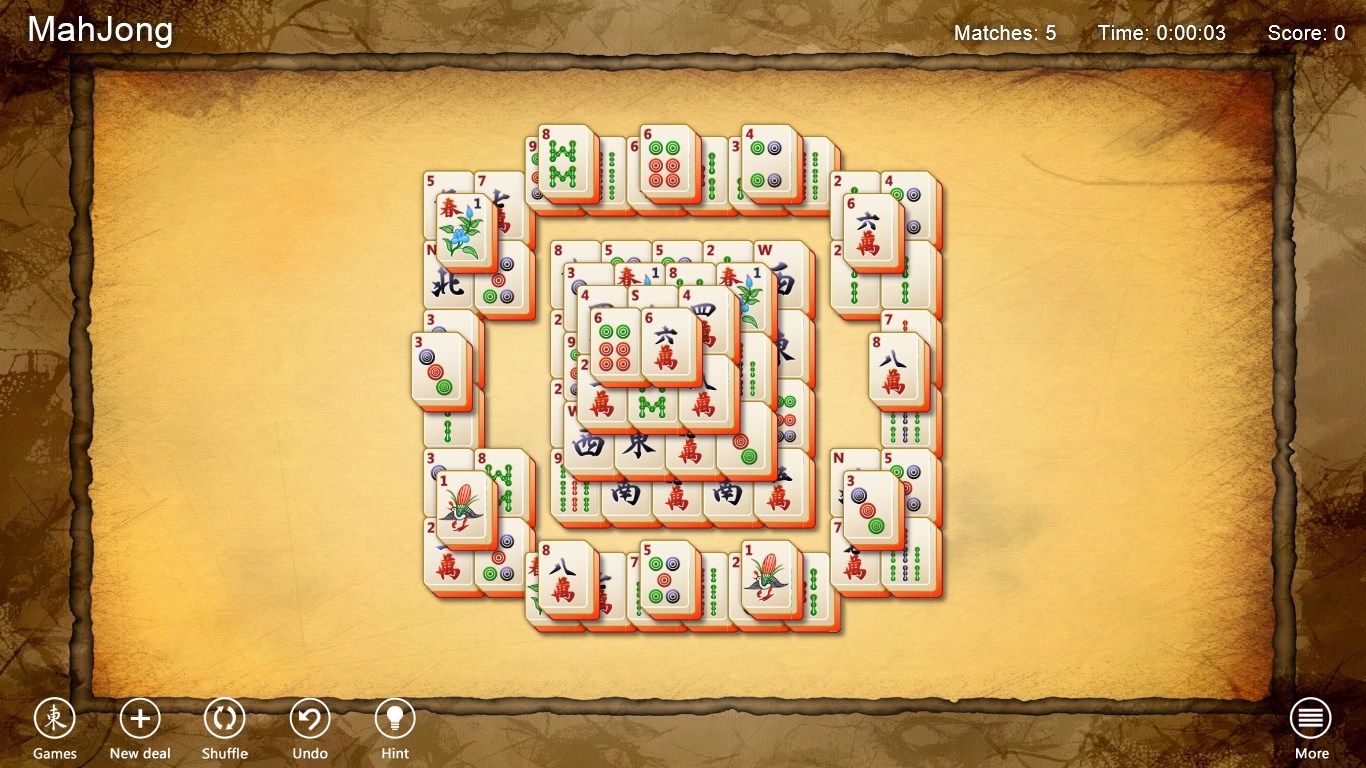
The game's graphics strike a balance between aesthetic appeal and clarity. The tiles feature crisp, clear markings, making it easy to identify and select pieces. The interface adapts seamlessly across different screen sizes, ensuring a smooth experience whether played on a full desktop or scaled down window. The responsiveness of tile interactions is prompt, giving the sensation of real tiles sliding under your fingertips—or rather, your mouse cursor—without any lag or stutter.
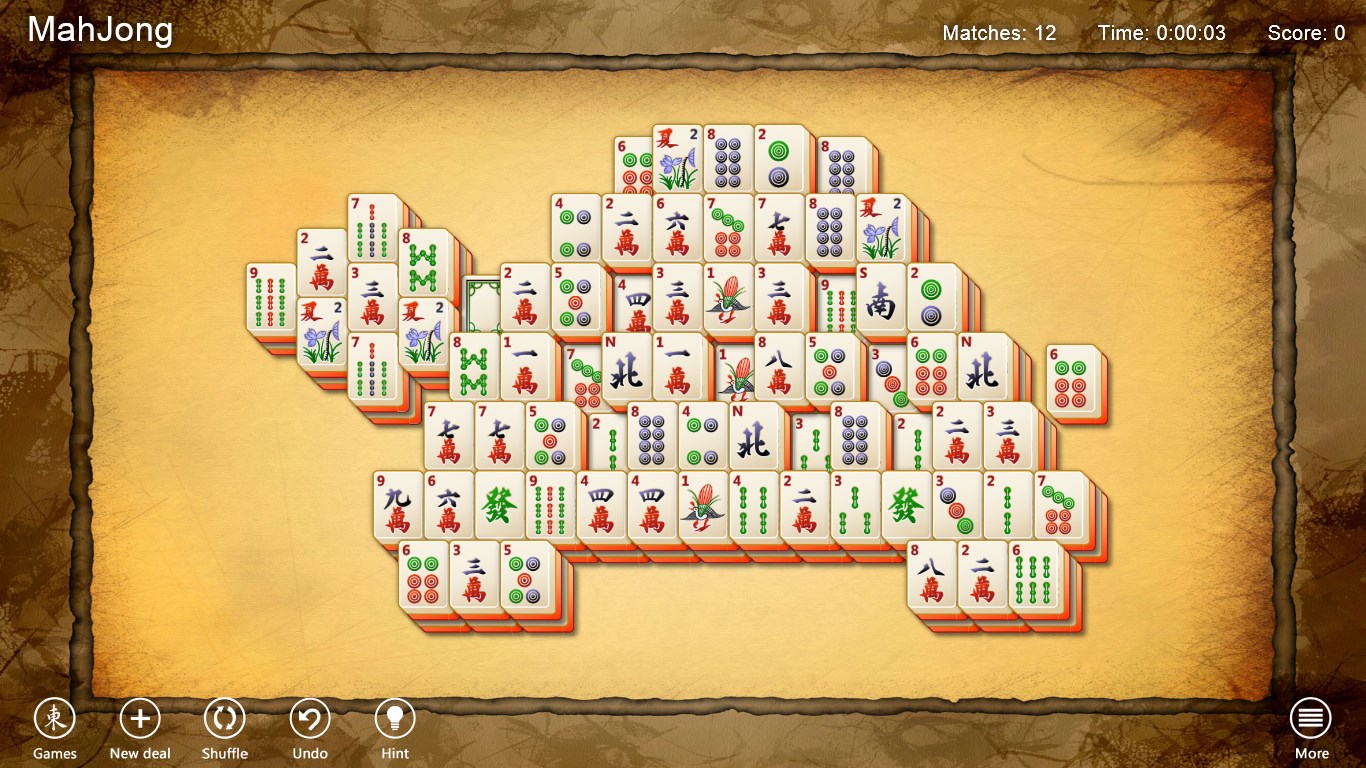
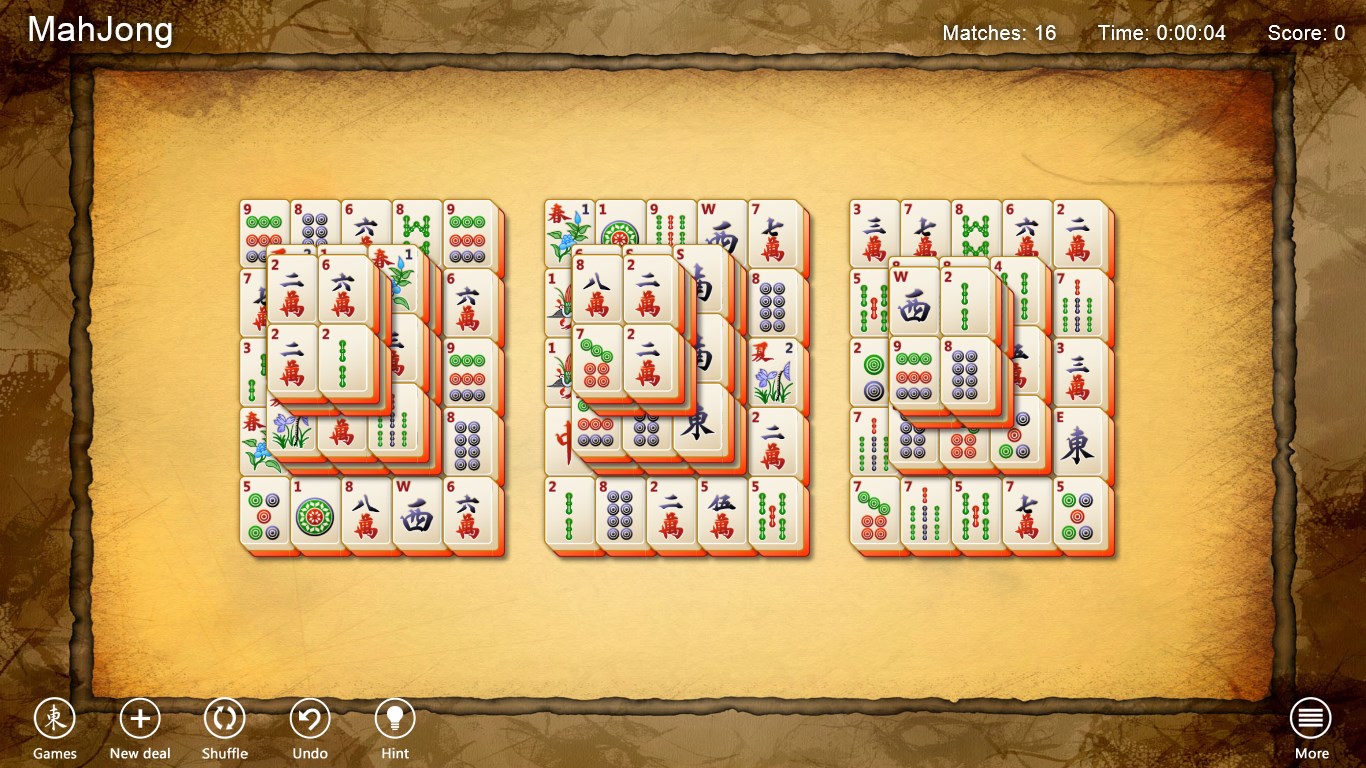
One of Mahjong Free!'s standout traits is its accessibility. For new players, it provides gentle tutorials and hints, easing beginners into the game's mechanics. Seasoned mahjong players will appreciate the depth of the game's layout options and flexible hints, allowing them to customize their challenge level. The learning curve is gentle; you can swiftly learn the basics yet delve into more complex layouts as your proficiency grows. This makes it suitable for a broad spectrum of players—from curious newcomers to veteran puzzlers.
While Mahjong has been ported to digital platforms countless times, Mahjong Free! sets itself apart primarily through its minimalist yet rich user experience. Its standout features include:
All in all, Mahjong Free! for Windows is a thoughtfully crafted digital version of a beloved classic. Its combination of an elegant interface, smooth mechanics, and user-centered design makes it a strong contender in the puzzle genre. It's particularly ideal for those seeking a relaxing, straightforward Mahjong experience that still offers enough challenge to keep their minds engaged.
We recommend this app to anyone looking for a stress-free, visually appealing mahjong game that respects the traditional roots while providing a modern, seamless experience. Whether you play during short breaks or enjoy longer sessions to unwind, Mahjong Free! stands out as a trustworthy and enjoyable choice. Just set your preferred layout, relax, and let the tiles reveal their calming secrets.
User-friendly interface
Free to download and play
Variety of game modes
Regular updates with new content
Offline mode available
Ads may interrupt gameplay
Limited hints and undo options in free version
Some ads are quite frequent
Lack of customization options
Performance issues on older devices
for Windows
 4.8
4.8

for Windows
4.8

for Windows
4.8

for Windows
4.8

for Windows
4.8

for Windows
4.8
for Windows
4.8

for Windows
4.8

for Windows
4.7

for Windows
4.7

for Windows
4.7

for Windows
4.7

for Windows
5

for Windows
5

for Windows
5

for Windows
5

for Windows
5

for Windows
5

for Windows
5

for Windows
5

for Windows
5

for Windows
5