Card & board
PC
Windows 10 version 10240.0 or higher
Version 10
English (United States)
Mahjong Epic for Windows offers a polished digital rendition of the timeless tile-matching game, blending modern design with traditional gameplay to appeal to both newcomers and seasoned Mahjong players alike.
Developed by Kristanix AS, a reputable team known for creating engaging casual and puzzle games, Mahjong Epic demonstrates their commitment to quality and user-friendly design. The app's main features include an intuitive interface that welcomes players, diverse difficulty levels to challenge every skill set, and a range of beautiful tile layouts that keep the game fresh. Additionally, the game offers customizable themes, allowing players to tailor their experience to personal tastes. It's perfectly targeted at puzzle enthusiasts, casual gamers, and fans of classic card and board games looking for relaxing yet stimulating entertainment.
Imagine sinking into a cozy corner of your day, the gentle click of tiles as you match them in a symphony of colors and patterns—Mahjong Epic transforms this comforting ritual into a seamless digital journey. Its friendly interface invites players into a world where ancient tile-matching meets sleek modern design. Whether you're taking a quick break or settling into a long session, Mahjong Epic aims to be your go-to tile-matching companion, blending nostalgia with contemporary polish.
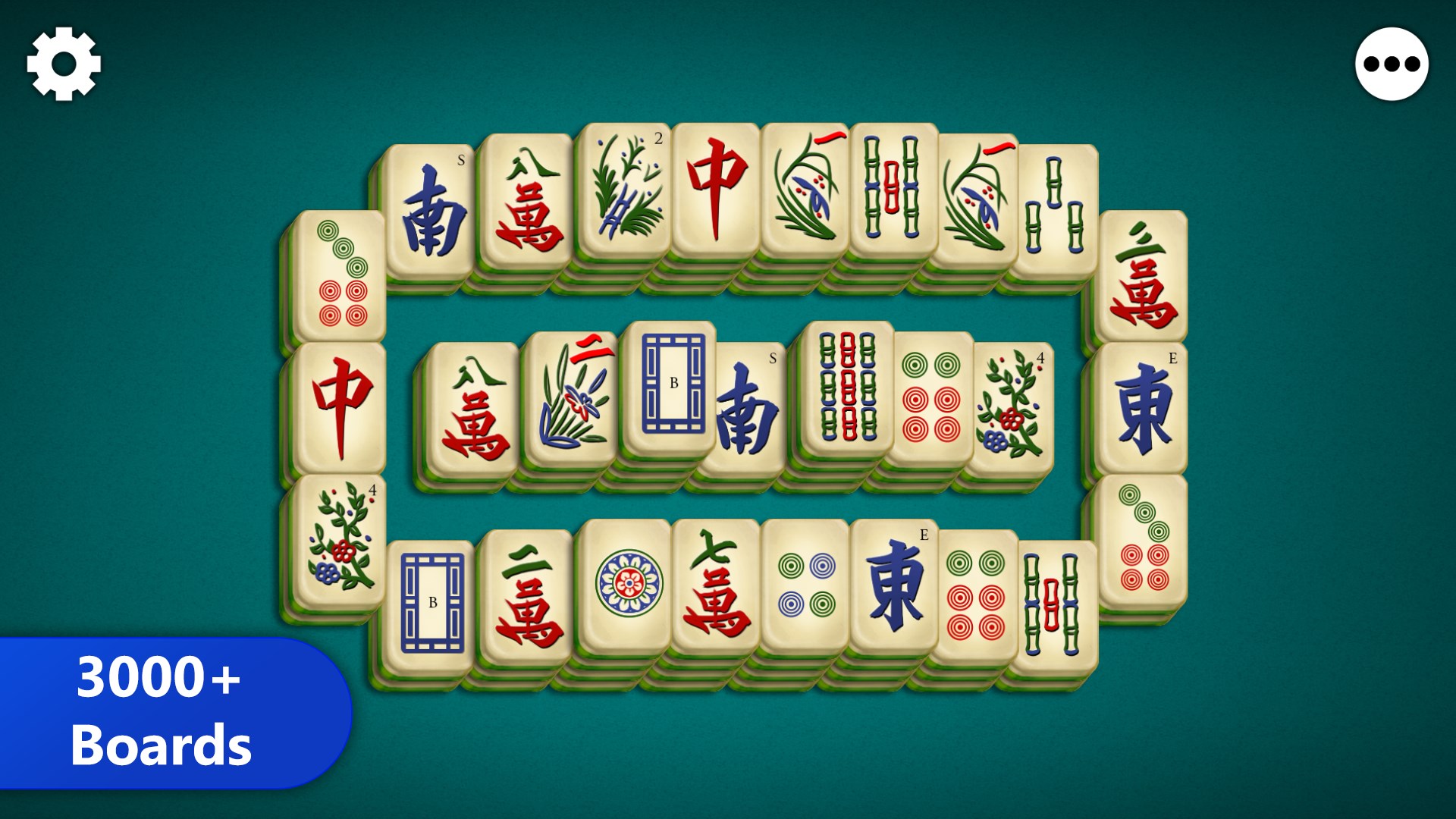
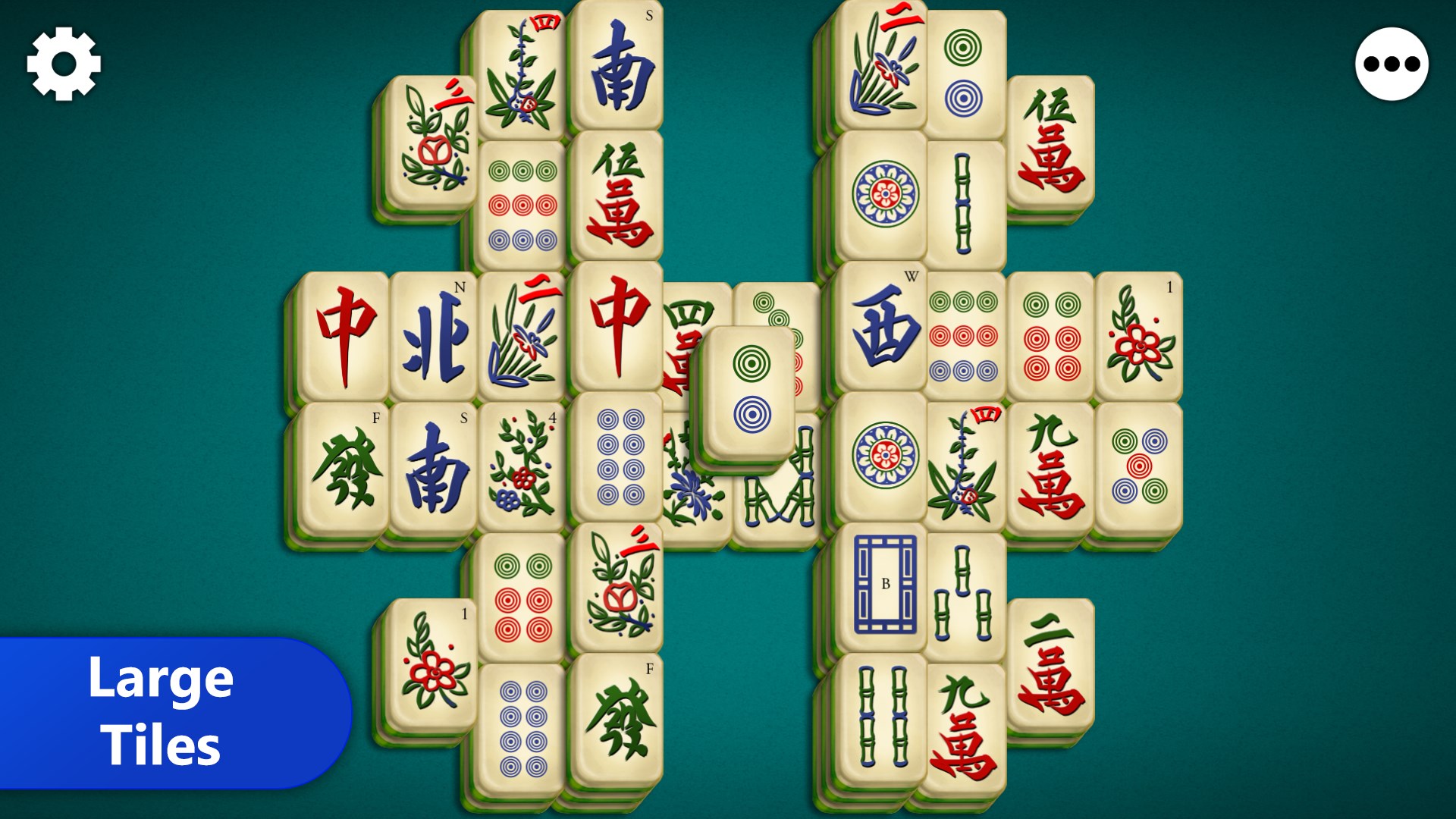
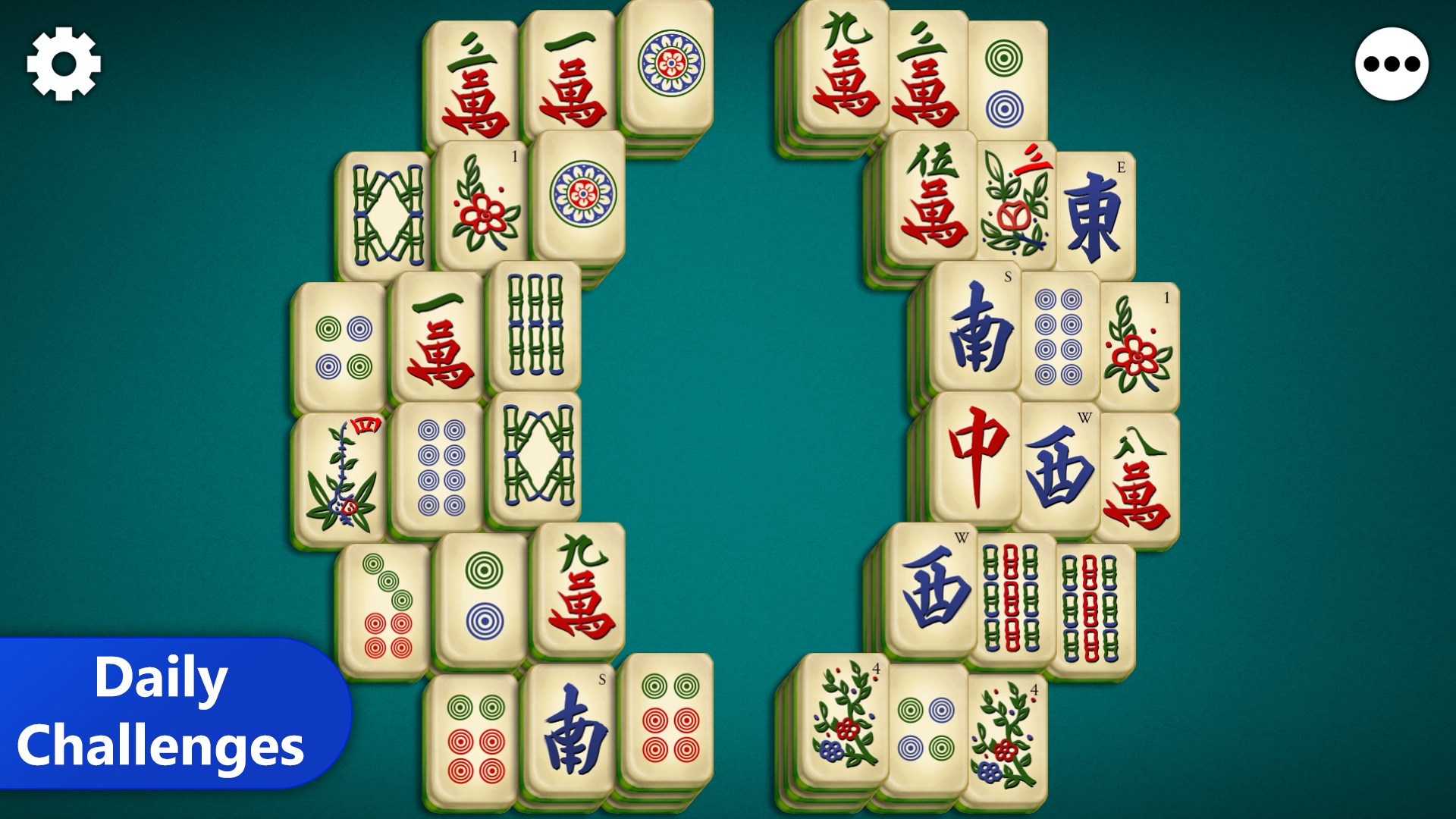
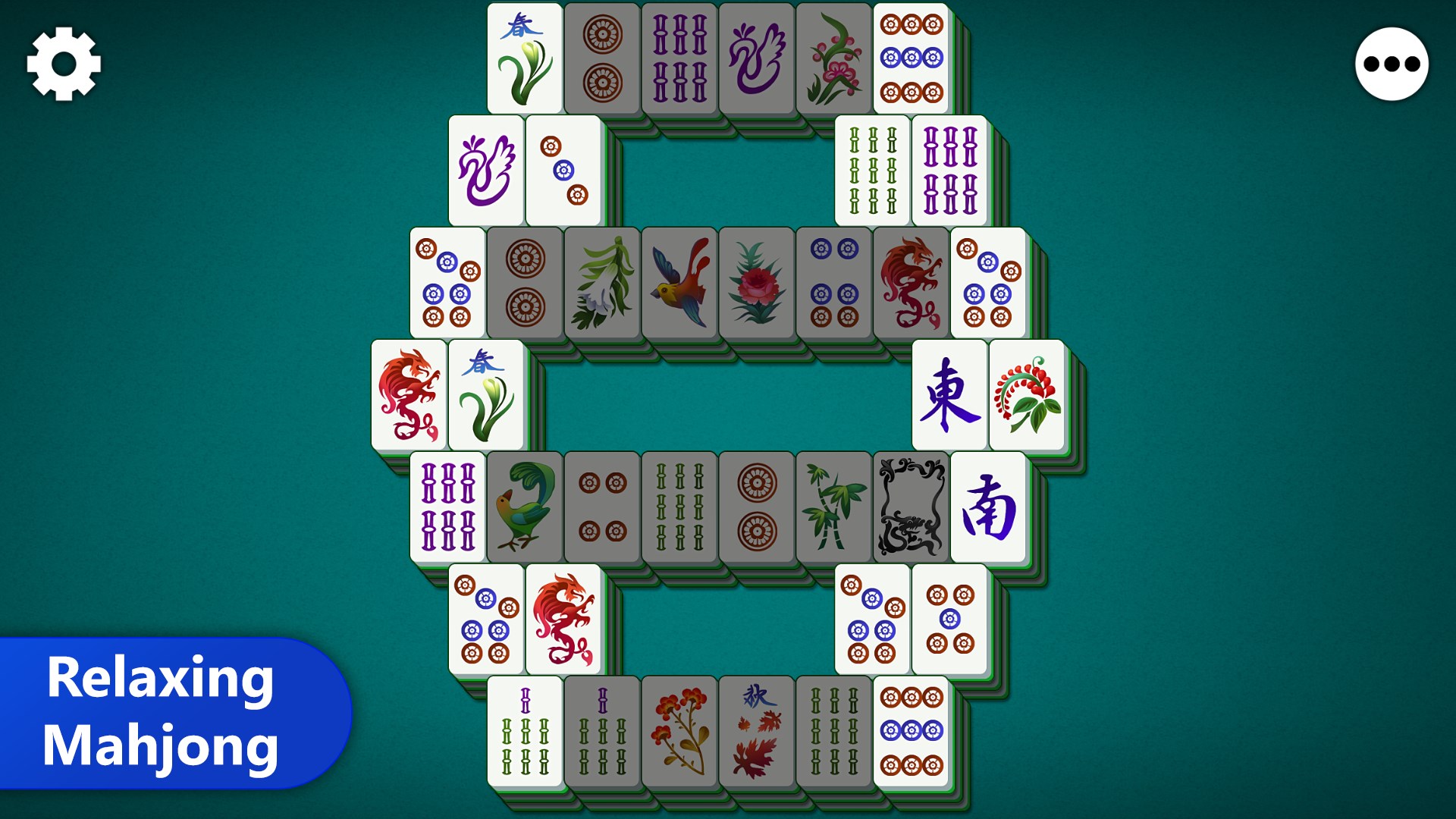
The core gameplay of Mahjong Epic revolves around matching tiles in pairs to clear the board, but what sets it apart is its thoughtful layout and smooth mechanics. The game offers multiple layouts—from straightforward rows to intricate arrangements—catering to both casual players and more experienced strategists. The beauty lies in how seamlessly the game responds to inputs: dragging tiles, flipping them, and establishing matches feel fluid and natural thanks to optimized touch controls. It's like a gentle dance—you make a move, and the tiles respond with satisfying clarity, making every match a moment of achievement.
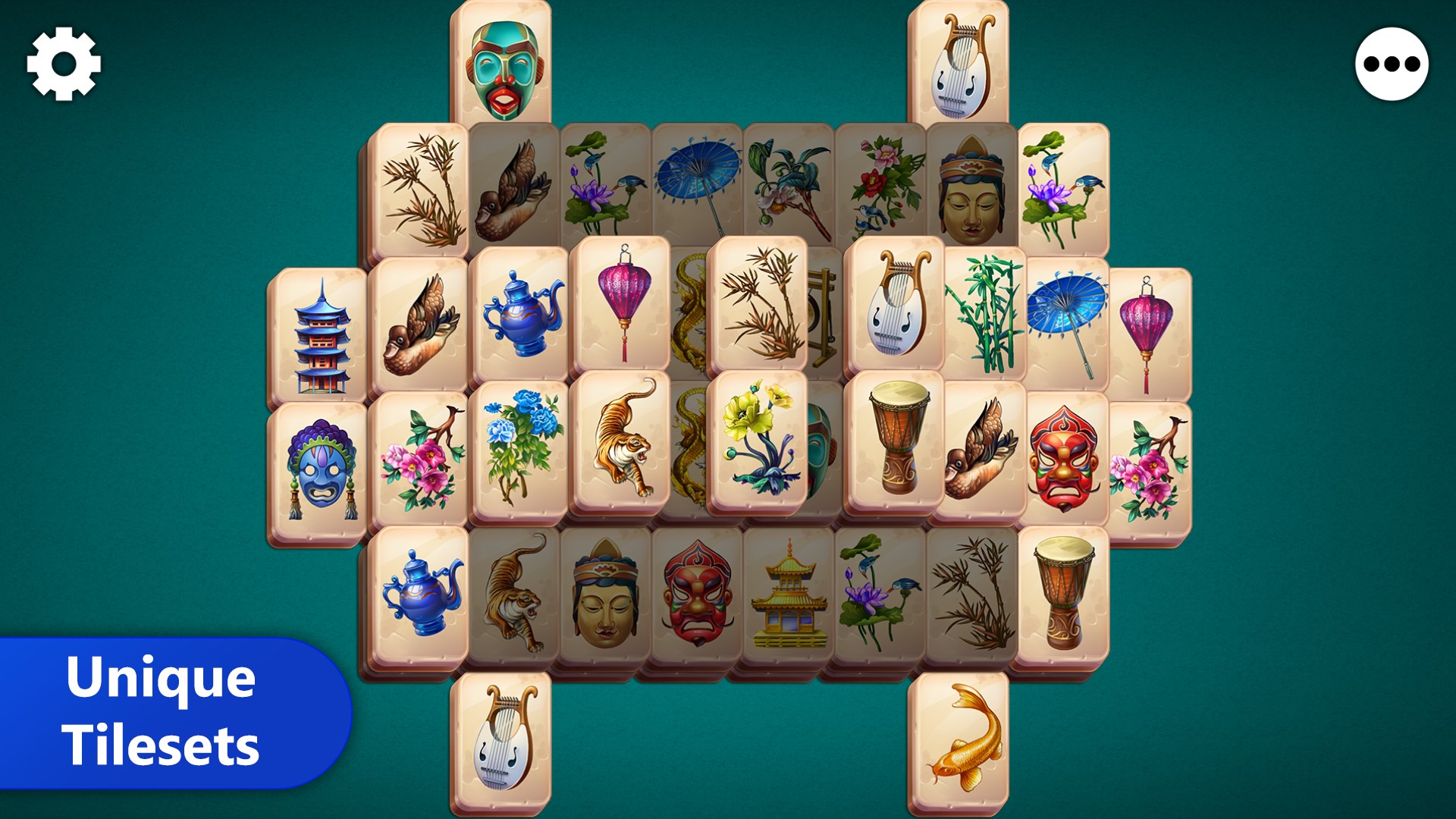
This application shines with its attention to aesthetic detail. The interface employs a clean, modern design aesthetic, making navigation effortless. Players can choose from a variety of themes—ranging from traditional Asian motifs to minimalist styles. The visual clarity of tiles, combined with the subtle animations and sounds, enhances user engagement without overwhelming the senses. The learning curve is gentle; new players can easily grasp the mechanics within minutes, yet the layered difficulty levels and diverse tile arrangements provide enough challenge to keep the game compelling over time.
Compared to other digital Mahjong apps, Mahjong Epic's standout feature is its blend of traditional gameplay with customizable aesthetics and layout options. While many apps stick to a limited set of boards and themes, Mahjong Epic's extensive customization options and multiple difficulty settings give it an edge—making it feel more personal and replayable. Its emphasis on smooth controls and clear visual cues ensures that players, regardless of experience level, can enjoy an accessible yet engaging game. From casual players looking for a relaxing activity to puzzle aficionados seeking a challenge, Mahjong Epic manages to meet diverse needs without compromising on quality or user experience.
If you're on the hunt for a refined Mahjong game that respects tradition while embracing modern usability, Mahjong Epic is certainly worth a try. Its intuitive design, beautiful visuals, and customizable features make for an enjoyable experience that can seamlessly fit into your daily routine. I'd recommend it for players who appreciate thoughtful game design and those seeking a calming yet engaging puzzle game. For the best experience, explore its different layouts and themes—each offers a new way to enjoy this classic game. Overall, Mahjong Epic stands as a solid choice among existing digital Mahjong platforms, balancing ease of use with depth for dedicated players.
User-friendly interface
Extensive variety of Mahjong tiles and layouts
Offline mode available
Regular updates and new content
Ad-free option with premium purchase
Limited customization options
Occasional ads in free version
Lack of multiplayer functionality
Graphics could be more vibrant
Limited tutorial for beginners

for Windows
 4.9
4.9

for Windows
4.8

for Windows
4.8

for Windows
4.8

for Windows
4.8

for Windows
4.8

for Windows
4.8

for Windows
4.7

for Windows
4.7

for Windows
4.7
for Windows
4.7

for Windows
4.7

for Windows
5

for Windows
5

for Windows
5

for Windows
5

for Windows
5

for Windows
5

for Windows
5

for Windows
5

for Windows
5

for Windows
5