Card & board
Windows 10 version 18362.0 or higher
Integrated Mouse
Chinese (Simplified), English, French, German, Italian, Japanese, Portuguese, Russian, Spanish, Turkish
Designed for puzzle enthusiasts seeking a relaxing yet challenging experience, Magic Jigsaw Puzzles offers a vibrant digital twist on traditional jigsaw puzzles. With its extensive collection of images and user-friendly interface, it aims to bring the therapeutic joy of puzzle-solving right to your desktop.
Developed by ZiMAD, a well-established publisher in the casual gaming sphere, Magic Jigsaw Puzzles benefits from a team dedicated to delivering engaging and high-quality puzzle experiences. Their focus on a polished user interface and a broad puzzle library ensures that players from casual to avid puzzlers find something to enjoy.
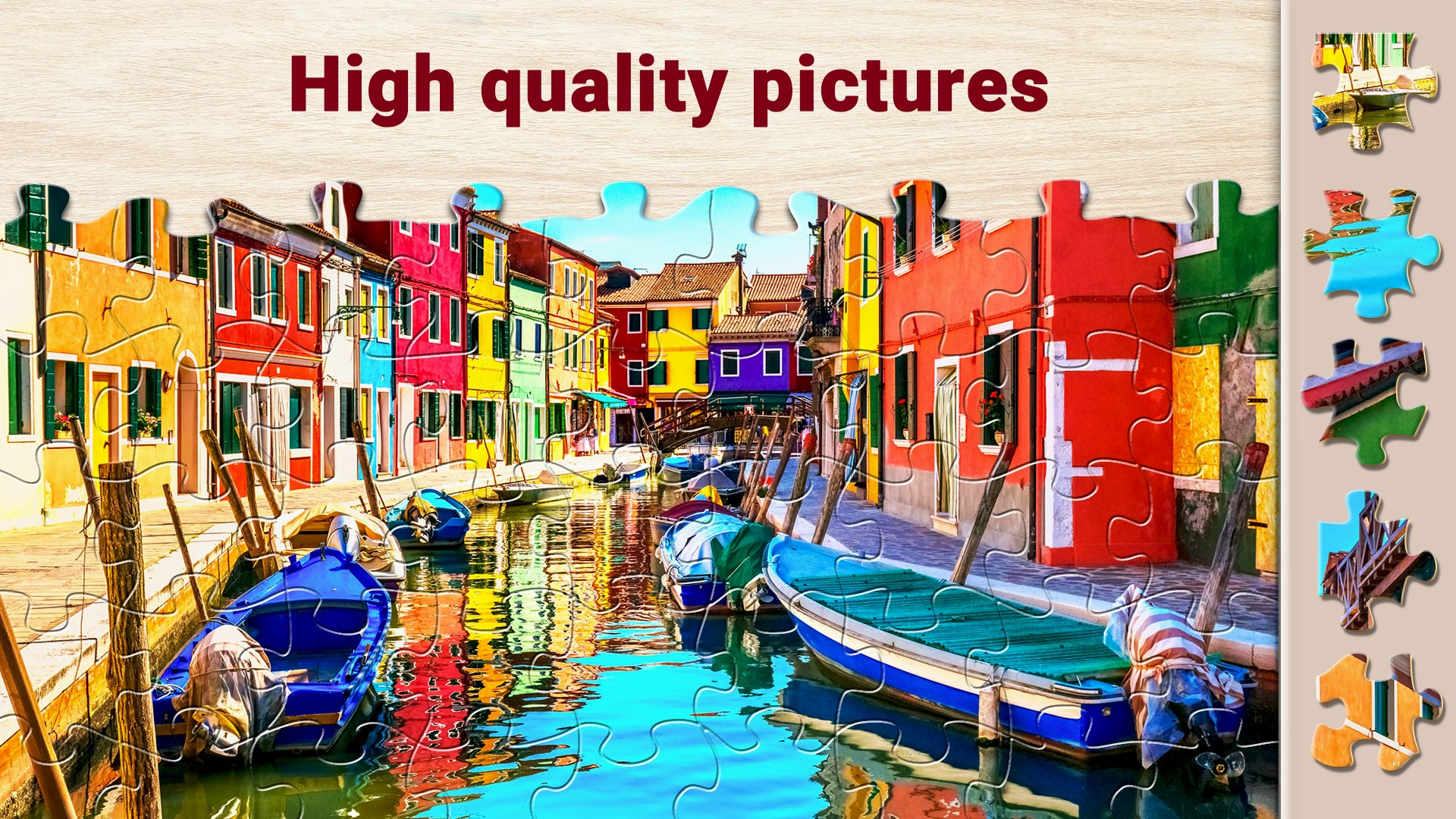
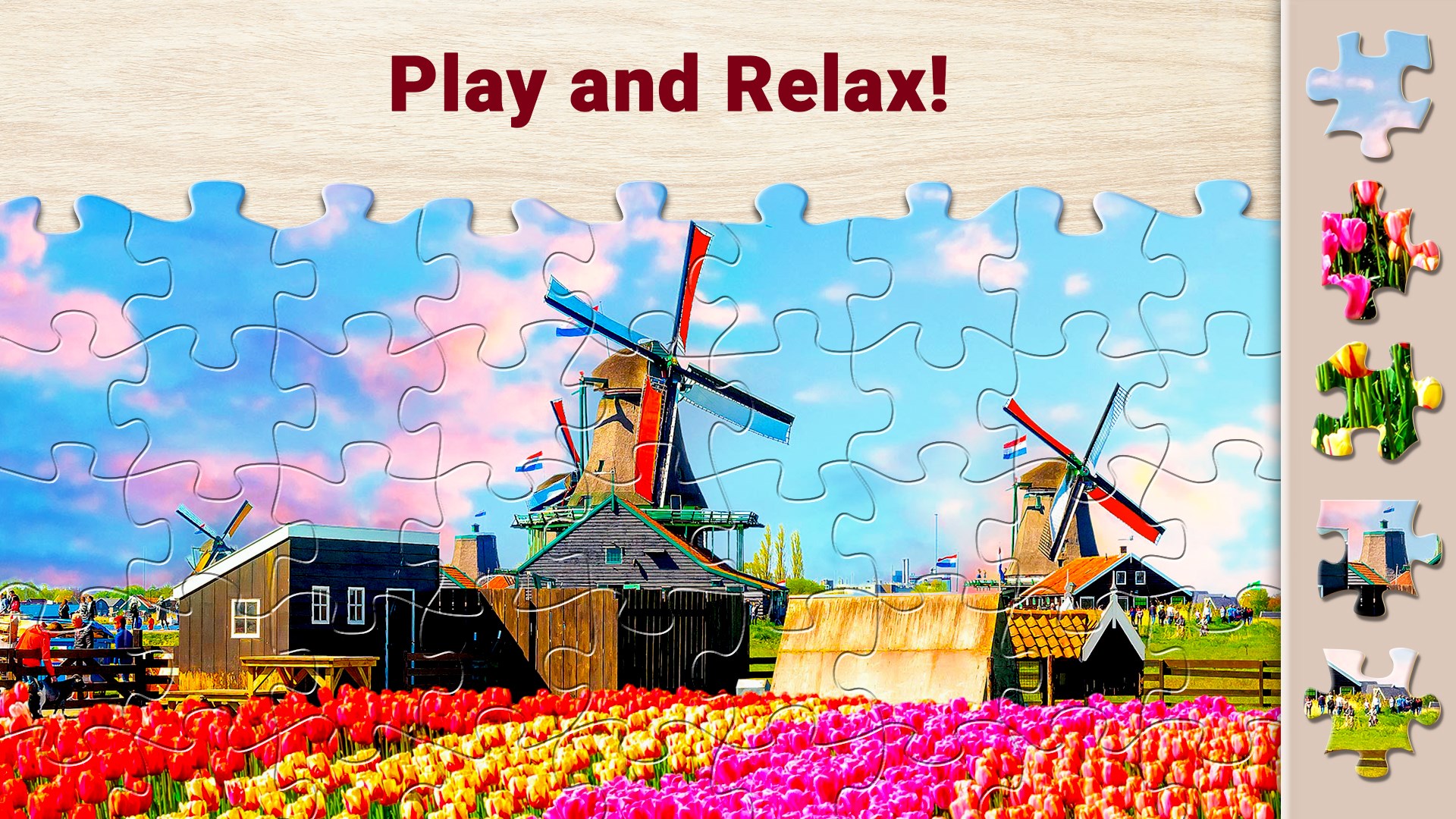
As you launch Magic Jigsaw Puzzles, you're greeted with a colorful, welcoming interface that feels like stepping into an artist's studio. Whether you're a seasoned puzzle veteran or new to the game, the learning curve is gentle—simply select a picture, choose your difficulty, and start fitting pieces together. The delightful visual cues and responsive controls make every piece click into place with satisfying precision—a virtual jigsaw in your hands that's both calming and stimulating. The HD quality images elevate the experience, making each puzzle feel like a mini art gallery right on your Windows desktop.
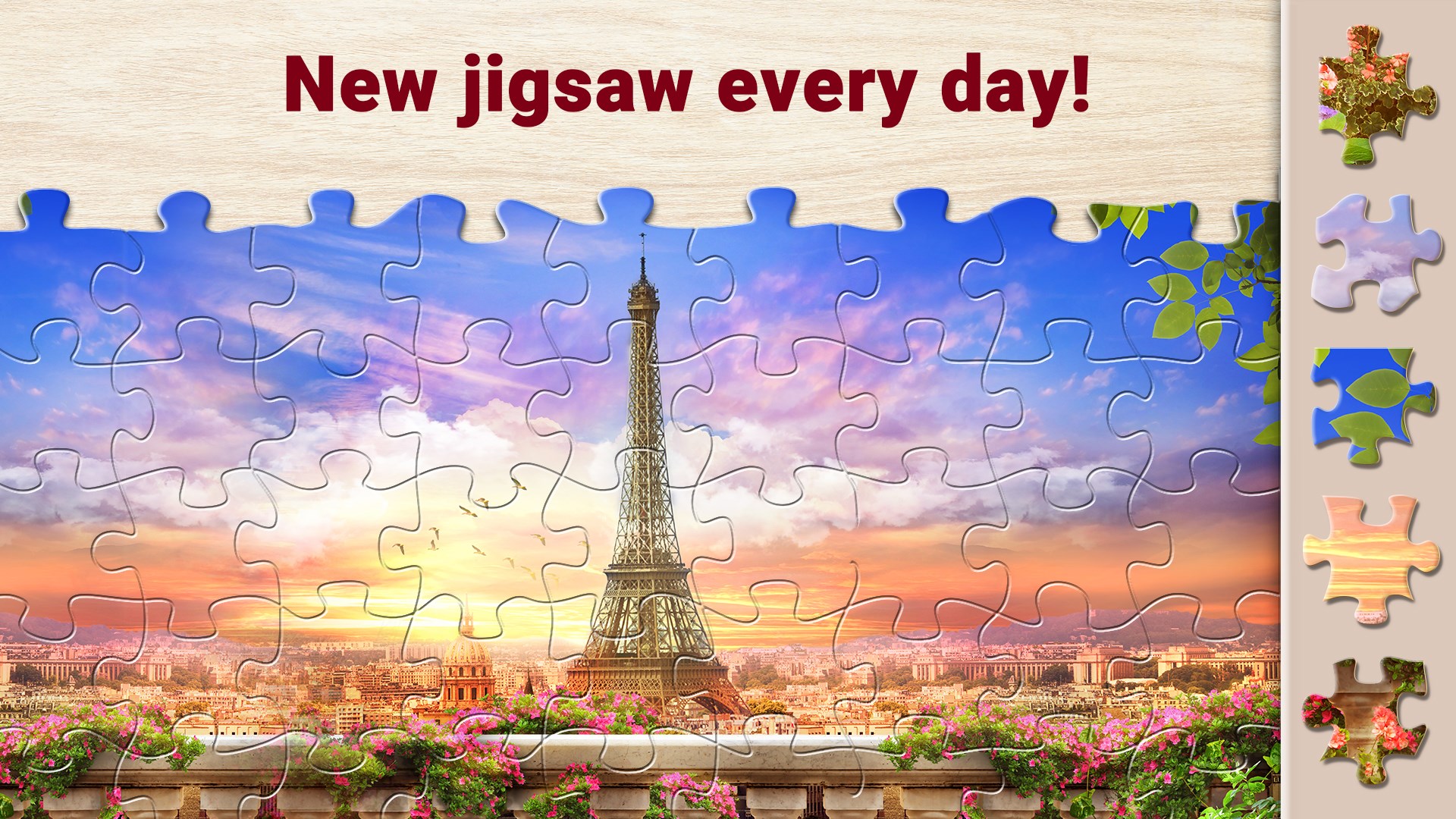
The heart of Magic Jigsaw Puzzles lies in its enormous library, which spans themes from lush landscapes to intricate artwork. This diversity ensures that there's always something new to explore, and the occasional themed collections keep the experience fresh. The images are crisp and vibrant, inviting users to lose themselves in the details—like uncovering secrets in a colorful mosaic.
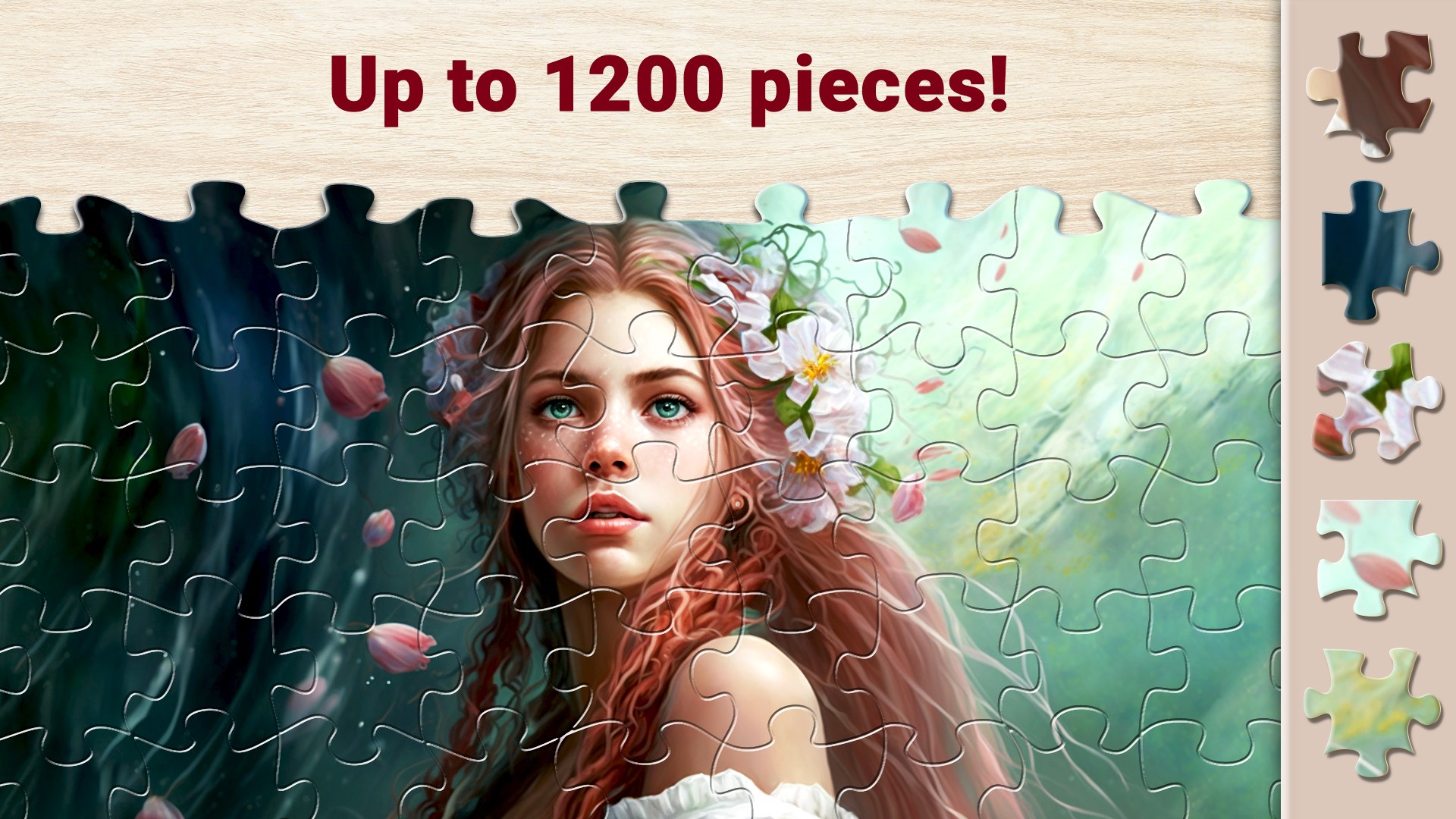
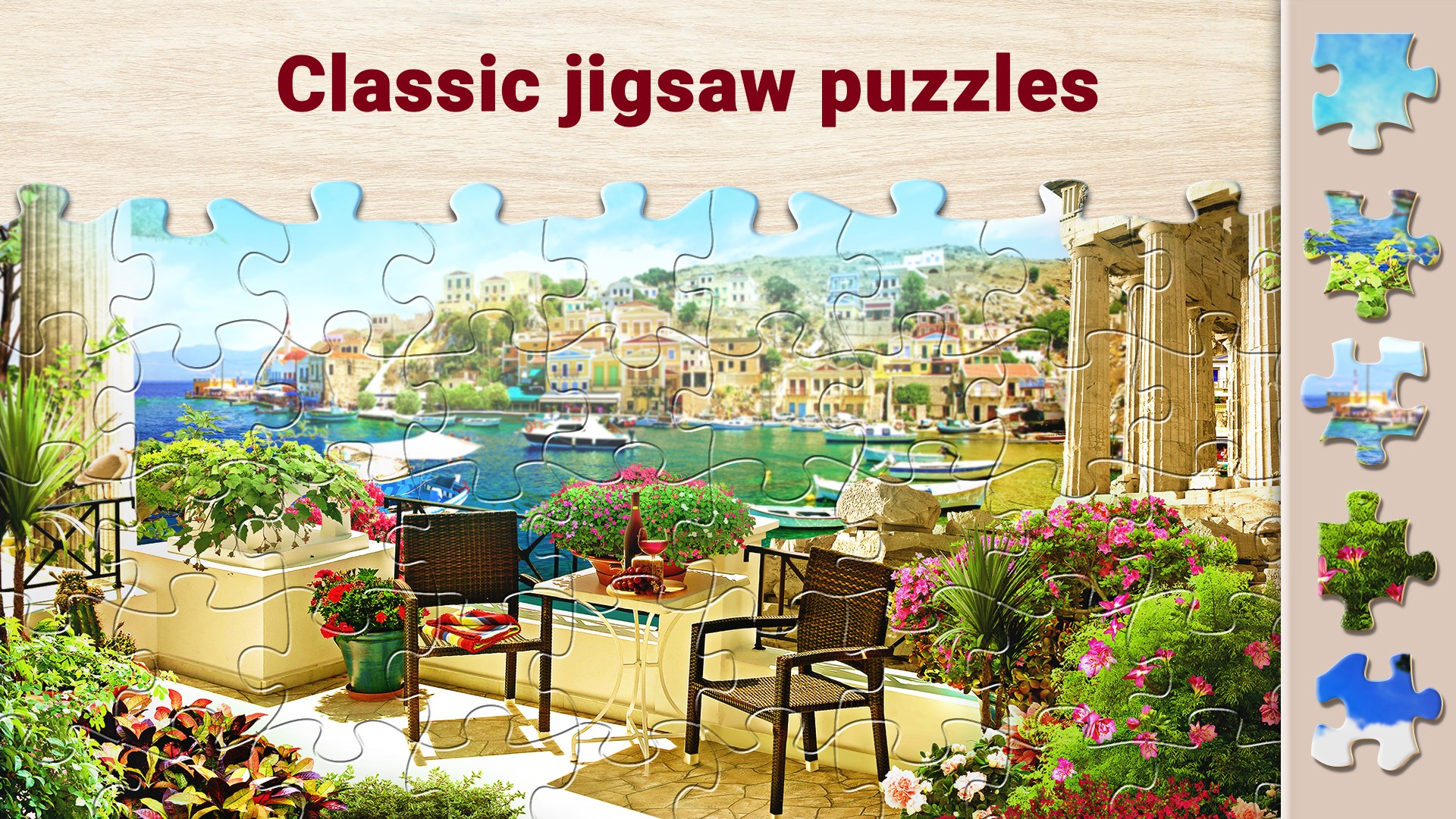
One of the app's standout features is its flexibility. Whether you prefer a straightforward 50-piece puzzle or a challenging 300-piece mosaic, Magic Jigsaw Puzzles adapts effortlessly. The ability to select different piece shapes—classic jigsaw, curved, or random—adds an extra layer of personalization. This not only caters to different skill levels but also keeps returning players intrigued, eager to master new configurations.
Compared to some puzzle apps that feel cluttered or sluggish, this game offers a sleek, minimalistic design that feels like flipping through a well-organized photo album. The drag-and-drop mechanics are smooth, with pieces snapping neatly into place, avoiding the frustration of misfit attempts. The interface's straightforwardness lends itself well to quick starts and relaxed play sessions, making it ideal for both brief escapes and longer puzzle marathons.
While many puzzle apps offer large libraries, Magic Jigsaw Puzzles sets itself apart with its combination of high-quality HD images and detailed customization options. Its focus on stability and user-friendly operation means it's accessible to a broad audience—from casual users looking for a calming activity to puzzle aficionados wanting modifiable challenges. Unlike some competitors, it emphasizes a true ‘digital jigsaw' feel, with pieces that fit snugly and a seamless building process. Additionally, the integration of sharing features allows players to showcase completed puzzles or challenge friends—adding social dimension to solitary puzzle-solving.
All in all, Magic Jigsaw Puzzles is a solid choice for those who want enjoyment without distraction. Its remarkable image collection and tailored difficulty levels make it a standout in the puzzle genre on Windows. We recommend it for anyone seeking a relaxing yet engaging activity, whether during breaks or winding down after a busy day. For best results, explore the different piece shapes and themes; you might find yourself drawn into a new world of artistic discovery. It's not just a game—it's a digital escape, perfect for sharpening your mind while soothing your soul.
High-quality HD graphics
Wide variety of puzzle images
User-friendly interface
Progress saving and hints available
Offline mode supported
Limited puzzle packs in the free version
Occasional app lag on older devices
Ads can be intrusive in the free version
Limited social sharing features
Basic customization options

for Windows
 4.9
4.9

for Windows
4.8

for Windows
4.8

for Windows
4.8

for Windows
4.8

for Windows
4.8

for Windows
4.8

for Windows
4.7

for Windows
4.7

for Windows
4.7

for Windows
4.7

for Windows
4.7

for Windows
5

for Windows
5

for Windows
5

for Windows
5

for Windows
5

for Windows
5

for Windows
5

for Windows
5

for Windows
5

for Windows
5