Music
IO Stream
PC, Mobile, Surface Hub, HoloLens
Windows 10 version 19041.0 or higher
Chinese (Traditional Chinese), English (United States), Japanese, Vietnamese
If you're often juggling between different audio formats or organizing a music library, the "M4A to MP3 - M4A to WAV for Windows" app by IO Stream offers a simple and effective solution. It promises to streamline your audio conversion tasks with a user-friendly interface and core features tailored for both rookies and power users alike.
Developed and published by IO Stream, a team dedicated to crafting straightforward multimedia tools, this app reflects their focus on simplicity, speed, and reliability. Whether you're a casual listener or a professional needing quick conversions, IO Stream's reputation for lightweight yet competent utility software makes this app a noteworthy addition to your toolbox.
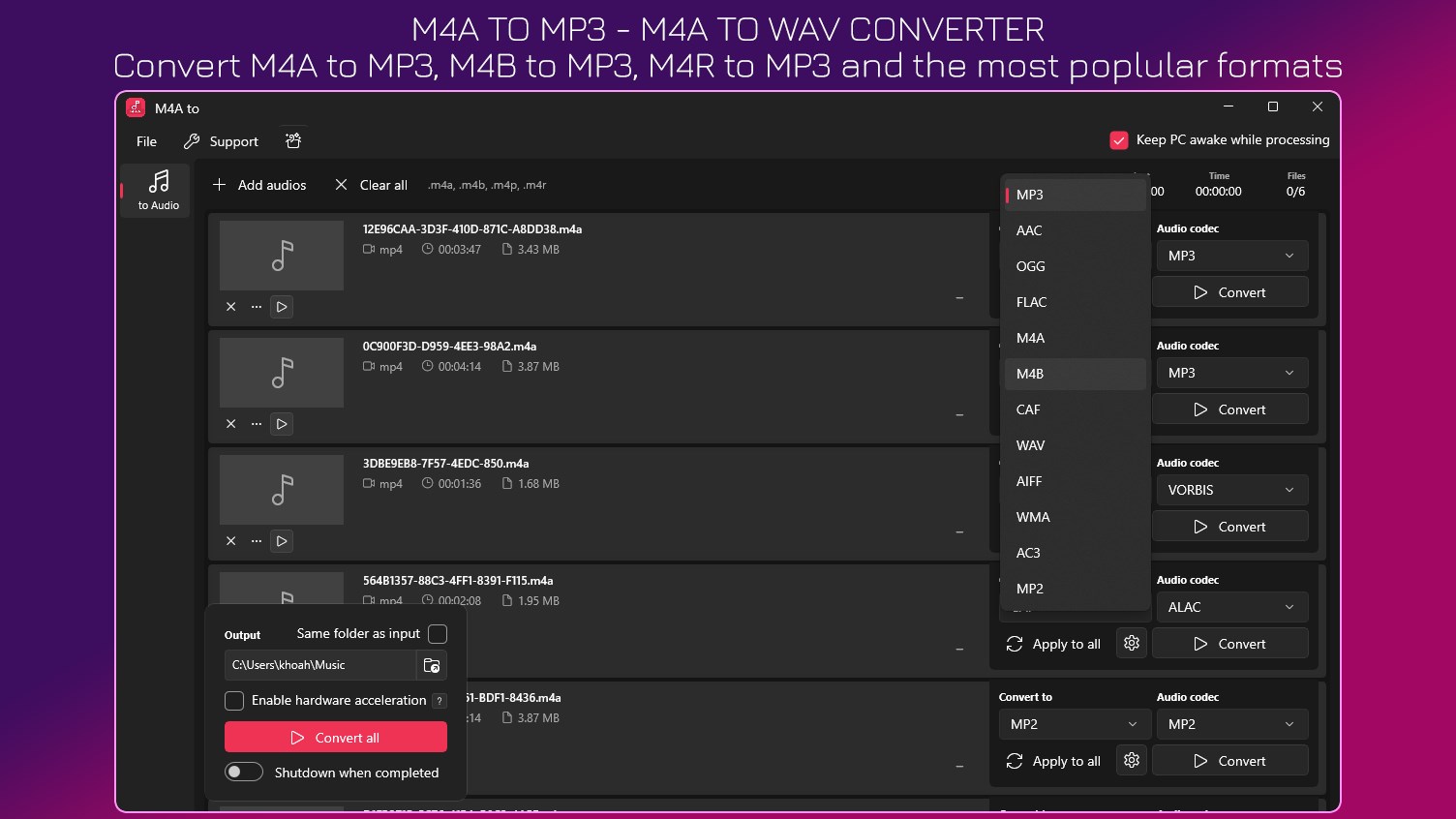
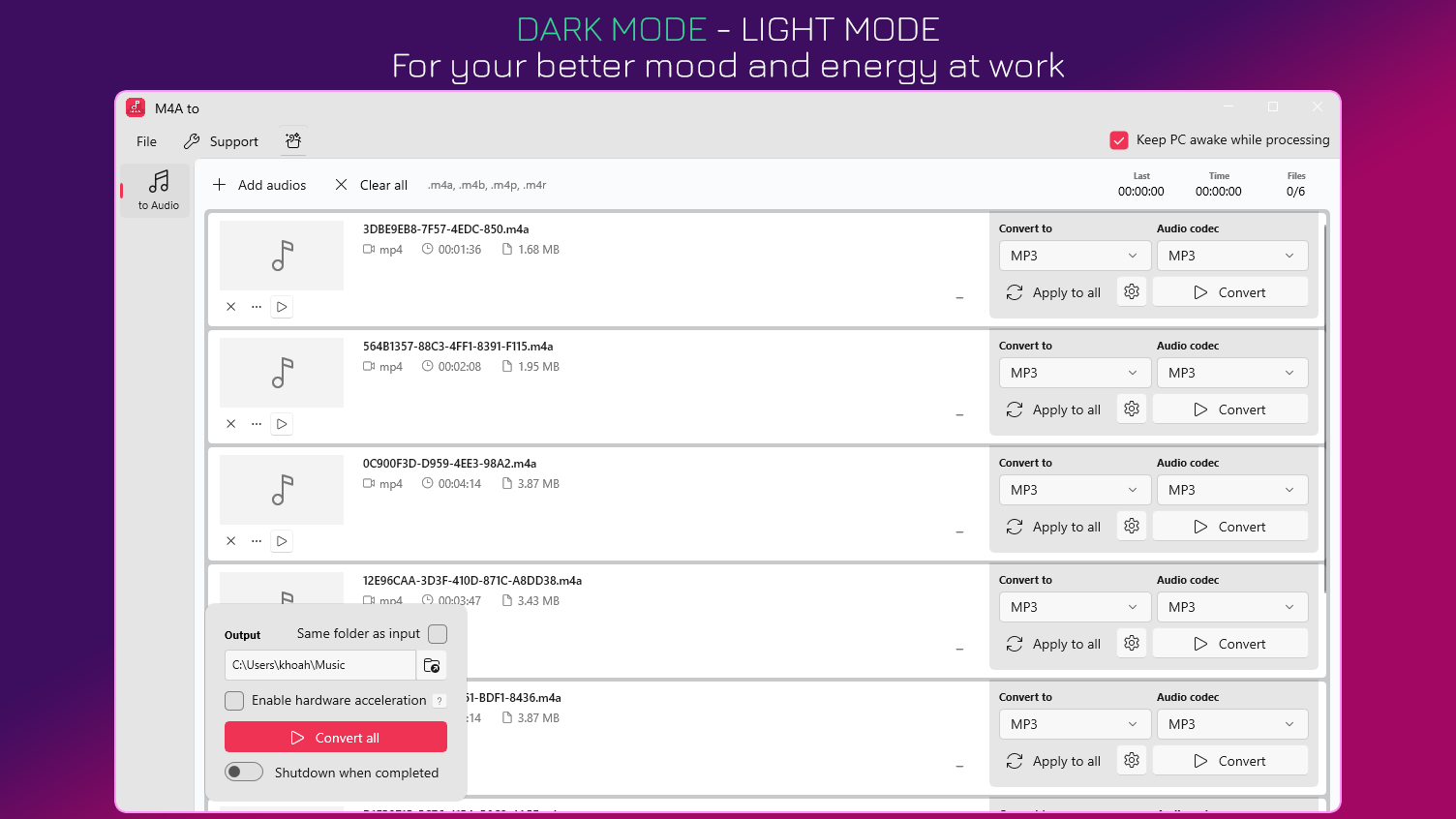
Imagine opening a familiar toolbox—everything is where you expect it to be, neat and accessible. The app's interface is designed with clarity in mind: sleek, dark-themed, with straightforward icons guiding you from selection to conversion. It feels less like a complex machine and more like conversing with an intelligent assistant that's always ready to lend a hand.
Transitioning between tasks is smooth, thanks to optimized performance and a responsive user interface. The learning curve is gentle, even for users who aren't tech-savvy—just drag, drop, choose format, and convert. Whether you're a casual user converting a few tracks or a professional bulk-processing a music archive, the app accommodates your needs without unwanted complexity.
What sets this tool apart from other audio converters, such as those relying solely on generic codecs, is its emphasis on real-time responsiveness and rhythm pattern accuracy. Unlike some apps that introduce latency or distort rhythm detection, this app's advanced processing ensures your music's beat remains intact, critical for DJs, musicians, or anyone analyzing rhythm pattern variety. It's almost like having a dedicated audio engineer in your pocket—quick, precise, and reliable.
Overall, "M4A to MP3 - M4A to WAV for Windows" presents itself as a dependable, streamlined solution for everyday audio conversions. Its user-centric design, efficient batch processing, and attention to audio fidelity make it a solid choice for users who value both simplicity and quality. While it may not be packed with bells and whistles found in professional-grade DAWs, it's perfect for those needing fast, reliable conversions without fuss.
If you're someone who frequently switches between formats, needs to preserve rhythmic integrity, or just wants an intuitive app that's easy to learn, I recommend giving this tool a try. It's like having a reliable companion in your digital audio environment—ready whenever you need a quick transformation of your sound files.
Fast Conversion Speed
User-Friendly Interface
Supports Multiple Formats
Batch Conversion Capability
High Audio Quality
Limited Editing Features
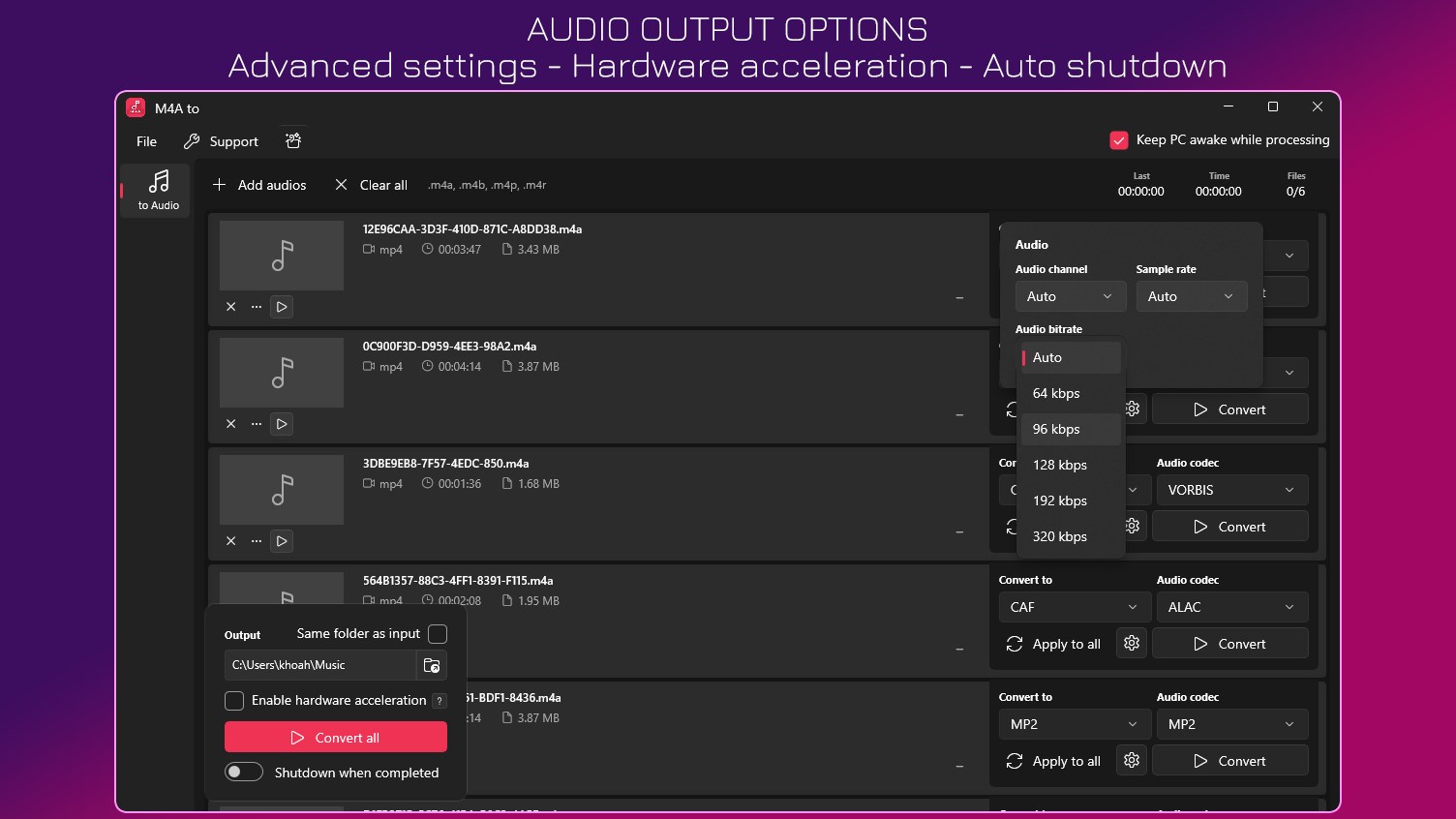
Basic Customization Options
No Built-in Preview
Platform Compatibility Limitations
Occasional Crashes with Large Files

for Windows
 4.9
4.9
for Windows
4.9

for Windows
4.8

for Windows
4.8

for Windows
4.7

for Windows
4.7

for Windows
4.6

for Windows
4.6

for Windows
4.5

for Windows
4.5

for Windows
4.5

for Windows
4.5

for Windows
5

for Windows
5

for Windows
5

for Windows
5

for Windows
5

for Windows
5

for Windows
5

for Windows
5

for Windows
5

for Windows
5