Personalization
PC, Mobile, Surface Hub, HoloLens
Windows 10 version 17763.0 or higher
English (United States)
If you're tired of static wallpapers and craving a dynamic, immersive experience for your Windows desktop, Live Wallpaper Engine Plus is a promising choice. With its vibrant collection of live backgrounds, it aims to transform your everyday computing into a lively visual feast. Developed by Frant Coolson Efficient Studio, this app brings motion and color right to your desktop in a user-friendly package.
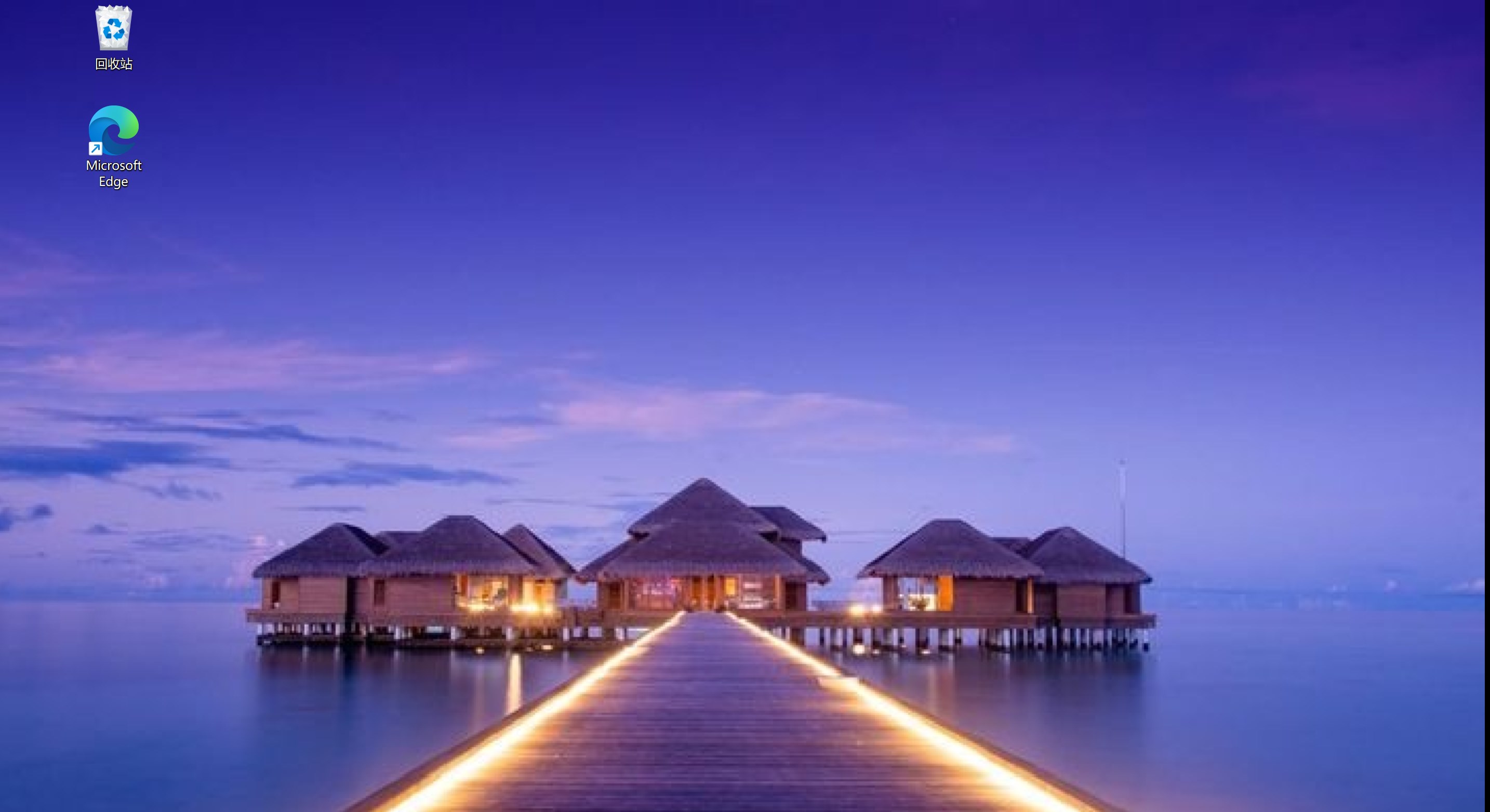
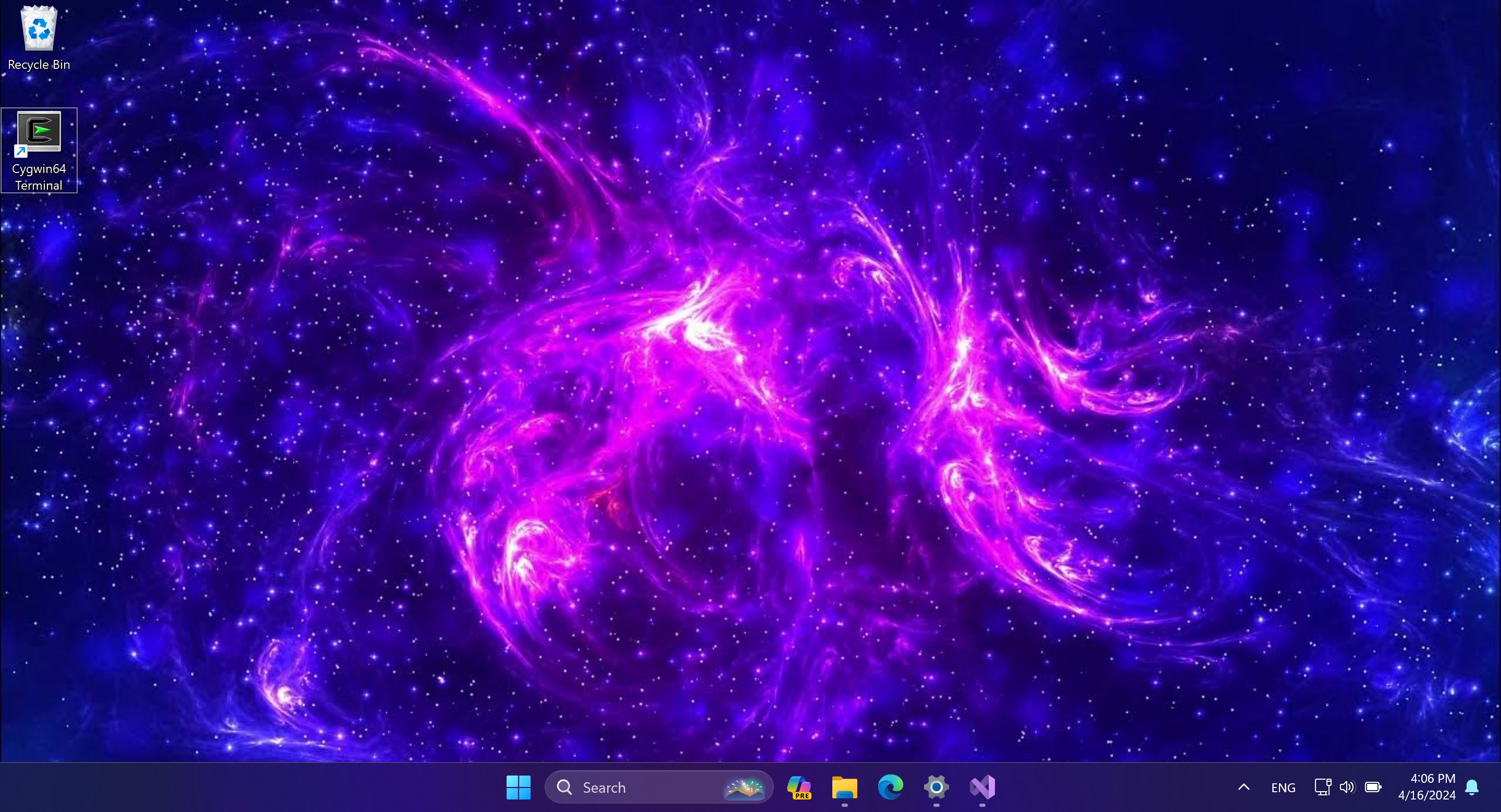
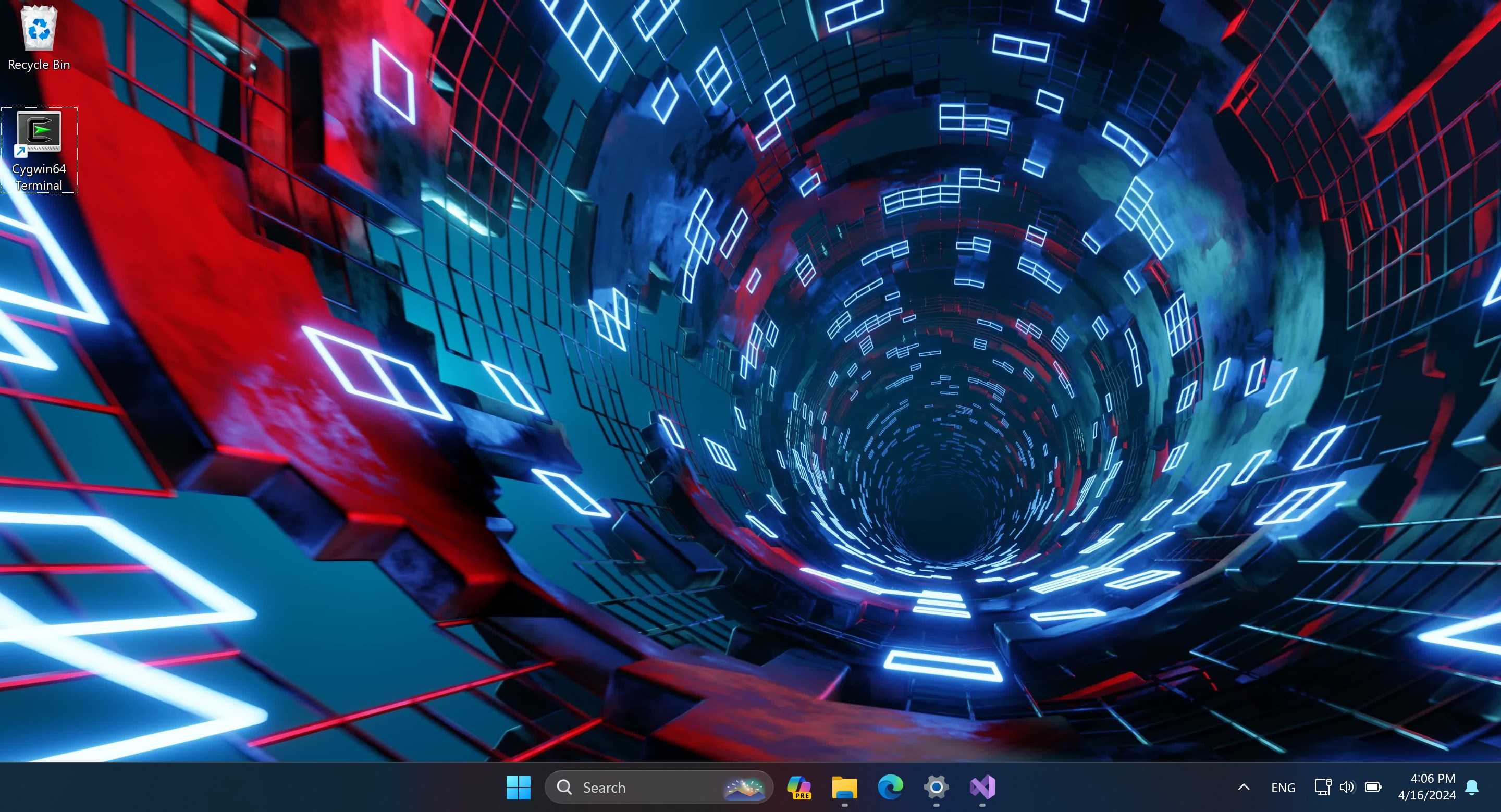
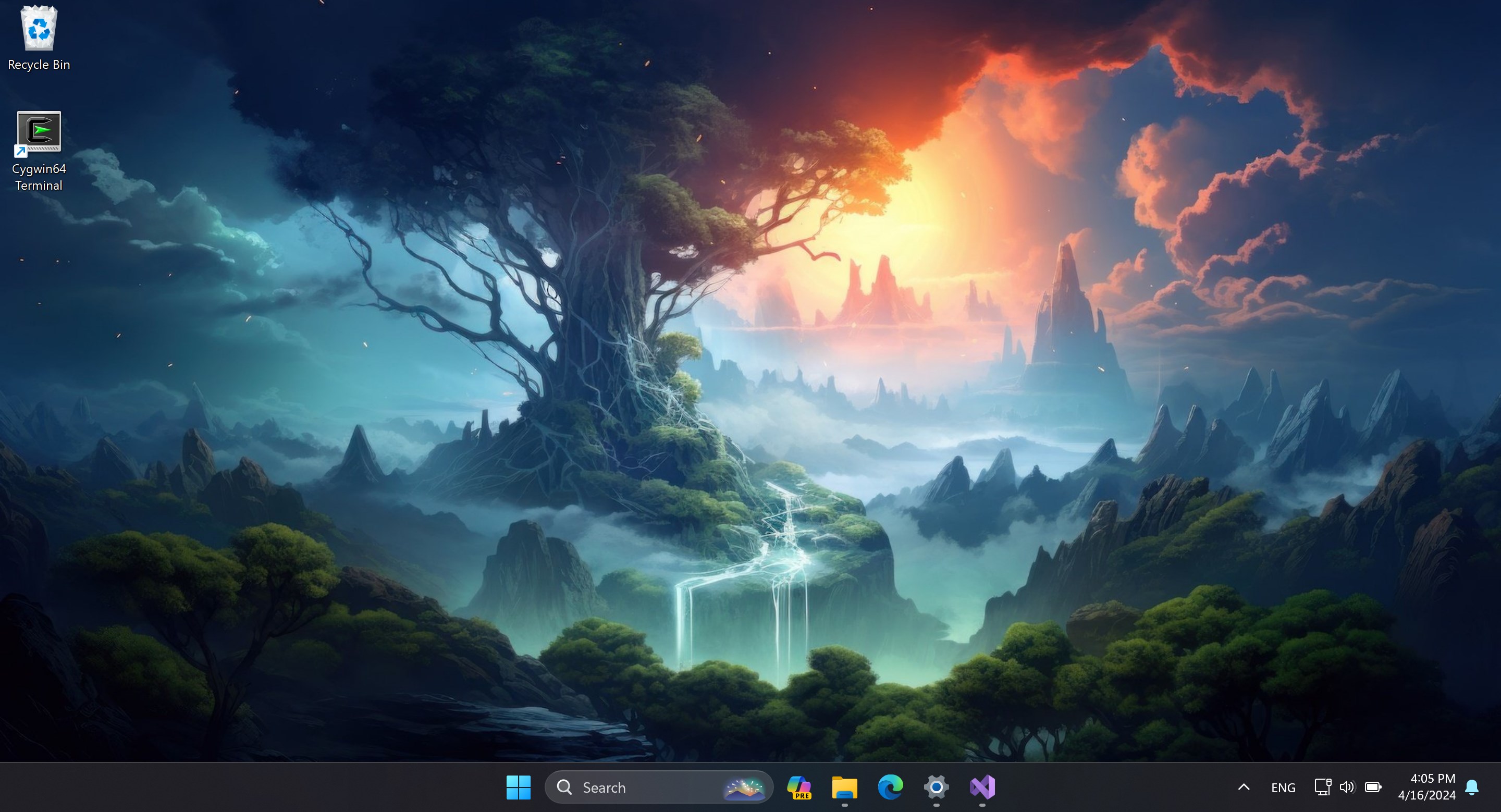
The heart of Live Wallpaper Engine Plus lies in its vast library of animated wallpapers, ranging from calming nature scenes to futuristic cityscapes. This diversity allows users to select themes that match their mood or personality, making each login a fresh experience. Moreover, the wallpapers are optimized for smooth playback, ensuring no lag or stuttering even on mid-range systems.
What truly sets this app apart is its high degree of customization. Beyond just selecting a preset animation, users can tweak parameters like motion speed, color schemes, and visual effects. This flexibility means your wallpaper can be as subtle or as vivid as you desire, creating a personalized environment that enhances your workspace without overwhelming it.
Unlike many wallpaper apps that operate in isolation, Live Wallpaper Engine Plus offers good theme integration. It can synchronize with your Windows themes, icons, and even support wallpapers that reflect your current system status, such as battery life or network activity. This cohesion ensures a seamless aesthetic across your desktop interface, elevating the overall user experience.
The interface of Live Wallpaper Engine Plus is intuitive and visually appealing. Its sleek design resembles a media library more than a cluttered control panel, which makes browsing and selecting wallpapers a pleasure. Transitioning from one wallpaper to another is quick and responsive, with almost instant preview capabilities — akin to flipping through high-quality pages in a glossy magazine.
Learning the ropes is straightforward; even those new to personalization apps can navigate with minimal effort. The app's settings are logically organized, allowing for easy adjustments such as toggle on/off options, animation speed, or select specific wallpapers for different profiles or triggers. Performance-wise, the app is remarkably smooth, with the background animations running seamlessly without hogging system resources, even on machines with modest specs.
While numerous wallpaper apps flood the market, Live Wallpaper Engine Plus's standout feature is its dedication to customization options and theme integration. Unlike competitors offering only limited collections or static backgrounds, this app emphasizes user control — you can craft your perfect animated scene or adapt existing themes to your liking. Its ability to synchronize with Windows themes ensures your aesthetic remains consistent, an aspect often overlooked by similar tools.
This application is best suited for users who value a vibrant, personalized environment and are eager to explore various types of animated backgrounds. Its intuitive design and smooth operation make it accessible for beginners, yet powerful enough for more advanced customization enthusiasts. I recommend giving it a try if you want to add a touch of liveliness to your desktop without sacrificing usability or performance.
Overall, Live Wallpaper Engine Plus offers a thoughtful blend of variety, control, and aesthetic integration. It isn't just about pretty pictures — it's about creating an interactive visual experience that feels tailored to your style. For those seeking a lively, customizable desktop environment, this app is certainly worth exploring.
High-quality live wallpapers
Smooth performance
Customizable options
Easy to navigate interface
Regular updates
High battery consumption
Limited free content
Initial setup may be slow on older systems
occasional glitches or crashes reported
Large app size

for Windows
 5
5

for Windows
5

for Windows
5

for Windows
5

for Windows
5

for Windows
4.9

for Windows
4.9

for Windows
4.9

for Windows
4.9

for Windows
4.8

for Windows
4.8

for Windows
4.8
for Windows
5

for Windows
5

for Windows
5

for Windows
5

for Windows
5

for Windows
5

for Windows
5

for Windows
5
for Windows
5

for Windows
5