Personalization
PC
Windows 10 version 14951.0 or higher
English (United States)
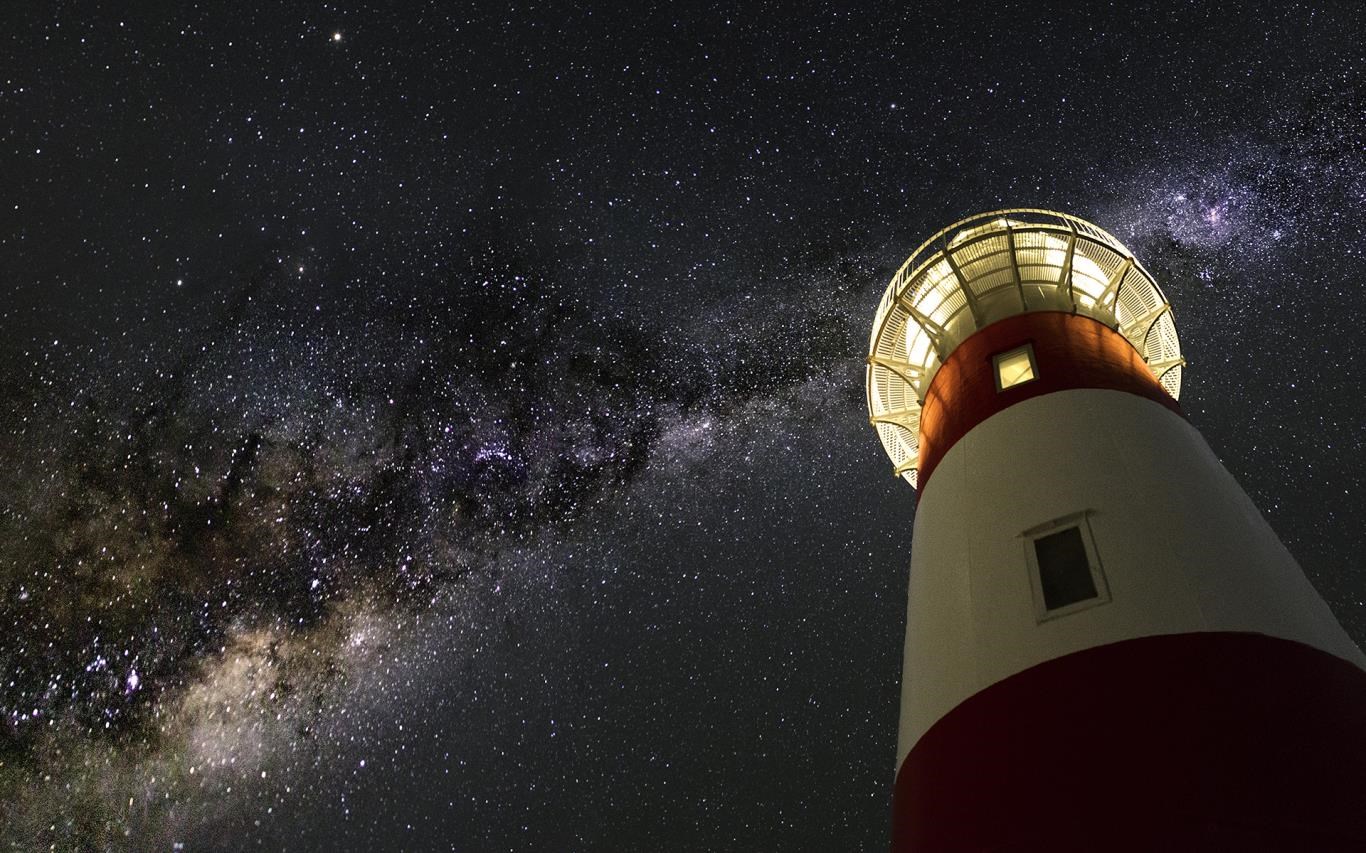
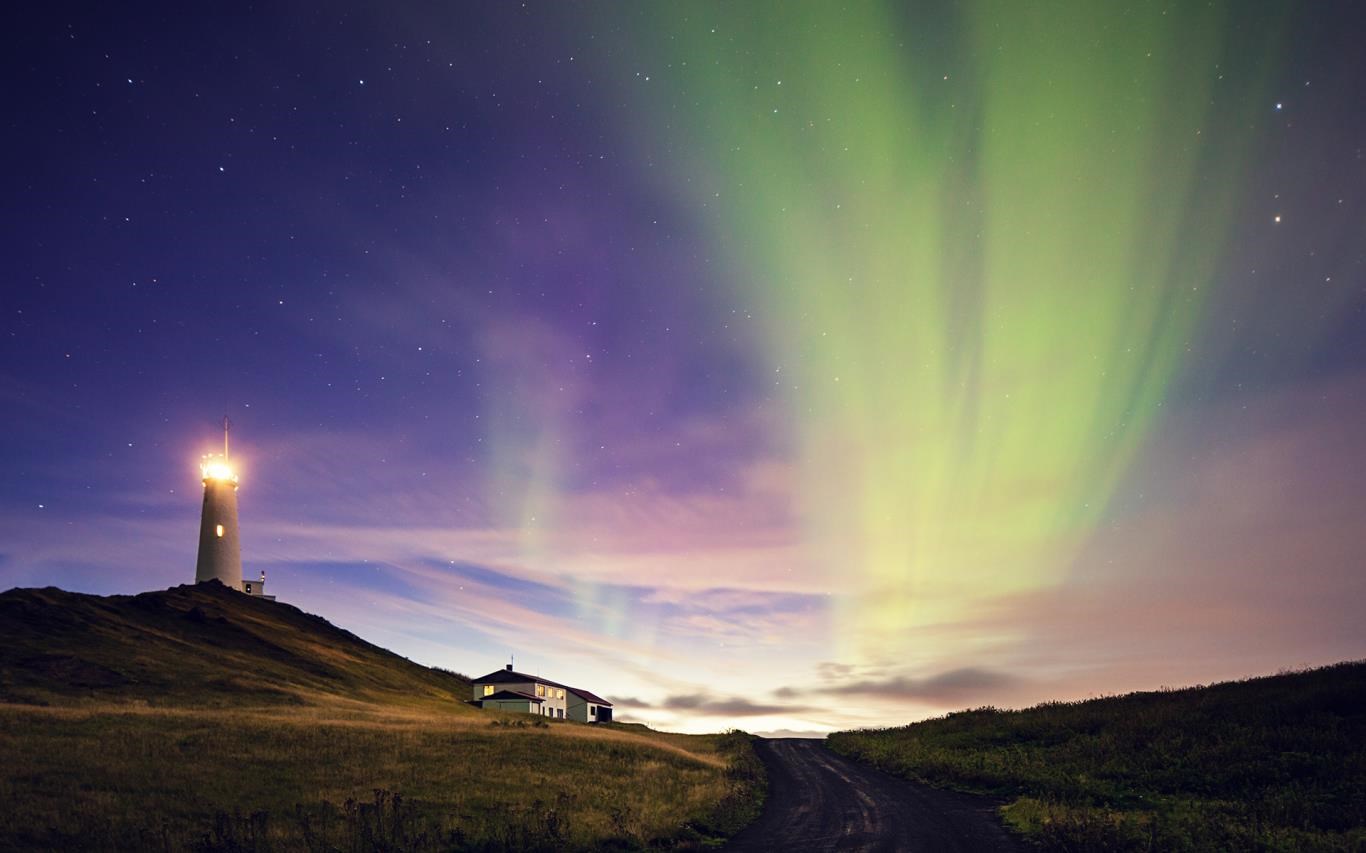
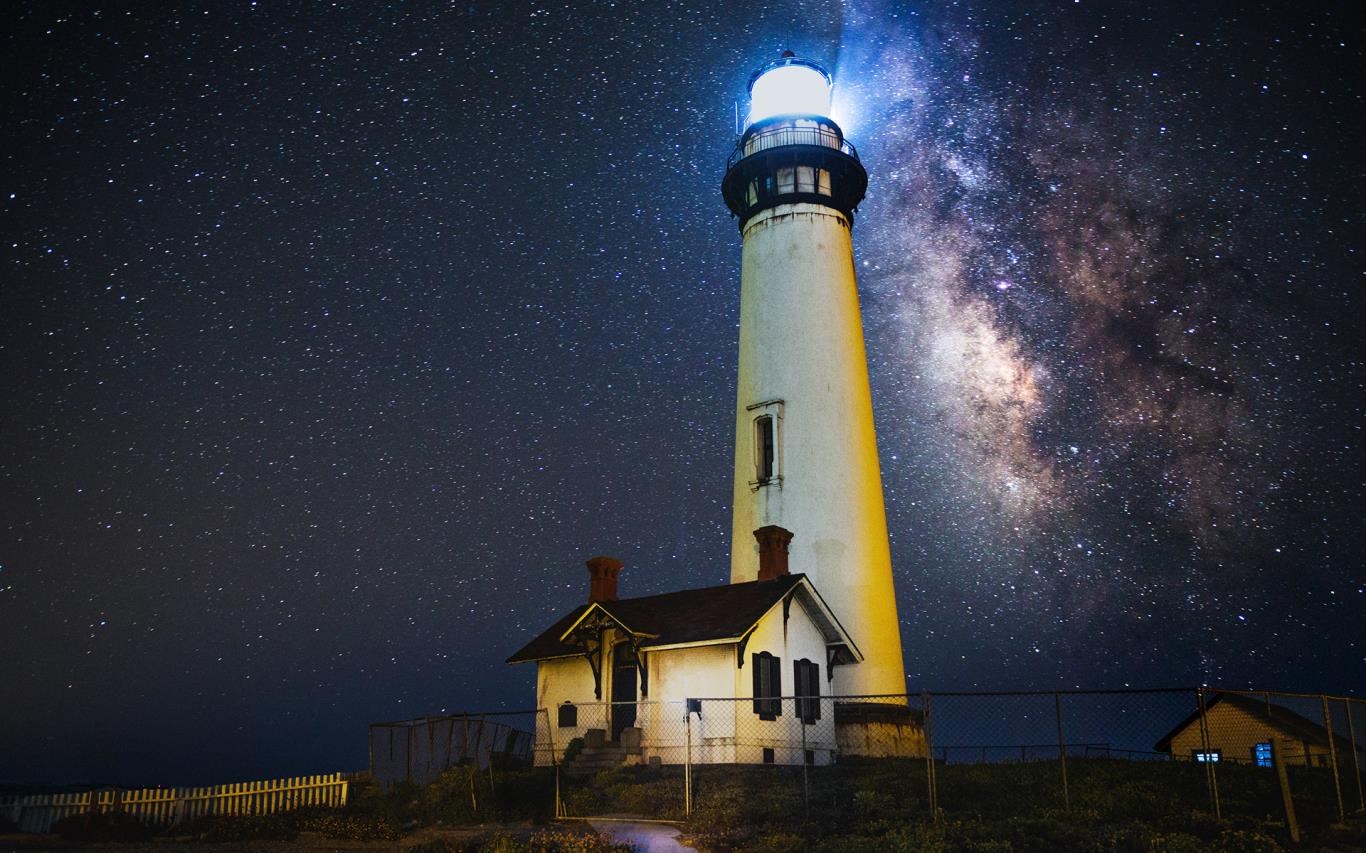
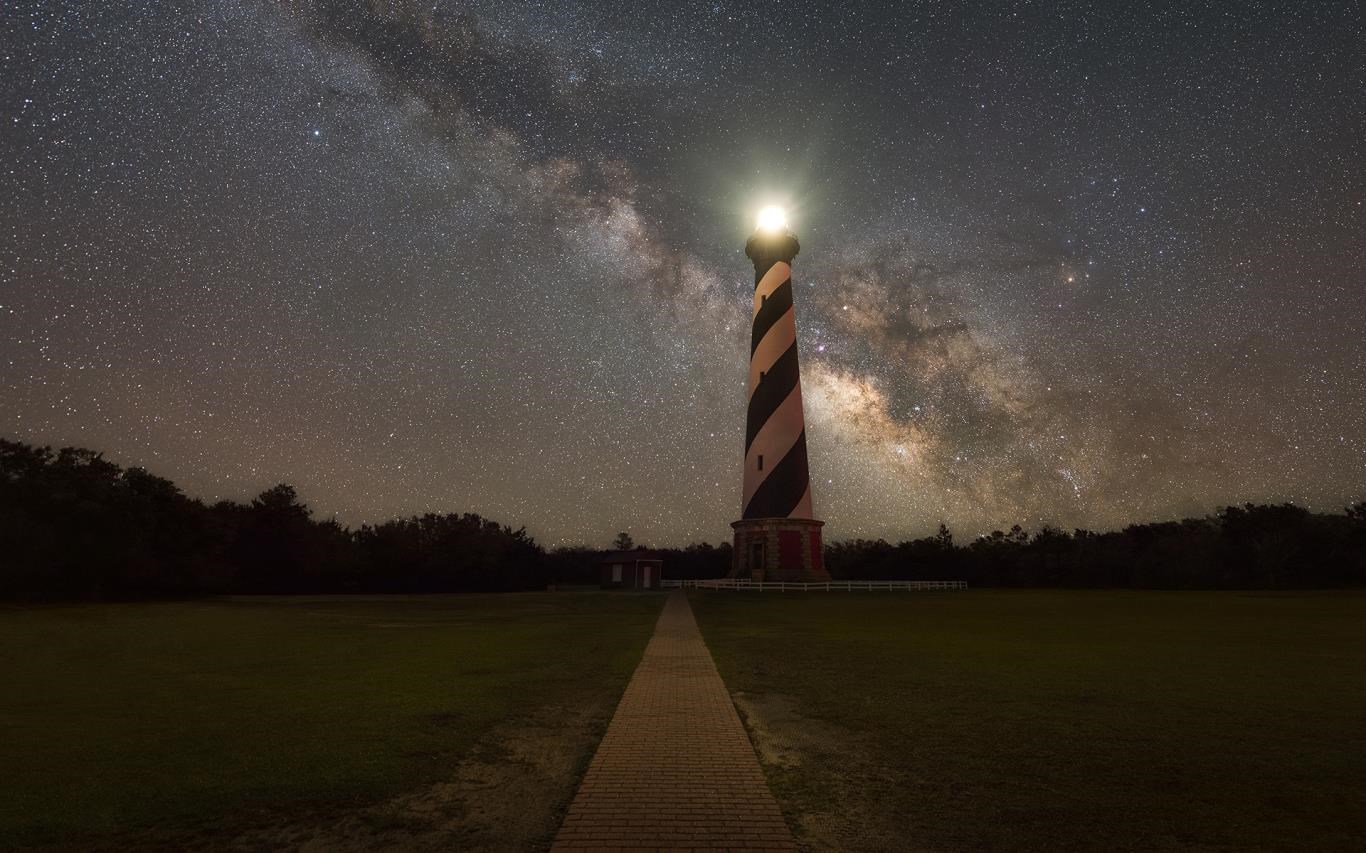
Lighthouses by Night for Windows is a beautifully crafted application that brings the serene and inspiring world of lighthouse landscapes right to your desktop, perfect for those who appreciate tranquil scenery and artistic imagery.
Developed by Microsoft Corporation, Lighthouses by Night is designed to serve as a soothing, customizable background or screensaver, blending functionality with aesthetic appeal. The app's primary features include: 1) a diverse collection of high-resolution night-time lighthouse images, 2) extensive customization options for themes and display settings, 3) seamless integration with Windows personalization features, and 4) automatic updates with new lighthouse scenes to keep the experience fresh.
Imagine your screen transforming into a window where you can relive the calming ambiance of a lighthouse standing guard on rugged coastlines, illuminated under the starry night sky. Lighthouses by Night immerses you into a world of peaceful solitude, where the gentle glow of lighthouse beams punctuates the darkness, inviting a moment of pause amidst your busy day.
The application impresses with its high-quality images that capture both the grandeur and intimacy of lighthouse scenery at night. The user interface is designed with simplicity, showcasing thumbnails of available images and intuitive controls for customization. Setting your preferred scene is straightforward—drag and drop, or a click to select—making the experience almost meditative. The visual quality remains crisp and vivid, even on lower-resolution displays, ensuring a delightful viewing experience.
Operation is notably smooth, with minimal lag or lag-free transitions as you cycle through images. The app integrates seamlessly with Windows' native personalization settings, enabling you to set lighthouses as desktop backgrounds, slideshows, or screensavers with ease. The learning curve is gentle—any user, whether tech-savvy or novice, can navigate settings effortlessly. Switching themes, adjusting display durations, or enabling transition effects enhances interaction, giving you control without complexity.
What sets Lighthouses by Night apart from similar wallpaper or screensaver apps are its extensive customization options and superior theme compatibility. The app offers a wide variety of lighthouse images—ranging from classic coastal beacons to more modern structures at night—allowing users to craft their perfect scene. Additionally, it supports various Windows themes, ensuring that the lighthouse visuals harmonize with your existing desktop aesthetics. Unlike more generic wallpaper apps, this application emphasizes atmospheric consistency and user-specific preferences, making each viewing experience uniquely tailored to your style.
Overall, Lighthouses by Night for Windows is a thoughtfully designed app that appeals to art lovers and tranquility seekers alike. Its remarkable image quality and extensive customization options make it stand out among personalization tools. I recommend it to users looking to add a peaceful, visually striking touch to their desktop environment—especially those who appreciate natural landscapes and night-time scenery.
Whether you're aiming to create a calming workspace or simply enjoy beautiful lighthouse vistas, this app delivers a serene escape at your fingertips. As long as you value aesthetic flexibility and ease of use, Lighthouses by Night is worth exploring — a lighthouse of calm in the stormy seas of digital clutter.
Visually Stunning Night Scenes
High-Quality Graphics and Details
Smooth User Interface
Educational Content
Light Effect Customization
Limited Scene Variations
Battery Consumption
Occasional Lag on Older Devices
Lack of Offline Mode
Limited Language Options

for Windows
 5
5

for Windows
5

for Windows
5

for Windows
5

for Windows
5

for Windows
4.9

for Windows
4.9

for Windows
4.9

for Windows
4.9

for Windows
4.8

for Windows
4.8

for Windows
4.8
for Windows
5

for Windows
5

for Windows
5

for Windows
5

for Windows
5

for Windows
5

for Windows
5

for Windows
5
for Windows
5

for Windows
5