Multimedia design
PC
Windows 10 version 15063.0 or higher
Version 9
2 GB
Chinese (Simplified), English (United States), French, German, Japanese
Leonardo for Windows, developed by Xade Software AB, emerges as a versatile multimedia design tool tailored for both seasoned professionals and enthusiastic hobbyists alike. With its user-friendly interface and innovative features, it aims to streamline your creative workflow and elevate your projects to new heights.
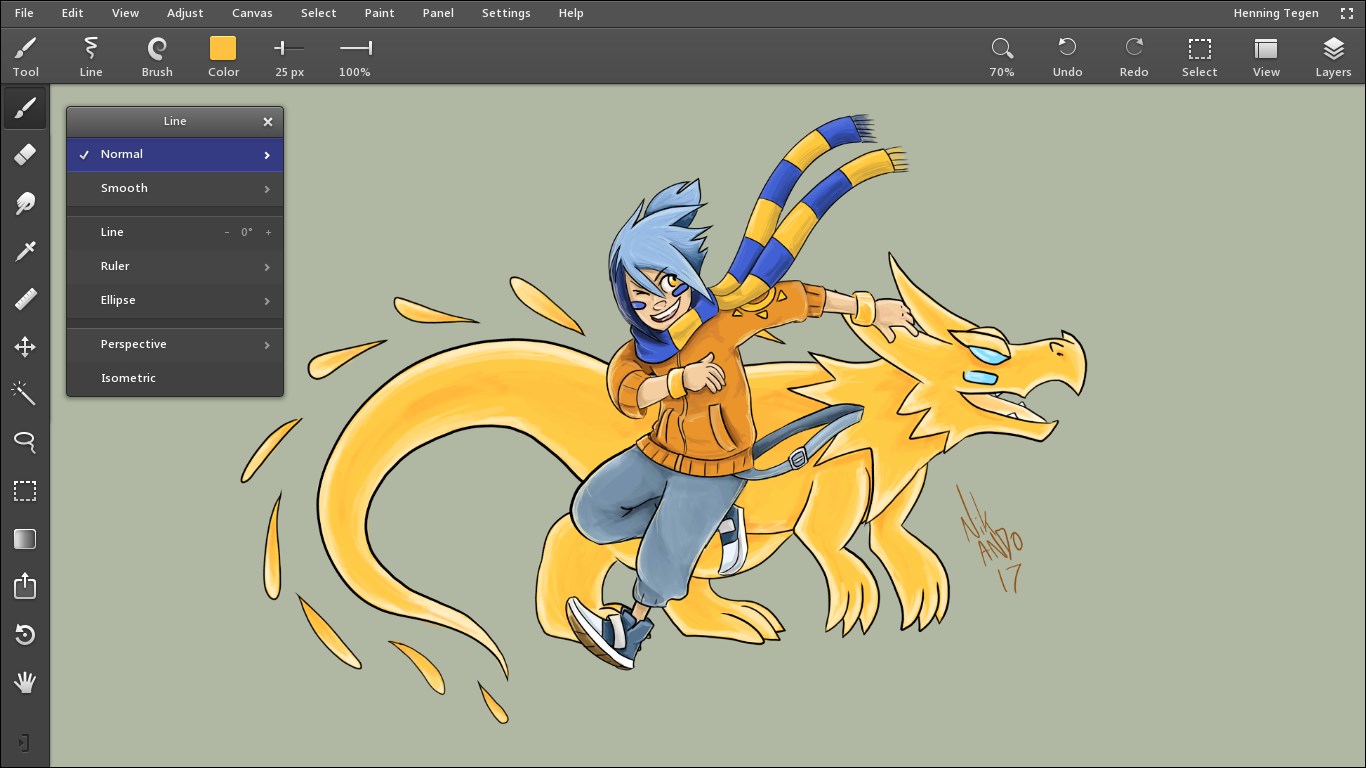
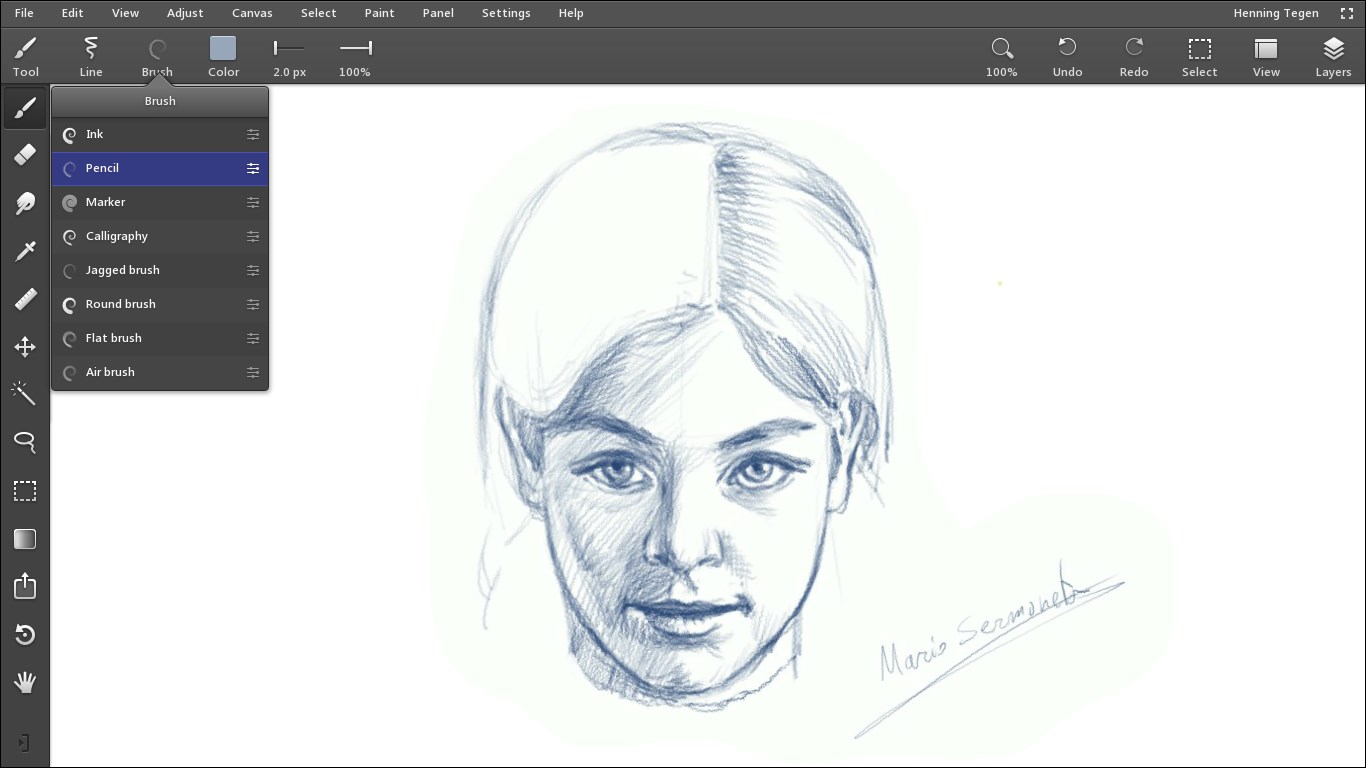
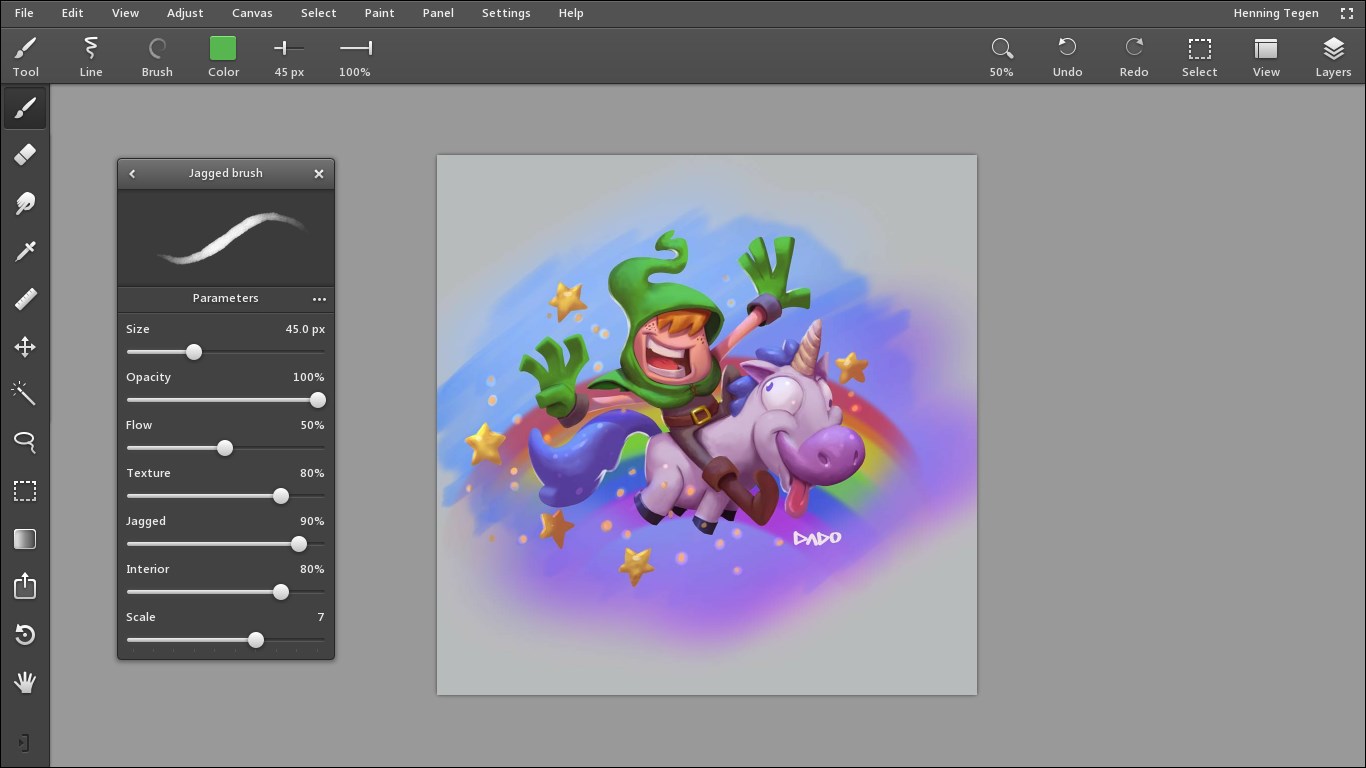
At the heart of Leonardo are several standout functionalities. First, its intuitive drag-and-drop interface simplifies complex design processes, making creativity accessible without steep learning curves. Second, the app offers a suite of customizable templates and assets, enabling users to craft polished designs efficiently. Third, its real-time collaboration feature allows multiple users to work simultaneously, fostering teamwork regardless of physical distance. Lastly, the built-in AI-powered tools assist in generating design suggestions and automating repetitive tasks, significantly boosting productivity.
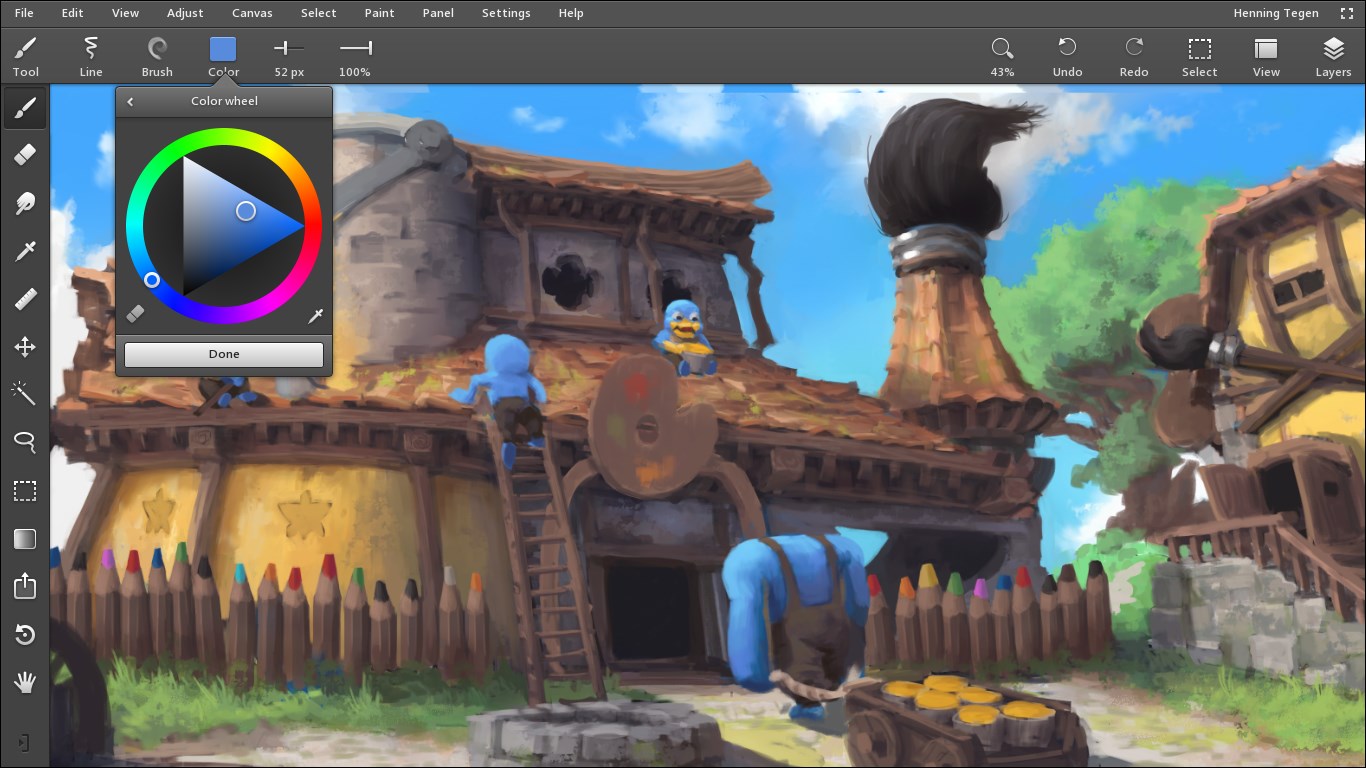
Opening Leonardo for Windows feels like stepping into a sleek, well-organized digital studio. The interface is visually appealing, with a balanced layout that ensures all essential tools are just a click away. Navigation is smooth; transitions between different modules are fluid, and responsiveness remains consistent even when handling larger files. For new users, the learning curve is gentle—guided tutorials and context-sensitive tips help ease into more advanced features seamlessly. Seasoned designers will appreciate the depth of customization options that empower creative experimentation without feeling overwhelmed.
Compared to similar multimedia design applications, Leonardo's most distinctive advantage lies in its hybrid approach—combining powerful AI-driven automation with an approachable, user-centric interface. Its real-time collaboration is particularly noteworthy, offering a compelling solution akin to working on a shared canvas with colleagues across the globe. This is complemented by a rich library of templates and assets that cater to various design styles and project types, making it a comprehensive toolkit rather than a one-trick pony.
Another highlight is the adaptive AI assistant, which learns the user's preferences over time, providing increasingly personalized suggestions. This feature allows users to focus more on the creative aspects, leaving routine adjustments to the intelligent system, thereby enhancing overall efficiency.
For creative professionals seeking an accessible yet capable multimedia design app, Leonardo for Windows is certainly worth trying. Its balance of simplicity and depth makes it suitable for a wide range of projects—from quick social media visuals to more detailed digital artwork. However, if your work demands extremely specialized tools or extensive plugin support, you may find Leonardo's offerings somewhat limited in comparison to industry giants. For casual users or teams prioritizing collaboration and automation, this app strikes a fine chord.
In summary, I recommend Leonardo as a friendly but powerful companion in your digital design endeavors—especially if you value an intuitive experience paired with innovative AI assistance. Give it a spin, and you might just find your creative workflow becoming more enjoyable and efficient.
Intuitive User Interface
High-Quality Content
Integrated AI Features
Regular Updates
Cross-Device Compatibility
Limited Customization Options
Occasional App Crashes
Slow Loading Times
Incomplete Tutorial Guidance
Limited Export Formats

for Windows
 4.8
4.8

for Windows
4.8

for Windows
4.7

for Windows
4.7

for Windows
4.6

for Windows
4.6

for Windows
4.6

for Windows
4.6

for Windows
4.5
for Windows
4.5

for Windows
4.5

for Windows
4.5

for Windows
5

for Windows
5

for Windows
5

for Windows
5

for Windows
5

for Windows
5

for Windows
5

for Windows
5

for Windows
5

for Windows
5