Productivity
Lenovo Group Ltd.
PC
Windows 10 version 17763.0 or higher
Chinese (Simplified), English (United States)
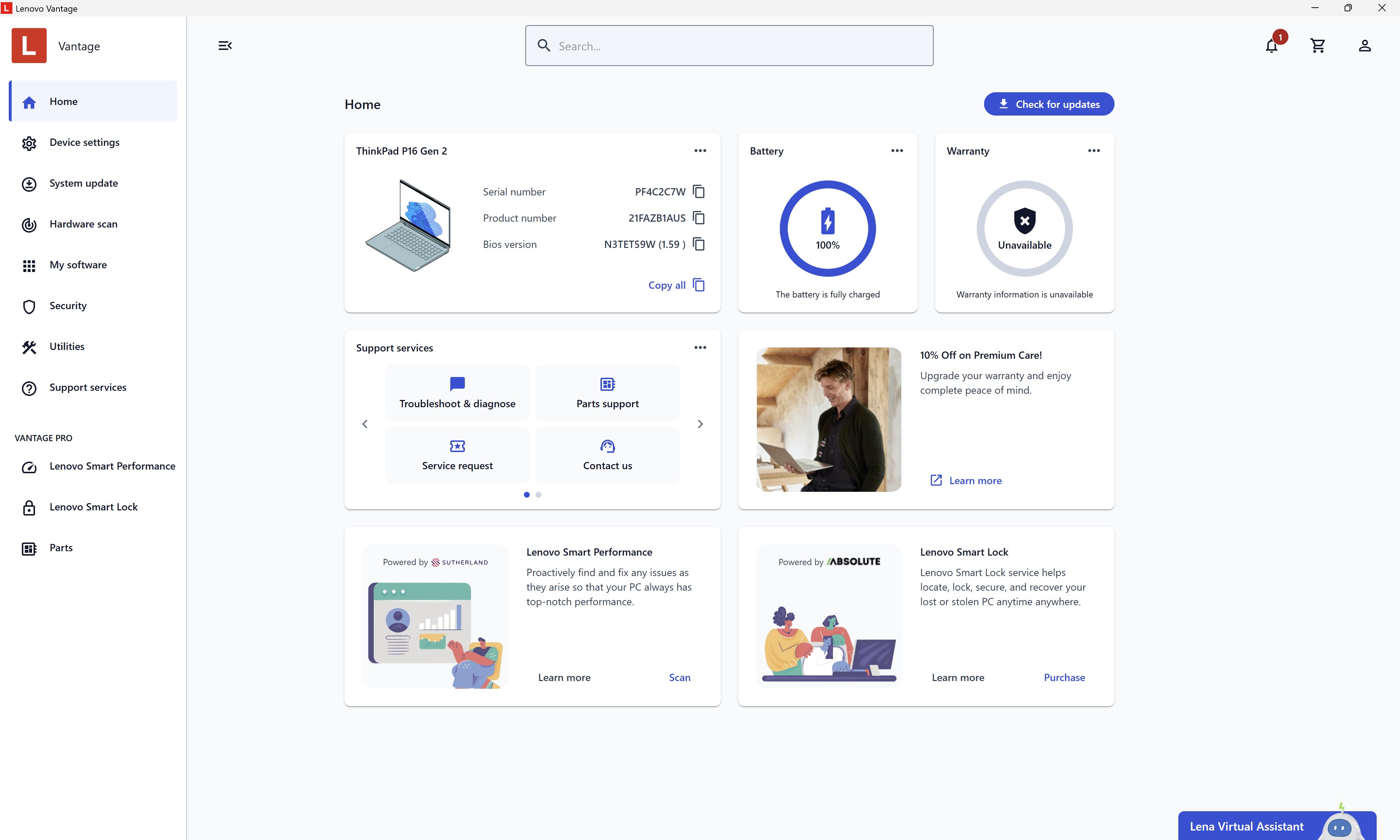
Lenovo Vantage for Windows stands out as a comprehensive suite designed to optimize and streamline your Lenovo device experience. Developed by Lenovo Group Ltd., this app consolidates essential tools and settings into an intuitive interface, aiming to make device upkeep and customization effortlessly accessible to everyone—from busy professionals to tech enthusiasts.
Imagine having a personal assistant for your PC—ready to tailor settings, update drivers, and enhance security with just a few clicks. Lenovo Vantage embodies this vision, acting as a centralized control panel that simplifies complex tasks into bite-sized actions. Whether you're looking to maximize battery life, adjust display preferences, or quickly troubleshoot issues, this app is like having a Lenovo expert sitting right at your fingertips.
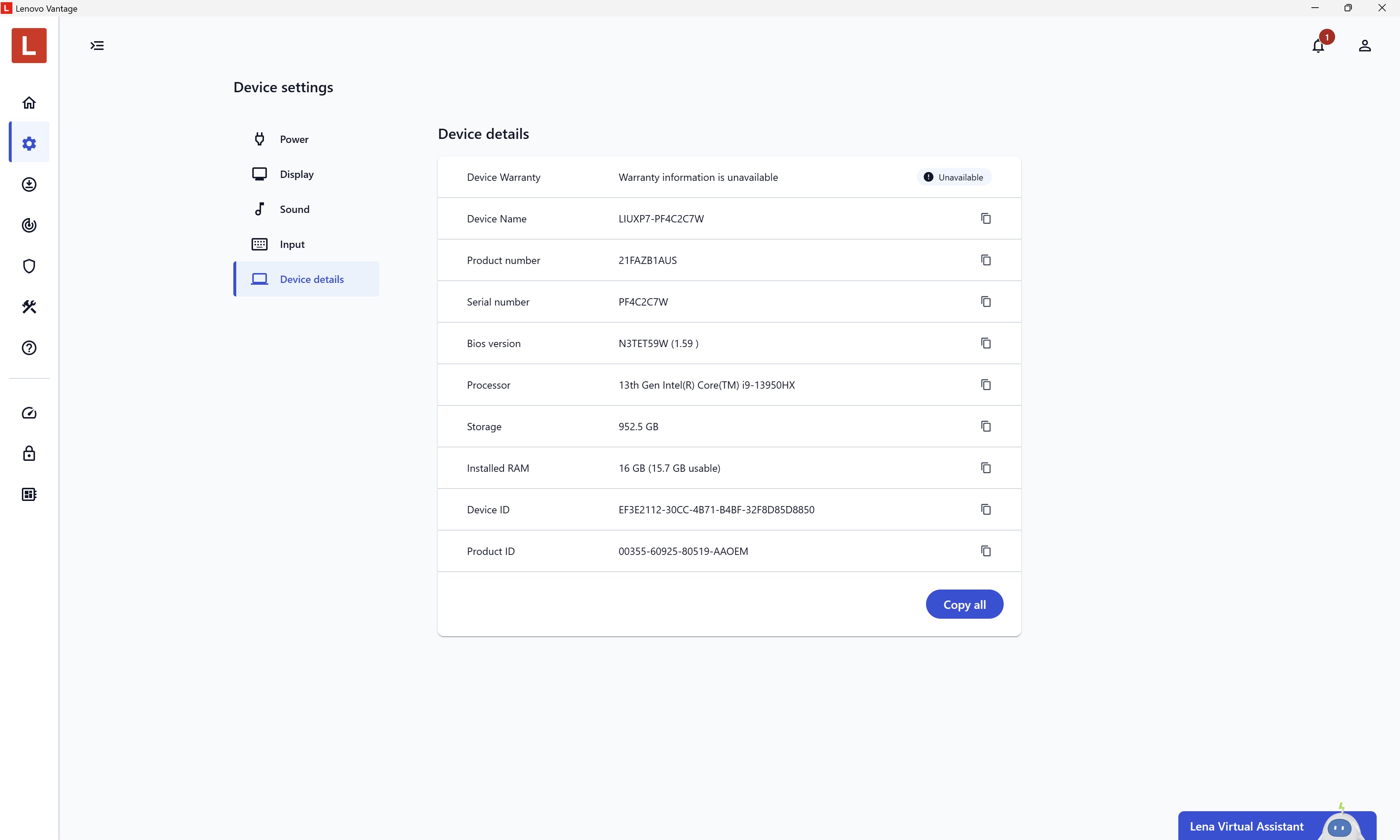
One of Vantage's flagship features is its ability to optimize your device performance intelligently. It monitors system health, provides automatic updates for drivers and firmware, and offers ready-made profiles for various scenarios—like gaming, work, or maximum battery preservation. The interface presents clear indicators and recommendations, eliminating the guesswork often associated with system maintenance. Its design is clean and straightforward, allowing novice users to navigate effortlessly while providing advanced controls for power users seeking deeper customization.
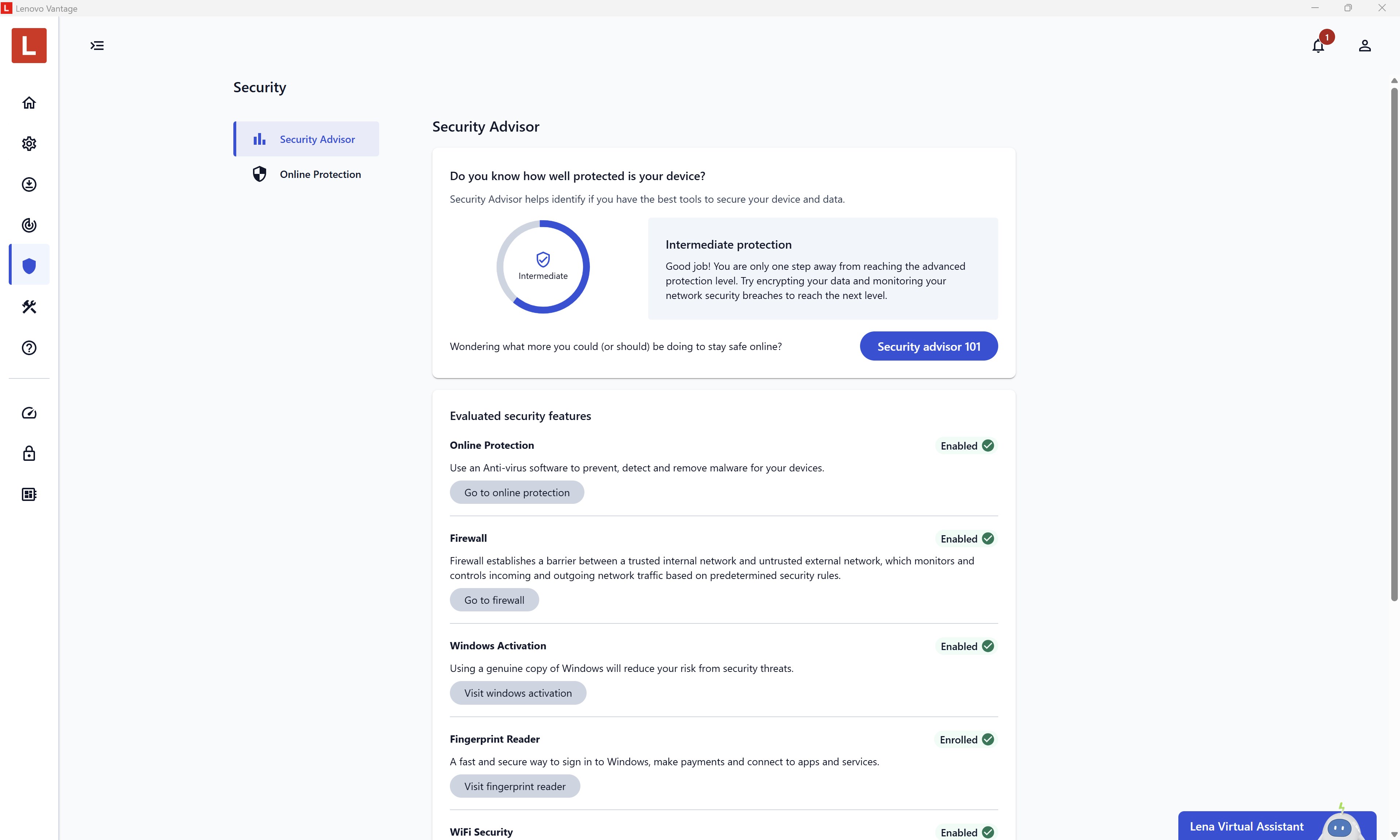
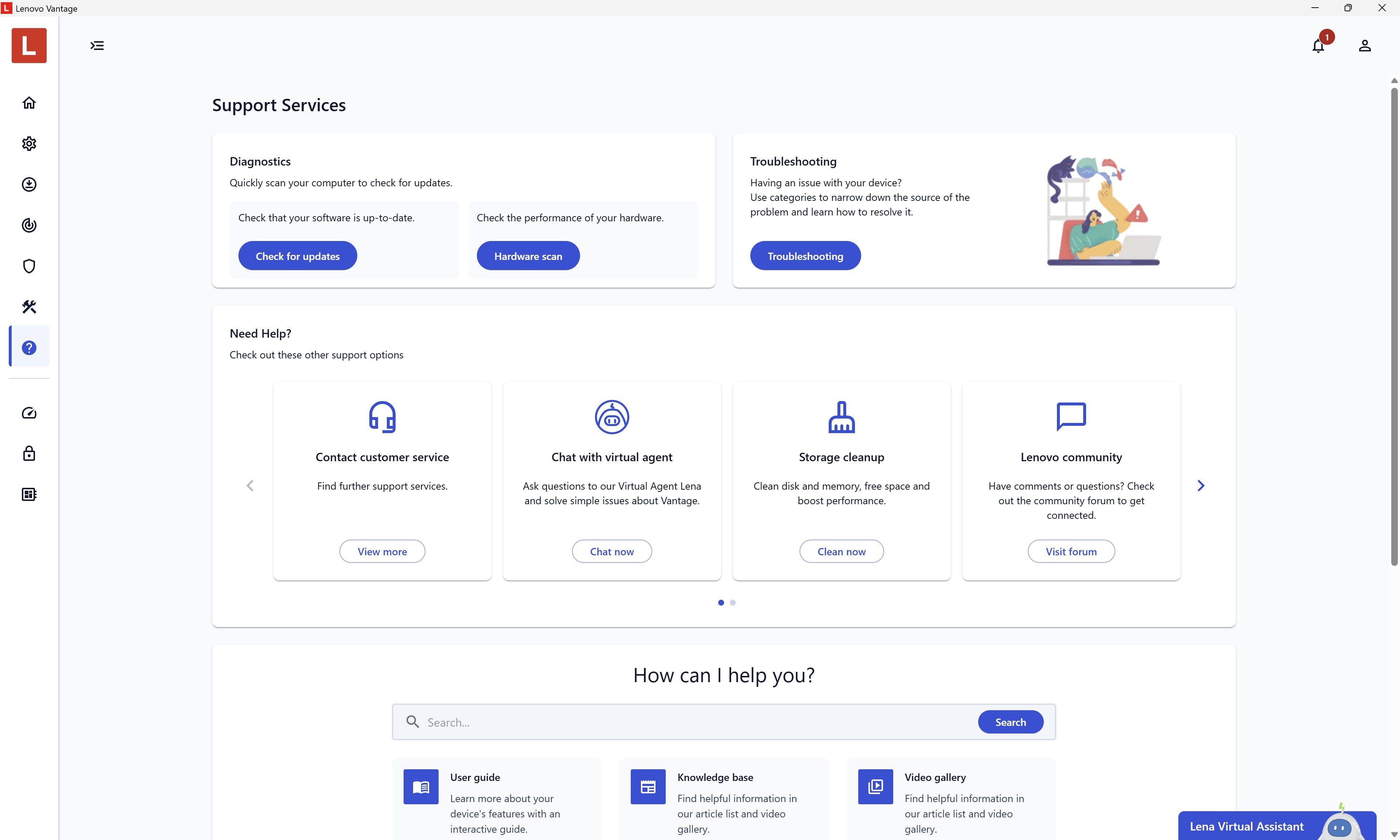
Security is paramount, especially with increasing cyber threats. Lenovo Vantage offers integrated security settings directly linked to your device, including battery management, BIOS updates, and hardware diagnostics. Its built-in troubleshooting guides serve as your digital mechanic, diagnosing issues and guiding you through fixes. The experience is fluid, with rapid response times and minimal lag, creating a sense of reliability that's crucial for everyday use. The app's ability to keep firmware and drivers current directly contributes to system stability and security—setting it apart from generic device management tools.
Perhaps most notable is how Lenovo Vantage elevates workflow integration. Unlike other productivity apps that focus solely on one aspect—like cleaning or optimization—Vantage orchestrates a harmonious environment. It intelligently reduces cognitive load by presenting only relevant options based on your activity. For instance, when you switch to gaming mode, it automatically adjusts performance settings, disables unnecessary background processes, and optimizes network priorities. This smart orchestration ensures your device operates at peak efficiency without overwhelming you with irrelevant features. It's akin to a skilled conductor synchronizing different sections of an orchestra seamlessly, so you can focus on your tasks without distraction.
Lenovo Vantage's interface reflects modern minimalism—sleek, intuitive, and user-friendly. Its layout groups functions logically, with clearly labeled icons and straightforward navigation. Operation feels snappy and responsive, with fluid transitions that maintain the user's workflow. The learning curve is gentle; even first-time users can quickly grasp essential features thanks to contextual guidance and helpful tooltips.
From a user experience perspective, Vantage excels in simplifying device management. Its most distinctive strength lies in its tailored, workflow-focused design that reduces unnecessary complexity. Unlike many utility apps that drown users in endless options, Vantage smartly surfaces only those relevant to your current context. This focus on reducing cognitive load makes routine tasks faster and less stressful—turning device management from a chore into a confident, effortless process.
If you own a Lenovo device and value a unified, user-friendly platform that effortlessly integrates security, updates, and device customization, Lenovo Vantage is highly recommended. It's particularly beneficial for users seeking to maximize device longevity and performance without fuss. While it may not replace specialized tools for advanced tech enthusiasts, its balanced approach makes it a reliable companion for everyday use. For those who desire a smart, integrated management experience that reduces complexity and boosts workflow efficiency, Lenovo Vantage is well worth exploring.
User-Friendly Interface
Hardware Optimization Features
Integrated Support Access
System Updates and Drivers
Custom Device Settings
Occasional App Crashes
Limited Compatibility with Older Devices
Cluttered Interface for New Users
Delayed Updates for Some Features
Limited Customization Options

for Windows
 5
5

for Windows
5

for Windows
4.9

for Windows
4.9

for Windows
4.9

for Windows
4.8

for Windows
4.8

for Windows
4.8

for Windows
4.8

for Windows
4.8

for Windows
4.8

for Windows
4.8

for Windows
5
for Windows
5

for Windows
5

for Windows
5

for Windows
5

for Windows
5

for Windows
5

for Windows
5

for Windows
5
for Windows
5