Books & reference
PC, Surface Hub
Windows 10 version 18362.0 or higher
English (United States), German
Imagine having a vast collection of academic and professional books at your fingertips, ready to be explored whenever curiosity strikes—that's precisely what Kortext for Windows offers. As a comprehensive e-reading platform designed to enhance learning and research, it aims to bridge the gap between print and digital worlds seamlessly.
Developed by Kortext, a team specialized in digital learning solutions, this application encapsulates cutting-edge technology tailored toward students, educators, and researchers. The key highlights include:
The target users are primarily university students, educators, and academic professionals seeking a reliable and organized digital reading environment.
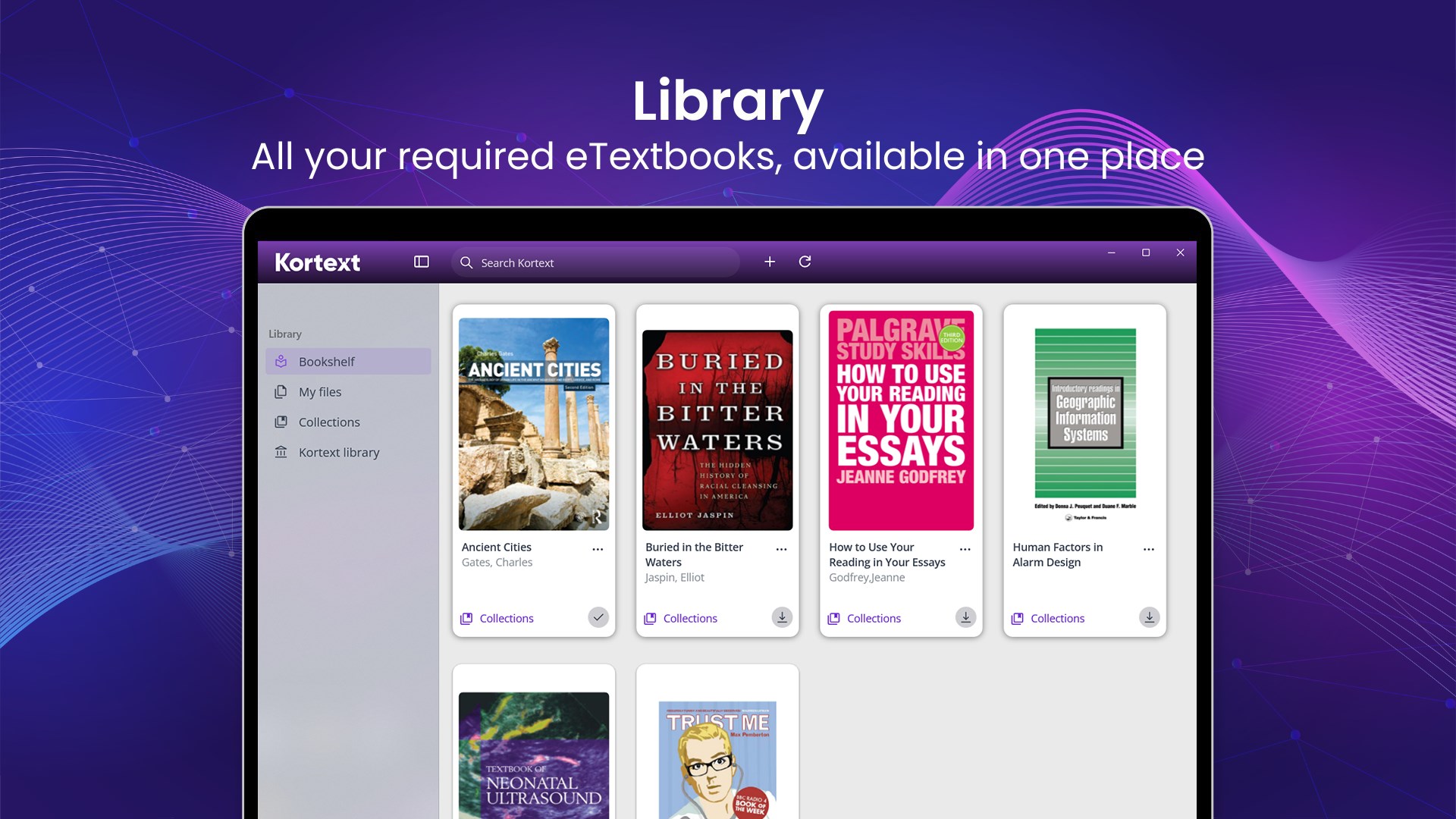
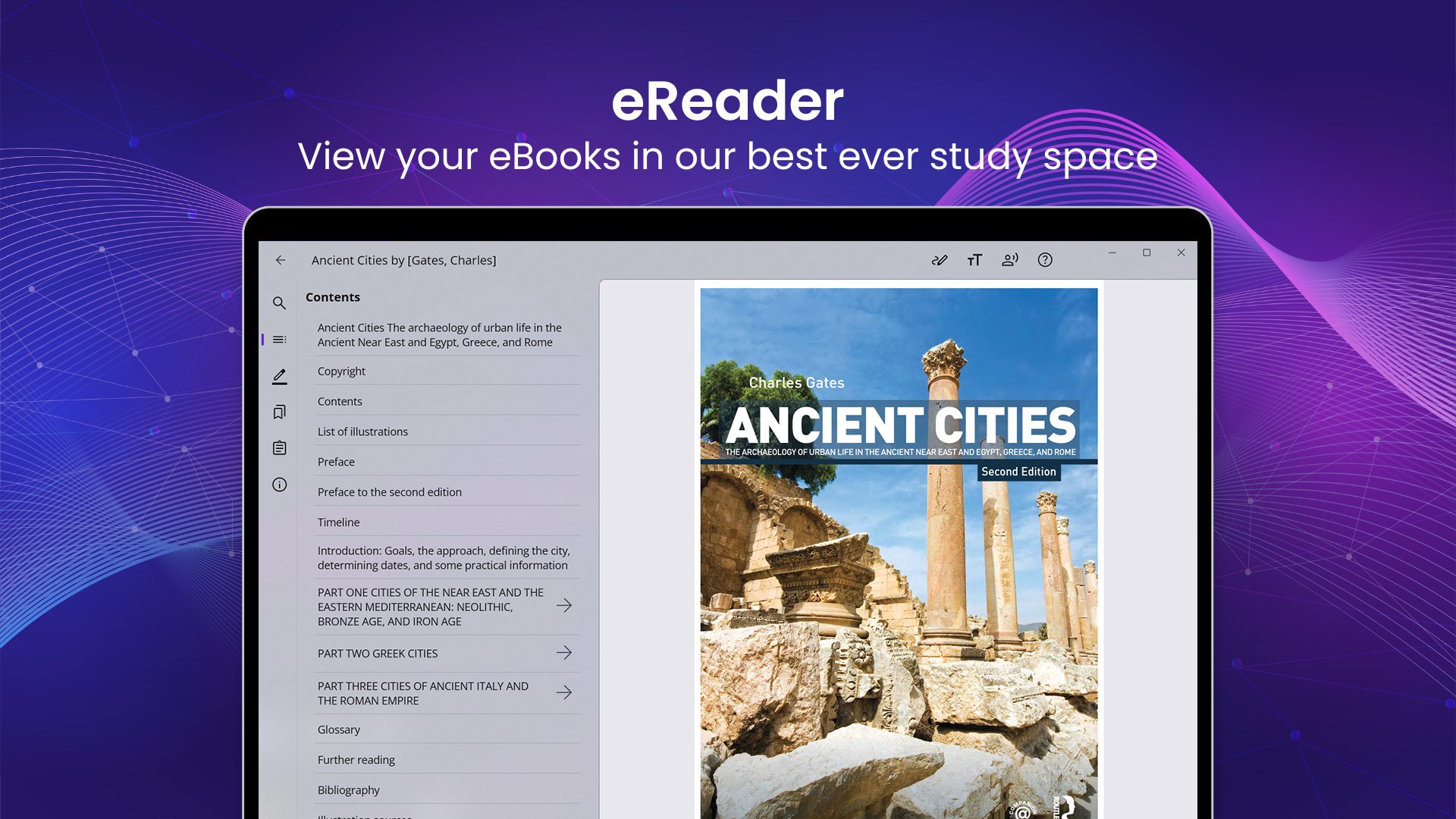
kortext for Windows greets users with a clean, intuitive layout, similar to flipping through a well-organized bookshelf. Navigating through your collection feels natural, like browsing your favorite library shelves. The interface's dark and light modes cater to different lighting conditions, reducing eye strain during prolonged reading sessions. The overall design fosters a calm, focused environment, making it easy to locate and access materials with minimal clicks.
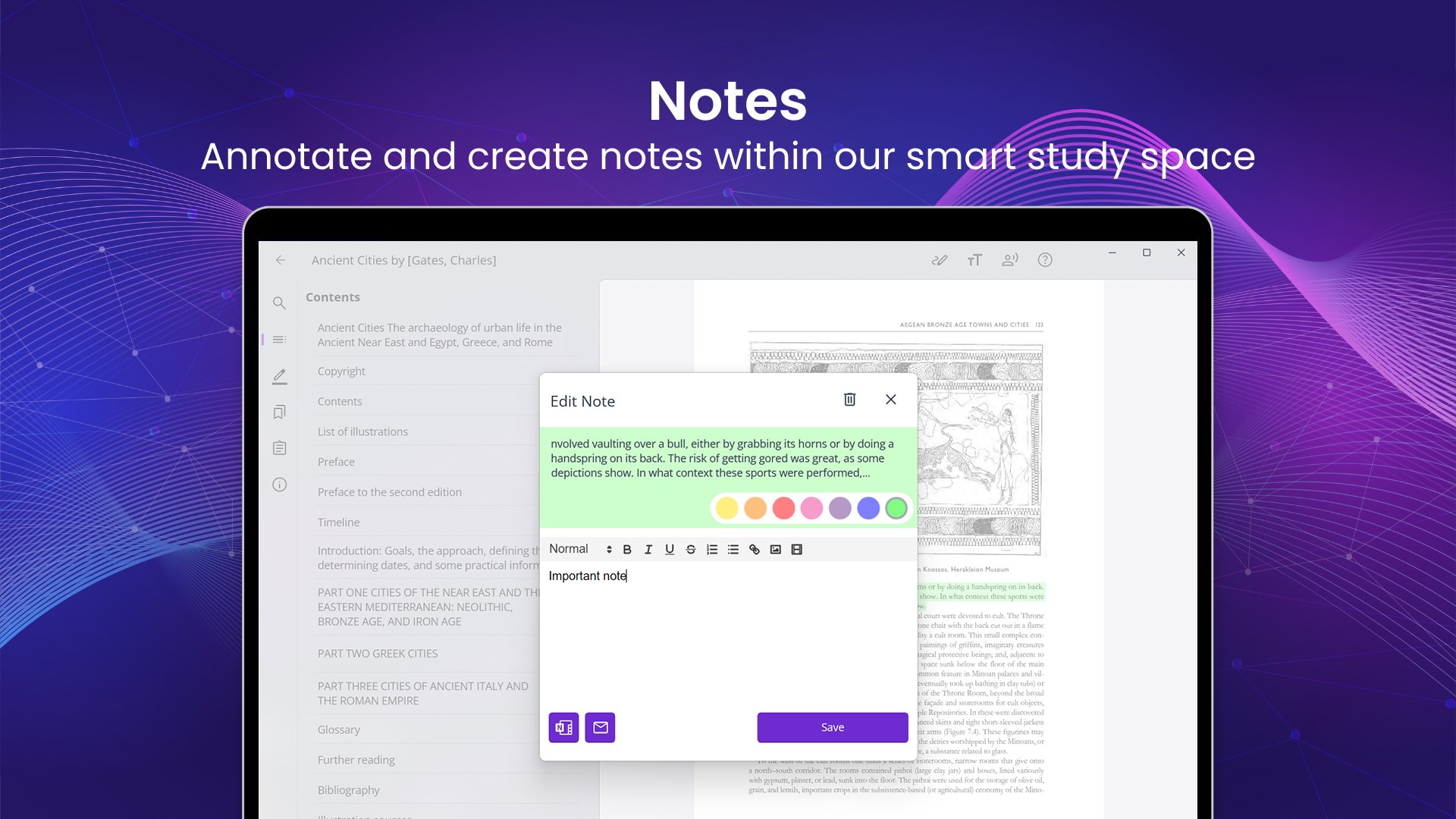
One standout feature is how effortlessly you can annotate texts. Whether underlining important concepts or jotting down notes, the tools are responsive and user-friendly. Imagine marking key sentences during a lecture—these highlights and notes are seamlessly saved and synchronized across your devices. This interactive capability turns reading into an active learning process, not just passive consumption.
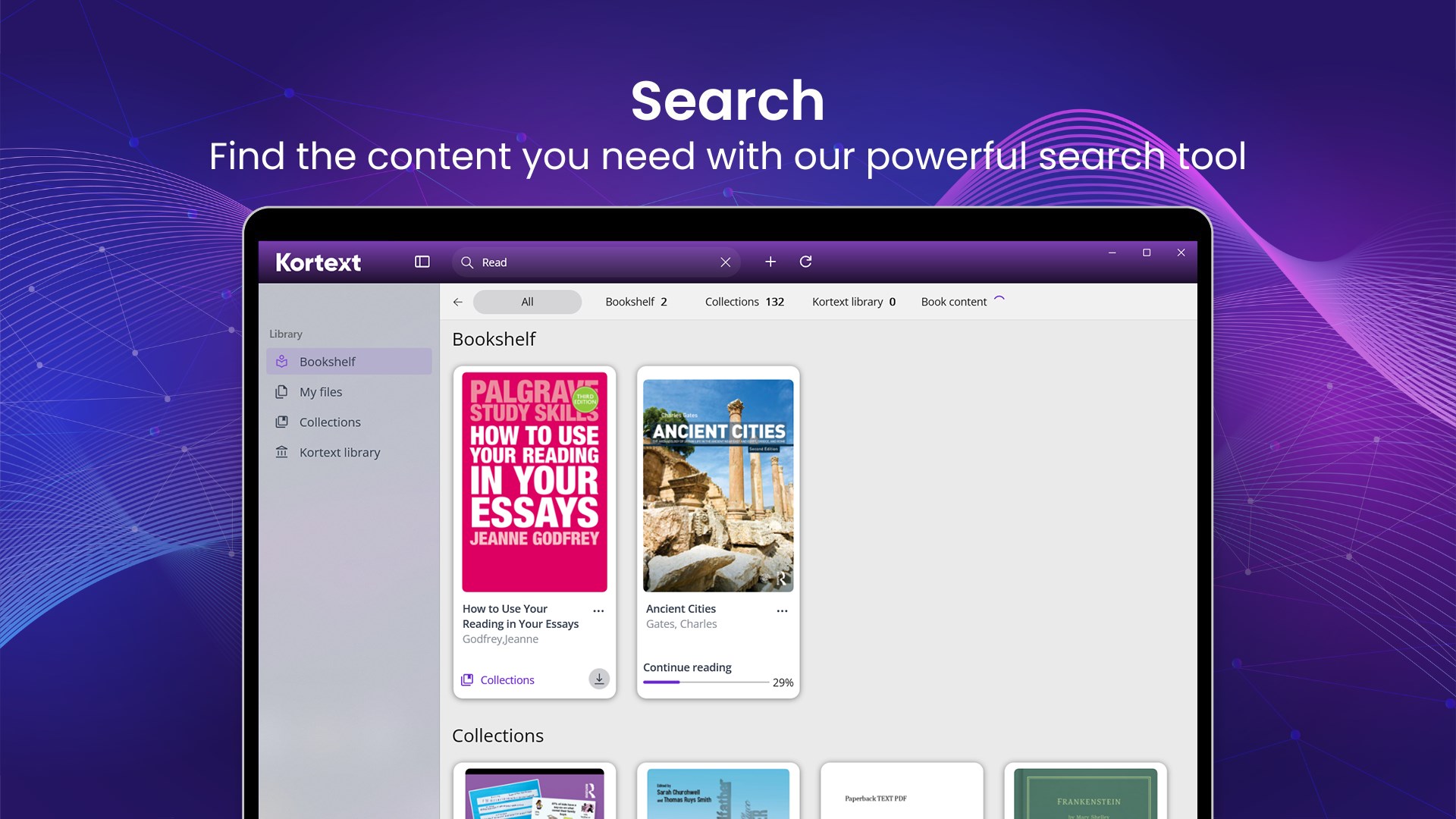
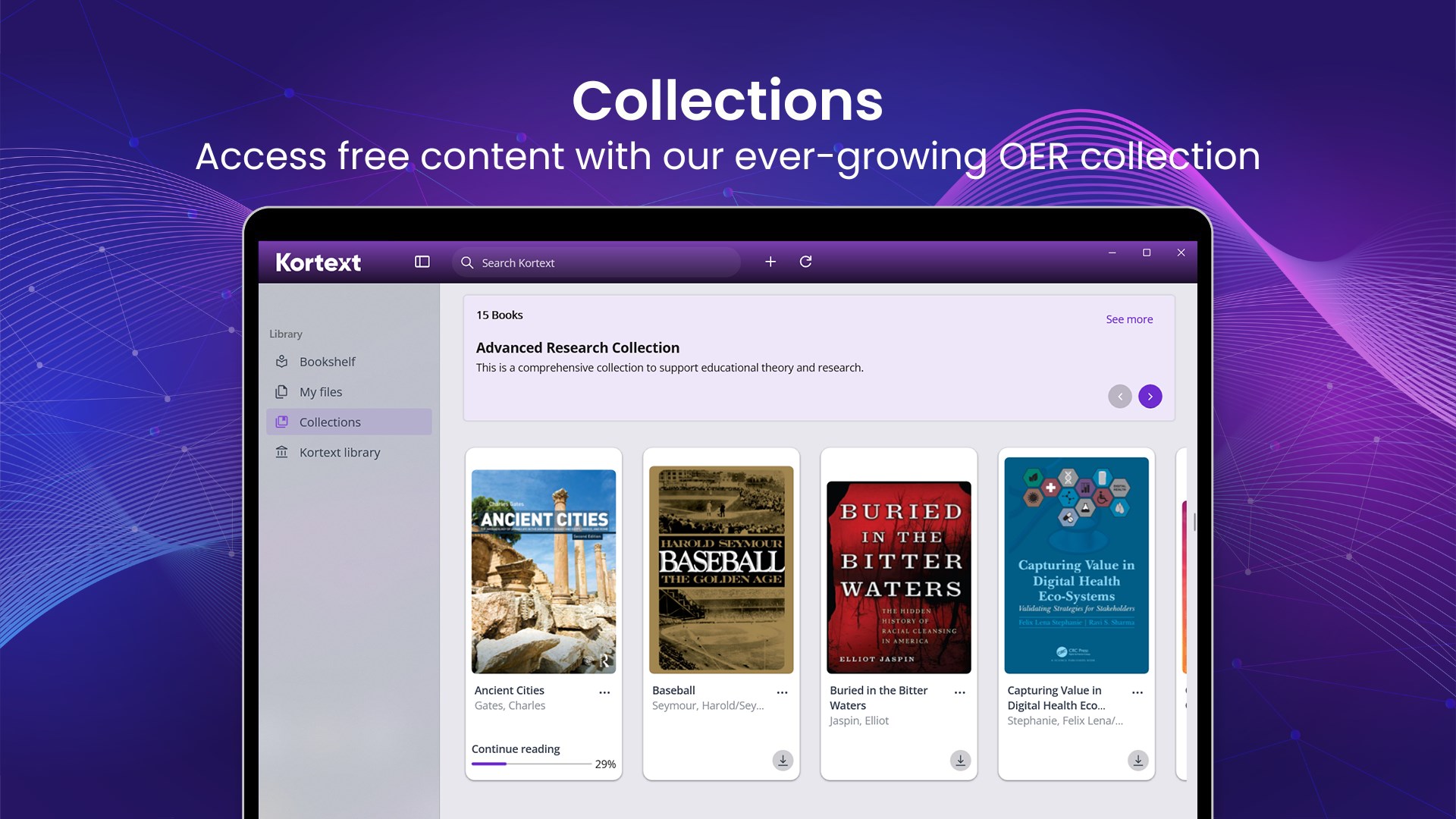
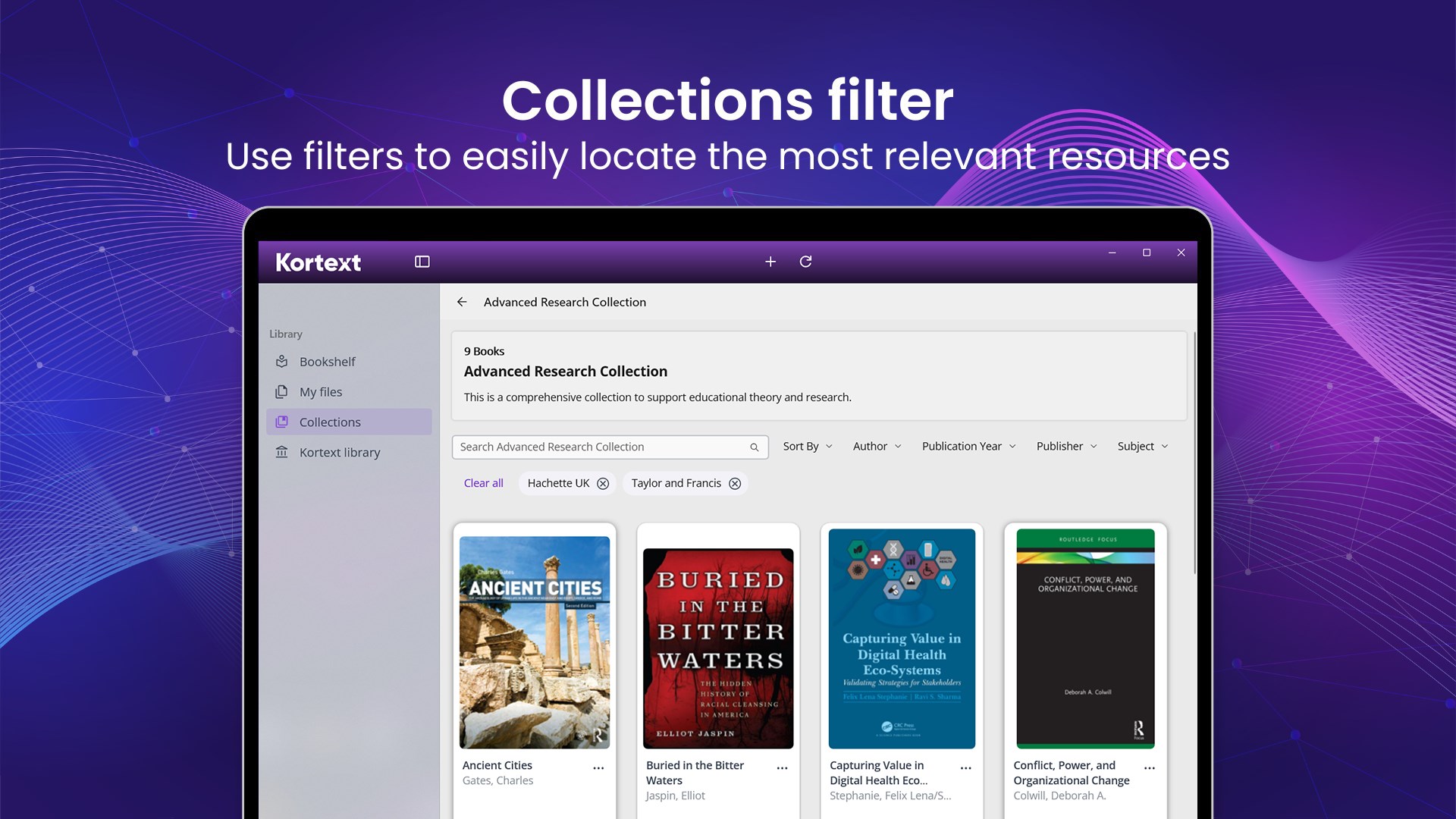
Kortext offers an impressive integration with university libraries and content providers, giving users rapid access to a curated collection of scholarly works. The search functionality is fast and precise, allowing you to filter by author, subject, or publication year. The app's organization features, such as creating folders or bookmarks, make managing extensive materials straightforward. Unlike some competitors, Kortext emphasizes personalized content curation, helping users prioritize and navigate their reading lists efficiently.
The application's smooth performance is noticeable—scrolling through pages or switching between books happens seamlessly, akin to flipping pages in a physical book. The learning curve is gentle; new users can quickly adapt thanks to the clear layout and helpful tutorials. Compared to other reference and e-book apps, Kortext's most distinctive advantage lies in its integrated educational ecosystem—leveraging institutional access, syncing capabilities, and annotation tools—all designed with academic needs in mind.
Overall, Kortext for Windows stands out as a reliable, user-centered digital library app that effectively combines functionality with ease of use. Its strongest points—annotative tools and content integration—make it especially valuable for students and researchers seeking an organized and interactive reading environment. I recommend it to anyone in the academic sphere looking for a digital bookshelf tailored to their scholarly pursuits.
User-friendly interface
Wide selection of academic resources
Offline access feature
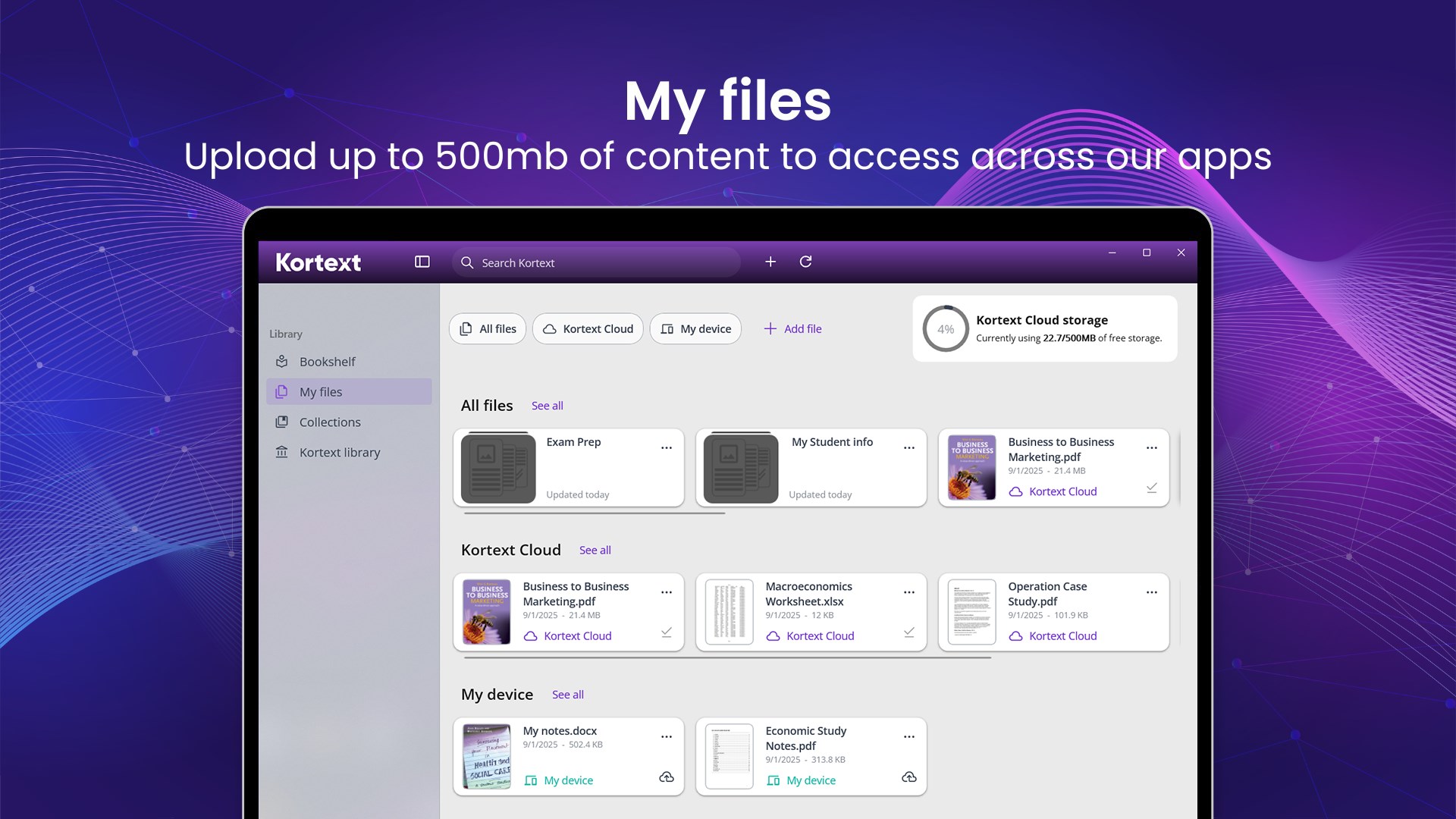
Syncs across devices
Search functionality
Occasional app crashes
Limited annotation features
Slow content loading times
Requires a stable internet connection for initial download
Limited compatibility with older devices
for Windows
 4.9
4.9
for Windows
4.8

for Windows
4.8

for Windows
4.8

for Windows
4.1
for Windows
4

for Windows
2.7

for Windows
1.4

for Windows
0

for Windows
5

for Windows
5

for Windows
5

for Windows
5

for Windows
5

for Windows
5

for Windows
5

for Windows
5

for Windows
5

for Windows
5