Lifestyle
PC, Mobile, Surface Hub, HoloLens
Windows 10 version 17763.0 or higher
English (United States)
In an era where gameplay streams have become a prominent form of entertainment and community building, Kitch emerges as a sleek, specialized tool tailored for Windows users eager to monitor and enjoy game streaming content effortlessly. It offers a streamlined experience designed to keep gamers and spectators connected without the clutter and noise often associated with more cluttered platforms.
Developed and maintained by BoostingSuite, a company dedicated to creating intuitive and efficient multimedia tools, Kitch is the fruit of their commitment to enhancing live content engagement. Their goal is to provide users with a dedicated viewer that simplifies access to game streaming events, making the experience more personal and less distracting. BoostingSuite's focus on optimizing user experience and content authenticity shines through in Kitch's sleek interface and reliable performance.
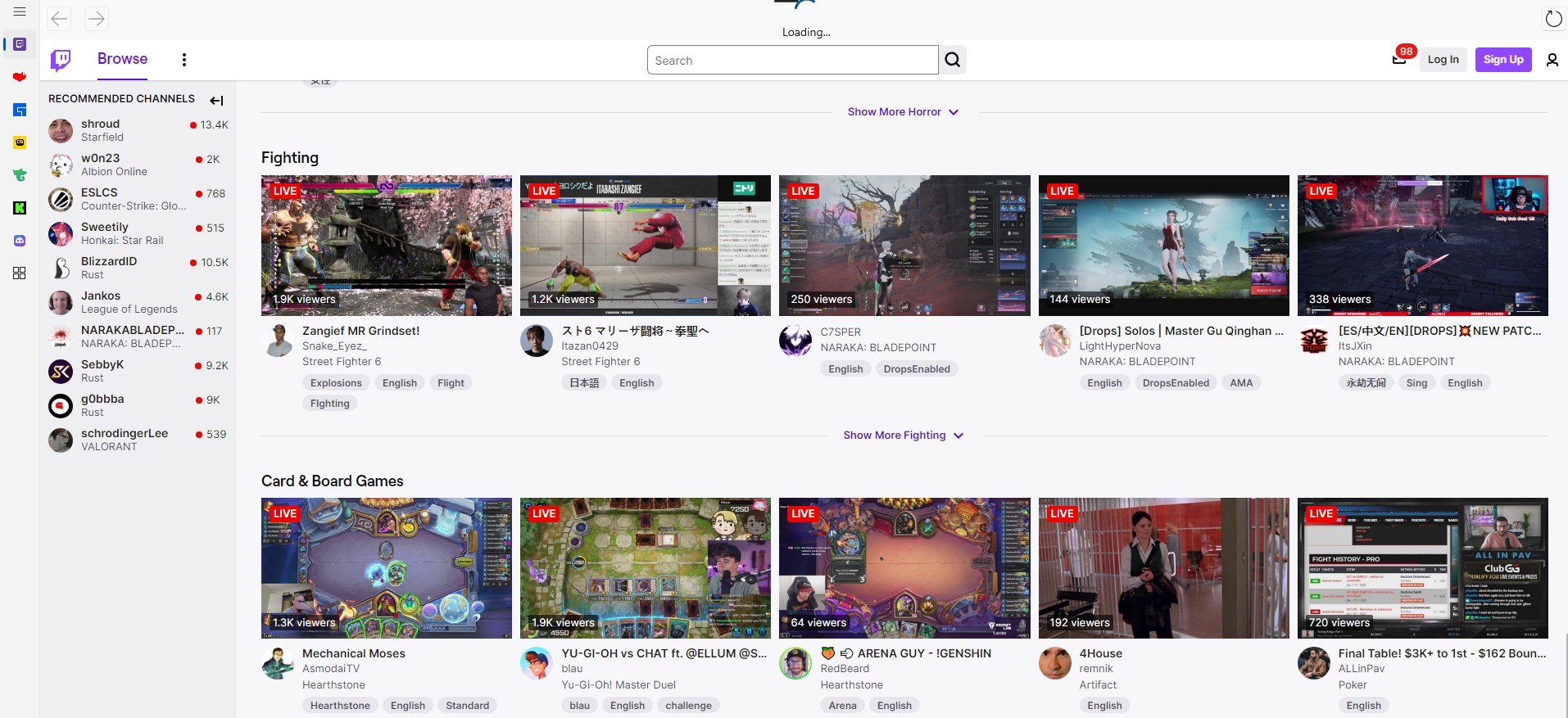
First, Kitch provides a dedicated dashboard that aggregates streams from various popular platforms, allowing users to monitor multiple channels simultaneously—think of it as your personal flight control tower for gaming streams. Second, it integrates customizable alerts and notifications, ensuring you never miss a moment of your favorite streamer's gameplay, whether they're going live, hitting milestones, or switching games. Third, its lightweight design ensures minimal system impact, meaning you can keep Kitch running smoothly in the background while gaming or working without noticeable lag or slowdown.
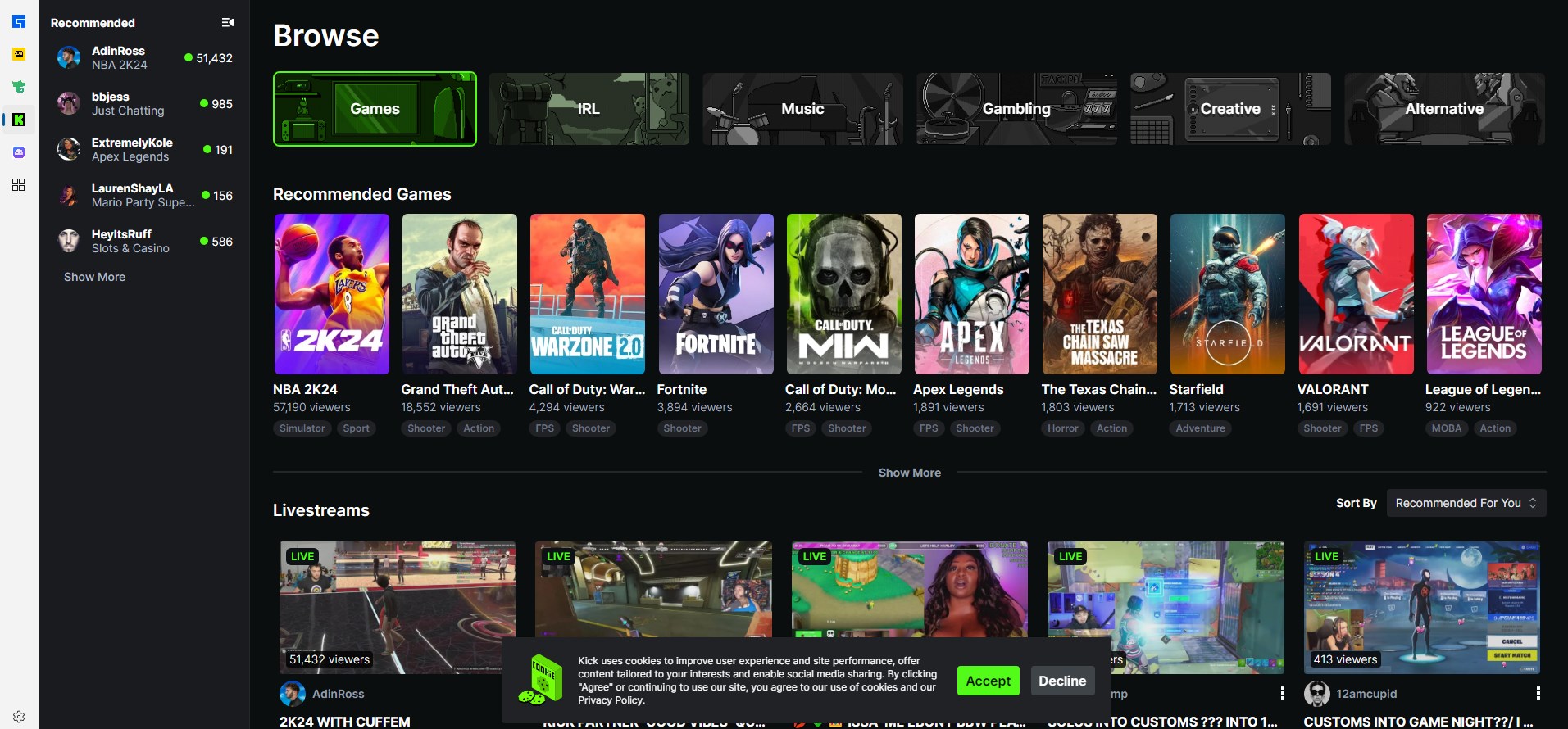
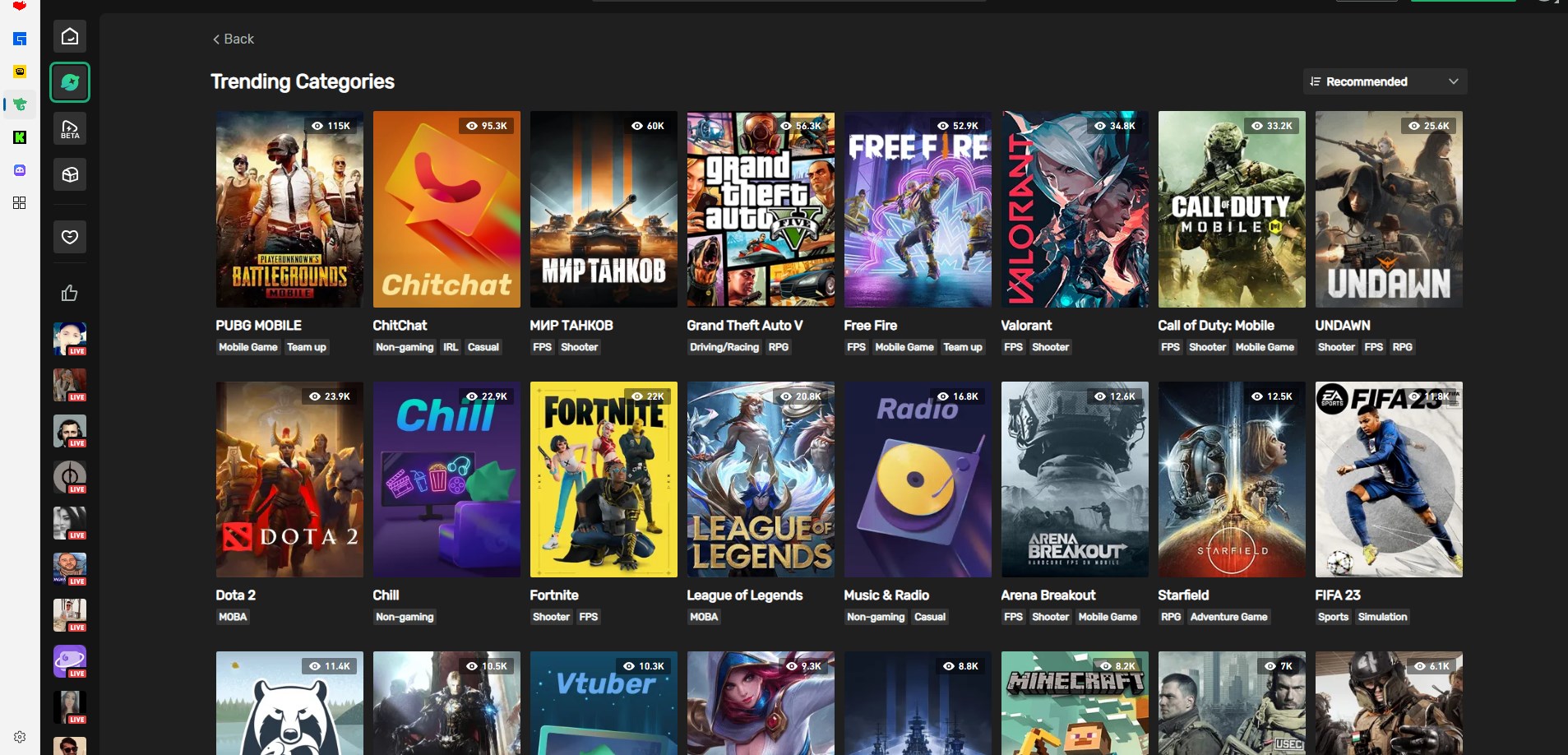
From the moment you open Kitch, its clean and intuitive interface feels like stepping into a neatly organized streaming cockpit. The layout employs a dark theme with vibrant, easily distinguishable icons, reducing eye strain during long sessions—a crucial feature for avid streamers and viewers alike. Navigating through the app is straightforward; everything is just a few clicks away, making it accessible even for newcomers. The app's responsiveness enhances the experience, with fluid transitions and snappy load times—almost like a well-tuned racing car responding instantly to your commands.
Learning to use Kitch is effortless. Its logical design and helpful tooltips ensure new users can quickly customize their dashboards, set alerts, and filter streams according to their preferences. This ease of use lowers the barrier for less tech-savvy users, democratizing access to the streaming community.
Unlike many lifestyle or media apps that aggregate a broad range of content, Kitch hones in on game streaming with a special emphasis on content authenticity and stream reliability. Its integration with reputable platforms ensures that content is real and trustworthy, supported by a credibility layer that filters out unreliable sources. Moreover, Kitch's focus on community-building features—like customizable notifications—makes it a more interactive, personalized tool for dedicated gamers, standing out from generic feed aggregators. The app's tidiness and purpose-driven design make it more than just a viewer; it's a dedicated companion for your gaming streaming experience.
I'd recommend Kitch for anyone deeply engaged in the gaming streaming scene who values simplicity, reliability, and a clutter-free interface. It's particularly well-suited for users who want a focused experience—monitoring multiple streams without the complexity of full-blown streaming platforms. While it's not a platform to host streams, its strengths lie in enhancing the viewing experience and staying connected with favorite gamers effortlessly.
In summary, Kitch delivers a minimalistic yet powerful watching companion that excels in stream aggregation and notification customization. Whether you're a dedicated streamer watcher or a casual enthusiast wanting quick access to live content, this app is definitely worth trying out to make your gaming days more connected and streamlined.
Seamless game streaming experience
Supports multiple game platforms
Intuitive user interface
Real-time notifications
Customizable viewing options
Limited content discovery features
Occasional buffering issues
Limited offline access
Inconsistent app updates
Basic user customization options

for Windows
 4.9
4.9

for Windows
4.8

for Windows
4.8

for Windows
4.8

for Windows
4.7

for Windows
4.2

for Windows
4.2
for Windows
4

for Windows
3

for Windows
3

for Windows
2.4

for Windows
2.3

for Windows
5

for Windows
5

for Windows
5

for Windows
5

for Windows
5

for Windows
5

for Windows
5

for Windows
5

for Windows
5

for Windows
5