Educational
RV AppStudios
PC
Windows 10 version 10240.0 or higher
Version 10
English (United States), German, Marathi, Russian, Spanish, Turkish
Kids Toddler & Preschool Games for Windows is an engaging app designed to make early childhood education an enjoyable adventure. Combining playful activities with learning objectives, this app aims to foster curiosity and foundational skills in young children, all within a safe and user-friendly digital environment.
Created by RV AppStudios, a developer known for its focus on educational content for children, this app emphasizes intuitive design and educational effectiveness. Their expertise shines through in crafting an experience that balances fun with learning, ensuring both kids and parents find it trustworthy and effective.
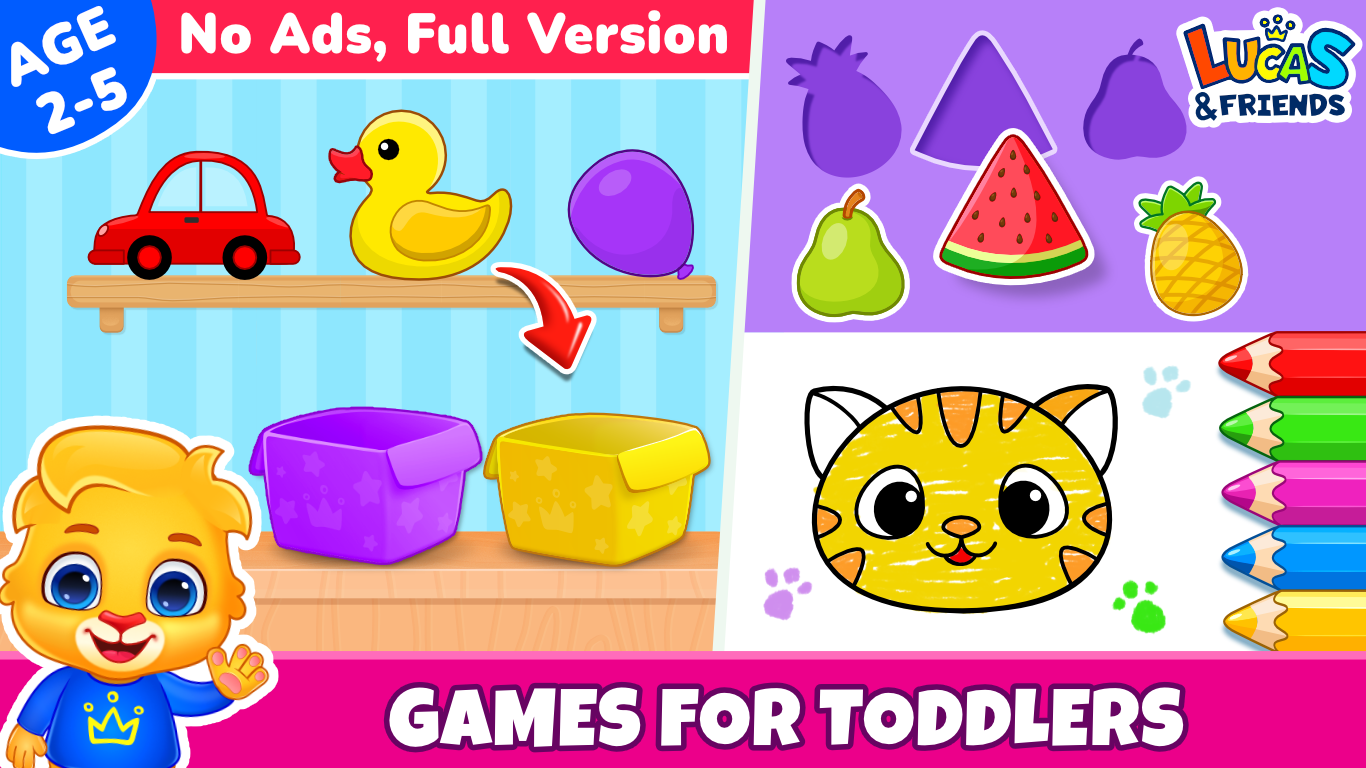
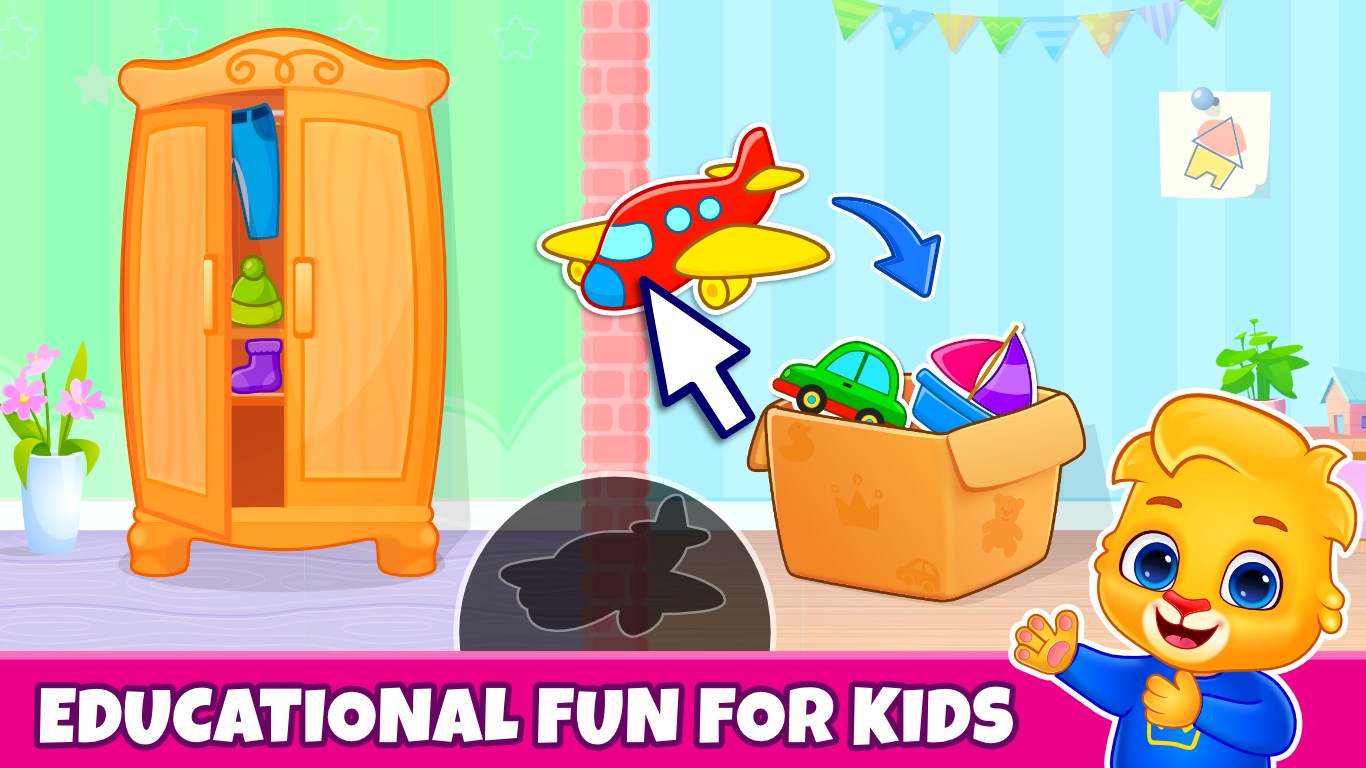
Picture a bright, animated world where every tap brings a new discovery—this app transforms the device into a playground of knowledge, perfectly tailored for preschoolers. Its lively colors and intuitive layout draw kids into an educational journey that feels more like an adventure than a lesson.
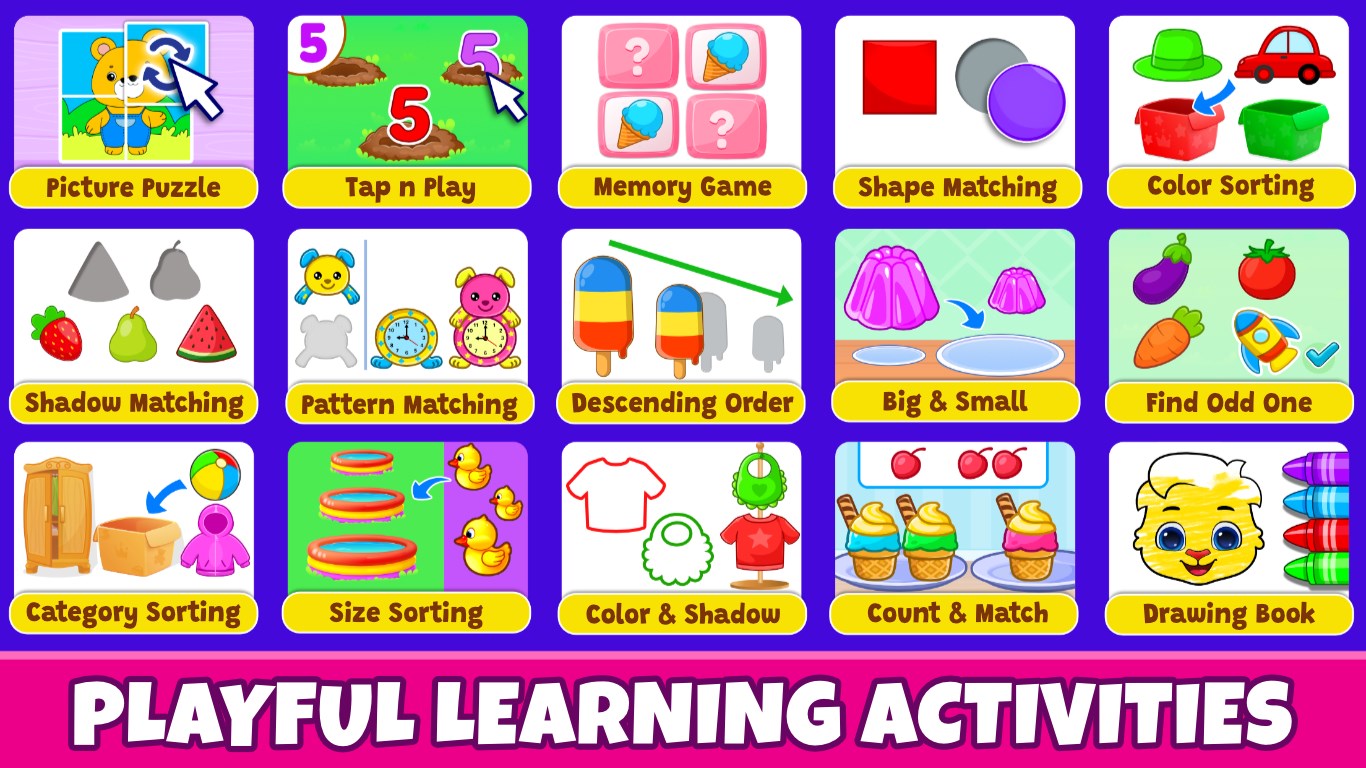
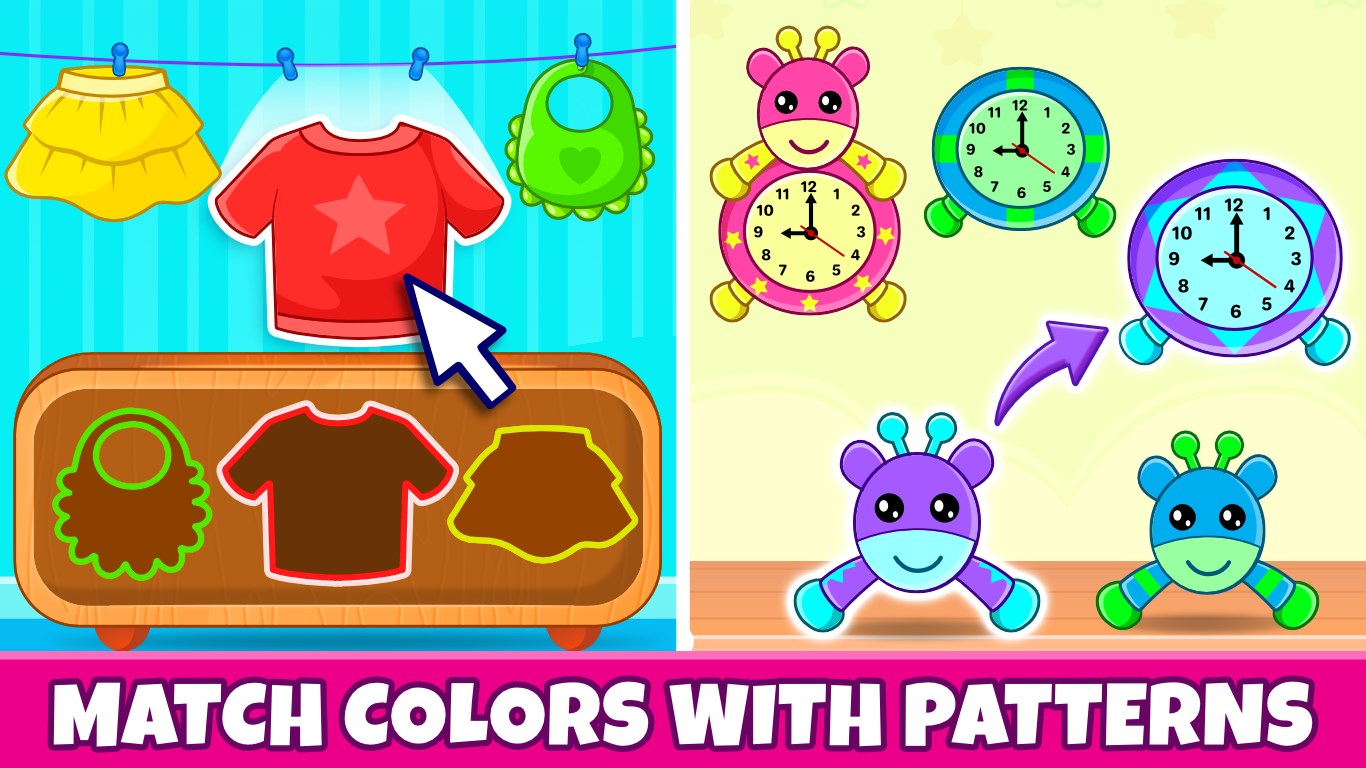
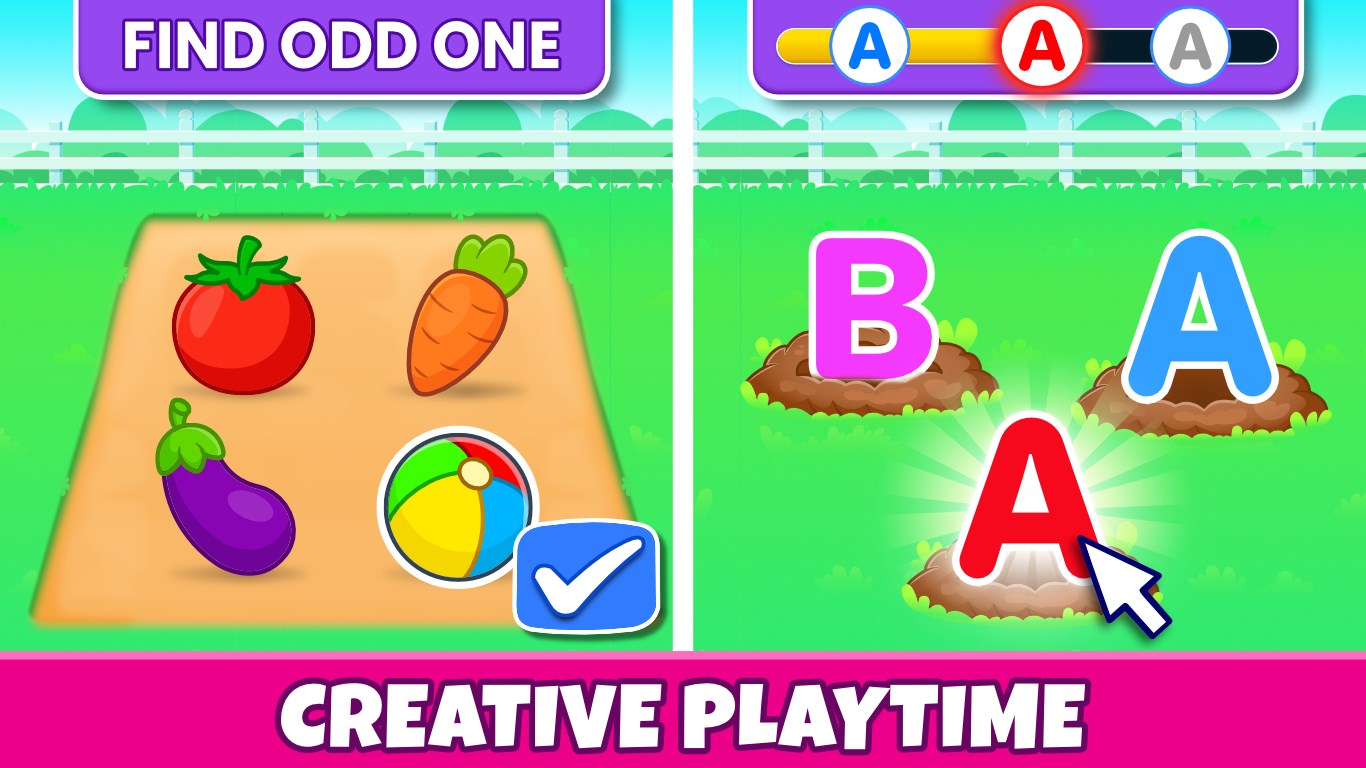
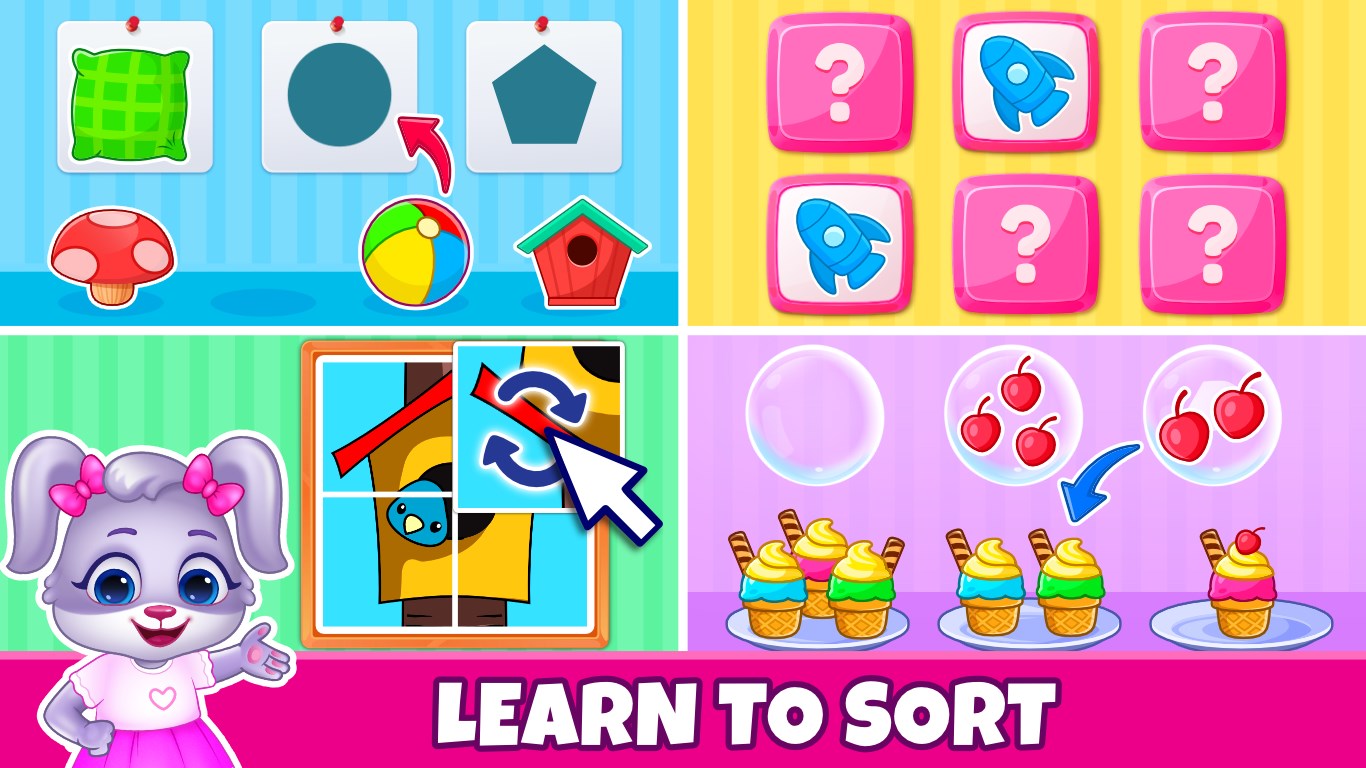
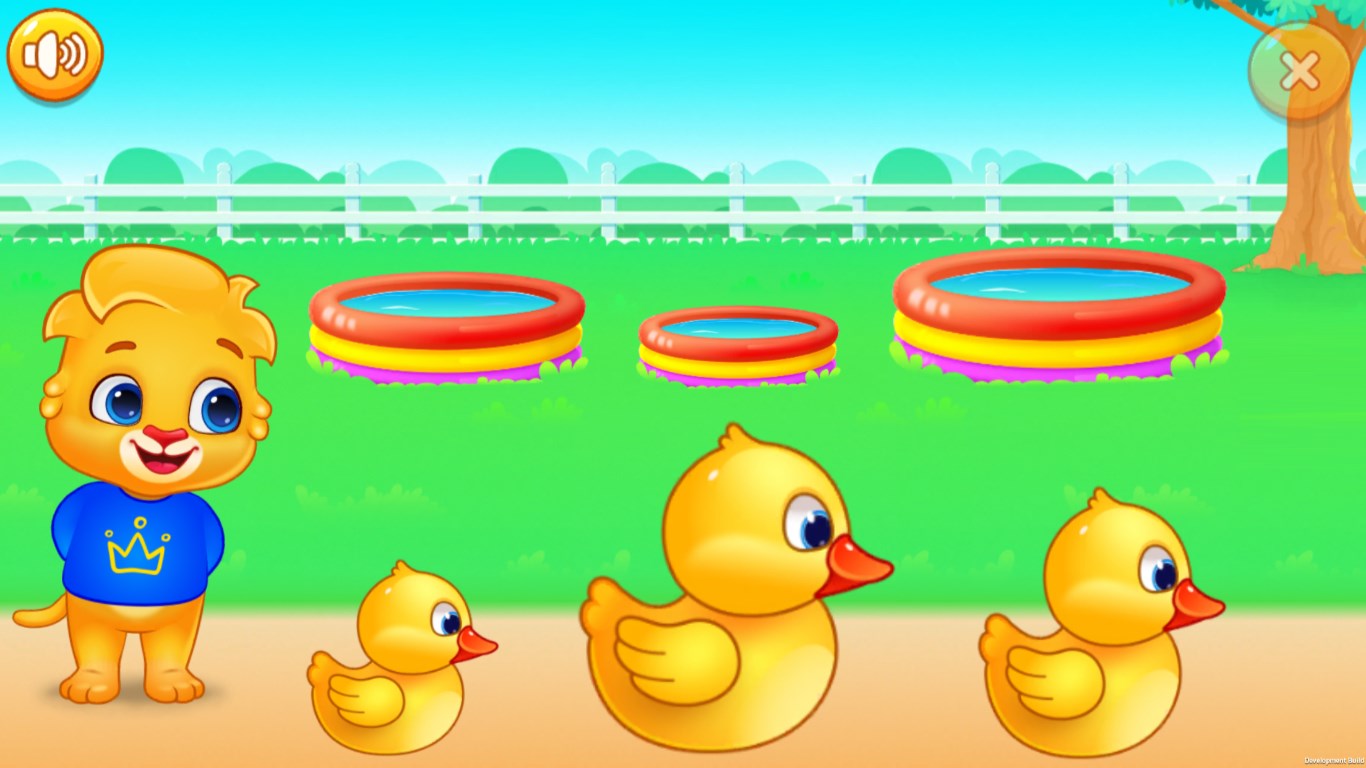
The core of this app lies in its mini-games, each designed with specific developmental goals. For instance, the shape-matching game turns geometric recognition into a fun puzzle, while counting activities are presented through charming characters that guide children step-by-step. These activities are not only educational but thoughtfully crafted to keep engagement high without overwhelming young users. The app's design ensures that kids can easily navigate between activities, fostering independence and confidence.
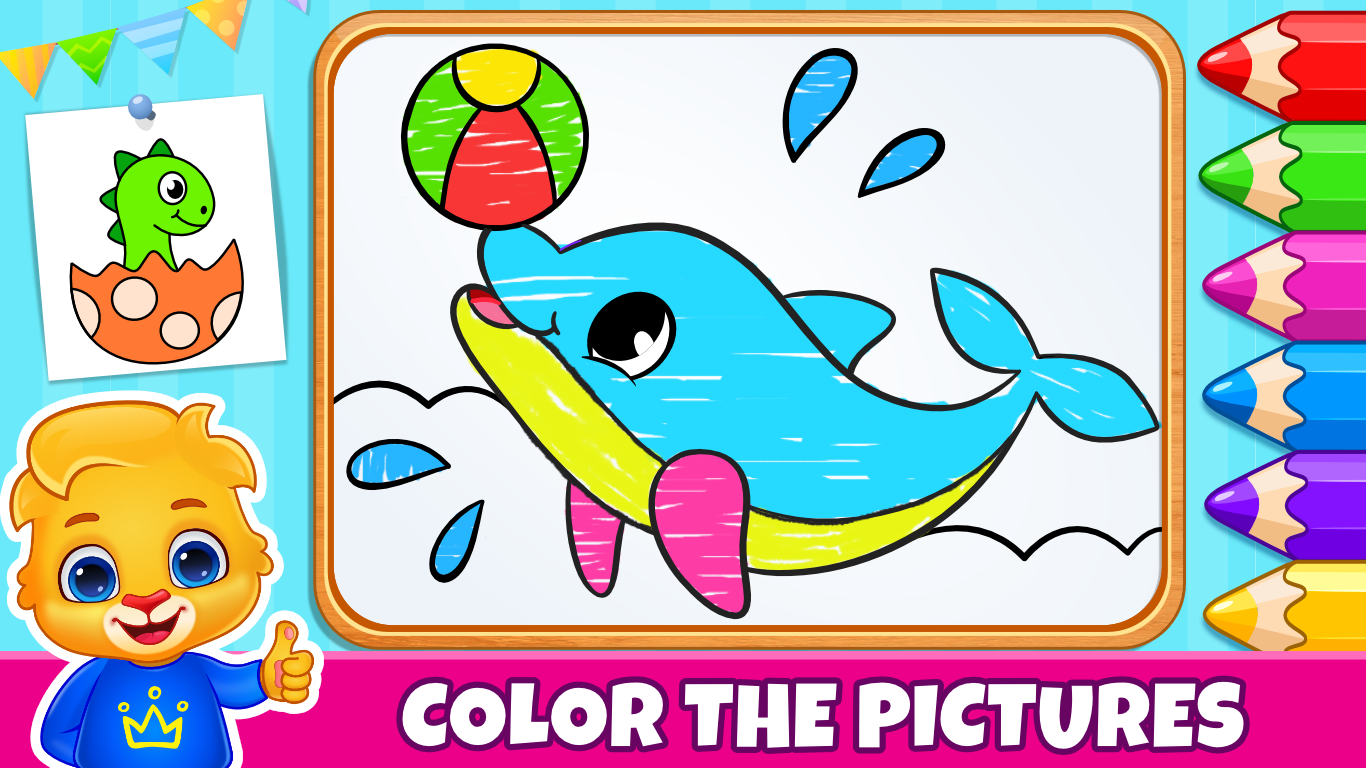
The interface boasts vibrant, cartoon-style graphics that appeal directly to preschoolers. Buttons and icons are large and clearly labeled, making it easy for tiny fingers to operate. The application's responsiveness is impressive; transitions are smooth, and animations add a lively touch without causing delays or confusion. The learning curve is gentle—children can start exploring immediately, with little to no adult assistance required after initial guidance. This ease of use makes the app not only delightful but also practical for home or classroom settings.
What sets this app apart from similar educational tools is its ability to seamlessly blend learning objectives with engagement metrics. Unlike many apps that focus solely on rote memorization, Kids Toddler & Preschool Games emphasizes measuring knowledge retention through interactive checkpoints and adaptive difficulty levels. This approach ensures that children are not just entertained but are genuinely absorbing concepts, making learning meaningful. Additionally, its reward system reinforces positive behavior and motivates children to revisit activities, increasing retention and encouraging repeated practice. This thoughtful balance makes the app a standout choice for parents and educators seeking both educational rigor and fun.
Overall, Kids Toddler & Preschool Games for Windows is highly recommended for parents looking to supplement early childhood learning with an interactive, safe, and engaging app. Its focus on core skills, combined with a user-friendly design and thoughtful measurement of retention, offers real value beyond casual gaming. It's particularly suitable for children aged 2-5, especially those starting preschool or kindergarten preparations. For those seeking a versatile educational companion that makes learning feel like an exciting game, this app is a worthwhile addition to your digital toolkit.
User-friendly interface
Wide variety of educational games
Parental control features
Bright and engaging visuals
Offline access to many games
Limited customization options
Some ads are present in free versions
Occasional app crashes on older devices
In-app purchases are not always clearly indicated
Limited language options in the free version

for Windows
 4.8
4.8

for Windows
4.7
for Windows
4.6

for Windows
4.5

for Windows
4.4

for Windows
4.4

for Windows
4.4

for Windows
4.4
for Windows
4.3
for Windows
4.2
for Windows
4.2
for Windows
1.5

for Windows
5

for Windows
5

for Windows
5

for Windows
5

for Windows
5

for Windows
5

for Windows
5

for Windows
5

for Windows
5

for Windows
5