Educational
RV AppStudios
PC
Windows 10 version 10240.0 or higher
Version 10
Afrikaans, Albanian, Arabic, Bangla, Basque, Bulgarian, Catalan, Chinese (Simplified), Chinese (Traditional Chinese), Croatian, Czech, Danish, Dutch, English (United States), Estonian, Filipino, Finnish, French, German, Greek, Gujarati, Hindi, Hungarian, Indonesian, Italian, Japanese, Kannada, Kazakh, Kiswahili, Korean, Latvian, Lithuanian, Malay, Malayalam, Marathi, Nepali, Norwegian, Persian/Farsi, Polish, Portuguese, Punjabi, Romanian, Russian, Serbian (Cyrillic), Sinhala, Slovak, Slovenian, Spanish, Swedish, Tamil, Telugu, Thai, Turkish, Ukrainian, Urdu, Vietnamese
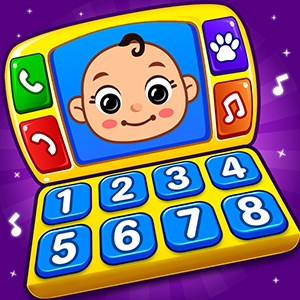
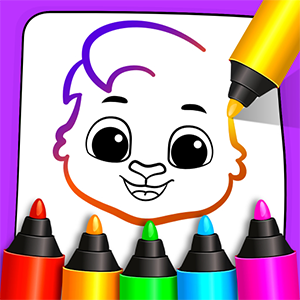
Kids Games: For Toddlers 3-5 by RV AppStudios is a colorful and engaging educational app designed to entertain and teach young children aged 3 to 5 years old on Windows devices. Combining playful graphics with learning activities, it seeks to create a balanced environment where early education meets fun, making it a promising choice for parents and educators alike.
Developed and published by RV AppStudios, a team known for creating family-friendly educational content, Kids Games offers a collection of activities tailored for preschoolers. The app's main features include diverse mini-games focused on cognitive development, motor skills, and basic knowledge acquisition. Notably, it emphasizes safety and ease of use, perfectly suited for young children navigating technology with minimal supervision. Its design encourages exploration and discovery, fostering independent learning during screen time.
From the moment you open Kids Games, you're greeted with a bright, inviting interface that looks like a friendly playground. Icons are large and colorful, posing no difficulty for tiny fingers, providing a clear visual guide for children to navigate through different activities. The layout is intuitive—children can easily select different game categories with just a tap, reducing frustration and encouraging self-directed learning. The interface's playful theme makes the app feel like engaging storybook pages, transforming screen time into an adventure rather than a chore.
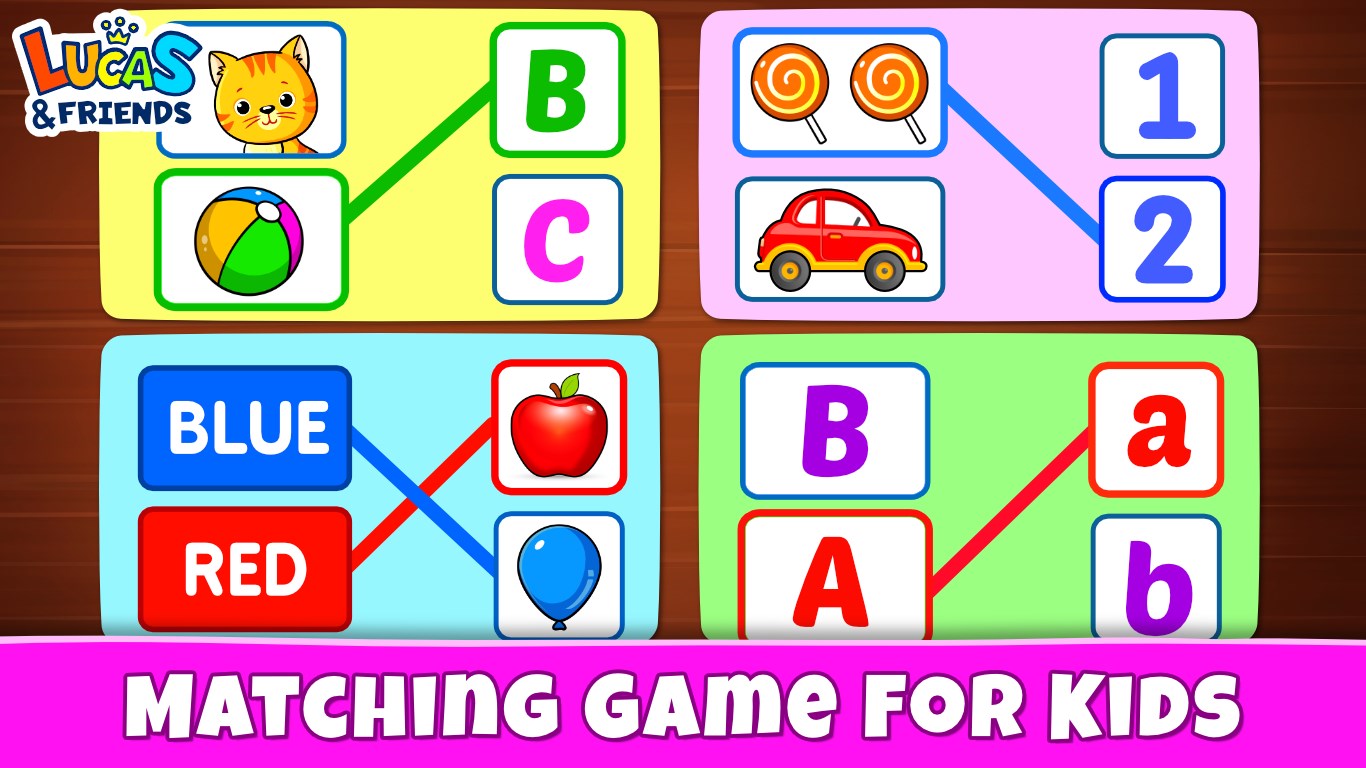
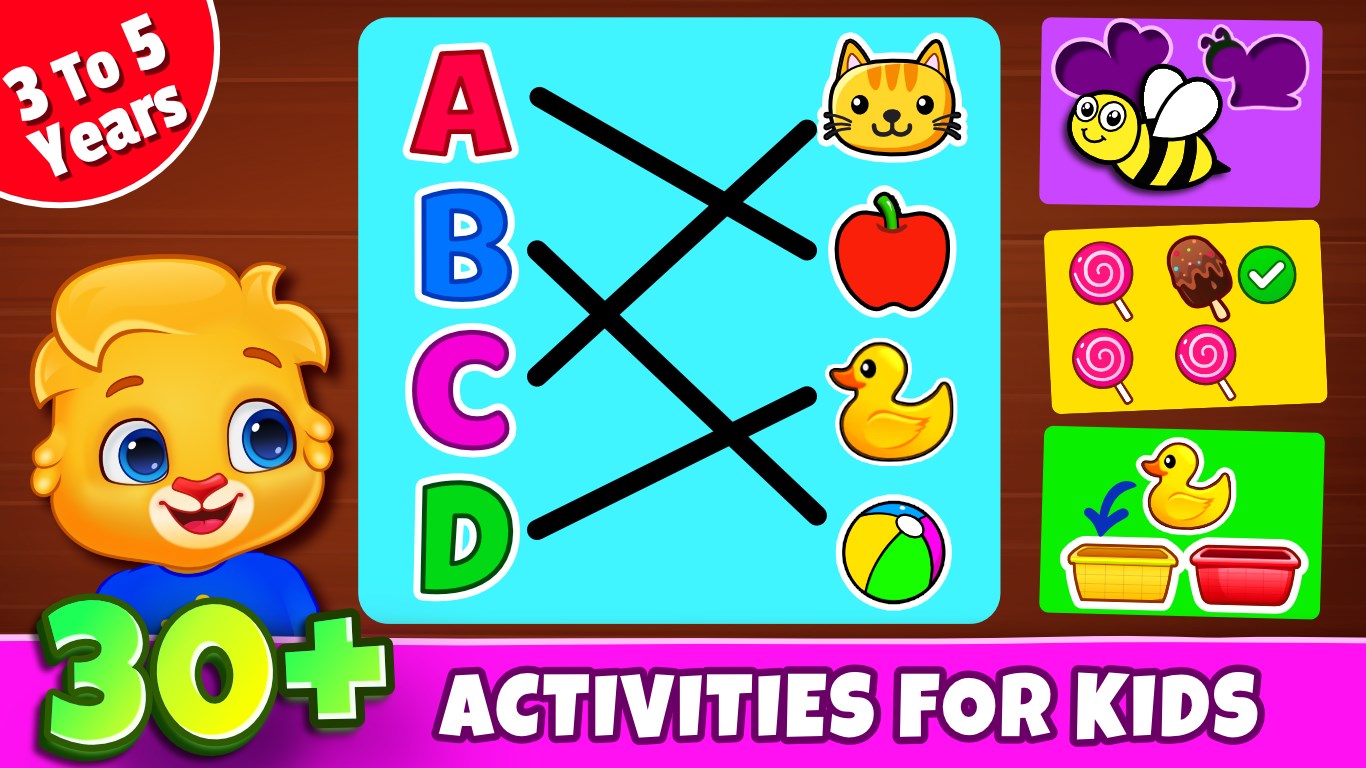
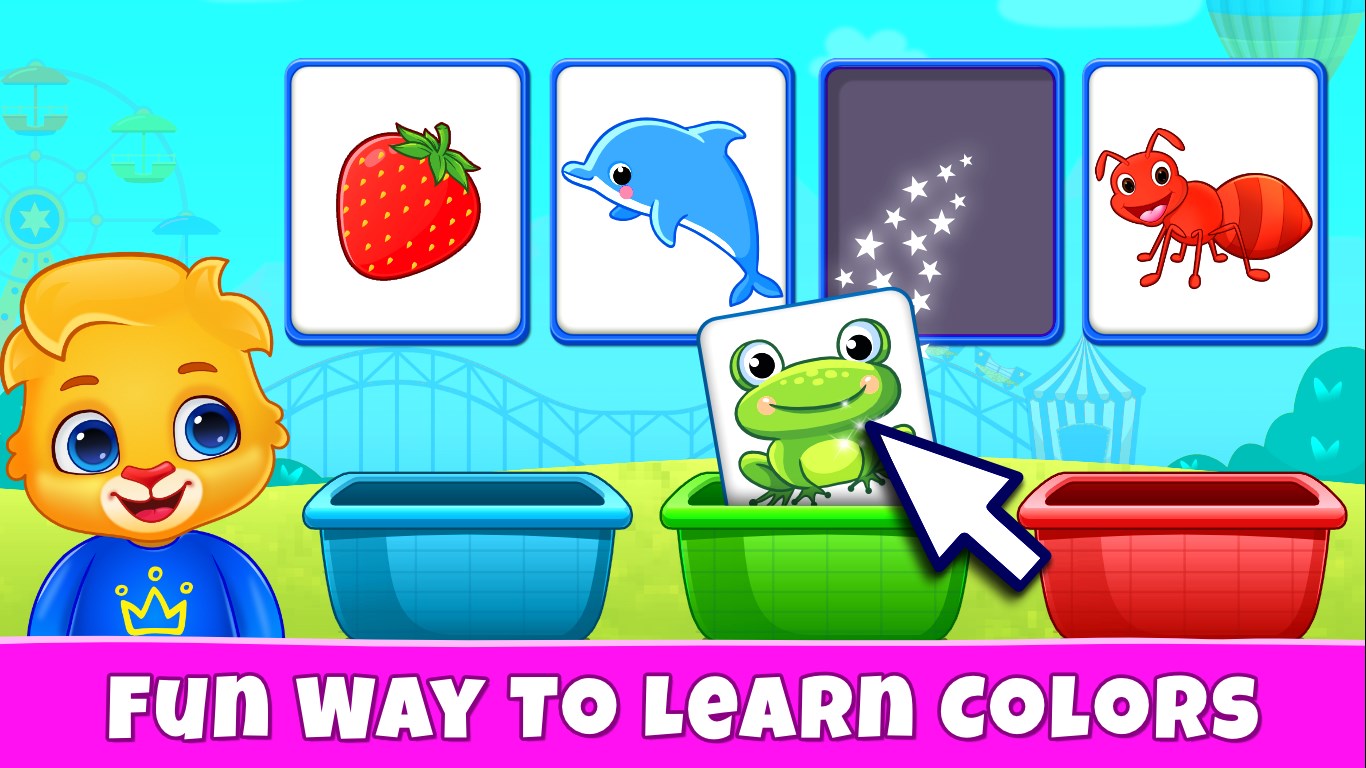
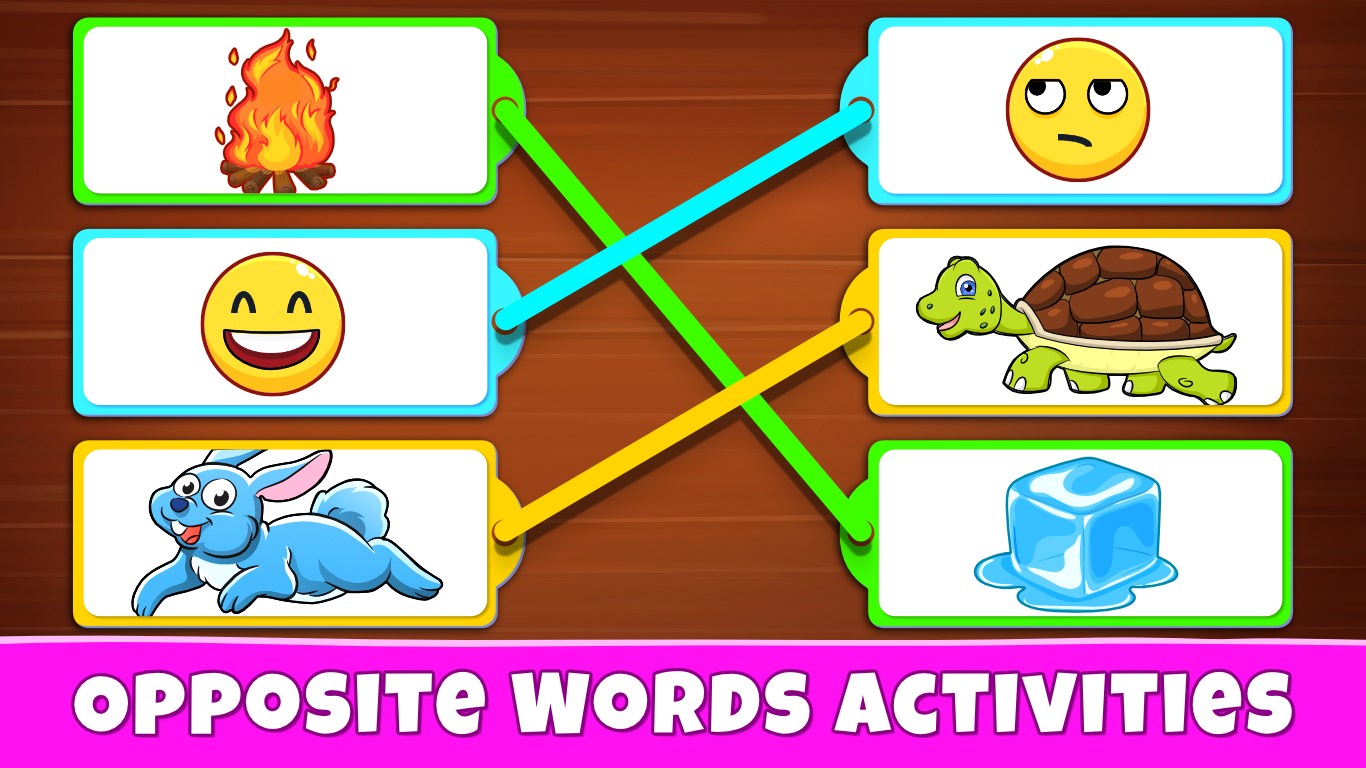
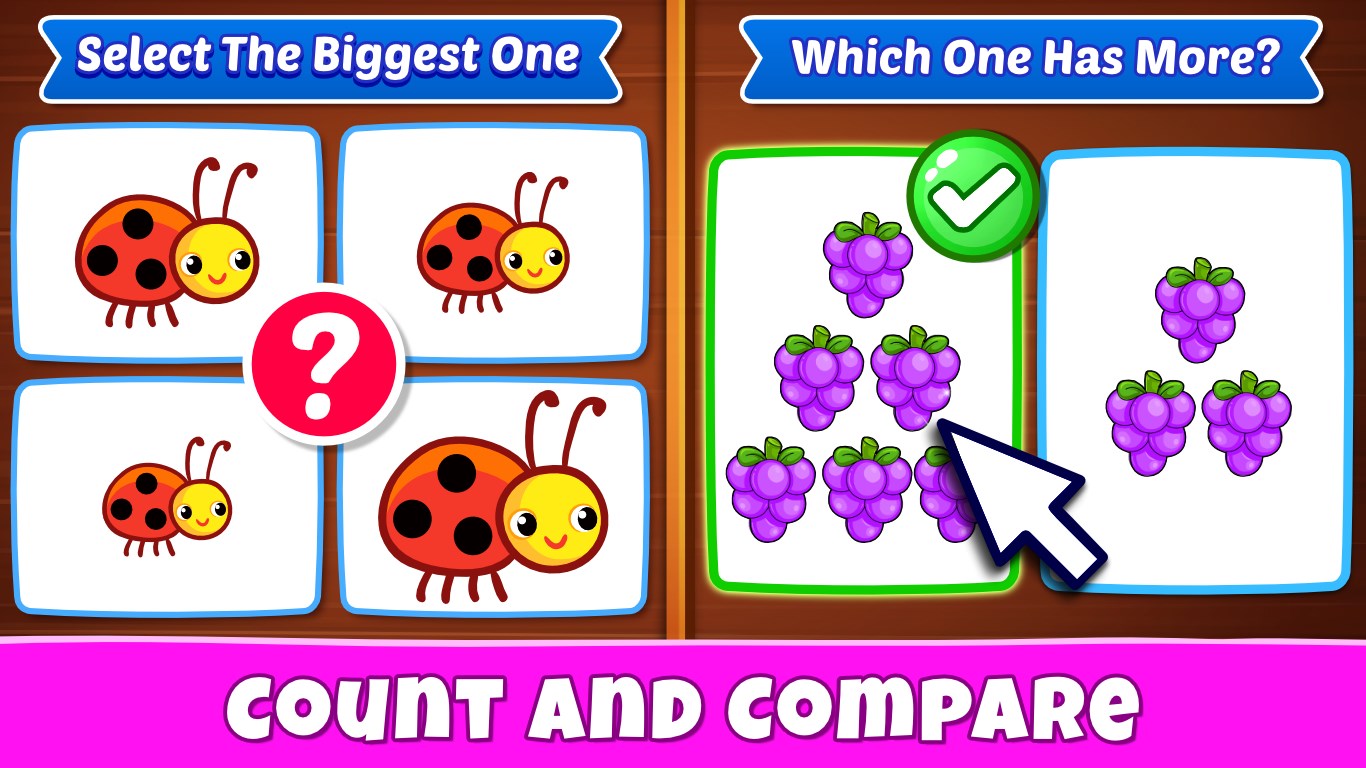
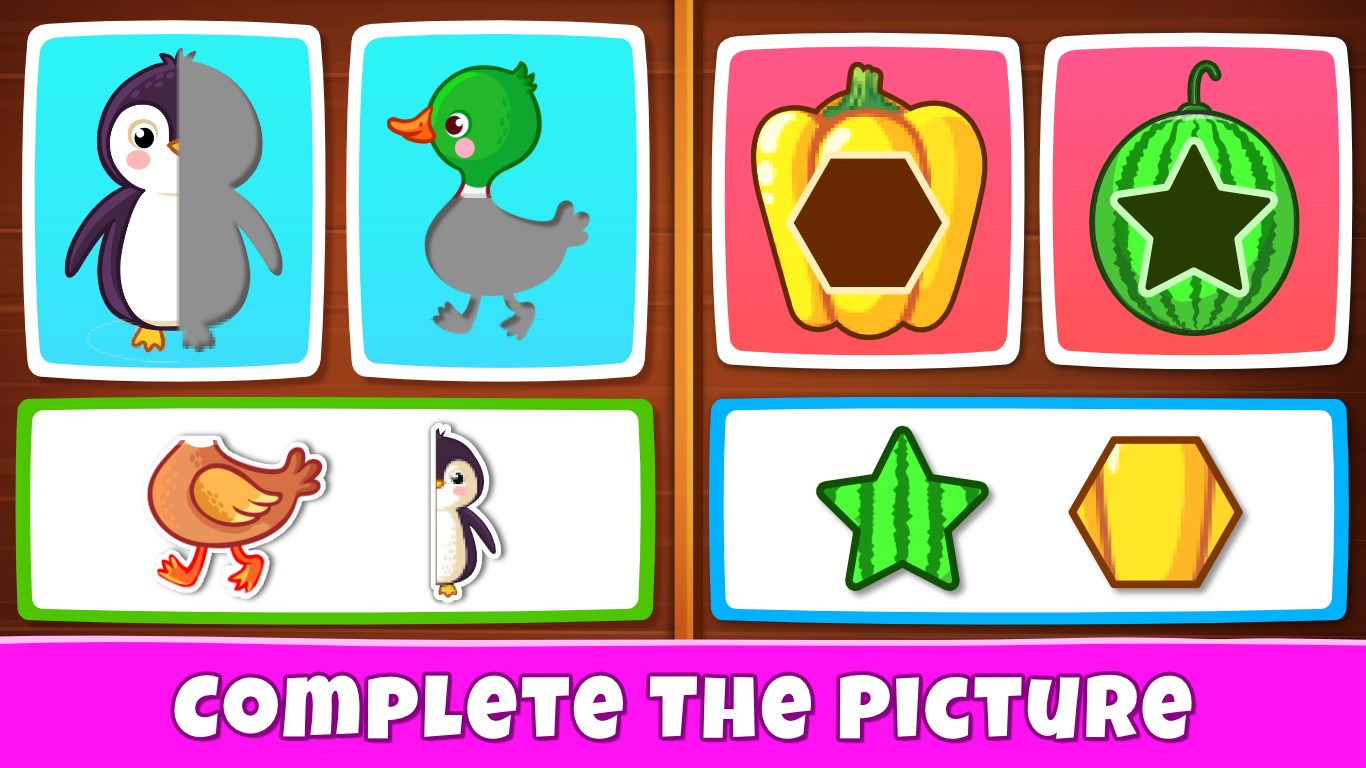
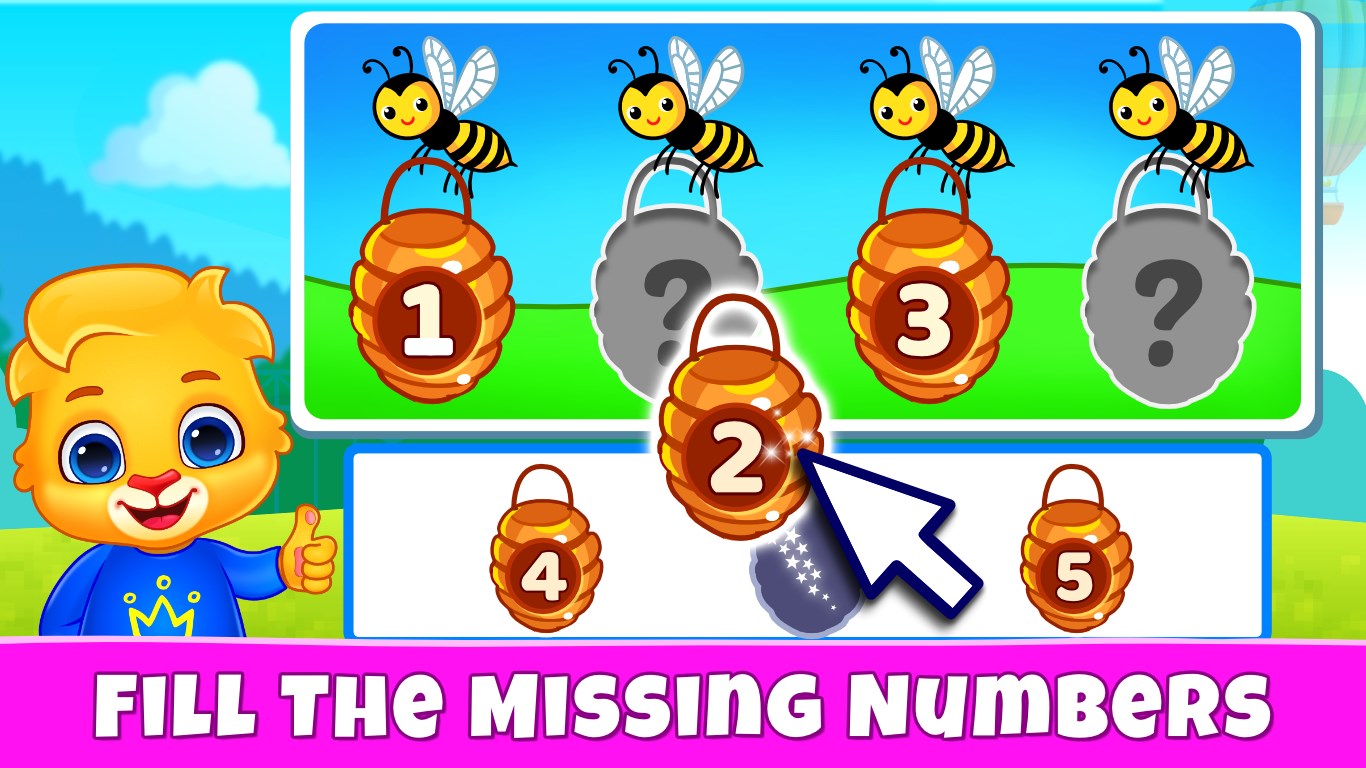
The app features a variety of mini-games designed to develop specific skills, such as shape matching, color recognition, counting, and simple puzzles. For instance, children can match colorful objects to their shadows, helping improve visual perception and problem-solving skills. These activities are carefully crafted to balance learning objectives with engaging gameplay, ensuring that children not only acquire foundational knowledge but also stay motivated to learn through rewards like cheerful animations and sounds.
One of the app's standout features is its ability to monitor progress through simple metrics, allowing parents to see what activities their children enjoy most and where they excel. While not overly complex, this progress tracking supports measuring knowledge retention over time, encouraging a curriculum that reinforces learning points through repeated interactions. Unlike some apps that focus solely on activity completion, Kids Games emphasizes understanding by tracking engagement patterns, helping caregivers adjust activities to maximize retention.
Kids Games strikes a delicate balance between keeping children engaged and avoiding overwhelming stimulation typical of some educational apps. Its interactive elements are lively but not overly flashy, and the pacing allows children to absorb concepts without feeling rushed. The game's design ensures a gentle learning curve, making it accessible for toddlers new to digital devices. The calming background music and friendly voiceovers further enhance the overall user experience, promoting sustained interest without causing fatigue.
What sets Kids Games apart from many similar educational apps is its emphasis on measuring knowledge retention through simple engagement metrics, rather than only tracking activity completion. This approach helps parents and teachers gauge actual learning progress rather than just time spent. Additionally, its thoughtfully designed interface and focus on age-appropriate content provide a level of polish that many similar apps lack. Unlike apps that rely heavily on extraneous animations or overly competitive features, Kids Games prioritizes balanced objectives—combining fun with education, making learning feel like an adventure rather than a task.
Overall, Kids Games: For Toddlers 3-5 is a well-crafted educational app suitable for young children beginning their digital learning journey. Its engaging yet straightforward design makes it a reliable tool for parents seeking to combine entertainment with foundational skills development. I recommend using it as a supplement to supervised playtime, perhaps setting daily or weekly activity targets to maximize learning retention. The app's simple interface and focus on measuring understanding make it an excellent choice for fostering early academic curiosity while ensuring kids have fun along the way.
Age-appropriate Content
Interactive and Engaging Graphics
Easy-to-Navigate Interface
Educational Value
Safe Ad Environment
Limited Variety of Games
Basic Audio Instructions
No Multilingual Support
Minimal Progress Tracking
Occasional Minor Glitches

for Windows
 4.8
4.8

for Windows
4.7

for Windows
4.6
for Windows
4.5

for Windows
4.4

for Windows
4.4

for Windows
4.4

for Windows
4.4
for Windows
4.3
for Windows
4.2
for Windows
4.2
for Windows
1.5

for Windows
5

for Windows
5

for Windows
5

for Windows
5

for Windows
5

for Windows
5

for Windows
5

for Windows
5

for Windows
5

for Windows
5