Developer tools
PC
Windows 10 version 0.0 or higher
Integrated Keyboard
Integrated Mouse
English
In the vast landscape of system maintenance tools, Kenoxis Driver Updater for Windows stands out as a straightforward yet effective application designed to ensure your hardware drivers are always up-to-date. With the promise of optimizing device performance and preventing potential errors, it caters to users seeking a hassle-free driver management solution.
Developed by Kenoxis, a team focused on creating user-friendly utility software, this application reflects their commitment to providing accessible tools that streamline PC maintenance without overwhelming technical jargon.
Imagine your computer as a busy city, with each driver acting as the essential traffic controllers guiding data smoothly between hardware and software. When these controllers are outdated or malfunctioning, chaos ensues—lag, errors, or hardware not functioning as intended. Kenoxis Driver Updater steps in as a vigilant traffic cop, efficiently directing updates to keep your system flowing seamlessly.
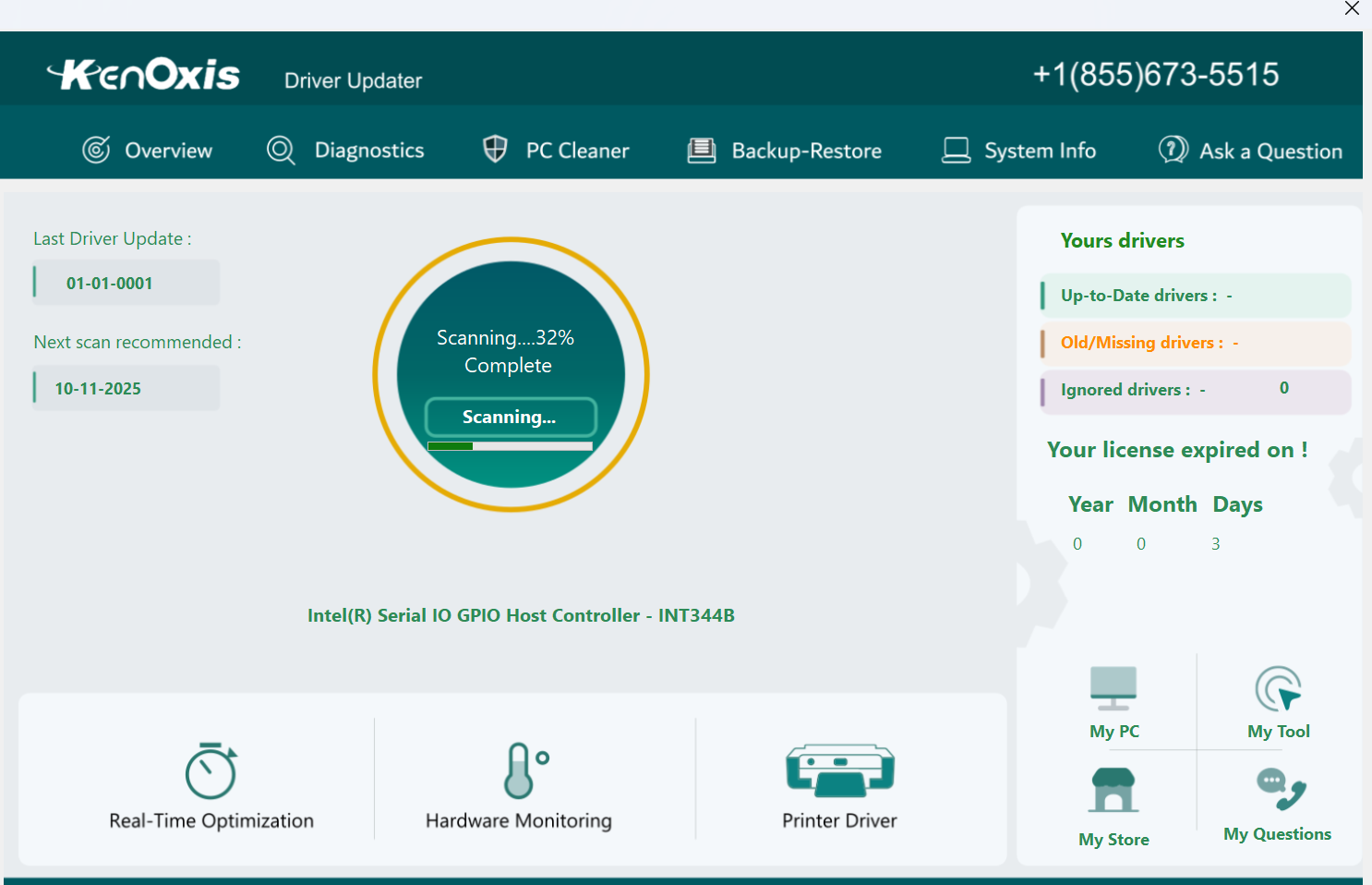
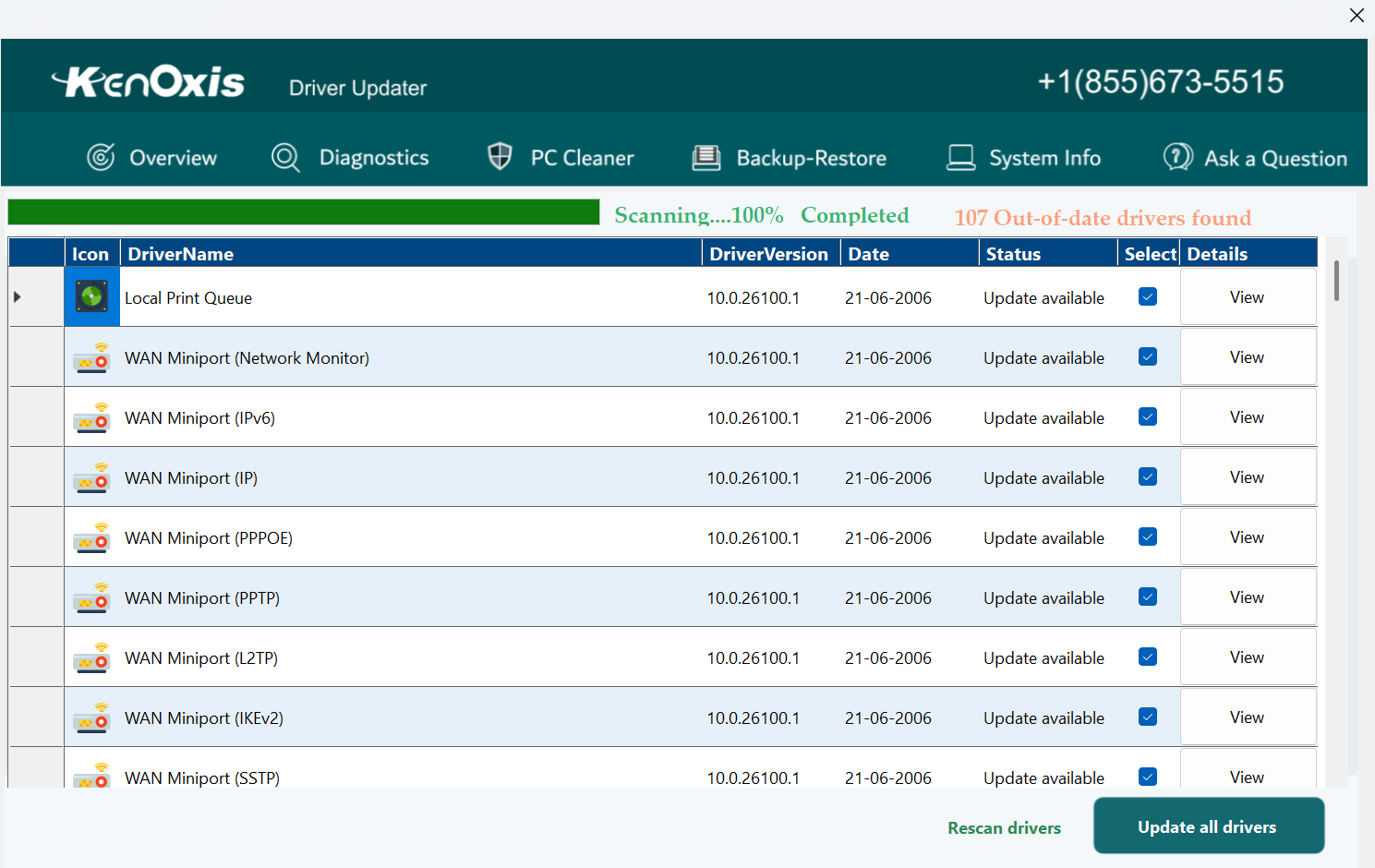
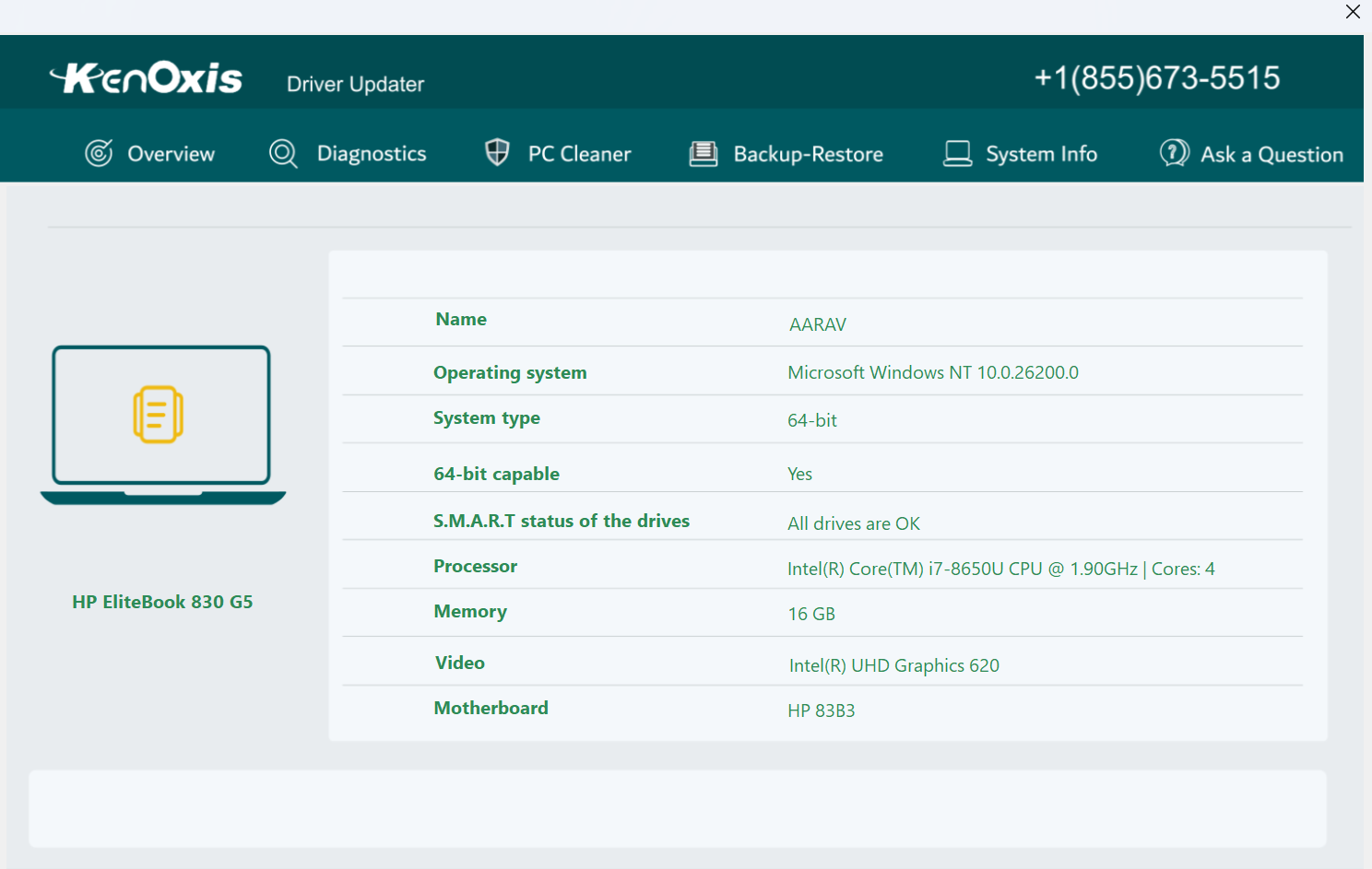
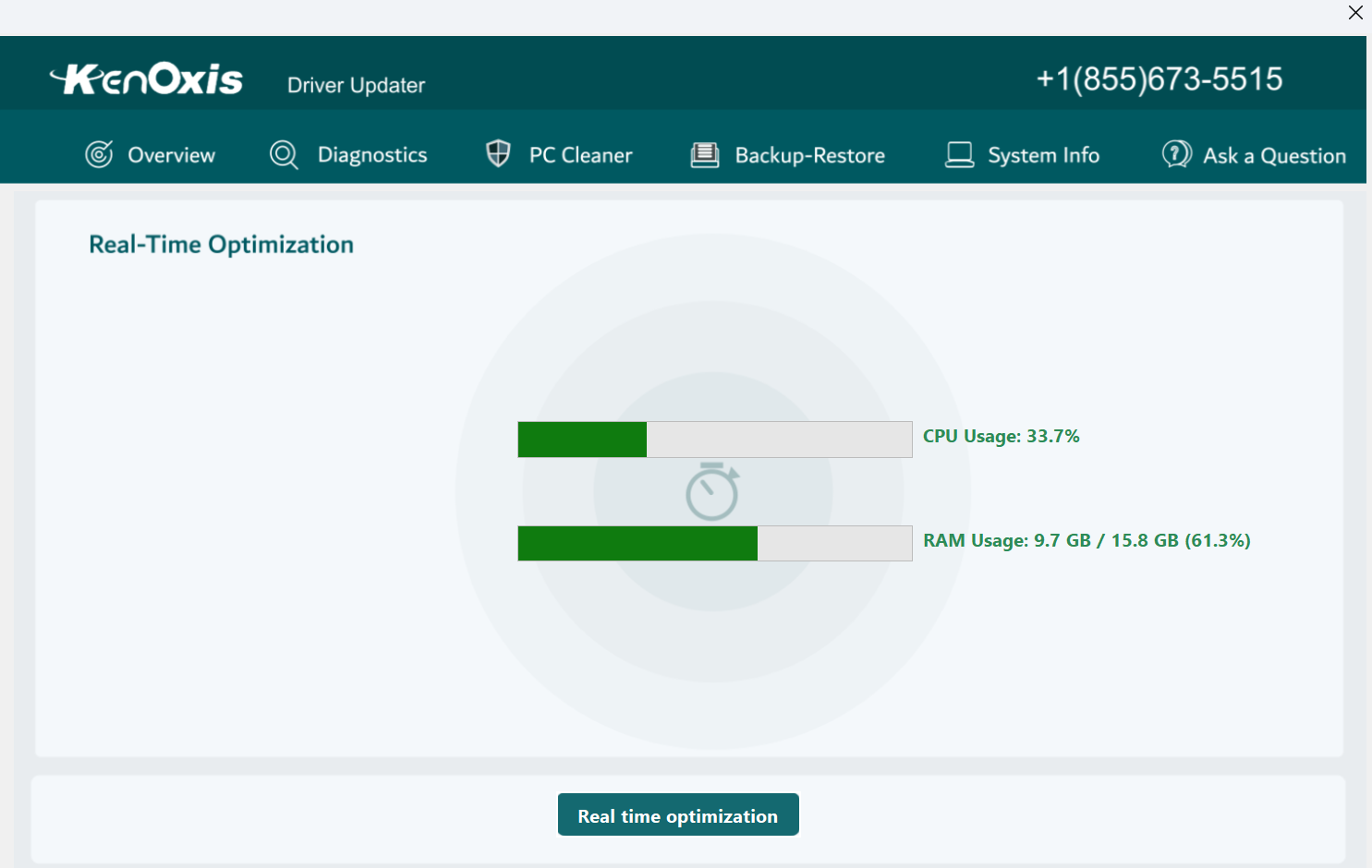
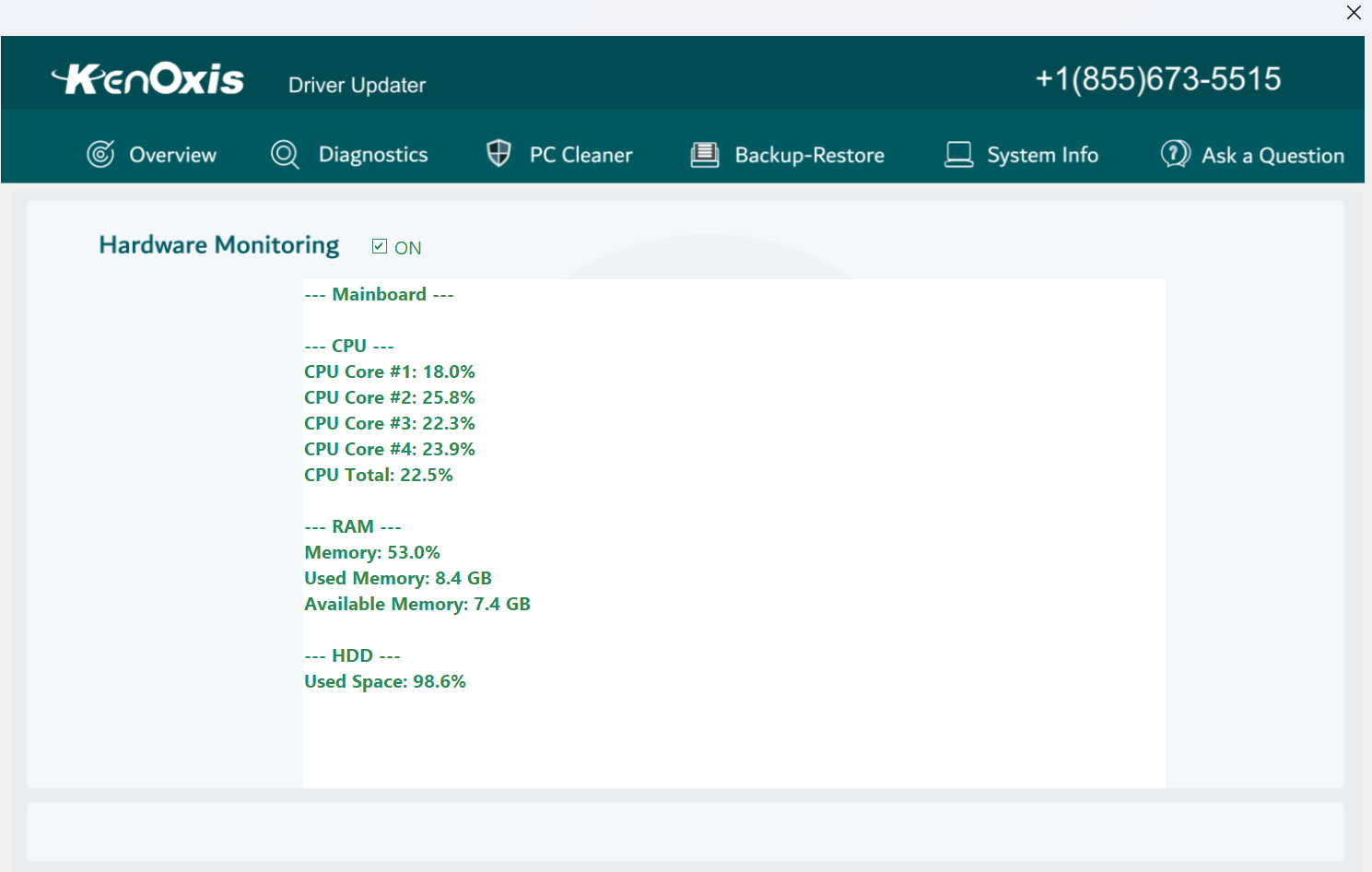
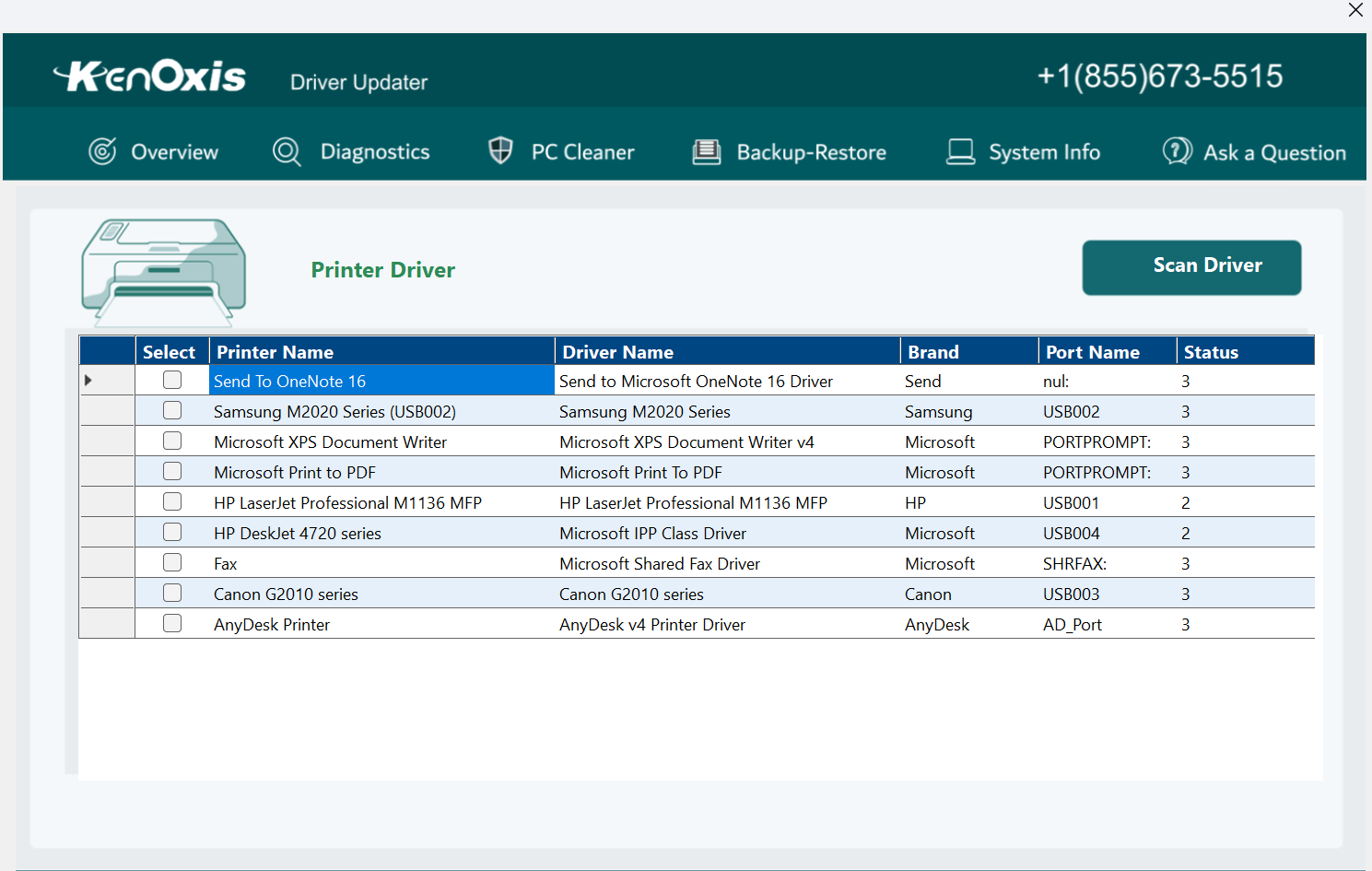
The first thing you'll notice is the clean and intuitive layout. The main dashboard presents a clear overview: scan now, view detected issues, and update all drivers – all accessible with minimal clicks. The scanning process is swift and unobtrusive, resembling a gentle stroll through your system's hardware landscape. Once completed, the results are displayed plainly, allowing even novices to understand which drivers need attention.
Updating drivers could be a tedious chore, often involving multiple downloads and installations. However, Kenoxis simplifies this with its one-click update feature. Think of it as sending your entire fleet of drivers for an oil change simultaneously—quick, efficient, and stress-free. Additionally, the app offers the option to select individual drivers for update, accommodating those who prefer a more granular approach.
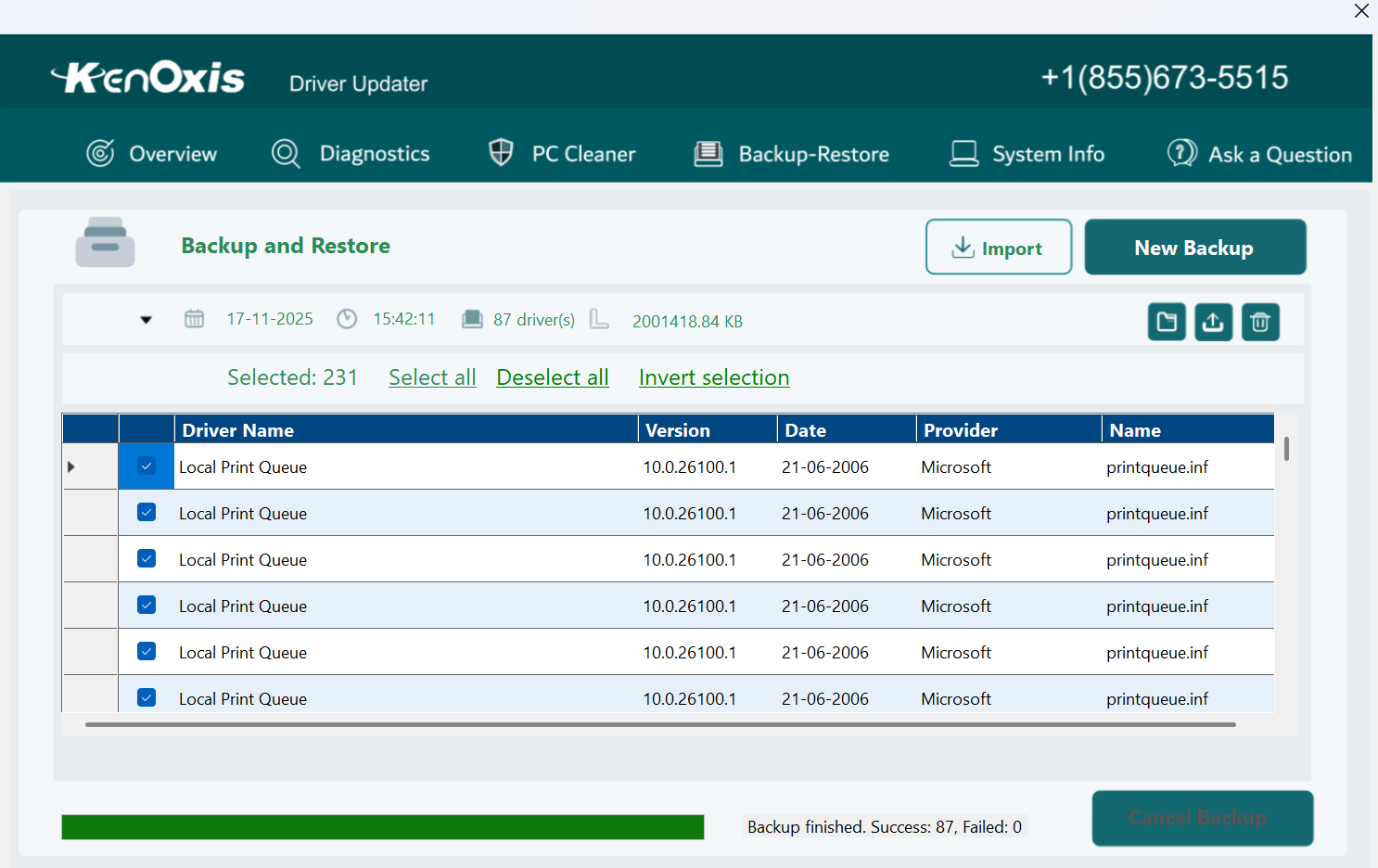
One of the standout features is its backup and restore function. Just like saving a draft before making significant edits on a document, this ensures you can revert to previous driver versions if an update introduces unforeseen issues. This adds a layer of reassurance, making the update process less daunting for cautious users.
While many driver update tools flood the market with similar promises, Kenoxis Driver Updater distinguishes itself through its simplicity combined with trusted safety nets. Its backup feature is particularly noteworthy, offering peace of mind unmatched by some competitors that merely scan and update without safeguarding existing drivers. Furthermore, it focuses on a streamlined user experience—avoiding overly technical interfaces that can intimidate less tech-savvy users.
Unlike bulkier or more aggressive updater utilities, this app preserves system stability by providing clear insight before making changes, aligning more closely with the philosophy of “know before you go.”
If your goal is to maintain optimal hardware performance with minimal fuss, Kenoxis Driver Updater merits a solid recommendation. It's especially suitable for users who want a reliable, safe, and straightforward tool that manages updates without overwhelming with complex options. However, tech-savvy users seeking highly customizable or deep system tweaks may prefer more advanced options.
In summary, Kenoxis Driver Updater for Windows offers a dependable and intuitive solution for driver upkeep—think of it as having a friendly technician watching over your system's traffic flow, ensuring everything runs without a hitch. Its unique backup safety net and user-centric design make it a worthwhile addition to your PC maintenance toolkit.
User-friendly interface
Automatic driver detection
One-click update feature
Regular database updates
Backup and restore options
Limited free features
Occasional false positives
Speed of scans can vary
Limited support for older Windows versions
Customer support responsiveness is moderate
for Windows
 5
5

for Windows
4.6

for Windows
4.6

for Windows
4.6

for Windows
4.5

for Windows
4.4

for Windows
4.4

for Windows
4.3

for Windows
4.3

for Windows
4.3

for Windows
4.3

for Windows
4.2

for Windows
5

for Windows
5
for Windows
5

for Windows
5

for Windows
5

for Windows
5

for Windows
5

for Windows
5

for Windows
5

for Windows
5