Books & reference
KDLApps
PC, Mobile, Surface Hub, HoloLens
Windows 10 version 17763.0 or higher
English (United States)
In the sea of countless document viewers, KDL Reader emerges as a calm and reliable oasis, promising a smooth and enjoyable reading experience tailored for Windows users. It combines straightforward functionality with thoughtful features, all wrapped in a clean interface designed for effortless navigation.
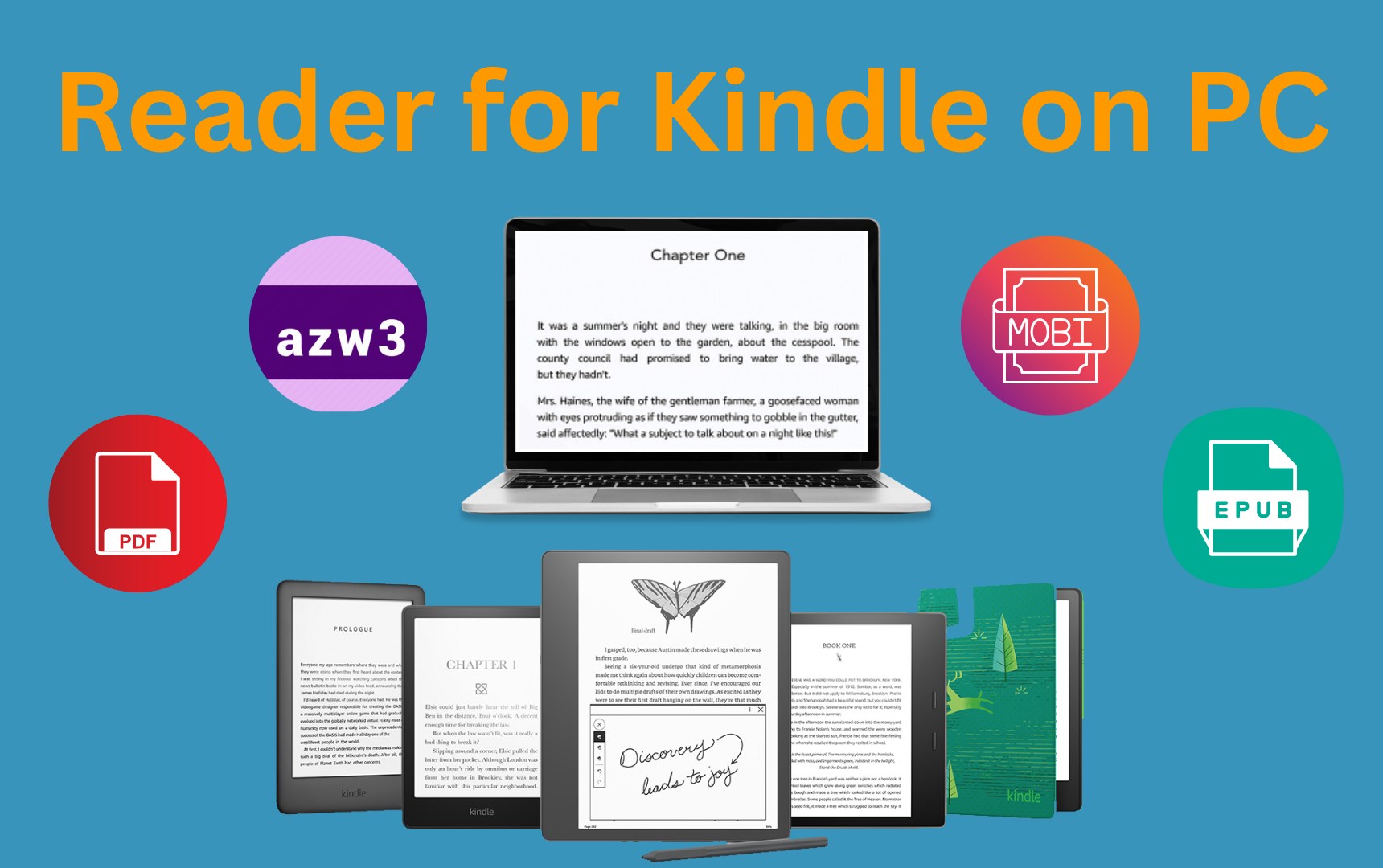
This application is a dedicated PDF and e-book reader optimized for the Windows platform, developed by KDLApps. The app aims to provide users with a seamless reading experience, emphasizing ease of use, customization, and efficient document management.
Primarily targeting students, researchers, professionals, and anyone who frequently interacts with digital reading materials, the app caters to users seeking a mix of simplicity and functionality without the bloat of overly complex features.
Imagine curling up in your favorite armchair, a warm cup of coffee in hand, opening a digital tapestry that instantly responds to your gaze. KDL Reader aims to transform your Windows device into this cozy nook, where every page turn feels as natural as flipping a paper book—only faster, smarter, and more personalized. Whether you're skimming through a lengthy research paper or leisurely browsing an e-book, this app positions itself as an approachable companion on your digital reading journey.
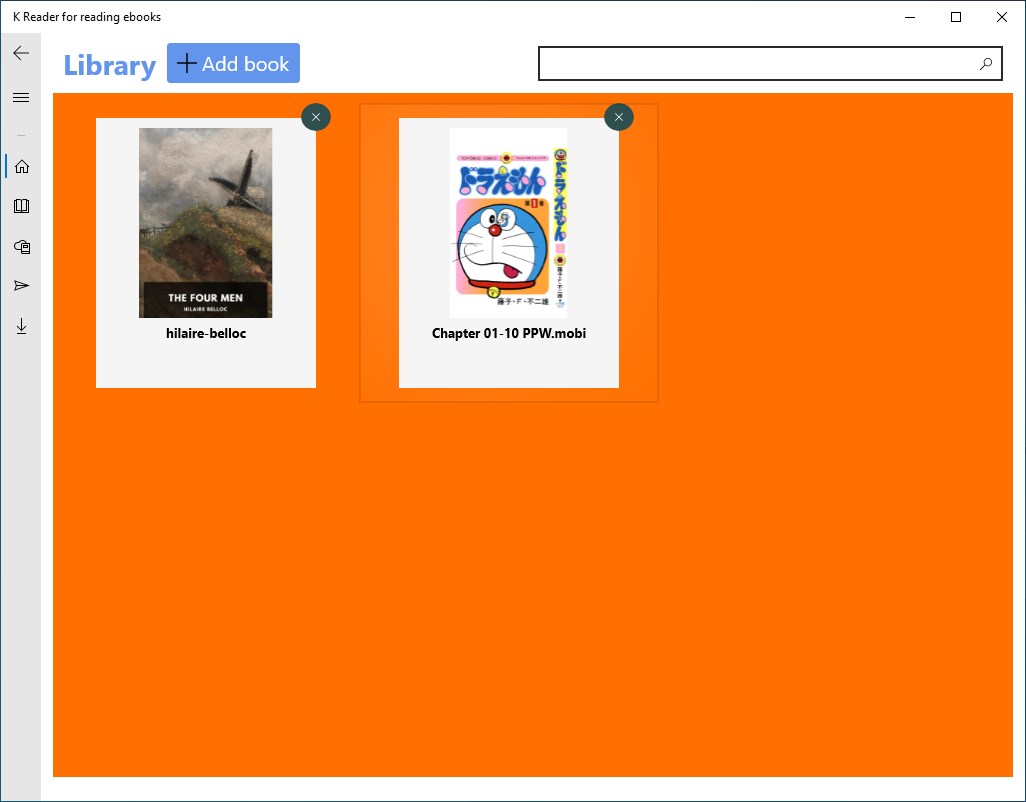
KDL Reader sports a minimalistic interface that resembles a well-organized library, offering quick access to your documents with just a few clicks. The clean layout ensures that clutter doesn't distract from your focus, akin to walking into a tidy study with all your favorite books within arm's reach. The app's navigation is fluid and intuitive, allowing you to effortlessly jump between pages, chapters, or different documents. Transition animations are smooth, enhancing the overall feeling of a polished, responsive application.
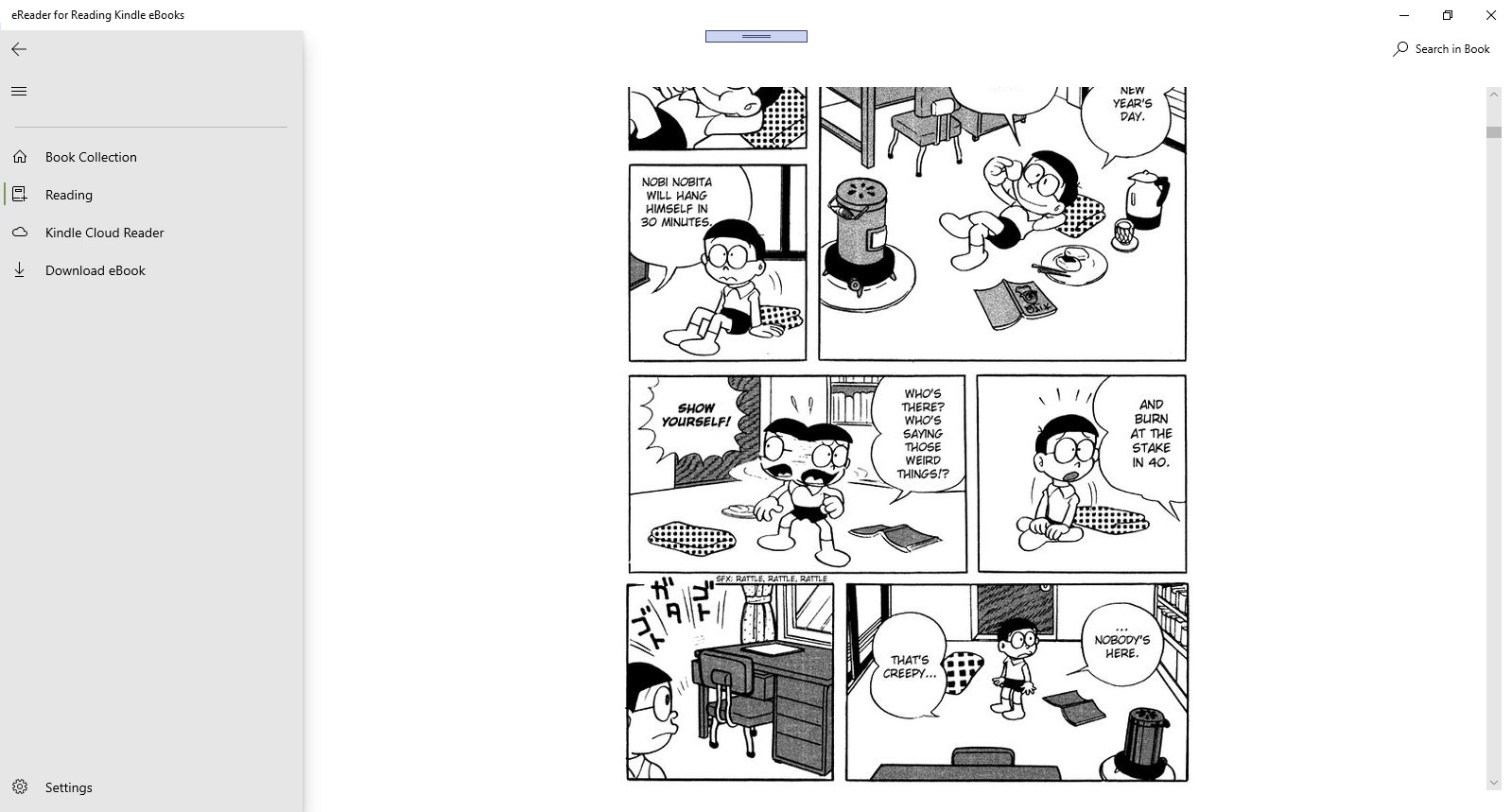
The application shines brightest with its reading customization features. You can switch between multiple reading modes—night, sepia, or default—to suit your eye comfort and ambient lighting. The annotation system is straightforward yet versatile, enabling highlighting, underlining, and adding notes directly onto pages, making it a practical tool for researchers or students who need to mark important passages. The uniqueness lies in its simplicity paired with sufficient flexibility, making annotations easy without overwhelming the user.
KDL Reader performs remarkably well even with large, complex documents, thanks to its efficient rendering engine. The app's responsiveness ensures that browsing remains fluid, reducing frustration often encountered with slower document viewers. Its learning curve is gentle—new users can grasp its core functions within minutes, thanks to contextual icons and helpful tooltips. This ensures that even those less tech-savvy can jump right in and start reading without a steep acclimation process.
While many PDF readers focus solely on viewing, KDL Reader's standout feature is its enhanced document management integrated with a smooth reading experience. Its ability to support multiple formats extends its utility beyond typical PDFs, accommodating diverse reading needs seamlessly. Additionally, the app's lightweight footprint means it won't slow down your system, an often-overlooked advantage among feature-heavy alternatives. Its emphasis on a clutter-free, user-friendly interface coupled with robust annotation tools makes it particularly attractive for students and professionals seeking efficiency without sacrificing comfort.
Overall, KDL Reader is a solid choice for users who value straightforward, reliable document viewing on Windows. Its core strengths—speed, ease of navigation, and effective annotation—make it especially well-suited for study, research, or casual reading. While it may not boast the extensive cloud integration or advanced features of some rivals, its focus on core reading functionalities ensures a clutter-free experience. For users looking for a dependable, no-fuss app to keep their digital library organized and accessible, KDL Reader is certainly worth trying. I recommend it to anyone who prefers focus and simplicity without sacrificing performance.
User-Friendly Interface
Supports Multiple eBook Formats
Fast Loading Speed
Customizable Reading Settings
Syncs with Cloud Services
Limited Annotation Features
Minor Formatting Inconsistencies
No Text-to-Speech Functionality
Basic Search Capabilities
Occasional App Crashes on Large Files

for Windows
 4.9
4.9
for Windows
4.8
for Windows
4.8
for Windows
4.8
for Windows
4.1

for Windows
4
for Windows
2.7
for Windows
1.4
for Windows
0

for Windows
5

for Windows
5

for Windows
5

for Windows
5

for Windows
5

for Windows
5

for Windows
5

for Windows
5

for Windows
5

for Windows
5