Developer tools
Aadhil RF
PC, Mobile, Surface Hub, HoloLens
Windows 10 version 17763.0 or higher
English (United States)
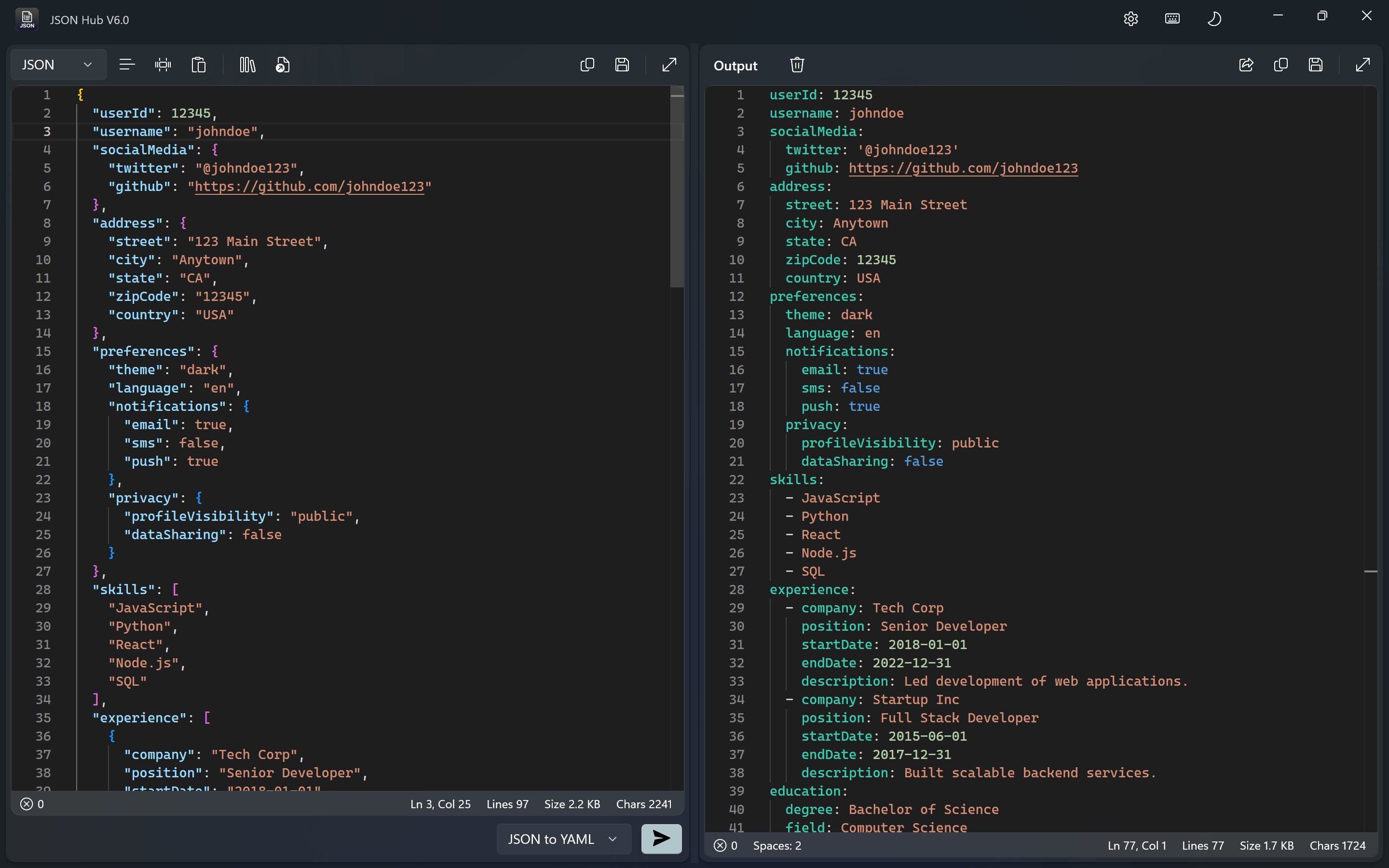
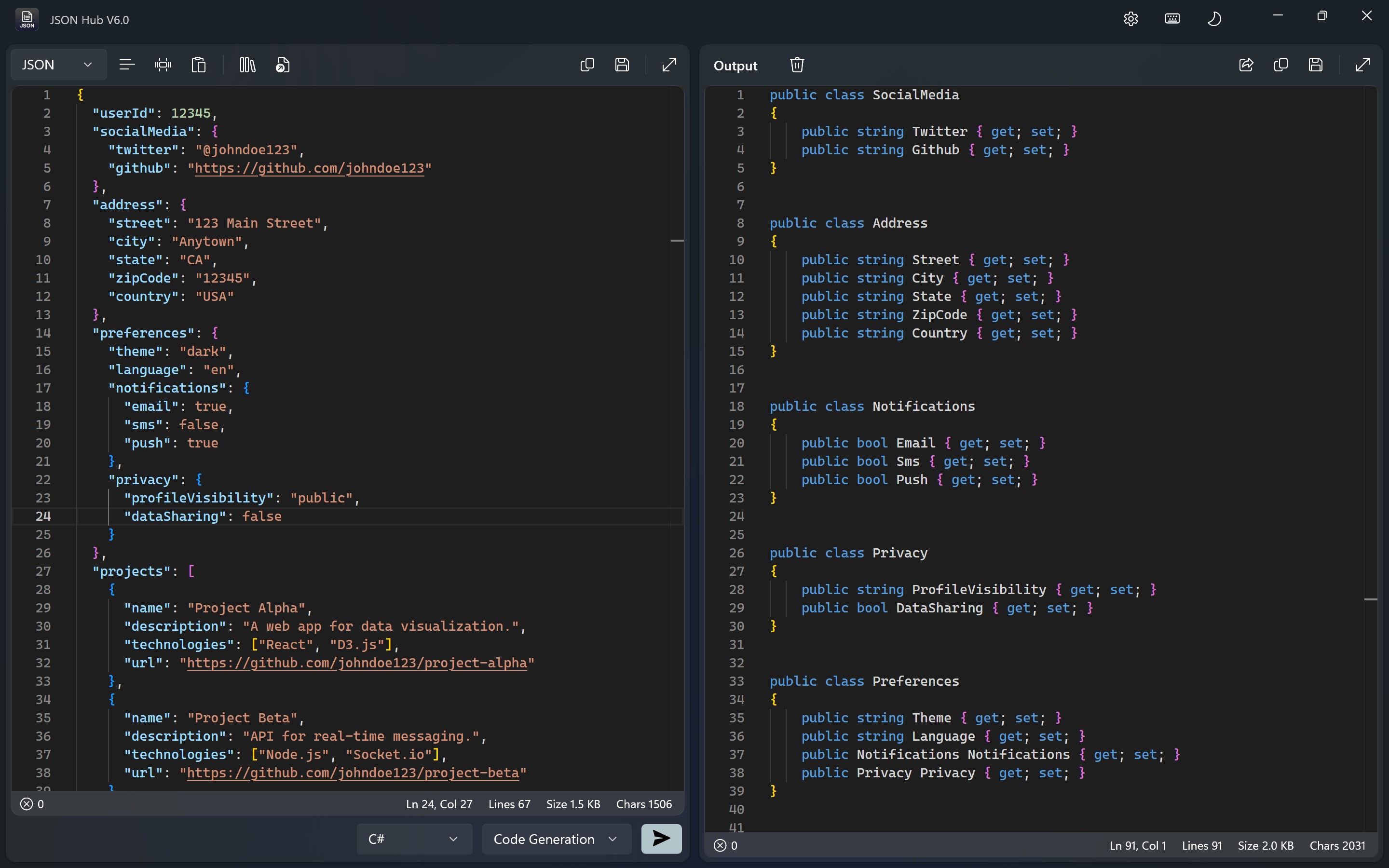
JSON Hub for Windows is a user-friendly application designed to simplify the process of viewing, editing, and managing JSON data on your desktop. It aims to bring efficiency and clarity to developers and data analysts who frequently work with JSON files.
Aadhil RF is both the creator and publisher of JSON Hub for Windows. Their focus appears to be on crafting intuitive tools that enhance productivity for developers and data enthusiasts alike.
The target audience predominantly includes developers, data analysts, and QA professionals who require efficient JSON data handling within their workflows.
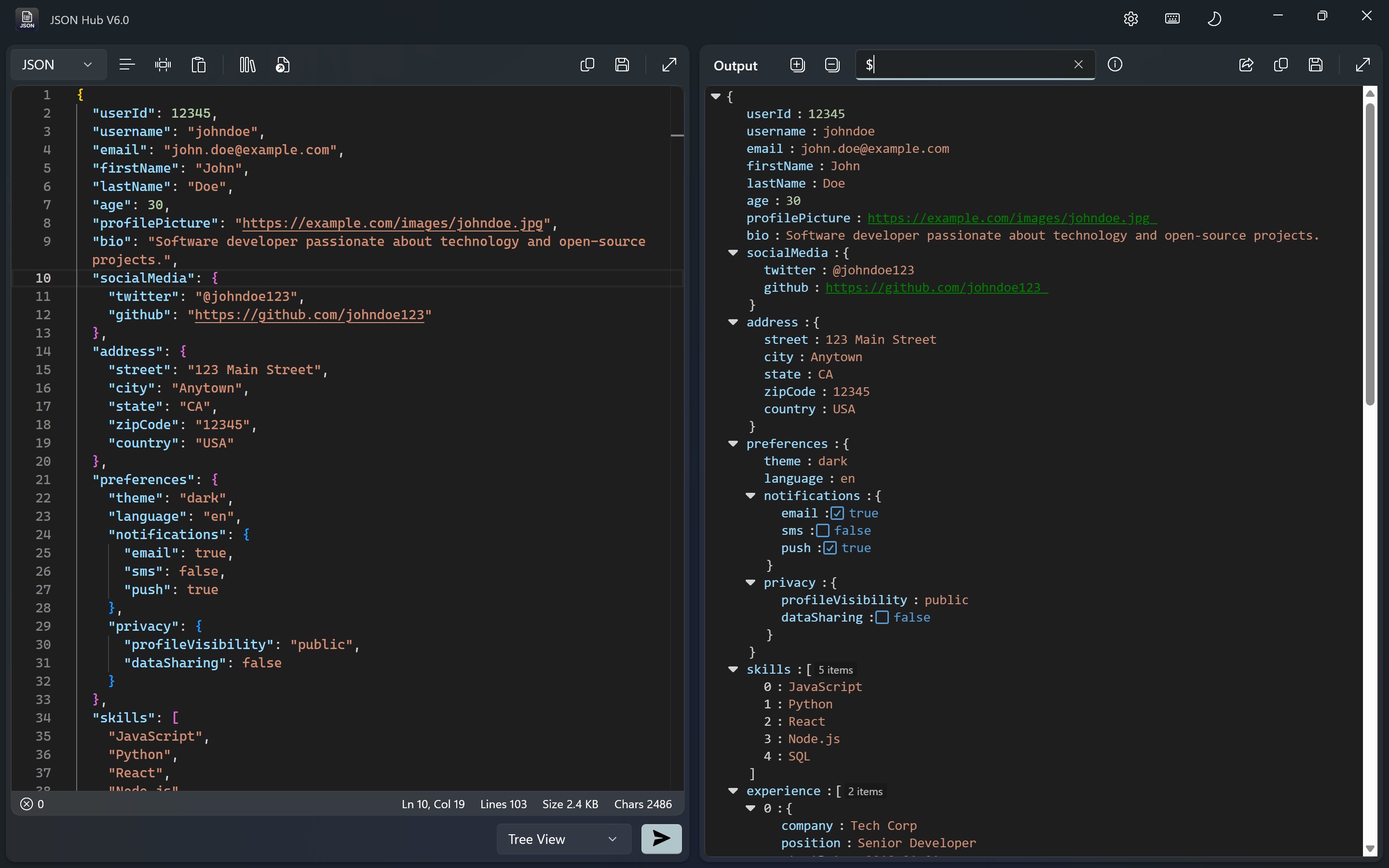
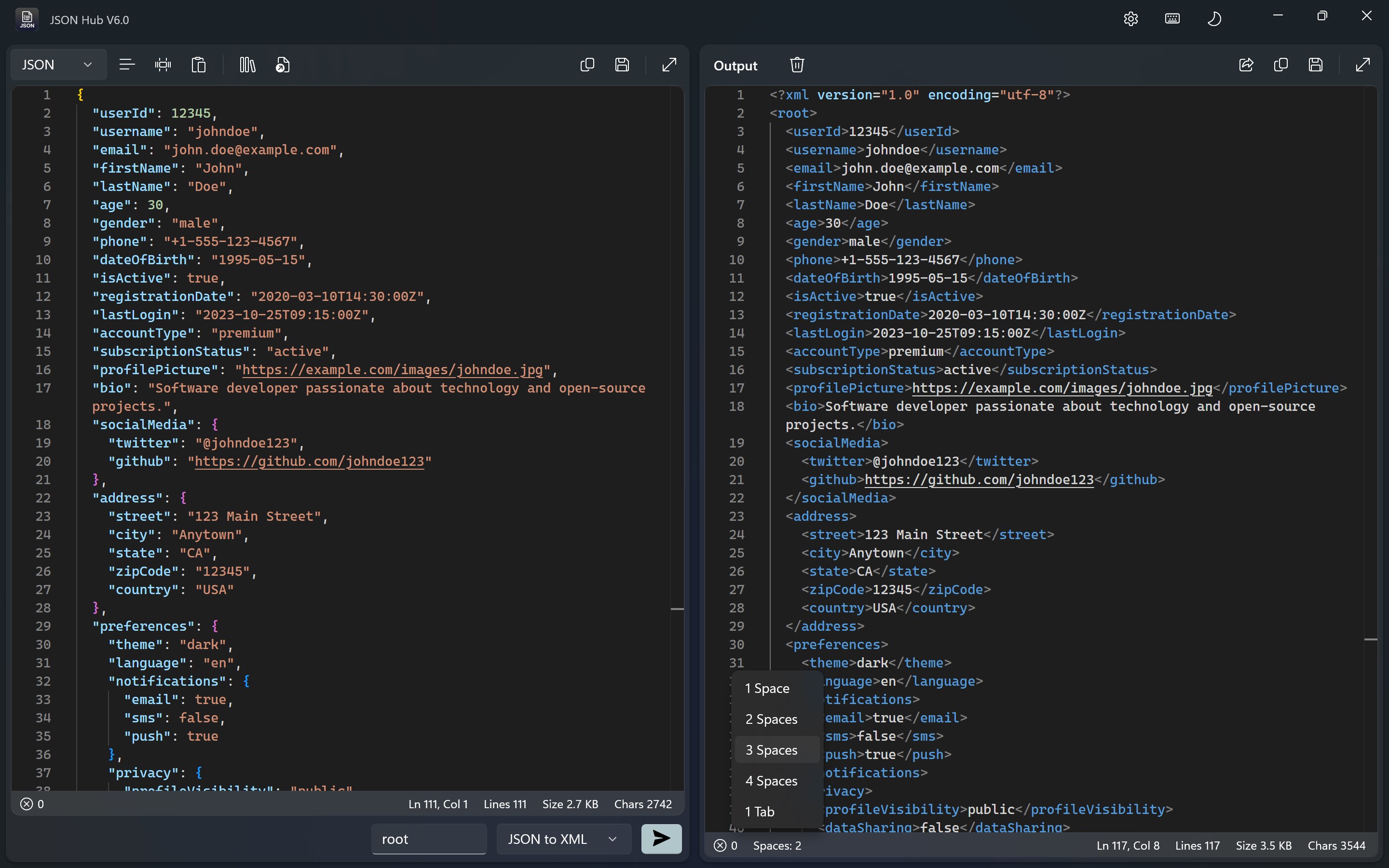
From the moment you launch JSON Hub, it feels like opening a well-organized toolbox—everything is clearly laid out, and the interface isn't cluttered with unnecessary bells and whistles. The clean, dark-themed dashboard is easy on the eyes, especially during long editing sessions. Navigating between files, switching views, or applying formatting is smooth as silk, thanks to responsive controls and minimal lag. For beginners, the learning curve is gentle, enabling quick mastery of core functions without frustration.
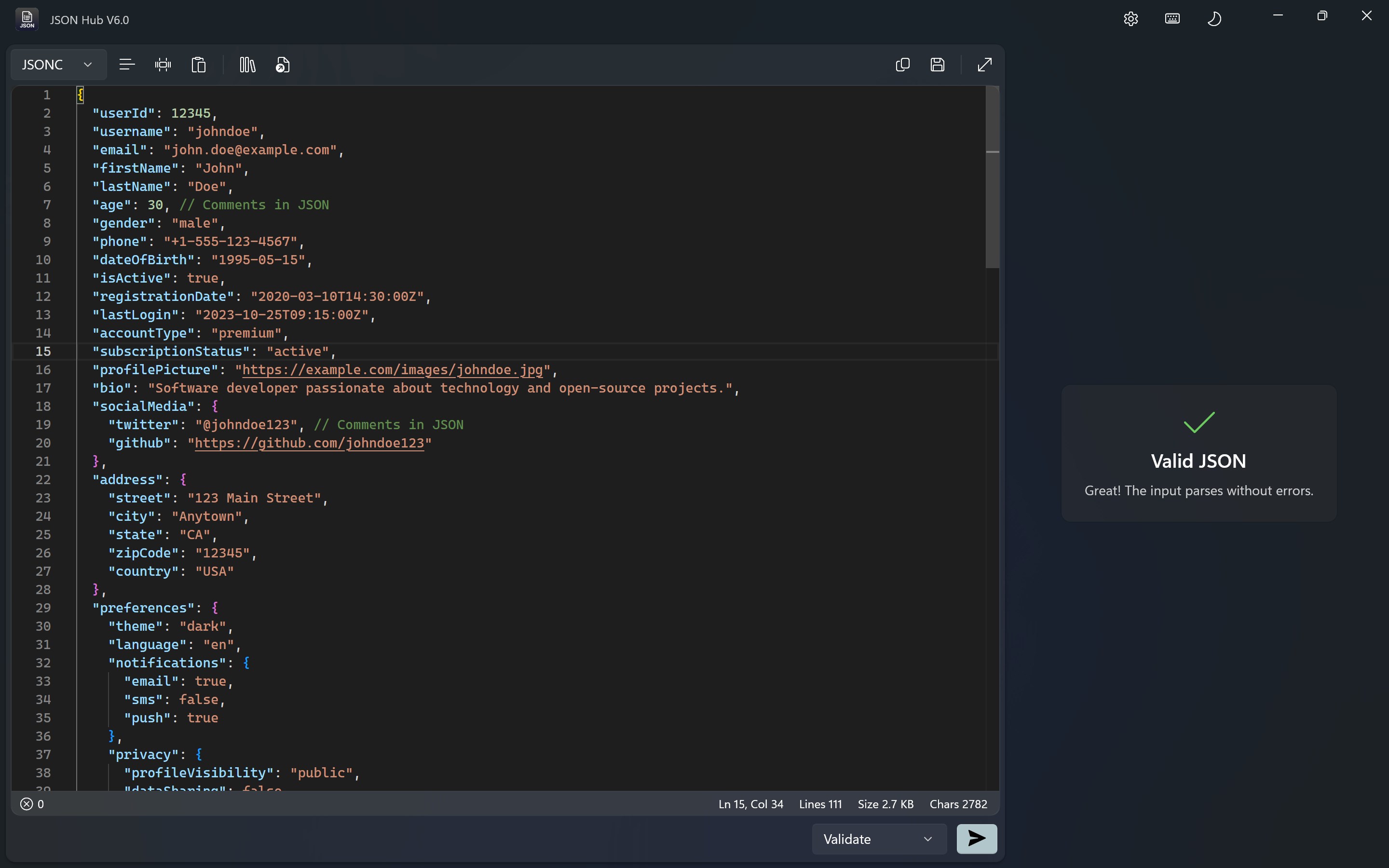
One of this app's standout features is its instant JSON validation and formatting function. Imagine you're coding a game or configuring parameters for a database—mistakes are common, like missing commas or unclosed brackets. JSON Hub acts like a vigilant editor, immediately detecting errors and highlighting problematic areas. The formatting tool neatly indents and arranges the data, turning a jumbled block of code into a crystal-clear structure. This feature is particularly useful when dealing with large JSON files, saving hours of manual correction and reducing errors before deployment.
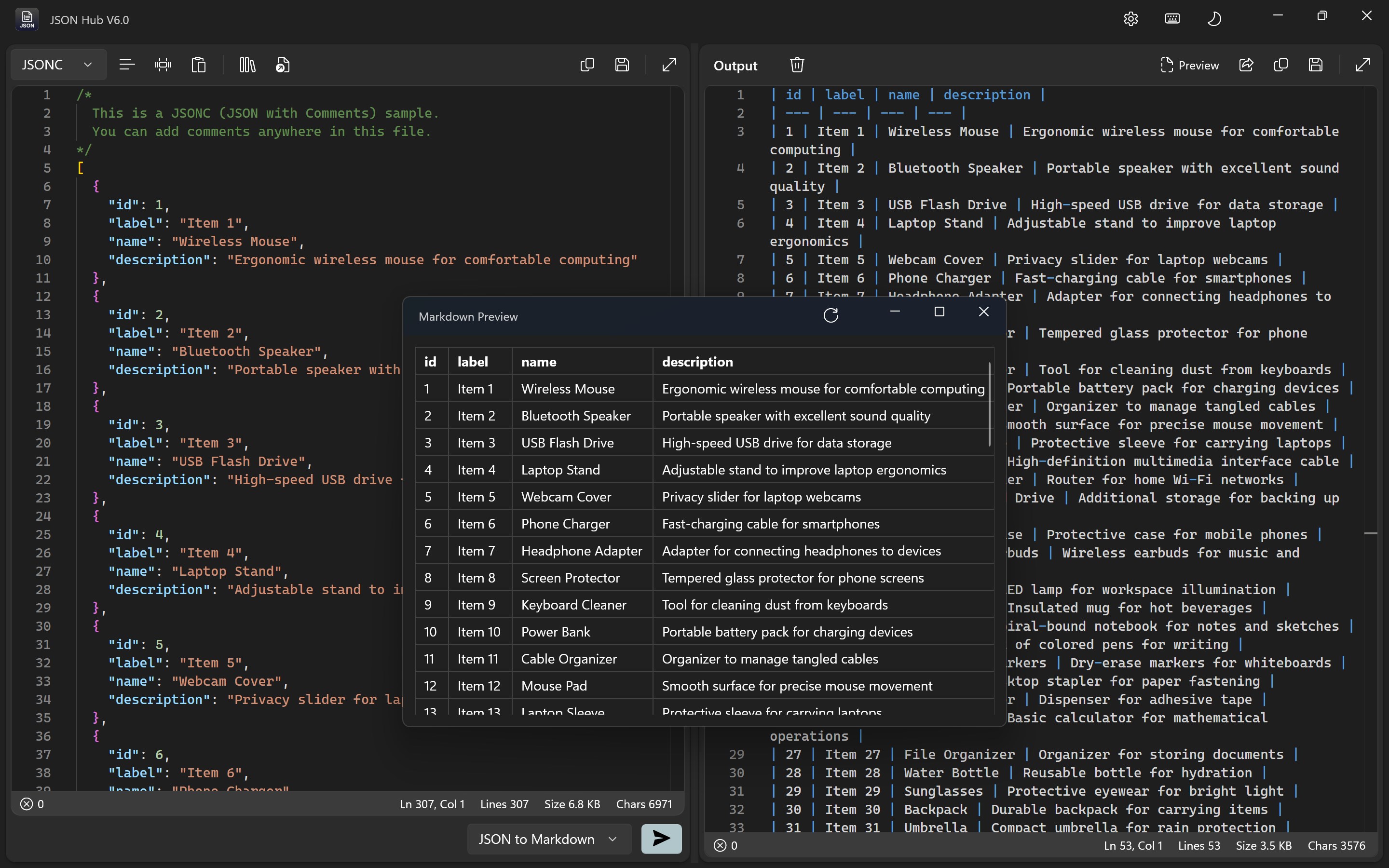
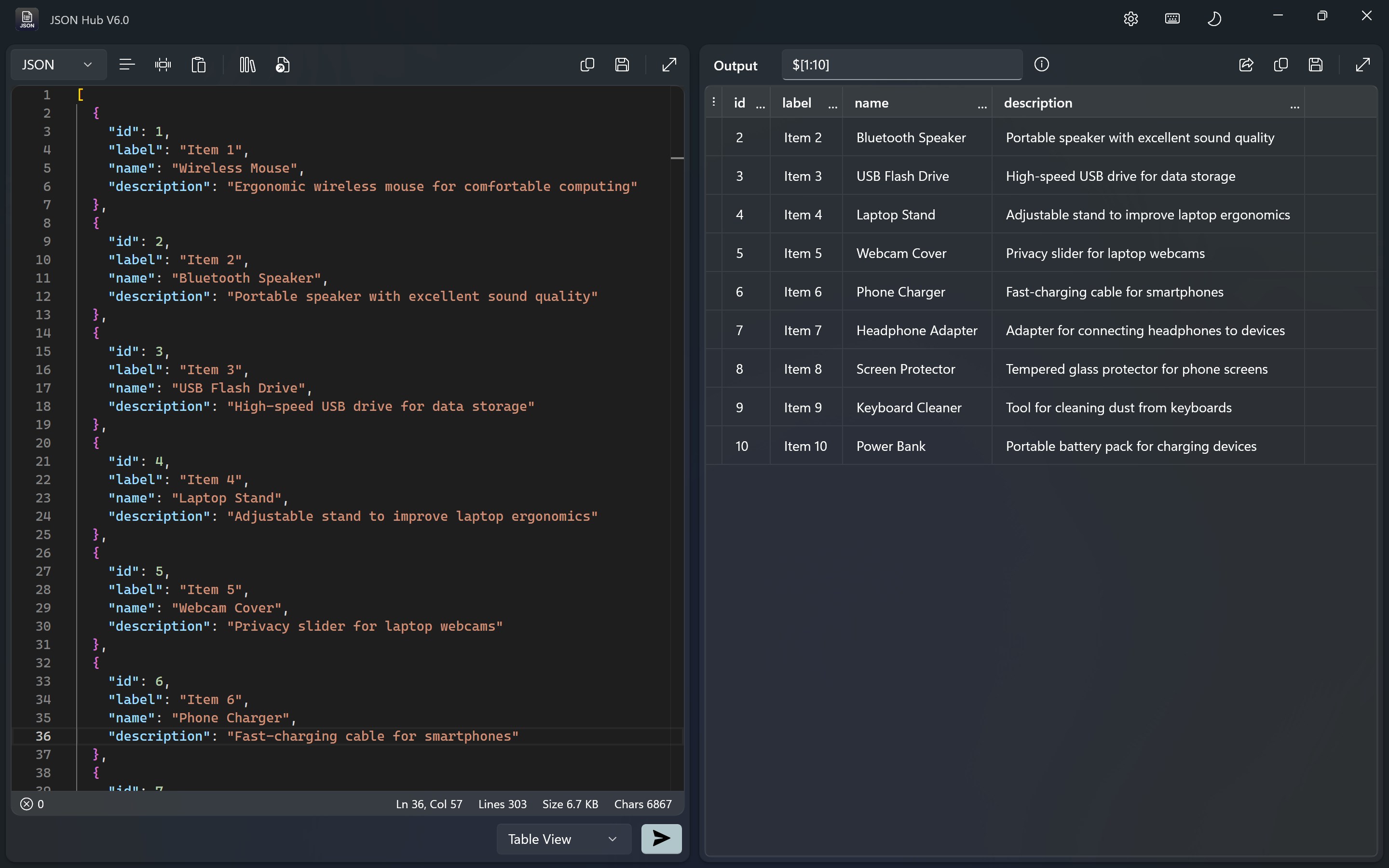
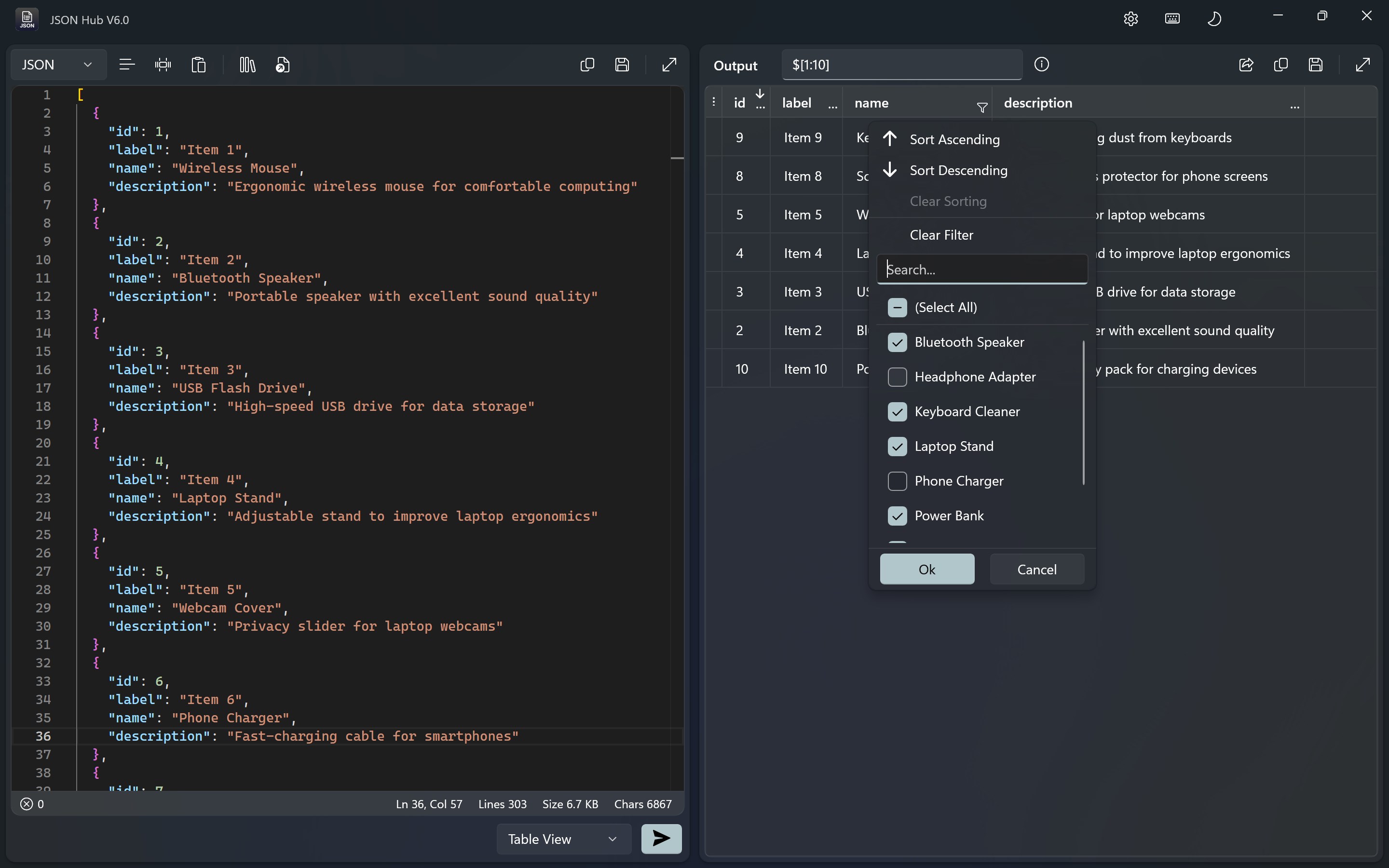
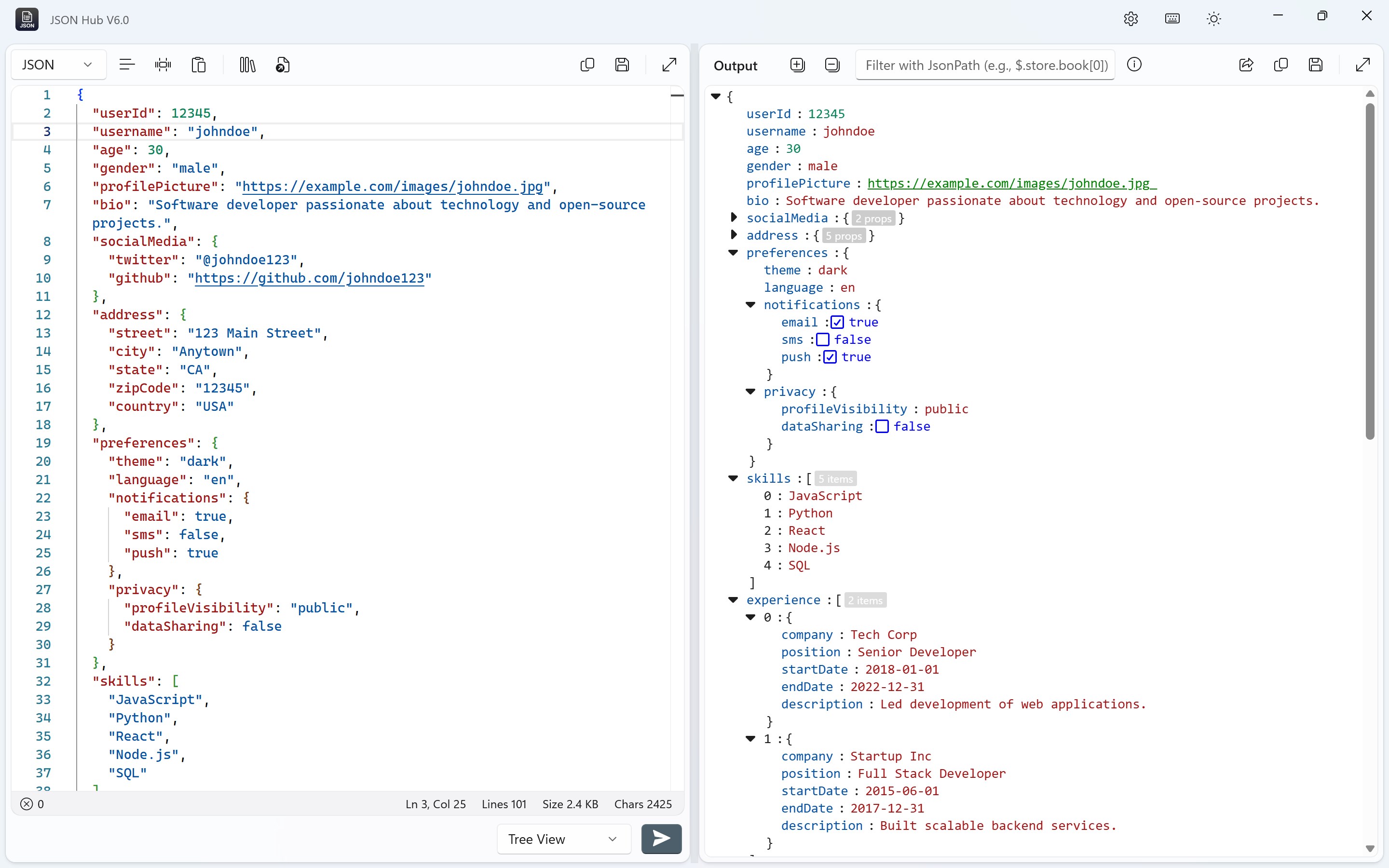
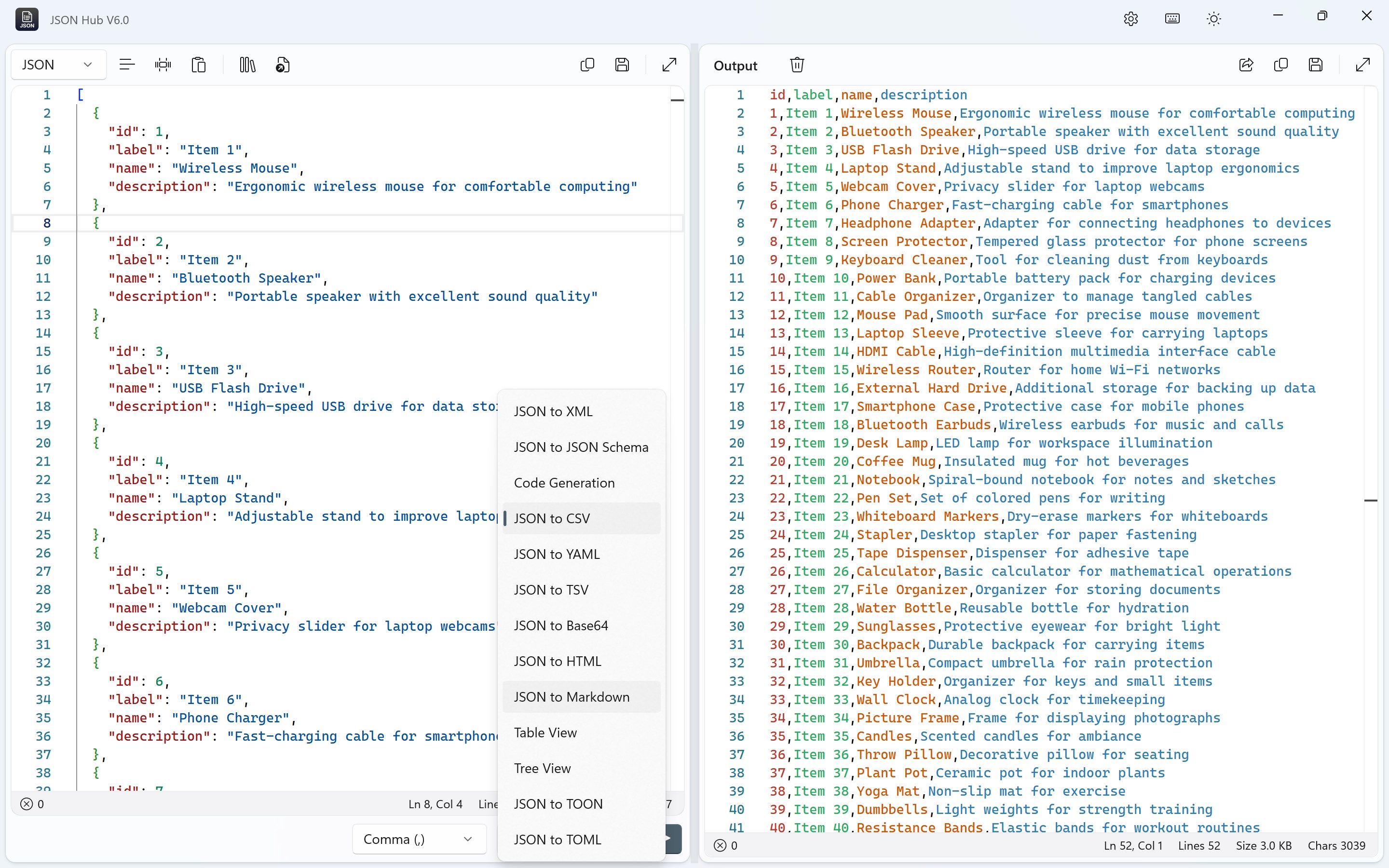
The data visualization feature sets JSON Hub apart from more basic editors. Instead of scrolling throughlines of nested code, you can switch to a visual tree view that depicts your JSON structure like a family tree—parents, children, siblings—all laid out clearly. This makes it easier to understand complex hierarchies at a glance. Additionally, the multi-format export function is like having a Swiss Army knife: whether you need CSV for spreadsheets, XML for integrations, or plain text summaries, JSON Hub handles it gracefully. This flexibility is especially handy when preparing data for different platforms or reports, seamlessly bridging different data ecosystems.
Compared to other developer tools, JSON Hub for Windows offers a balanced blend of simplicity and functionality. Its most compelling features—the one-click validation and intelligent visualization—are particularly noteworthy. These elements significantly aid users in debugging and comprehending nested JSON structures, which can often be a headache without proper tools. Furthermore, the app's straightforward interface makes it accessible to beginners, while still providing robust features for seasoned developers.
Considering its features and performance, I would recommend JSON Hub to anyone working extensively with JSON data, especially those who value clarity and efficiency. It's a reliable companion for cleaning up, validating, and transforming JSON files with ease. For professionals seeking a lightweight, intuitive editor that emphasizes core JSON management functions without extra clutter, this app deserves a spot in your toolkit.
User-Friendly Interface
Fast Data Processing
Robust JSON Validation
Customizable Features
Regular Updates
Limited Export Options
Occasional UI Lag
Lack of Offline Support
Limited Documentation for Advanced Features
Minor Stability Issues on Some Devices

for Windows
 5
5

for Windows
4.6

for Windows
4.6

for Windows
4.6

for Windows
4.5

for Windows
4.4

for Windows
4.4

for Windows
4.3

for Windows
4.3

for Windows
4.3

for Windows
4.3

for Windows
4.2

for Windows
5

for Windows
5
for Windows
5

for Windows
5

for Windows
5

for Windows
5

for Windows
5

for Windows
5

for Windows
5

for Windows
5