Classics
RV AppStudios
PC
Windows 10 version 10240.0 or higher
Version 10
Czech, Danish, Dutch, English (United States), Finnish, French, German, Indonesian, Italian, Japanese, Korean, Malay, Norwegian, Polish, Portuguese, Russian, Spanish, Swedish, Turkish, Vietnamese
Jigsaw Puzzles Pro for Windows stands out as a sleek, engaging digital puzzle experience designed to captivate both casual players and puzzle aficionados alike. Perfectly blending simplicity with fun, it offers an accessible yet challenging way to unwind and sharpen your mind without leaving your computer.
Developed and published by RV AppStudios, a team known for creating intuitive and user-friendly casual games, Jigsaw Puzzles Pro aims to bring the classic joy of jigsaw puzzles into the digital age. Key highlights of the app include:
The target user base includes puzzle enthusiasts seeking a digital escape, casual gamers who enjoy relaxing activities, and anyone looking to challenge their visual-spatial skills in a friendly environment.
From the moment you launch Jigsaw Puzzles Pro, it feels like stepping into a cozy puzzle room—calm, inviting, and full of possibilities. The interface's clean design resembles a well-organized craft table; everything is just a click away without clutter or overwhelming menus. Navigating through themes and difficulty options is as effortless as flipping through a photo album, inviting users to jump right into the action or explore customization features at their own pace.
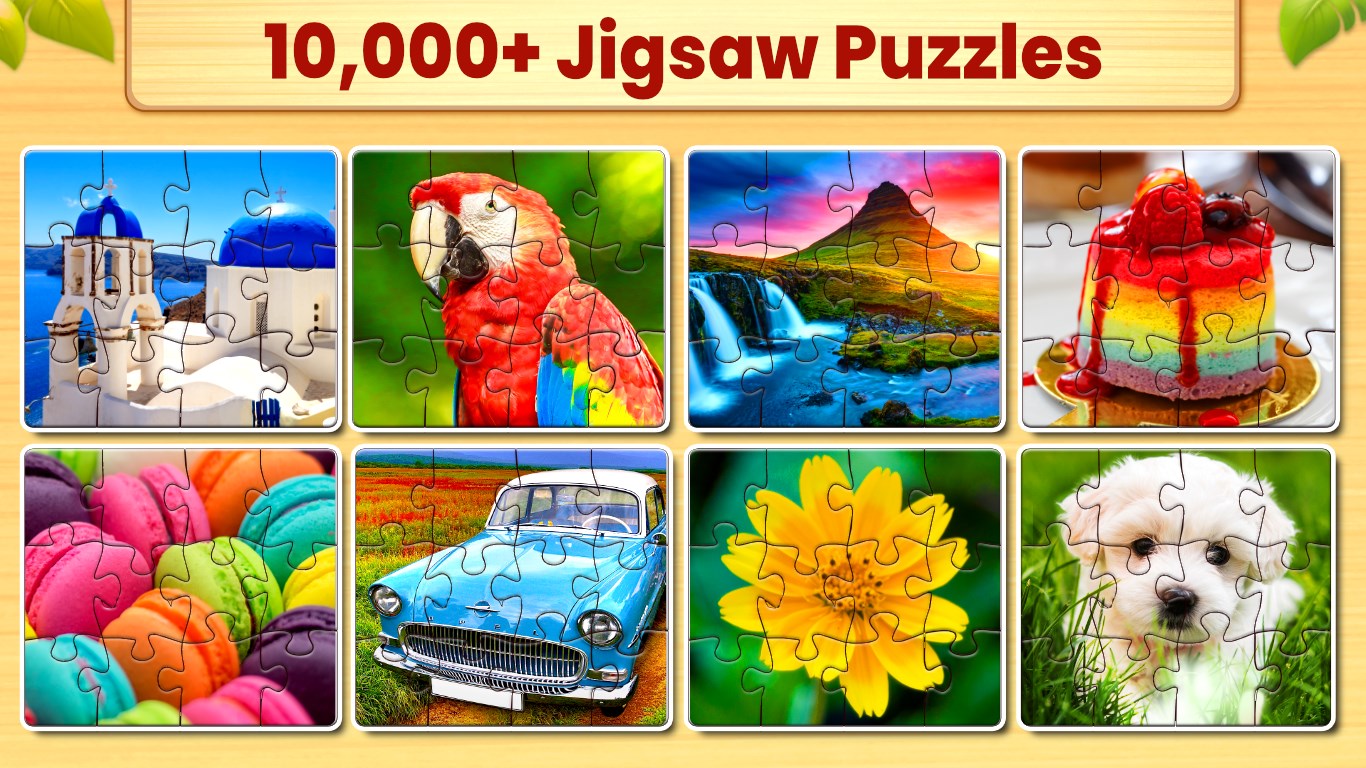
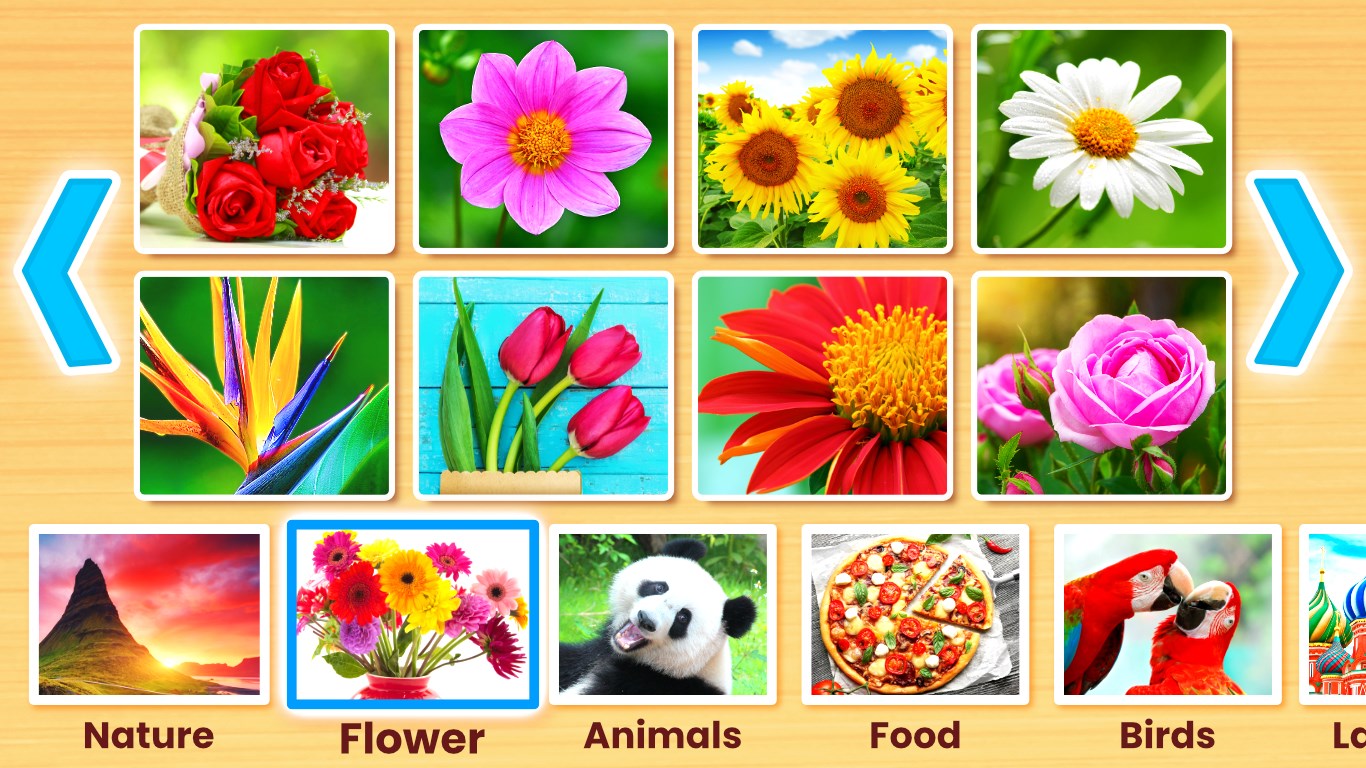
Beautiful, Varied Puzzle Collections: The app boasts an impressive library of images that span diverse themes—from vibrant landscapes and adorable animals to iconic landmarks. The visual quality keeps images crisp and colors vibrant, ensuring each piece glows with life. For those seeking a personal touch, the custom upload feature is a game-changer, transforming personal memories into captivating puzzles—imagine piecing together a cherished family photo using the same mechanics as traditional jigsaws.
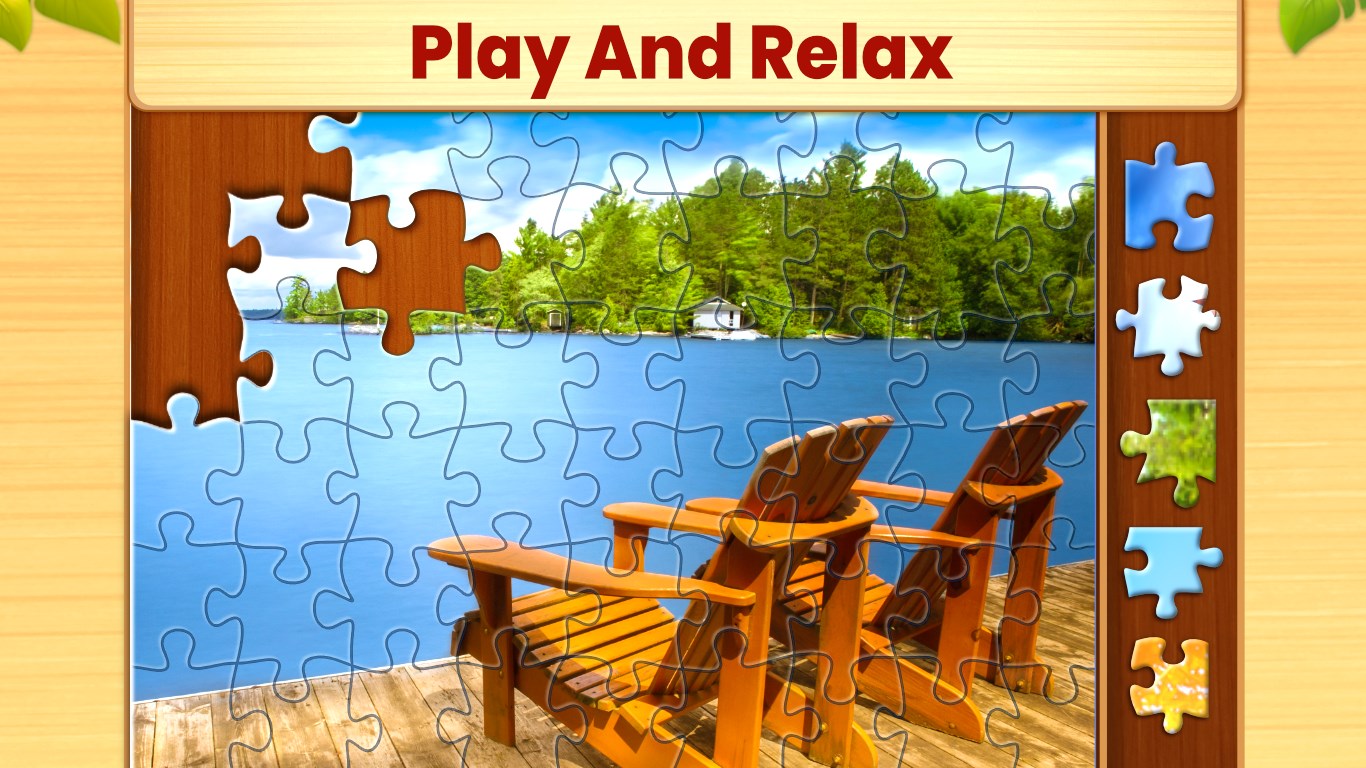
User Interface and Interaction: The design prioritizes intuitive interaction. Dragging, rotating, and snapping pieces are tactile yet smooth, almost like handling real puzzle pieces. The intuitiveness smooths out the learning curve, so even first-time users quickly feel at home. The app provides helpful hints and auto-fit options, ensuring frustration doesn't overshadow the fun. Plus, the drag-and-drop mechanics respond instantly, which enhances the overall sense of control and satisfaction during puzzle assembly.
Difficulty Adjustment and Replayability: With adjustable piece counts—from simple 24-piece puzzles to complex 400-piece challenges—players can calibrate puzzles to their mood and skill level. This dynamic scalability turns a casual pastime into an engaging brain teaser. Additionally, the variety of available images and customizable options means there's always a new challenge just a click away.
Compared to other traditional or digital puzzle applications, Jigsaw Puzzles Pro's standout feature is its ultra-intuitive customization capability combined with a rich library of high-quality images. Unlike many apps that limit users to pre-selected puzzles, the ability to upload personal photos bridges the gap between recreational activity and personal nostalgia. This feature alone elevates the app from a generic jigsaw experience to a personalized journey, setting it apart from the crowd.
Overall, Jigsaw Puzzles Pro offers a refined, accessible puzzle experience that balances aesthetic appeal with user-friendly features. Its smooth gameplay, combined with the unique ability to create personalized puzzles, makes it highly recommended for anyone looking to relax, challenge themselves, or revisit cherished memories through puzzles.
If you're a puzzle lover seeking variety and customization, this app should be your go-to choice. For casual users, its gentle learning curve and adjustable difficulty make it an ideal pick for unwinding after a long day. Just keep in mind that while it excels in ease of use and personalization, those seeking competitive or multiplayer features may find its scope more limited. Nonetheless, for a solo, immersive puzzle experience, Jigsaw Puzzles Pro shines as a particularly versatile and thoughtfully crafted option.
Intuitive interface with smooth navigation
Wide variety of puzzles and themes
Highly customizable difficulty levels
Good automatic tile-fitting and snapping features
Offline mode available for uninterrupted play
Limited puzzle categories in the free version
Occasional app crashes during loading
Lack of multiplayer or social features
Basic sound effects and background music
Some puzzles may be too simple for advanced players

for Windows
 4.9
4.9

for Windows
4.9

for Windows
4.9

for Windows
4.8

for Windows
4.8

for Windows
4.8

for Windows
4.8

for Windows
4.7

for Windows
4.7

for Windows
4.7

for Windows
4.7

for Windows
4.7

for Windows
5

for Windows
5

for Windows
5

for Windows
5

for Windows
5

for Windows
5

for Windows
5

for Windows
5

for Windows
5

for Windows
5