Card & board
Frenzy Games
PC
Windows 10 version 17763.0 or higher
English (United States)
Jigsaw Puzzle Nature for Windows by Frenzy Games offers a calming and immersive digital jigsaw experience centered around the beauty of nature, perfect for puzzle enthusiasts seeking relaxation and visual delight.
Developed and published by Frenzy Games, Jigsaw Puzzle Nature is designed to bring the tranquility of natural landscapes right to your PC screen. Its key features include a diverse collection of high-quality nature images, an intuitive drag-and-drop mechanic, and customizable difficulty levels that cater to both casual players and seasoned puzzle solvers. The app also boasts smooth performance and an easy-to-navigate interface, making it accessible for all age groups. Its primary target audience encompasses puzzle lovers, nature enthusiasts, and users looking for a stress-relieving pastime on their Windows devices.
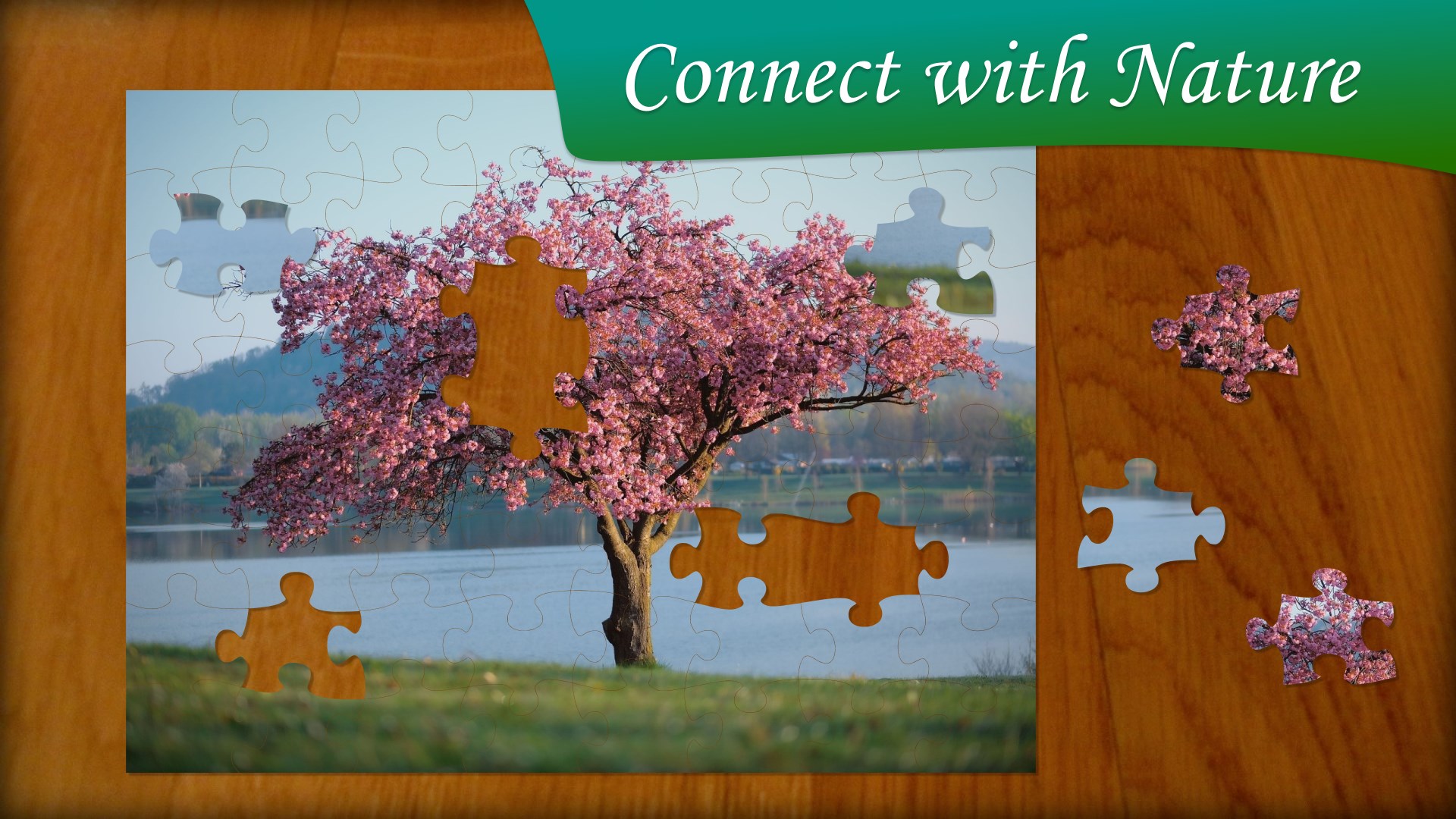
Imagine yourself stepping into a tranquil forest glade or gazing at a serene mountain lake—this is the kind of immersive experience Jigsaw Puzzle Nature aims to deliver. The app provides a peaceful escape from daily hustle, transforming your screen into a canvas of lush landscapes and scenic vistas. Its soothing imagery coupled with gentle sound effects creates an ambiance that beckons you to unwind and indulge in your puzzle-solving passion. Whether you're on a quick break or settling in for a longer session, this app invites you to lose yourself in a world of natural beauty, one piece at a time.
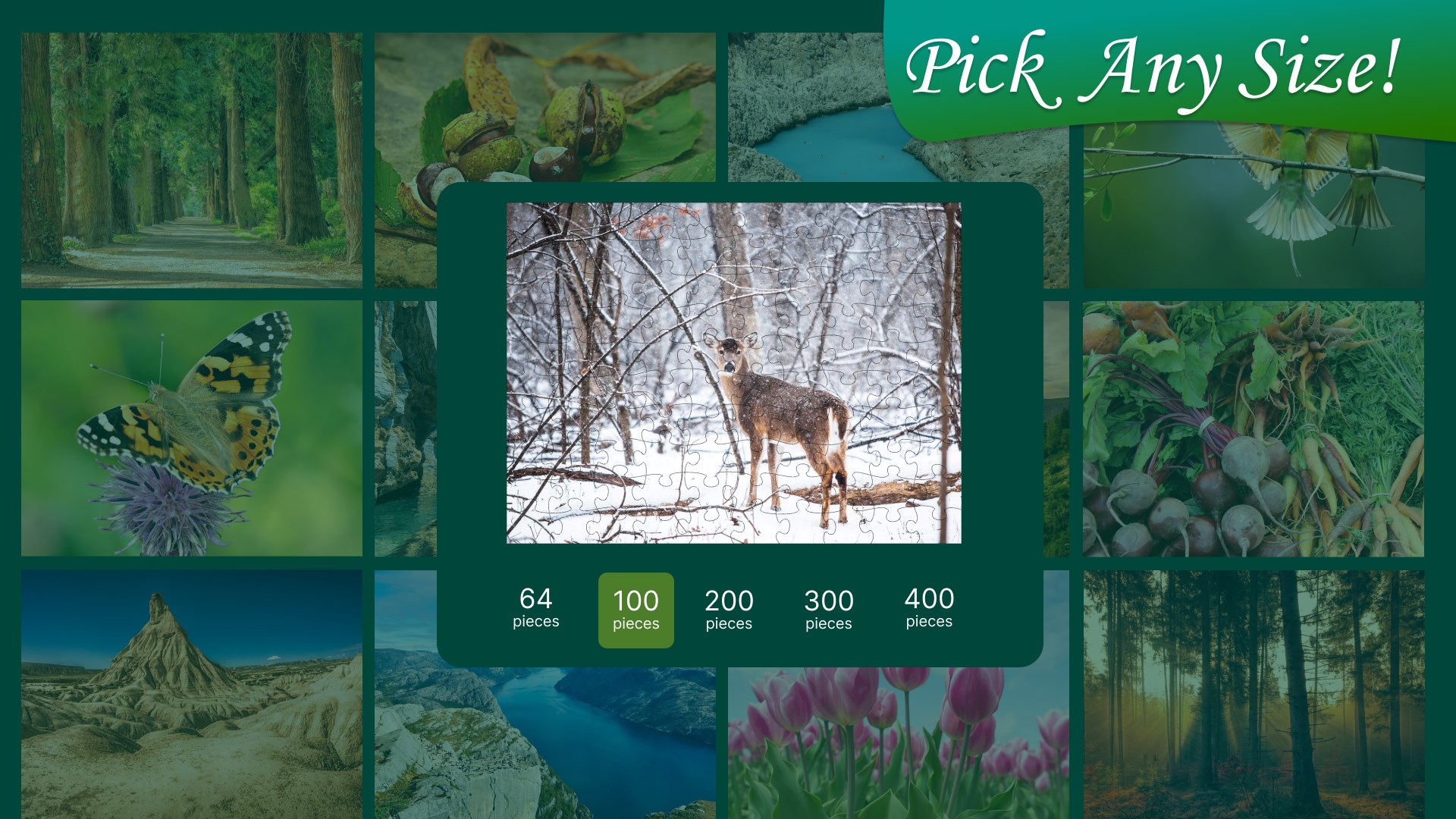
One of the standout features of Jigsaw Puzzle Nature is its extensive library of beautiful, high-resolution nature images. From vibrant forests to tranquil beaches, each puzzle offers a unique glimpse into nature's artistry. Users can select images based on difficulty levels, from simple puzzles with fewer pieces to complex arrangements suitable for seasoned enthusiasts. The app allows for customization of the puzzle piece shapes and piece counts, providing a tailored experience that matches your skill level and mood. This flexibility ensures that each session feels fresh and engaging.
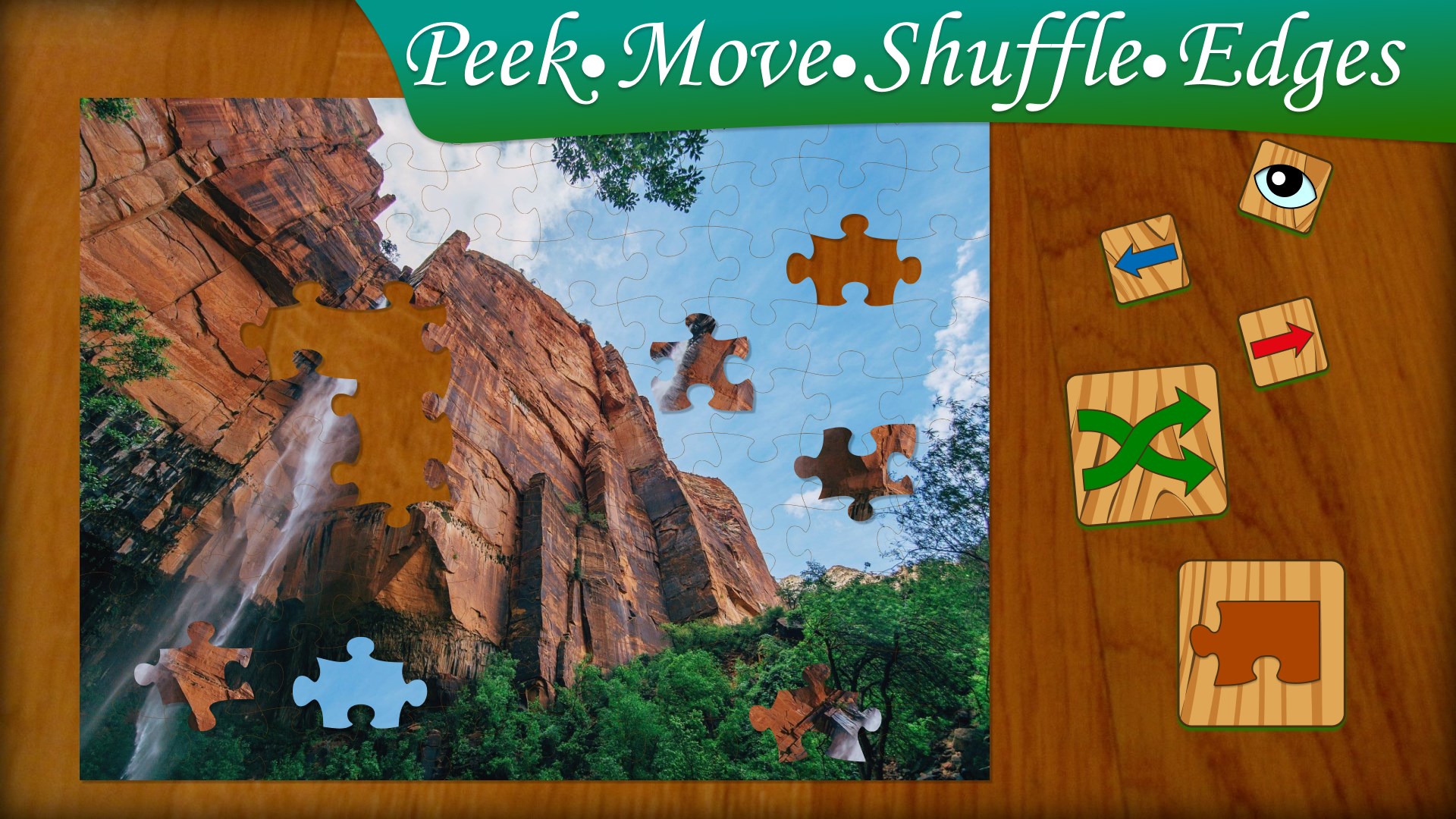
The interface of Jigsaw Puzzle Nature is sleek and user-friendly, with a clean layout that emphasizes the puzzle images and tools without clutter. Drag-and-drop functionality is seamless, mimicking physical puzzles' tactile feel, which enhances interactivity. The smoothness of the puzzle assembly process reflects well-optimized coding, giving a fluid experience akin to moving real puzzle pieces. The learning curve is gentle; new users can quickly grasp the controls while seasoned players will appreciate the depth of customization options. The game's calming aesthetic and intuitive design make it an ideal app for relaxation or casual entertainment.
What truly sets Jigsaw Puzzle Nature apart from other card and board style apps is its emphasis on natural scenery and the personalized difficulty settings. Unlike generic puzzle apps that focus solely on game mechanics, this app prioritizes visual serenity and immersion, making each puzzle piece a miniature work of art. Additionally, its focus on high-quality images and smooth interactivity allows for a more lifelike puzzle-solving experience, fostering a sense of accomplishment and mindfulness. These features combine to create an experience that feels both relaxing and mentally stimulating, offering a breath of fresh air in the puzzle app landscape.
Overall, Jigsaw Puzzle Nature for Windows is a commendable choice for anyone seeking a peaceful, visually appealing puzzle activity. Its intuitive interface, coupled with high-quality imagery and customizable options, makes it suitable for users of all ages and skill levels. If you enjoy nature, art, or simply want a gentle mental exercise, this app adds value through its serene aesthetic and smooth user experience. I'd recommend it particularly for those looking to unwind after a busy day, or for parents seeking a quiet, engaging activity for children.
In conclusion, Jigsaw Puzzle Nature stands out as a relaxing and engaging digital puzzle experience, distinguished primarily by its exceptional imagery and user-centric design. It's a gift of calm amidst the chaos, offering a soothing way to spend your leisure time with a touch of nature's beauty embedded into your desktop environment.
High-resolution artwork
User-friendly interface
Variety of difficulty levels
Relaxing gameplay experience
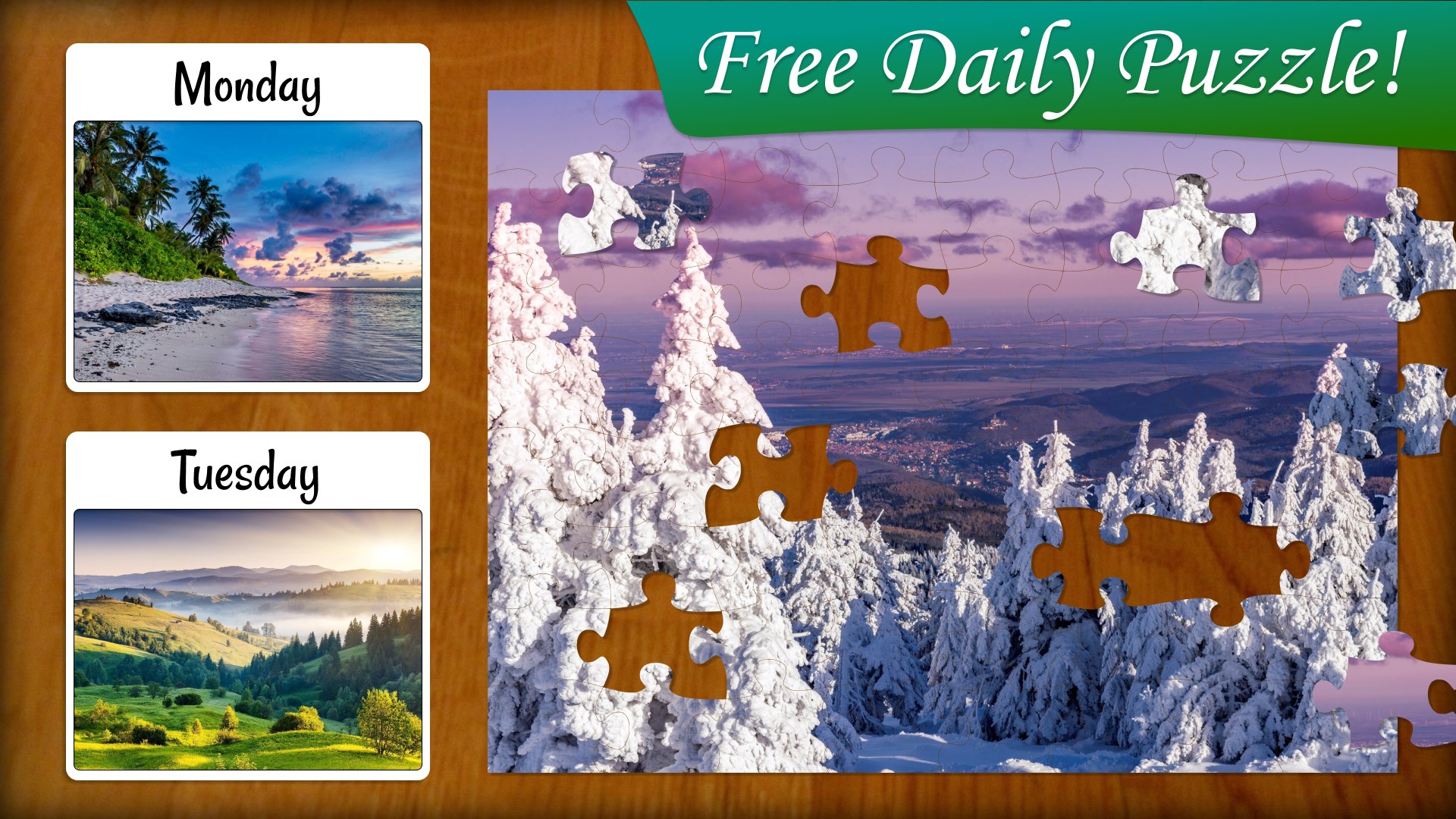
Regular updates with new puzzles
Limited customization options
No offline mode available
In-app purchases can be distracting
Sound effects are minimal and not adjustable
Performance issues on older devices

for Windows
 4.9
4.9

for Windows
4.8

for Windows
4.8

for Windows
4.8

for Windows
4.8

for Windows
4.8

for Windows
4.8

for Windows
4.7

for Windows
4.7

for Windows
4.7

for Windows
4.7
for Windows
4.7

for Windows
5

for Windows
5

for Windows
5

for Windows
5

for Windows
5

for Windows
5

for Windows
5

for Windows
5

for Windows
5

for Windows
5