Puzzle & trivia
Fons Sonnemans
PC, Surface Hub, HoloLens
Windows 10 version 17763.0 or higher
English (United States)
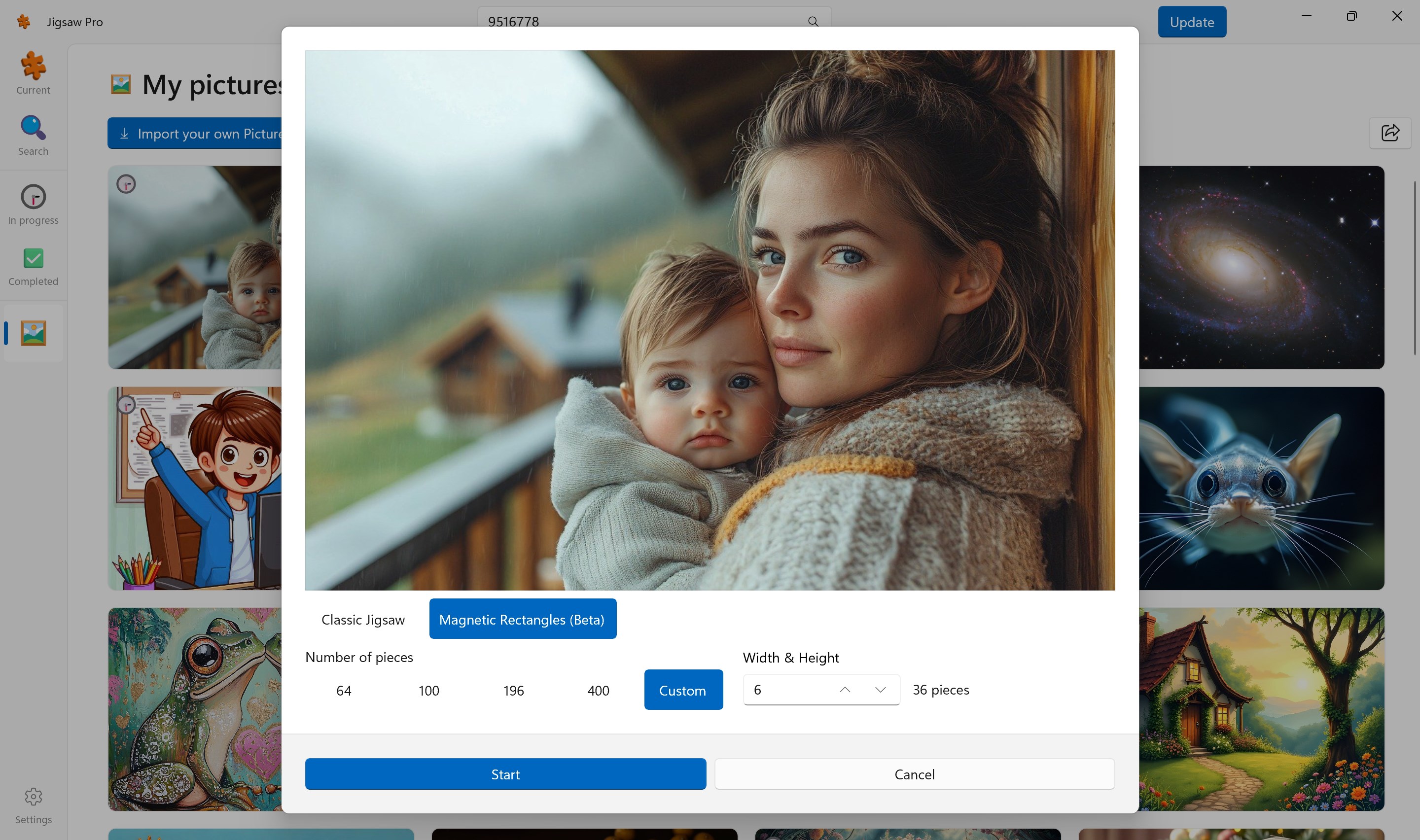
Jigsaw Pro for Windows, developed by Fons Sonnemans and published by Reflection IT, offers enthusiasts a sophisticated yet user-friendly digital jigsaw puzzle experience. Designed to cater to puzzle aficionados and casual gamers alike, this app transforms the traditional jigsaw experience into an accessible, customizable digital format—perfect for relaxing moments or brain-teasing challenges.
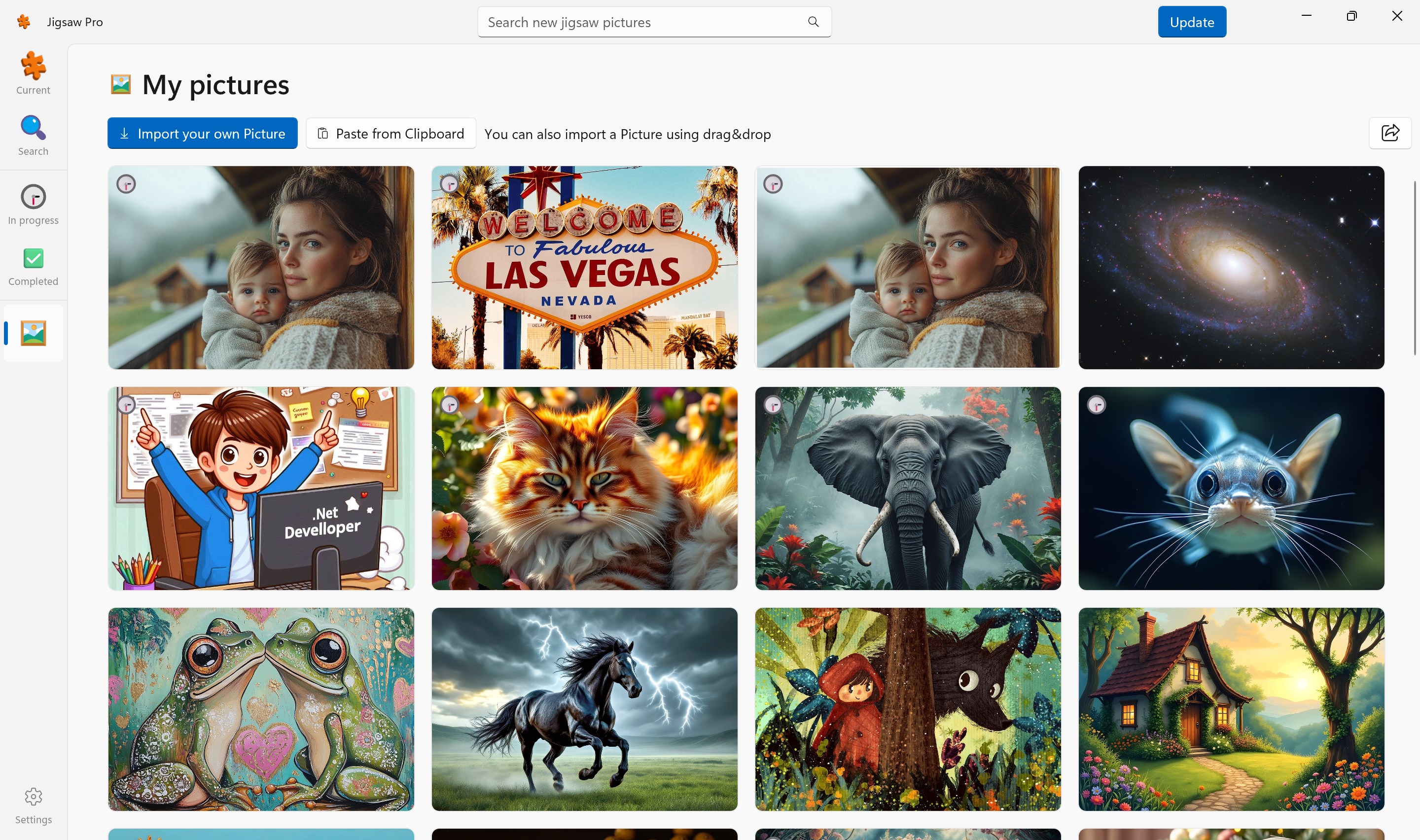
In a crowded marketplace of trivia and puzzle apps, Jigsaw Pro manages to carve a niche with its sleek design, extensive customization options, and smooth performance. Its primary highlights include a rich library of images, innovative puzzle customization, and personalized puzzle-solving experiences. Whether you're looking to unwind with scenic landscapes or challenge yourself with unique patterns, Jigsaw Pro offers a versatile platform that adapts to your mood.
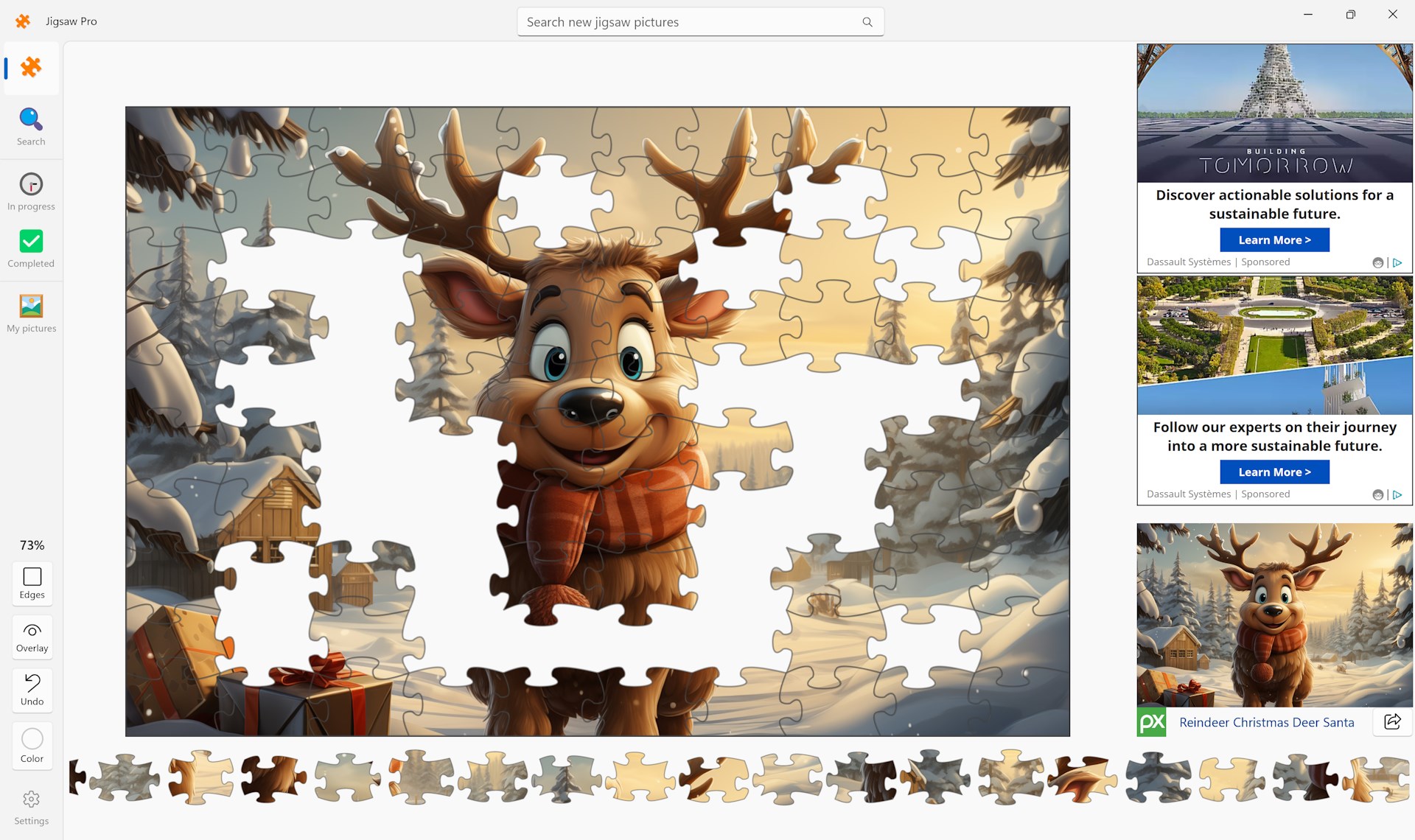
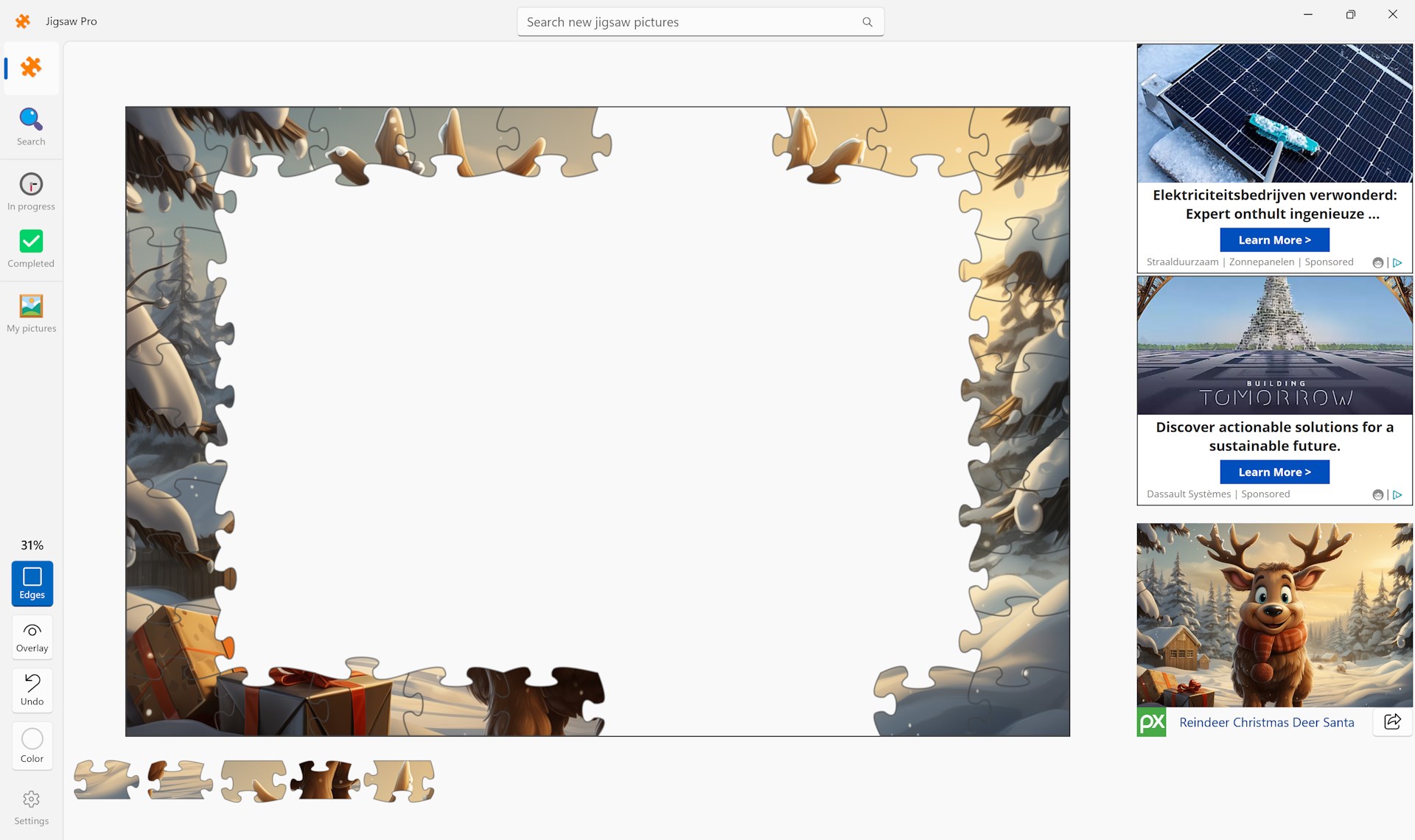
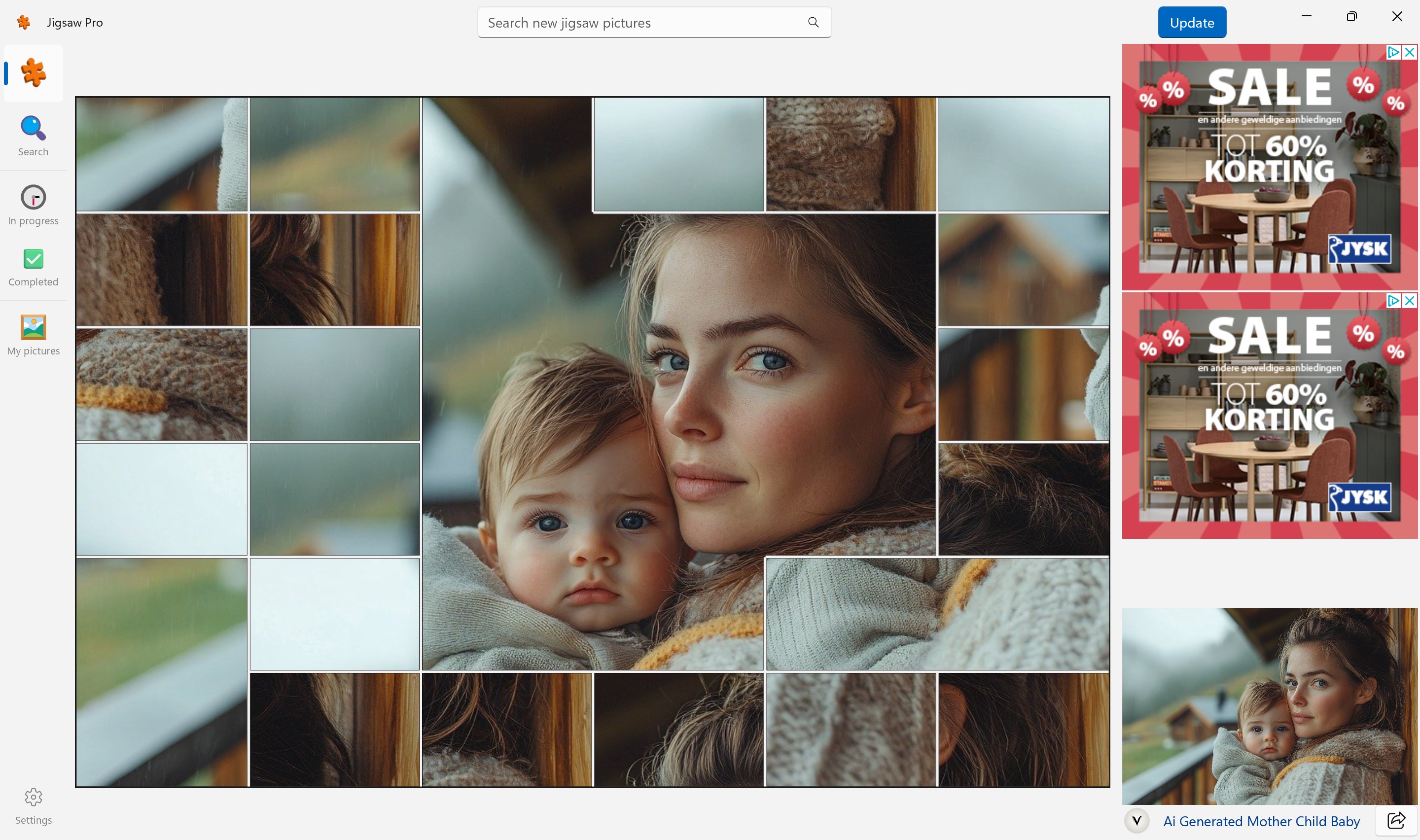
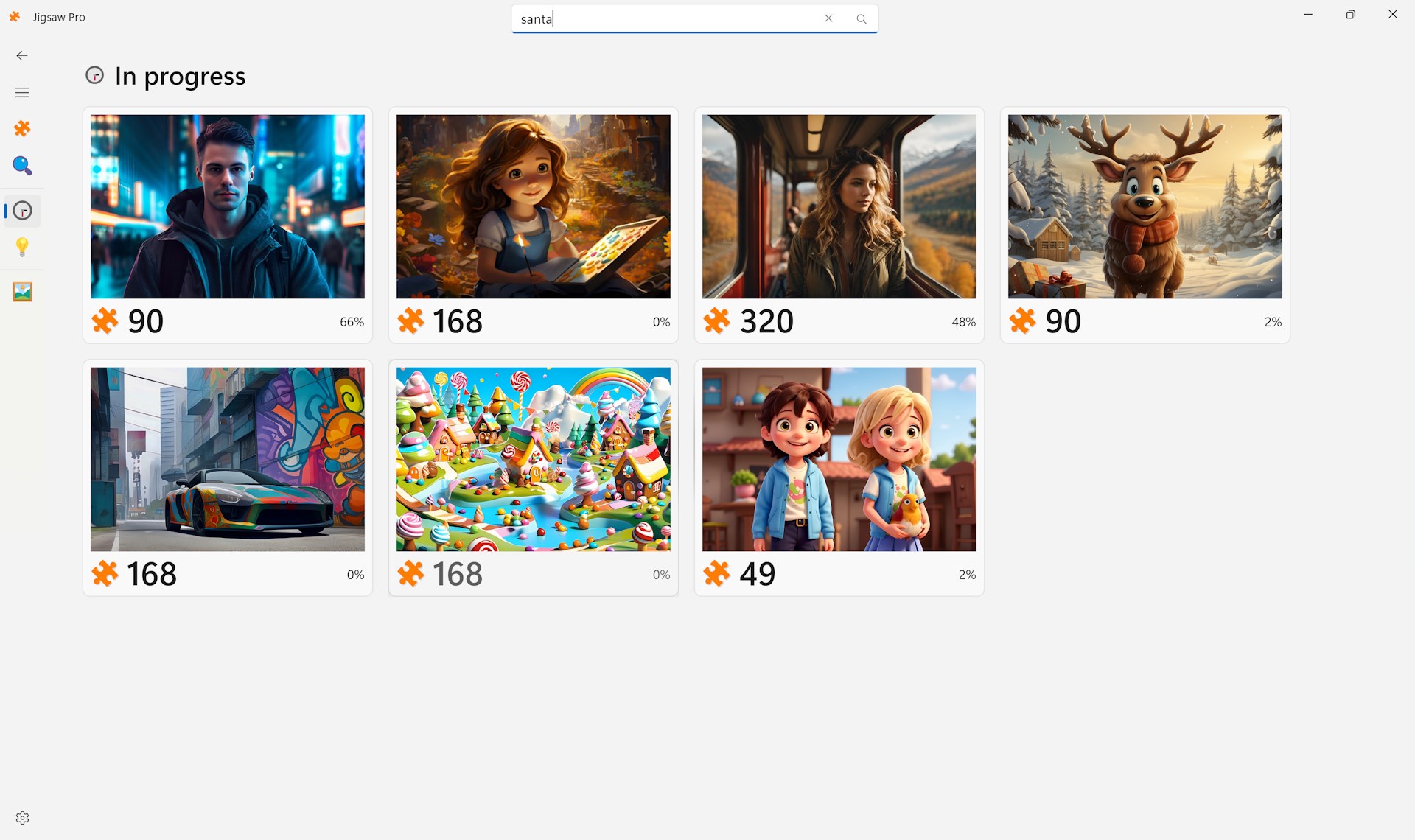
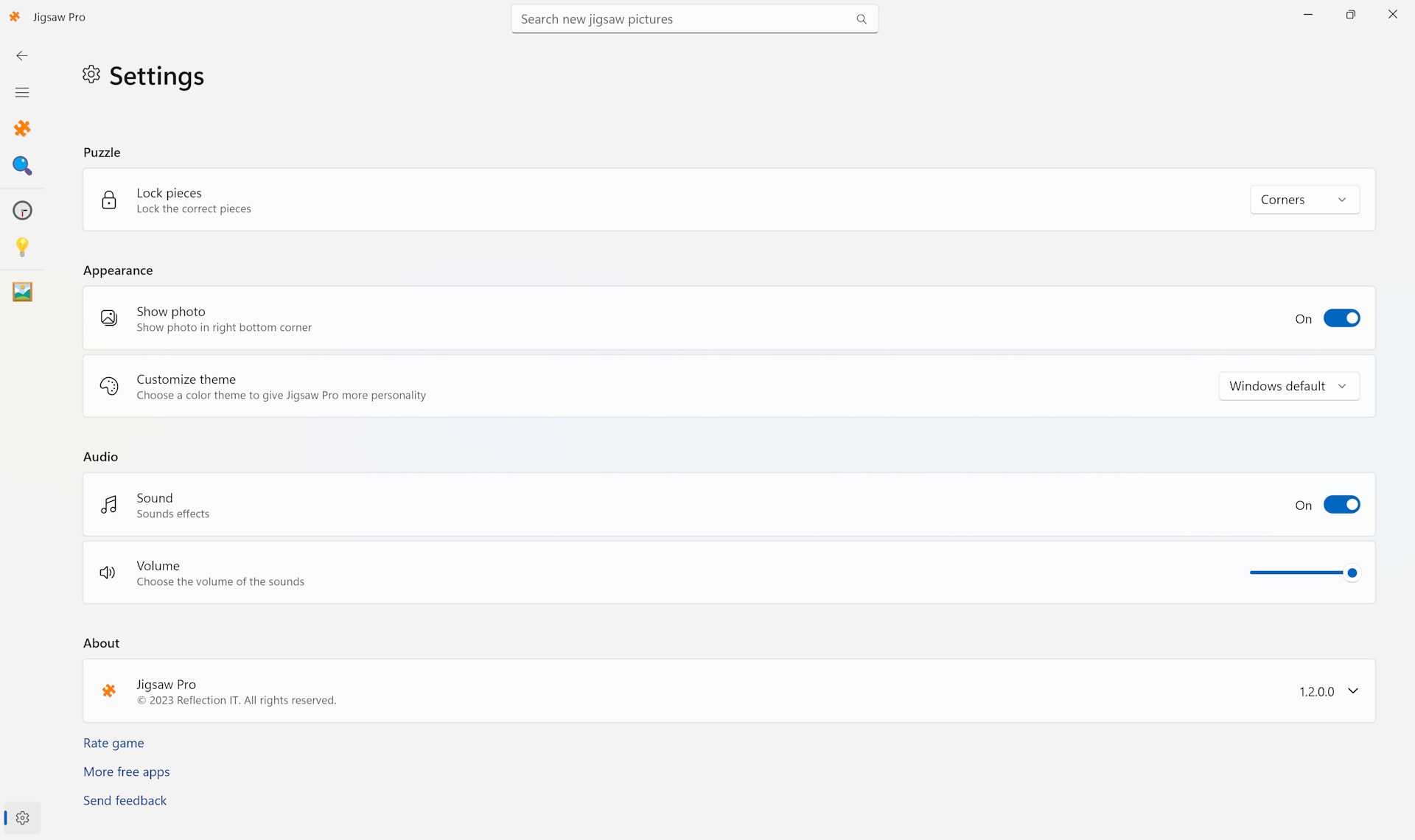
One of the first things you'll notice is Jigsaw Pro's clean, modern interface that feels both inviting and uncluttered. The app's layout resembles a well-organized workshop—intuitive enough for beginners but fulfilling for seasoned puzzle fans. Navigating through your collection or adjusting settings feels as smooth as sliding pieces into place, thanks to responsive controls and neatly categorized menus. The app's UI design balances simplicity with elegance, making it easy to immerse yourself without being overwhelmed by options.
Jigsaw Pro's standout features are crafted to elevate your puzzle-solving adventure:
Beyond these, the app includes handy features like auto-save progress, hints, and the ability to rotate pieces—further enriching the user experience.
Playing Jigsaw Pro feels as fluid as a well-oiled machine—dragging pieces snaps perfectly into place without lag, and switching between images or adjusting difficulty levels is straightforward. Its learning curve is gentle: even first-time users can easily pick up how to operate the interface within minutes, thanks to thoughtful design and helpful tutorial prompts.
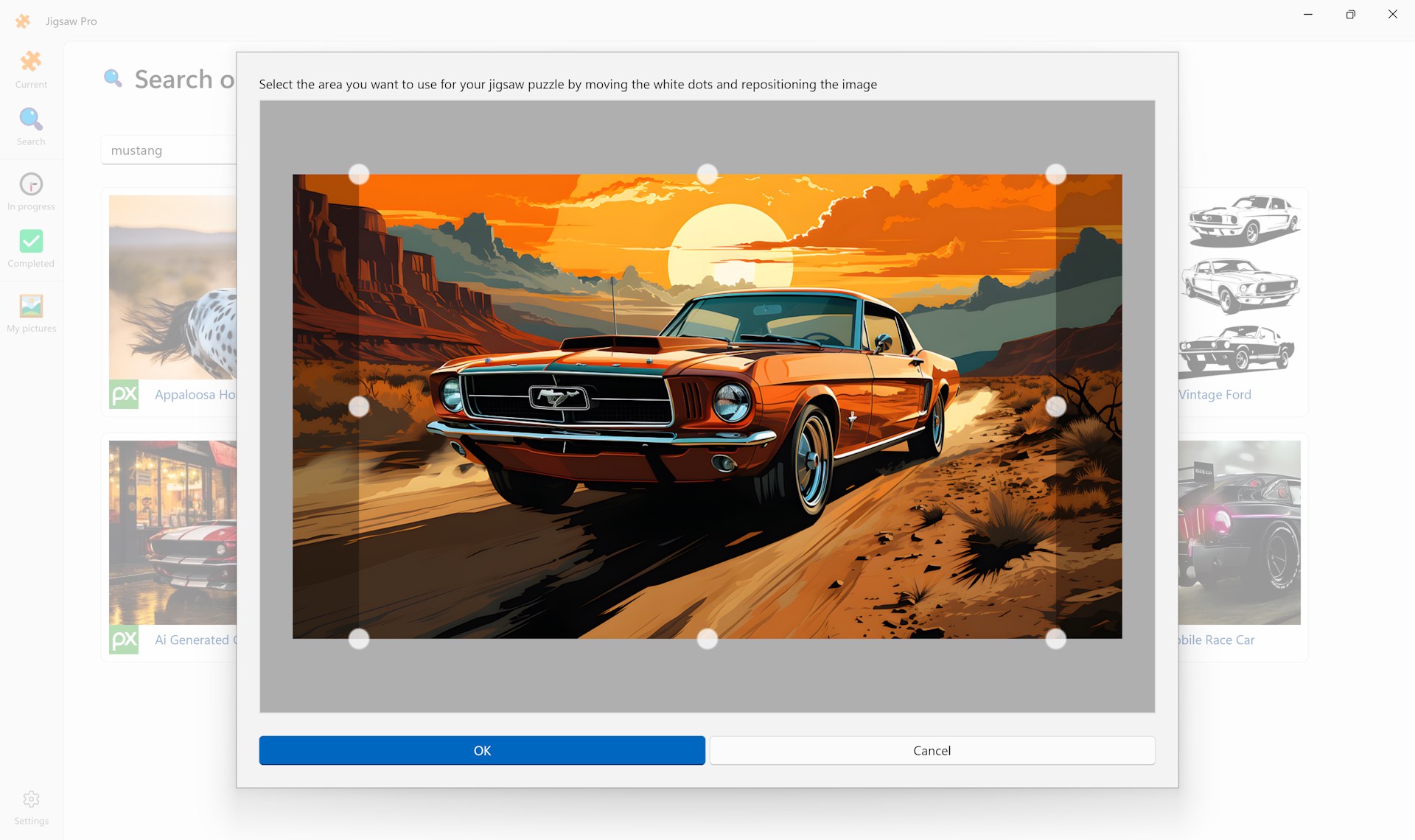
Compared to other puzzle apps that often rely on static images or limited customization, Jigsaw Pro's real strength lies in its versatility. Its support for custom images and shape variations offer a personalized touch, akin to having a puzzle workshop at your fingertips. These features not only enhance engagement but also foster creativity, allowing users to craft their own puzzles from personal photos or artwork—an aspect particularly appealing to hobbyists or those looking for a unique gift idea.
All considered, Jigsaw Pro for Windows emerges as a well-rounded, thoughtfully designed puzzle app. Its smooth performance, customizable options, and user-friendly interface make it a valuable addition to any puzzle enthusiast's digital library. While it maintains a neutral tone without exaggerated claims, its features genuinely cater to various skill levels and interests.
For casual puzzlers seeking a relaxing digital pastime or serious enthusiasts craving advanced customization, Jigsaw Pro offers the right mix of accessibility and depth. I'd recommend giving it a try—especially if you're someone who appreciates the joy of assembling a beautiful scene piece by piece, with the added pleasure of tailoring the experience to your preferences.
Intuitive interface
Wide variety of puzzles
Customizable difficulty settings
Offline mode available
Regular updates with new puzzles
Limited hints system
Occasional performance lag on older devices
In-app purchases can be distracting
Limited social sharing features
Graphics quality varies among puzzles
for Windows
 4.8
4.8

for Windows
4.8

for Windows
4.8

for Windows
4.8

for Windows
4.8

for Windows
4.8

for Windows
4.8
for Windows
4.8

for Windows
4.7

for Windows
4.7

for Windows
4.7
for Windows
4.7

for Windows
5

for Windows
5

for Windows
5

for Windows
5

for Windows
5

for Windows
5

for Windows
5

for Windows
5

for Windows
5

for Windows
5