Utilities & tools
©iTop
PC
Windows 10 version 0.0 or higher
Chinese (Traditional Chinese), Danish, Dutch, English, French, Georgian, German, Hebrew, Hungarian, Indonesian, Italian, Japanese, Korean, Malay, Polish, Portuguese (Brazil), Russian, Slovak, Slovenian, Swedish, Thai, Turkish, Ukrainian, Vietnamese
In an era where online privacy and unrestricted access are paramount, iTop VPN for Windows emerges as a user-friendly yet robust tool designed to safeguard your digital footprints while enabling seamless internet browsing. With a sleek interface and thoughtful features, it aims to be your trustworthy companion in navigating the online world.
Developed by©iTop and published by iTop, this VPN application is positioned as a comprehensive privacy protector and internet access enabler. Its primary strengths include high-speed connections, robust security features, and an intuitive user interface, making it suitable for both novices and experienced users. Targeted at everyday internet users, students, remote workers, and travelers seeking safe and open online experiences, iTop VPN strives to deliver a balanced combination of security, speed, and ease of use.
Imagine sitting comfortably in a bustling café, your laptop open, and feeling the freedom of browsing without the shadow of geo-restrictions or intrusive tracking. That's the promise iTop VPN offers—a smooth, worry-free internet experience that keeps your online identity under wraps while opening doors to global content. Its straightforward setup and clean layout make it feel more like a trusted friend than a complex service, beckoning users into a safer digital space with just a click.
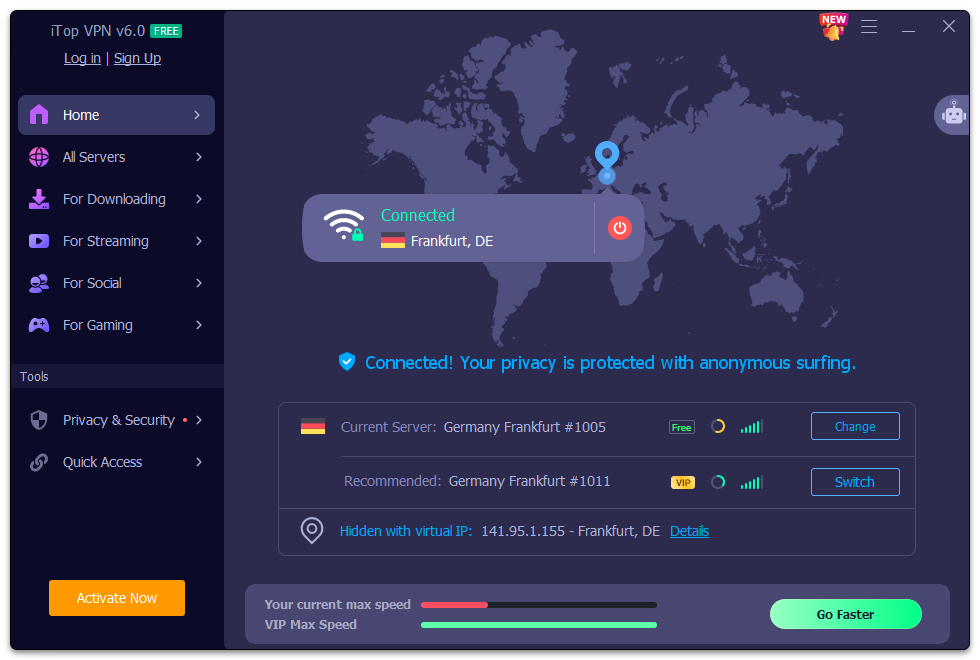
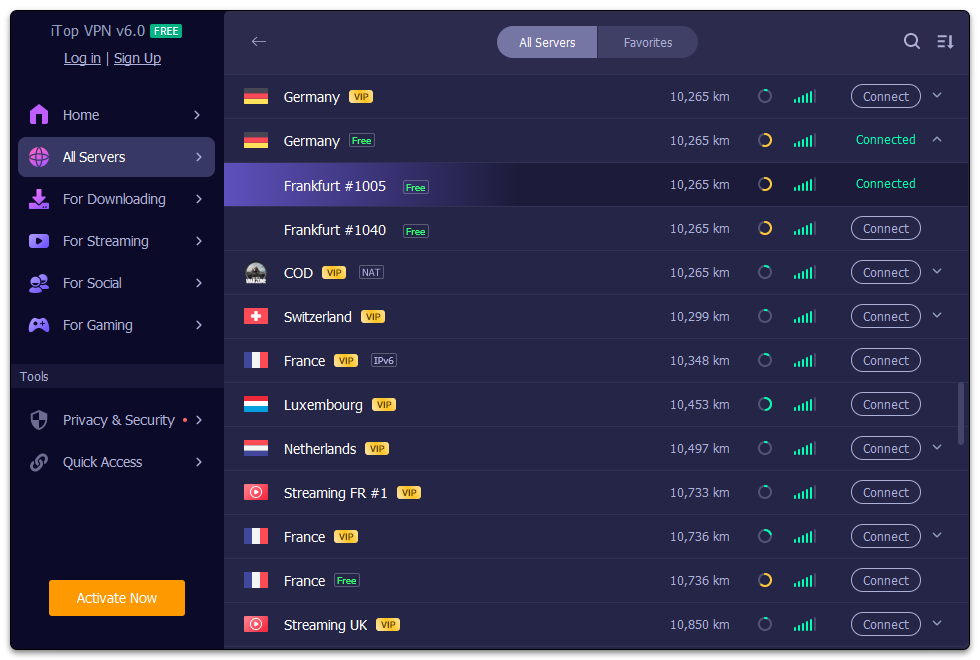
One of the most appealing features of iTop VPN is its ability to establish quick, reliable VPN connections across numerous servers worldwide. Whether you're streaming a favorite series from abroad or bypassing regional restrictions to access localized services, the app ensures minimal lag and high-quality connectivity. Its automatic server selection intelligently prompts you to the best available option, rendering manual adjustments almost unnecessary for everyday use. The added advantage here is its optimization for Windows, ensuring that your browsing remains swift without sacrificing security.
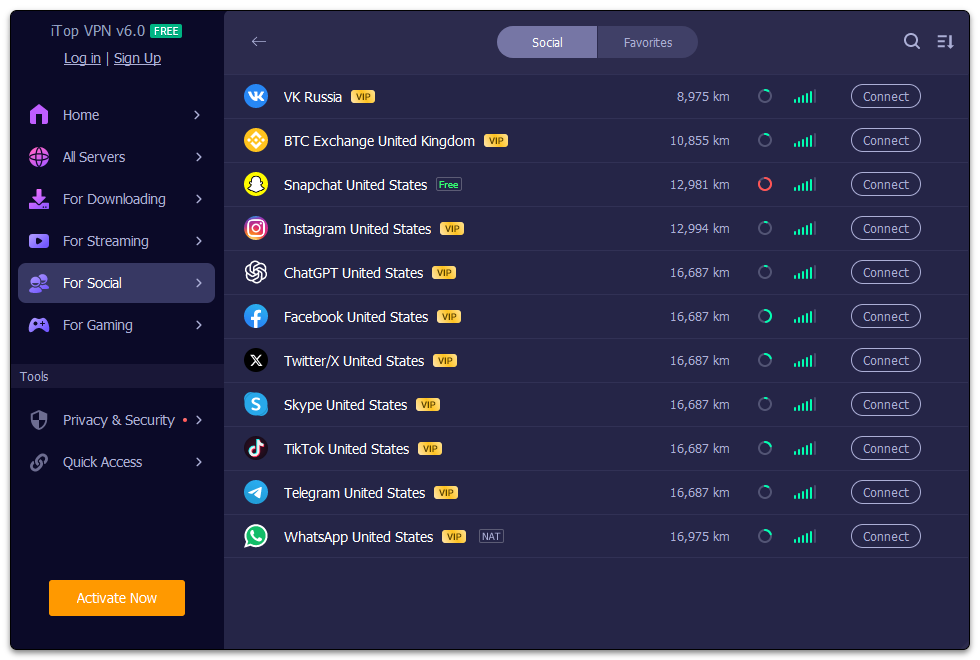
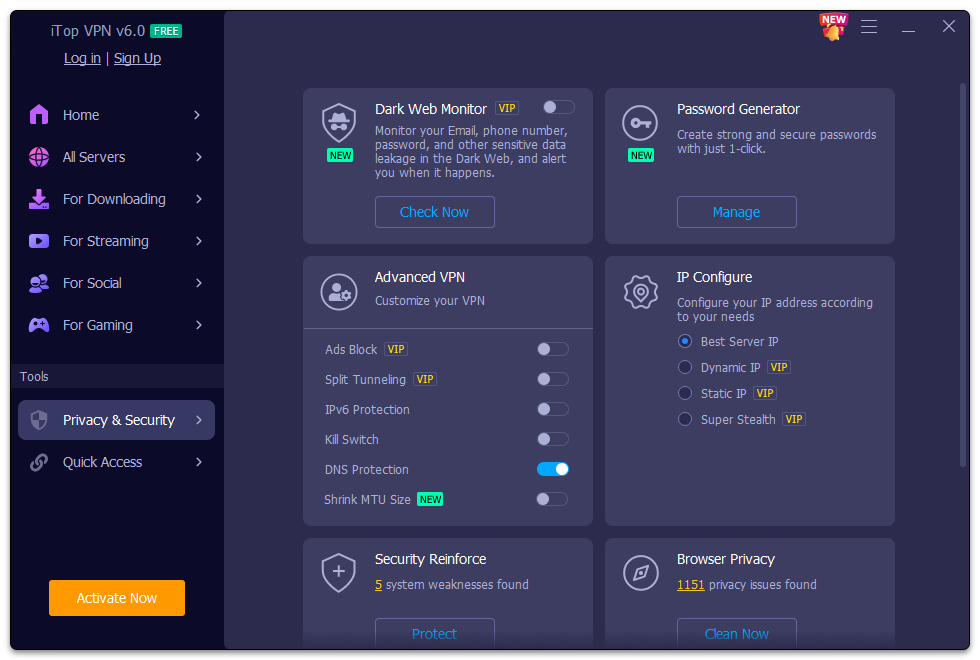
At the heart of iTop VPN lies a commitment to protect user privacy. It employs strong encryption protocols to mask your IP address and guard your data from potential eavesdroppers. Additionally, features like a kill switch ensure that your real IP isn't exposed if the VPN connection drops unexpectedly. For users concerned about tracking, the app also blocks ads and prevents third-party cookies from infiltrating your browsing activity, adding an extra layer of defense without complexity.
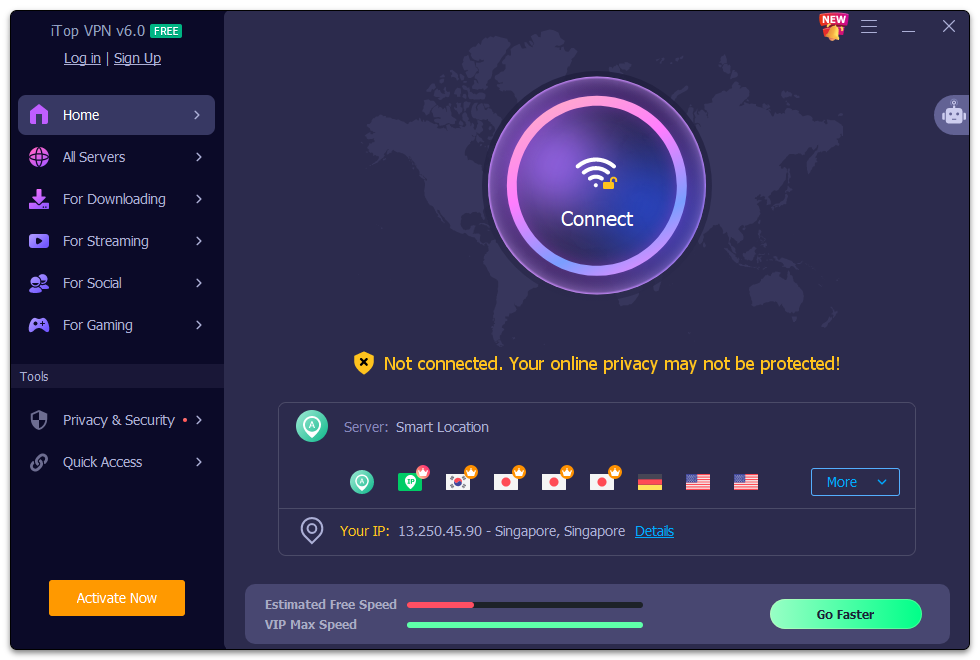
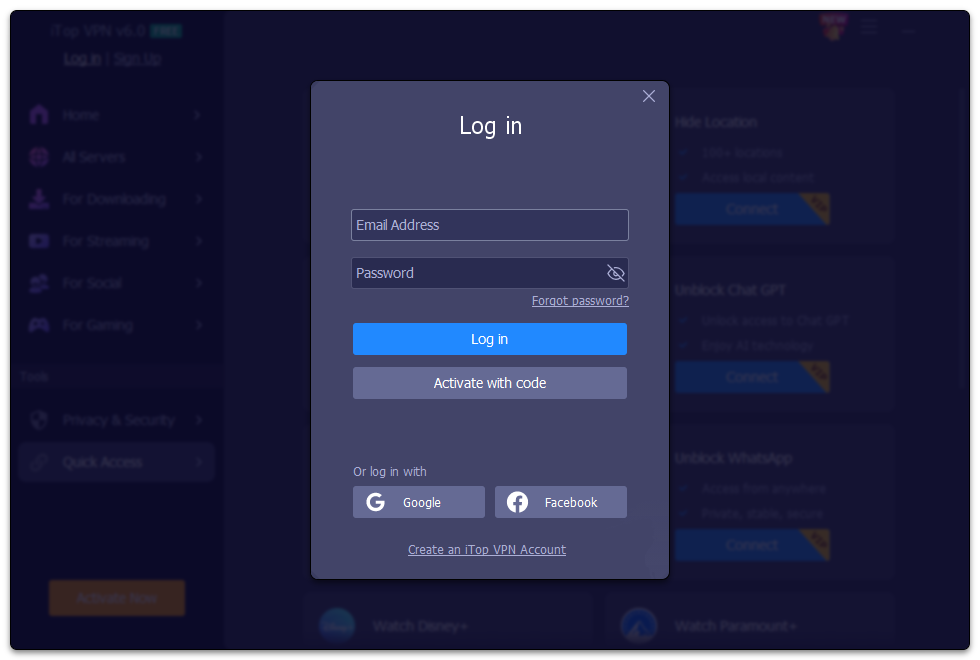
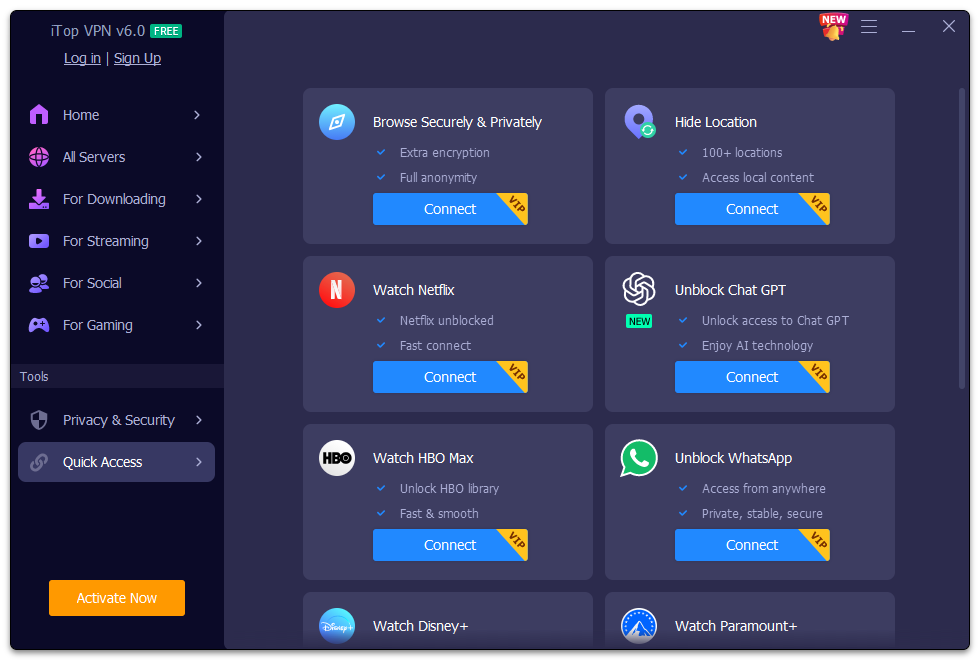
The interface design of iTop VPN is reminiscent of a well-organized dashboard—simple, sleek, and approachable. Starting an encrypted session is as easy as clicking a large "Connect" button, which is perfect for busy users or those unfamiliar with VPNs. Transitions are fluid, and the learning curve is gentle; even complete newcomers can grasp essential functions within minutes. Unlike some competitors, which might feel bulky or overwhelming, iTop VPN's minimalist approach ensures users aren't bogged down by unnecessary technicalities.
What truly sets iTop VPN apart is its focus on maintaining high speeds without sacrificing security—a challenge common to many VPN services. It's akin to having a fast, secure lane on a busy highway, ensuring your journey remains smooth regardless of traffic congestion. The app's ability to seamlessly switch between server locations and its user-friendly design make it a standout choice for those seeking reliable, quick, and secure internet access.
Based on its features, user experience, and overall performance, iTop VPN for Windows is a commendable utility that balances security, speed, and ease of use. While it might not boast the most extensive server network compared to giants in the industry, its optimized performance and thoughtful design make it a practical option for everyday users. I would recommend it to anyone looking for a straightforward, efficient VPN solution that doesn't feel overpowering or complicated. For those who prioritize a hassle-free experience with reliable protection and unblocking capabilities, iTop VPN warrants a strong recommendation.
Strong security features
Fast and stable connection
User-friendly interface
Wide server network
Affordable pricing plans
Limited device support
Occasional speed drops on certain servers
Basic privacy features
Free version has restrictions
Customer support responsiveness varies

for Windows
 5
5

for Windows
5

for Windows
5

for Windows
5

for Windows
5

for Windows
4.9

for Windows
4.9

for Windows
4.9

for Windows
4.9

for Windows
4.9

for Windows
4.9

for Windows
4.9

for Windows
5

for Windows
5

for Windows
5
for Windows
5

for Windows
5

for Windows
5

for Windows
5

for Windows
5

for Windows
5

for Windows
5