Photo & video
PC
Windows 10 version 17763.0 or higher
Arabic, Dutch, English, French, German, Italian, Norwegian, Portuguese, Spanish, Swedish, Turkish
IPTV Smarters Expert - PREMIUM for Windows is a comprehensive IPTV management application designed to enhance your streaming experience with ease and reliability. Whether you're a casual viewer or a seasoned cord-cutter, this app aims to simplify accessing live TV and media content directly on your Windows device with professional-grade features.
Developed by LIFTOFF, a reputable team specializing in multimedia and IPTV solutions, IPTV Smarters Expert stands out for its focus on providing a smooth, user-friendly IPTV experience tailored for Windows users.
This application caters primarily to IPTV enthusiasts, tech-savvy cord-cutters, and anyone seeking an organized, reliable platform to watch live and on-demand content on their Windows system.
Imagine sitting comfortably at your desk or couch, ready to dive into a sea of televised entertainment; IPTV Smarters Expert feels like that trusty remote control that brings all your favorite channels and content directly to your fingertips. Its intuitive design combined with powerful features makes managing your IPTV subscriptions feel like a breeze. You don't need to be a tech wizard — just a little curiosity and a taste for hassle-free streaming, and you're all set to explore this app's fine-tuned capabilities.
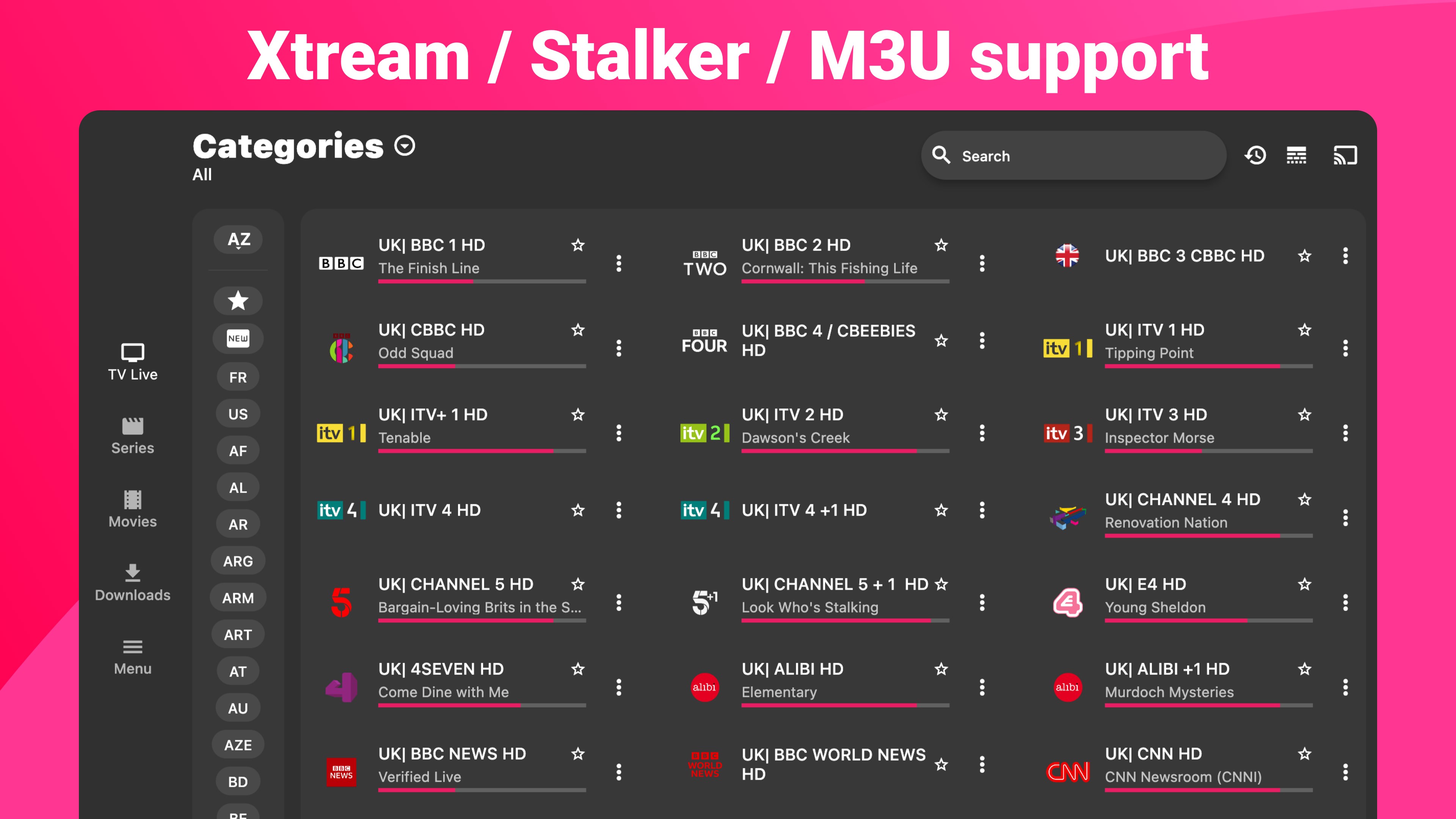
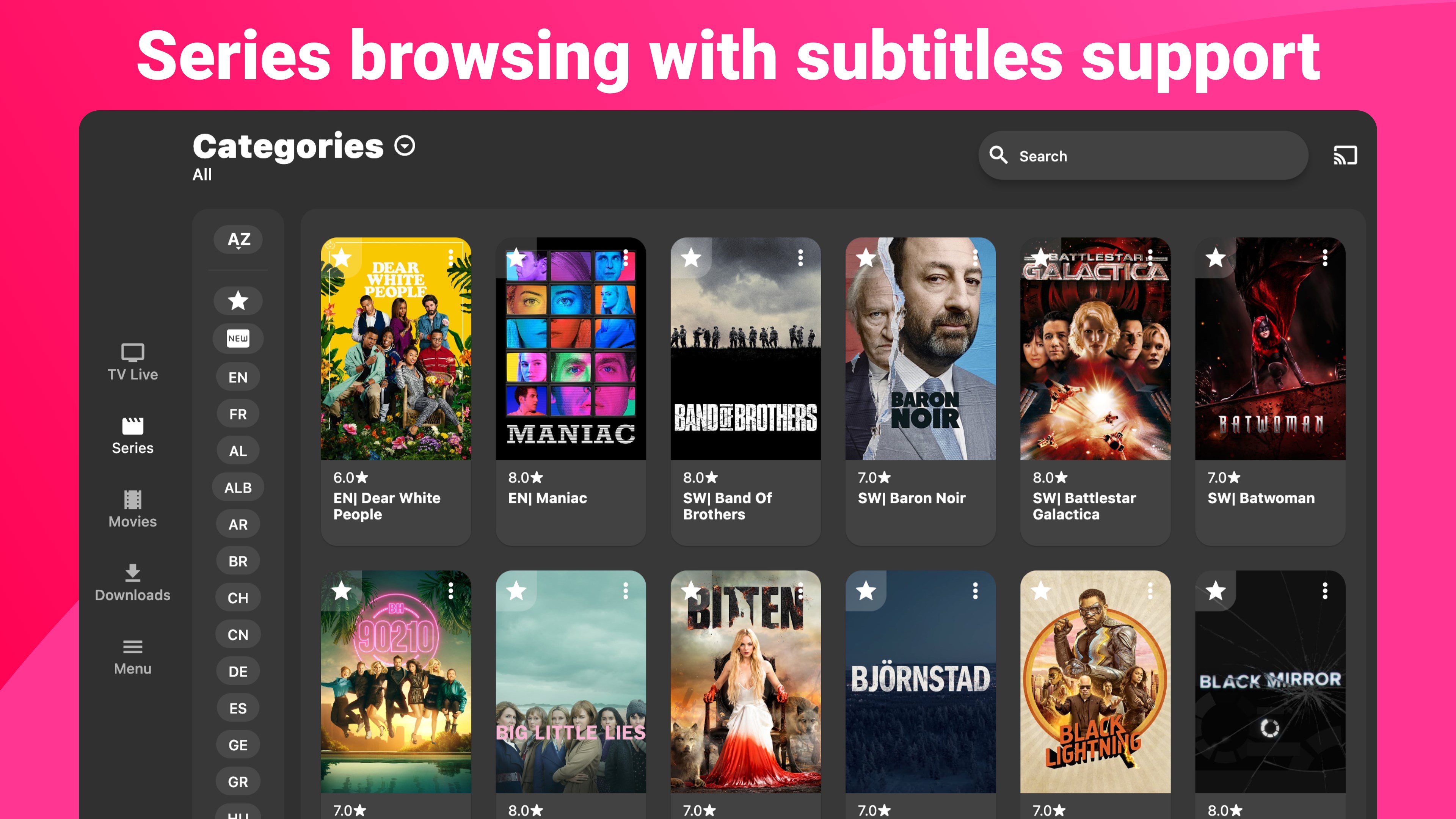
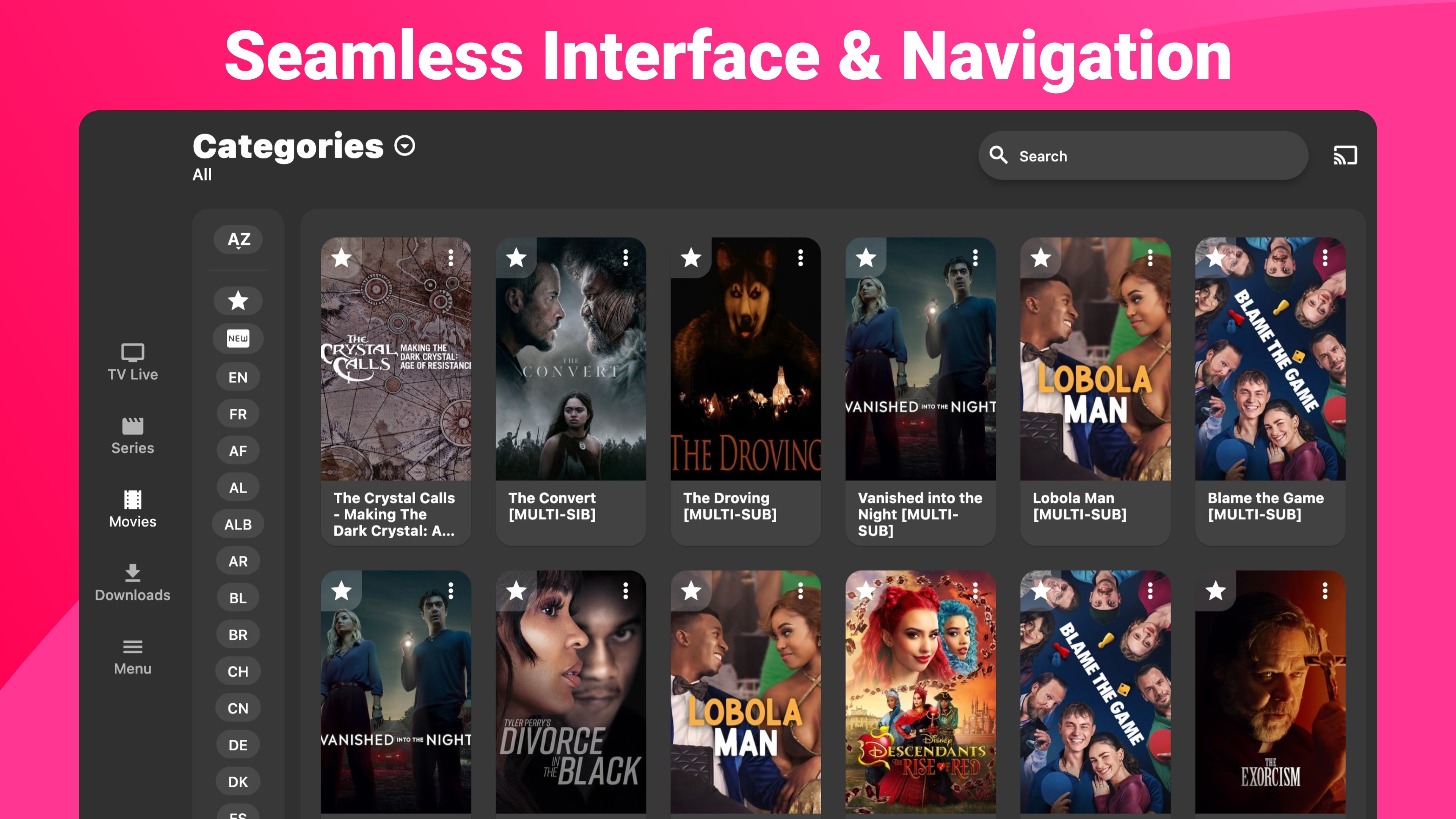
This app excels at handling various playlist formats, accommodating M3U links, Xtream Codes, or cloud-based media servers. The process of adding and organizing playlists is streamlined; once loaded, your content library is neatly displayed, allowing quick browsing and switching. The visual layout resembles a well-organized digital shelf, making content selection effortless, much like choosing a favorite book from a well-arranged library.
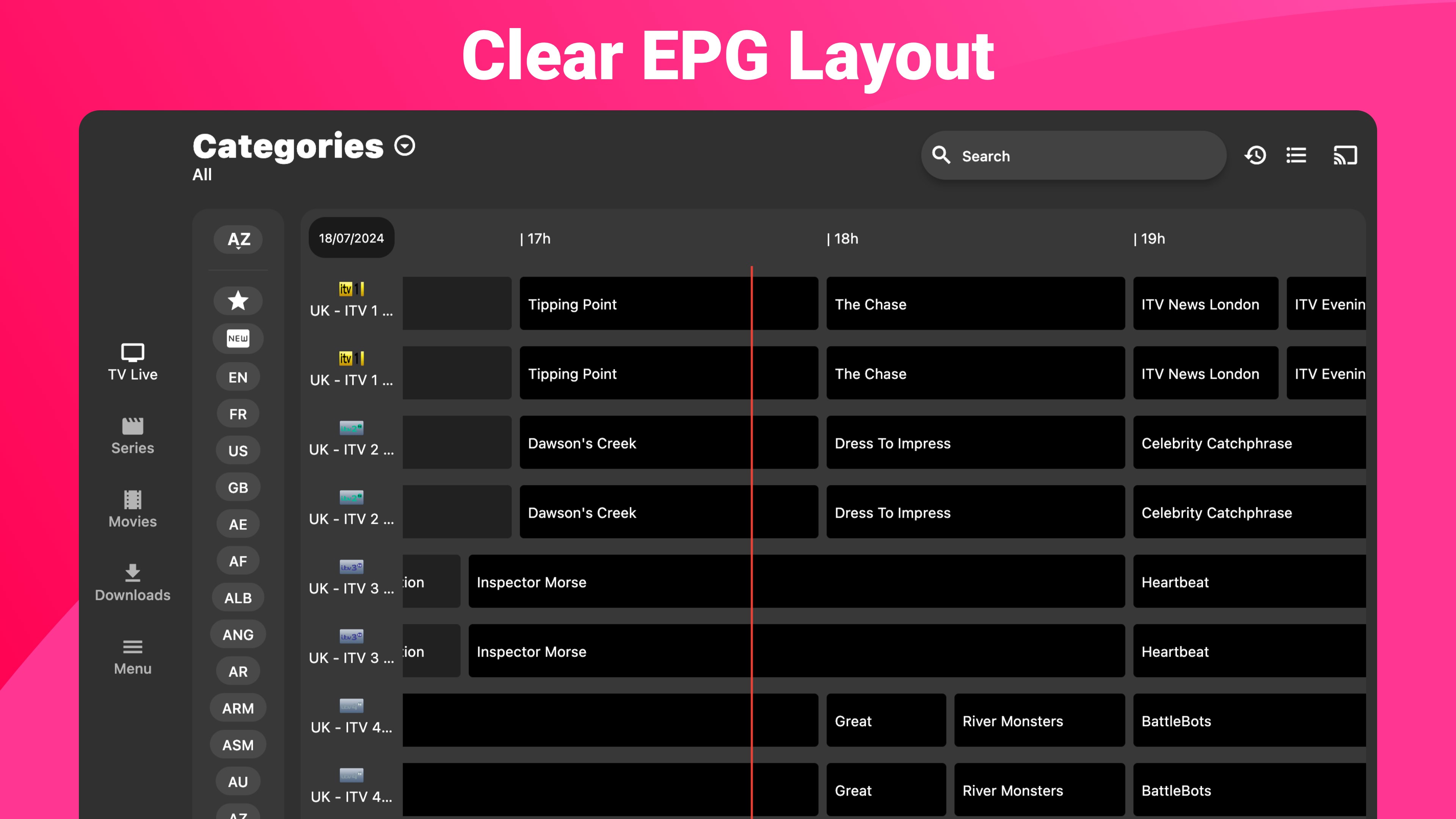
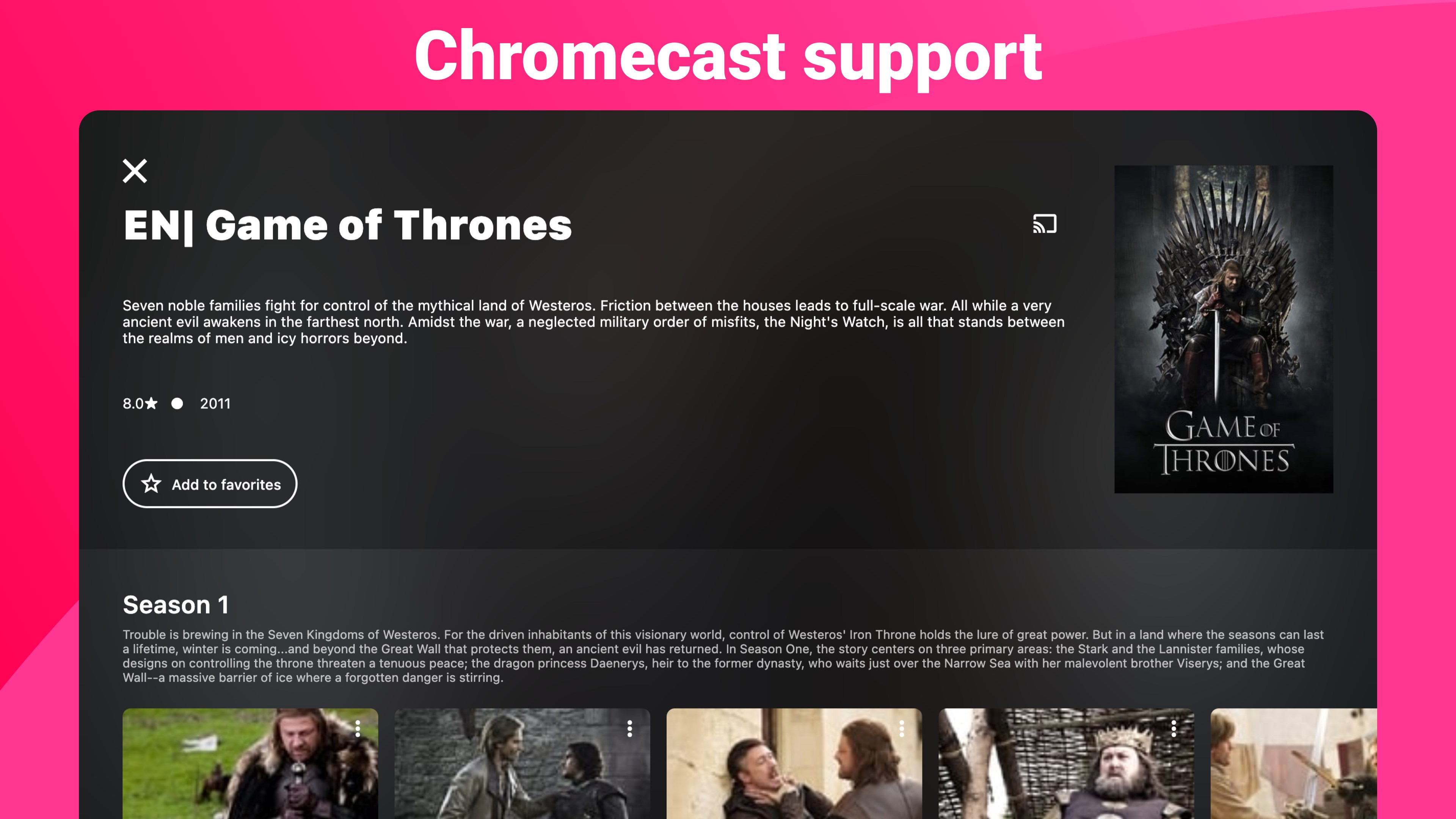
At the heart of IPTV Smarters Expert is its media player, which delivers crisp and smooth streaming performance. It supports multiple streams simultaneously, with options for subtitles, channel logos, and seamlessly integrated Electronic Program Guide (EPG) data. The interface is sleek and minimalistic, avoiding clutter and presenting options clearly, akin to having a sophisticated dashboard that simplifies complex tasks into simple taps and clicks. Navigating through channels or finding on-demand content feels intuitive, reducing the learning curve significantly.
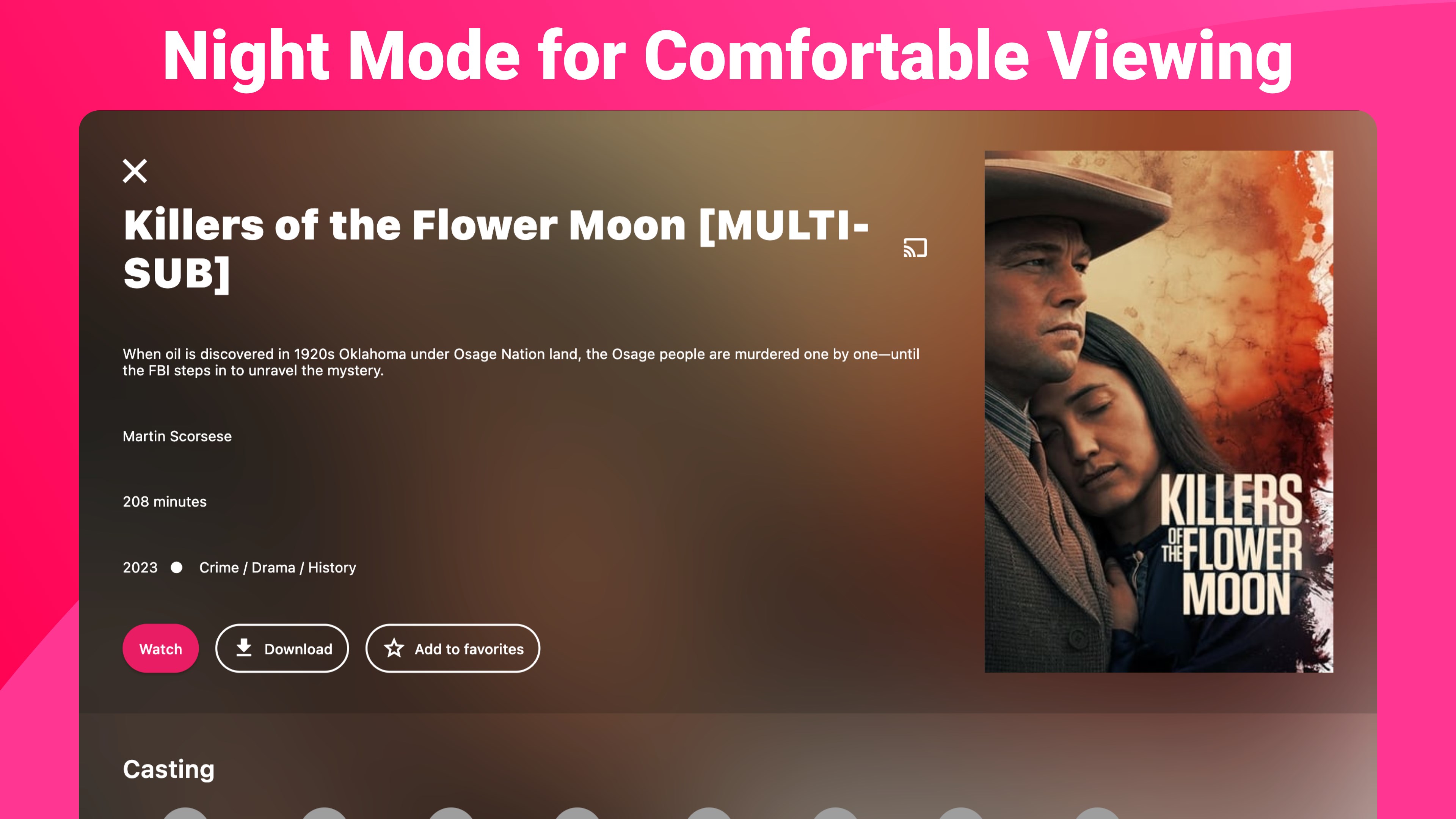
Security is addressed thoughtfully, with protected login management and server configuration. The app's performance is stable, with smooth operation even with complex playlists or multiple streams active. Users can customize the look with themes or rearranged layouts, making the app adapt to personal preferences — akin to customizing your home theater setup for optimal enjoyment.
One of the app's standout features is its ability to handle multiple playlist types within a single interface, which is not always the case with similar IPTV apps. Its integrated player with support for subtitles and EPG ensures an enhanced viewing experience, almost like having a smart TV embedded within your Windows device, but with more flexibility. Unlike some competitors that might require multiple apps or complex setups, IPTV Smarters Expert consolidates everything into one user-friendly platform, making it especially suitable for users who value convenience without sacrificing functionality.
Considering its solid performance and intuitive design, I recommend IPTV Smarters Expert for users seeking a reliable IPTV management solution on Windows. It's especially beneficial for those who manage multiple playlists or require detailed customization options. For best results, ensure your playlists are properly formatted and update the app regularly for new features and stability improvements. While it isn't a magic wand—requiring proper server and playlist sources—it offers a commendable balance of power and simplicity, making it a worthy addition to your digital entertainment toolkit.
User-Friendly Interface
High-Quality Streaming
Extensive Channel Support
Multi-Device Compatibility
Customizable Playlist Management
Limited Trial Period
Occasional Buffering
Ads in Free Version
Setup Complexity
Server Stability Issues

for Windows
 5
5

for Windows
4.9

for Windows
4.8

for Windows
4.8

for Windows
4.8

for Windows
4.7

for Windows
4.7

for Windows
4.7

for Windows
4.7

for Windows
4.7

for Windows
4.7

for Windows
4.7

for Windows
5

for Windows
5

for Windows
5

for Windows
5

for Windows
5

for Windows
5

for Windows
5

for Windows
5

for Windows
5

for Windows
5