Education
IPEVO
PC
Windows 10 version 19041.0 or higher
Not specified
Not specified
English (United States)
IPEVO Visualizer for Windows is a robust application designed to transform your device into an interactive visual tool, ideal for classroom presentations, remote teaching, or creative projects. With its intuitive interface and powerful features, it streamlines the process of capturing and displaying real-time images from cameras or document scanners, making dynamic teaching and content sharing seamless.
The app is developed by IPEVO, a well-respected company specializing in innovative teaching technology solutions. Their expertise is reflected in the app's focus on simplicity and functionality, catered to both tech-savvy educators and beginners alike.
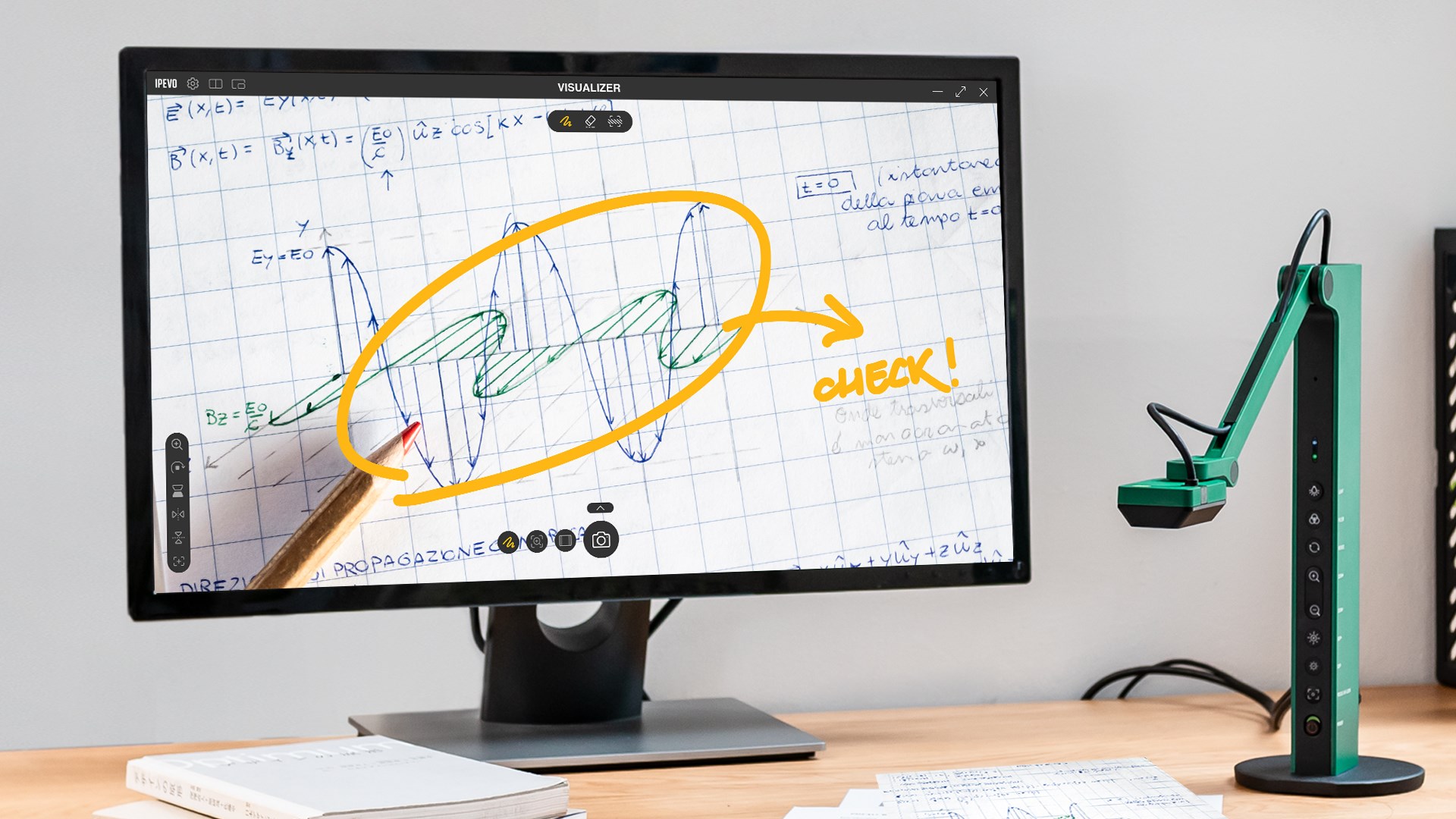
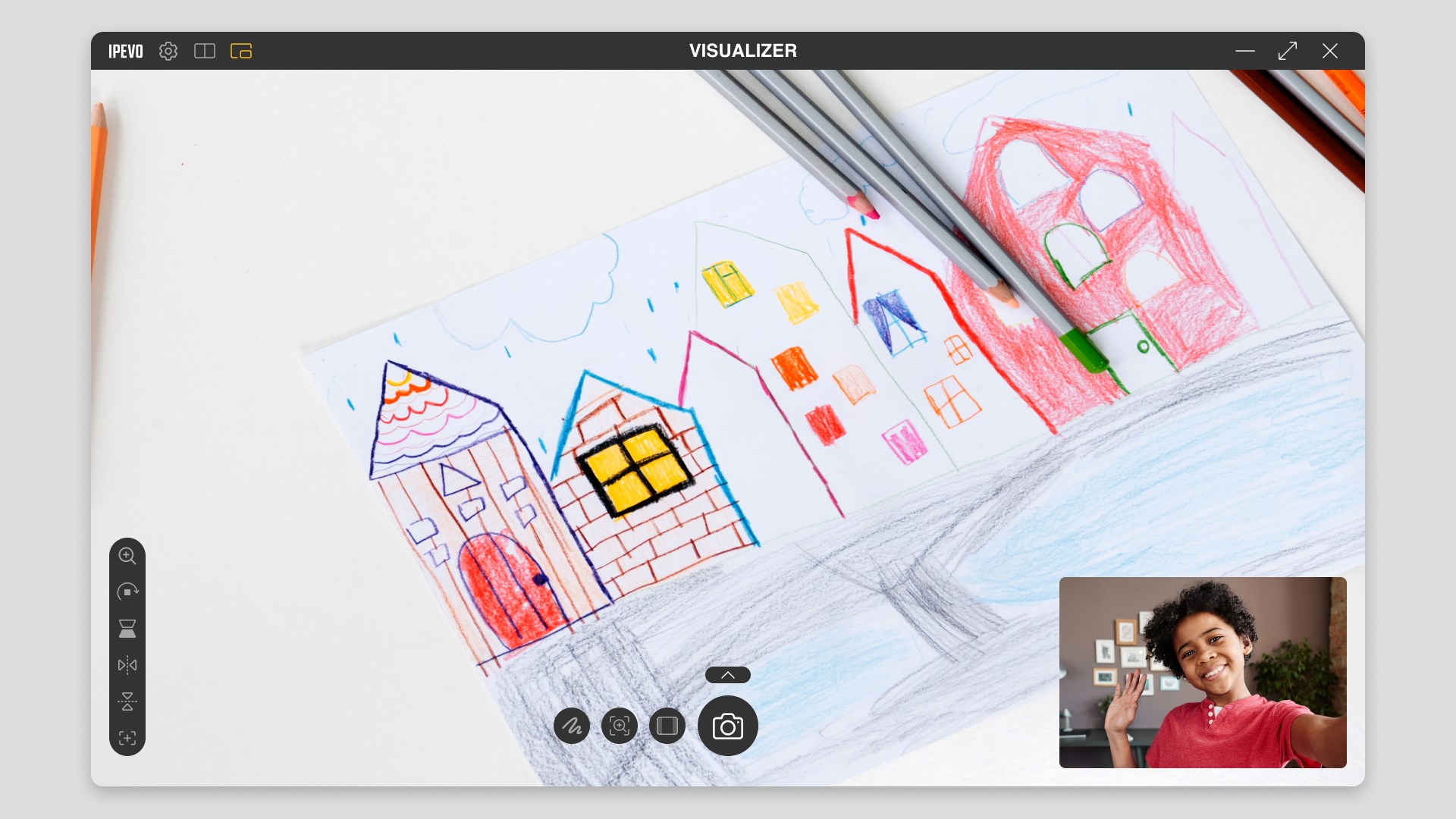
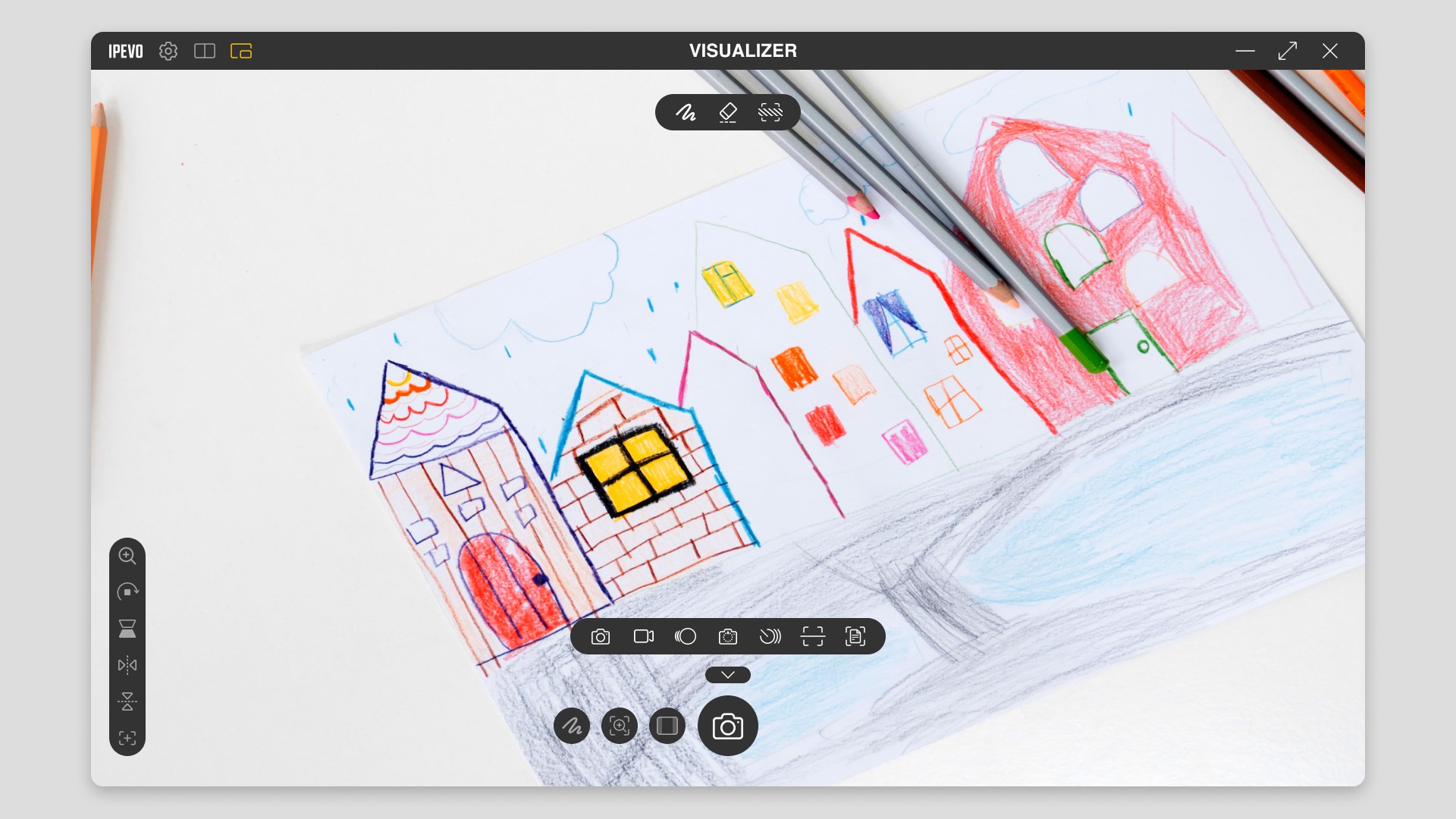
Imagine stepping into a classroom or a virtual workshop where your tools are almost an extension of your own hands—fast, responsive, and straightforward. That's the essence of IPEVO Visualizer. The app greets you with a clean, user-friendly interface that feels more like a digital workspace than a complicated software suite. From the moment you connect your camera or document scanner, the live feed appears smoothly, with little to no lag. Switching between sources, zooming in for close-up details, or annotating on the go all happen seamlessly—making your teaching more dynamic and captivating. The learning curve? Minimal—most users will be up and running within minutes, thanks to clear icons and straightforward controls.
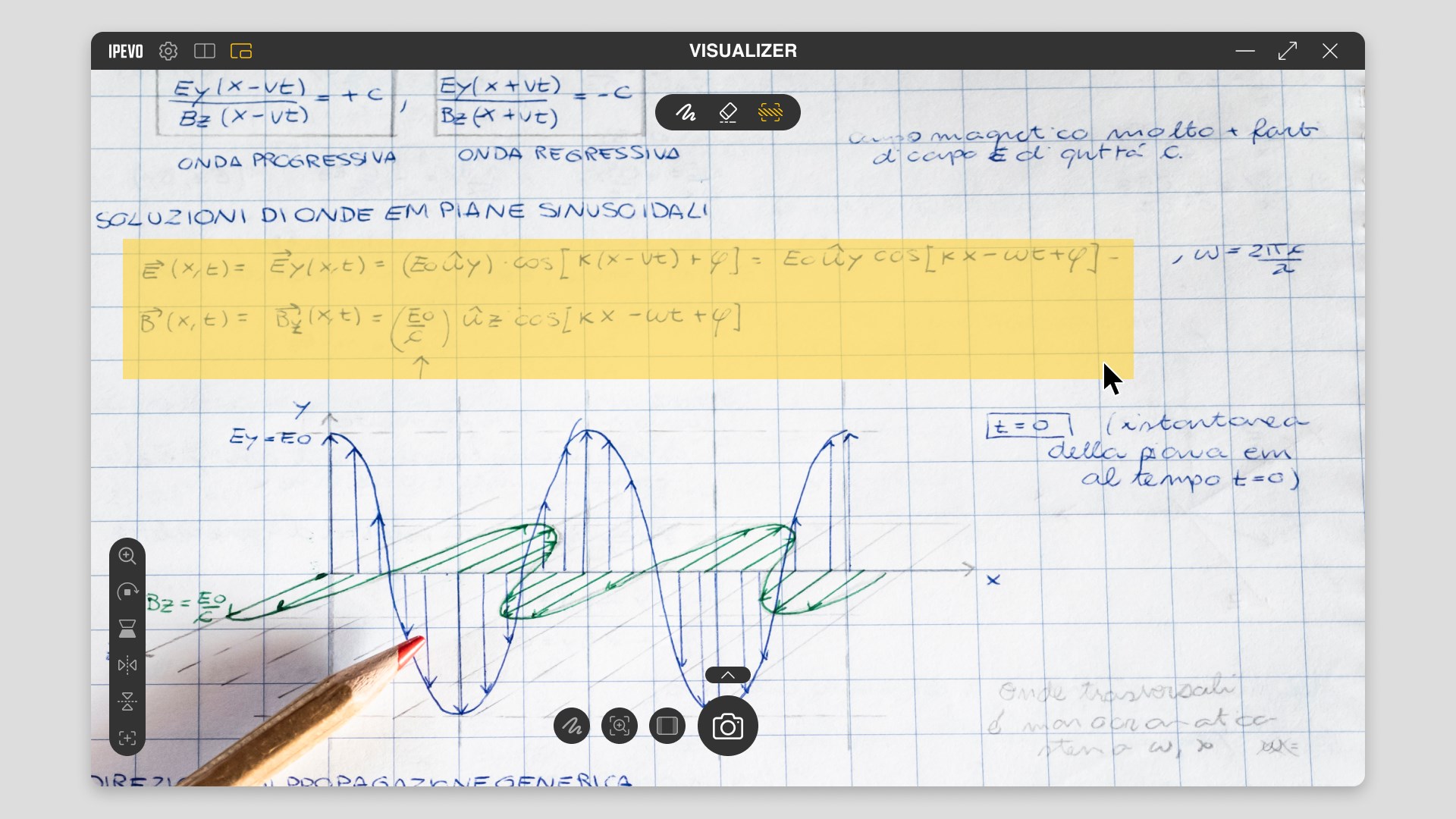
Compared to other education applications that might focus solely on content delivery or presentation, IPEVO Visualizer emphasizes tailored interaction and content accuracy, much like a well-trained assistant in your digital toolkit. Its ability to handle multiple sources simultaneously—think of a conductor coordinating various instruments—sets it apart, especially for interactive lessons or detailed demonstrations. Plus, with built-in annotation tools, it's akin to having a whiteboard right on your screen, fostering a more personalized approach to learning. This facilitates not just content sharing but active engagement, making lessons both informative and lively.
Overall, IPEVO Visualizer for Windows is a dependable and versatile application that fits perfectly into the modern educator's arsenal. Its especially unique ability to support multiple input sources simultaneously, coupled with live annotation, makes it stand out from other simpler camera viewer apps. For teachers, trainers, or anyone needing a professional yet user-friendly visual presentation tool, this app is highly recommended. I suggest pairing it with IPEVO's physical devices for an even more integrated experience, but it works just as well with any compatible camera or scanner connected to your Windows PC. Whether you're conducting a science experiment, showcasing artwork, or explaining complex concepts, this Visualizer keeps your content clear, engaging, and professional—an excellent choice for those seeking a straightforward yet powerful visual solutions app.
User-friendly interface
High video quality
Flexible camera controls
Real-time annotation features
Compatibility with multiple devices
Limited recording options
Occasional latency issues
Basic annotation tools
Battery consumption on tablets
Minor setup complexity for new users

for Windows
 4.8
4.8

for Windows
4.7

for Windows
4.7

for Windows
4.6

for Windows
4.6

for Windows
4.6

for Windows
4.5

for Windows
4.5

for Windows
4.4

for Windows
4.4

for Windows
4.4

for Windows
4.4

for Windows
5

for Windows
5

for Windows
5

for Windows
5

for Windows
5

for Windows
5

for Windows
5

for Windows
5

for Windows
5

for Windows
5