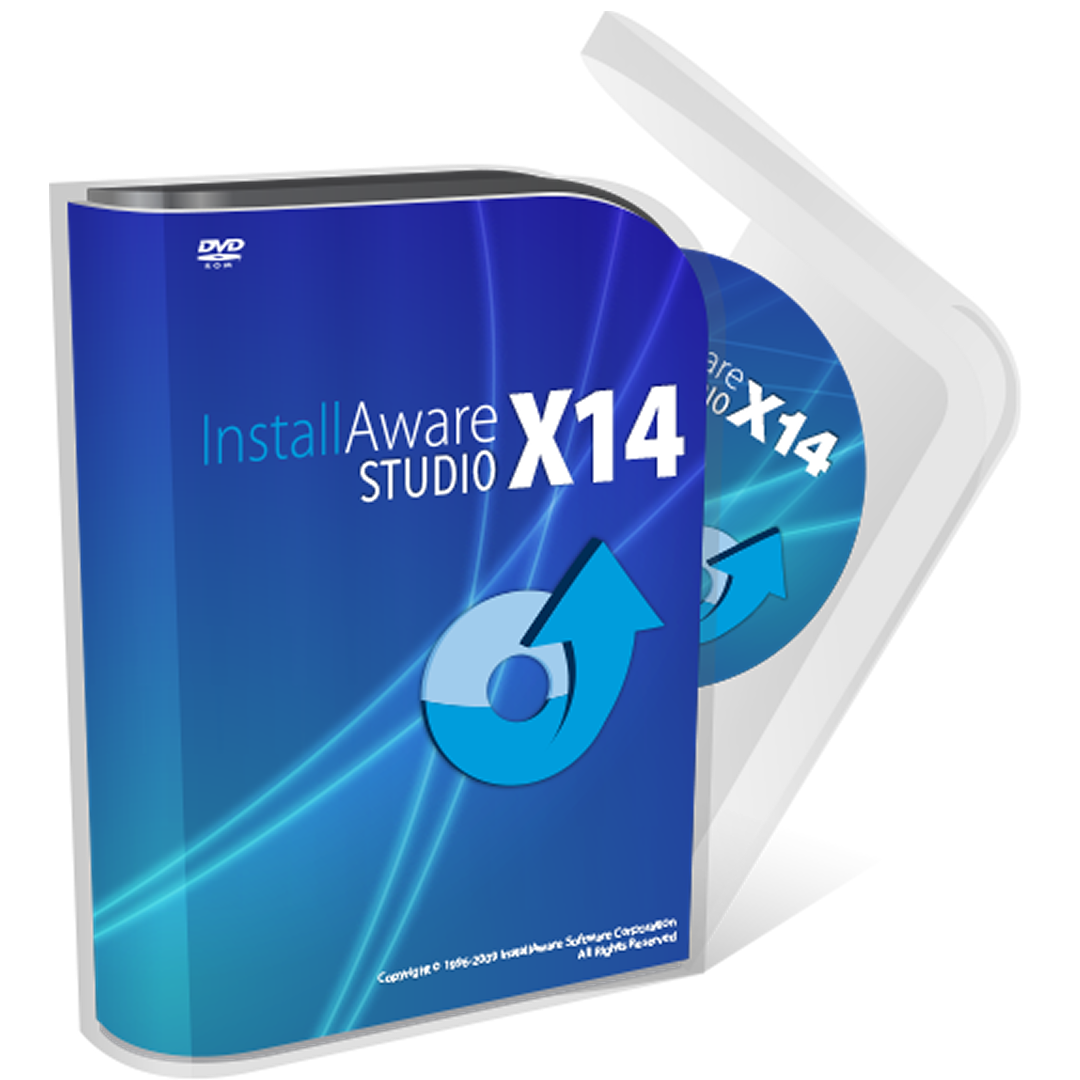
Developer tools
InstallAware Software
PC
Windows 10 version 0.0 or higher
English, English (Afghanistan), English (Åland Islands), English (Albania), English (Algeria), English (American Samoa), English (Andorra), English (Angola), English (Anguilla), English (Antarctica), English (Antigua and Barbuda), English (Armenia), English (Aruba), English (Australia and New Zealand), English (Australia), English (Azerbaijan), English (Bahamas), English (Bangladesh), English (Barbados), English (Belarus), English (Belize), English (Benin), English (Bermuda), English (Bhutan), English (Bolivia), English (Bonaire, Saint Eustatius and Saba), English (Bosnia and Herzegovina), English (Botswana), English (Bouvet Island), English (British Indian Ocean Territory), English (British Virgin Islands), English (Brunei), English (Bulgaria), English (Burkina Faso), English (Burundi), English (Cambodia), English (Cameroon), English (Canada), English (Cape Verde), English (Caribbean), English (Cayman Islands), English (Central African Republic), English (Chad), English (Christmas Island), English (Cocos (Keeling) Islands), English (Comoros), English (Congo (DRC)), English (Congo), English (Cook Islands), English (Côte d'Ivoire), English (Croatia), English (Curaçao), en-cz, English (Djibouti), English (Dominica), English (Dominican Republic), English (Eastern Africa), English (Equatorial Guinea), English (Eritrea), English (Estonia), English (Ethiopia), English (Falkland Islands), English (Faroe Islands), English (Fiji), English (French Guiana), English (French Polynesia), English (French Southern and Antarctic Lands), English (Gabon), English (Gambia), English (Georgia), English (Germany), English (Ghana), English (Gibraltar), en-gr, English (Greenland), English (Guadeloupe), English (Guam), English (Guernsey), English (Guinea-Bissau), English (Guinea), English (Guyana), English (Haiti), English (Heard Island and McDonald Islands), English (Honduras), English (Hong Kong SAR), en-hu, English (Iceland), English (India), English (Indonesia), English (Iraq), English (Ireland), English (Isle of Man), English (Israel), English (Jamaica), English (Jersey), English (Jordan), English (Kazakhstan), English (Kenya), English (Kiribati), English (Kyrgyzstan), English (Laos), English (Latvia), English (Lesotho), English (Liberia), English (Libya), English (Lithuania), English (Macao SAR), English (Macedonia, FYRO), English (Madagascar), English (Malawi), English (Malaysia), English (Maldives), English (Mali), English (Malta), English (Marshall Islands), English (Martinique), English (Mauritius), English (Mayotte), English (Micronesia), English (Moldova), English (Monaco), English (Mongolia), English (Montserrat), English (Mozambique), English (Myanmar), English (Namibia), English (Nauru), English (Nepal), English (Netherlands Antilles (Former)), English (Netherlands), English (New Caledonia), English (New Zealand), English (Nicaragua), English (Niger), English (Nigeria), English (Niue), English (Norfolk Island), English (Northern America), English (Northern Mariana Islands), English (Oman), English (Pakistan), English (Palau), English (Palestinian Authority), English (Papua New Guinea), English (Philippines), English (Pitcairn Islands), English (Puerto Rico), English (Qatar), English (Reunion), English (Romania), English (Rwanda), English (Saint Barthélemy), English (St Helena, Ascension, Tristan da Cunha), English (Saint Kitts and Nevis), English (Saint Lucia), English (Saint Martin (French Part)), English (Saint Pierre and Miquelon), English (Saint Vincent and the Grenadines), English (Samoa), English (San Marino), English (São Tomé and Príncipe), en-sa, English (Senegal), English (Seychelles), English (Sierra Leone), English (Singapore), English (Sint Maarten), English (Slovakia), English (Slovenia), English (Solomon Islands), English (Somalia), English (South Africa), English (South Georgia and the South Sandwich Islands), English (Southern Africa), English (Sri Lanka), English (Sudan), English (Suriname), English (Svalbard and Jan Mayen), English (Swaziland), English (Tajikistan), English (Tanzania), English (Thailand), English (Timor-Leste), English (Togo), English (Tokelau), English (Tonga), English (Trinidad and Tobago), English (Turkey), English (Turkmenistan), English (Turks and Caicos Islands), English (Tuvalu), English (U.S. Minor Outlying Islands), English (U.S. Virgin Islands), English (Uganda), en-ae, English (United Kingdom), English (United States), English (Uzbekistan), English (Vanuatu), English (Holy See (Vatican City)), English (Vietnam), English (Wallis and Futuna), English (Western Africa), English (Zambia), English (Zimbabwe)
InstallAware Studio for Windows stands out as a comprehensive and user-friendly tool designed to simplify the complex process of creating reliable, professional-grade installers for Windows applications. Whether you're a seasoned developer or a hobbyist, this software offers a powerful yet accessible platform to streamline your deployment tasks without drowning in complexity.
Developed and published by InstallAware Software Corporation, this application is tailored to facilitate efficient installer creation with a focus on flexibility and performance. The main highlights include:
The primary target users are software developers, IT professionals, and organizations seeking a reliable toolkit for deploying Windows applications efficiently and with professional polish.
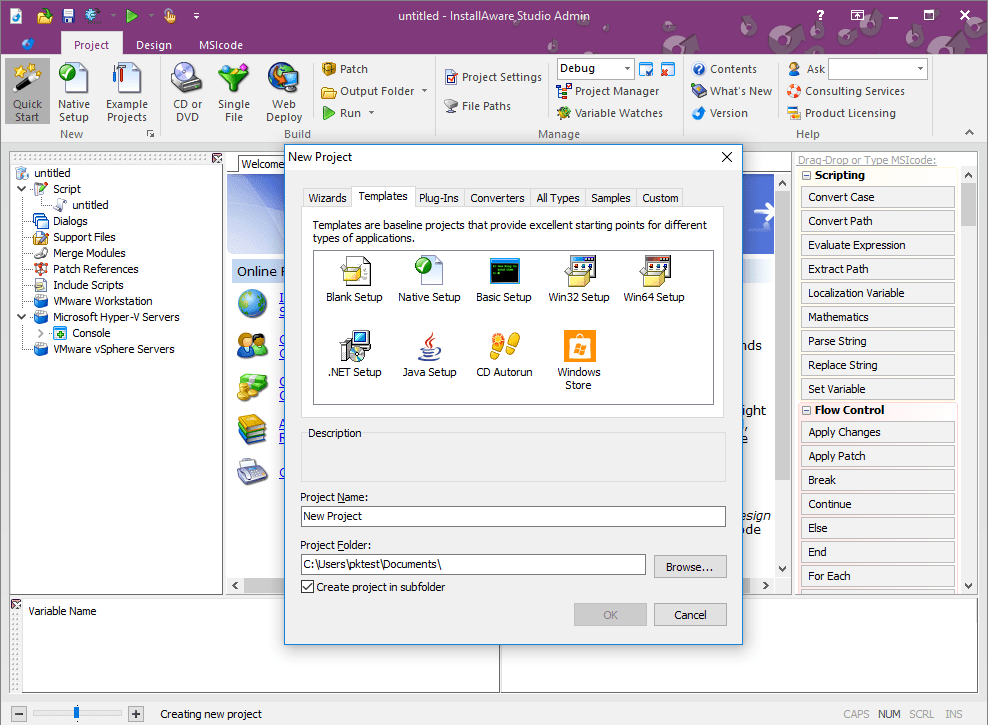
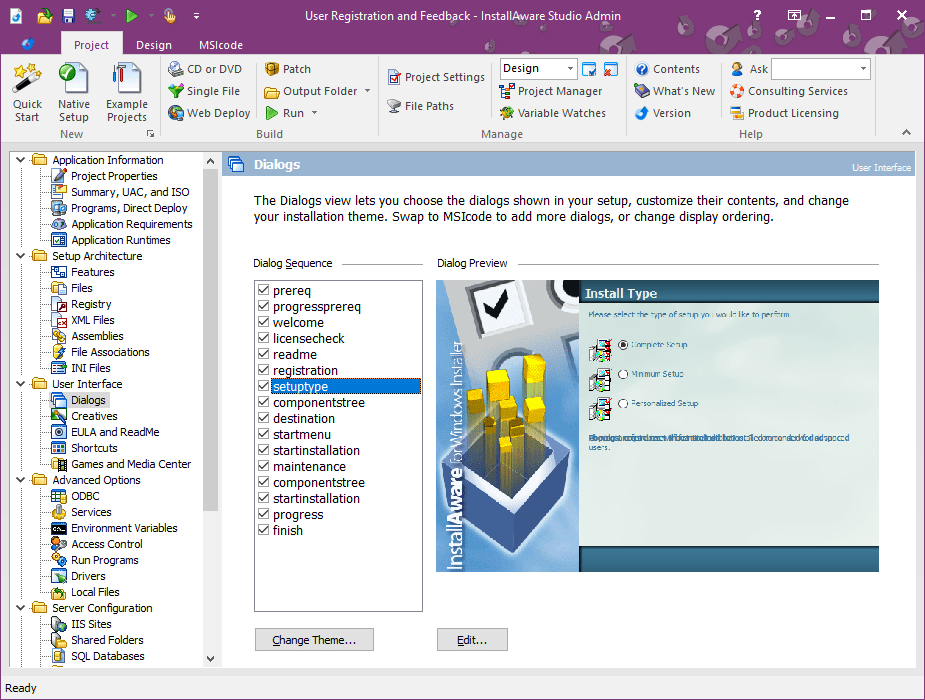
Picture walking into a well-organized workshop — all tools are within arm's reach, and nothing feels cluttered. InstallAware Studio's interface embodies this analogy: it combines a clean layout with logical grouping of tools and options. The visual editor is a highlight, making it easy to design installer sequences with drag-and-drop components that resemble assembling building blocks. For newcomers, the learning curve is gentle, thanks to nicely documented workflows and helpful prompts, though mastering advanced scripting may take some practice.
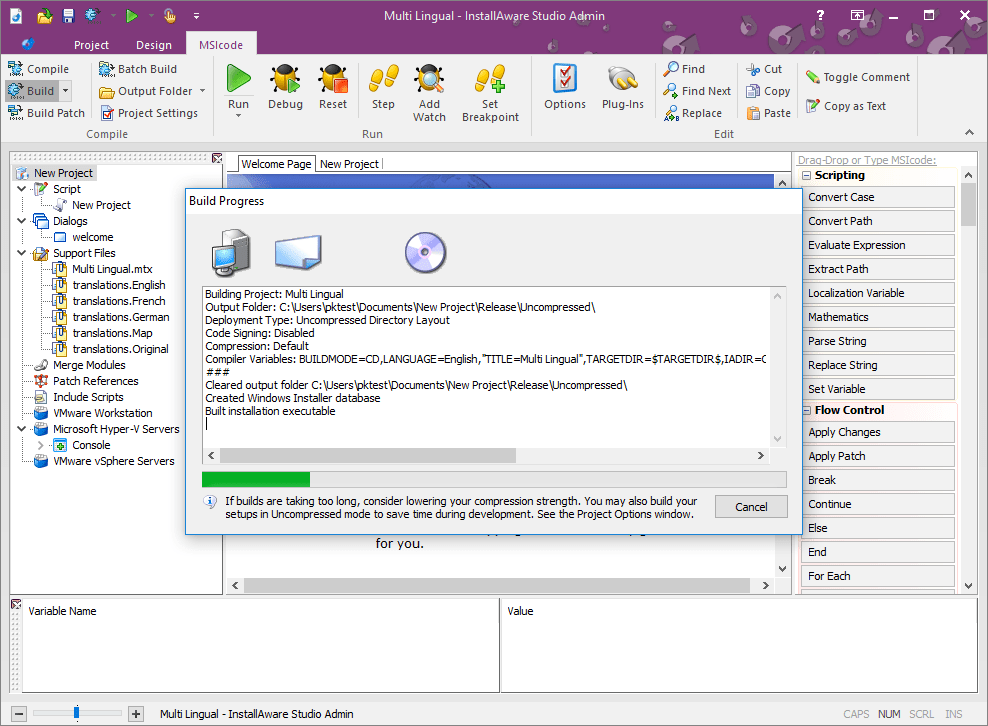
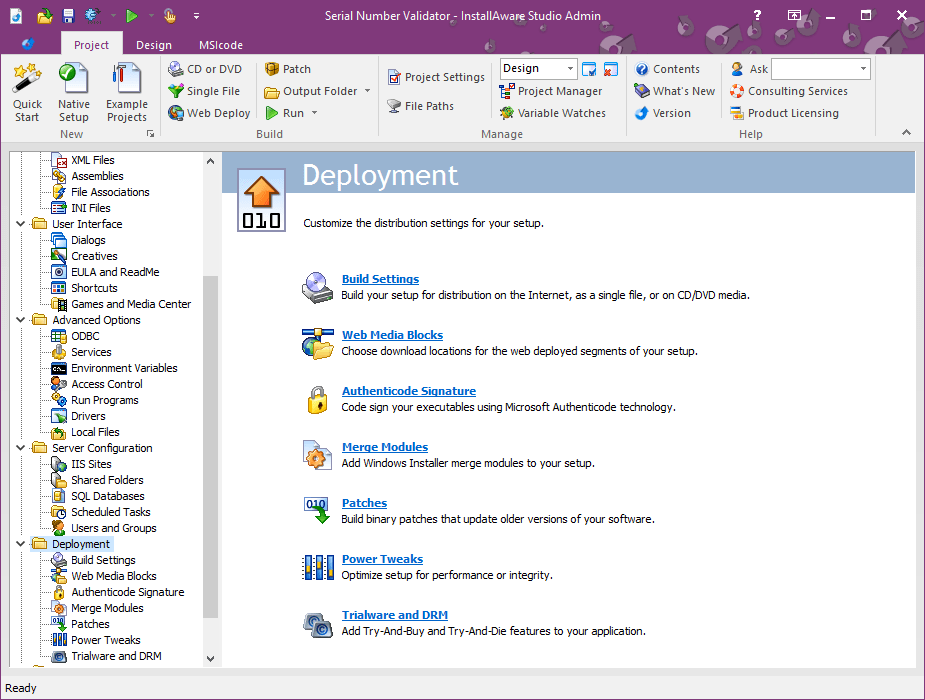
The first thing that strikes you is its deployment versatility. The deployment capabilities are especially noteworthy — supports complex installs, patches, updates, and even multi-language projects, all within a single environment. This makes it ideal for software that needs to reach a diverse user base. Another standout is automation: the scripting environment strikes a good balance between visual and code-based approaches, catering to different user preferences. For example, developers can quickly add pre-made actions or dive into custom scripts for specific behaviors, like interacting with registry entries or integrating custom DLLs.
Installing or updating software often feels like navigating a labyrinth, but InstallAware Studio makes this process surprisingly smooth. The application's responsiveness is commendable; even large projects load swiftly, providing a seamless editing experience. The dual approach of visual and scripting tools makes onboarding painless for beginners while offering depth for seasoned developers. As a user, I appreciated how straightforward it was to preview installer behavior and troubleshoot issues during development, minimizing frustration and maximizing productivity.
Compared to other developer tools like Inno Setup or NSIS, InstallAware offers a unique combination of visual design and scripting flexibility that rivals some of the most advanced deployment platforms. Its key differentiator lies in its balanced approach: a user-friendly visual environment paired with an extensive scripting engine, making complex installation tasks manageable without sacrificing control. The built-in compression techniques also give it an edge by producing smaller installers, which is crucial in today's bandwidth-conscious world. Moreover, its reliable handling of multi-language and updates support ensures that it's not just a one-trick pony but a full-fledged deployment suite.
I would confidently recommend InstallAware Studio to developers seeking a reliable, versatile installer solution suited for a range of project sizes — from small apps to enterprise-level deployments. Its intuitive interface coupled with powerful capabilities means you don't need to be a scripting wizard to create professional installers. However, if your projects require super-advanced customization beyond scripting or you prefer open-source solutions, exploring alternatives might be worthwhile. Overall, for those wanting a dependable tool that bridges ease of use with depth, InstallAware Studio is undoubtedly worth trying out.
User-Friendly Interface
Comprehensive Installation Features
Robust Automation Capabilities
Strong Customer Support
Compatibility with Various Platforms
Limited Free Version
Steep Learning Curve for Advanced Features
Occasional Stability Issues
Limited Integration with Third-Party Tools
Slow Build Processing for Large Projects

for Windows
 5
5

for Windows
4.6

for Windows
4.6

for Windows
4.6

for Windows
4.5

for Windows
4.4

for Windows
4.4

for Windows
4.3

for Windows
4.3

for Windows
4.3

for Windows
4.3

for Windows
4.2

for Windows
5

for Windows
5
for Windows
5

for Windows
5

for Windows
5

for Windows
5

for Windows
5

for Windows
5

for Windows
5

for Windows
5