Social
PC
Windows 10 version 19041.0 or higher
2 GB
English (United States)
Instagram for Windows is a dedicated app designed to bring the beloved social media platform directly to your desktop, allowing users to browse, post, and interact seamlessly outside of the mobile environment. Its purpose is to provide a more convenient, optimized experience for desktop users who want to stay connected visually and socially without switching between devices.
Developed by the official Instagram team, this application aims to integrate Instagram's vibrant visual ecosystem into the Windows Operating System. The app's main features include a streamlined browsing experience, the ability to upload photos and videos directly from your PC, and a newly added connection discovery feature that helps users find friends and interesting profiles more easily. Additionally, it supports notifications for new activity, ensuring you stay updated in real time.
This app primarily targets Windows users who are active on Instagram—such as influencers, content creators, and casual users—who prefer a desktop-first approach to browsing and managing their social media presence. It's also ideal for professionals who engage in visual marketing or those who simply want a more comfortable workspace for their social interactions.
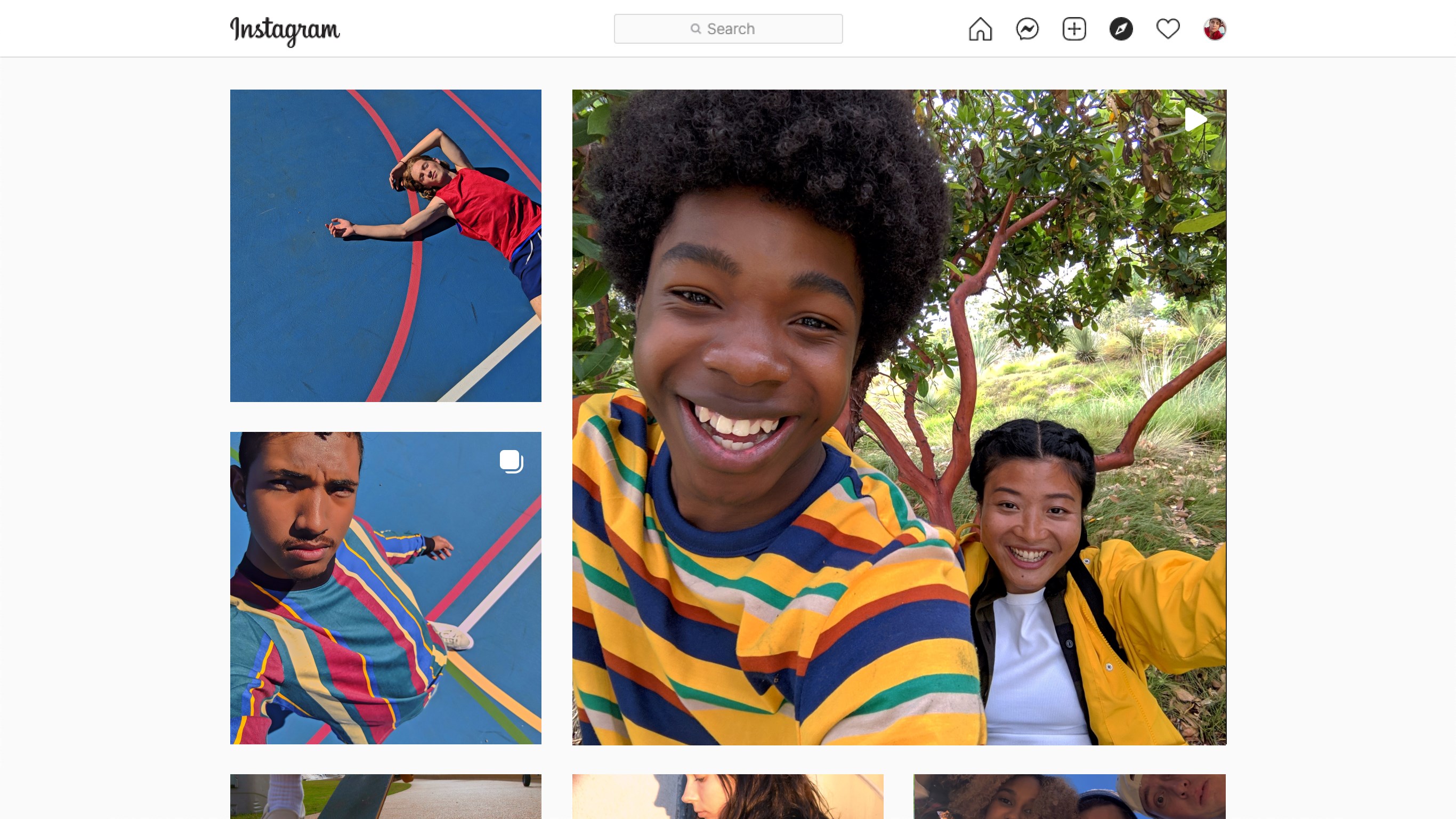
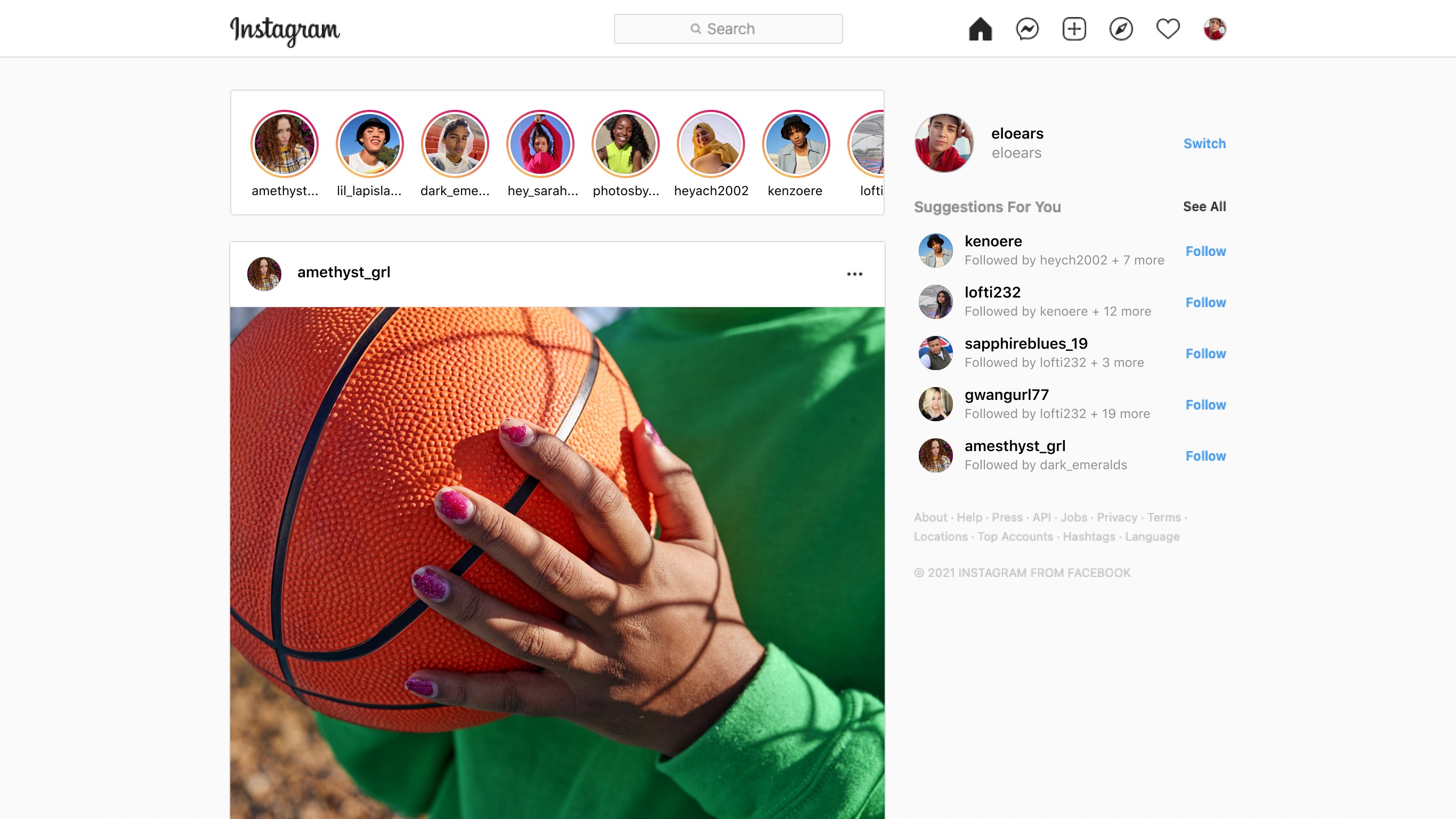
Stepping into the Instagram for Windows experience feels like walking into a familiar art gallery but with a modern twist—sleek, polished, and thoughtfully designed. The interface echoes Instagram's mobile look with a clean layout, making navigation feel intuitive right from the start. As someone familiar with the mobile app, I appreciated how familiar the desktop version looks, yet it's optimized for mouse and keyboard interactions. The overall aesthetic is crisp, with smooth animations that make browsing and clicking feel fluid, like gliding your hand over polished glass.
First up, the browsing experience is significantly enhanced on desktop. Larger images, side-by-side videos, and a more expansive view mean you can enjoy your feed like flipping through a digital magazine. The scrolling is seamless, with minimal lag, which is a breath of fresh air compared to some other social apps that can feel sluggish. For content creators, the ability to upload photos and videos directly from your PC—simply drag and drop—makes posting more convenient than ever. You can even edit images with desktop software prior to uploading, giving your content that professional touch without switching devices.
The standout feature that sets this app apart is its connection discovery system. Unlike typical Instagram apps, which often rely solely on your existing contacts, this desktop version offers a smarter, more intuitive way to discover new friends and follow interesting profiles based on your browsing habits and preferences. It even includes a layer of authenticity verification, helping users identify real accounts amidst a sea of fakes—crucial for influencers and brands aiming to engage genuinely. This focus on authentic connections fosters a community that values real engagement rather than superficial numbers.
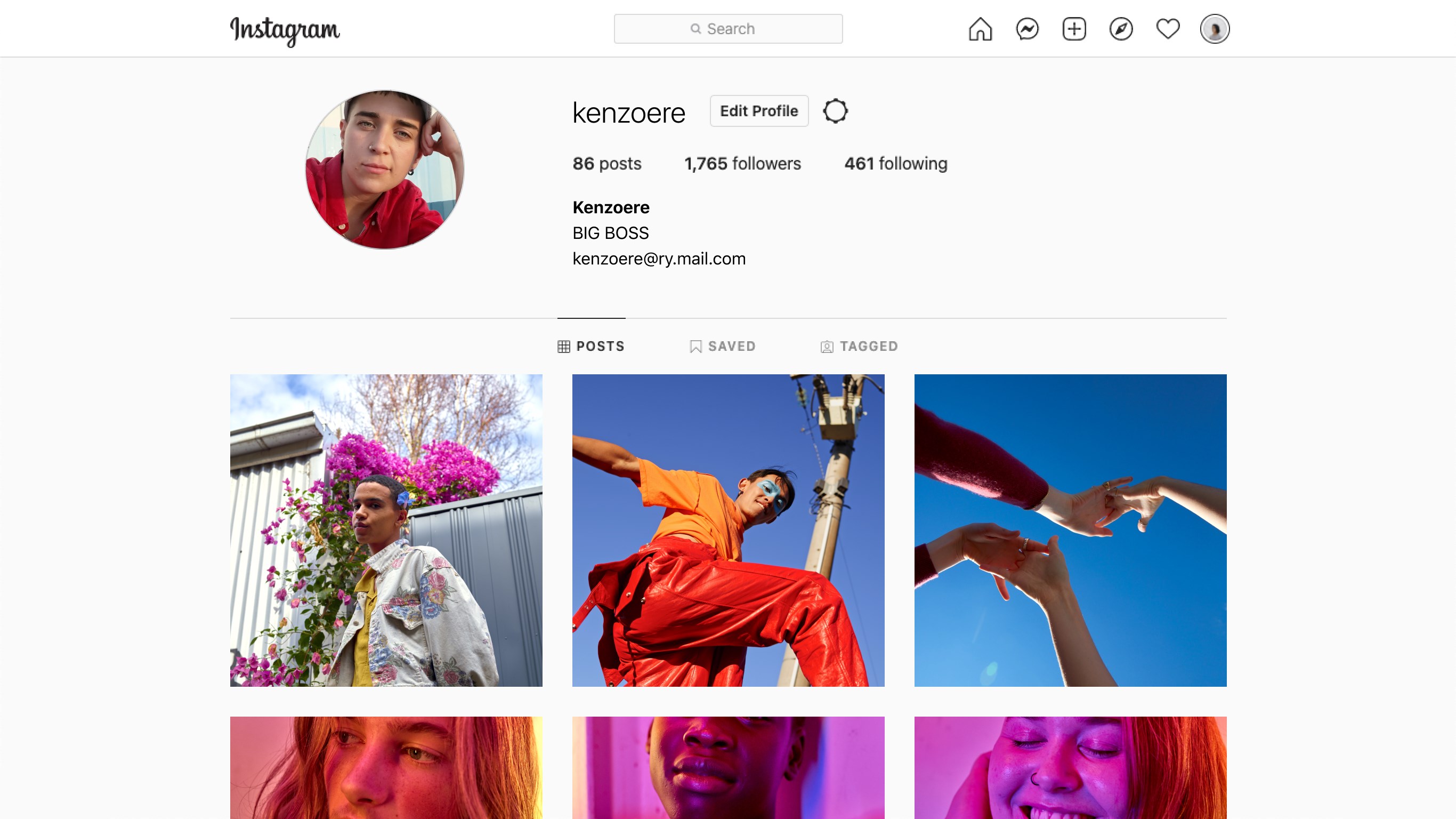
The overall user experience is thoughtfully crafted. Navigation is straightforward, and tasks such as switching between feed, stories, or direct messages are snappy and responsive. Learning curve? Minimal. For newcomers, the layout is familiar enough to pick up instantly, yet it offers enough depth for power users to customize their profiles or manage multiple accounts conveniently.
Compared to other social apps on Windows or desktop versions of Instagram alternatives, this app's key differentiator is its emphasis on authentic connections and the customized user profile management. It's like having a well-organized digital photo album combined with a social connector—sophisticated yet user-friendly.
Overall, Instagram for Windows receives a solid recommendation for those who want seamless Instagram functionality on their desktop. It's particularly appealing for content creators, social marketers, or casual users who prefer browsing on a larger screen. I find its connection discovery and authenticity verification features especially compelling, as they add real value in maintaining genuine social circles.
While it doesn't replace the mobile experience entirely, this app enhances your social media toolkit, making it easier to stay engaged with your community from your desktop environment. My advice? Give it a try if you want a more comfortable way to navigate your Instagram universe—especially if you're managing multiple profiles or prioritizing authenticity in your interactions.
User-Friendly Interface
Rich Media Sharing Features
Integrated Direct Messaging
Strong Notifications System
Regular Updates with New Features
Limited Editing Tools
Occasional App Crashes
Inconsistent Content Recommendations
Slower Loading Times on Older Devices
Limited Analytics for Personal Accounts

for Windows
 5
5

for Windows
4.9

for Windows
4.8

for Windows
4.7

for Windows
4.7

for Windows
4.6

for Windows
4.6

for Windows
4.5

for Windows
4.5

for Windows
4.5

for Windows
4.5

for Windows
4.4

for Windows
5

for Windows
5

for Windows
5

for Windows
5

for Windows
5
for Windows
5

for Windows
5

for Windows
5

for Windows
5

for Windows
5