Overview
Inkscape for Windows: A Robust Vector Graphics Tool in Your Digital Toolbox
A Fresh Take on Vector Illustration
Inkscape for Windows, developed by the Inkscape team and published on the Microsoft Store, positions itself as a powerful, open-source vector graphics editor that caters to both beginners and seasoned designers. Unlike many other design applications, it emphasizes precision and flexibility without the hefty price tag, making professional-grade illustration accessible to a wider audience.
Who's on Board? - The Developers and Main Features
The Inkscape team has a well-earned reputation in the open-source community for creating versatile design tools. Their Windows version inherits this legacy, bringing a suite of features tailored for detailed vector editing. Key highlights include:
- Advanced SVG Editing: Perfect for creating scalable graphics with precise control over nodes, paths, and layers.
- Real-Time Rendering & Effects: Offers dynamic visual effects and live editing capabilities to make artwork pop.
- Compatibility & Extensibility: Supports various file formats and custom extensions, ensuring workflows remain flexible.
- Lightweight Yet Powerful: Despite its extensive features, it maintains a relatively low system footprint, ensuring smooth performance on most PCs.
Target Audience – Who Will Thrive Here?
Inkscape's open-source nature and feature set make it ideal for graphic designers, illustrators, UI/UX developers, educators, and hobbyists eager to experiment with vector art without financial barriers. Its versatility also makes it suitable for technical diagramming, logo design, and educational projects.
An Engaging Start: Unveiling the Inkscape Experience
Imagine pulling out a clean, well-organized palette of colors, ready to breathe life into your ideas—Inkscape feels like that dependable companion that invites you into a universe where your creative dreams are just a few clicks away. Navigating through its interface is akin to strolling through a well-laid workshop, where every tool has a purpose, yet the environment remains welcoming. Learning curves are gentle for beginners, but the software offers depth and complexity for those who wish to master intricate designs.
Core Features Explored
1. Vector Precision and Node Editing Made Intuitive
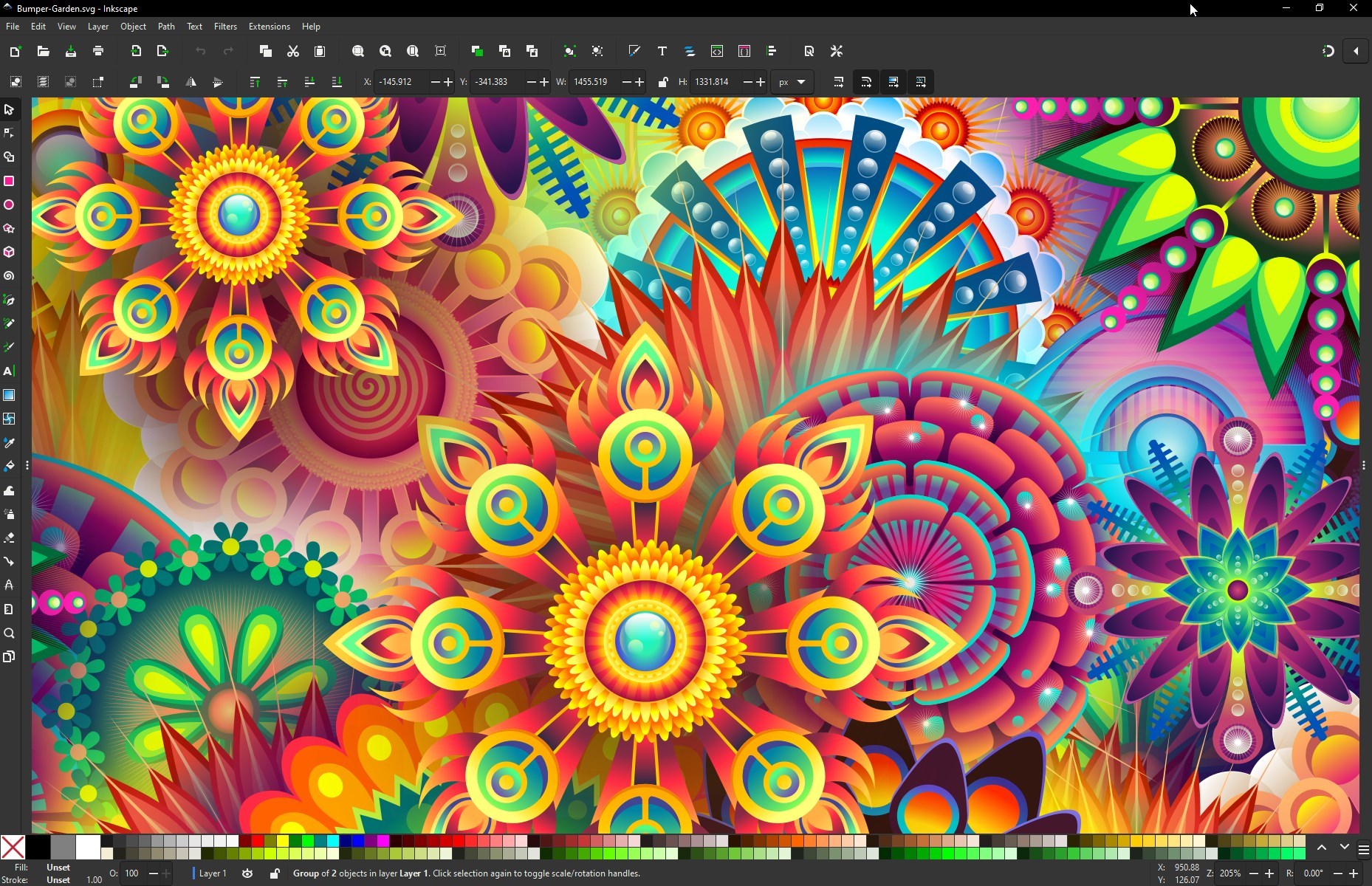
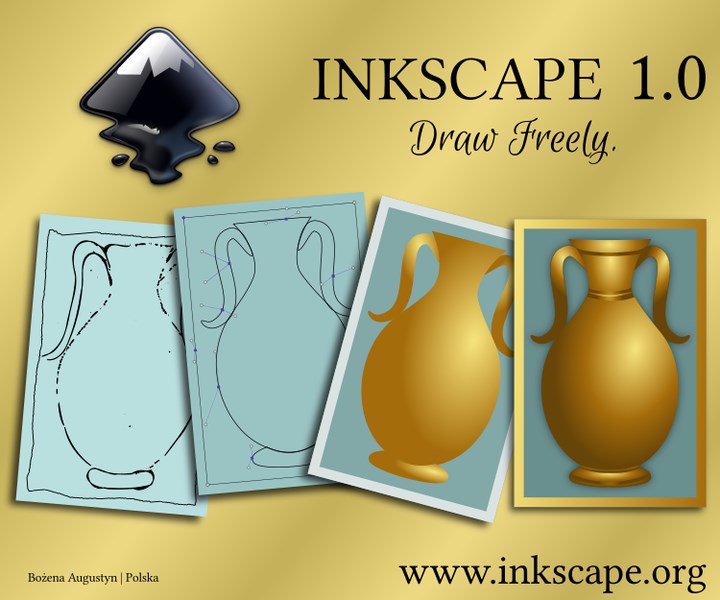
At the heart of Inkscape lies its robust vector editing engine. The toolset allows users to manipulate nodes with surgical precision, akin to adjusting tiny joints in a mechanical sculpture. The "Bezier Tool" offers fluid curve creation, while the node editing mode turns complex shapes into a playground of fine-tuning. Whether you're designing a logo or custom icon, this feature ensures every line is exactly as you envision, maintaining crispness at any scale.
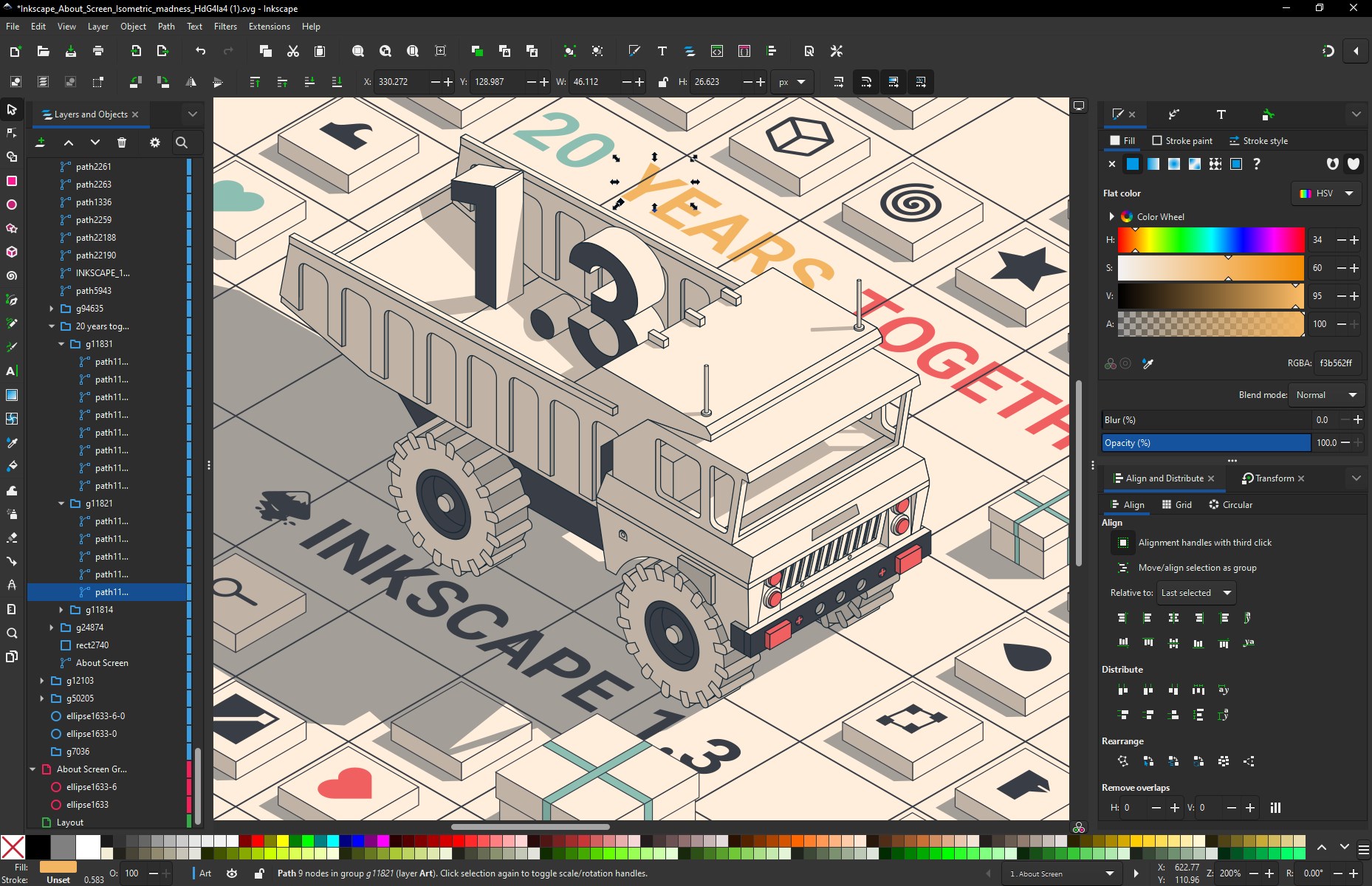
2. Dynamic Effects and Layer Management
One of Inkscape's most striking features is its real-time rendering of effects—drop shadows, gradients, boolean operations—that instantly update as you tweak parameters. Imagine shaping a vibrant, layered cartoon poster where each element seamlessly interacts with the others, creating depth and visual interest. Layer management remains straightforward, with an intuitive stacking interface that lets users organize complex compositions efficiently, much like organizing papers on a desk for easy access.
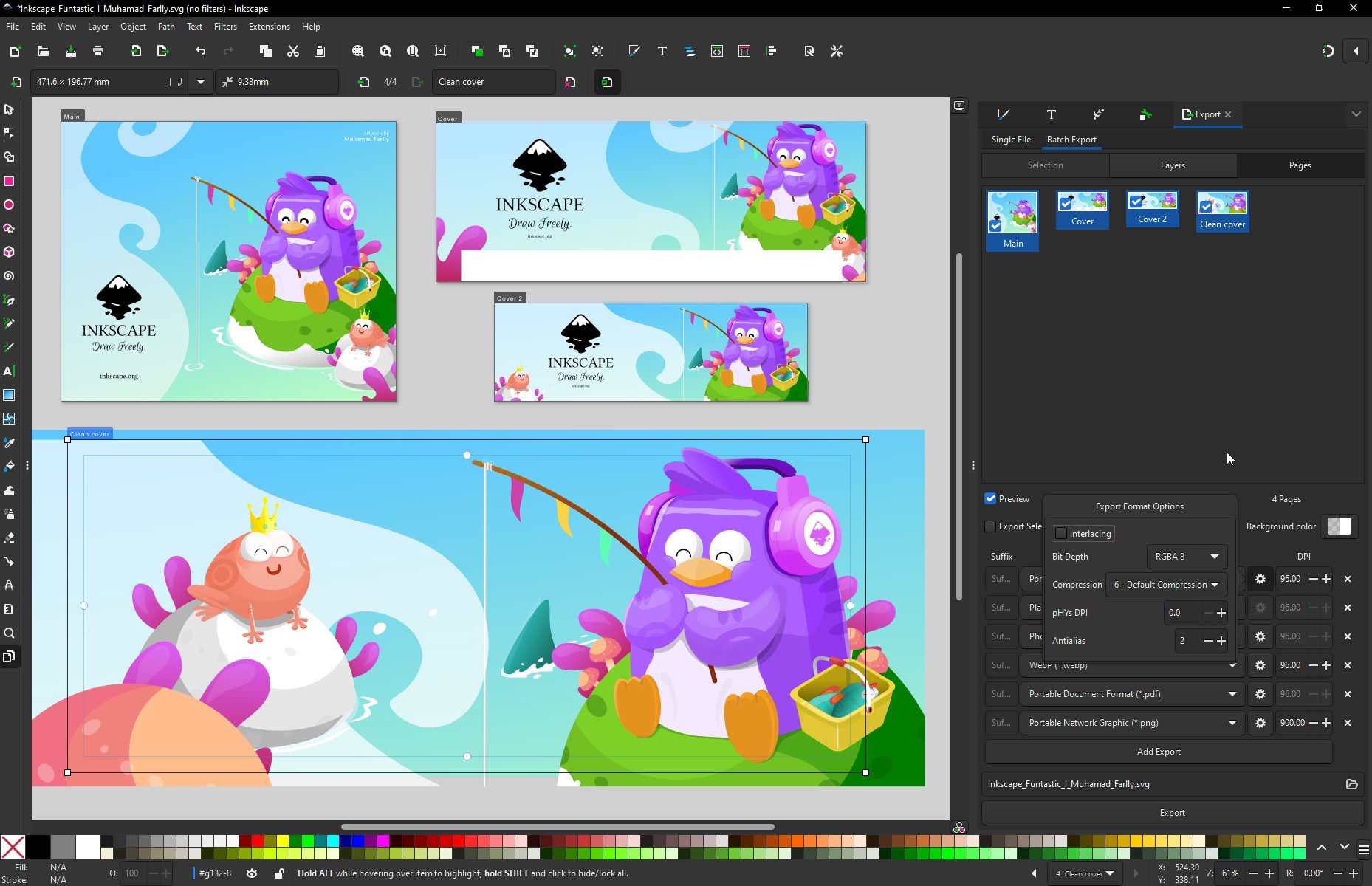
3. Exporting and Extensibility for Seamless Integration
Export options in Inkscape are comprehensive, supporting formats like SVG, PNG, PDF, and EPS—perfect for sharing across platforms or integrating into larger workflows. The extension system, which allows users to add custom scripts and filters, acts like a toolkit that keeps growing—transforming a basic drawing application into a tailored platform suited to individual needs. This flexibility sets Inkscape apart from some proprietary counterparts that lock you into fixed functionalities.
User Experience: Friendly, Functional, and Fairly Straightforward
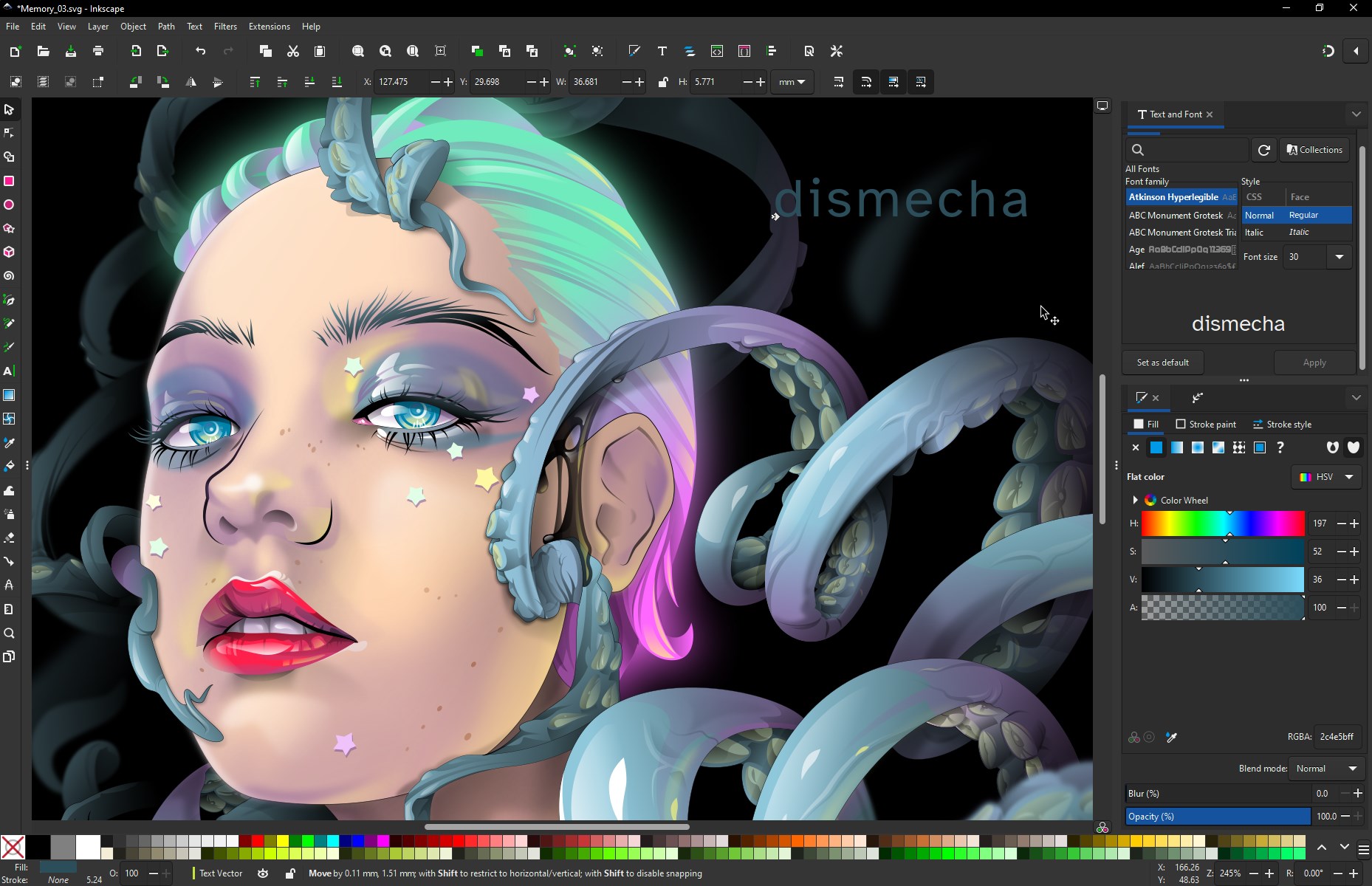
The interface design of Inkscape resembles a well-organized art studio—clear labels, customizable toolbars, and a dark mode option that's easy on the eyes during long creative sessions. The responsiveness of the software is commendable; even complex projects load swiftly, ensuring a smooth user experience. While new users might initially need some time to familiarize themselves with the extensive toolset, comprehensive documentation and active community forums act as helpful guides, much like having a friendly mentor nearby.
Standout Differentiation: Why Inkscape Shines Among Peers
Compared to other multimedia design applications—such as Adobe Illustrator or CorelDRAW—Inkscape's most compelling advantages stem from its open-source nature and scriptability. Its flexibility makes it highly customizable without financial investment. But what truly sets it apart is its strong SVG foundation; as a standard for scalable graphics, Inkscape excels at creating illustrations that adapt seamlessly across resolutions. This makes it ideal for web graphics and interface icons, where clarity at any size is crucial. Additionally, the consistent updates and vibrant community support ensure that the software continues evolving to meet modern design needs.
Final Verdict & Recommendations
Inkscape for Windows is a commendable choice for anyone seeking a free yet professional-grade vector graphics editor. Its core strengths—precision editing, powerful effects, and open extensibility—make it well-suited for a wide array of creative projects. While it may not match the polish of paid software in certain advanced features, it compensates with flexibility and community-driven innovation. I recommend it to students, hobbyists, and even professional designers looking for a cost-effective solution that doesn't compromise on core functionalities. For those ready to delve into vector art, Inkscape is certainly worth trying out; it's like having a versatile toolbox that grows with your skills.





 4.8
4.8