Music
So Far So Good
PC
Windows 10 version 14316.0 or higher
Integrated Mouse
Arabic, Chinese (Simplified), Chinese (Traditional), English, French, German, Hindi, Indonesian, Italian, Japanese, Korean, Norwegian (Bokmål), Polish, Portuguese (Brazil), Russian, Spanish, Thai, Turkish, Ukrainian, Vietnamese
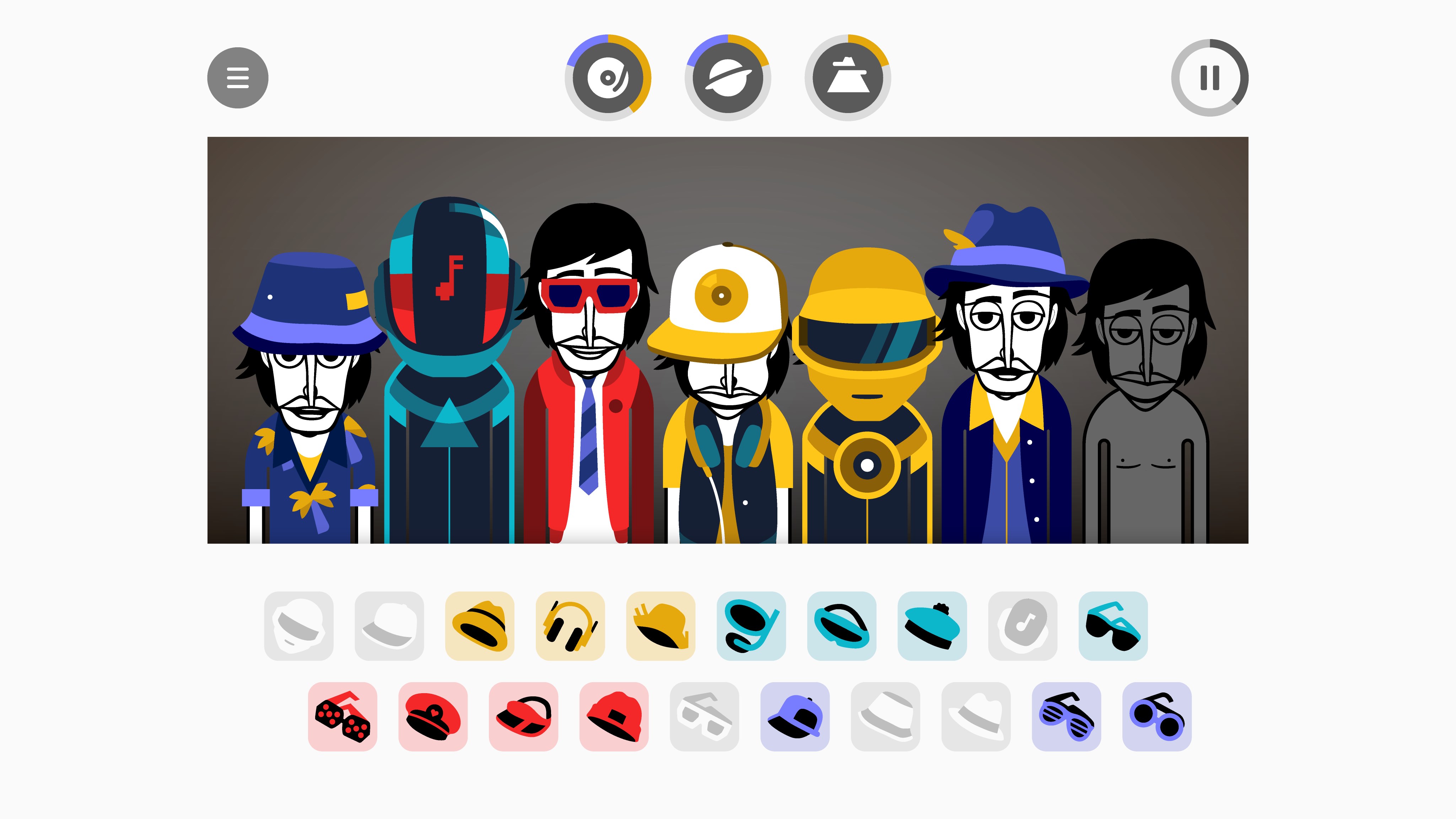
Incredibox for Windows is an interactive music creation app that invites users to compose rhythms and melodies by assembling catchy beatboxers in a lively virtual band. Perfect for both aspiring musicians and casual users, this application transforms the process of music production into an accessible, engaging activity.
Created by the team So Far So Good, Incredibox offers a sleek, user-friendly interface that brings the joy of music-making straight to your Windows desktop. Their focus on intuitive design and engaging gameplay makes it easy for users of all ages to dive into rhythm creation without steep learning curves.
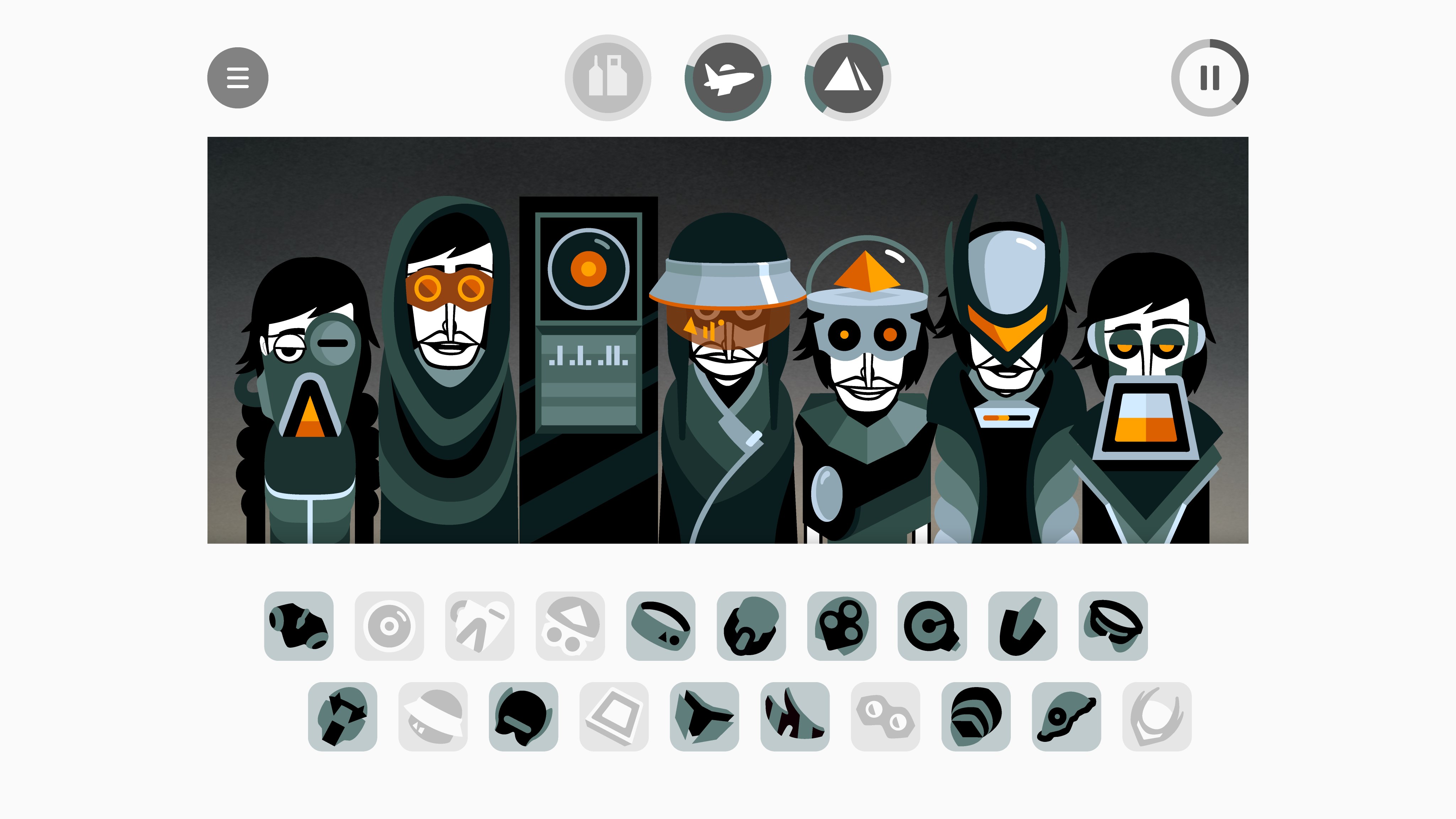
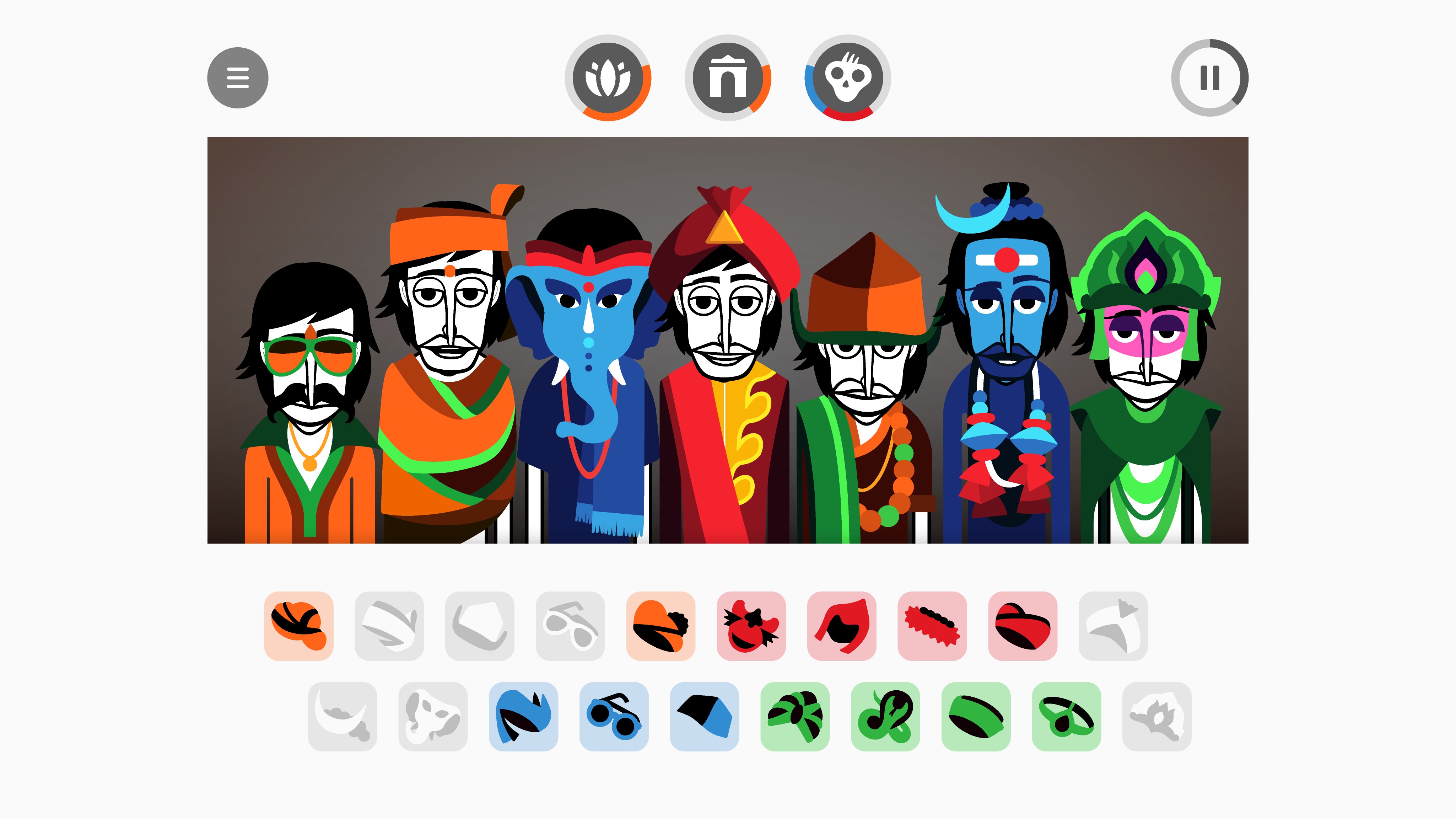
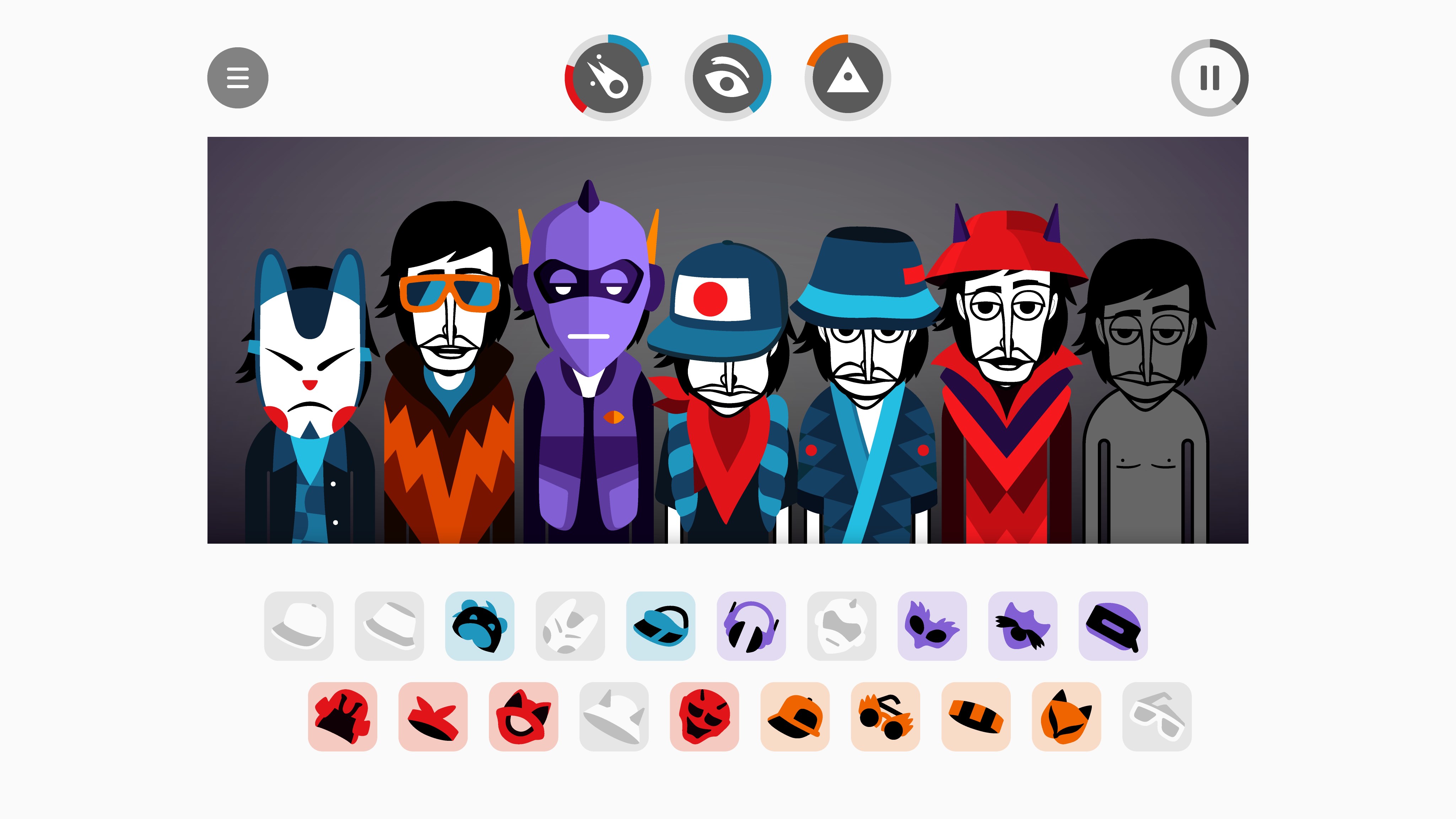
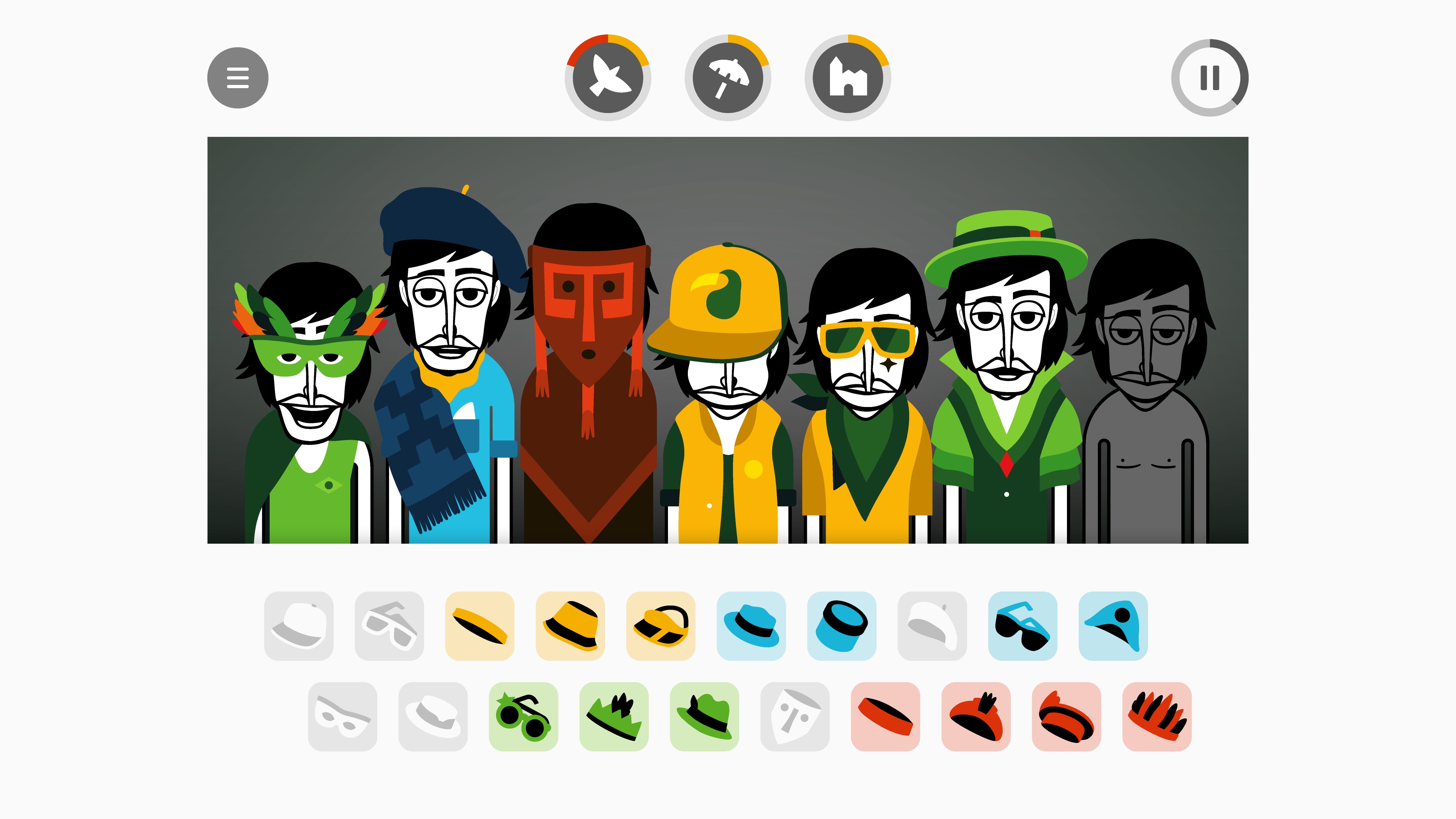
The heart of Incredibox lies in its innovative rhythm-building mechanism. Users can drag and drop different beatboxers onto the band, instantly hearing how their choices influence the overall sound. One of the most compelling aspects is its assessment of rhythm pattern variety; it adapts to the variety and complexity of your selections, encouraging experimentation. Furthermore, the app's low latency tolerance ensures that even when experimenting with rapid sequences, the sound remains synchronized and responsive.
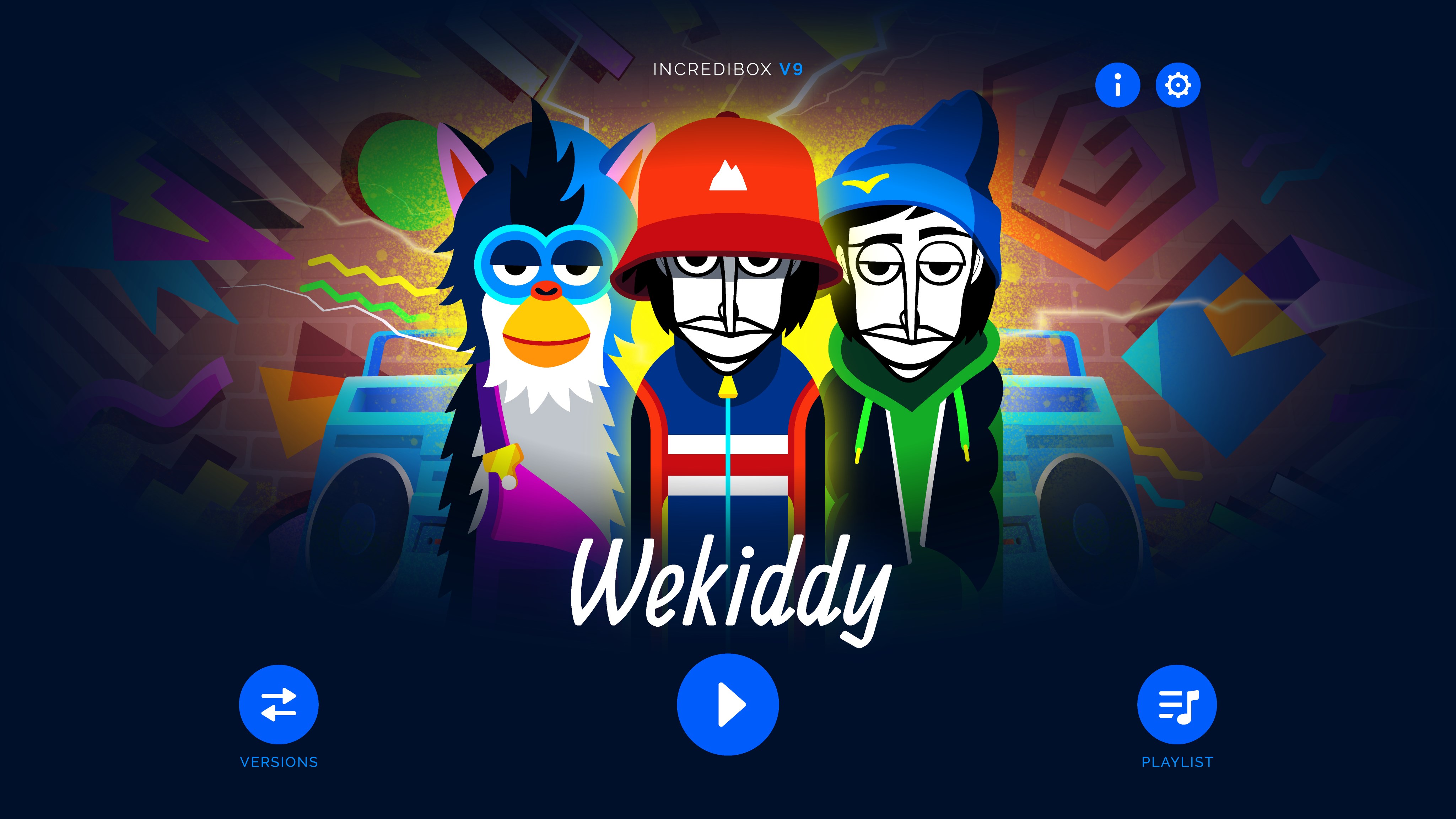
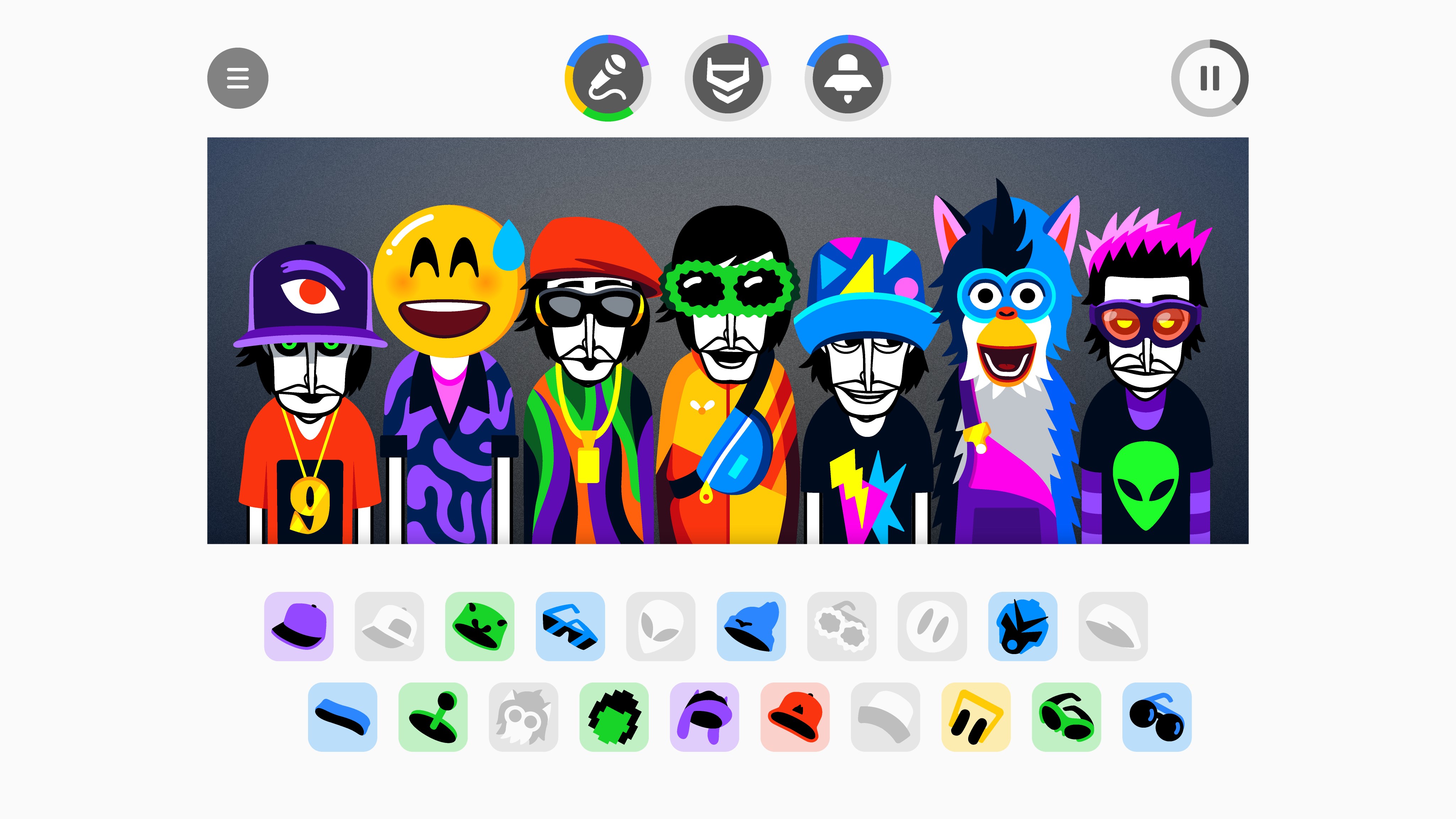
The app's interface resembles a lively street performance, with animated beatboxers dancing to the rhythm. The colorful, cartoonish design not only makes the music creation process more inviting but also enriches the user experience through smooth animations. The interface is thoughtfully organized, with straightforward controls that allow users to focus on mixing rather than struggling with navigation. The design facilitates a seamless flow from rhythm selection to playback, reducing the learning curve for newcomers.
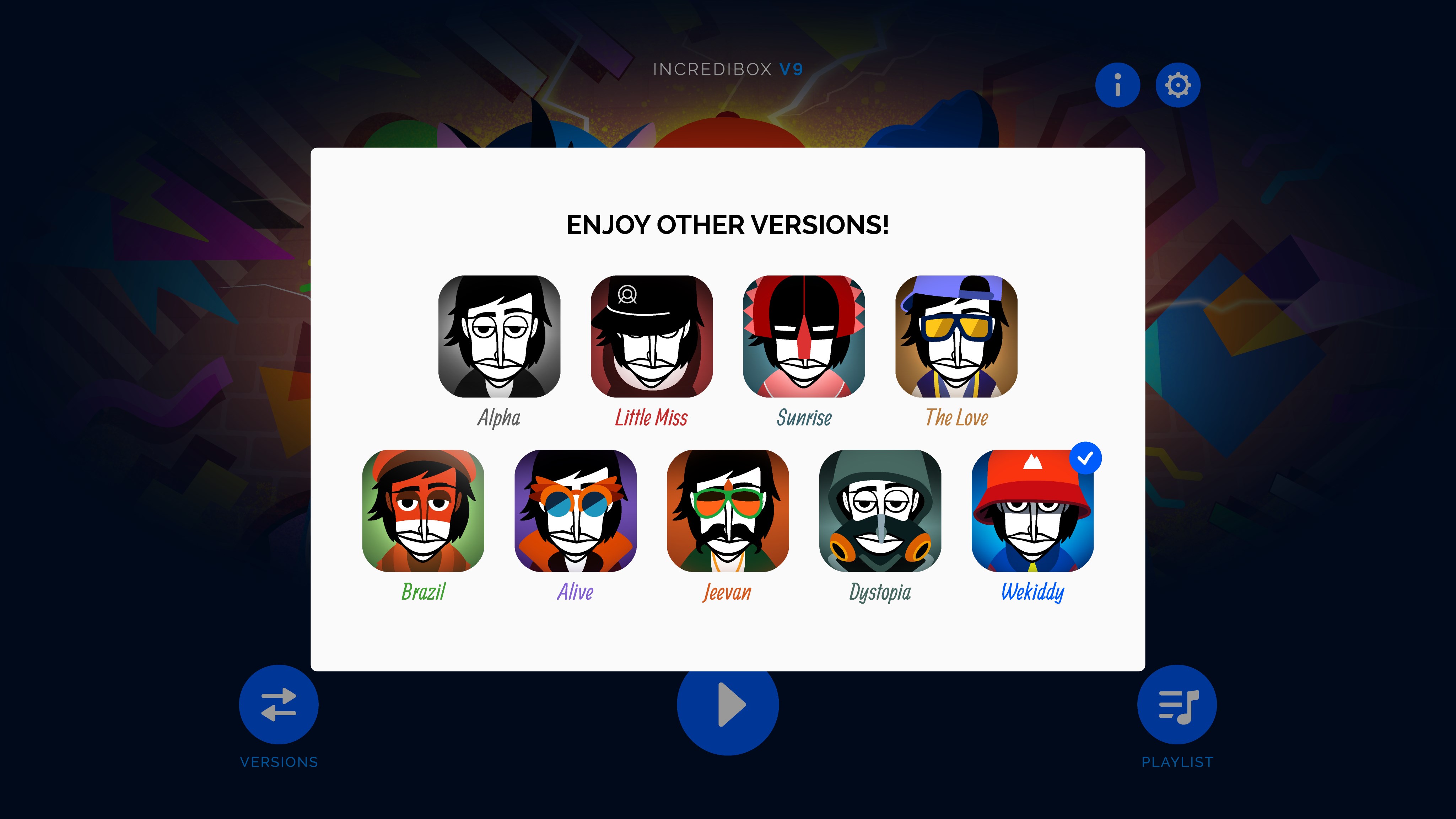
Incredibox offers a diverse collection of sounds and effects, giving users the freedom to craft unique musical compositions. The application's multiple modes and unlockable features add layers of depth, making each session engaging and replayable. Its capacity to analyze your rhythm pattern variety offers insights and keeps the experience fresh, even after repeated use. For educators and hobbyists alike, this customization capability makes Incredibox a valuable tool for creative exploration.
The app's interface design, characterized by lively animations and intuitive drag-and-drop mechanics, creates an inviting atmosphere akin to assembling your own virtual band. Its operation feels remarkably smooth with minimal delay, crucial for maintaining rhythm integrity—especially when experimenting with complex patterns. Compared to similar music apps, Incredibox excels in assessing rhythm pattern variety; it not only responds to your input with immediate feedback but also encourages users to push their creative boundaries by exploring a wide spectrum of beats and melodies. This dynamic adaptability sets it apart from other beat-making tools that often emphasize technical complexity over fun and accessibility.
Incredibox for Windows stands out as a delightful, approachable platform for all ages interested in music creation. Its most distinctive features—particularly its intelligent rhythm pattern assessment and immersive visual design—make it more than just a music app; it's a playful workshop for musical experimentation. I'd recommend it to educators looking for an engaging teaching aid, hobbyists exploring rhythm and melody, or anyone simply seeking a fun musical distraction. Whether you're a complete beginner or a budding producer, Incredibox provides a balanced mix of simplicity and depth, making it a worthwhile addition to your digital music toolbox.
Intuitive Interface
Rich Sound Library
Creative Freedom
Offline Mode Support
Regular Updates and New Content
Limited Free Content
Performance Slightly Laggy on Low-End Devices
Lack of Export Options in Free Version
No Collaborative Features
Minimal Tutorial Guidance

for Windows
 4.9
4.9

for Windows
4.9

for Windows
4.8

for Windows
4.8

for Windows
4.7
for Windows
4.7

for Windows
4.6

for Windows
4.6

for Windows
4.5

for Windows
4.5

for Windows
4.5

for Windows
4.5

for Windows
5

for Windows
5

for Windows
5

for Windows
5

for Windows
5

for Windows
5

for Windows
5

for Windows
5

for Windows
5

for Windows
5