Business
PC, Mobile, Surface Hub
Windows 10 version 17763.0 or higher
Arabic, Chinese (Simplified), Chinese (Traditional Chinese), Dutch, English (United States), French, German, Hebrew, Italian, Japanese, Spanish (Spain), Turkish
For busy professionals who need a reliable, straightforward solution to handle their faxing needs without the hassle of traditional fax machines, the iFax App offers a modern approach to one of the oldest forms of business communication. This application condenses the functionality of a fax office into your Windows device, making document transmission smoother and more accessible than ever before.
Developed by Crowded Road, a reputable team dedicated to creating efficient communication tools, iFax for Windows aims to bring secure, efficient, and user-friendly faxing directly to your desktop. Its primary standout features include high-quality document scanning, multi-platform connectivity, and intuitive management of faxes. For freelancers, small businesses, or remote teams, these functionalities ensure professional correspondence without the traditional barriers associated with faxing.
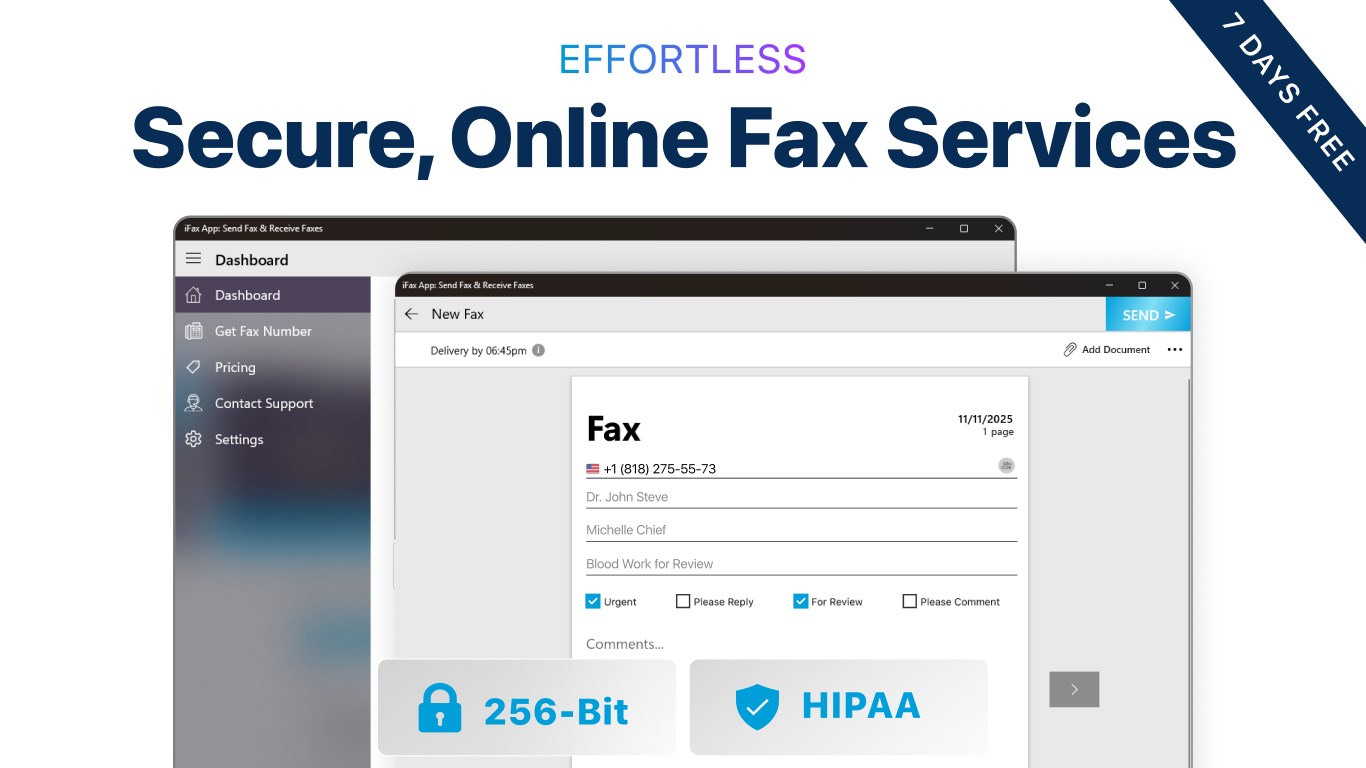
Upon launching the app, users are greeted with a clean, simple interface that invites ease of use—think of it as your digital fax machine with a sleek, modern twist. The dashboard neatly organizes all functions, allowing quick access to sending, receiving, or managing faxes. Navigating through options feels like flipping through a well-organized filing cabinet, with minimal learning curve involved. Whether you're a tech novice or a seasoned digital user, mastering iFax is a breeze, thanks to its thoughtful design.
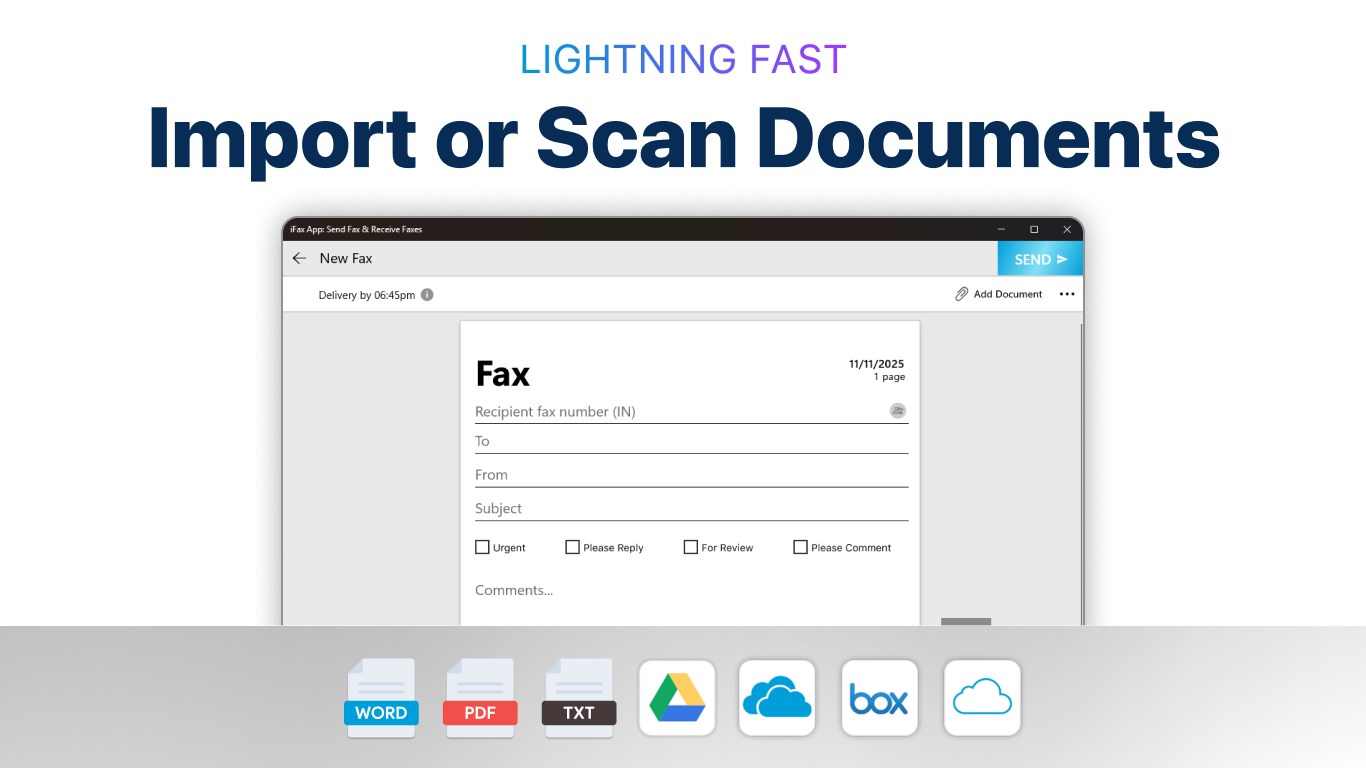
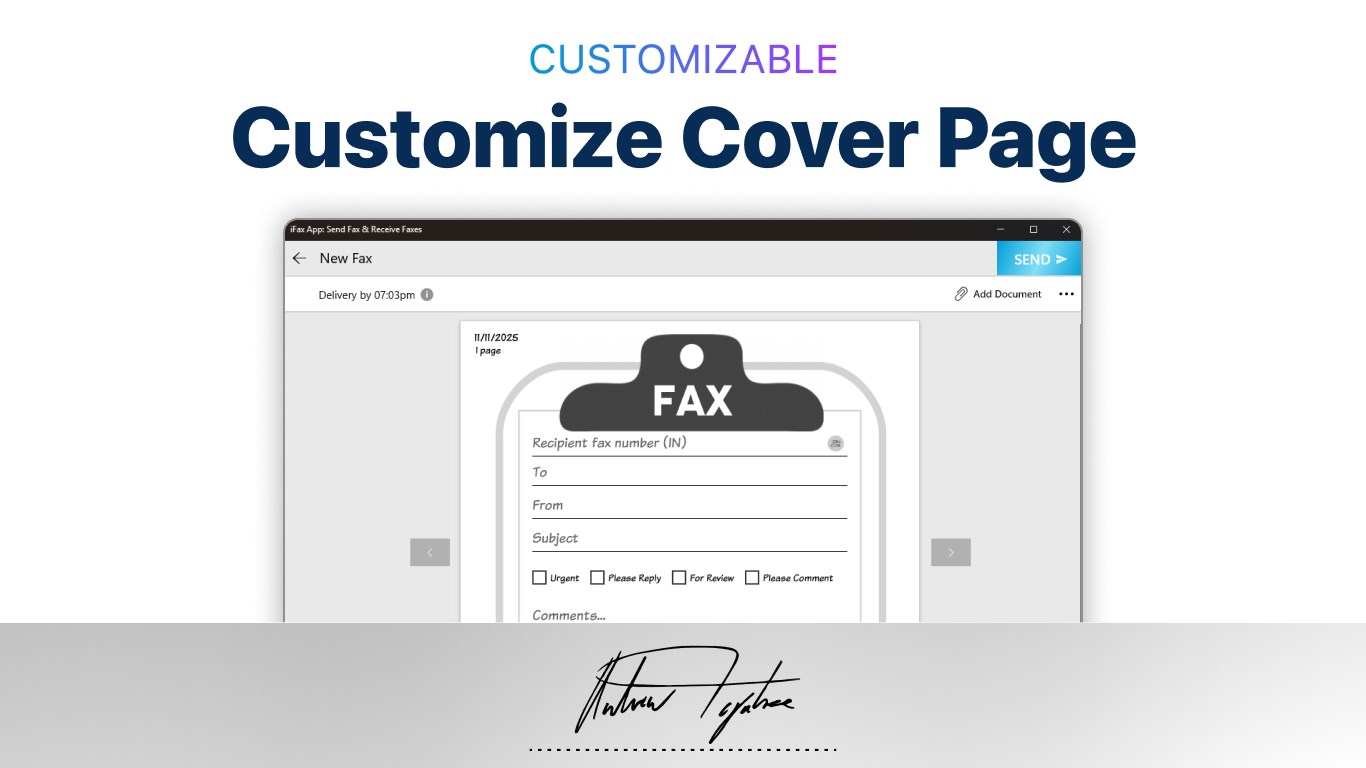
First and foremost, iFax excels at making the process of sending faxes straightforward. Users can quickly upload documents from their computer or cloud storage, input recipient fax numbers, and hit send—no complicated steps, just a few clicks. The app also supports scanning physical documents via your camera or scanner, turning paper documents into high-quality digital files instantly. This bridges the gap between traditional document handling and digital workflows.
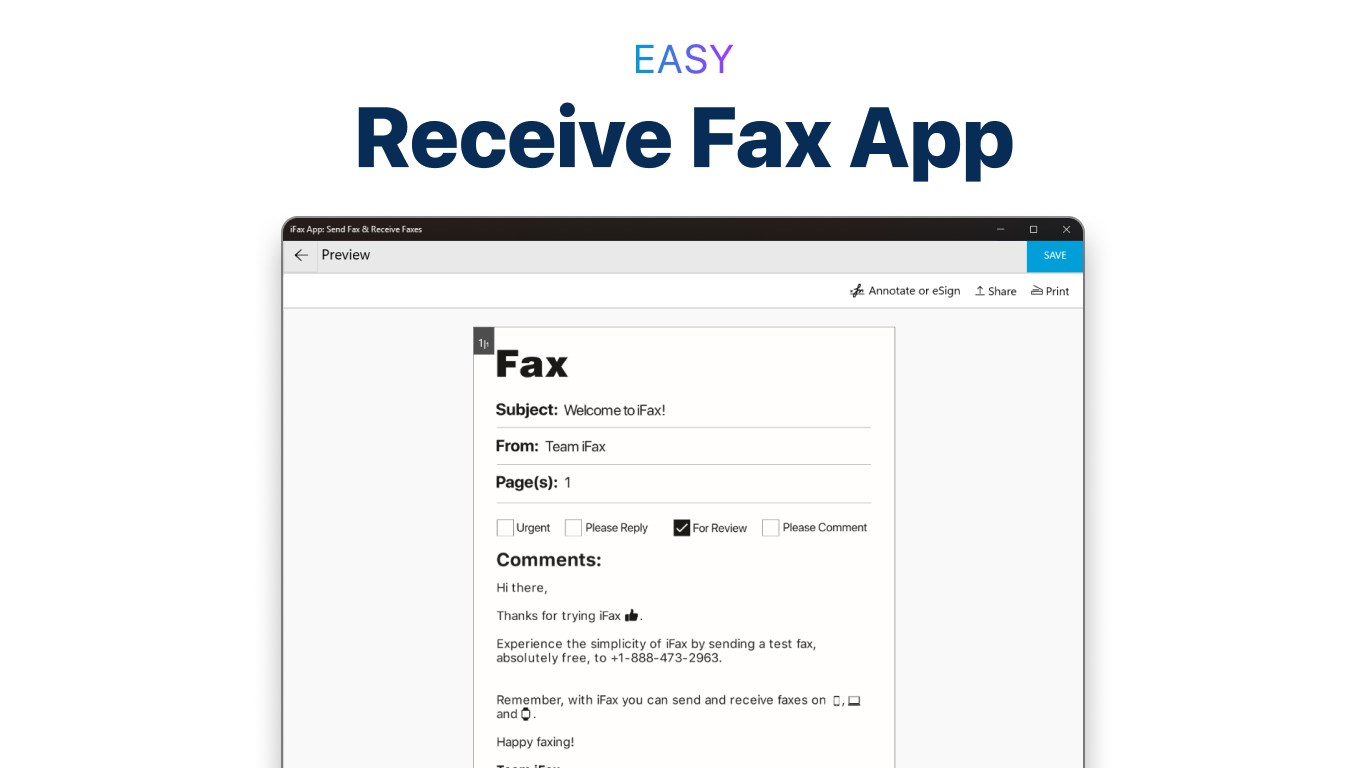
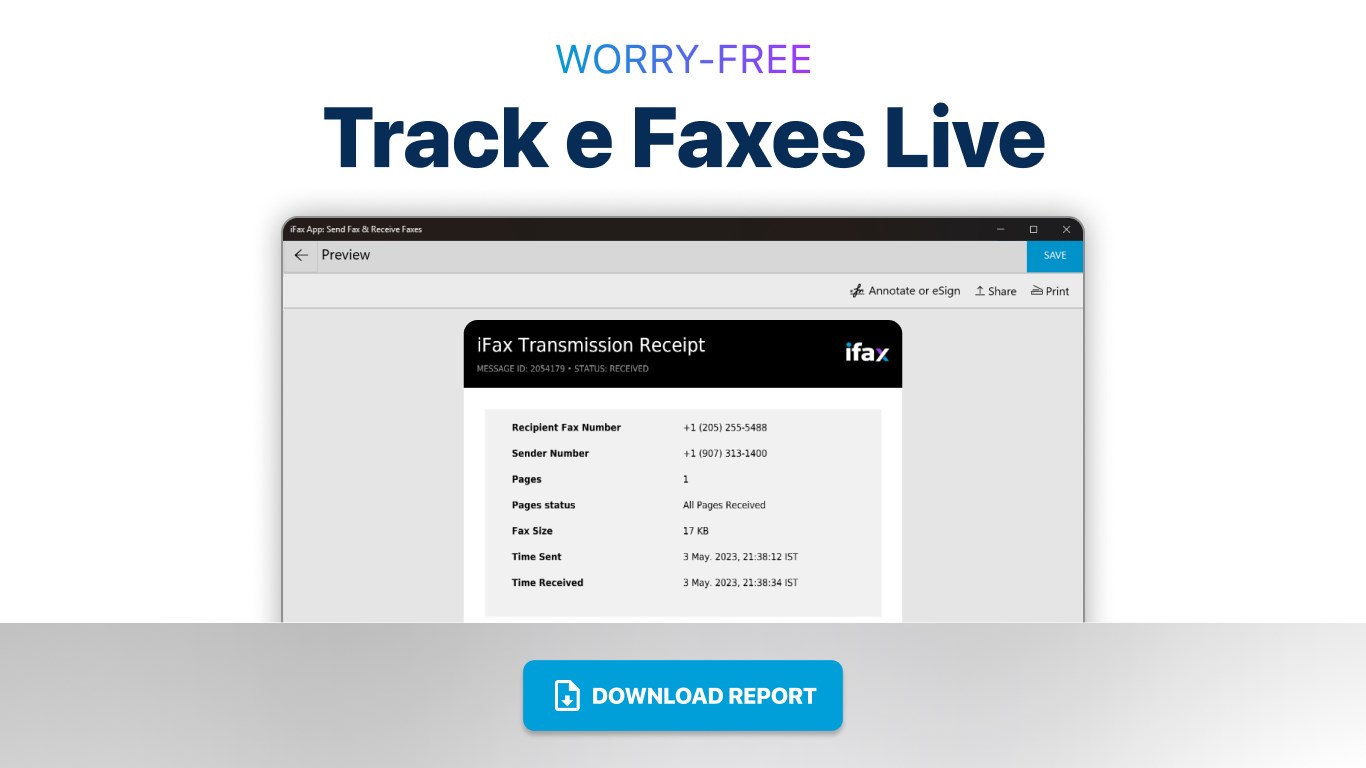
Secondly, the app offers a robust fax management system. All incoming faxes appear neatly in your inbox, with options for organizing, searching, and exporting files. Notifications alert you when new faxes arrive, ensuring you stay updated without constantly checking the app. Such features make document tracking and record keeping seamless—an essential aspect for businesses requiring reliable documentation.
One of the most compelling aspects of iFax is its potential for collaborative work—and this is where it shines. Unlike basic fax apps, iFax integrates features that facilitate multi-user access and sharing, making it ideal for teams. For instance, multiple users can access the same account or shared inbox, streamlining communication within small teams or departments. This collaborative edge reduces delays and fosters efficient workflow, especially when multiple stakeholders need to review or approve documents.
Moreover, iFax distinguishes itself through its emphasis on task management. Users can set reminders for pending faxes or scheduled transmissions, transforming faxing from a manual task into a more organized process. This proactive approach ensures deadlines are met and important documents are sent at optimal times, adding a layer of professionalism that's often absent in simpler apps.
Considering its intuitive design, comprehensive features, and focus on collaborative functionality, iFax App for Windows is a solid choice for users seeking a modern workaround for traditional faxing. Its ability to seamlessly integrate physical documents, handle bulk operations, and support team workflows makes it particularly appealing for small businesses, remote workers, and administrative offices.
If you value simplicity but also need advanced management and collaboration tools, this app deserves a spot on your desktop. While it may not boast overly flashy marketing language, its consistency and thoughtful design make it a dependable companion in your daily communication toolkit.
Overall, I would recommend giving it a try—especially if you're looking for a straightforward, professional, and multi-functional fax solution in a digital age. Perfect for those who want a reliable, no-fuss alternative to traditional fax machines, making your document transmission as clear and efficient as possible.
User-Friendly Interface
Cross-Device Compatibility
Secure Data Transmission
Integrated Contact Management
Affordable Pricing Plans
Limited File Format Support
Occasional App Crashes
Slow Fax Transmission Speeds
Lack of Advanced Features
Limited Customer Support Options

for Windows
 5
5

for Windows
5

for Windows
4.9

for Windows
4.9

for Windows
4.9

for Windows
4.9

for Windows
4.8

for Windows
4.8

for Windows
4.8

for Windows
4.8

for Windows
4.7

for Windows
4.7

for Windows
5

for Windows
5

for Windows
5

for Windows
5

for Windows
5

for Windows
5
for Windows
5

for Windows
5

for Windows
5

for Windows
5