Multimedia design
ibis inc.
PC
Windows 10 version 19041.0 or higher
Version 11
2 GB
Not specified
Not specified
Arabic, Chinese (Simplified), Chinese (Traditional Chinese), Dutch, English, French, German, Hebrew, Hindi, Indonesian, Italian, Japanese, Korean, Portuguese, Russian, Spanish, Thai, Turkish, Vietnamese
If you're searching for a versatile and user-friendly painting tool to bring your ideas to life on your Windows device, ibis Paint for Windows might just be the app you've been waiting for. Designed with amateur and seasoned digital artists in mind, this application offers a rich suite of features that make creating digital art both accessible and enjoyable.
Developed and published by ibis Inc., a company renowned for its robust mobile drawing apps, ibis Paint for Windows aims to bring the same intuitive experience to desktop users. Its main strengths include a comprehensive layer system, extensive brush customization options, and a collaborative sharing platform. Whether you're sketching, inking, or coloring, ibis Paint provides the tools to support your creative process from start to finish.
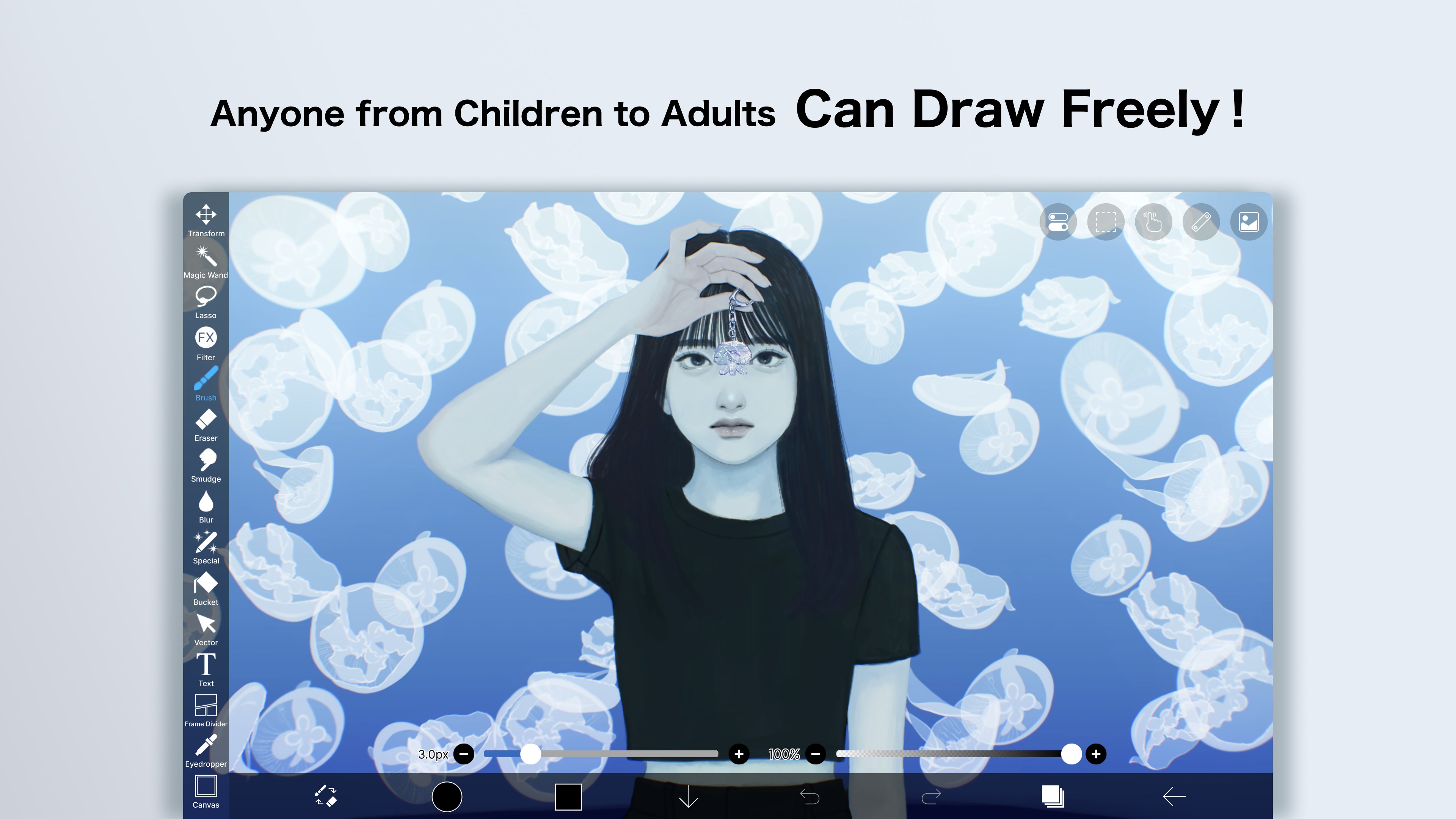
Imagine sitting at your computer, ready to turn a blank canvas into a vivid masterpiece. With ibis Paint for Windows, the interface feels like a friendly workspace—clean, approachable, yet packed with features. The transition from mobile to desktop feels seamless, providing a familiar experience coupled with enhanced precision that a mouse or stylus offers. It's like having your favorite sketchbook upgraded with superpowers, making every stroke a joy to execute.
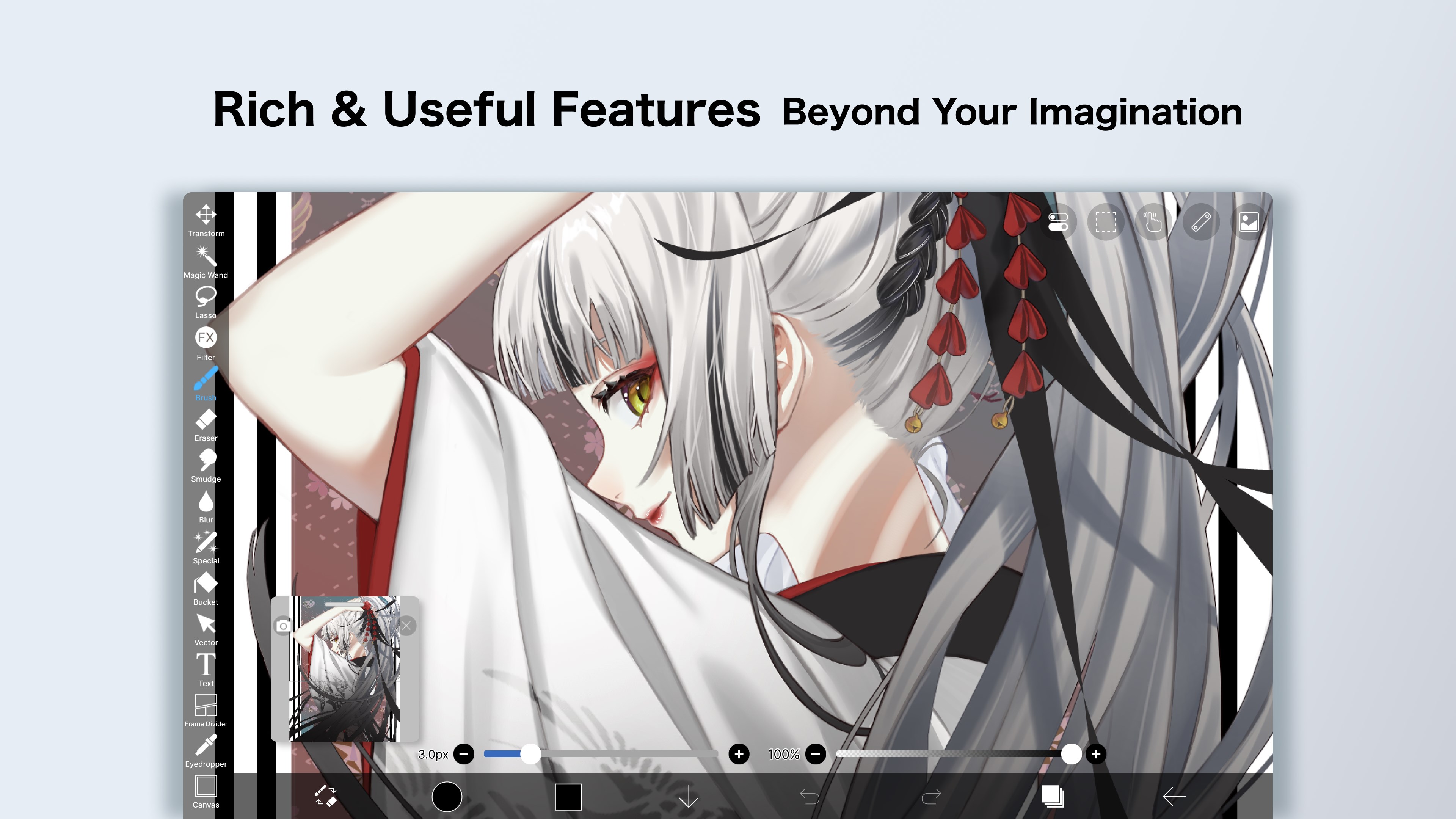
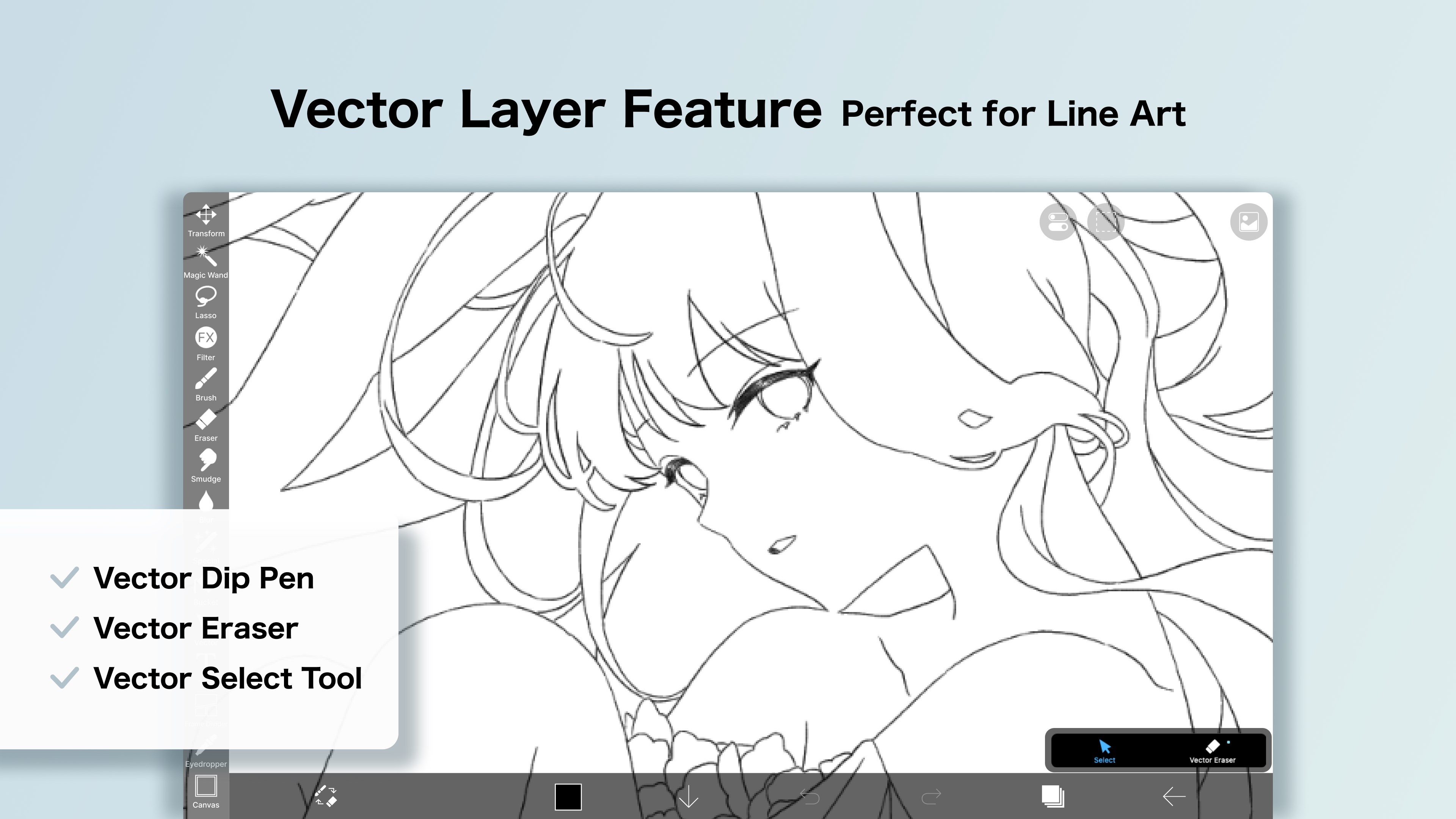
The layer system is one of ibis Paint's most powerful tools, and on the Windows version, it shines brightly. Navigating through multiple layers feels intuitive, allowing artists to organize sketches, line art, and coloring steps efficiently. The app supports up to 10,000 layers in theory, which is a dream for detailed projects. This feature notably distinguishes ibis Paint from some competitors by offering extensive layer customization options like blending modes, clipping masks, and opacity adjustments—giving artists unmatched control over their work.
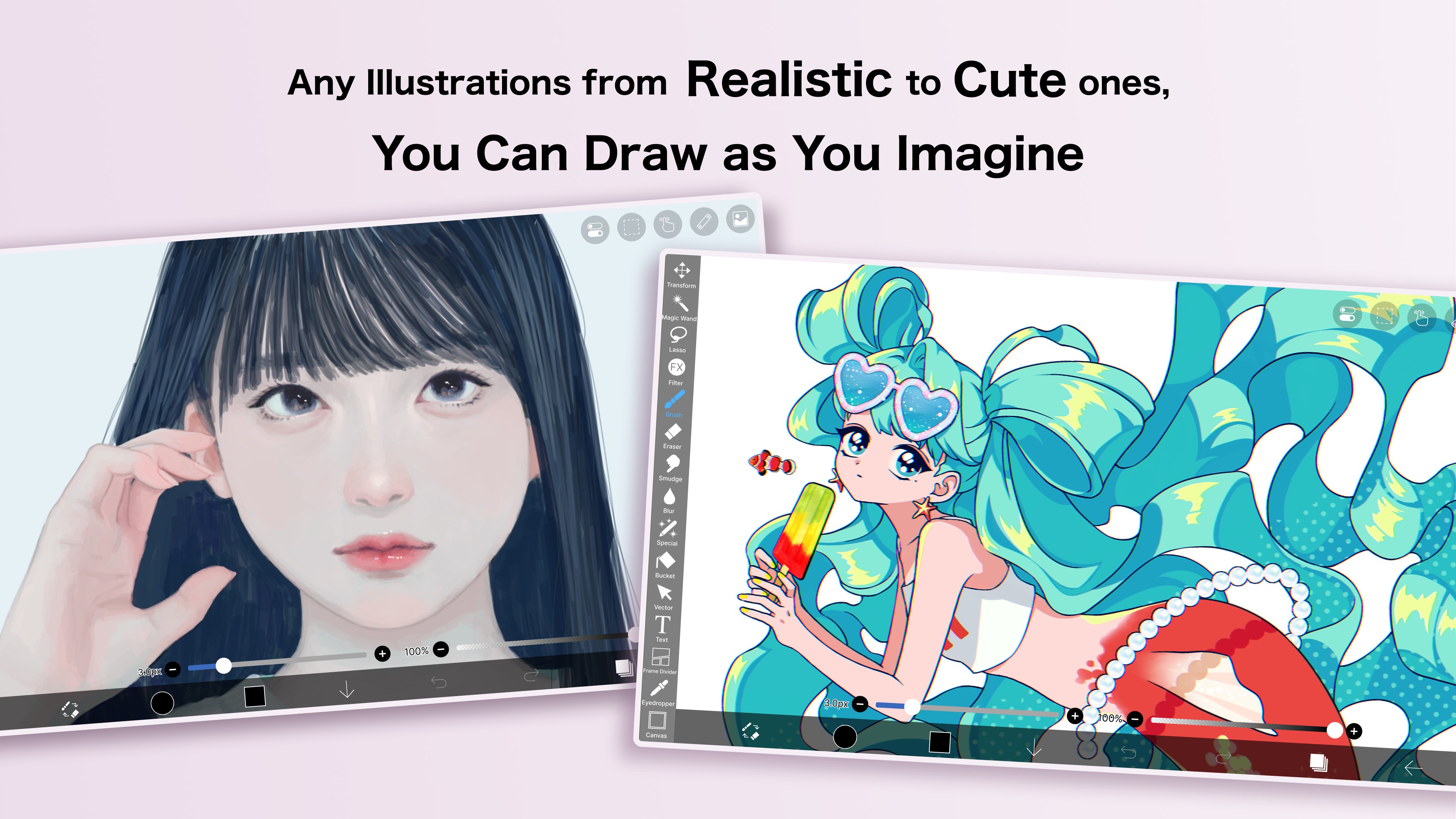
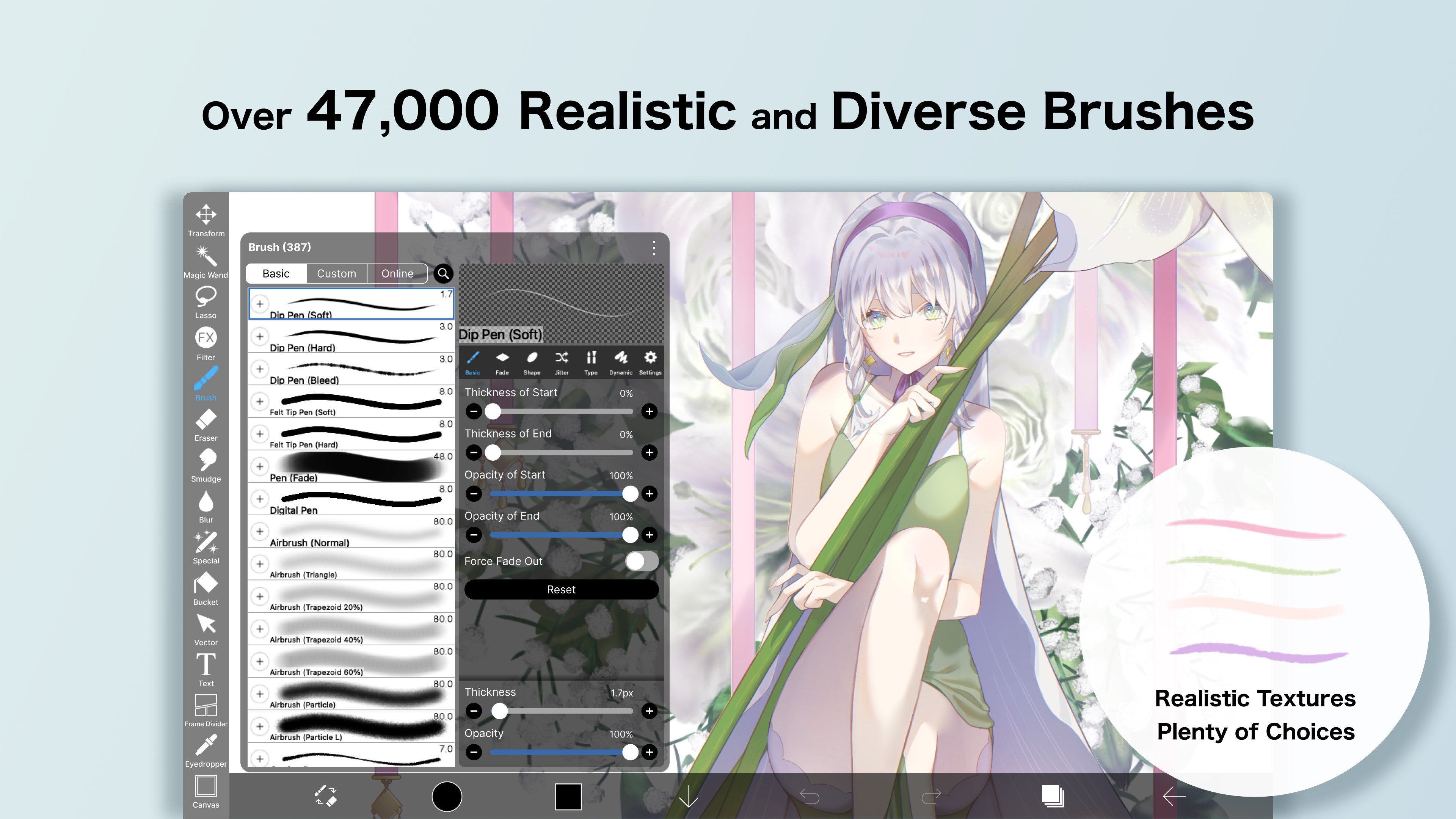
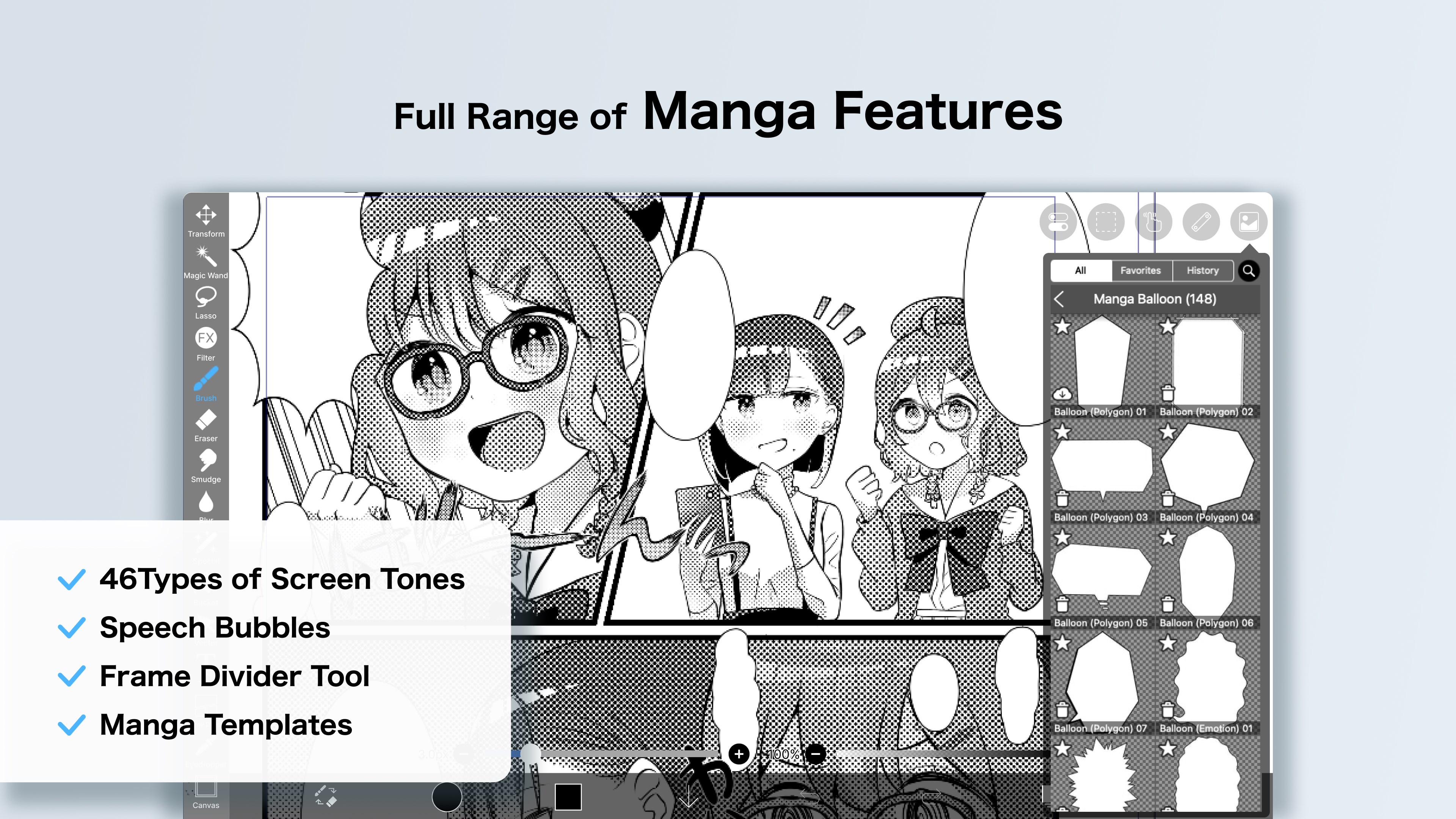
One of the app's standout features is its extensive brush customization. Users can choose from a vast library of brushes—ranging from traditional pencils and watercolors to textured comics inks—and modify them to suit their needs. The ability to import custom brushes dives even deeper into creative possibilities. This flexibility makes ibis Paint ideal for artists who want to finely tune their tools rather than settle for generic options. It's like having a digital art studio tailored to your unique style, whether you're sketching delicate line art or creating bold comic pages.
The interface design strikes a good balance between simplicity and depth. For newcomers, the layout isn't overwhelming, thanks to well-organized tool palettes and a customizable workspace. Drawing feels smooth and responsive, with minimal lag even on mid-range hardware—thanks to optimized performance. Learning curves are gentle enough for beginners, yet the app provides enough advanced features to satisfy experienced digital artists. Frame-by-frame tutorials and beginner guides are integrated into the app to ease new users into the art-making process.
Compared to other multimedia design applications like Krita or Autodesk SketchBook, ibis Paint's key differentiator is its mobile-inspired feature set that translates well onto the desktop. Its unique social sharing community directly integrated within the app encourages collaboration and feedback, making it more than just an art tool—it's a creative ecosystem. Additionally, the app's extensive brush customization and large layer capacity stand out, catering to artists who crave precision and flexibility. This app is particularly attractive for those who appreciate a familiar mobile app experience, now optimized for the larger, more precise Windows environment.
Overall, ibis Paint for Windows delivers a rich, approachable experience suitable for a broad range of digital artists—from casual doodlers to dedicated illustrators. Its standout features—particularly the advanced layer system and customizable brushes—make it a compelling choice for those seeking a versatile yet user-friendly painting application. I recommend giving it a try if you value flexibility, a friendly interface, and tools that grow with your skills. It might not replace high-end professional software for all workflows, but as an accessible, feature-rich creative companion, ibis Paint for Windows earns a solid recommendation.
Intuitive Drawing Tools
High-Resolution Canvas Support
Layer Management with Blending Modes
User-Friendly Interface
Popular among Digital Artists
Resource-Intensive App
Limited Free Features
Occasional Crashes on iOS
Watermark on Exported Images in Free Version
Learning Curve for Advanced Tools

for Windows
 4.8
4.8

for Windows
4.8

for Windows
4.7

for Windows
4.7

for Windows
4.6

for Windows
4.6

for Windows
4.6

for Windows
4.6

for Windows
4.5

for Windows
4.5

for Windows
4.5

for Windows
4.5

for Windows
5

for Windows
5

for Windows
5

for Windows
5

for Windows
5

for Windows
5

for Windows
5

for Windows
5

for Windows
5

for Windows
5