Utilities & tools
Human Typer
PC
Windows 10 version 17763.0 or higher
English (United States)
Human Typer for Windows is a streamline automation tool designed to assist users in automating repetitive keystrokes and text input tasks, making everyday typing chores more efficient and less tedious.
Developed and published by Human Typer, a team dedicated to creating practical utility tools that enhance productivity through automation and intelligent features.
Targeted towards busy professionals, developers, gamers, and anyone looking to simplify repetitive typing tasks, Human Typer aims to be a versatile assistant tailored for daily digital life.
Imagine a little invisible helper sitting on your shoulder, silently working behind the scenes to jot down the same phrase again and again — that's what Human Typer brings to your Windows environment. It transforms mundane tasks into automated ballet, freeing your mind and fingers to focus on more creative pursuits. Whether you're a programmer automating code snippets or a student repeatedly entering the same data, this app subtly takes the workload off your shoulders, making each keystroke count.
This feature stands out as the app's most compelling offering. Setting up a sequence of keystrokes or text snippets is straightforward—just record or input your commands, assign a trigger, and Human Typer takes over. It's akin to having a tiny robot assistant that can perform the same task flawlessly, every time. The ease of creating these automation scripts means that even non-tech-savvy users can leverage its power without much hassle.
The app's hotkey system is incredibly flexible. Need to paste a frequently-used paragraph with a shortcut? Done. Want a command to run at midday to prepare your reports? No problem. The scheduling feature adds another layer of convenience—perfect for routine tasks that need to happen automatically at specified times. This combination of hotkeys and scheduling transforms Human Typer into a personalized automation hub, virtually eliminating manual repetition.
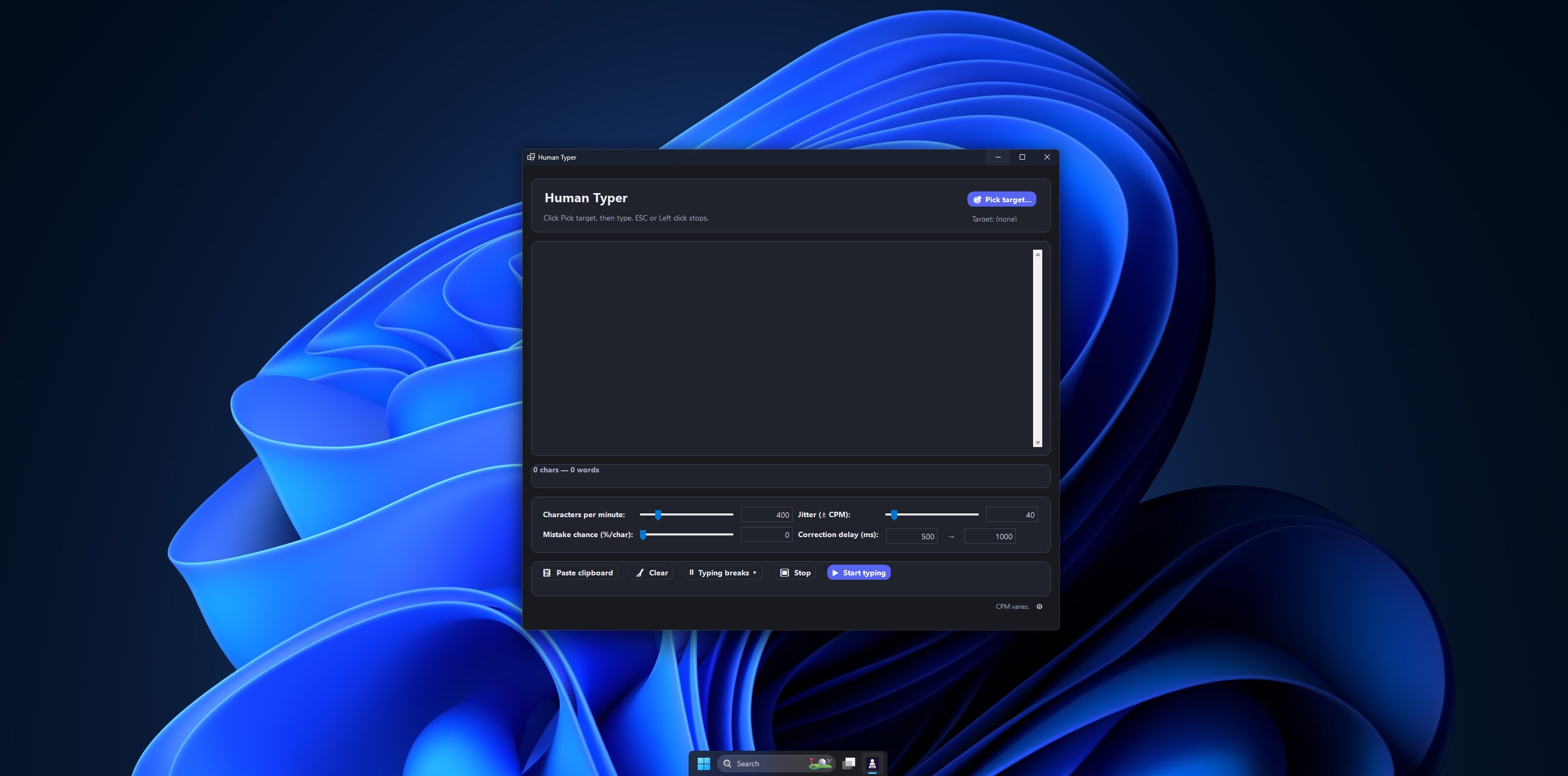
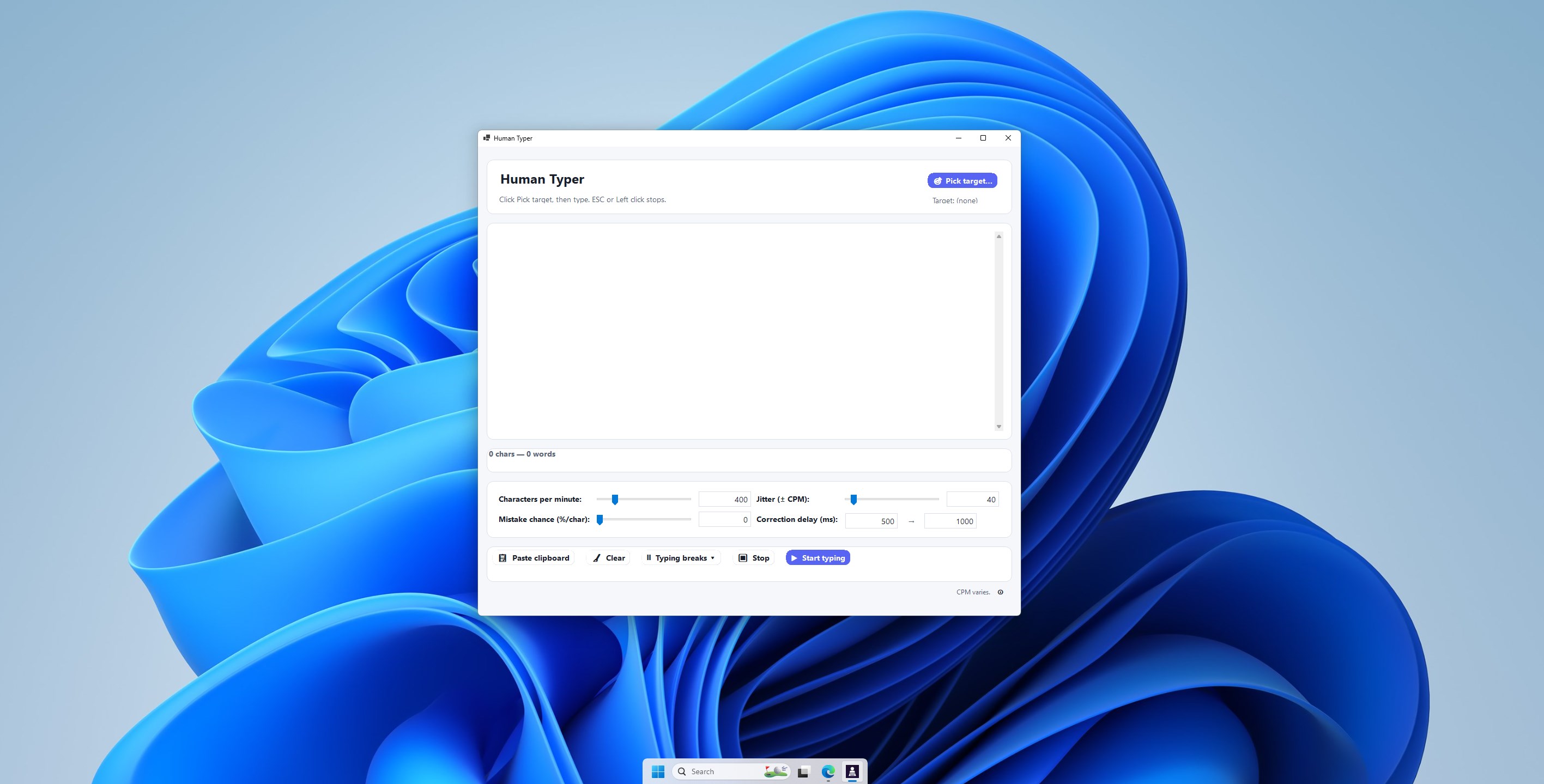
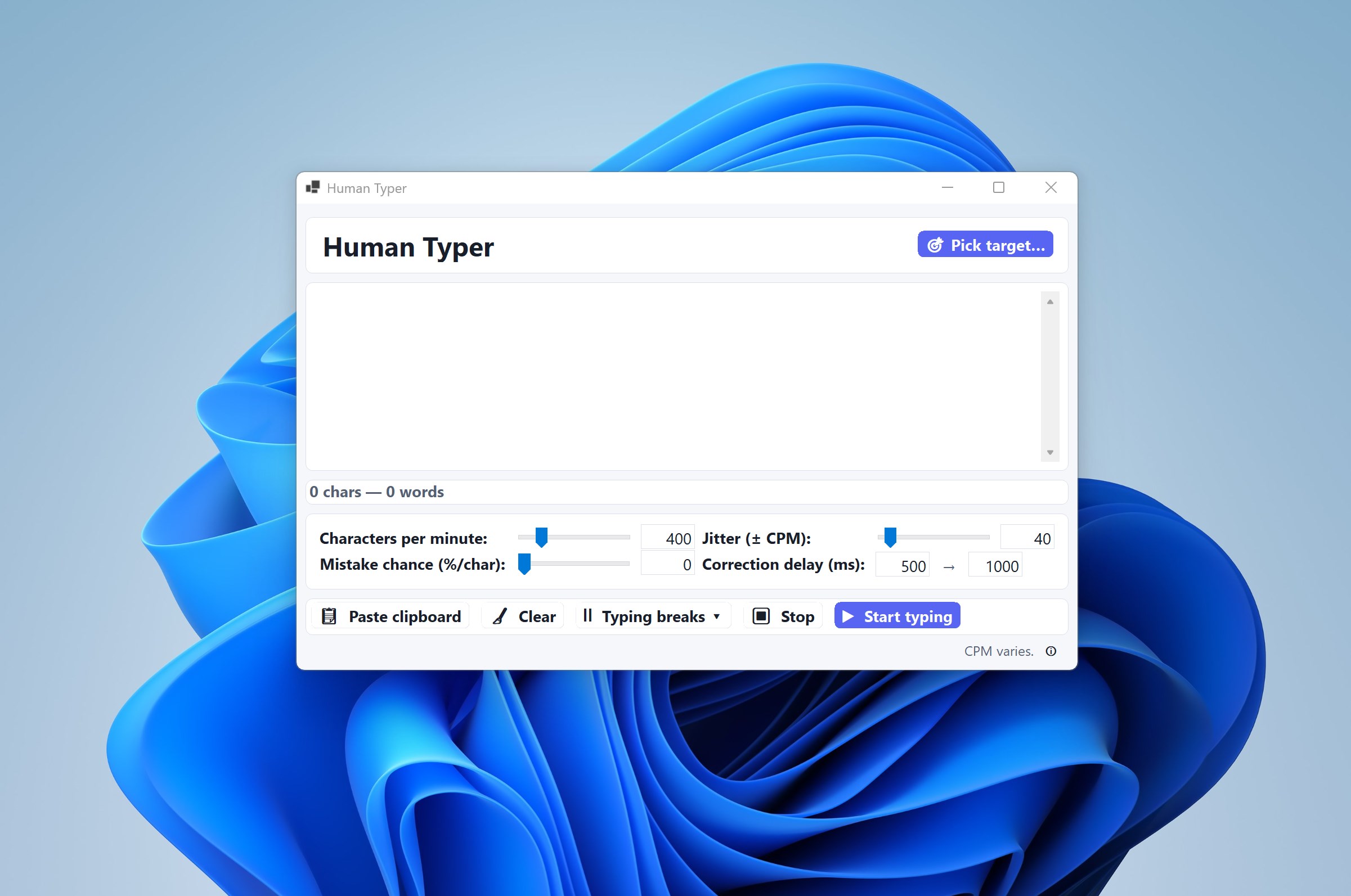
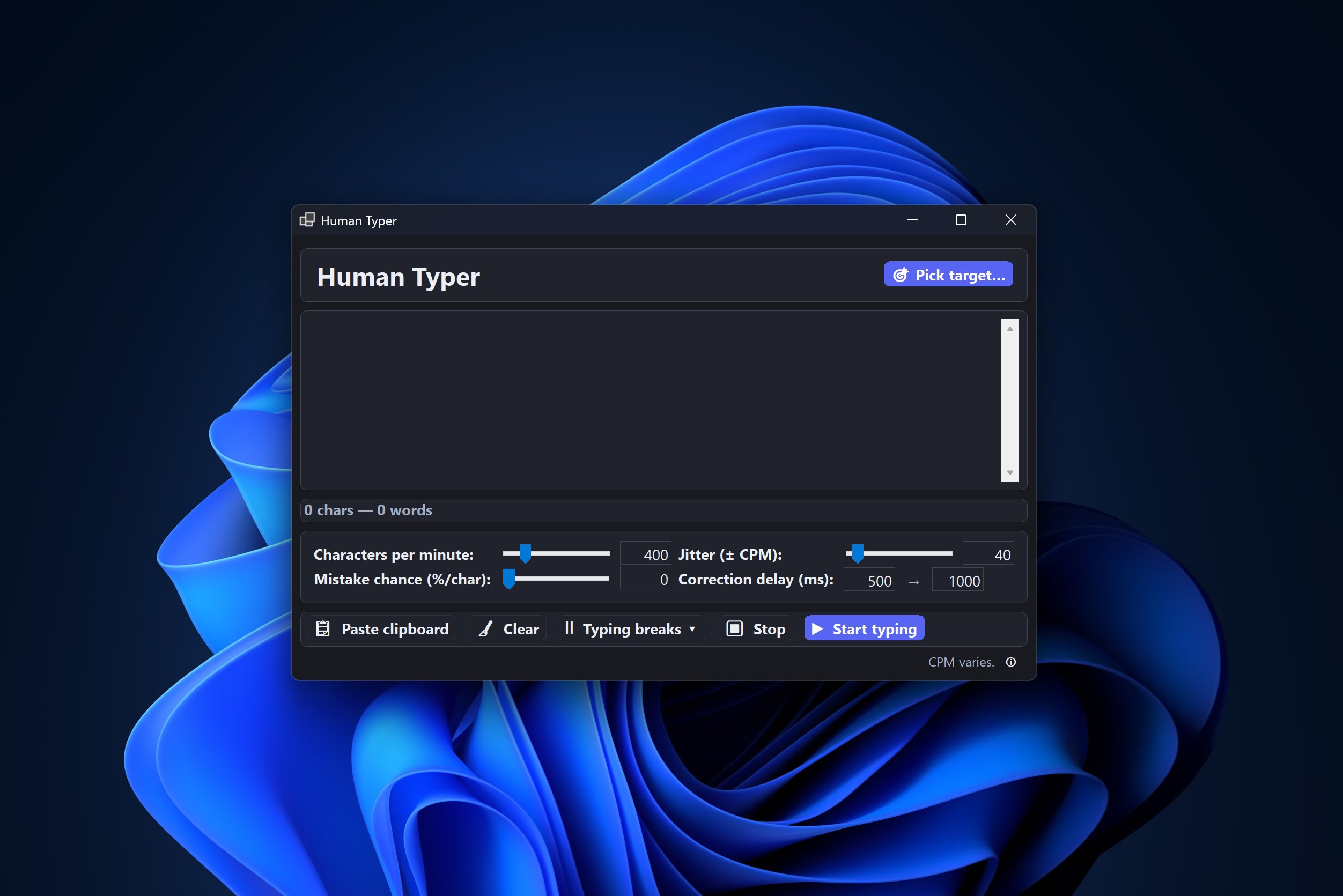
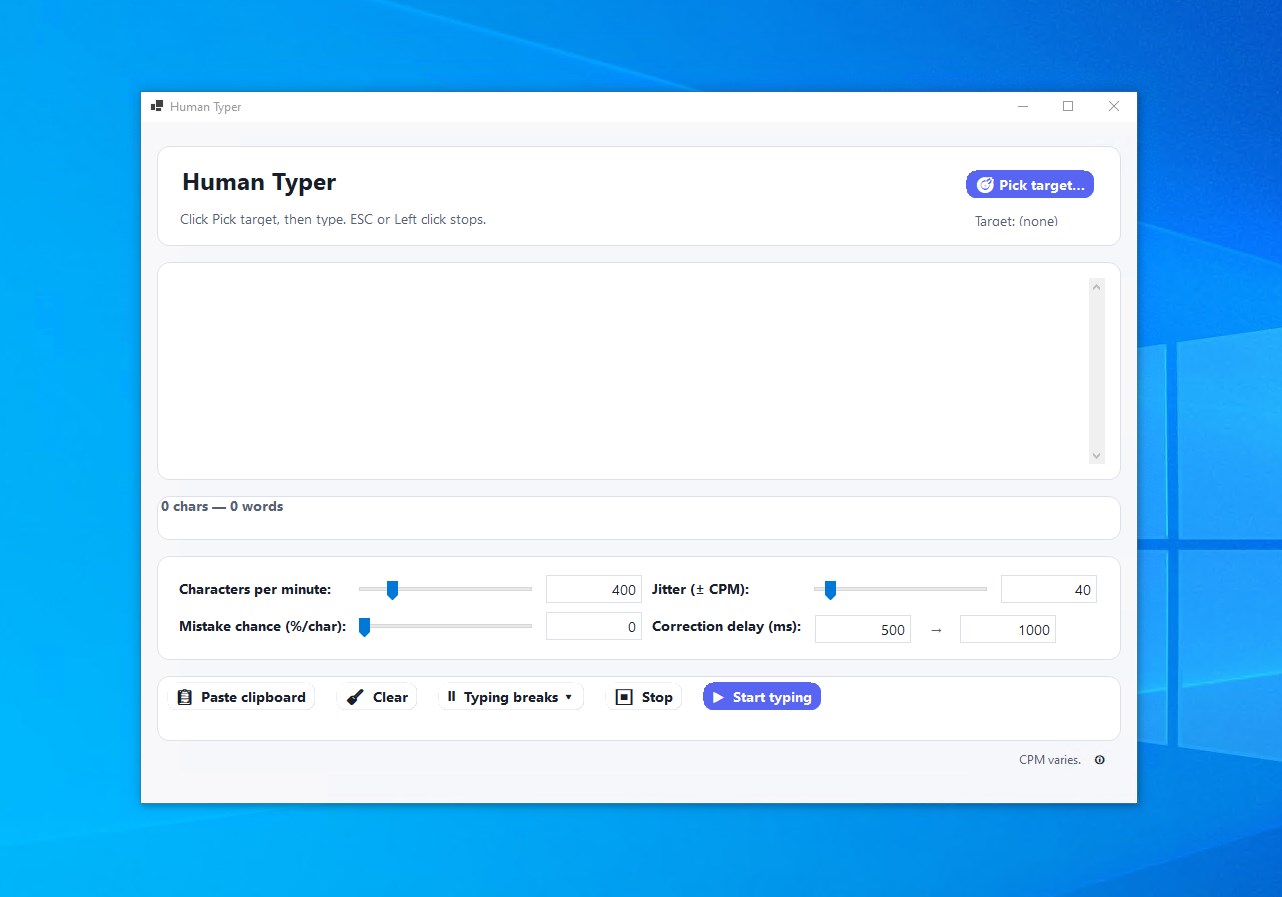
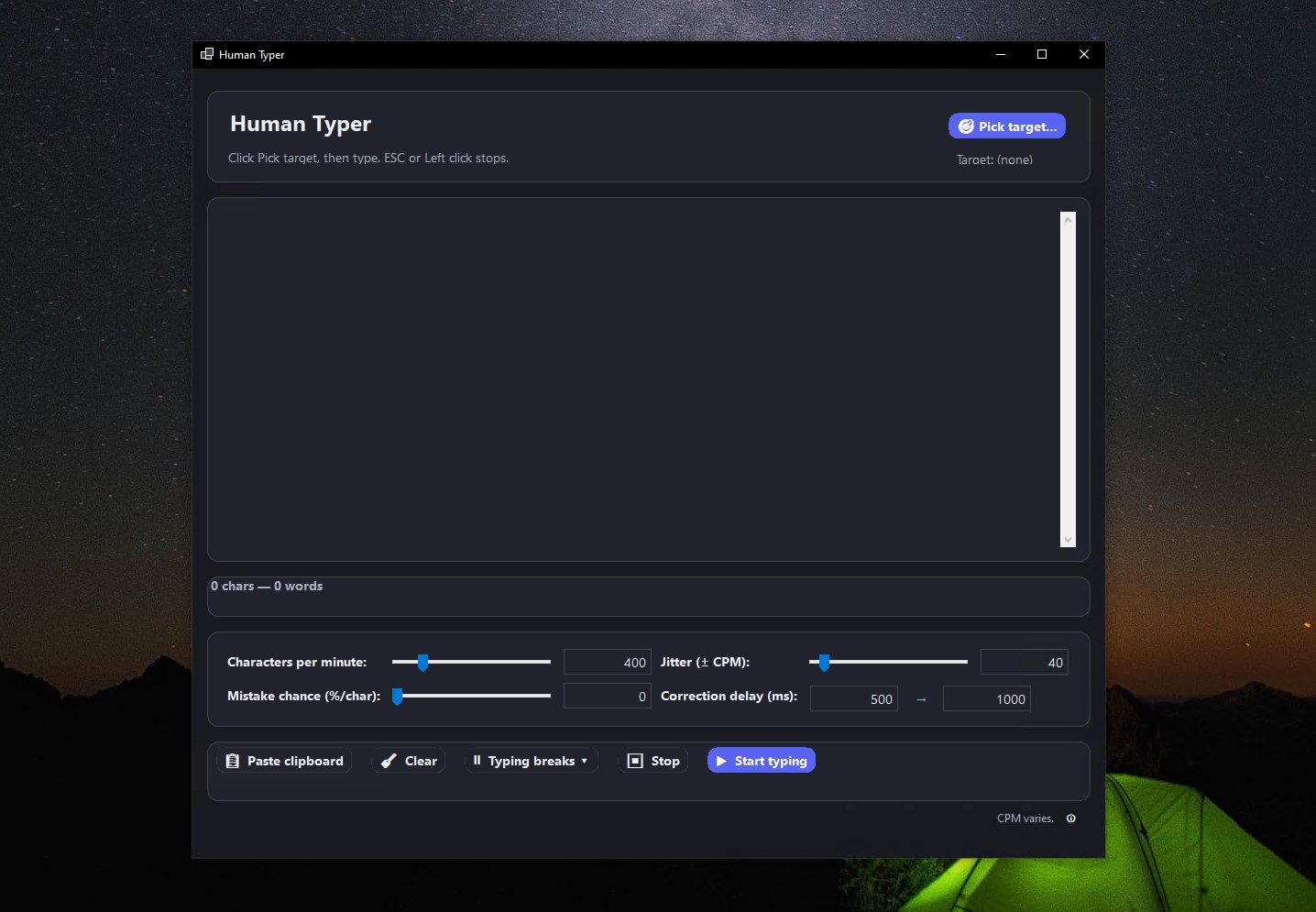
The interface of Human Typer is clean and minimalistic, allowing users to quickly navigate between creating sequences and managing settings. Setting up automations is a matter of a few clicks, and the app responds smoothly without noticeable lag, even during complex tasks. The learning curve is gentle; most users will find themselves creating their first automation within minutes. The app's thoughtful design caters to both tech novices and experienced automation enthusiasts.
Compared to similar utilities in its class, Human Typer's standout element is its seamless blend of simplicity and power. While many automation tools require scripting knowledge or intricate interfaces, Human Typer offers an intuitive way to craft automation routines. Its ability to combine keystroke automation with smart scheduling and clipboard integration gives it an edge, particularly for users who want effective tools that don't overcomplicate the process. Such thoughtful features make it ideal for quick set-up and reliable operation, setting it apart from more cumbersome or niche utilities.
Overall, I recommend Human Typer for users who frequently deal with repetitive typing or data entry tasks and desire a straightforward, reliable tool to streamline their workflow. It's especially useful for office workers, programmers, or students who want to cut down on monotonous keystrokes. For those already familiar with automation concepts, it offers enough flexibility to customize and expand functionalities. Newcomers will appreciate its user-friendly interface, making automation accessible without steep learning curves.
In conclusion, if efficiency in typing is high on your wish list, Human Typer is worth trying out. It's a practical, well-designed utility that quietly works in the background, giving you more time to focus on what truly matters. Just remember to tailor its features to your specific needs for the best experience!
Realistic Human Typing Simulation
Customizable Typing Speed
User-Friendly Interface
Supports Multiple Languages
Lightweight and Low Resource Consumption
Limited Feedback Features
Basic Customization Options
Occasional Glitches in Speed Adjustment
No Offline Mode Available
Limited Language Support for Feedback

for Windows
 5
5

for Windows
5

for Windows
5
for Windows
5

for Windows
5

for Windows
4.9

for Windows
4.9

for Windows
4.9

for Windows
4.9

for Windows
4.9

for Windows
4.9

for Windows
4.9

for Windows
5

for Windows
5

for Windows
5
for Windows
5

for Windows
5

for Windows
5

for Windows
5

for Windows
5

for Windows
5

for Windows
5